VideoDocumented overviewLast checked Oct 1, 2026

Vidocu: Pricing, Features & Best Use Cases

AI knowledge platform that turns videos, PDFs and decks into product videos, SOPs, help articles and training material.


Who Vidocu fits

Vidocu suits support, documentation and training teams who want to turn screen recordings, PDFs and decks into videos, SOPs and help articles, with a free plan to start. Based on the vendor's documentation, not on a hands-on test.

Best for: Support and documentation teams

Also a good fit for

  • Training and enablement teams
  • Product teams

Consider another tool if free plan has 200 credits, 1 help article and 1 video export

Or if

  • Video analysis uses 50 credits per minute
  • Monthly credits reset each billing cycle

Vidocu pricing and usage limits

Prices checked Oct 1, 2026 on the official US pricing page. Official pricing ↗ Prices and limits change often.

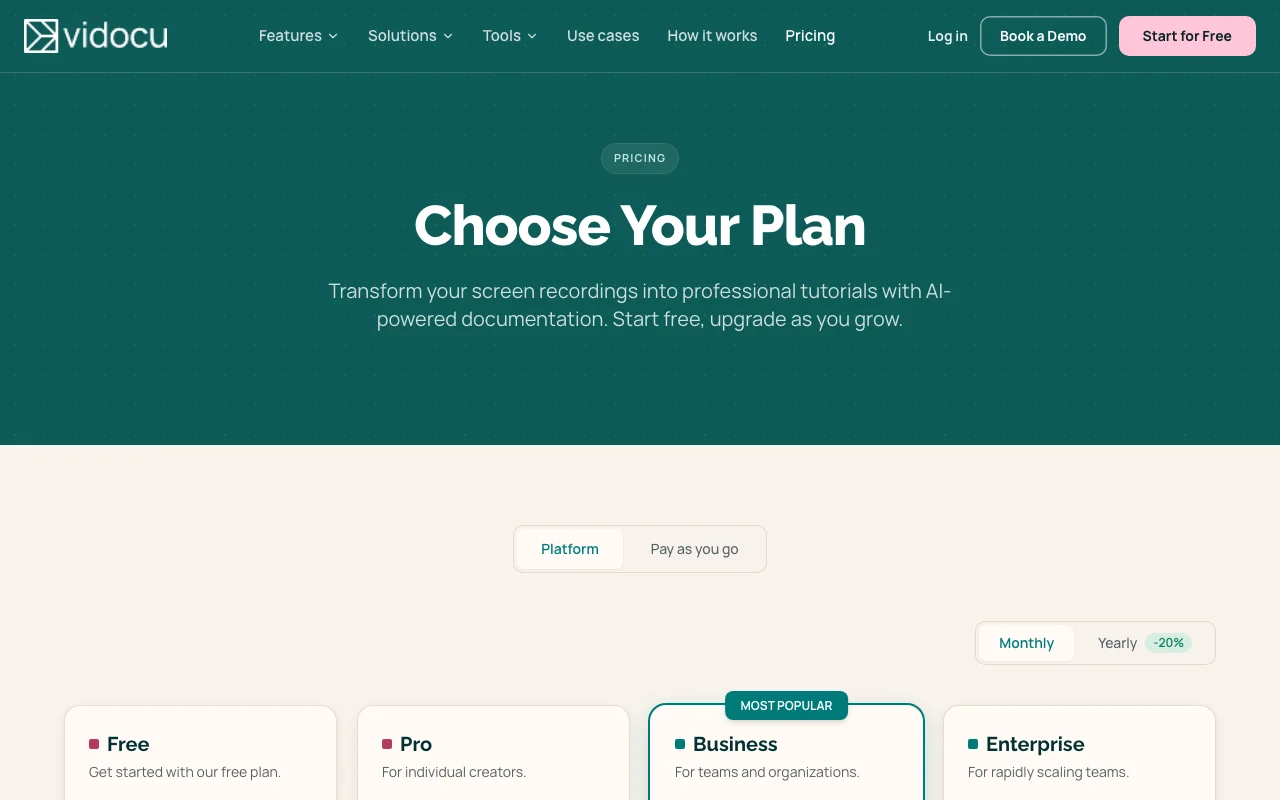
Vidocu pricing page with plans and prices — screenshot of the video AI tool, Oct 2, 2026
The official Vidocu pricing page as we saw it. vidocu.ai, captured Oct 2, 2026

Free access and trial conditions

Free forever plan with 200 credits.

Free plan acts as the trial.

Paid plans: what changes as you upgrade

Free web

Free source (opens in a new tab)

Monthly

For: Trying it

Limits

  • 200 credits
  • 1 help article
1 more
  • 1 video export

Includes

  • AI subtitles and captions
  • Auto-zoom effects
2 more
  • Screenshot editor
  • Share and embed pages

Pro web

$39 source (opens in a new tab)

Monthly

Yearly toggle -20%

For: Individual creators

Limits

  • 820 credits/month
  • ~16 min of AI video

Includes

  • Unlimited help articles and video exports
  • AI Recorder
2 more
  • Video translation and AI voiceover
  • Course Builder

Business web

$149 source (opens in a new tab)

Monthly

Yearly toggle -20%; Save 22% vs Pro rate

For: Teams and organizations

Limits

  • 4,000 credits/month
  • ~80 min of AI video

Includes

  • Everything in Pro
  • REST API (per seed)

API included

Usage caps, credits and extra costs

Credits cost about $0.05 (Pro) and $0.04 (Business); a Pay as you go option is also shown.

Not stated.

What is Vidocu, and how does it work?

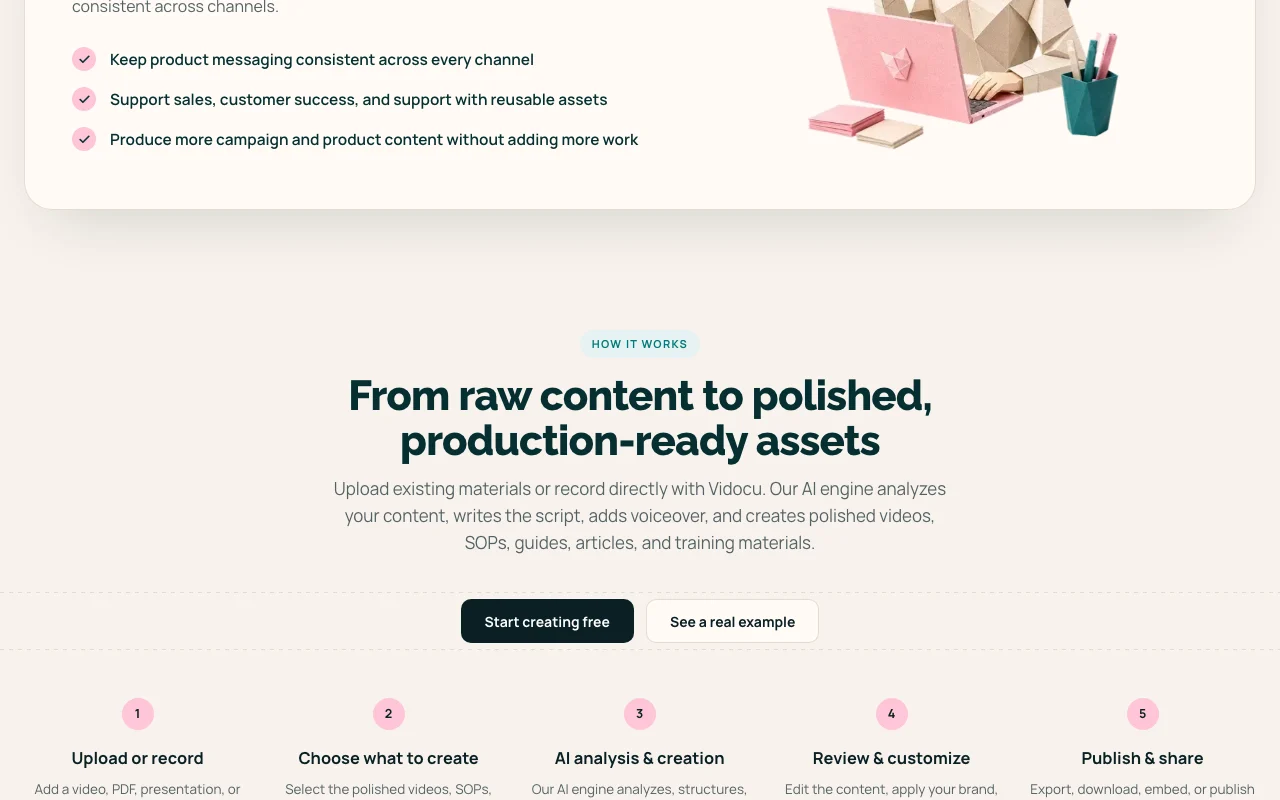
Vidocu turns screen recordings, videos, PDFs and slide decks into product videos, step-by-step SOPs, help articles and training content in 70+ languages. It includes AI voiceover, subtitles, translation and a video editor. Usage is credit-based; video analysis costs 50 credits per minute. A free plan, Pro and Business tiers and custom Enterprise are offered.

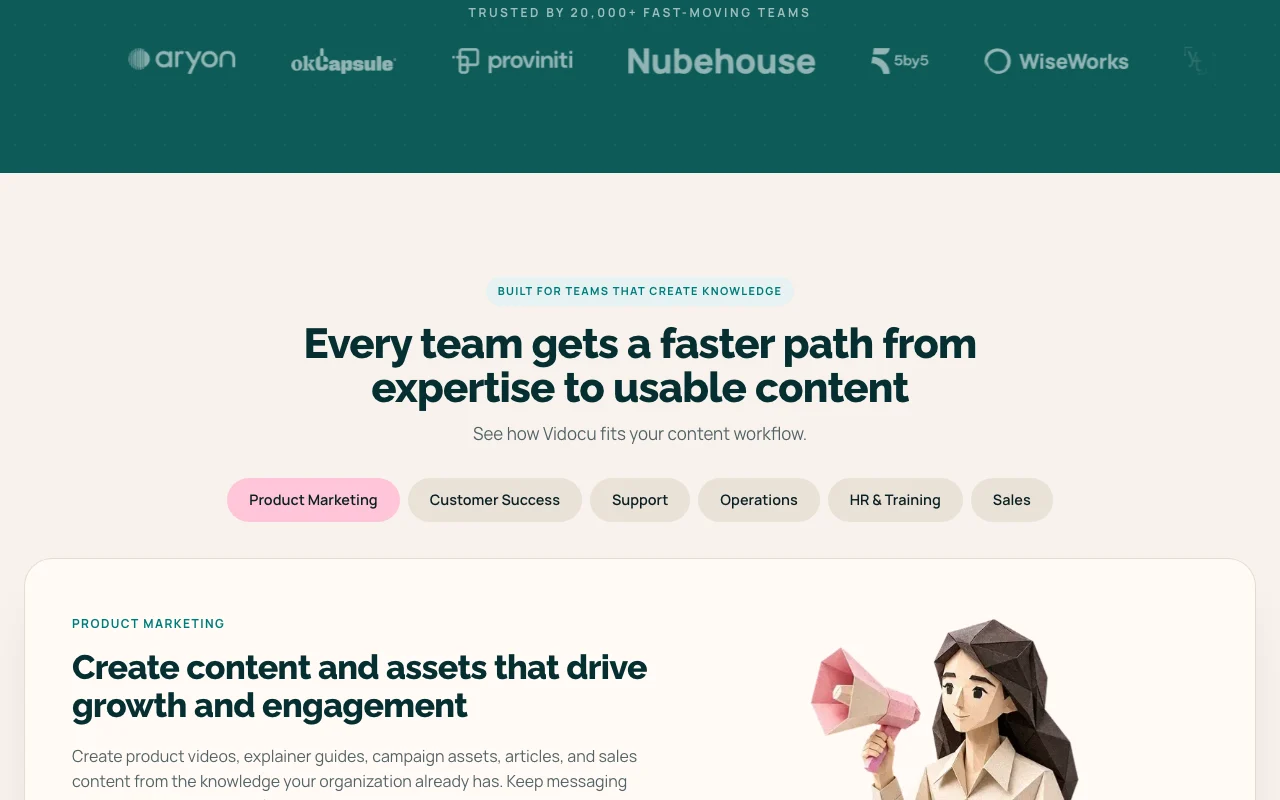
Vidocu homepage — screenshot of the video AI tool, Oct 2, 2026
Vidocu's official site: how the product presents itself. vidocu.ai, captured Oct 2, 2026

What you provide and what you get back

How Vidocu works: what you provide, where it runs and what you get backYOU PROVIDEYour inputScreen recordings and videosPDFs, slides and documentsVIDEOVidocuWeb, APIfrom $39 (Pro)free tier availableaccount requiredchecked Oct 1, 2026YOU GET BACKThe resultProduct videos with voiceoverSOPs and help articlesTranslated videos and quizzesinput → Vidocu → output · from the vendor's own pages, no hands-on test unless stated
What you give Vidocu and what comes back, from its documentation

You provide

  • Screen recordings and videos
  • PDFs, slides and documents

You get back

  • Product videos with voiceover
  • SOPs and help articles
  • Translated videos and quizzes

Where you can use it

Platforms
Web, API
Account
Required
Credits
200 free; 820 Pro; 4,000 Business
Languages
Translation in 70+ languages
Length limit
None
Exports
Unlimited on paid plans

Best use cases for Vidocu

Scenarios are worked out by our editors from the documentation; the actual result depends on your input and plan.

Turning screen recordings into SOPs

Who
Support and documentation teams
You provide
Screen recording
Expected result
SOP or help article
Plan needed
Free for one article; Pro unlimited
Limitation
Free has 1 article source (opens in a new tab)

Generating help articles from video

Who
Training teams
You provide
Video or deck
Expected result
Training video with quizzes
Plan needed
Pro
Limitation
Credit-metered source (opens in a new tab)

Translating training videos

Who
Global teams
You provide
Training video
Expected result
Translated version in 70+ languages
Plan needed
Pro
Limitation
Credits per minute source (opens in a new tab)

What Vidocu does, and where it stops

Vidocu homepage — screenshot of the video AI tool, Oct 2, 2026
Feature overview on the official site. vidocu.ai, captured Oct 2, 2026

AI Recorder

Records flows with an AI agent. Creates tutorials automatically.

Access: Pro and upLimit: Not on Free source (opens in a new tab)

AI voiceover and subtitles

Adds AI voiceover and subtitles. Polished narration.

Access: Subtitles on Free; voiceover on ProLimit: Credits per action source (opens in a new tab)

Video translation (70+ languages)

Translates videos into 70+ languages. Reaches global teams.

Access: Pro and upLimit: Credits used source (opens in a new tab)

Course Builder

Builds courses from documents and decks. Faster training.

Access: Pro and upLimit: Not on Free source (opens in a new tab)

Pros, cons and deal-breakers

Where Vidocu is strong

Limitations to check before paying

How to use Vidocu for turning a screen recording into an SOP

Set up Vidocu

  1. Sign up free at vidocu.ai
  2. Upload or record a video
  3. Choose what to create (SOP, article, video)
  4. Run the AI analysis

Example: turning a screen recording into an SOP

  1. Upload a screen recording
  2. Select SOP
  3. Review the generated steps and screenshots
  4. Export or share

Review and export the result

  1. Check steps match the recording
  2. See credits used (50 per minute for analysis)

Vidocu API

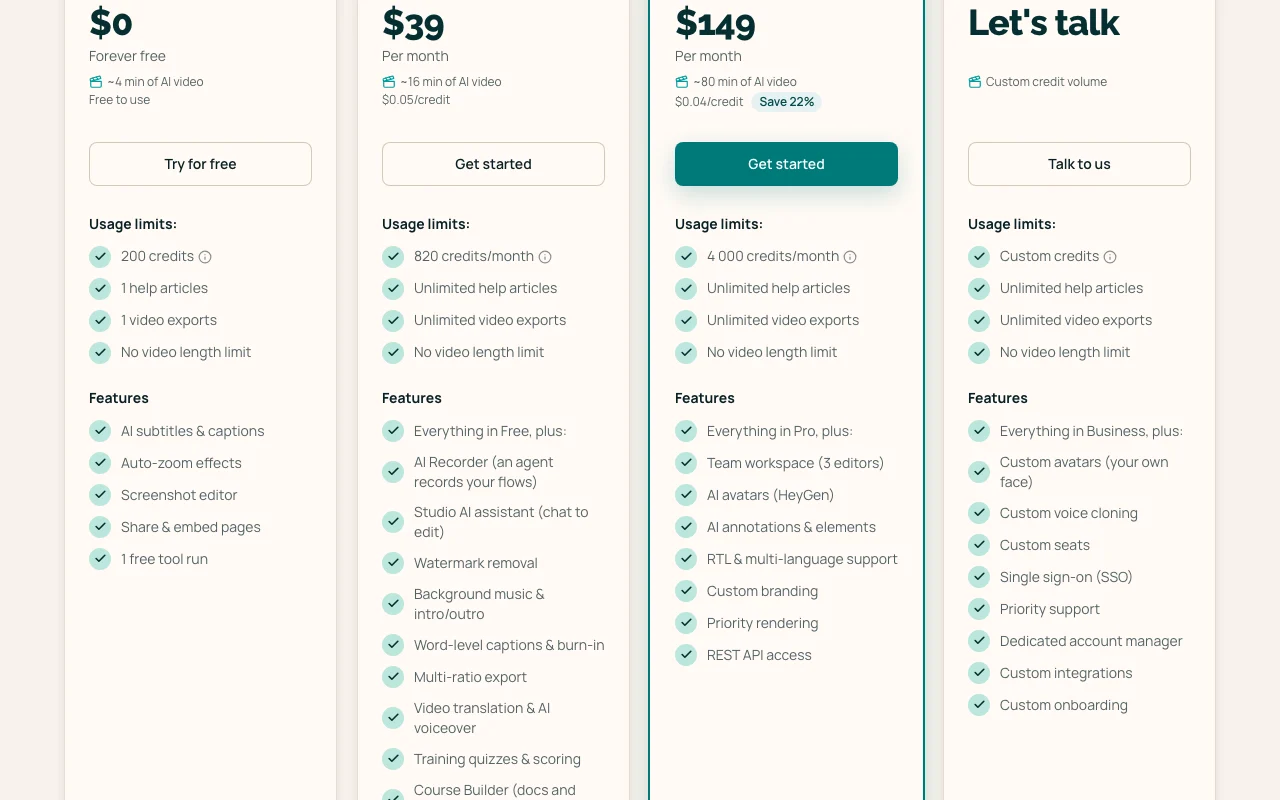
Vidocu pricing page with plans and prices — screenshot of the video AI tool, Oct 2, 2026
Plan comparison on the official pricing page. vidocu.ai, captured Oct 2, 2026

API access and separate billing

Vidocu has no public API in its official documentation. REST API on Business and above (seed); docs page empty.

Privacy, data use and commercial rights

Summarized from the vendor's current policies; this is not legal advice and a vendor's badge is not an independent audit.

How your inputs and outputs are handled

Privacy page returned 404.

Not documented.

Not documented.

Commercial use and plan restrictions

Not documented.

Best Vidocu alternatives for different needs

"Better suited" is based on documented features and pricing, not on a head-to-head test.

Synthesia: better suited to

Descript: better suited to

Alternatives
AlternativeWhen to choose itPricingLimitation
Synthesia——Compare
Descript——Compare

Explore Vidocu further

Related to Vidocu

Vidocu user reviews

No user reviews yet.

Used Vidocu? Be the first to share your experience.

Write a review

Reviews are checked by a moderator before they appear. Your email is never published. Plain text only.

Your rating (required)

Show what you made or what went wrong. Images are published only if the review is approved; location data is removed.

    Vidocu FAQ

    Is there a free plan?

    Yes: 200 credits, 1 help article and 1 video export. source (opens in a new tab)

    How much do paid plans cost?

    Pro $39 per month and Business $149 per month. source (opens in a new tab)

    How much do credits cost?

    Video analysis costs 50 credits per minute. source (opens in a new tab)

    Is there a video length limit?

    No video length limit on any plan. source (opens in a new tab)

    Is there an API?

    REST API on Business and above, per earlier research. source (opens in a new tab)

    Sources and review methodology

    Official sources and verification dates

    Not verified: Privacy; Training use; API docs.

    How we documented and maintain this page

    Every fact about Vidocu above comes from the 3 official pages listed here, last compared on Oct 1, 2026; we have not run Vidocu ourselves, so it has no editorial score. How we check and re-check pages.

    Article updated Oct 2, 2026; prices checked Oct 1, 2026. Outbound links to vendors are plain links; we do not earn commissions. How we review · Report an error