Our take: Best for podcasters and content creators needing transcript-based editing with monthly media hour and AI credit allowances; free tier available for testing.
Main limitation: Monthly caps on media hours and AI credits; overages require top-ups
By the AI Tool Atlas editors.
Based on the vendor's official documentation; we have not tested this product hands-on. What “documented overview” means
Descript pricing and usage limits
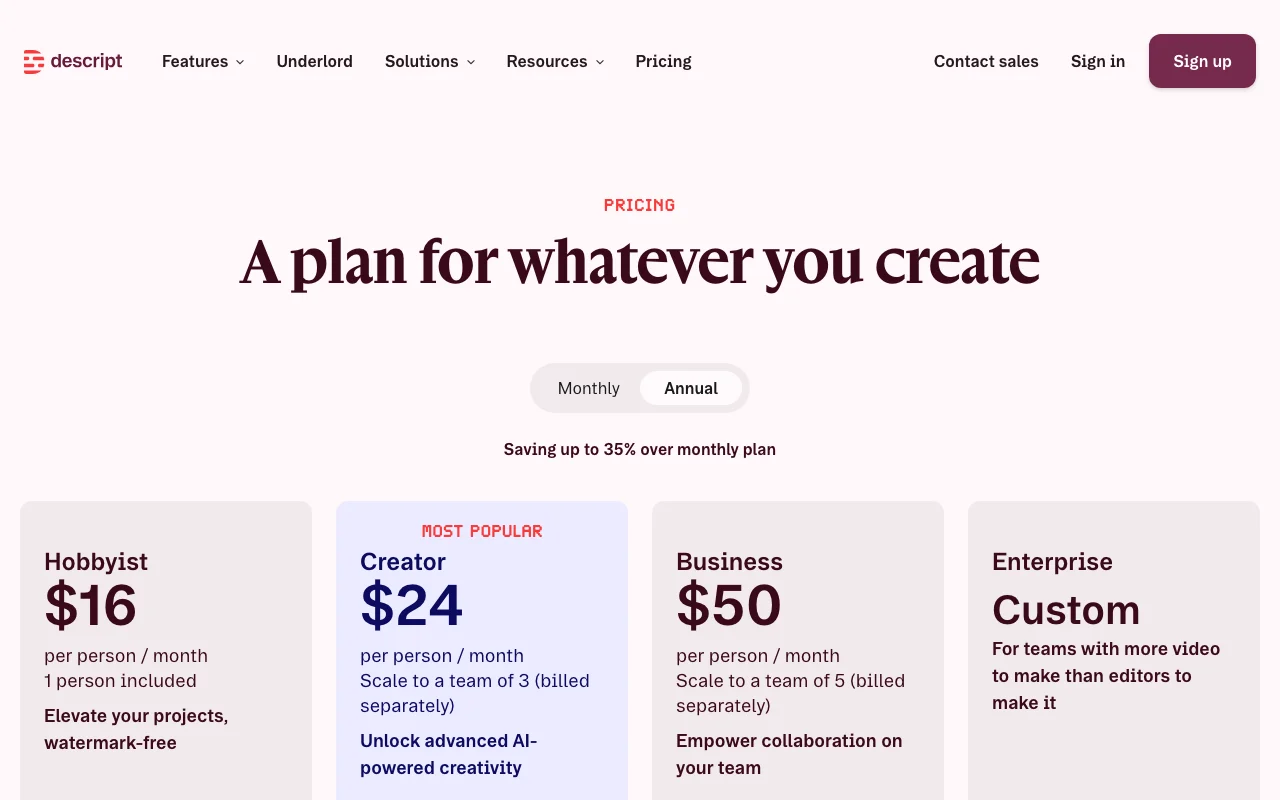
Prices checked Oct 1, 2026 on the official US pricing page. Official pricing ↗ Prices and limits change often.
Vendor pricing page re-checked automatically 3 days ago: no changes detected.
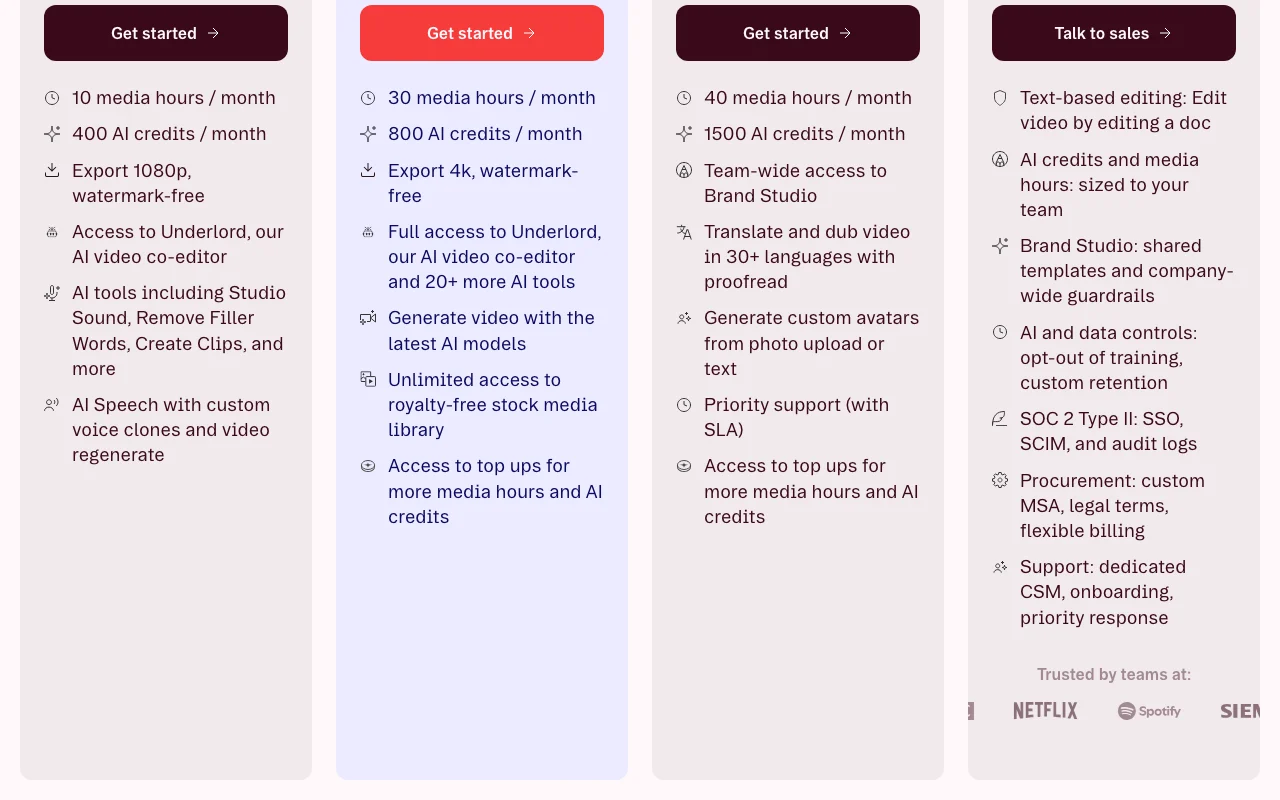
The official Descript pricing page as we saw it. descript.com, captured Oct 1, 2026
Free access and trial conditions
Free tier includes 60 minutes media/month and 100 AI credits (one-time); full feature set for transcript editing
Free plan serves as trial; no explicit free trial for paid plans
For: Large teams and enterprises requiring security and compliance
Limits
Custom media hours and AI credits
SSO, SCIM, audit logs
1 more
SOC 2 Type II certified
Includes
Dedicated customer success manager
Custom onboarding and training
2 more
Priority support
AI and data controls (training opt-out, custom retention)
API included
Usage caps, credits and extra costs
Top-ups available for additional media hours and AI credits (pricing not disclosed); premium support on Business plan
Not explicitly stated in sources
What is Descript, and how does it work?
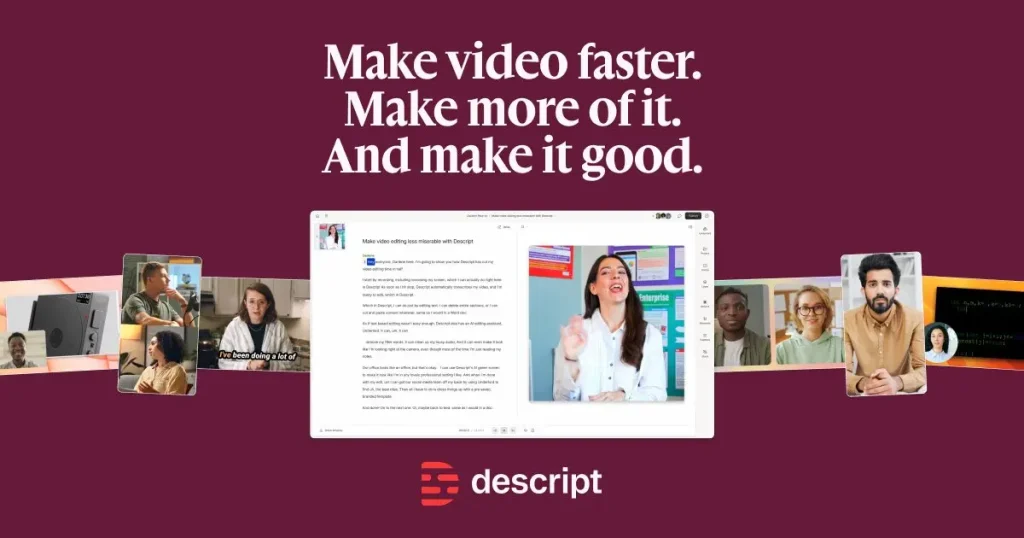
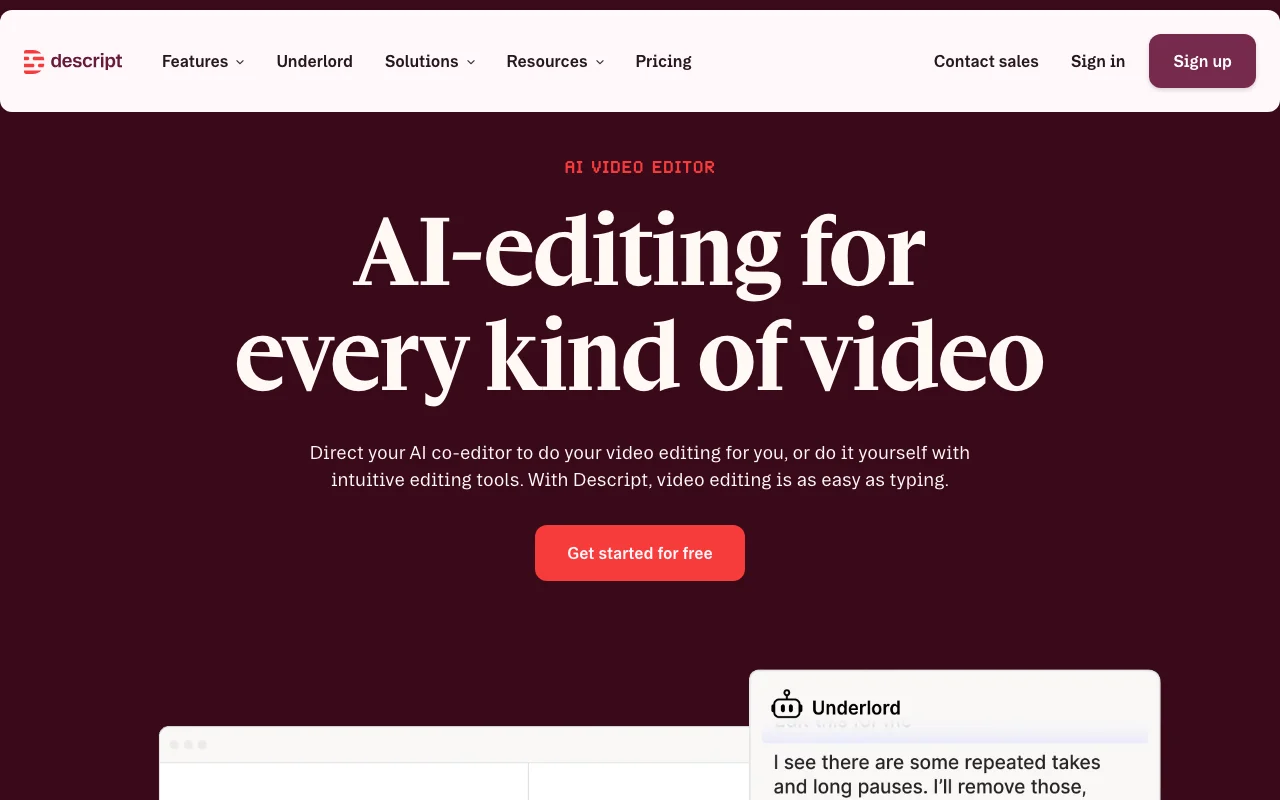
Descript edits video and audio through a transcript, so cutting text cuts the media. It includes screen recording, remote recording Rooms, captions and an AI co-editor called Underlord.
Plans run from a Free tier through Hobbyist, Creator and Business to Enterprise, with monthly media hours and AI credits; an API and MCP integration are offered.
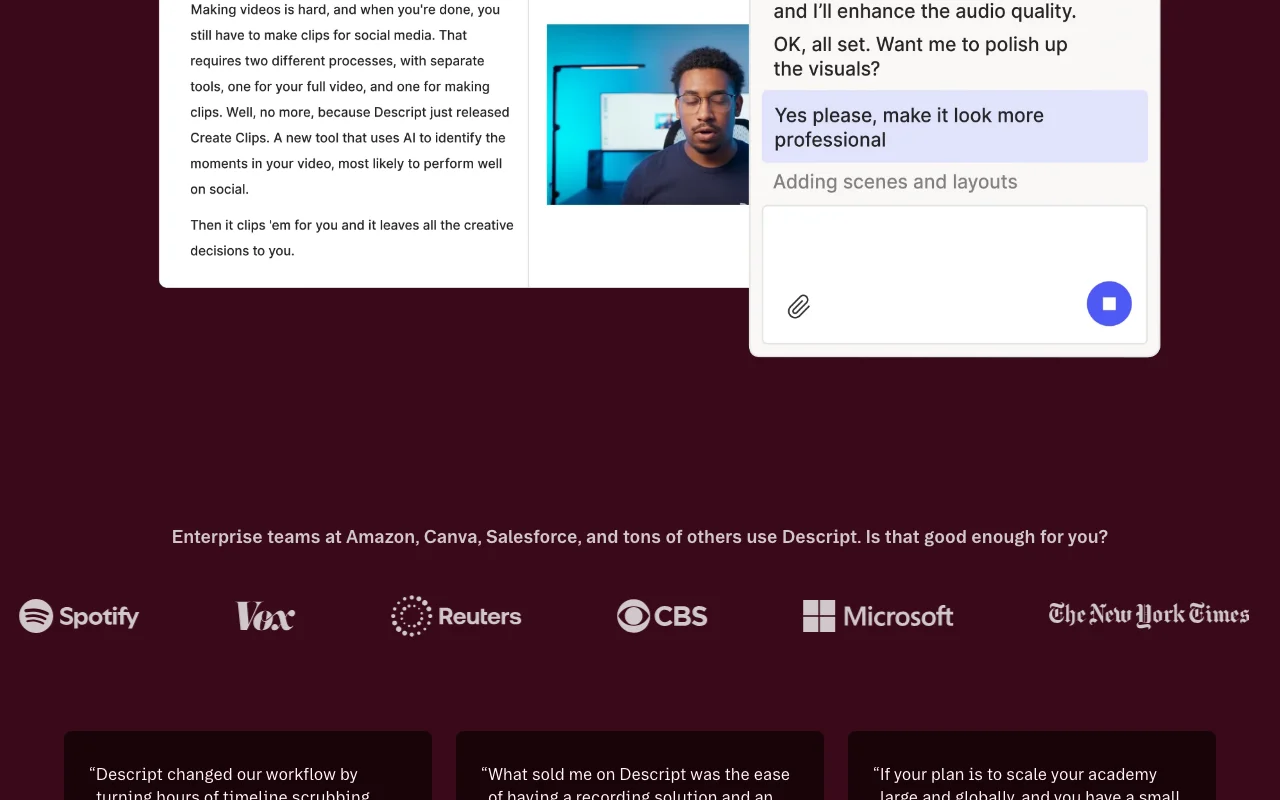
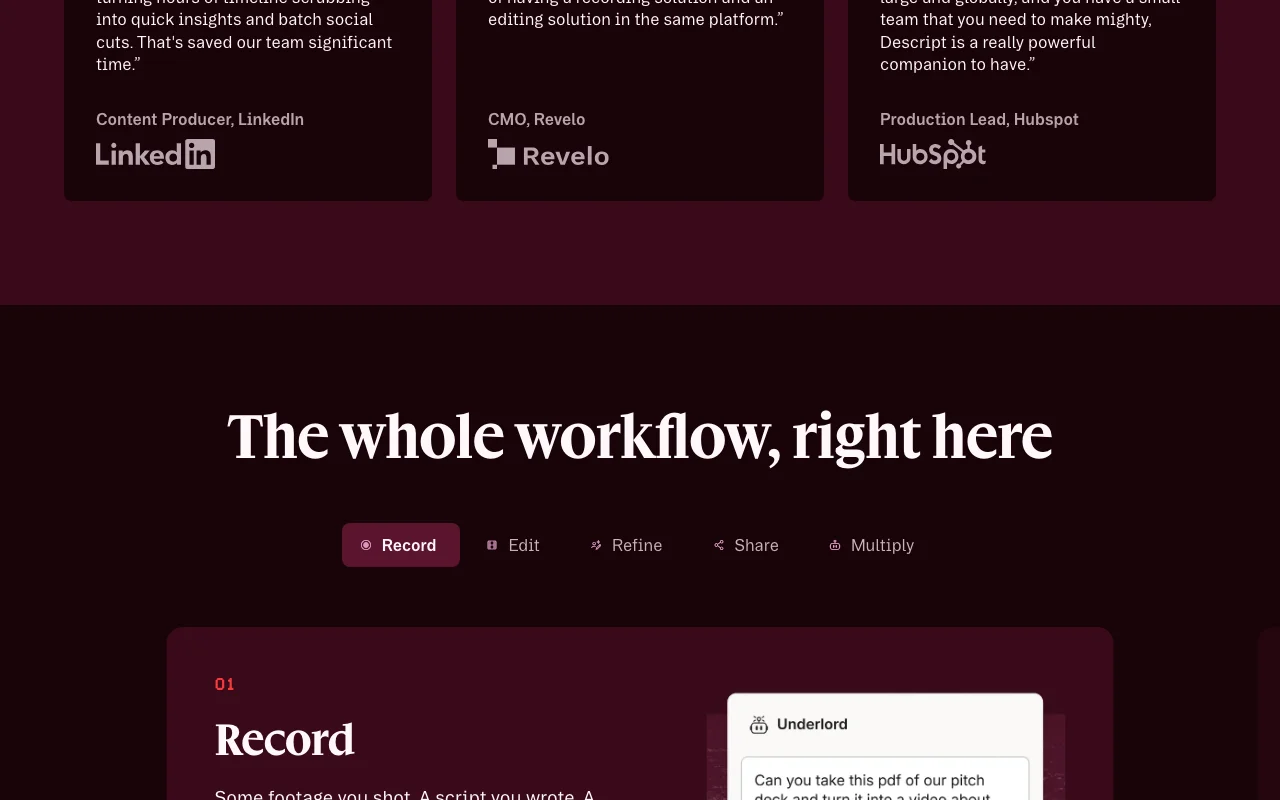
Descript's official site: how the product presents itself. descript.com, captured Oct 1, 2026
What you provide and what you get back
What you give Descript and what comes back, from its documentation
You provide
Video files (imported or recorded)
Audio files (podcasts, voice recordings)
Zoom calls and remote recordings
Screen recordings
You get back
Edited video files (1080p on Hobbyist, 4K on Creator+)
Transcripts in 25 languages
Captions and subtitles
Social media clips and highlight videos
Where you can use it
Platforms
Desktop (macOS 14+, Windows 11+), Web (implied), API
Account
Required
Models / versions
Underlord (own AI editor); B-roll 'with your choice of models', names not given
What people use Descript for
Scenarios are worked out by our editors from the documentation; the actual result depends on your input and plan.
Podcast editing
Who
Podcasters, audio producers
You provide
Raw podcast recordings or Zoom calls
Expected result
Edited podcast with removed filler words, cleaned audio, and generated clips
Plan needed
Hobbyist ($16–24/mo) for up to 10 hrs/mo; Creator ($24–35/mo) for 30 hrs/mo
Limitation
Monthly media hour caps; filler-word removal and clip generation limited on lower plans source (opens in a new tab)
Feature overview on the official site. descript.com, captured Oct 1, 2026
Transcript-based editing
Edit video and audio by editing the transcript text; cut words, cut video; drag-drop and copy-paste transcripts Makes video editing as fast as document editing; non-technical users can edit video
AI-powered video co-editor that polishes cuts, suggests edits, or generates video from prompts Automates 80% of manual editing work; accelerates post-production
Access: Limited on Hobbyist; Full on Creator+Limit: Consumes AI credits; limited on lower planssource (opens in a new tab)
Studio Sound and filler-word removal
One-click AI audio cleanup (remove background noise, enhance speech) and auto-detect/remove filler words (um, ah, like) Achieves studio-quality audio without professional equipment; saves editing time
Access: Limited on Hobbyist; Full on Creator+Limit: Regenerate audio quality may vary; filler detection limited on lower planssource (opens in a new tab)
AI voice cloning and text-to-speech
Create custom AI voice from your voice or use 60+ stock AI speakers; generate speech from text Repair audio cuts, regenerate voiceovers, create narration without recording
Access: Limited on Hobbyist (25+ voices); Unlimited on Creator+ (60+)Limit: Regenerate quality limited on Free/Hobbyist; consumes AI creditssource (opens in a new tab)
Pros, cons and deal-breakers
Reasons to choose Descript
Free plan available Low barrier to entry for testing core transcript-based editingdocumentedsource (opens in a new tab)
Annual billing saves up to 35% over monthly Long-term users get better pricing ($16 vs $24 Hobbyist; $24 vs $35 Creator)documentedsource (opens in a new tab)
4K export on Creator and above Professional-grade video output available without premium-tier cost jump (Creator $24–35/mo)documentedsource (opens in a new tab)
API and MCP access for integration Developers and teams can automate workflows and build custom toolsdocumentedsource (opens in a new tab)
Check before paying for Descript
Monthly caps on media hours and AI credits Heavy users hit limits and must purchase top-ups or upgrade to higher plansdocumentedsource (opens in a new tab)
Hobbyist exports limited to 1080p Users wanting 4K must jump to Creator ($24–35/mo), doubling costdocumentedsource (opens in a new tab)
Translation/dubbing and Brand Studio only on Business plan Multi-language video production and team branding require Business tier ($50–65/mo)documentedsource (opens in a new tab)
Extra usage requires top-ups Overages add unpredictable costs; per-media-hour or per-AI-credit pricing not discloseddocumentedsource (opens in a new tab)
How to use Descript for editing a video or podcast using transcript-based editing
Set up Descript
Sign up for a free Descript account at descript.com
Import or record audio/video (or paste transcript)
Descript auto-transcribes in seconds (25 languages supported)
Edit the transcript text; video cuts follow automatically
Add captions, layouts, AI effects (Underlord, Studio Sound, etc.)
Export to desired resolution and share
Example: editing a video or podcast using transcript-based editing
Upload a 30-minute podcast recording
Review auto-generated transcript for accuracy
Delete filler words and pauses by removing them from transcript
Use Underlord to auto-generate social clips from full recording
Add captions and apply layout template
Export 4K version and 3–4 short social clips
Review and export the result
Verify transcript accuracy and speaker detection
Check that media hours and AI credits are sufficient
Preview captions and layout before export
Example prompt suggested by our editors (not a recorded output of the product)
Edit this podcast to remove all filler words and create 3 short clips for LinkedIn, each under 2 minutes and with captions.
Descript integrations and API
Plan comparison on the official pricing page. descript.com, captured Oct 1, 2026
Native integrations and export formats
Export: Video (1080p or 4K, format not specified), Transcripts (text), Captions (SRT, VTT implied), Audio (format not specified)
API access and separate billing
Descript has no public API in its official documentation. API access mentioned; docs page returned 404
Privacy, data use and commercial rights
Summarized from the vendor's current policies; this is not legal advice and a vendor's badge is not an independent audit.
How your inputs and outputs are handled
Video, audio, image files and transcripts are collected and stored; face scan/geometry for avatar creation; voiceprint for authentication
Not explicitly stated in source; privacy policy mentions AI models but training use not disclosed
Policy mentions 'Data Retention' section but full details not included in fetched text
Commercial use and plan restrictions
Business plan offers AI and data controls, including opt-out of training
Enterprise includes custom retention policies; Business includes training opt-out
Descript is a text-based video and podcast editor that lets you edit video by editing the transcript. You record, get an instant transcript, edit the text, and the video cuts follow. It includes AI tools like Underlord (AI co-editor), Studio Sound (audio cleanup), filler-word removal, and voice cloning. source (opens in a new tab)
Does Descript require a desktop app?
Descript offers a desktop app for macOS (14+) and Windows (11+), and a web version. The web version is mentioned but not explicitly detailed in the public pages. source (opens in a new tab)
Can I get 4K exports on the free plan?
No. The free plan exports at 1080p maximum. 4K export is available on the Creator plan ($24–35/mo) and above. source (opens in a new tab)
What happens when I run out of media hours or AI credits?
Once you exhaust your monthly media hours or AI credits, you can purchase top-ups to continue using the service. Pricing for top-ups is not disclosed on the pricing page. source (opens in a new tab)
Does Descript offer an API?
Yes. API access is available; Business and Enterprise plans include API access, and separate pricing may apply for lower plans. Documentation is referenced in the site navigation but the docs URL returned a 404 error. source (opens in a new tab)
Descript: AI Video & Audio Text-based Editorhomepage · checked Oct 1, 2026 · Product overview, Use cases (podcasts, marketing, clips), AI features (Underlord, Studio Sound, etc.), Enterprise customers
Privacy Policy | Descriptpolicy · checked Oct 1, 2026 · Data collection (content, device info, cookies), Use of information, Biometric data (voiceprints, face scans)
Descript Docsdocs · checked Oct 1, 2026 · NOT AVAILABLE: HTTP 404
Not verified: API documentation URL (docs returned 404); Web app availability and platform support (implied but not confirmed); Top-up pricing for additional media hours and AI credits; Offline editing capability; Exact AI model versions used for generation features; Training data use for AI models (privacy policy does not disclose).
How we documented and maintain this page
Every fact about Descript above comes from the 5 official pages listed here, last compared on Oct 1, 2026; we have not run Descript ourselves, so it has no editorial score. How we check and re-check pages.
Article updated Oct 2, 2026; prices checked Oct 1, 2026. Outbound links to vendors are plain links; we do not earn commissions. How we review · Report an error