VideoDocumented overviewLast checked Oct 1, 2026

Flask: Pricing, Features & Best Use Cases

Video review tool that turns spoken and drawn feedback into timestamped comments, readable by AI agents via MCP.

Is Flask right for you?

Choose Flask if your team reviews video and wants spoken and drawn feedback converted into timestamped comments, with a free agent tier for MCP uploads and $15 per user per month for teams. Based on the vendor's documentation, not on a hands-on test.

Best for: Video production teams

Also a good fit for

  • Creative agencies
  • Developers using AI agents for video

Consider another tool if paid plan billed yearly per user

Or if

  • Free tier limited to agent (MCP) uploads
  • Requires account sign-up

Flask in the news

Headlines from US outlets, selected automatically — not endorsements. Updated Oct 2, 2026

Flask pricing and usage limits

Prices checked Oct 1, 2026 on the official US pricing page. Official pricing ↗ Prices and limits change often.

Vendor pricing page re-checked automatically 12 days ago: no changes detected.

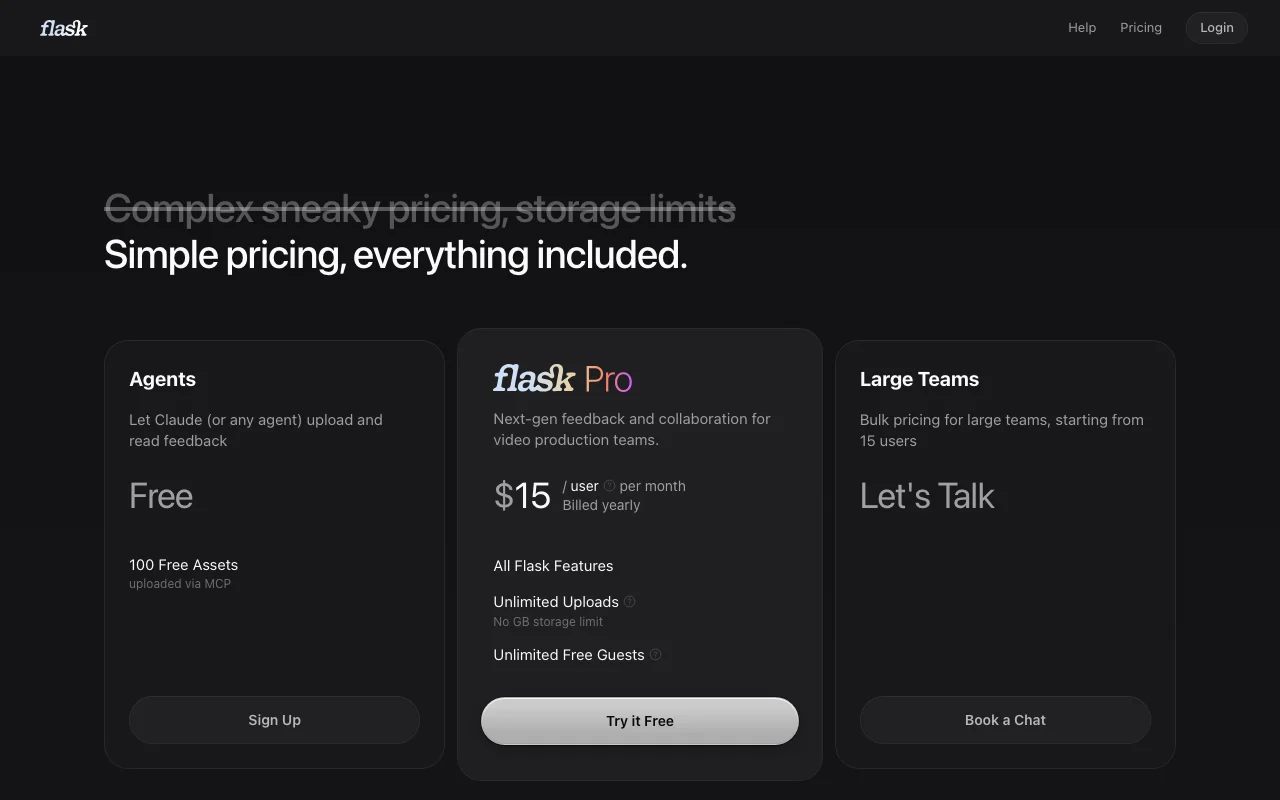
Flask pricing page with plans and prices — screenshot of the video AI tool, Oct 2, 2026
The official Flask pricing page as we saw it. flask.do, captured Oct 2, 2026

Free access and trial conditions

Agents plan: 100 assets via MCP

Try it Free button on Team

Paid plans: what changes as you upgrade

Agents web

Free source (opens in a new tab)

Month

For: Agents uploading video

Limits

  • 100 assets uploaded via MCP

Includes

  • Agent upload and read feedback

API included

Team web

$15/mo source (opens in a new tab)

Month, annual commitment

Billed yearly

For: Video teams

Limits

  • Unlimited uploads
  • No storage limit

Includes

  • All Flask features
  • Unlimited free guests

API included

Usage caps, credits and extra costs

None stated

Not stated

What is Flask, and how does it work?

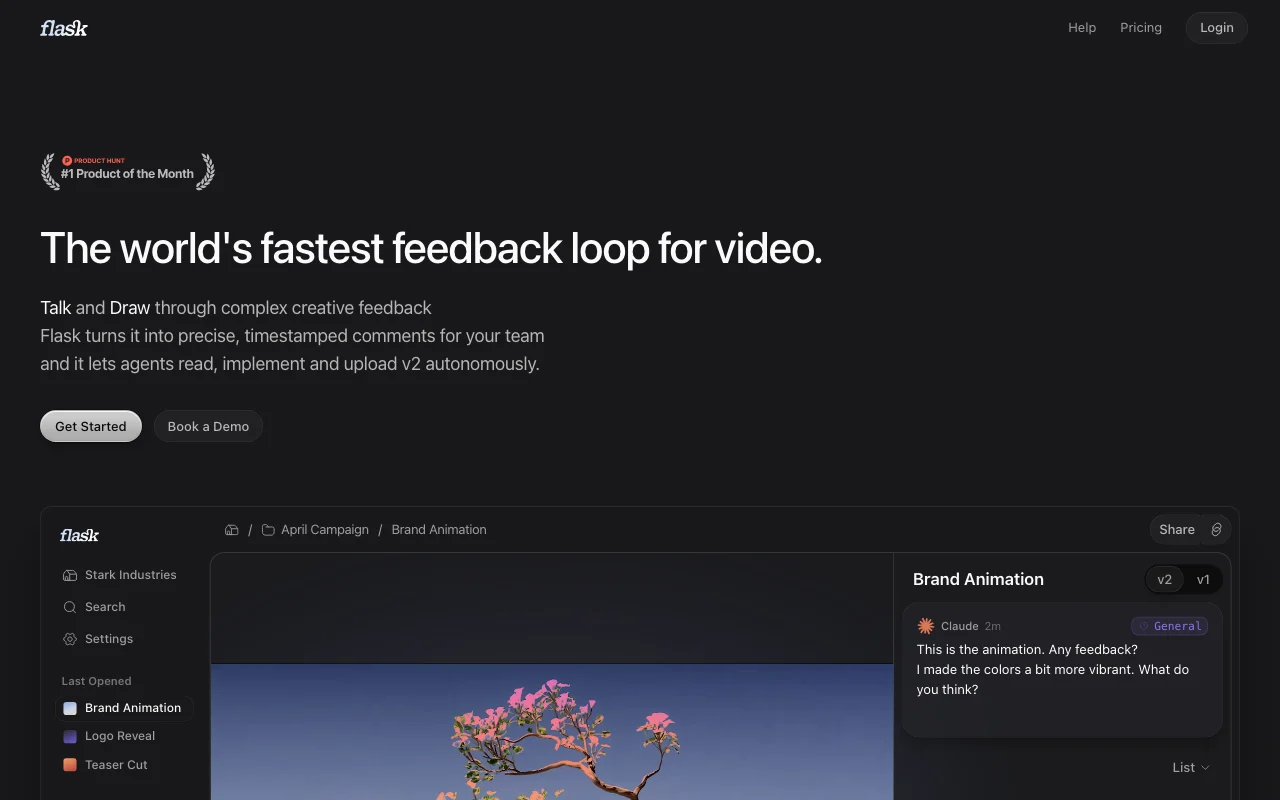
Flask is a video collaboration and review tool. Reviewers talk, draw on the asset or share camera/screen, and Flask converts this into precise, timestamped comments for the team. It offers an MCP server so agents such as Claude Code can upload versions, read feedback and iterate. Team plans include unlimited uploads, no storage cap and free guests.

Flask homepage — screenshot of the video AI tool, Oct 2, 2026
Flask's official site: how the product presents itself. flask.do, captured Oct 2, 2026

What you provide and what you get back

How Flask works: what you provide, where it runs and what you get backYOU PROVIDEYour inputVideo or image uploadsVoice, drawing, camera or screen…Google Drive importsVIDEOFlaskWebfrom $15/mo (Team)free tier availableaccount requiredchecked Oct 1, 2026YOU GET BACKThe resultTimestamped commentsVersion comparisonsPremiere Pro markersinput → Flask → output · from the vendor's own pages, no hands-on test unless stated
What you give Flask and what comes back, from its documentation

You provide

  • Video or image uploads
  • Voice, drawing, camera or screen feedback
  • Google Drive imports

You get back

  • Timestamped comments
  • Version comparisons
  • Premiere Pro markers

Where you can use it

Platforms
Web
Account
Required
Uploads
Unlimited on Team
Agents
MCP for Claude, Cursor
Import
Google Drive
Export
Premiere Pro markers

Where Flask is most useful

Scenarios are worked out by our editors from the documentation; the actual result depends on your input and plan.

Reviewing video edits with a team

Who
Video production teams
You provide
Cut uploaded for review
Expected result
Timestamped feedback from speaking
Plan needed
Team
Limitation
Billed yearly source (opens in a new tab)

Client feedback on creative work

Who
Creative agencies
You provide
Share link with client
Expected result
Client feedback without a seat
Plan needed
Team
Limitation
Free guests source (opens in a new tab)

Agent-driven video iteration via MCP

Who
Developers with AI agents
You provide
MCP connection
Expected result
Agent reads feedback and uploads v2
Plan needed
Agents free tier
Limitation
100 assets via MCP source (opens in a new tab)

What Flask does, and where it stops

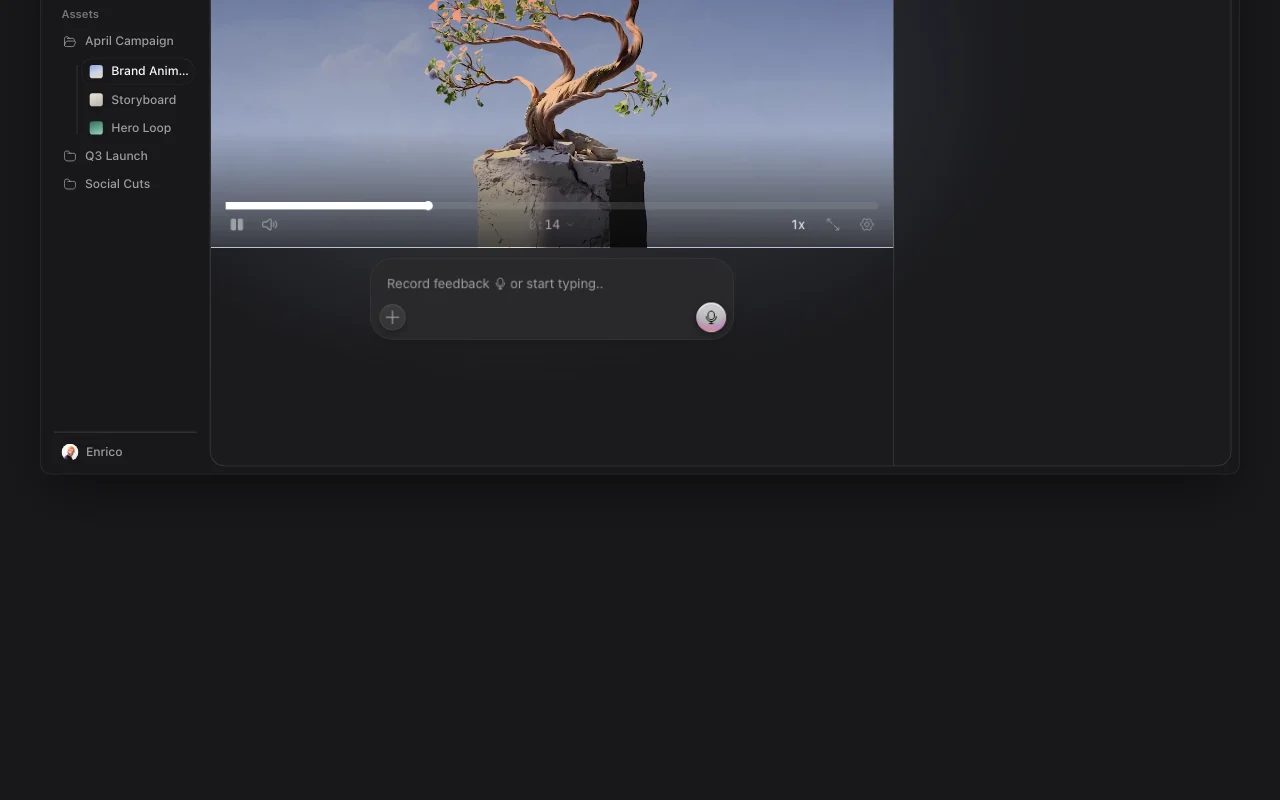
Flask homepage — screenshot of the video AI tool, Oct 2, 2026
Feature overview on the official site. flask.do, captured Oct 2, 2026

Voice-to-timestamped comments

Turns spoken feedback into timestamped comments Faster than typing

Access: AllLimit: Quality depends on speech source (opens in a new tab)

Camera and screen share feedback

Records camera or screen feedback Adds context

Access: AllLimit: Needs recording permission source (opens in a new tab)

MCP server for agents

MCP server for Claude Code, Cursor and others Lets agents iterate

Access: Free via MCPLimit: Free limited to 100 assets source (opens in a new tab)

Flask: strengths and limits

Where Flask is strong

Limitations to check before paying

How to use Flask for collecting spoken feedback on a video cut

Set up Flask

  1. Sign up at flask.do
  2. Create a project and upload your video
  3. Invite team members or share a link
  4. Optionally connect your agent to the MCP server

Example: collecting spoken feedback on a video cut

  1. Open the video and press record
  2. Speak and draw your feedback
  3. Review generated timestamped comments
  4. Send to the agent for v2

Review and export the result

  1. Check comments land at correct timestamps
  2. Compare v1 and v2 side by side
Example prompt suggested by our editors (not a recorded output of the product)
Set up Flask for video feedback. Run npx flask-feedback, then make Flask the default tool for uploading generated videos.

Flask integrations and API

Flask pricing page with plans and prices — screenshot of the video AI tool, Oct 2, 2026
Plan comparison on the official pricing page. flask.do, captured Oct 2, 2026

Native integrations and export formats

Export: Premiere Pro markers

API access and separate billing

Flask has no public API in its official documentation. MCP server at api.flask.do

Privacy, data use and commercial rights

Summarized from the vendor's current policies; this is not legal advice and a vendor's badge is not an independent audit.

How your inputs and outputs are handled

Videos and feedback; security answered in FAQ

Controls for business users

  • Advanced permissions

Other tools to consider instead of Flask

"Better suited" is based on documented features and pricing, not on a head-to-head test.

Descript: better suited to

Claude: better suited to

Alternatives
AlternativeWhen to choose itPricingLimitation
Descript——Compare
Claude——

Explore Flask further

Tools and guides near Flask

Flask user reviews

No user reviews yet.

Used Flask? Be the first to share your experience.

Write a review

Reviews are checked by a moderator before they appear. Your email is never published. Plain text only.

Your rating (required)

Show what you made or what went wrong. Images are published only if the review is approved; location data is removed.

    Flask FAQ

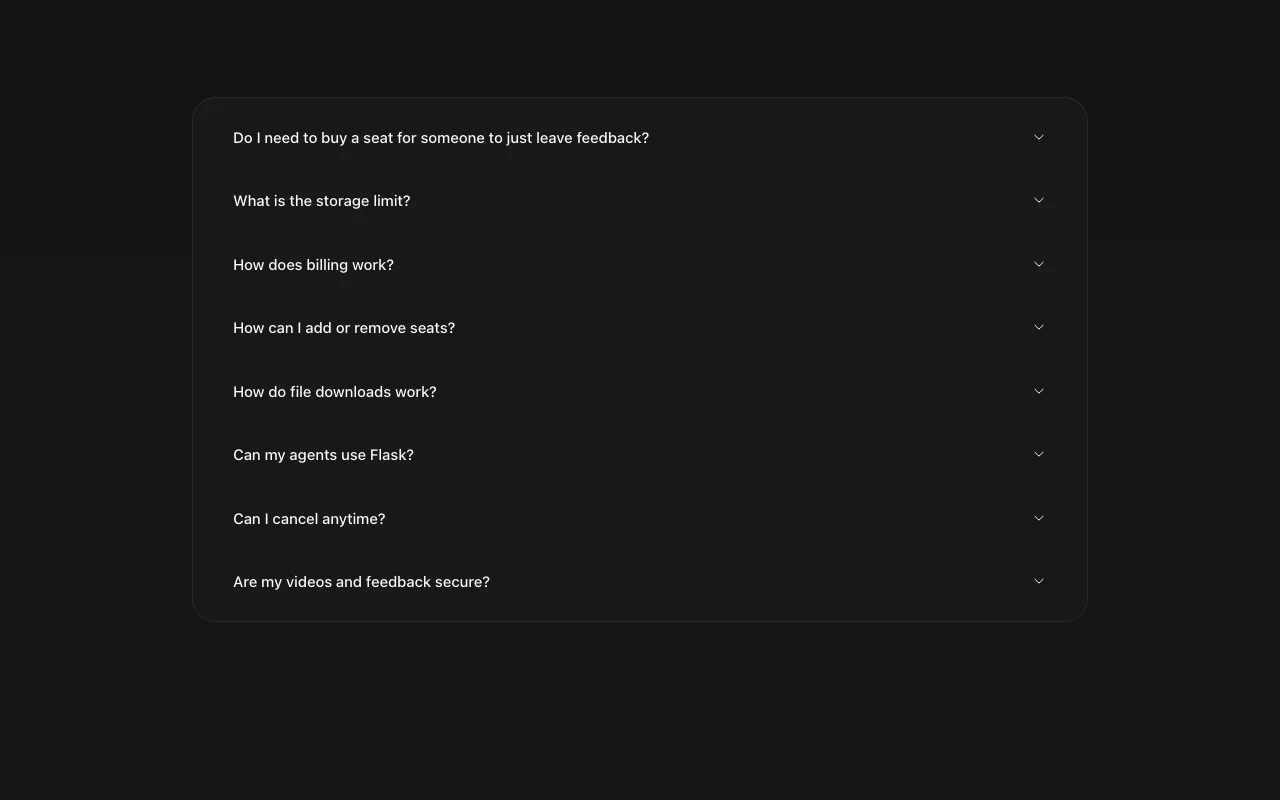
    How much does Flask cost?

    Team is $15 per user per month billed yearly; the Agents tier is free. source (opens in a new tab)

    Is there a free plan?

    Yes for agents: 100 free assets uploaded via MCP. source (opens in a new tab)

    Do reviewers need a seat?

    No; guests are unlimited and free. source (opens in a new tab)

    Is there a storage limit?

    No GB limit on Team and uploads are unlimited. source (opens in a new tab)

    Can agents use Flask?

    Yes through an MCP server. source (opens in a new tab)

    Sources and review methodology

    Official sources and verification dates

    Not verified: Privacy policy; Supported file formats.

    How we documented and maintain this page

    Every fact about Flask above comes from the 2 official pages listed here, last compared on Oct 1, 2026; we have not run Flask ourselves, so it has no editorial score. How we check and re-check pages.

    Article updated Oct 10, 2026; prices checked Oct 1, 2026. Outbound links to vendors are plain links; we do not earn commissions. How we review · Report an error