Our take: HiClip is a quick way to turn a YouTube or Vimeo link or an MP4/MOV file into short captioned vertical clips, though its plan prices and limits are not published.
Main limitation: No pricing page exists on the official site (HTTP 404), so free-tier limits and paid costs are unknown.
By the AI Tool Atlas editors.
Based on the vendor's official documentation; we have not tested this product hands-on. What “documented overview” means
Is HiClip right for you?
HiClip is a quick way to turn a YouTube or Vimeo link or an MP4/MOV file into short captioned vertical clips, though its plan prices and limits are not published. Based on the vendor's documentation, not on a hands-on test.
Best for: Social media creators
Also a good fit for
Podcasters and educators repurposing video
Consider another tool if no pricing seen on official pages
Or if
Requires an account
Pricing page not found at /pricing
HiClip pricing and usage limits
Prices checked Oct 2, 2026 on the official US pricing page. Prices and limits change often.
Free access and trial conditions
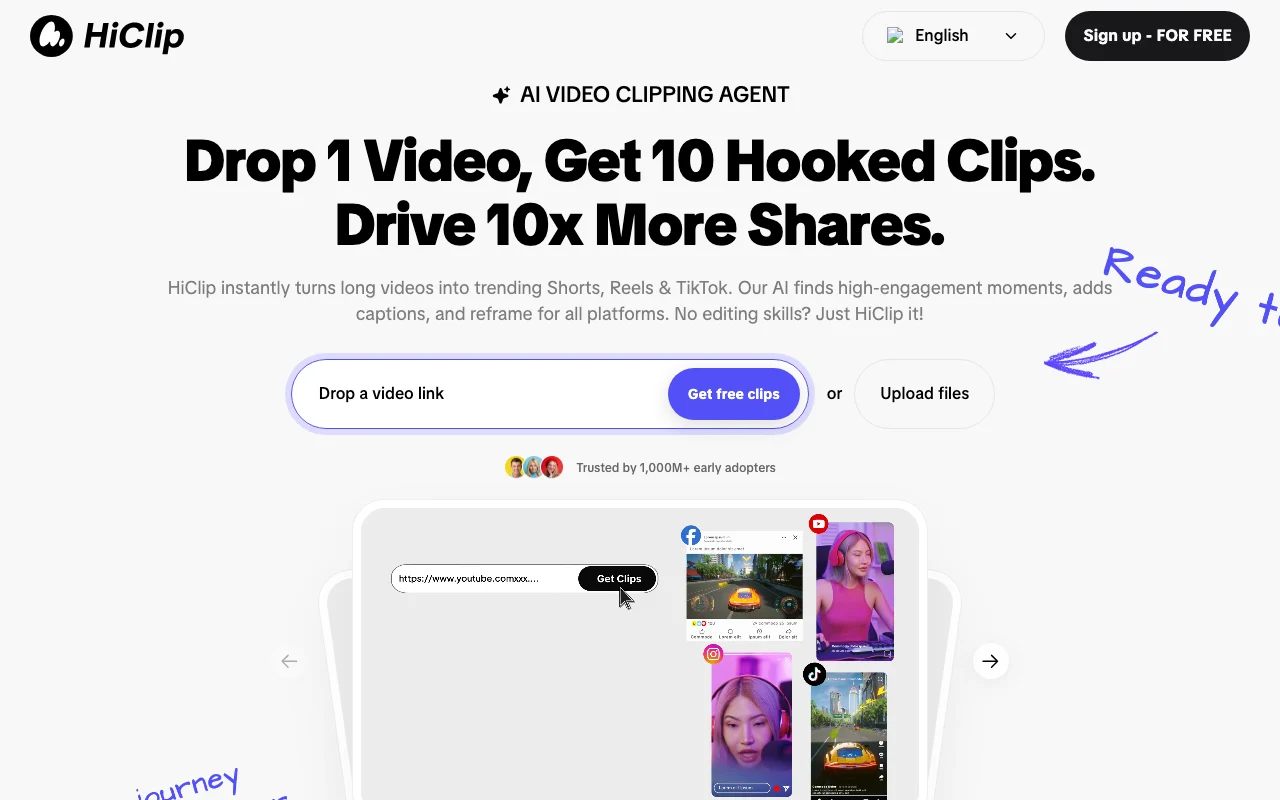
Homepage advertises free sign-up and free clips; limits are not stated.
Sign-up is advertised as free; no limits, paid tiers or prices are shown.
For: Trying clip generation
Limits
Limits not stated
Includes
Homepage offers Sign up - FOR FREE and Get free clips
What is HiClip, and how does it work?
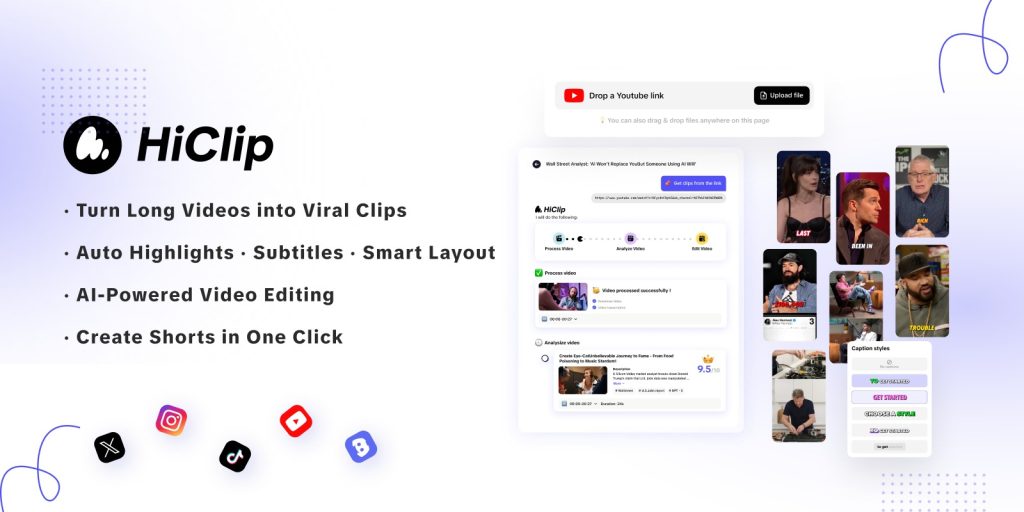
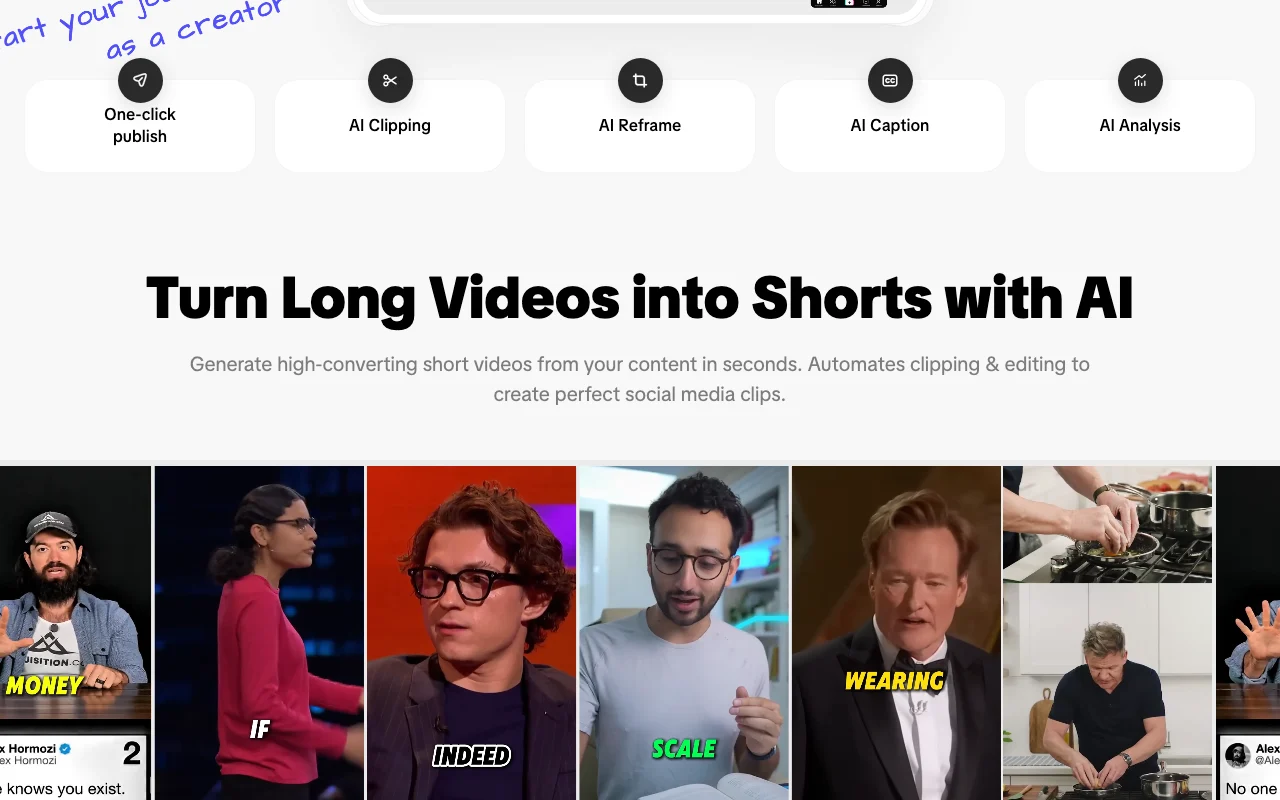
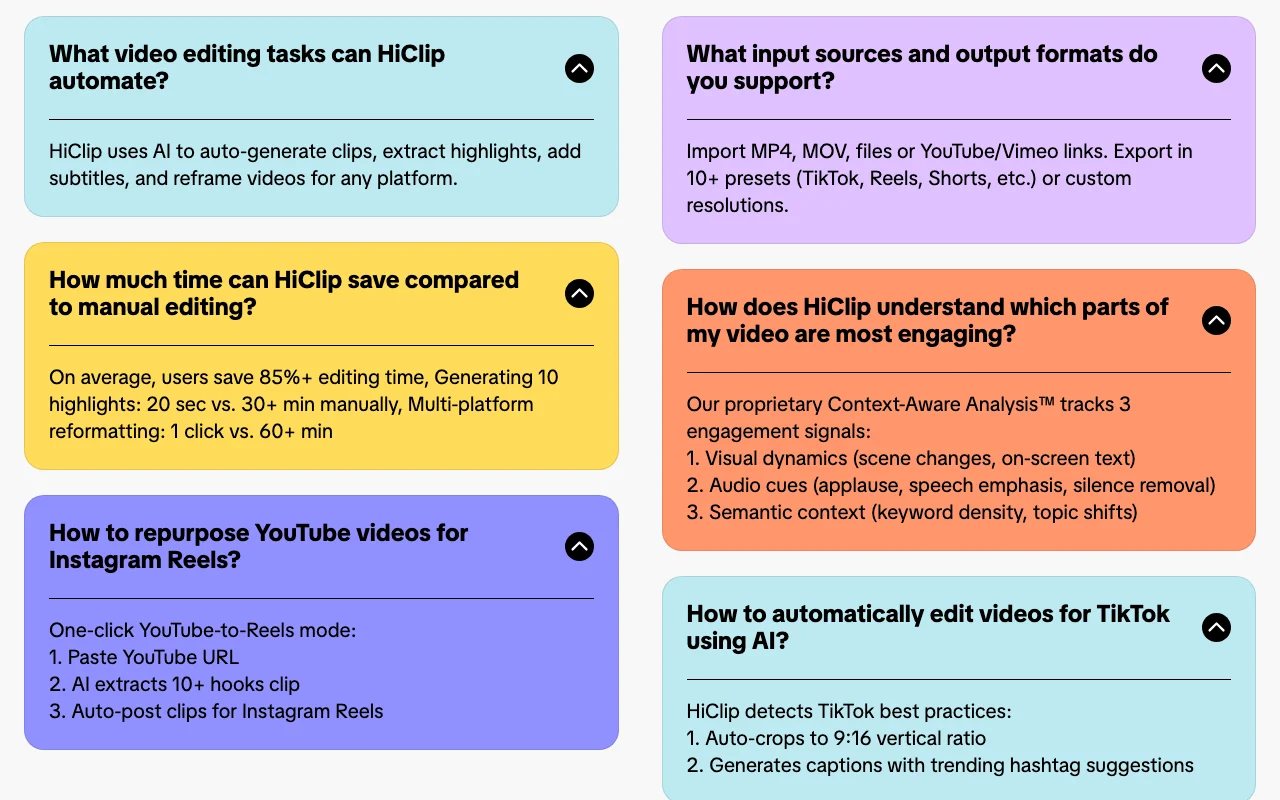
HiClip takes a video link or uploaded file and generates short highlight clips, adds captions and reframes them for vertical platforms.
The site describes analysis of visual, audio and semantic signals to pick engaging moments, and export presets for common social platforms.
HiClip's official site: how the product presents itself. hiclip.ai, captured Oct 2, 2026
What you provide and what you get back
What you give HiClip and what comes back, from its documentation
You provide
YouTube or Vimeo video link
MP4 or MOV file upload
You get back
Short highlight clips
Captions with hashtag suggestions
9:16 vertical reframed videos
Exports in 10+ platform presets or custom resolutions
Where you can use it
Platforms
Web
Account
Required
Input
MP4, MOV, YouTube and Vimeo links
Output ratio
9:16 vertical auto-crop
Export presets
10+ (TikTok, Reels, Shorts) or custom
Captions
AI subtitles with hashtag suggestions
Watermark, duration and credits
Not stated
Where HiClip is most useful
Scenarios are worked out by our editors from the documentation; the actual result depends on your input and plan.
Its Context-Aware Analysis tracks visual dynamics, audio cues and semantic context such as keyword density and topic shifts. source (opens in a new tab)
Which export formats does HiClip offer?
It exports in more than 10 presets including TikTok, Reels and Shorts, or in custom resolutions. source (opens in a new tab)
Does HiClip sell my personal data?
No; its privacy policy says HiClip does not sell personal data and shares it with service providers such as Stripe and analytics vendors. source (opens in a new tab)
Who operates HiClip?
HiClip.ai is operated by Sparking Innovations Limited in Hong Kong, according to the privacy policy. source (opens in a new tab)
Not verified: Plan prices, free limits and credits; Maximum video length and file size; Watermark and resolution on free clips; Training use of uploaded videos; Terms of Service; API/docs (HTTP 404); US availability not stated.
How we documented and maintain this page
Every fact about HiClip above comes from the 2 official pages listed here, last compared on Oct 2, 2026; we have not run HiClip ourselves, so it has no editorial score. How we check and re-check pages.
Article updated Oct 2, 2026; prices checked Oct 2, 2026. Outbound links to vendors are plain links; we do not earn commissions. How we review · Report an error