VideoDocumented overviewLast checked Oct 2, 2026

Hypnotype: Pricing, Features & Best Use Cases

Browser-based tool that turns a script or audio file into read-along text videos using seven templates.

Is Hypnotype right for you?

Choose Hypnotype if you want to turn a script or audio file into read-along text videos in the browser, noting that the pricing page currently shows only a limited DealFuel annual deal. Based on the vendor's documentation, not on a hands-on test.

Best for: Faceless content creators

Also a good fit for

  • Podcasters

Consider another tool if plans use credits (100 credits = 1 minute of audio)

Or if

  • Audio length limited per file by plan (30 min or 2 hours)
  • Creator plan limited to 720p

Hypnotype pricing and usage limits

Prices checked Oct 2, 2026 on the official US pricing page. Official pricing ↗ Prices and limits change often.

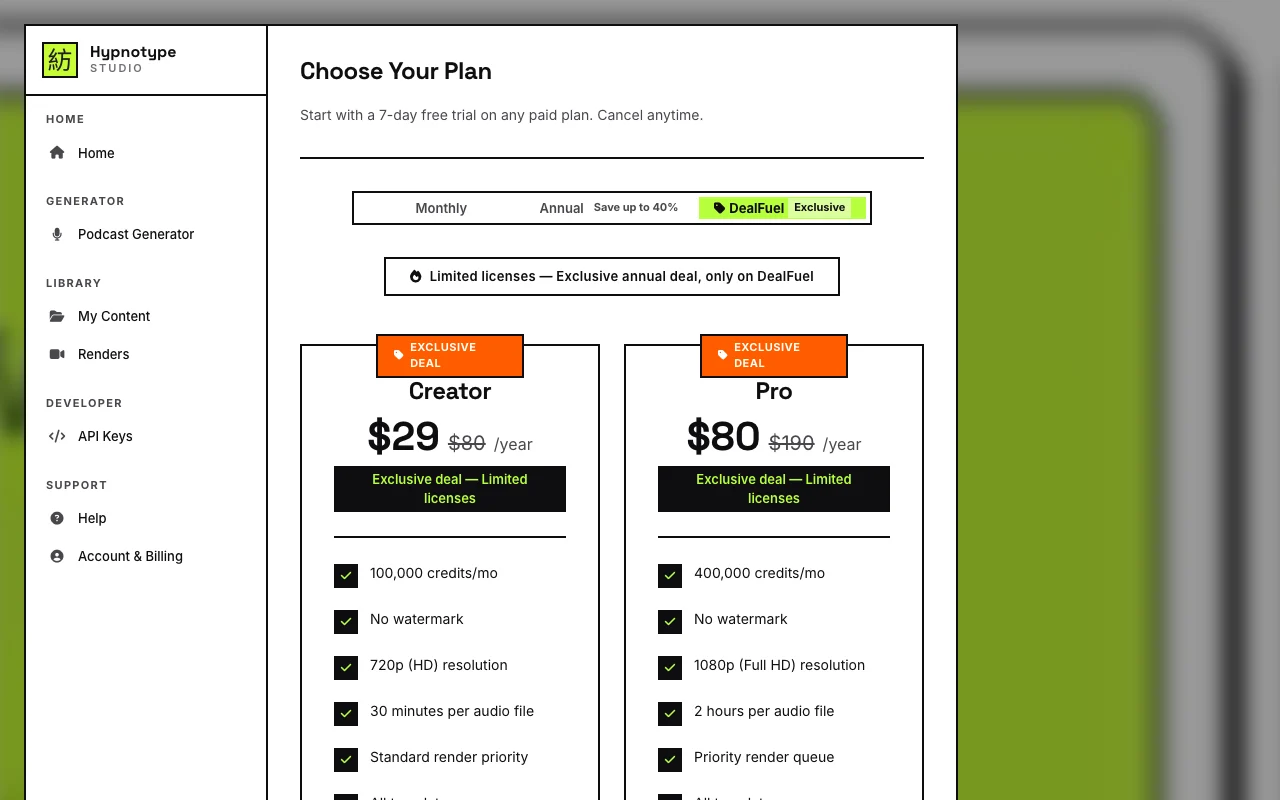
Hypnotype pricing page with plans and prices — screenshot of the video AI tool, Oct 2, 2026
The official Hypnotype pricing page as we saw it. hypnotype.app, captured Oct 2, 2026

Free access and trial conditions

Homepage says "Start creating for free"; terms not stated.

Seed noted a 7-day free trial; not visible in the fetched text.

Paid plans: what changes as you upgrade

Creator (DealFuel deal) web

$29/yr source (opens in a new tab)

Year, annual commitment

Annual deal, limited licenses

For: Creators

Limits

  • 100,000 credits per month
  • 720p (HD)
1 more
  • 30 minutes per audio file

Includes

  • No watermark
  • All templates
1 more
  • Commercial license

Pro (DealFuel deal) web

$80/yr source (opens in a new tab)

Year, annual commitment

Annual deal, limited licenses

For: Heavier use

Limits

  • 400,000 credits per month
  • 1080p (Full HD)
1 more
  • 2 hours per audio file

Includes

  • Priority render queue
  • Priority support
1 more
  • Commercial license

Usage caps, credits and extra costs

Not stated.

Not stated.

What is Hypnotype, and how does it work?

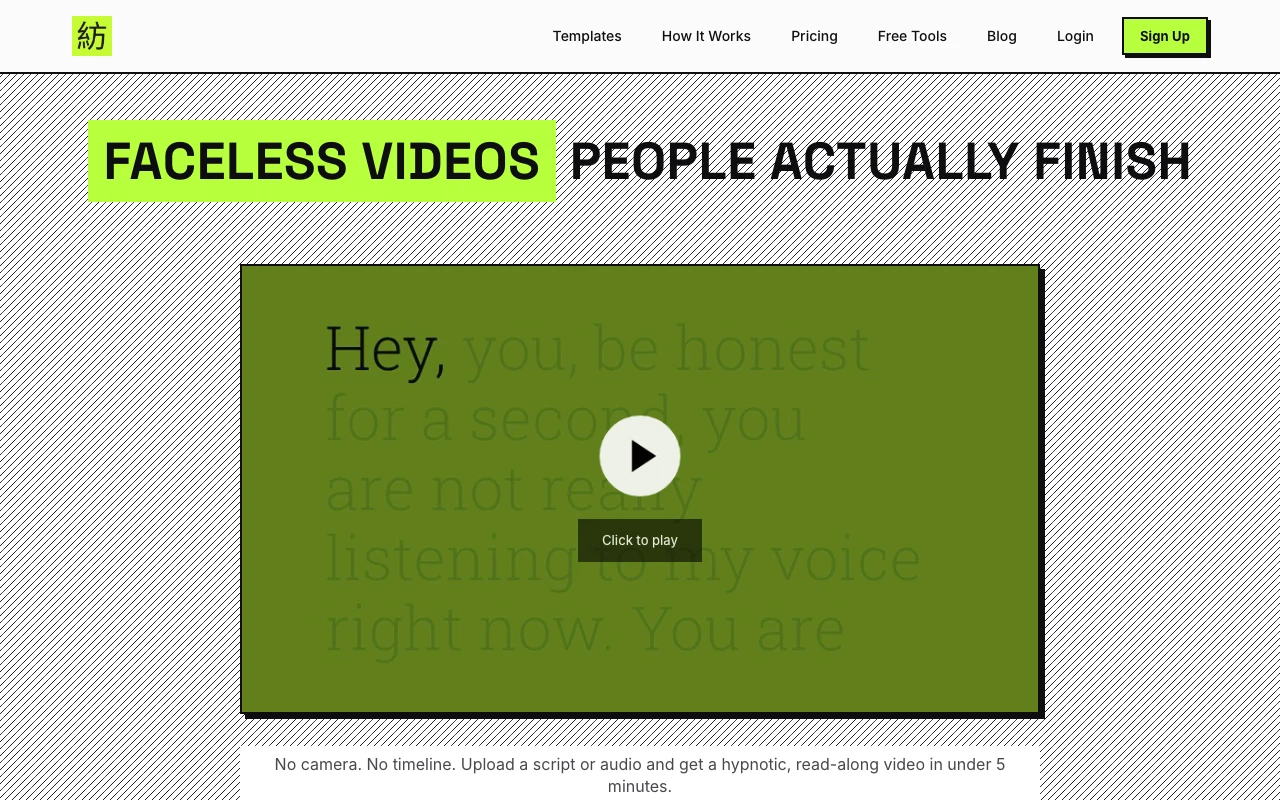
Hypnotype is a browser-based generator that turns an uploaded script or audio file into synchronized text videos, with seven templates in 9:16 vertical and 16:9 wide formats and optional waveform or spectrum visuals. The site says it syncs text to audio automatically and exports MP4 files. Paid plans include credits, a commercial license and a 7-day trial; the pricing page currently shows a DealFuel-exclusive annual deal.

Hypnotype homepage — screenshot of the video AI tool, Oct 2, 2026
Hypnotype's official site: how the product presents itself. hypnotype.app, captured Oct 2, 2026

What you provide and what you get back

How Hypnotype works: what you provide, where it runs and what you get backYOU PROVIDEYour inputScript textAudio file (MP3)Template and style choicesVIDEOHypnotypeWebfrom $29/yr (Creator (DealFuel de…free tier availableaccount requiredchecked Oct 2, 2026YOU GET BACKThe resultRead-along MP4 video9:16 and 16:9 formatsinput → Hypnotype → output · from the vendor's own pages, no hands-on test unless stated
What you give Hypnotype and what comes back, from its documentation

You provide

  • Script text
  • Audio file (MP3)
  • Template and style choices

You get back

  • Read-along MP4 video
  • 9:16 and 16:9 formats

Where you can use it

Platforms
Web
Account
Required

Best use cases for Hypnotype

Scenarios are worked out by our editors from the documentation; the actual result depends on your input and plan.

Faceless short-form videos

Who
Faceless video creators
You provide
Script or audio
Expected result
Read-along Shorts or Reels
Plan needed
Creator or Pro
Limitation
Creator is 720p source (opens in a new tab)

Podcast audiograms and clips

Who
Podcasters
You provide
Episode audio
Expected result
Waveform clips and audiograms
Plan needed
Creator or Pro
Limitation
30-min file cap on Creator source (opens in a new tab)

Sales letter and VSL videos

Who
B2B sellers
You provide
Sales letter script
Expected result
Text-synced VSL video
Plan needed
Creator or Pro
Limitation
Credits limit audio minutes source (opens in a new tab)

What Hypnotype does, and where it stops

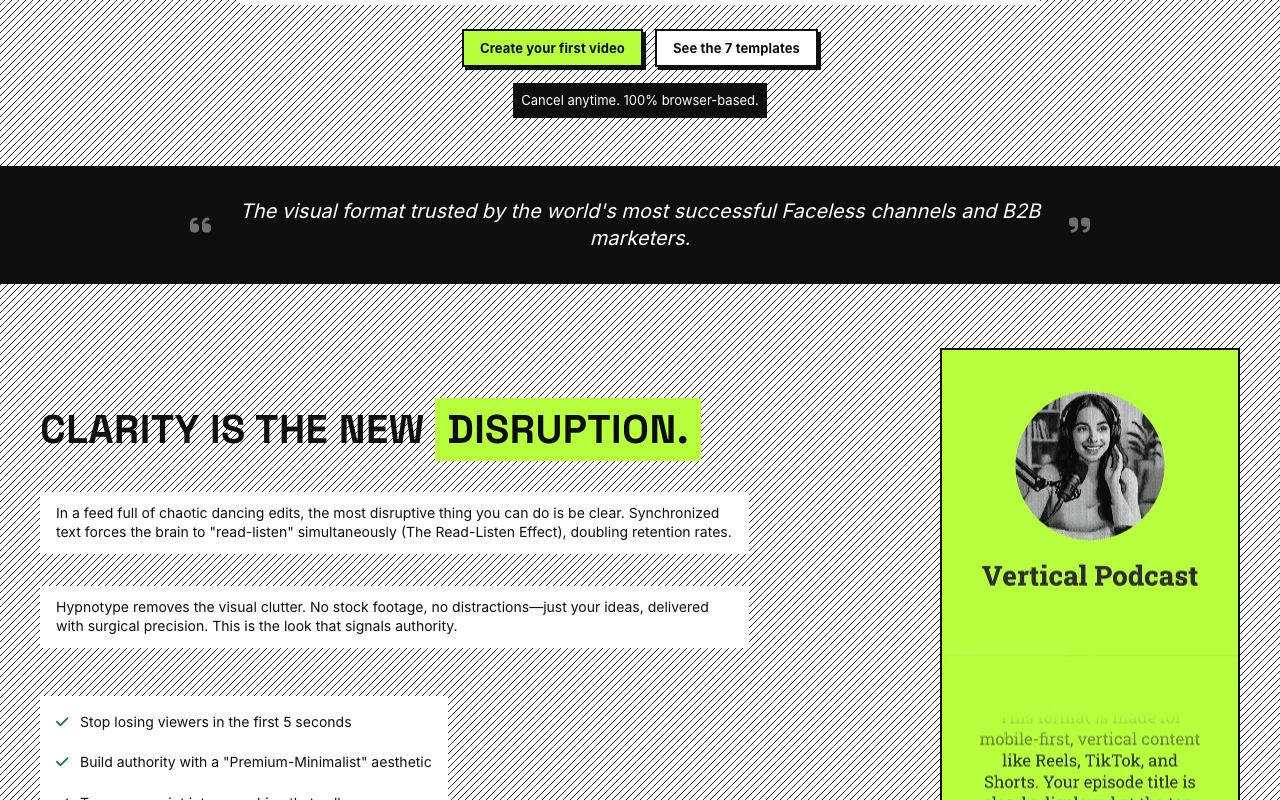
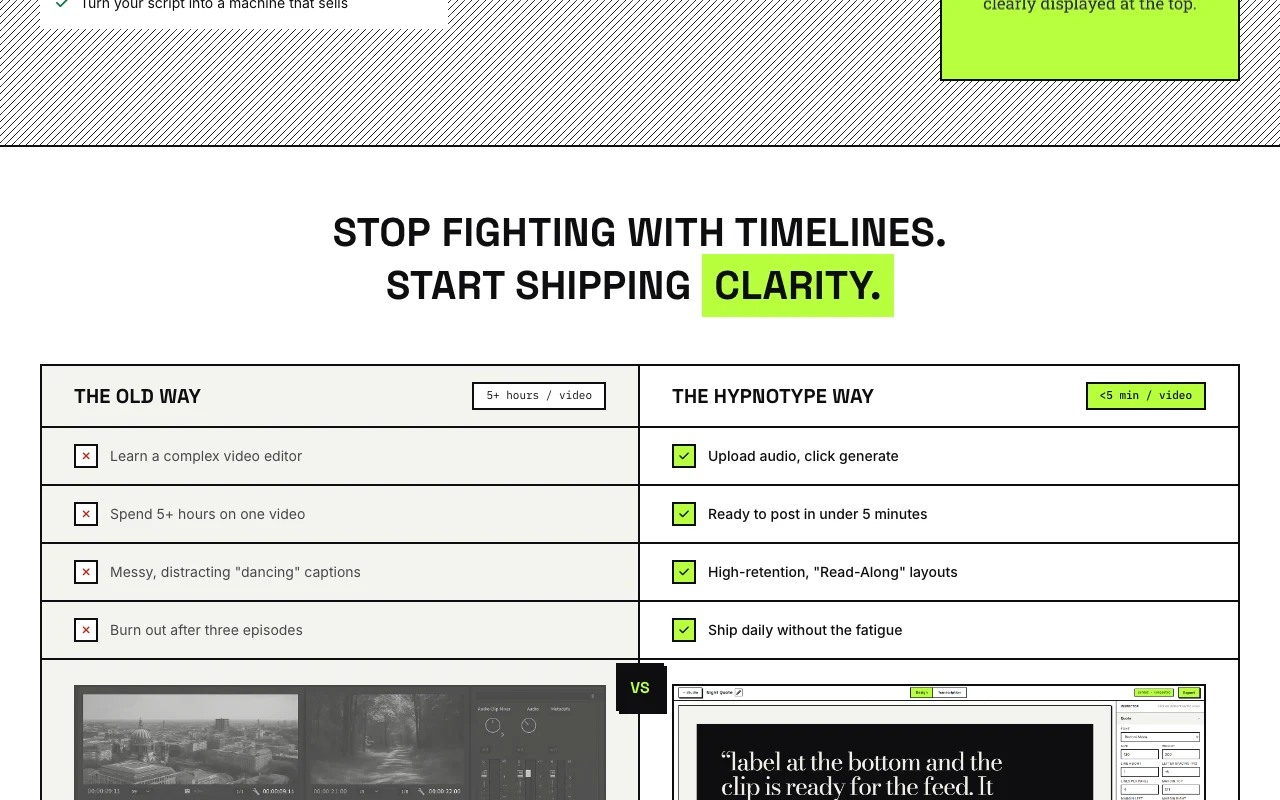
Hypnotype homepage — screenshot of the video AI tool, Oct 2, 2026
Feature overview on the official site. hypnotype.app, captured Oct 2, 2026

Seven read-along templates

Offers seven read-along layouts Fast visual consistency

Access: All plansLimit: Fixed template set source (opens in a new tab)

9:16 and 16:9 formats

Exports vertical and wide video Fits Shorts and YouTube

Access: All plansLimit: Two formats only source (opens in a new tab)

Automatic audio-to-text sync

Syncs text to audio automatically No manual timing

Access: All plansLimit: Quality depends on audio source (opens in a new tab)

Pros, cons and deal-breakers

Reasons to choose Hypnotype

Check before paying for Hypnotype

How to use Hypnotype for turning audio into a read-along video

Set up Hypnotype

  1. Open hypnotype.app and click Create your first video
  2. Create an account
  3. Upload audio or paste a script
  4. Choose one of the seven templates

Example: turning audio into a read-along video

  1. Upload an MP3 podcast clip
  2. Pick The Vertical Show (9:16)
  3. Adjust colors and typography
  4. Render and download the MP4

Review and export the result

  1. Play the video to check text sync
  2. Confirm resolution matches your plan

Hypnotype integrations

Hypnotype pricing page with plans and prices — screenshot of the video AI tool, Oct 2, 2026
Plan comparison on the official pricing page. hypnotype.app, captured Oct 2, 2026

Native integrations and export formats

Export: MP4

Privacy, data use and commercial rights

Summarized from the vendor's current policies; this is not legal advice and a vendor's badge is not an independent audit.

How your inputs and outputs are handled

Uploaded audio, Whisper transcriptions, timestamps and rendered videos are processed.

Commercial use and plan restrictions

Commercial license listed on both plans.

Policies: hypnotype.app/privacy

Other tools to consider instead of Hypnotype

"Better suited" is based on documented features and pricing, not on a head-to-head test.

Descript: better suited to

Canva: better suited to

Alternatives
AlternativeWhen to choose itPricingLimitation
Descript——Compare
Canva——

Explore Hypnotype further

Related to Hypnotype

Hypnotype user reviews

No user reviews yet.

Used Hypnotype? Be the first to share your experience.

Write a review

Reviews are checked by a moderator before they appear. Your email is never published. Plain text only.

Your rating (required)

Show what you made or what went wrong. Images are published only if the review is approved; location data is removed.

    Hypnotype FAQ

    How much does Hypnotype cost?

    The pricing page shows a limited DealFuel annual deal: Creator $29/year and Pro $80/year. source (opens in a new tab)

    What is a credit?

    100 credits equal 1 minute of audio transcribed. source (opens in a new tab)

    Do videos have a watermark?

    No, both listed plans show no watermark. source (opens in a new tab)

    What formats are supported?

    9:16 vertical and 16:9 wide, exported as MP4. source (opens in a new tab)

    What speech engine is used?

    The privacy policy says transcriptions use OpenAI Whisper. source (opens in a new tab)

    Sources and review methodology

    Official sources and verification dates

    Not verified: Standard (non-deal) pricing; Free trial terms; Training use of data; Retention periods; API availability.

    How we documented and maintain this page

    Every fact about Hypnotype above comes from the 4 official pages listed here, last compared on Oct 2, 2026; we have not run Hypnotype ourselves, so it has no editorial score. How we check and re-check pages.

    Article updated Oct 2, 2026; prices checked Oct 2, 2026. Outbound links to vendors are plain links; we do not earn commissions. How we review · Report an error