
Standard
≈ $8.80–$10/mo (reviews, Jun–Aug 2026) source (opens in a new tab)
Month
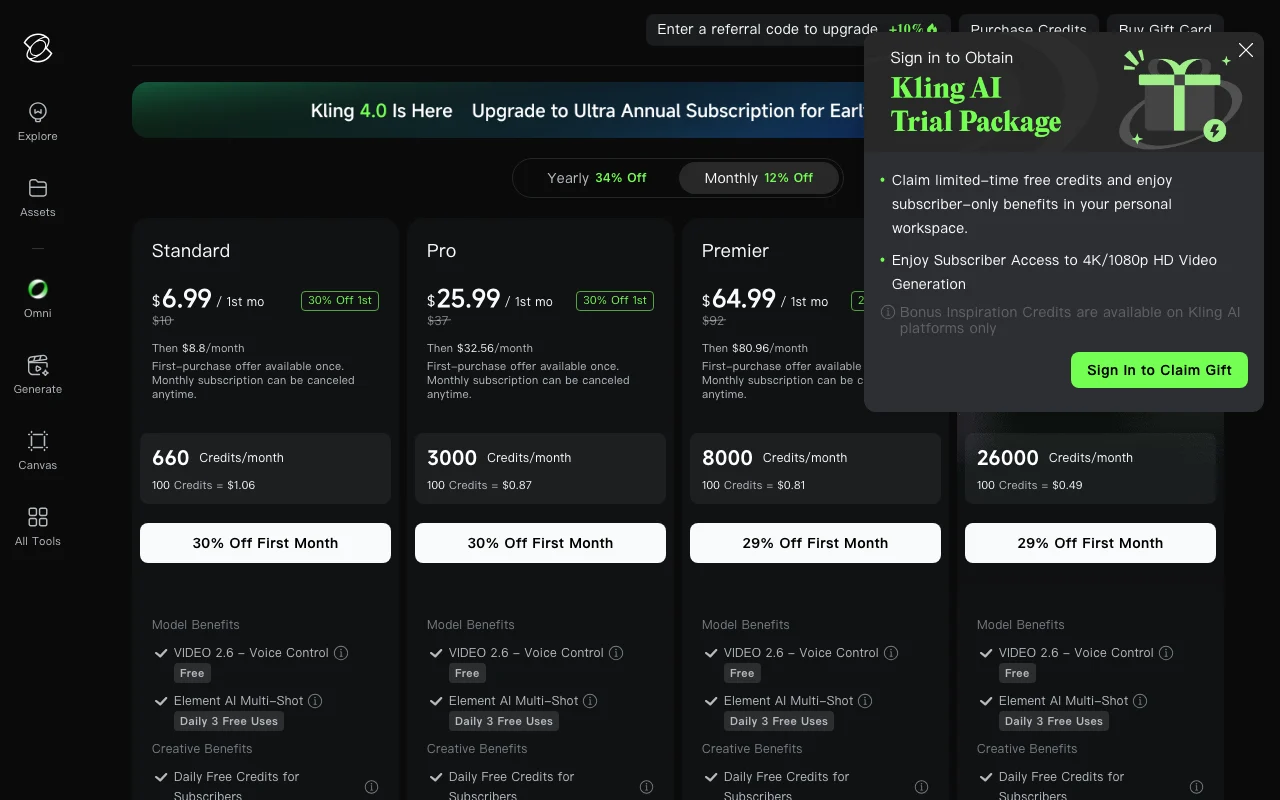
About $6.60/mo billed yearly; first month discounted
Limits
- 660 credits/month
VideoDocumented overviewLast checked Oct 11, 2026
AI video and image generator (Kling 4.0, Kling Image 3.0) with audio-visual output and native 4K images.
 (open full size in a new tab)
 (open full size in a new tab)
 (open full size in a new tab)
 (open full size in a new tab)
 (open full size in a new tab)
Our take: Choose Kling AI if you want text- or image-to-video with audio and native 4K stills from one web studio, with paid plans starting at $10/month.
Main limitation: Prices are shown only inside the app; generation is metered by monthly credits.
Choose Kling AI if you want text- or image-to-video with audio and native 4K stills from one web studio, with paid plans starting at $10/month. Based on the vendor's documentation, not on a hands-on test.
Also a good fit for
Or if
Headlines from US outlets, selected automatically — not endorsements. Updated Oct 12, 2026
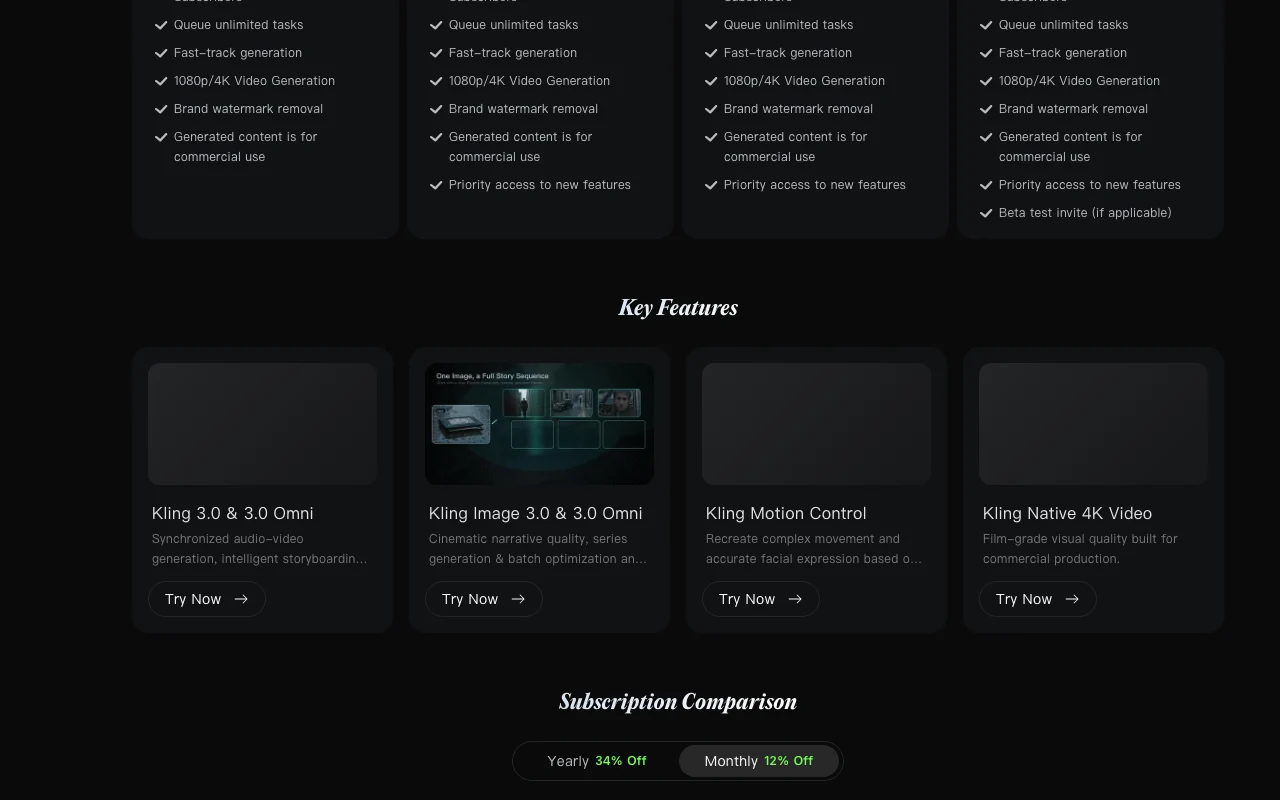
Kling AI does not publish prices on a public page. The plans below show the price range reported by third-party reviews, with the review dates and links. They are not confirmed by the vendor. Check in the official app ↗
Vendor pricing page re-checked automatically 2 days ago: no changes detected.
Not confirmed on the pricing page
Discounted first month on monthly plans, one-time
≈ $8.80–$10/mo (reviews, Jun–Aug 2026) source (opens in a new tab)
Month
About $6.60/mo billed yearly; first month discounted
Limits
≈ $32.56–$37/mo (reviews, Jun–Aug 2026) source (opens in a new tab)
Month
About $24.42/mo billed yearly
Limits
≈ $80.96–$92/mo (reviews, Jun–Aug 2026) source (opens in a new tab)
Month
About $60.72/mo billed yearly
Limits
≈ $159.99–$180/mo (reviews, Jun–Aug 2026) source (opens in a new tab)
Month
Limits
Kling shows plan prices only inside the signed-in app. Prices below come from third-party reviews (eesel.ai, June 2026) and differ between sources: another review (aitoolsbakery.com, Aug 2026) lists Standard at $8.80, Pro $32.56, Premier $80.96 and Ultra $159.99 a month. Check in the app before buying. Developer API billed separately
unknown
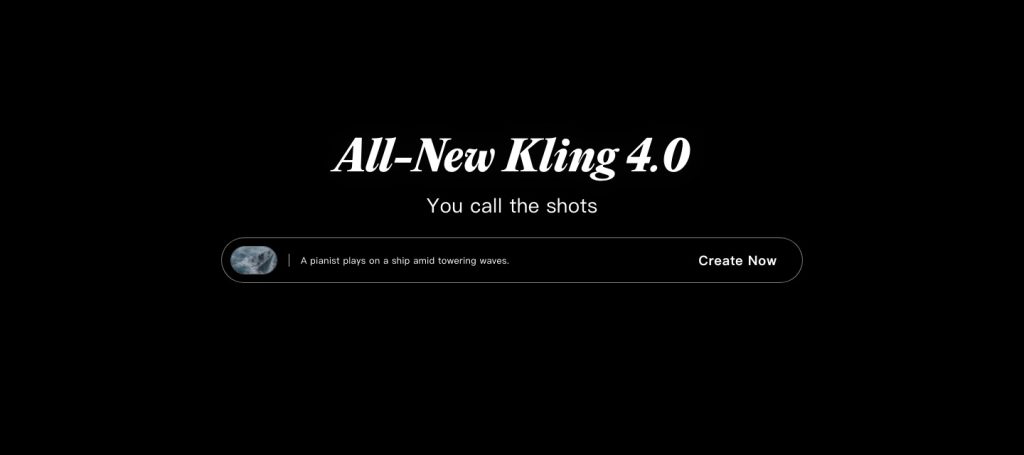
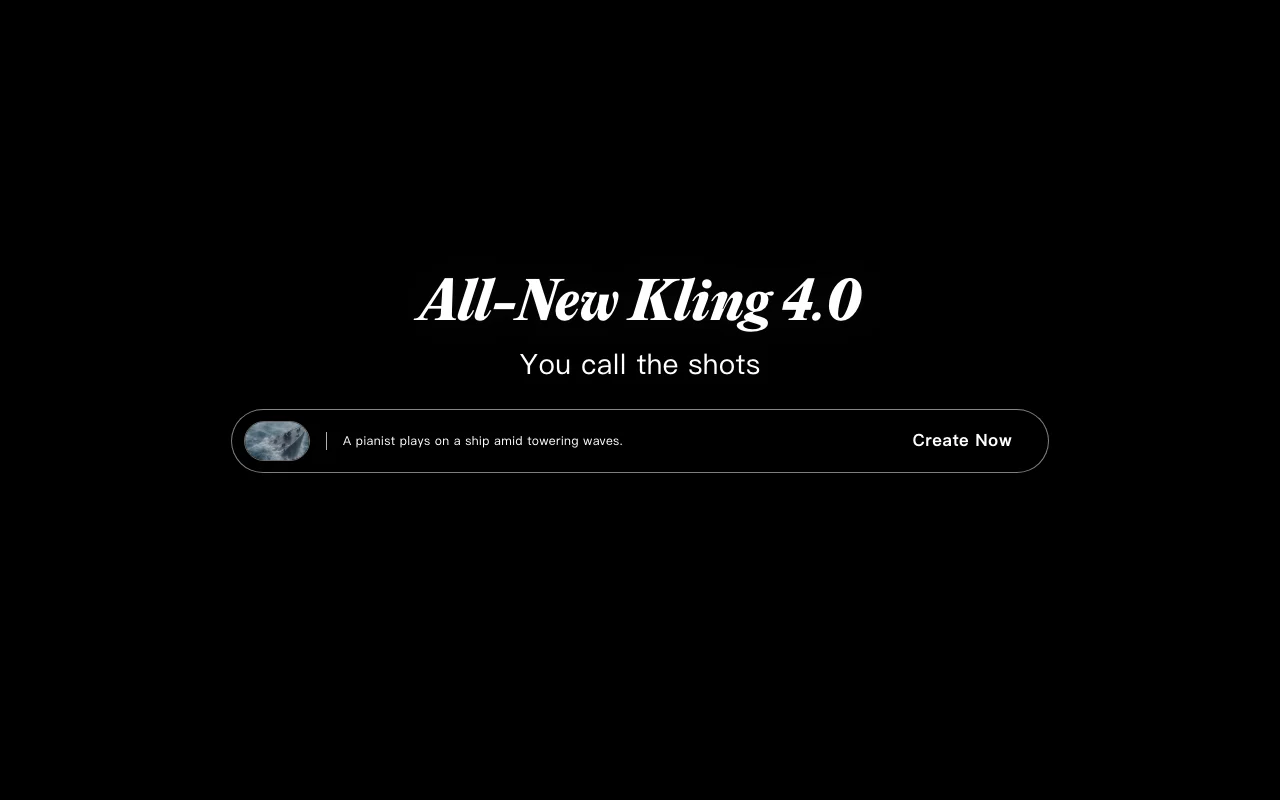
Kling AI is a creative studio for generating video and images from text and reference images. The current homepage highlights the Kling 4.0 video model, which adds audio-visual generation with stable motion. It also offers Kling Image 3.0 for cinematic stills, native 4K images and consistent image series, plus a developer API.
You provide
You get back
Scenarios are worked out by our editors from the documentation; the actual result depends on your input and plan.
Generates video with synchronized audio and stable motion Cuts separate sound work
Generates stills with cinematic language and native 4K Sharp print/ad visuals
Generates coherent image series in one style Storyboards and campaigns
Outputs higher-resolution video Production-grade clips
A pianist plays on a ship amid towering waves.
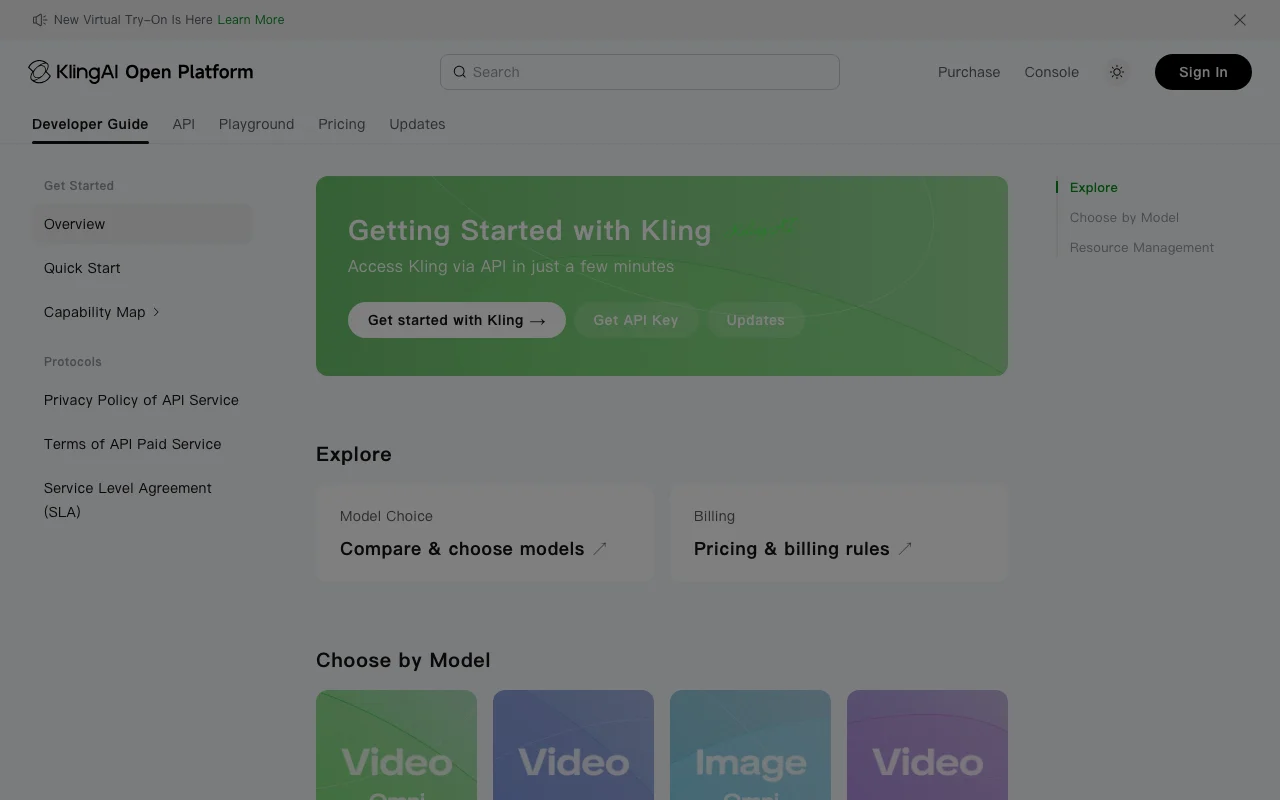
Kling AI has no public API in its official documentation. KlingAI Open Platform; pricing not verified API documentation ↗
Summarized from the vendor's current policies; this is not legal advice and a vendor's badge is not an independent audit.
unknown
unknown
unknown
Paid plans include commercial use (seed research)
Watermark removal on paid plans
Policies: kling.ai/privacy kling.ai/terms
"Better suited" is based on documented features and pricing, not on a head-to-head test.
| Alternative | When to choose it | Pricing | Limitation | |
|---|---|---|---|---|
| Runway | — | — | Compare | |
| Luma | — | — | Compare | |
| Leonardo.Ai | — | — | ||
| Midjourney | — | — |
No user reviews yet.
Used Kling AI? Be the first to share your experience.
Monthly plans run $10 (Standard), $37 (Pro), $92 (Premier) and $180 (Ultra) per the membership page checked earlier. source (opens in a new tab)
Not confirmed on the pricing page. source (opens in a new tab)
Yes, a separate developer API on the KlingAI Open Platform. source (opens in a new tab)
Paid plans include commercial use and watermark removal. source (opens in a new tab)
Kling 4.0 for video and Kling Image 3.0 for images. source (opens in a new tab)
Not verified: Free tier; Yearly prices; Per-plan credits; Privacy and training policy; Max duration and resolution; Mobile apps.
Every fact about Kling AI above comes from the 6 official pages listed here, last compared on Oct 11, 2026; we have not run Kling AI ourselves, so it has no editorial score. How we check and re-check pages.
Article updated Oct 2, 2026; prices checked Oct 11, 2026. Outbound links to vendors are plain links; we do not earn commissions. How we review · Report an error
compare>