Runway vs Kling AI in 2026: one credit workspace or a cheaper single-model studio
Pick Runway for a multi-model workspace with a Free plan, editor plugins and a team tier; pick Kling AI for the lower entry price of $10/mo and its own video and 4K image models. Runway Standard is $15/mo with 625 credits. Kling's per-plan credits, free access and privacy terms were not confirmed.
Starting priceFree; Standard $15/mo · Standard $10/moRunway · Kling AI
Free tierYes, 125 one-time credits · Not confirmedRunway · Kling AI
Plans documented6 · 4Runway · Kling AI
PlatformsWeb, iOS, Android, API · Web, APIRunway · Kling AI
We based this comparison on our Runway profile verified 2026-09-30 and our Kling AI profile verified 2026-09-29, both built from official vendor pages; it uses no third-party benchmarks, and no vendor paid for placement.
Is Runway better than Kling AI? The short answer
Runway is the better-documented choice: it lists a free plan, credit allowances for every tier, web and mobile apps, an API at $0.01 per credit, and a privacy position we can quote, including its catch that self-serve inputs and outputs may be used for training. Kling AI has the lower entry price, $10/mo against $15/mo, plus commercial use and watermark removal on every paid plan. But its profile leaves out per-plan credits, yearly prices, clip length, free access and any privacy or training terms. Pick Runway if you want one workspace, editor plugins and a team plan. Pick Kling AI if you mainly want Kling's own video and 4K image models and accept that several limits are unconfirmed. Runway also lists Kling among its third-party models, so you can test Kling output from inside Runway.
Based on our Runway profile verified 2026-09-30 and Kling AI profile verified 2026-09-29, both built from official vendor pages; Kling's pricing page could not be re-checked, and we ran no generation tests or benchmarks.
Runway and Kling AI, as their sites look today
Our own captures of each vendor's public pages. Click a frame for the full-size image.
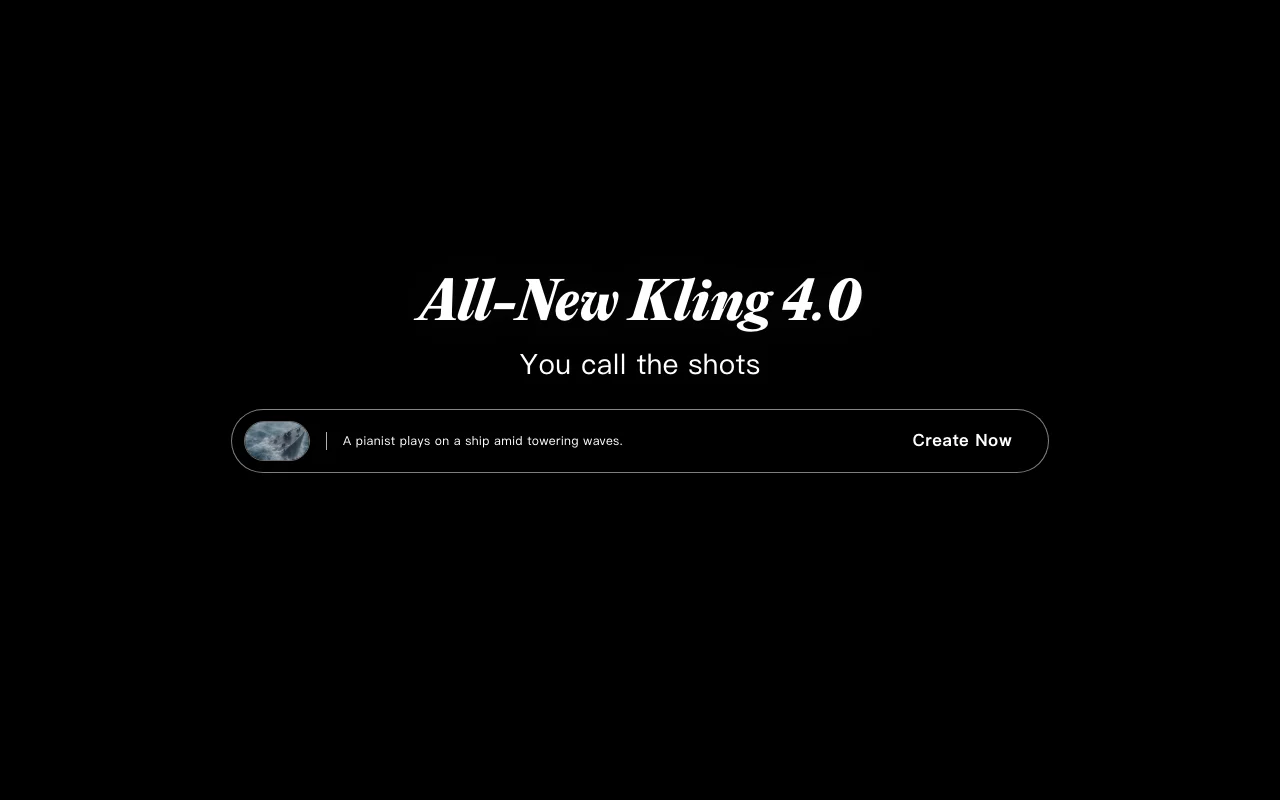
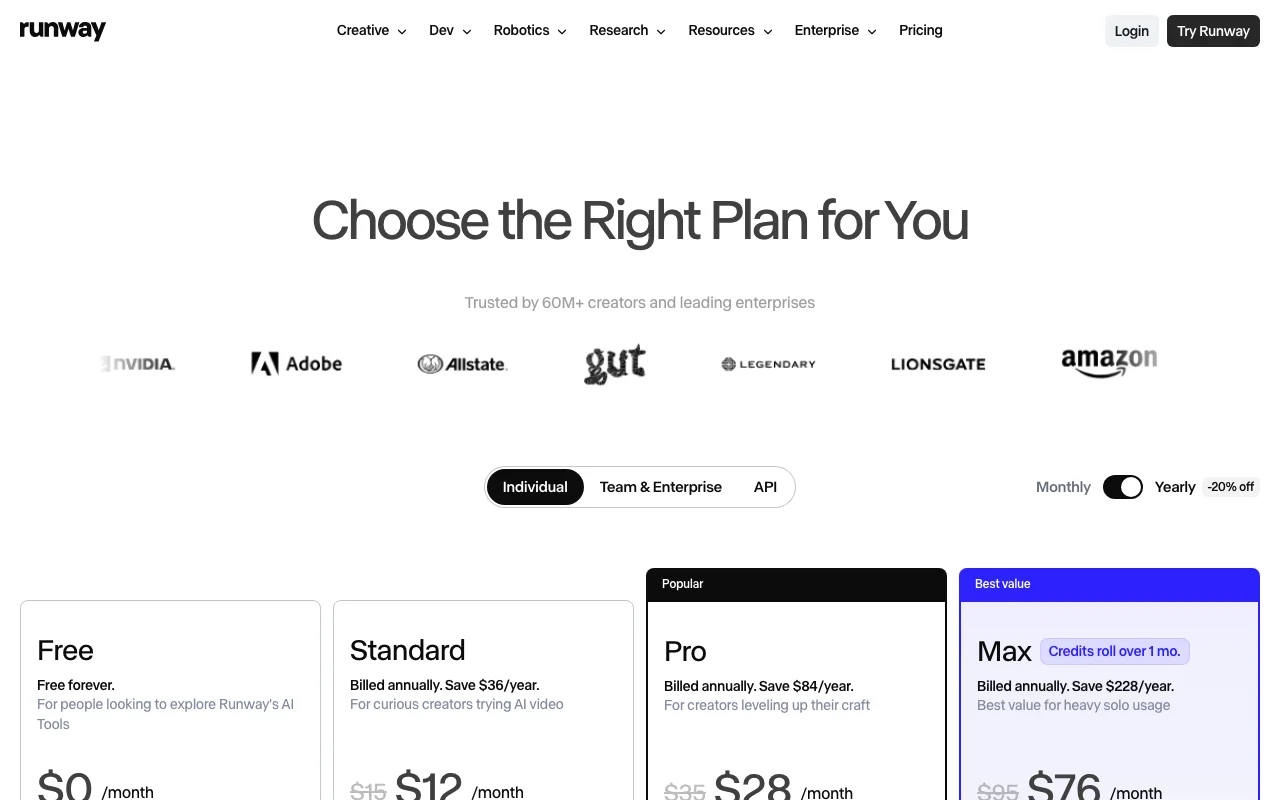
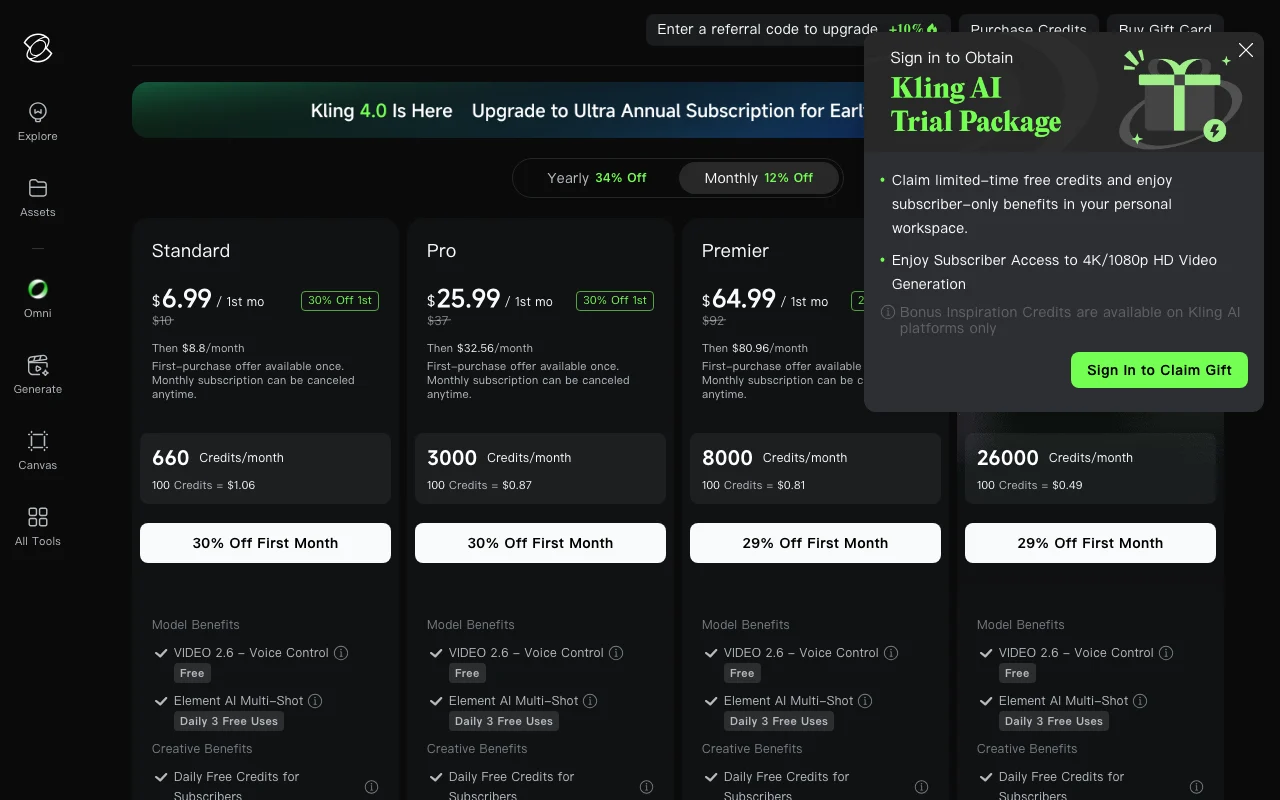
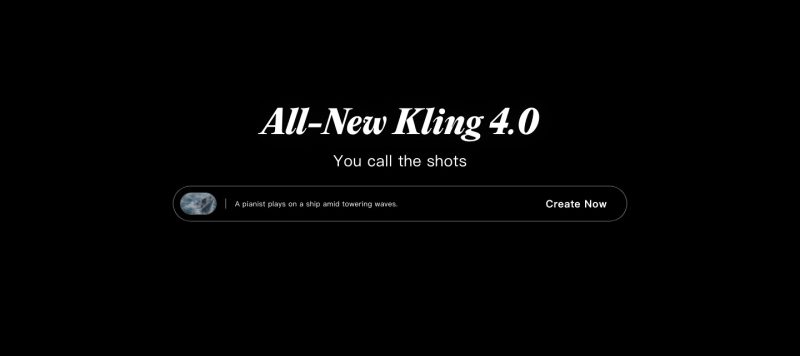
Runway homepage. runway.com, captured Oct 1, 2026Kling AI homepage. kling.ai, captured Oct 1, 2026Runway plans and prices. runway.com, captured Oct 1, 2026Kling AI plans and prices. kling.ai, captured Oct 1, 2026
Runway or Kling AI: which to use, by task
If you only want the answer, this is the table. Everything below is the evidence from the two documented profiles.
Side-by-side comparison
You want to
Use
Why
Try AI video for free
Runway
Runway Free gives 125 one-time credits; a Kling AI free tier is not confirmed
Generate short clips from text or images
Either
Both list text-to-video and image-to-video generation
Get video with synchronized audio
Kling AI
Kling 4.0 is listed as audio-visual; Runway lists audio tools such as voice and sound effects, not audio built into video
Make native 4K stills
Kling AI
Kling Image 3.0 is listed with native 4K; Runway images are up to 4K only on some third-party models
Switch between many video and image models
Runway
Runway runs its own and third-party models, Kling among them, on one credit balance
Work inside Premiere Pro, After Effects or Resolve
Runway
Runway lists Adobe and DaVinci Resolve plugins on paid plans; Kling lists none
Deliver studio formats such as ProRes or HDR
Runway
Runway lists ProRes, EXR and HDR output on Max and Team; Kling lists none
Share credits and comments across a team
Runway
Runway Team pools credits and adds frame-accurate comments, for 2 to 9 seats
Keep a monthly bill as low as possible
Kling AI
Kling Standard is $10/mo against $15/mo for Runway Standard, though credit allowances are not comparable
Call a video model from your own app
Either
Runway Dev bills $0.01 per credit; Kling lists a separate developer API with pricing not captured
Who should pick which
Pick Runway for a free start and many models in one workspace, Kling AI for the lower entry price and its own video models
Pick Runway if
You want a Free plan to try the tools first (125 one-time credits)
You need many video, image and audio models under one credit balance
You work in Premiere Pro, After Effects or DaVinci Resolve and want plugins, or want MCP access on Pro and above
You need a team plan with pooled credits, or an API billed at $0.01 per credit
Pick Kling AI if
You want the lowest listed monthly entry price ($10/mo Standard) and a discounted first month
You mainly want Kling 4.0 video with synchronized audio and Kling Image 3.0 with native 4K stills
You want commercial use and watermark removal included on every paid plan
You are fine with several limits being unconfirmed, such as per-plan credits and free access
What Runway does better, and what Kling AI does better
Runway
A Free plan and stated credit allowances on every paid plan
Many video, image and audio models under one credit system
Adobe and DaVinci Resolve plugins, MCP access and a team workspace
Studio output formats and published API pricing
Kling AI
Lower listed entry price: Standard $10/mo, first month $6.99
Kling 4.0 video with synchronized audio
Kling Image 3.0 with native 4K stills
Commercial use and watermark removal on every paid plan
Runway vs Kling AI pricing: plans and free tiers
Side-by-side comparison
Plan
Tool
Price
Limits
Runway Free
Runway
$0
125 one-time credits, 5GB storage, a selection of models
Runway Standard
Runway
$15/mo; $12/mo billed annually
625 credits a month, no rollover; 5 parallel generations
Runway Pro
Runway
$35/mo; $28/mo billed annually
2,250 credits a month, no rollover; Runway MCP
Runway Max
Runway
$95/mo; $76/mo billed annually
9,500 credits a month; unused credits roll over 1 month
Runway Team
Runway
$69/seat/mo; $55/seat/mo billed yearly
6,900 credits per seat, pooled; 2 to 9 seats
Runway Enterprise
Runway
Custom
Custom credits; no-training commitment, SSO and SOC 2
Kling AI Standard
Kling AI
$10/mo, then $8.80/mo; first month $6.99
Credits from 660 a month across plans; per-plan amount not captured
Kling AI Pro
Kling AI
$37/mo, then $32.56/mo; first month $25.99
Monthly credits; amount not captured
Kling AI Premier
Kling AI
$92/mo, then $80.96/mo; first month $64.99
Monthly credits; amount not captured
Kling AI Ultra
Kling AI
$180/mo, then $159.99/mo; first month $127.99
Up to 26,000 credits a month; lists Kling 4.0 Flash
Want to try before you pay: choose Runway, which has a Free plan
Want the lowest monthly entry price: choose Kling AI at $10/mo
Need editor plugins, MCP or a team workspace: choose Runway
Want audio built into the video and native 4K stills: choose Kling AI
Care about clear training terms: Runway states its policy, but it allows training on self-serve inputs; Kling's terms are unconfirmed
Can't decide: Runway lists Kling among its models, so test Kling there first
Frequently asked questions
Is Runway or Kling AI cheaper?
Kling AI has the lower entry price: Standard is $10/mo (then $8.80/mo, first month $6.99), against $15/mo for Runway Standard ($12/mo billed annually). Credit allowances are not comparable yet, because Runway lists 625 credits on Standard while Kling's per-plan credits were not captured.
Does Runway or Kling AI have a free plan?
Runway does: Free is $0 with 125 one-time credits, which do not expire and do not renew monthly. We could not confirm a Kling AI free tier on its pricing page.
Does Runway or Kling AI put a watermark on videos?
Kling AI lists watermark removal on all paid plans. Runway lists no watermarks from Standard upward; its pricing page does not say whether the Free plan adds one.
Can I use Kling inside Runway?
Runway's profile lists Kling among the third-party models available under its single credit system. Which Kling versions it offers and what they cost in credits are not in our profile, so check Runway's current model list before relying on it.
Do Runway and Kling AI train on my uploads?
Runway's Terms of Use say inputs and outputs may be used to train and improve its models, and we found no self-serve opt-out; Enterprise pages state it does not train on your data. For Kling AI, training use and retention were not confirmed, so we cannot compare the two.
Can I use the videos commercially?
Kling AI lists commercial use on its paid plans. Runway's terms say it does not claim ownership of inputs or outputs and does not restrict commercial use of outputs, subject to the agreement.
Which tool has an API?
Both do. Runway Dev prices the API at $0.01 per credit with per-model rates. Kling AI lists a separate developer API, and its pricing was not captured in our profile.