Our take: Best for startup founders, product marketers and developers who need quick launch or demo videos without motion-design expertise.
Main limitation: Pricing is credit-based and not publicly disclosed; video style focused on motion graphics rather than live footage.
By the AI Tool Atlas editors.
Based on the vendor's official documentation; we have not tested this product hands-on. What “documented overview” means
Is Motion right for you?
Best for startup founders, product marketers and developers who need quick launch or demo videos without motion-design expertise. Based on the vendor's documentation, not on a hands-on test.
Best for: Startup founders and product marketers
Also a good fit for
Developers integrating video generation into agents
Teams producing launch and demo content
Consider another tool if you need transparent public pricing
Or if
You want live-action video styles
You need standalone video editing tools
Motion in the news
Headlines from US outlets, selected automatically — not endorsements. Updated Oct 2, 2026
For: Brands and companies wanting high-end creative direction with AI efficiency
Limits
End-to-end direction by Motion's team
Full asset ownership by user
Includes
Professional creative direction
User retains all rights and assets
1 more
One-on-one consultation
No API
Usage caps, credits and extra costs
Studio director service available for hire
Not disclosed
What is Motion, and how does it work?
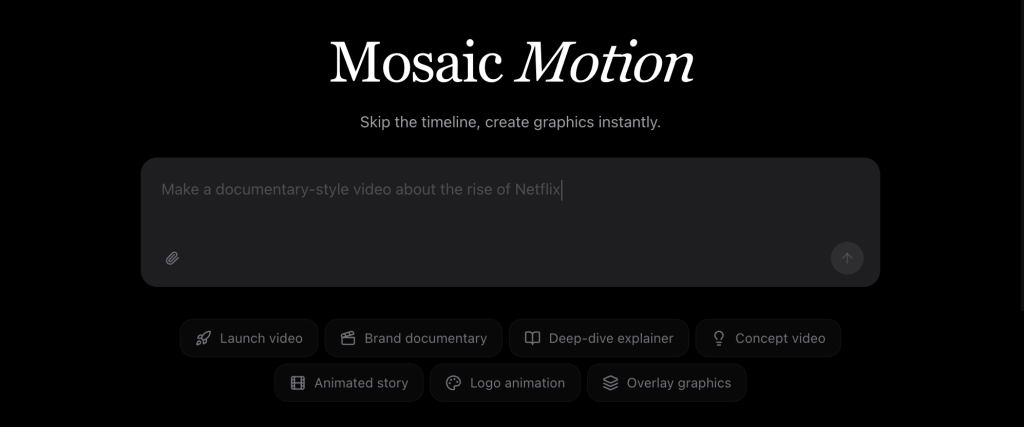
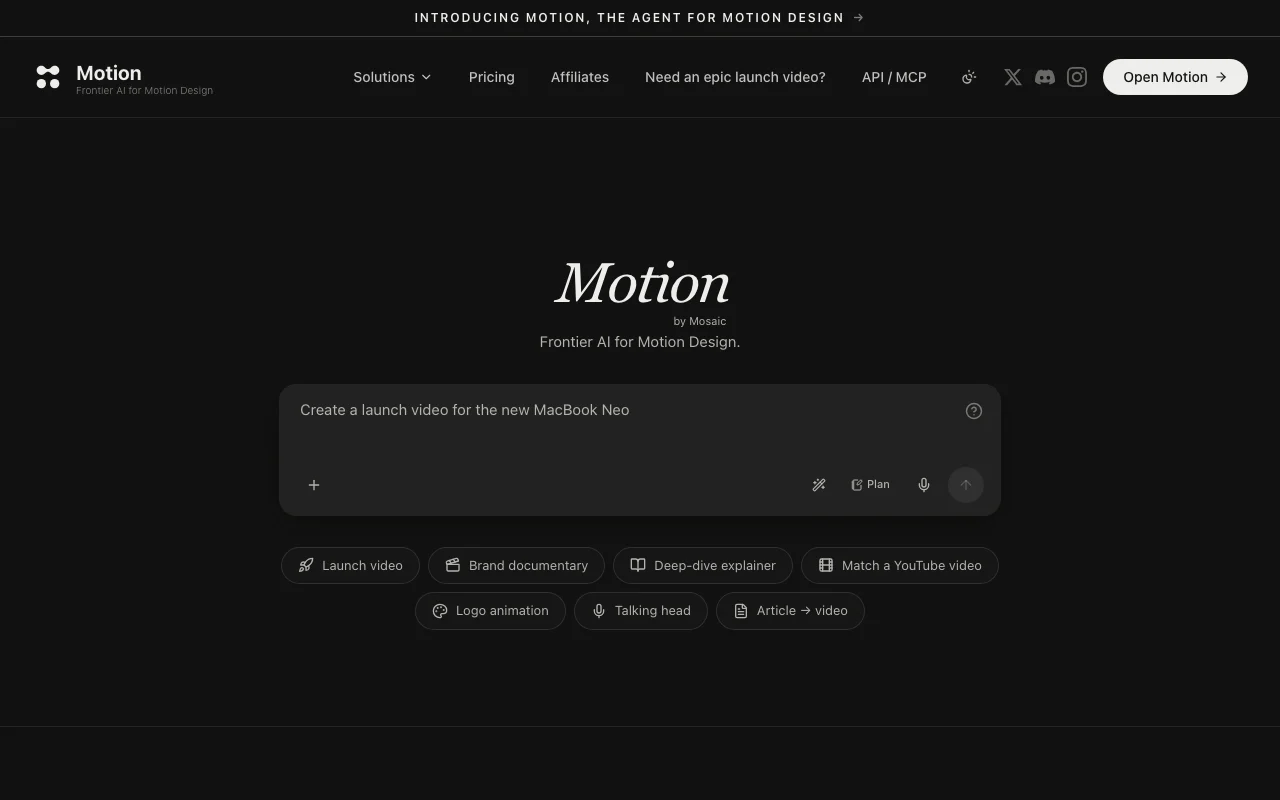
Motion is an AI agent from Mosaic for motion design. Users describe a video in one sentence and Motion researches the user's site, extracts brand colors and typography, storyboards scenes, then generates visuals, motion graphics, voiceover, music and captions. Output remains editable: elements can be resized, dragged, or revised through chat without regenerating whole scenes. Motion can be called from Claude, ChatGPT, Cursor and other agents via MCP server and API, with usage paid through credits.
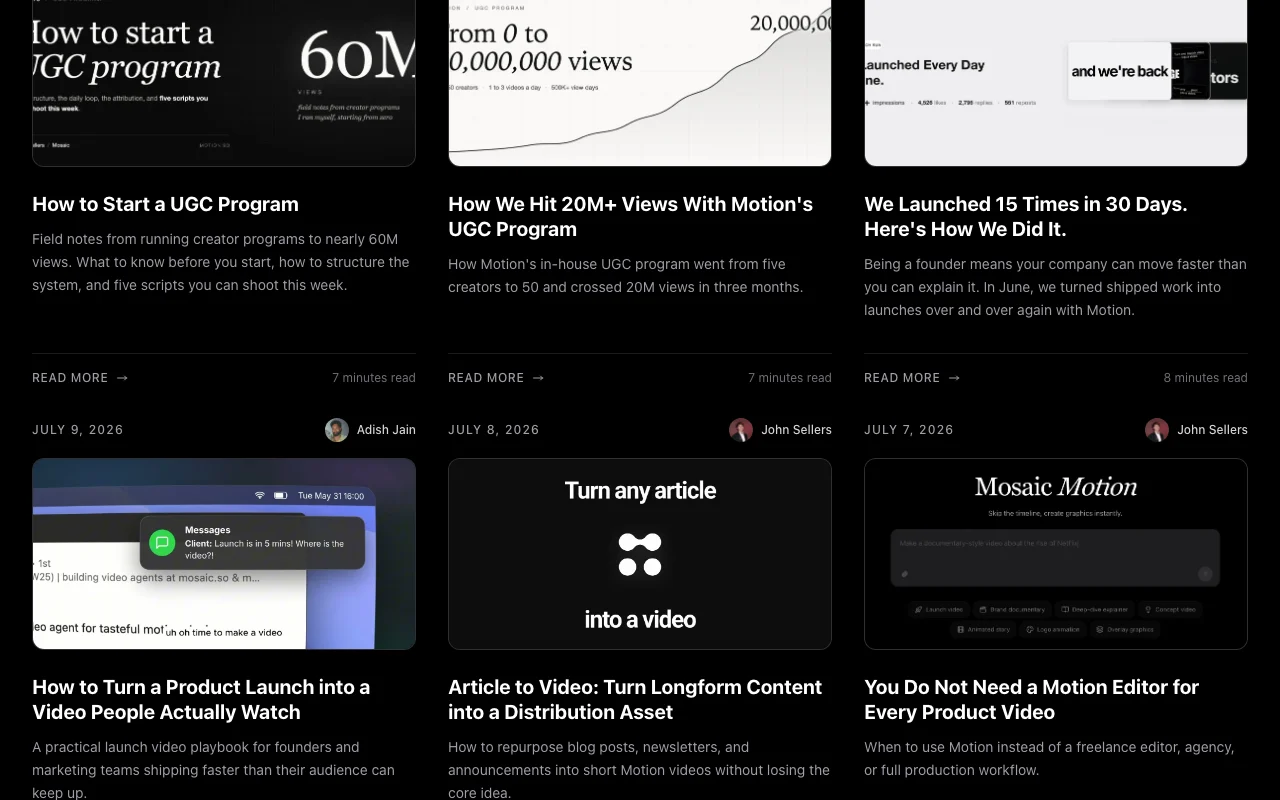
Motion's official site: how the product presents itself. motion.so, captured Oct 2, 2026
What you provide and what you get back
What you give Motion and what comes back, from its documentation
You provide
One-sentence video prompt/brief (e.g., 'Create a 30-second launch video for Motion')
Feature overview on the official site. motion.so, captured Oct 2, 2026
Prompt-to-video agent with plan/storyboard step
Takes one-sentence brief and storyboards the video scene-by-scene before building (plan mode shows 4-5 scenes with color palette, style guide, pacing) Gives users visibility into creative direction before rendering; allows approval/adjustments at planning stage
Access: All plans; storyboard review built into workflowLimit: Storyboard cannot be manually edited; only regenerated via chatsource (opens in a new tab)
Brand research from your website
Motion reads user's site (motion.so in examples) to extract brand colors, typography, reference videos and visual style; uses this to match video aesthetics Ensures generated video aligns with brand identity without manual input of colors/fonts
Access: All plans; automatic during video generationLimit: Brand extraction is automated; may not capture all nuances of brand guidelinessource (opens in a new tab)
Generated voiceover, music and captions
Automatically generates professional voiceover (gender, tone, accent unknown options), royalty-free music matched to pacing, and synchronized captions Produces polished output without external voice actors, musicians or caption tools
Access: All plans; included in every generationLimit: Limited customization of voice/music selection; captions auto-generatedsource (opens in a new tab)
Manual and chat-based editing of individual elements
Users can resize, drag, reposition elements by hand in the editor, or chat with Motion to iterate ('make the logo bigger', 'change the color') without regenerating entire scenes Gives control over details without full re-rendering; fast iteration cycles
Access: All plans; edit tools built into web interfaceLimit: Cannot re-voice or change music without regenerationsource (opens in a new tab)
Motion: strengths and limits
Where Motion is strong
Output remains editable element by element No locked-down AI output; users can manually adjust any detail (size, position, color) or iterate via chatdocumentedsource (opens in a new tab)
Callable from external agents via MCP/API Integrates natively into Claude, ChatGPT, Cursor and other AI agents; can be invoked as part of broader workflowsdocumentedsource (opens in a new tab)
Multiple aspect ratios and durations supported via MCP Can specify video dimensions (16:9, 9:16, 1:1) and length (15s, 30s, 60s) via API without separate processingdocumentedsource (opens in a new tab)
Optional human-directed Studio service Can hire Motion's team to direct videos end-to-end; user retains all assets and rightsdocumentedsource (opens in a new tab)
Limitations to check before paying
Pricing is credit-based; specific costs not disclosed No public price list; must contact Motion to understand cost per video or credit valuedocumentedsource (opens in a new tab)
Pricing not published as a static page Pricing is behind a JavaScript modal on homepage (motion.so/pricing returns 404); difficult to compare or budget upfrontdocumentedsource (opens in a new tab)
Requires an account to create videos No demo or free preview without signing up; account creation with email/password requireddocumentedsource (opens in a new tab)
Focused on motion-graphics style videos rather than live footage Cannot mix generated graphics with real video, photos or screen recordings; pure animated outputdocumentedsource (opens in a new tab)
How to use Motion for creating a launch video from a text prompt
Set up Motion
Sign up at https://motion.so/
Connect Motion to Claude or ChatGPT (via MCP), or access directly via web interface
Add Stripe card to purchase credits (exact credit pricing not disclosed)
Example: creating a launch video from a text prompt
Enter one-sentence prompt: 'Make a 30-second launch video for Motion, the agent for motion design. Bold type, dark, kinetic, with confident voiceover.'
Pricing is credit-based but specific costs are not disclosed on the website. You must contact Motion or access your account dashboard to see pricing. source (opens in a new tab)
Can I use Motion videos commercially?
Yes. You retain all rights to videos generated by Motion, including commercial usage rights. source (opens in a new tab)
Can I edit the generated video?
Yes. Every element is editable: resize, reposition, or change by hand, or ask Motion via chat to iterate without regenerating the entire scene. source (opens in a new tab)
How do I call Motion from Claude or ChatGPT?
Use the Motion MCP connector in Claude Pro or ChatGPT Pro settings. Once connected, mention @motion in your chat to generate videos. Alternatively, use the direct API. source (opens in a new tab)
Sources and review methodology
Official sources and verification dates
Motion, the Frontier Agent for Motion Designhomepage · checked Oct 1, 2026 · Product overview and workflow, Brand research and storyboarding, Editing capabilities, MCP and API integration, Motion Studio (human direction service)
Not verified: Exact pricing per credit or per video not disclosed; Free trial or credit allowance not mentioned; Privacy policy not accessible (HTTP 404); Data retention and training use practices not documented; Voiceover gender, accent and language options not specified; Exact video export formats (MP4 assumed, not confirmed).
How we documented and maintain this page
Every fact about Motion above comes from the 1 official page listed here, last compared on Oct 1, 2026; we have not run Motion ourselves, so it has no editorial score. How we check and re-check pages.
Article updated Oct 2, 2026; prices checked Oct 1, 2026. Outbound links to vendors are plain links; we do not earn commissions. How we review · Report an error