VideoDocumented overviewLast checked Sep 29, 2026

PandaStudio: Pricing, Features & Best Use Cases

AI video editor for Mac and Windows that records, edits by transcript, and can be driven by Claude Code, Codex or ChatGPT.
Is PandaStudio right for you?

PandaStudio suits creators who want a Mac and Windows editor that records, edits by transcript and can be driven by their own Claude, ChatGPT or Codex account, with monthly or lifetime licensing. Based on the vendor's documentation, not on a hands-on test.

Best for: Creators

Also a good fit for

  • Developers making demos

Consider another tool if trial exports are watermarked

Or if

  • AI needs your own Claude/ChatGPT account
  • Starter lifetime lacks social publishing

PandaStudio pricing and usage limits

Prices checked Sep 29, 2026 on the official US pricing page. Official pricing ↗ Prices and limits change often.

PandaStudio pricing page with plans and prices — screenshot of the video AI tool, Oct 1, 2026
The official PandaStudio pricing page as we saw it. writepanda.ai, captured Oct 1, 2026

Free access and trial conditions

10 free exports with no card, watermarked.

Trial = 10 exports.

Paid plans: what changes as you upgrade

Free trial Desktop

Free source (opens in a new tab)

Trial, annual commitment

For: Evaluation

Limits

  • 10 free exports, watermarked
  • No card

Includes

  • Full app download

Pro Monthly Desktop

$19/mo source (opens in a new tab)

Month, annual commitment

For: Occasional creators

Limits

  • 1 device

Includes

  • All editing features
  • Social publishing
1 more
  • MCP and CLI

API included

Lifetime Starter Desktop

$99 one-time source (opens in a new tab)

One-time, annual commitment

For: Budget users

Limits

  • No social publishing

Includes

  • Own the app forever

Lifetime Team Desktop

$499 one-time source (opens in a new tab)

One-time, annual commitment

For: Small teams

Limits

  • 5 devices

Includes

  • Own the app forever

Lifetime Creator Desktop

See official pricing source (opens in a new tab)

One-time, annual commitment

For: Creators

Limits

  • Details not captured

Includes

  • Listed on pricing page

Usage caps, credits and extra costs

Your own Claude, ChatGPT or MiniMax subscription for AI features.

Not stated.

What is PandaStudio, and how does it work?

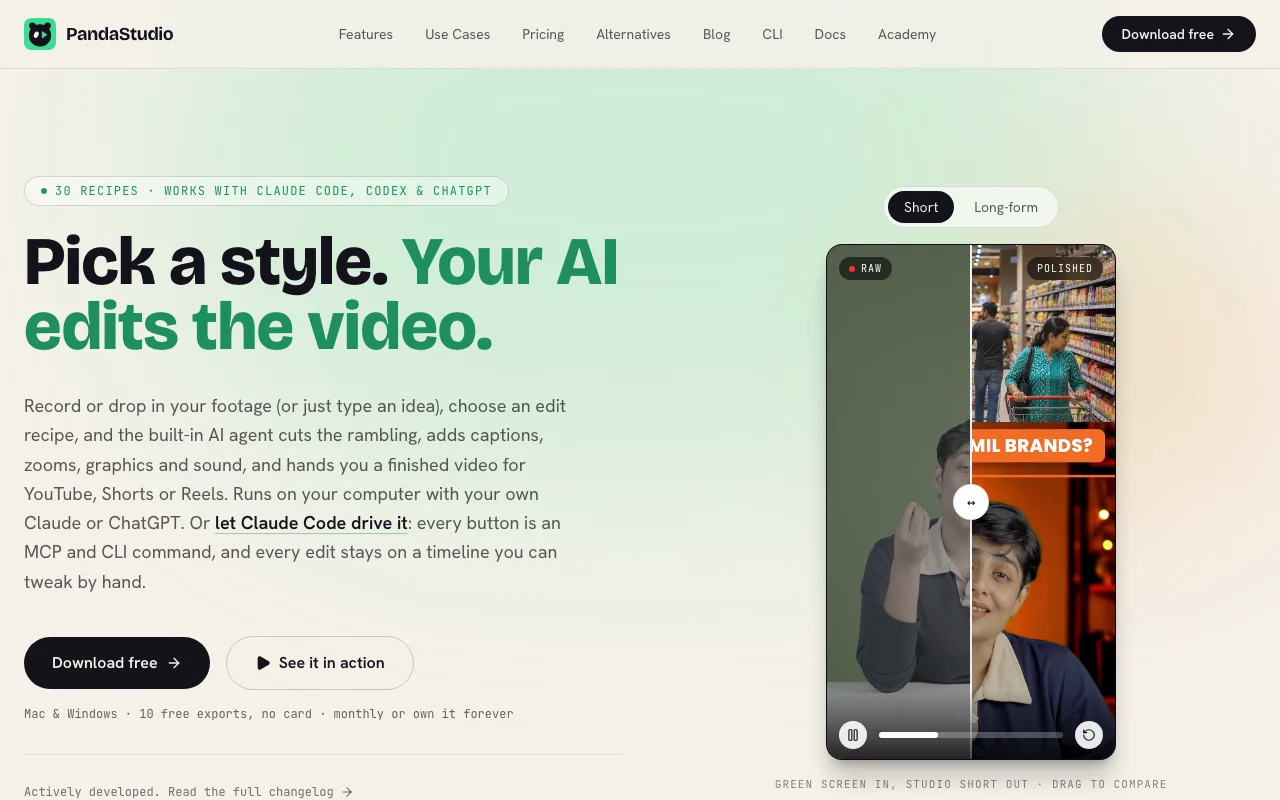
PandaStudio is a desktop video editor that records screen and camera, transcribes locally, and lets you edit by deleting words. A built-in AI agent applies edit recipes such as captions, zooms, graphics and sound cleanup. AI features use your own Claude, ChatGPT or Codex account. Every action is exposed as MCP and CLI commands, and edits stay on a timeline.

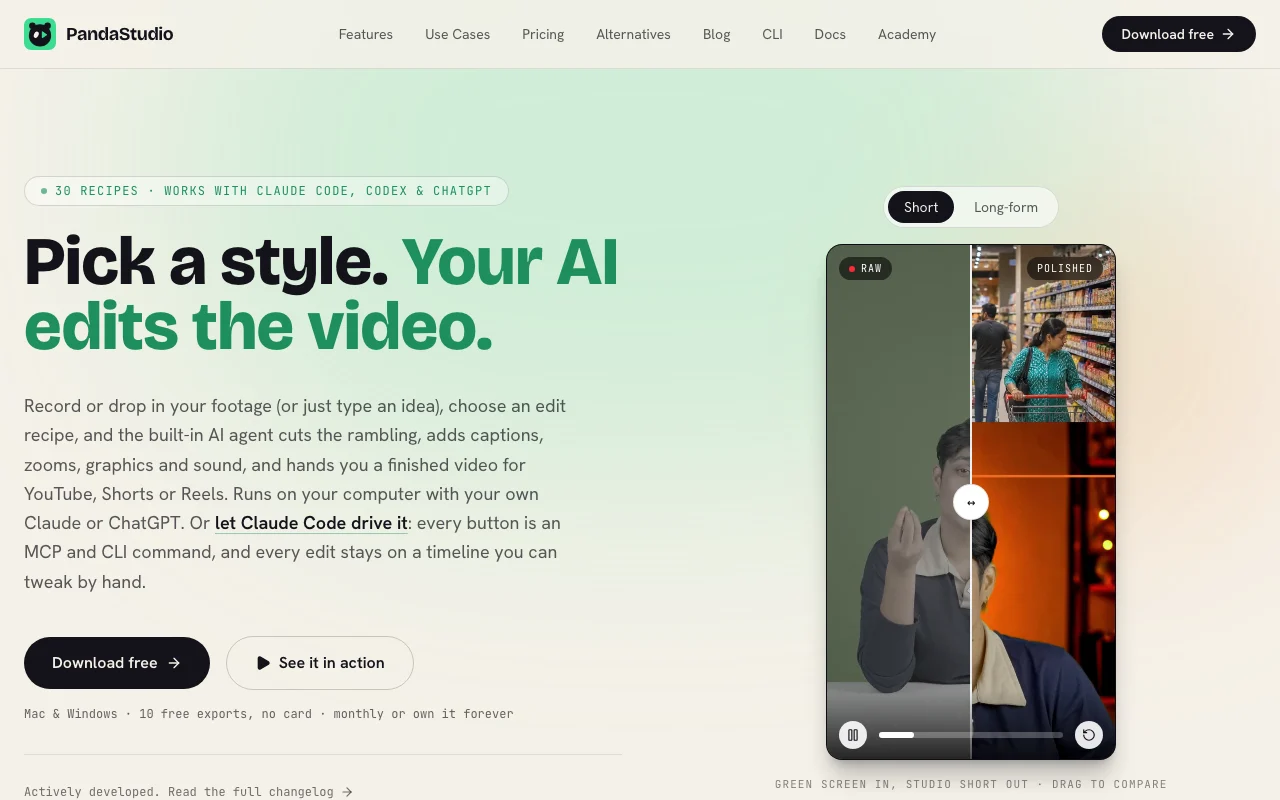
PandaStudio homepage — screenshot of the video AI tool, Oct 1, 2026
PandaStudio's official site: how the product presents itself. writepanda.ai, captured Oct 1, 2026

What you provide and what you get back

How PandaStudio works: what you provide, where it runs and what you get backYOU PROVIDEYour inputScreen and camera recordingsImported videoPlain-English edit requestsVIDEOPandaStudioDesktop, APIfrom $19/mo (Pro Monthly)free tier availableaccount requiredchecked Sep 29, 2026YOU GET BACKThe resultEdited videos in 16:9, 9:16 and s…Captions, titles and thumbnailsPublished uploads to YouTube or I…input → PandaStudio → output · from the vendor's own pages, no hands-on test unless stated
What you give PandaStudio and what comes back, from its documentation

You provide

  • Screen and camera recordings
  • Imported video
  • Plain-English edit requests

You get back

  • Edited videos in 16:9, 9:16 and square
  • Captions, titles and thumbnails
  • Published uploads to YouTube or Instagram

Where you can use it

Platforms
Desktop, API
Account
Required
Platforms
Mac and Windows
Loudness
Exports at -14 LUFS
Recipes
30 edit recipes
Transcription
On-device

Where PandaStudio is most useful

Scenarios are worked out by our editors from the documentation; the actual result depends on your input and plan.

Screen recordings and tutorials

Who
Educators and product teams
You provide
Screen and camera recording
Expected result
Polished tutorial with zooms following clicks
Plan needed
Any
Limitation
Trial exports watermarked source (opens in a new tab)

Short-form videos

Who
Creators
You provide
A long video
Expected result
Vertical Shorts reframed around the face
Plan needed
Pro or lifetime
Limitation
Social publishing missing on Starter lifetime source (opens in a new tab)

Remote podcasts

Who
Podcasters
You provide
Peer-to-peer recording
Expected result
Edited episode with captions
Plan needed
Any
Limitation
Not detailed source (opens in a new tab)

Letting Claude Code edit a video

Who
Developers
You provide
An MCP or CLI command
Expected result
Edit applied on a timeline you can tweak
Plan needed
Pro or lifetime
Limitation
Needs your AI account source (opens in a new tab)

Key features and their practical limits

PandaStudio homepage — screenshot of the video AI tool, Oct 1, 2026
Feature overview on the official site. writepanda.ai, captured Oct 1, 2026

Screen and camera recording

Records screen and camera in one take with a countdown. Start from capture.

Access: All plansLimit: Mac and Windows only source (opens in a new tab)

Edit by transcript

Transcribes on-device and cuts video when you delete words. Edit like text.

Access: All plansLimit: Transcript accuracy varies source (opens in a new tab)

Animated captions

Creates word-by-word styled captions from the transcript. Retains viewers.

Access: All plansLimit: Styles preset source (opens in a new tab)

Auto zooms

Zooms in where you clicked, with optional sound effects. Draws attention to actions.

Access: All plansLimit: Editable manually source (opens in a new tab)

PandaStudio pros and cons

Reasons to choose PandaStudio

Check before paying for PandaStudio

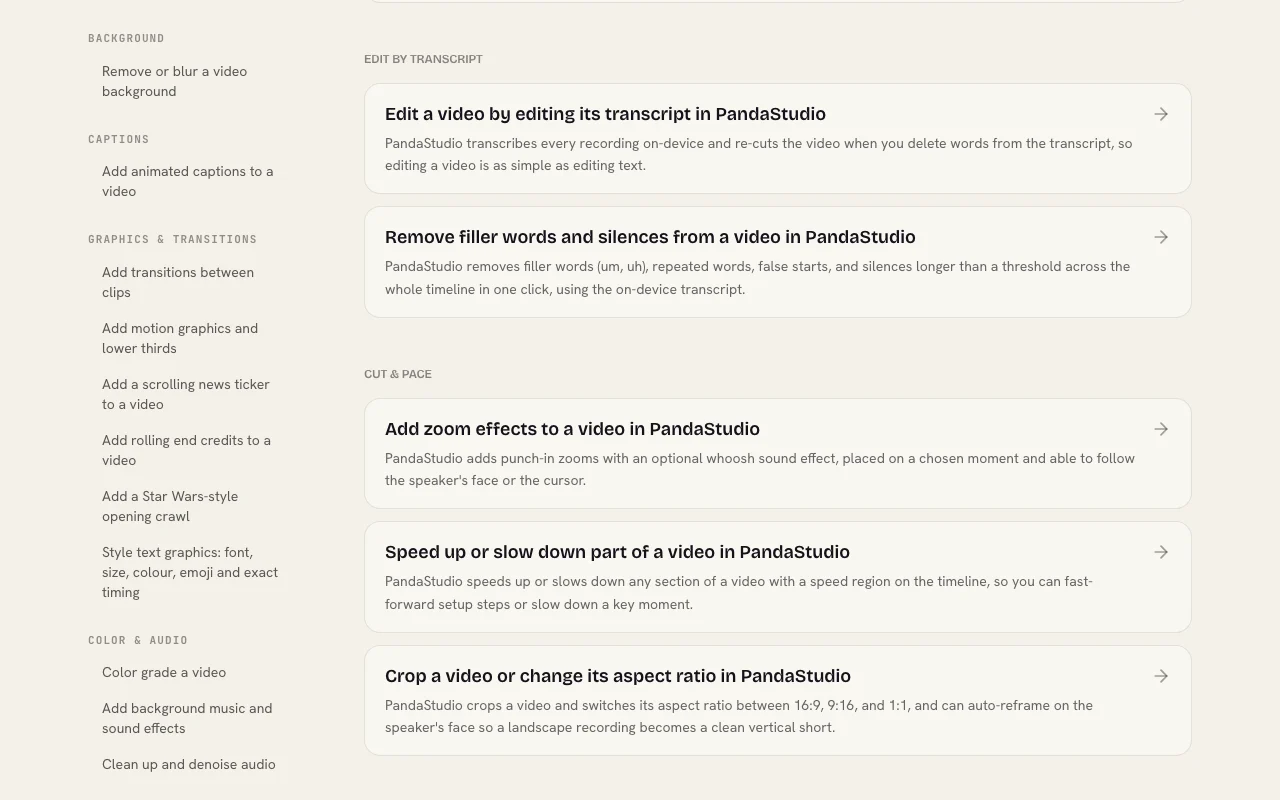
How to use PandaStudio for editing a screen recording by transcript

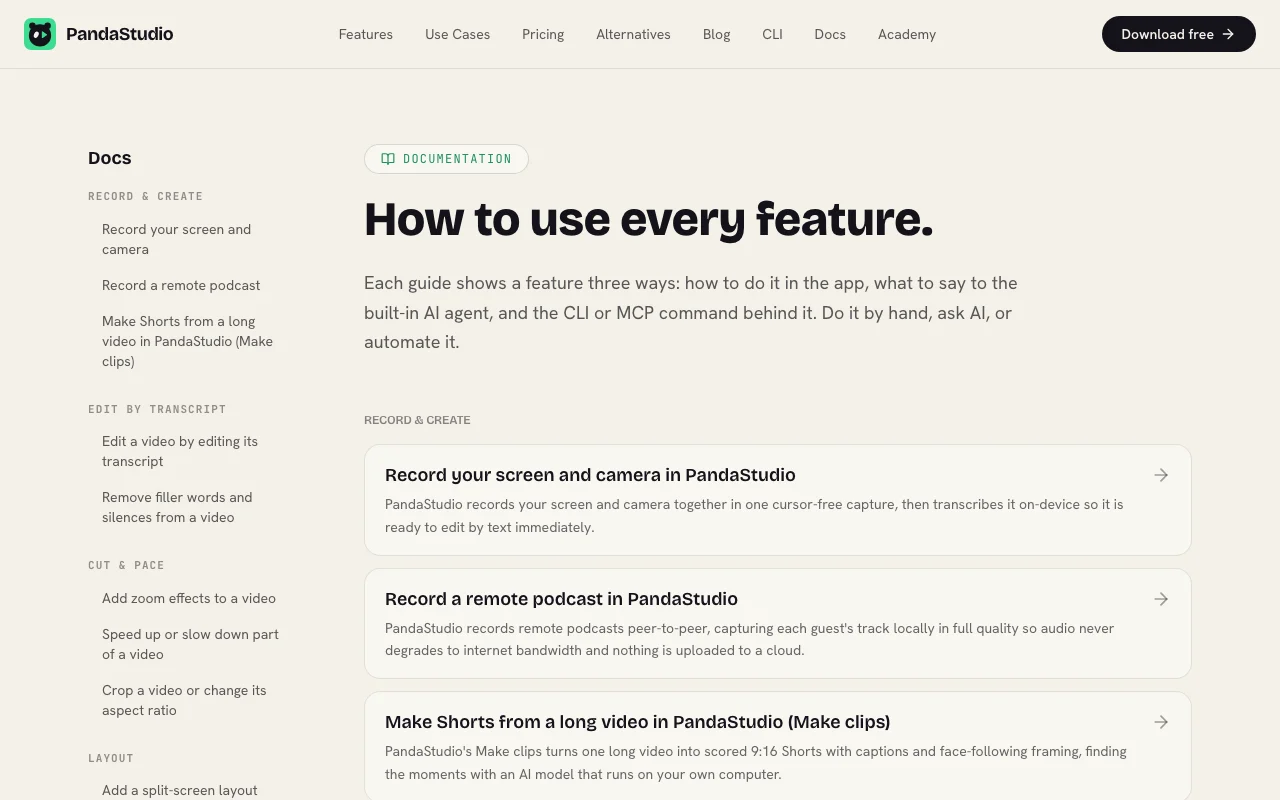
PandaStudio documentation — screenshot of the video AI tool, Oct 1, 2026
PandaStudio documentation: where the steps below come from. writepanda.ai, captured Oct 1, 2026

Set up PandaStudio

  1. Download PandaStudio for Mac or Windows
  2. Open a new recording and choose screen and camera
  3. Connect your Claude or ChatGPT account for the AI agent

Example: editing a screen recording by transcript

  1. Record your screen with a 3-2-1 countdown
  2. Delete filler words in the transcript
  3. Add animated captions
  4. Export in 16:9 and 9:16

Review and export the result

  1. Play the export and check cuts follow the transcript
  2. Confirm no watermark after upgrading
Example prompt suggested by our editors (not a recorded output of the product)
Cut the rambling, add captions and zoom on each click, then make a 60 second Short.
PandaStudio integrations and API

PandaStudio documentation — screenshot of the video AI tool, Oct 1, 2026
PandaStudio documentation (continued). writepanda.ai, captured Oct 1, 2026

Native integrations and export formats

Export: MP4 in 16:9, 9:16, square

API access and separate billing

PandaStudio has no public API in its official documentation. MCP and CLI commands for every button. API documentation ↗

Privacy, data use and commercial rights

Summarized from the vendor's current policies; this is not legal advice and a vendor's badge is not an independent audit.

How your inputs and outputs are handled

Recording, transcription and denoising run on your computer; AI edits use your own Claude, ChatGPT or MiniMax account.

Not captured.

Local files.

Commercial use and plan restrictions

Not stated.

Starter lifetime lacks social publishing.

Policies: writepanda.ai/privacy

Other tools to consider instead of PandaStudio

"Better suited" is based on documented features and pricing, not on a head-to-head test.

Descript: better suited to

Runway: better suited to

Alternatives
AlternativeWhen to choose itPricingLimitation
Descript——Compare
Runway——Compare

Explore PandaStudio further

Tools and guides near PandaStudio

PandaStudio user reviews

No user reviews yet.

Used PandaStudio? Be the first to share your experience.

Write a review

Reviews are checked by a moderator before they appear. Your email is never published. Plain text only.

Your rating (required)

Show what you made or what went wrong. Images are published only if the review is approved; location data is removed.

    PandaStudio FAQ

    Is there a free trial?

    Yes, 10 free exports with no card; trial exports are watermarked. source (opens in a new tab)

    How much does it cost?

    Pro Monthly is $19 per month for 1 device; Lifetime Starter $99 one-time; Lifetime Team $499 one-time for 5 devices. source (opens in a new tab)

    Does the AI need my own account?

    Yes, the built-in agent uses your own ChatGPT, Claude or MiniMax account. source (opens in a new tab)

    Can Claude Code control it?

    Yes, every button is an MCP and CLI command usable from Claude Code, Codex or Cursor. source (opens in a new tab)

    Is there a refund?

    The site lists a 30-day money-back guarantee. source (opens in a new tab)

    Sources and review methodology

    Official sources and verification dates

    Not verified: Creator lifetime price; Training and retention.

    How we documented and maintain this page

    Every fact about PandaStudio above comes from the 3 official pages listed here, last compared on Sep 29, 2026; we have not run PandaStudio ourselves, so it has no editorial score. How we check and re-check pages.

    Article updated Oct 10, 2026; prices checked Sep 29, 2026. Outbound links to vendors are plain links; we do not earn commissions. How we review · Report an error