VideoDocumented overviewLast checked Oct 1, 2026

Reelbase: Pricing, Features & Best Use Cases

AI tool that turns a prompt into TikTok, Reels and Shorts slideshows with scripts, visuals and scheduled publishing.

Who Reelbase fits

Choose Reelbase if you make faceless TikTok, Reels or Shorts slideshows and want to go from one prompt to an editable, schedulable post, with a 7-day free trial on every plan. Based on the vendor's documentation, not on a hands-on test.

Best for: Short-form creators

Also a good fit for

  • E-commerce marketers
  • Social media agencies

Consider another tool if usage limited by monthly credits

Or if

  • Social account connections capped on Creator plan
  • API access only on Agency plan

Reelbase pricing and usage limits

Prices checked Oct 1, 2026 on the official US pricing page. Official pricing ↗ Prices and limits change often.

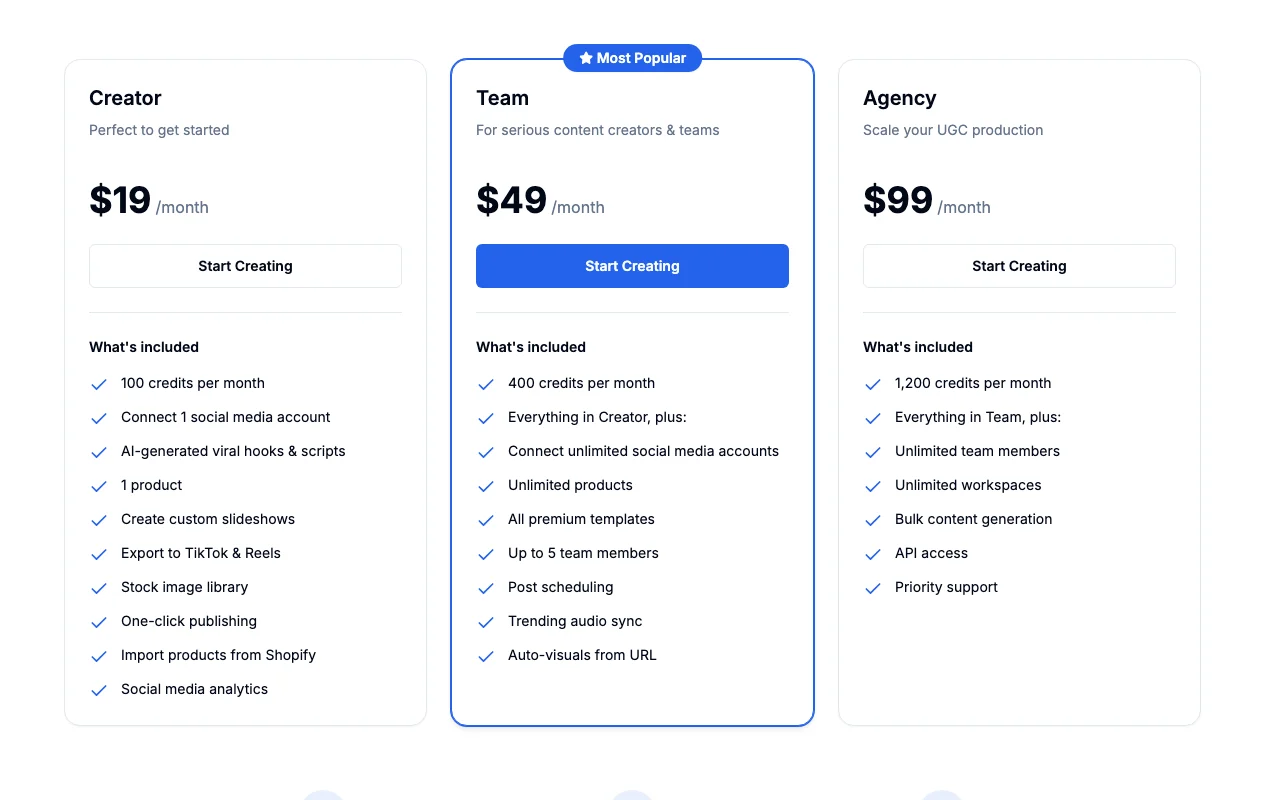
Reelbase pricing page with plans and prices — screenshot of the video AI tool, Oct 2, 2026
The official Reelbase pricing page as we saw it. reelbase.io, captured Oct 2, 2026

Free access and trial conditions

No free plan; 7-day free trial on all plans, no credit card required to start

7-day free trial on every plan

Paid plans: what changes as you upgrade

Creator Web

$19/mo source (opens in a new tab)

Month

Annual billing option shown with savings up to 17%; annual amounts not shown in text

For: Individual creators getting started

Limits

  • 100 credits per month
  • 1 social account
1 more
  • 1 product

Includes

  • AI hooks and scripts
  • Export to TikTok and Reels
2 more
  • Shopify product import
  • Social media analytics

No API

Team Web

$49/mo source (opens in a new tab)

Month

Annual billing option shown with savings up to 17%; annual amounts not shown in text

For: Creators and teams

Limits

  • 400 credits per month
  • Up to 5 team members

Includes

  • Unlimited social accounts and products
  • Post scheduling
2 more
  • Trending audio sync
  • Auto-visuals from URL

No API

Agency Web

$99/mo source (opens in a new tab)

Month

Annual billing option shown with savings up to 17%; annual amounts not shown in text

For: Agencies scaling UGC production

Limits

  • 1,200 credits per month
  • Unlimited team members and workspaces

Includes

  • Bulk content generation
  • API access
1 more
  • Priority support

API included

Usage caps, credits and extra costs

Not stated

Not stated; 30-day money-back guarantee

What is Reelbase, and how does it work?

Reelbase generates short-form slideshows from a single prompt: it writes a hook and captions, fills slides with generated or uploaded brand visuals, and opens an editor for tweaks before export. It also lets users publish or schedule posts to TikTok, Reels and Shorts from one calendar. Plans are credit-based and the pricing page states a 7-day free trial on all plans.

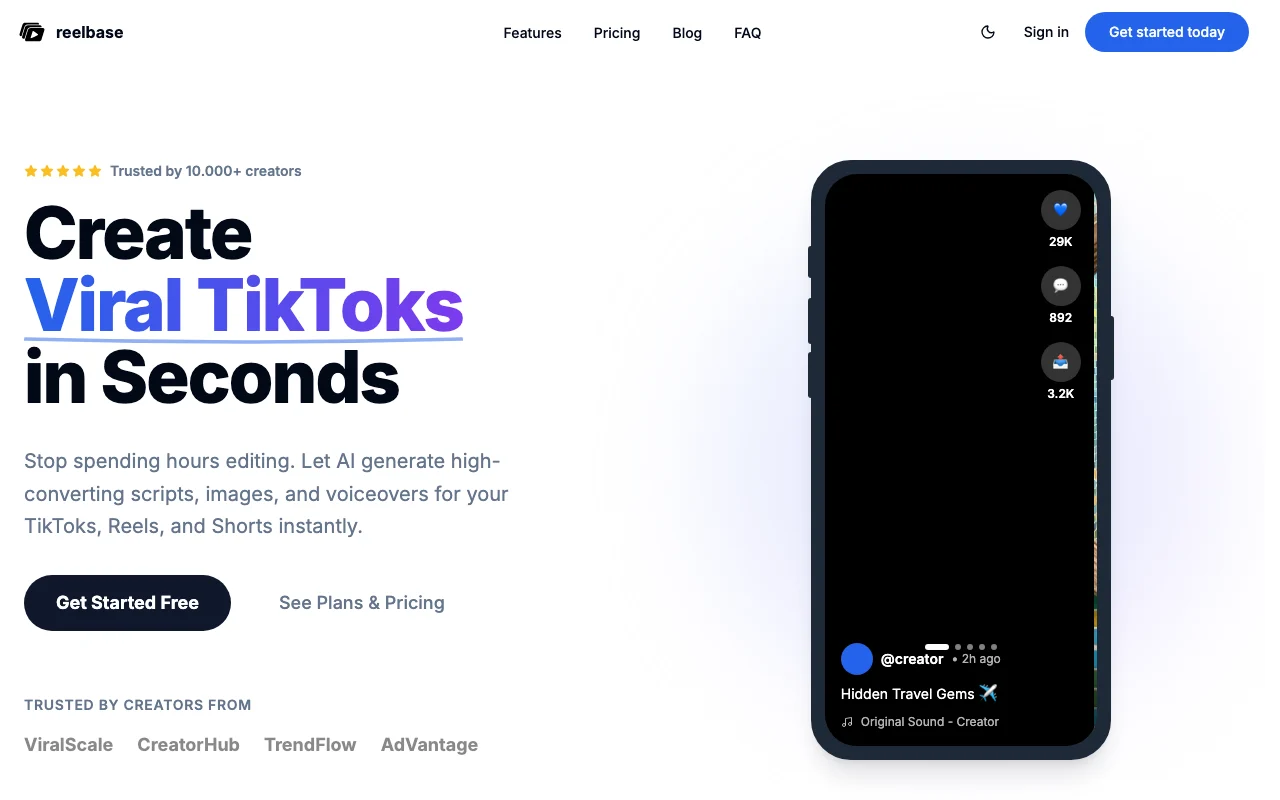
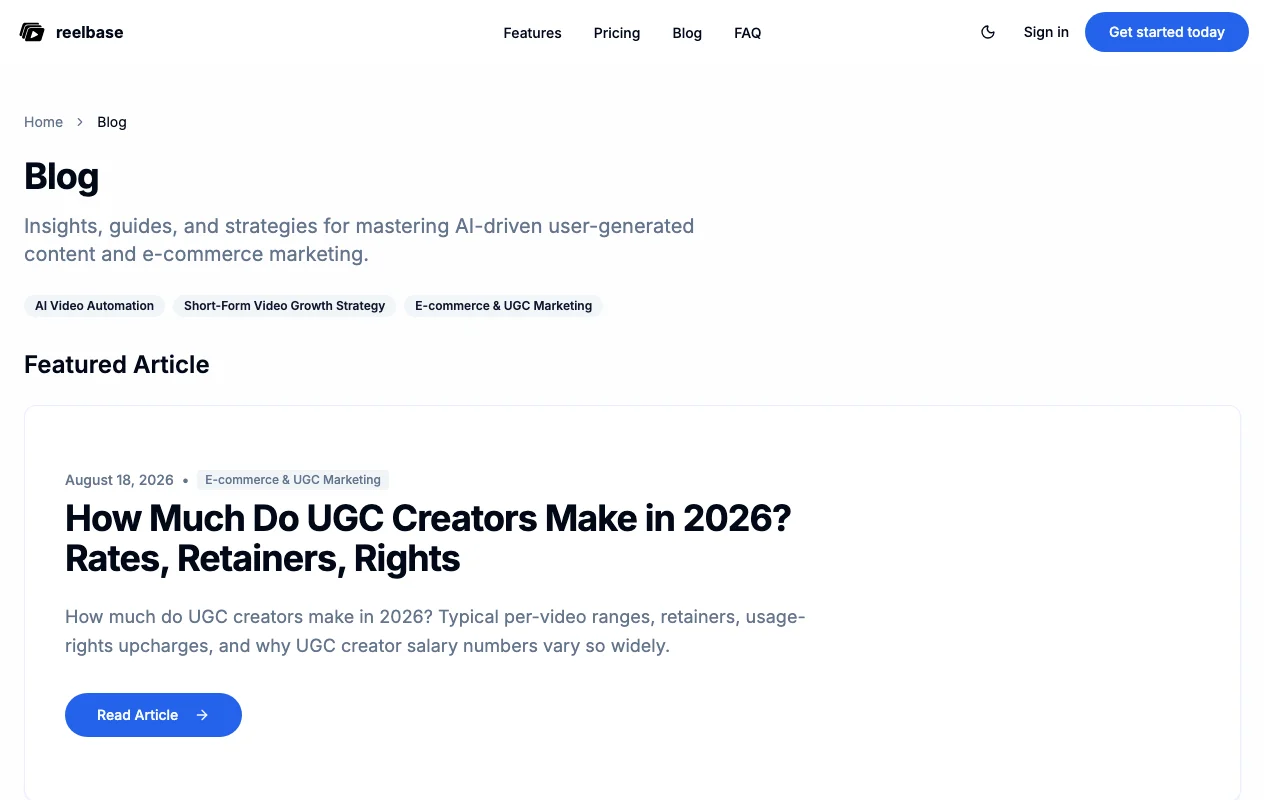
Reelbase homepage — screenshot of the video AI tool, Oct 2, 2026
Reelbase's official site: how the product presents itself. reelbase.io, captured Oct 2, 2026

What you provide and what you get back

How Reelbase works: what you provide, where it runs and what you get backYOU PROVIDEYour inputText promptProduct or URL for auto-visualsBrand images and librariesVIDEOReelbaseWeb, APIfrom $19/mo (Creator)no free tieraccount requiredchecked Oct 1, 2026YOU GET BACKThe resultSlideshow with hook, captions and…Exports for TikTok and ReelsScheduled posts and analyticsinput → Reelbase → output · from the vendor's own pages, no hands-on test unless stated
What you give Reelbase and what comes back, from its documentation

You provide

  • Text prompt
  • Product or URL for auto-visuals
  • Brand images and libraries

You get back

  • Slideshow with hook, captions and visuals
  • Exports for TikTok and Reels
  • Scheduled posts and analytics

Where you can use it

Platforms
Web, API
Account
Required
Platforms
TikTok, Reels, Shorts
Format
Slideshows with hooks, scripts and visuals
Credits
100 / 400 / 1,200 per month
Roles
1 / up to 5 / unlimited team members
Commercial terms
Not fetched

Best use cases for Reelbase

Scenarios are worked out by our editors from the documentation; the actual result depends on your input and plan.

TikTok slideshow posts

Who
Creators and faceless channel owners
You provide
One prompt about a topic
Expected result
Slideshow draft with hook, slides and call to action
Plan needed
Creator
Limitation
Uses monthly credits; credit cost per slideshow not stated source (opens in a new tab)

Instagram Reels content

Who
Social media managers
You provide
Slideshow and chosen accounts
Expected result
Posts queued on a content calendar
Plan needed
Team
Limitation
Scheduling listed on Team and above source (opens in a new tab)

YouTube Shorts content

Who
Agencies and ecommerce teams
You provide
Products imported from Shopify or a URL
Expected result
Product-led slideshow content in bulk
Plan needed
Agency
Limitation
Bulk generation only on Agency source (opens in a new tab)

Key features and their practical limits

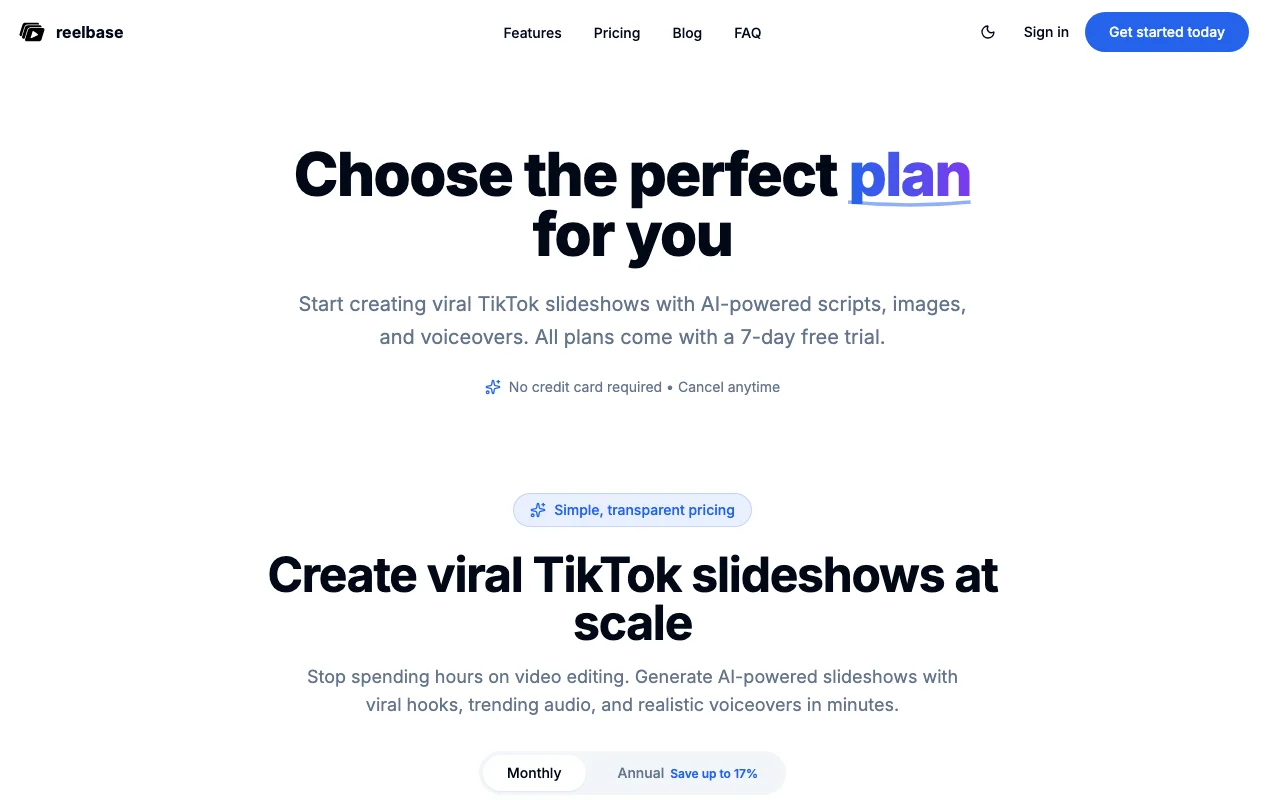
Reelbase homepage — screenshot of the video AI tool, Oct 2, 2026
Feature overview on the official site. reelbase.io, captured Oct 2, 2026

Prompt-to-slideshow generation

Generates a slideshow from one prompt with AI hooks and scripts Cuts manual scripting time

Access: All plansLimit: Credit-limited source (opens in a new tab)

AI hooks and scripts

Fills slides with AI-generated or brand visuals and a stock image library Keeps visuals on brand

Access: All plansLimit: Image licence terms not fetched source (opens in a new tab)

AI or brand visuals

Lets you edit copy and swap slides before export Avoids black-box output

Access: All plansLimit: Manual editing time still needed source (opens in a new tab)

In-app editor

Publishes and schedules to TikTok, Reels and Shorts with a content calendar Manages posting in one place

Access: One-click publishing on all plans; scheduling on Team and AgencyLimit: Creator connects only 1 account source (opens in a new tab)

Pros, cons and deal-breakers

Reasons to choose Reelbase

Check before paying for Reelbase

How to use Reelbase for creating a TikTok slideshow

Set up Reelbase

  1. Start the 7-day free trial on reelbase.io
  2. Connect a TikTok, Instagram or YouTube account
  3. Optionally import a product from Shopify or paste a URL
  4. Enter a prompt describing the slideshow

Example: creating a TikTok slideshow

  1. Type a topic prompt and click Generate
  2. Review the hook, slides and call to action
  3. Edit copy and swap slides in the editor
  4. Export or schedule on the calendar

Review and export the result

  1. Check facts and claims on every slide
  2. Confirm the credit balance and scheduled time look right
Example prompt suggested by our editors (not a recorded output of the product)
Skincare routine for busy moms

Reelbase API

Reelbase pricing page with plans and prices — screenshot of the video AI tool, Oct 2, 2026
Plan comparison on the official pricing page. reelbase.io, captured Oct 2, 2026

API access and separate billing

An API is available, billing not documented. API access listed on Agency plan; docs page not available

Reelbase alternatives by need

"Better suited" is based on documented features and pricing, not on a head-to-head test.

Runway: better suited to

Canva: better suited to

Kling AI: better suited to

Synthesia: better suited to

Alternatives
AlternativeWhen to choose itPricingLimitation
Runway——Compare
Canva——
Kling AI——Compare
Synthesia——Compare

Explore Reelbase further

If you are looking at Reelbase

Reelbase user reviews

No user reviews yet.

Used Reelbase? Be the first to share your experience.

Write a review

Reviews are checked by a moderator before they appear. Your email is never published. Plain text only.

Your rating (required)

Show what you made or what went wrong. Images are published only if the review is approved; location data is removed.

    Reelbase FAQ

    How much does Reelbase cost?

    Creator is $19/month, Team $49/month and Agency $99/month. source (opens in a new tab)

    Is there a free trial?

    Yes, all plans have a 7-day free trial and no credit card is required to start. source (opens in a new tab)

    Can I get a refund?

    Yes, a 30-day money-back guarantee for a full refund if you contact support. source (opens in a new tab)

    Can I change plans later?

    Yes: upgrades apply immediately and downgrades start at the next billing cycle. source (opens in a new tab)

    Which payment methods are accepted?

    Major credit and debit cards, processed through Stripe. source (opens in a new tab)

    Sources and review methodology

    Official sources and verification dates

    Not verified: Privacy policy and training use; Credits consumed per slideshow; Commercial-use and image licence terms; Annual prices; Taxes.

    How we documented and maintain this page

    Every fact about Reelbase above comes from the 2 official pages listed here, last compared on Oct 1, 2026; we have not run Reelbase ourselves, so it has no editorial score. How we check and re-check pages.

    Article updated Oct 2, 2026; prices checked Oct 1, 2026. Outbound links to vendors are plain links; we do not earn commissions. How we review · Report an error