Free desktop
Free source (opens in a new tab)
One-time, annual commitment
For: Trying the app
Limits
- Full clipping on 2 videos
- Watermark implied on exports
Includes
- Local processing
- No card needed
No API

VideoDocumented overviewLast checked Sep 29, 2026
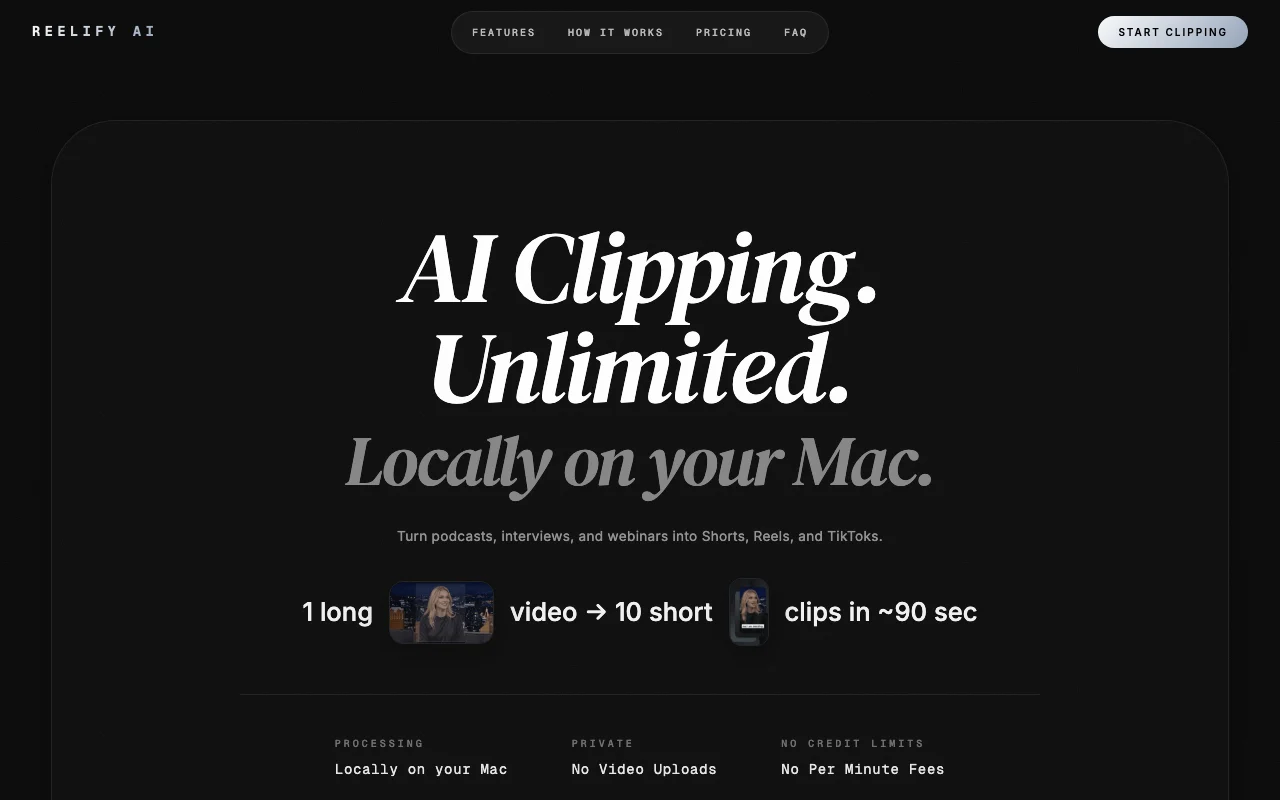
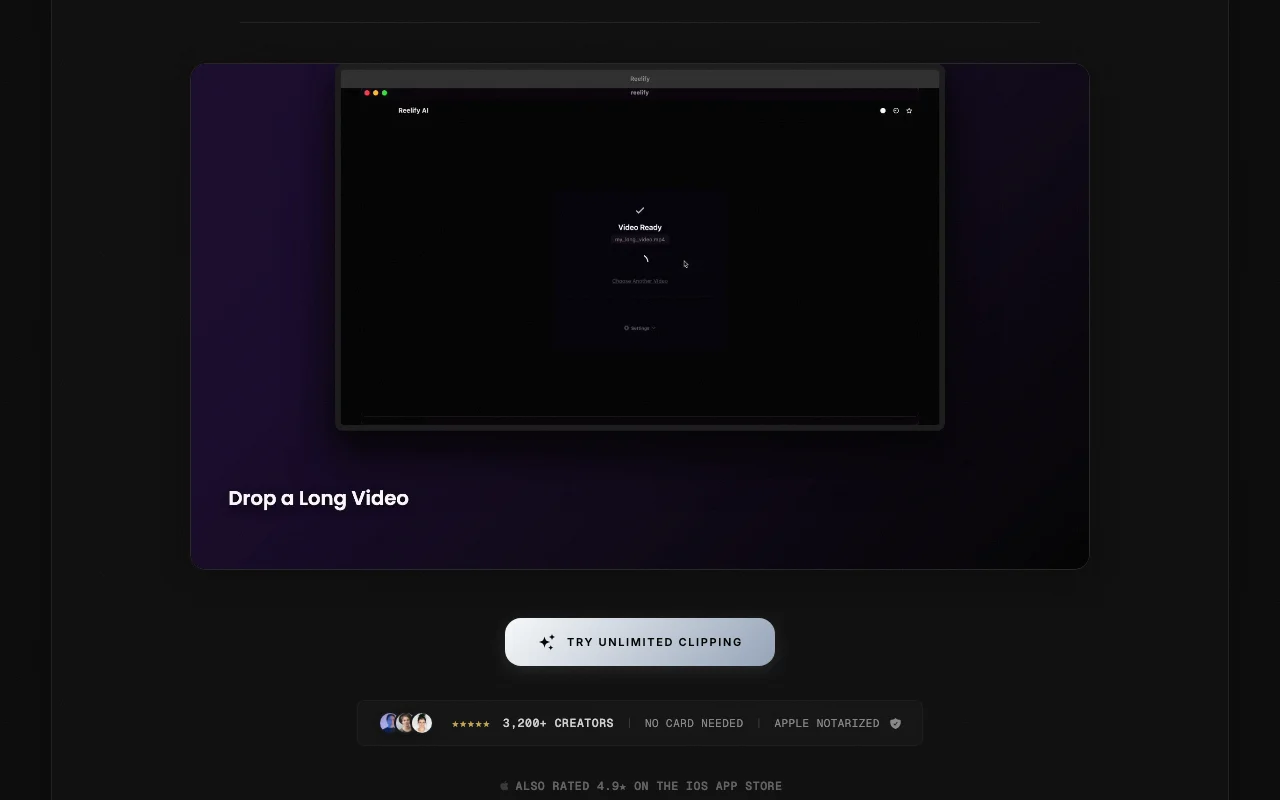
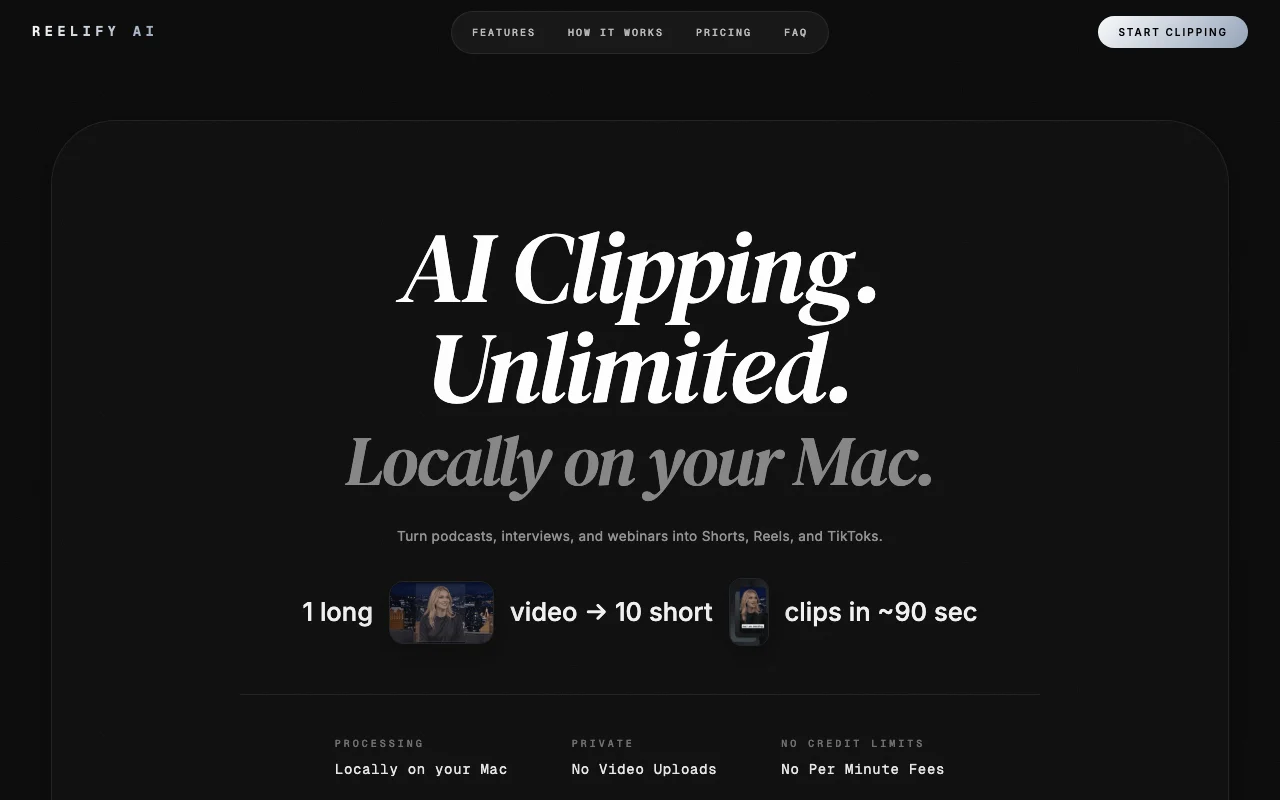
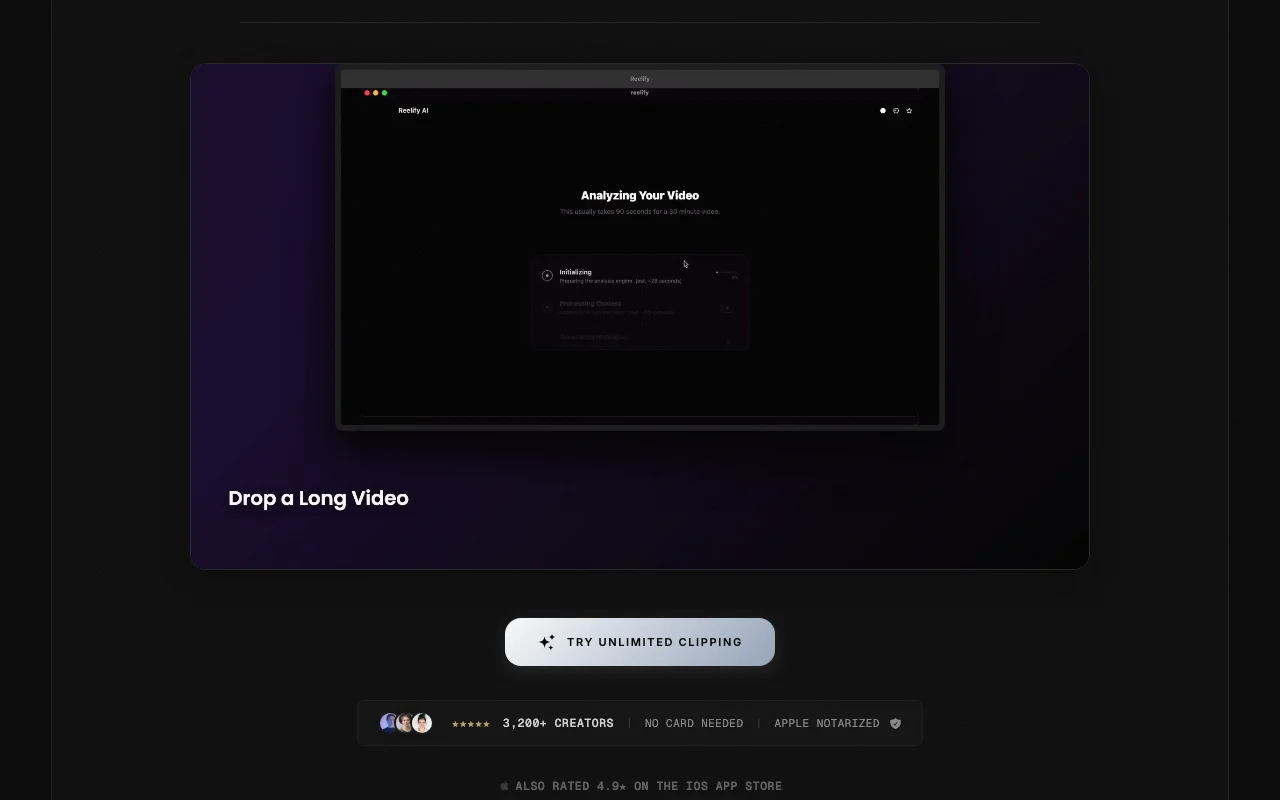
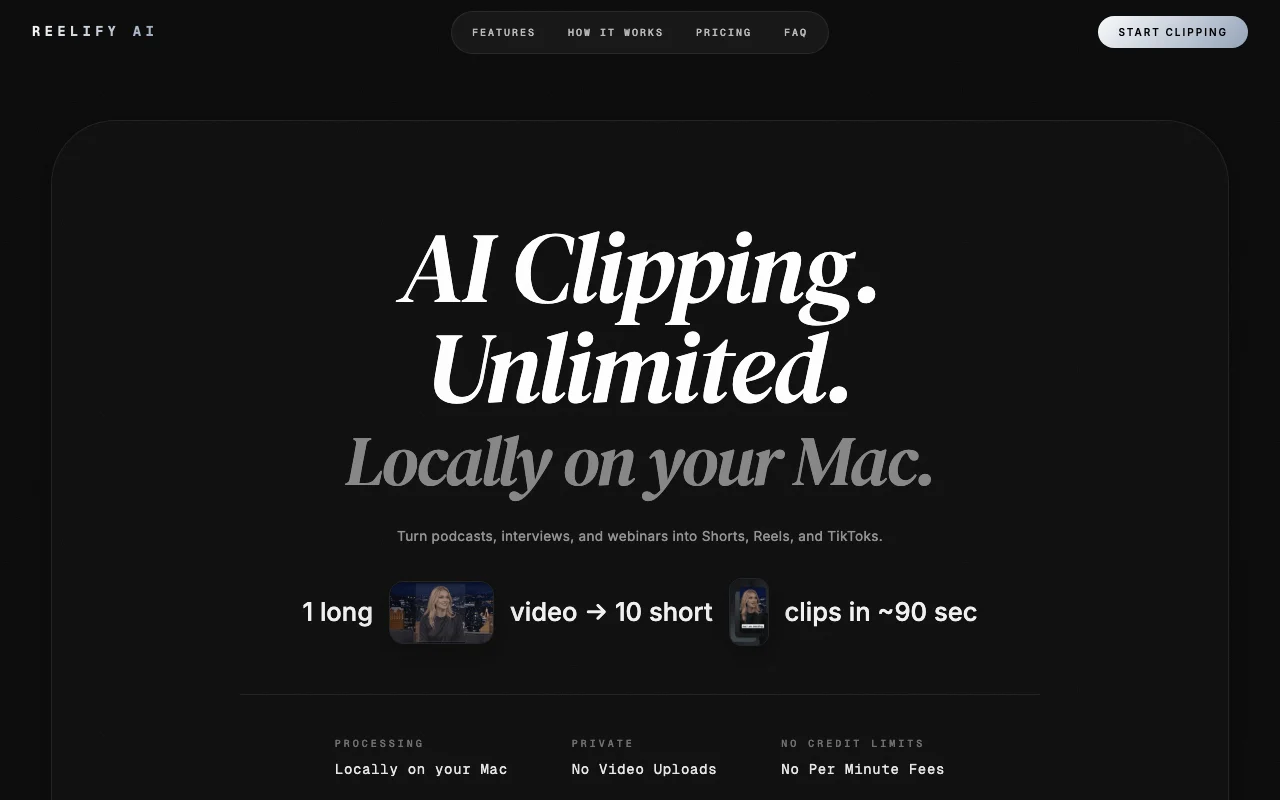
Mac app that turns long videos into short vertical clips with captions, processed locally on-device.

 (open full size in a new tab)
 (open full size in a new tab)
 (open full size in a new tab)
 (open full size in a new tab)
 (open full size in a new tab)
 (open full size in a new tab)
Our take: Choose Reelify AI if you own an Apple Silicon Mac and want podcasts or webinars turned into captioned vertical clips locally, with no uploads and no credit limits on paid plans.
Main limitation: The desktop app needs macOS 15 or later on Apple Silicon, and the free plan covers only 2 videos.
Choose Reelify AI if you own an Apple Silicon Mac and want podcasts or webinars turned into captioned vertical clips locally, with no uploads and no credit limits on paid plans. Based on the vendor's documentation, not on a hands-on test.
Also a good fit for
Or if
Prices checked Sep 29, 2026 on the official US pricing page. Official pricing ↗ Prices and limits change often.
Free plan for 2 videos
No card needed
Free source (opens in a new tab)
One-time, annual commitment
For: Trying the app
Limits
Includes
No API
$15/mo source (opens in a new tab)
Month, annual commitment
For: Mac-based creators
Limits
Includes
No API
See official pricing source (opens in a new tab)
Month, annual commitment
For: Heavier creators
Includes
No API
None stated
Not stated
Reelify AI is a macOS app that finds highlight moments in long videos such as podcasts and webinars and exports captioned vertical clips for Shorts, Reels and TikTok. Processing runs on the user's Mac rather than in the cloud, which the site gives as the reason it has no credit limits.
You provide
You get back
Scenarios are worked out by our editors from the documentation; the actual result depends on your input and plan.
Finds highlight moments in a long video automatically Saves scrubbing through hours
Adds automatic captions Publish-ready clips
Applies caption style, fonts, colors and watermark with reframing Consistent branding
Exports 9:16 vertical clips for Shorts, Reels and TikTok Matches social formats
Summarized from the vendor's current policies; this is not legal advice and a vendor's badge is not an independent audit.
Processing runs on your Mac; the site says videos are not uploaded
Not stated
Local files
Not stated
Not stated
"Better suited" is based on documented features and pricing, not on a head-to-head test.
No user reviews yet.
Used Reelify AI? Be the first to share your experience.
No, the site says processing runs locally on your Mac. source (opens in a new tab)
Apple Silicon (M1 or later) with macOS 15 or later and at least 8 GB RAM. source (opens in a new tab)
The site claims about 10 short clips in roughly 90 seconds. source (opens in a new tab)
Open the Mac app and click Plans in the top right. source (opens in a new tab)
No, the site states no credit limits or per-minute fees. source (opens in a new tab)
Not verified: Creator plan price; Starter price on today's page; Watermark details; Privacy policy.
Every fact about Reelify AI above comes from the 2 official pages listed here, last compared on Sep 29, 2026; we have not run Reelify AI ourselves, so it has no editorial score. How we check and re-check pages.
Article updated Oct 10, 2026; prices checked Sep 29, 2026. Outbound links to vendors are plain links; we do not earn commissions. How we review · Report an error
compare>