Free Web
Free source (opens in a new tab)
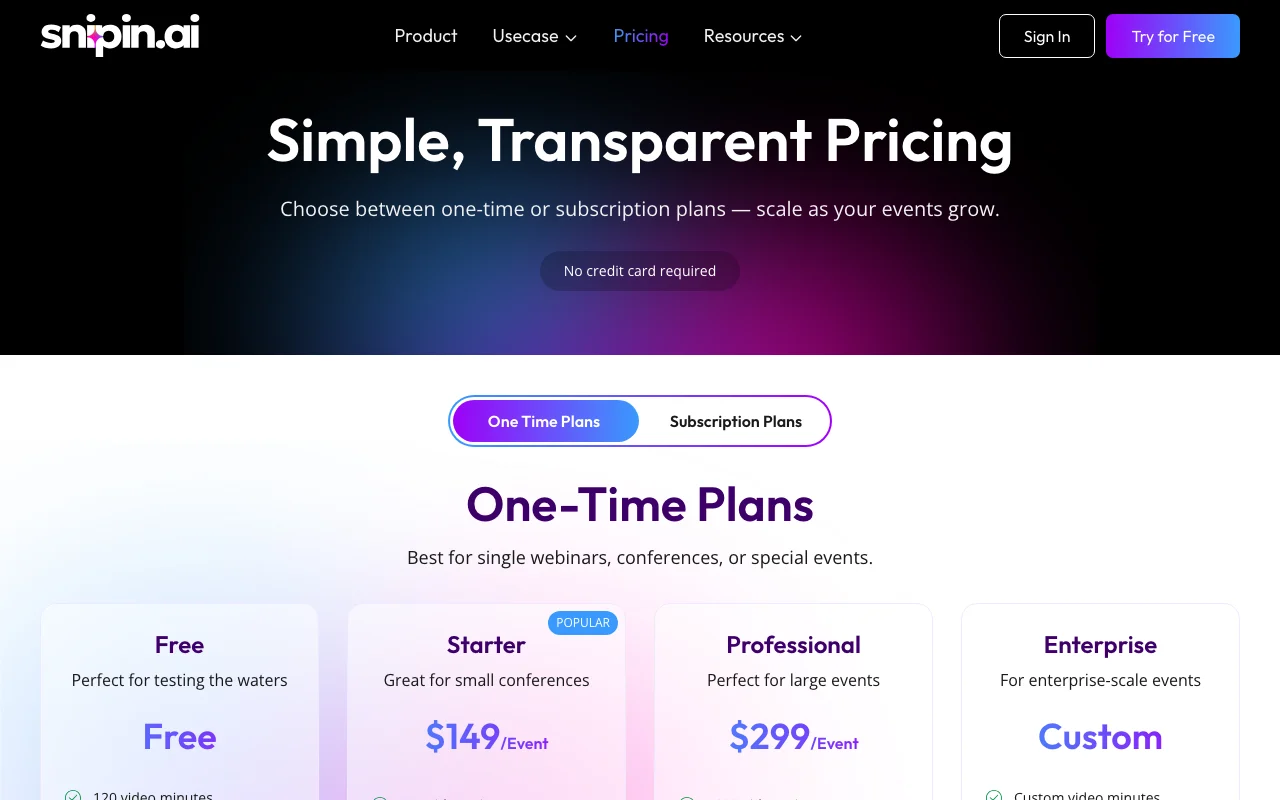
One-time
For: Testing the product
Limits
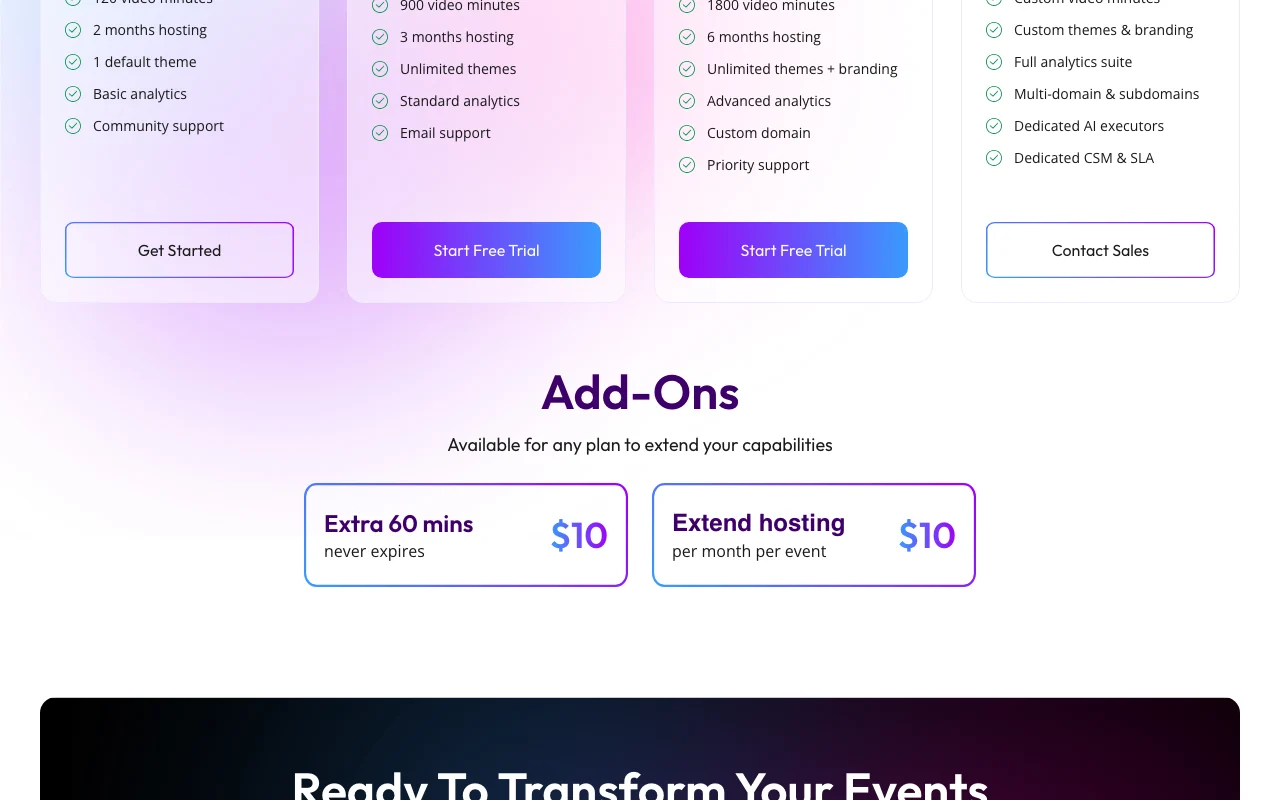
- 120 video minutes
- 2 months hosting
1 more
- 1 default theme
Includes
- Basic analytics
- Community support

VideoDocumented overviewLast checked Oct 1, 2026
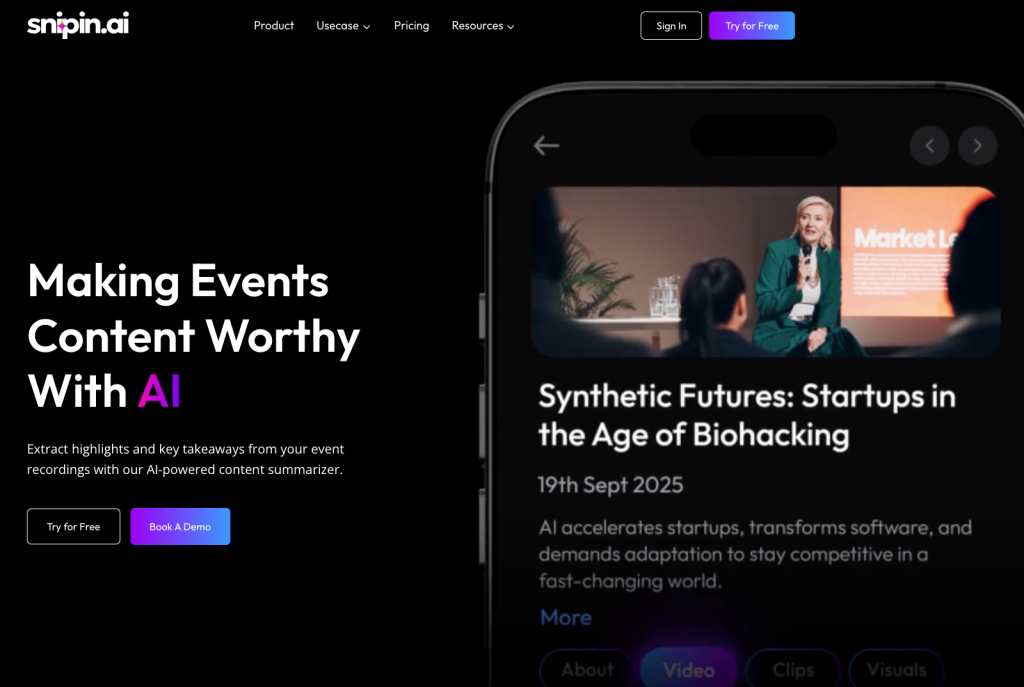
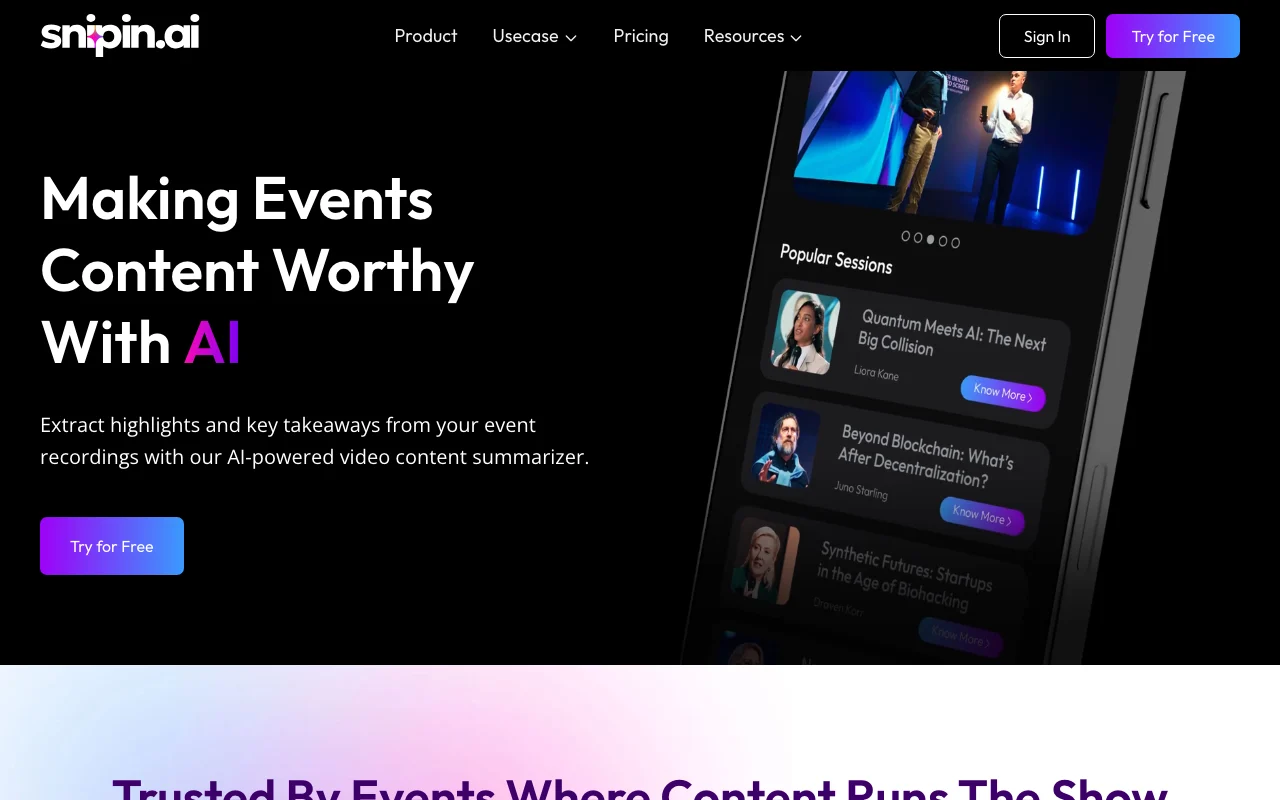
AI tool that turns event recordings into summaries, short clips and moments for social posting.
 (open full size in a new tab)
 (open full size in a new tab)
 (open full size in a new tab)
 (open full size in a new tab)
 (open full size in a new tab)
 (open full size in a new tab)
Our take: Choose Snipin AI if you run conferences, webinars or townhalls and want event recordings turned into summaries, short clips and social-ready moments, with per-event pricing and a free 120-minute start.
Main limitation: Free plan is limited to 120 video minutes and 2 months of hosting, and paid one-time plans have minute caps per event.
Choose Snipin AI if you run conferences, webinars or townhalls and want event recordings turned into summaries, short clips and social-ready moments, with per-event pricing and a free 120-minute start. Based on the vendor's documentation, not on a hands-on test.
Also a good fit for
Or if
Prices checked Oct 1, 2026 on the official US pricing page. Official pricing ↗ Prices and limits change often.
Free plan: 120 video minutes, 2 months hosting, no credit card
Paid plans show a Start Free Trial button; trial terms not described
Free source (opens in a new tab)
One-time
For: Testing the product
Limits
Includes
$149 one-time source (opens in a new tab)
One-time
For: Small conferences and quarterly webinars
Limits
Includes
$299 one-time source (opens in a new tab)
One-time
For: Large events
Limits
Includes
Custom pricing source (opens in a new tab)
Unknown
For: Frequent large-scale events
Limits
Includes
Extra 60 minutes $10 (never expire); hosting extension $10 per month per event
Not stated
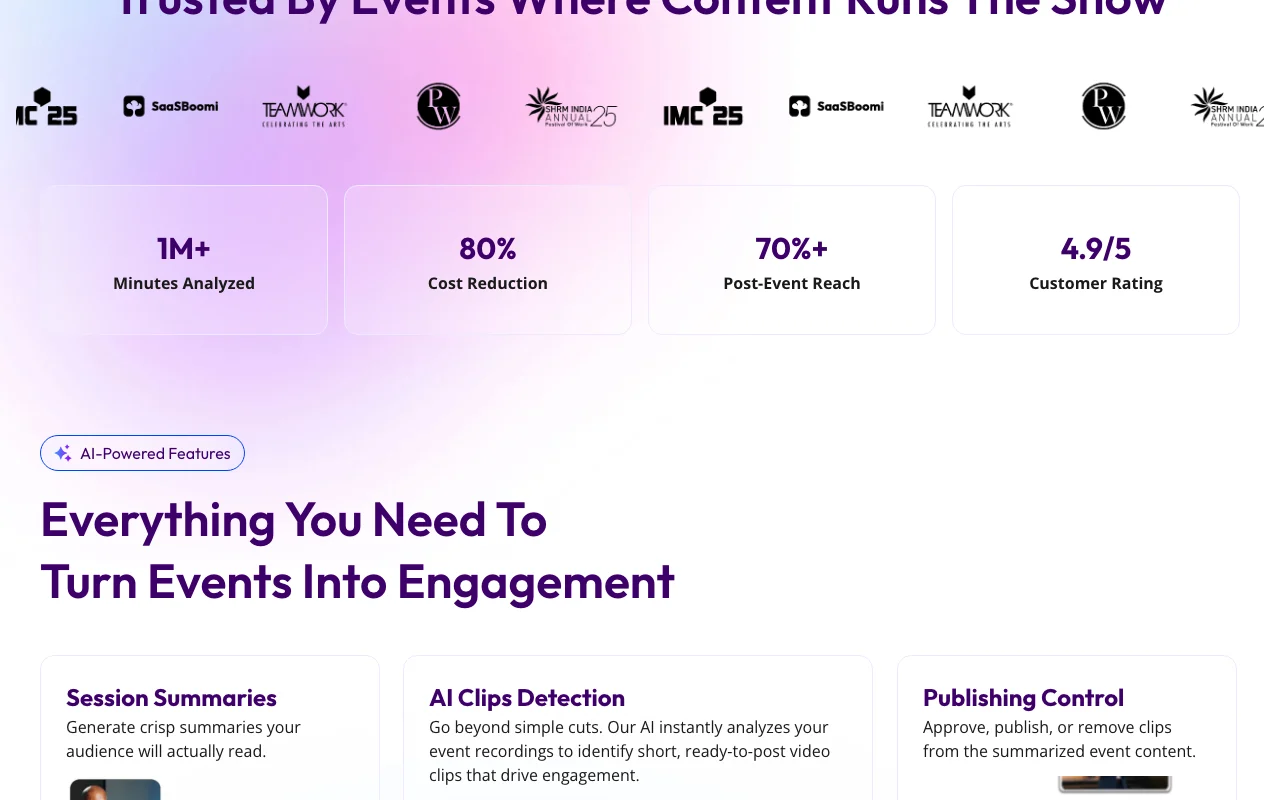
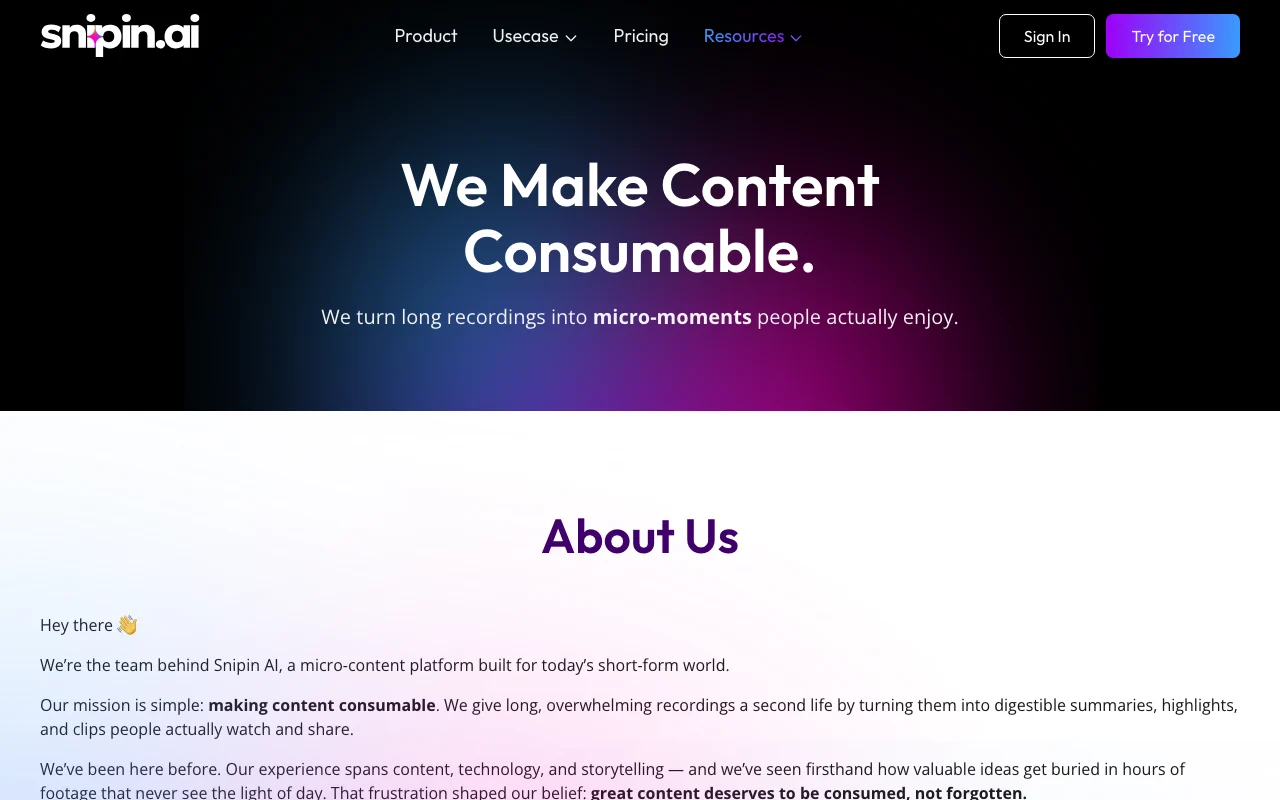
Snipin AI processes recordings of conferences, townhalls, podcasts and trade shows to produce session summaries, AI-detected short clips and key moments. Outputs live in a searchable content hub with publishing controls, analytics and one-click export for social platforms.
You provide
You get back
Scenarios are worked out by our editors from the documentation; the actual result depends on your input and plan.
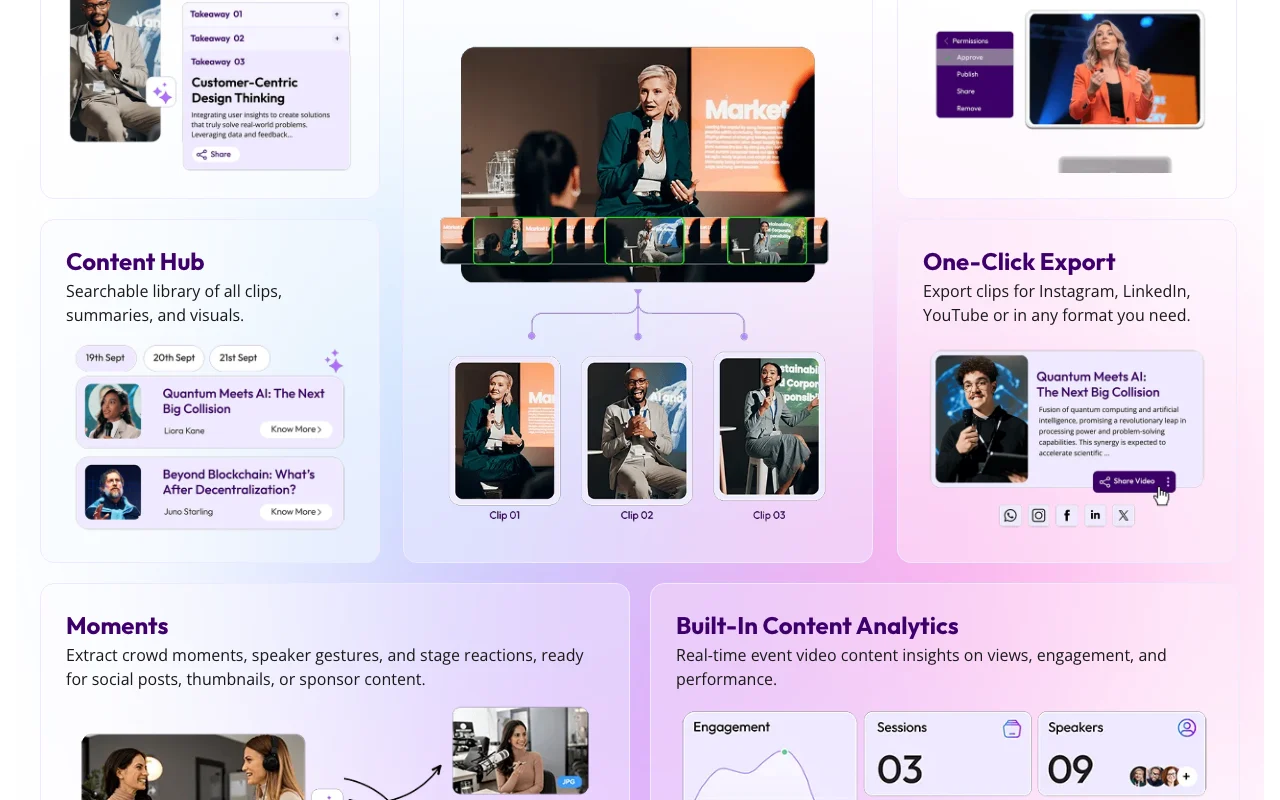
Generates crisp summaries of sessions Gives attendees a quick read
Detects short, ready-to-post clips in recordings Saves manual editing
Provides a searchable content hub of clips, summaries and visuals Keeps event content in one place
Lets you approve, publish or remove clips, and export for Instagram, LinkedIn or YouTube Keeps control over what goes live
Export: Clips for Instagram, LinkedIn, YouTube or any format
"Better suited" is based on documented features and pricing, not on a head-to-head test.
No user reviews yet.
Used Snipin AI? Be the first to share your experience.
Free, Starter $149 per event (900 minutes), Professional $299 per event (1800 minutes), Enterprise custom. source (opens in a new tab)
Yes, the free plan has 120 video minutes, 2 months hosting and no credit card. source (opens in a new tab)
Add 60 extra minutes for $10; they never expire. source (opens in a new tab)
2 months on Free, 3 on Starter, 6 on Professional; extend for $10 per month per event. source (opens in a new tab)
Yes, the pricing page has a Subscription Plans tab, but its prices were not in the fetched text. source (opens in a new tab)
Not verified: Subscription plan prices; Privacy policy and training use; Supported video file formats and size limits; API availability; Taxes.
Every fact about Snipin AI above comes from the 2 official pages listed here, last compared on Oct 1, 2026; we have not run Snipin AI ourselves, so it has no editorial score. How we check and re-check pages.
Article updated Oct 2, 2026; prices checked Oct 1, 2026. Outbound links to vendors are plain links; we do not earn commissions. How we review · Report an error
compare>