Free web
Free source (opens in a new tab)
Monthly
For: Trying out
Limits
- 5 shareable links, 7-day expiry
- 5 clip additions
1 more
- 100 trial AI credits

VideoDocumented overviewLast checked Oct 2, 2026
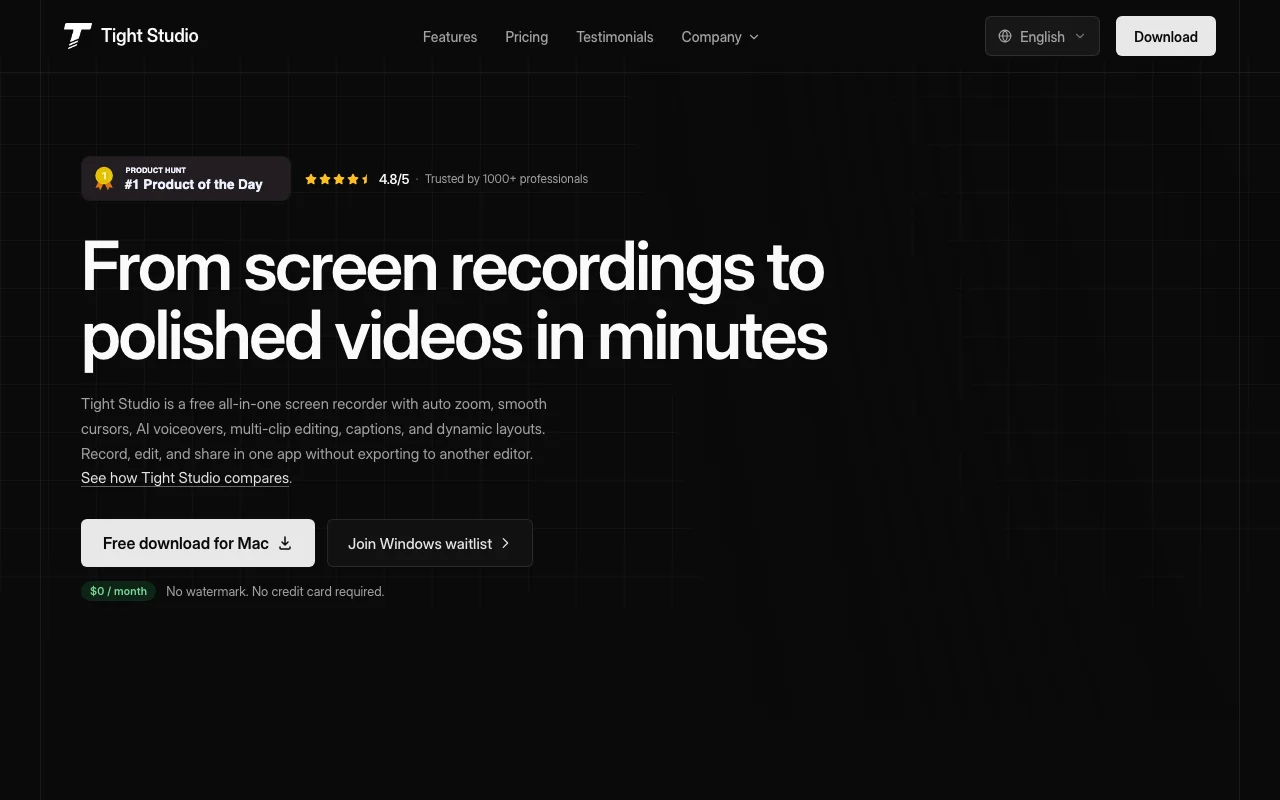
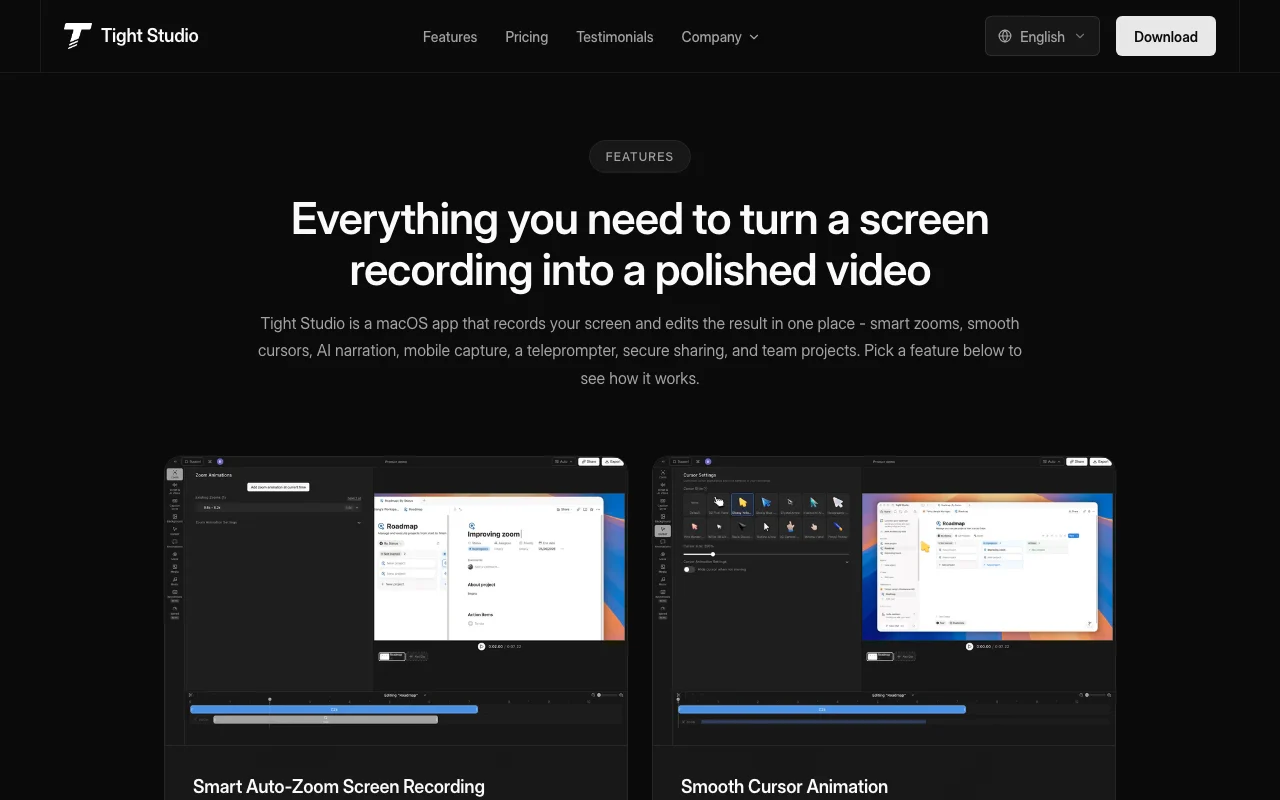
Mac screen recorder with auto zoom, smooth cursors, AI voiceovers, captions and multi-clip editing for demos and tutorials.
 (open full size in a new tab)
 (open full size in a new tab)
 (open full size in a new tab)
 (open full size in a new tab)
 (open full size in a new tab)
 (open full size in a new tab)
Our take: Tight Studio is a Mac recorder for product demos that adds auto zoom, captions and AI voiceover in one app, with a free tier that carries no watermark.
Main limitation: It runs on Mac only (Apple Silicon, macOS 14+), and Windows is a waitlist.
Tight Studio is a Mac recorder for product demos that adds auto zoom, captions and AI voiceover in one app, with a free tier that carries no watermark. Based on the vendor's documentation, not on a hands-on test.
Also a good fit for
Or if
Prices checked Oct 2, 2026 on the official US pricing page. Official pricing ↗ Prices and limits change often.
Free plan with no watermark.
100 trial AI credits on Free.
Free source (opens in a new tab)
Monthly
For: Trying out
Limits
$9 source (opens in a new tab)
Monthly, annual commitment
Yearly shows 50% off; monthly price not captured.
For: Regular creators
Includes
$24 source (opens in a new tab)
Monthly, annual commitment
For: Teams
Limits
Includes
None stated.
Not stated.
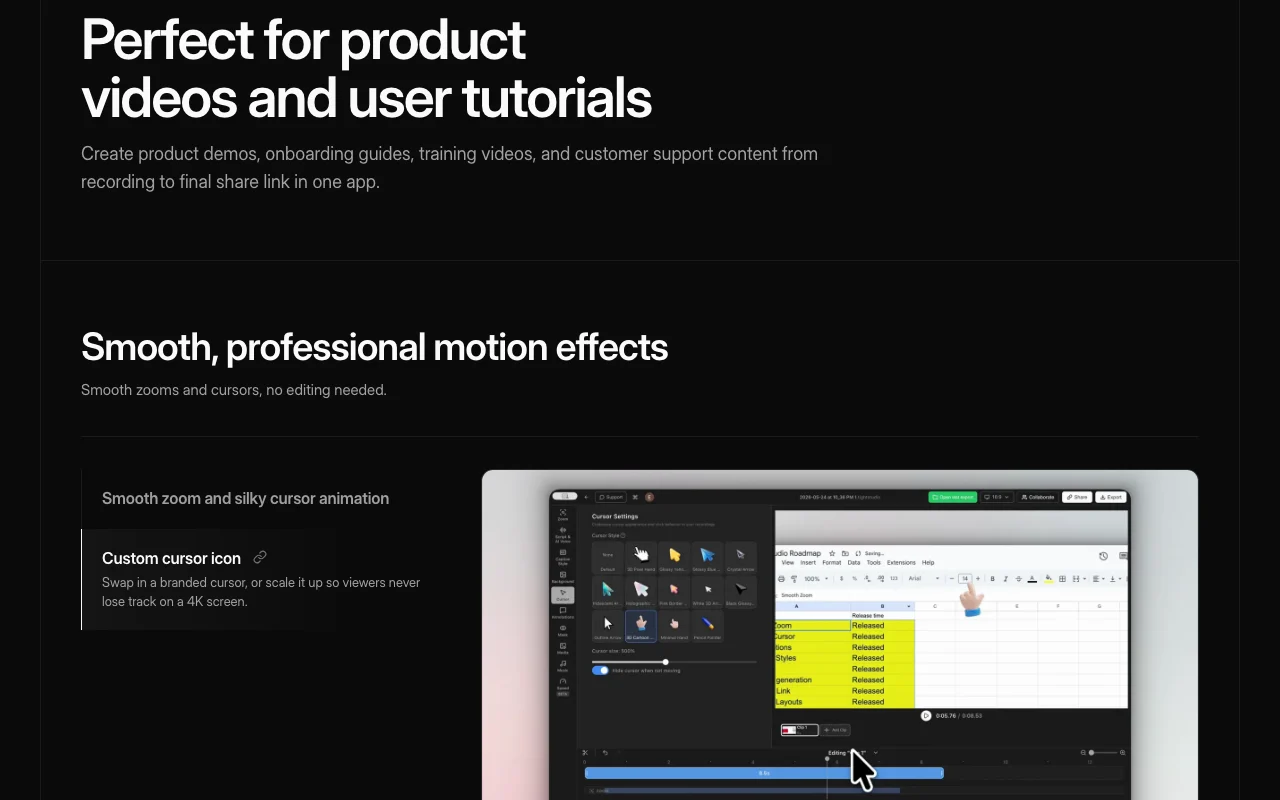
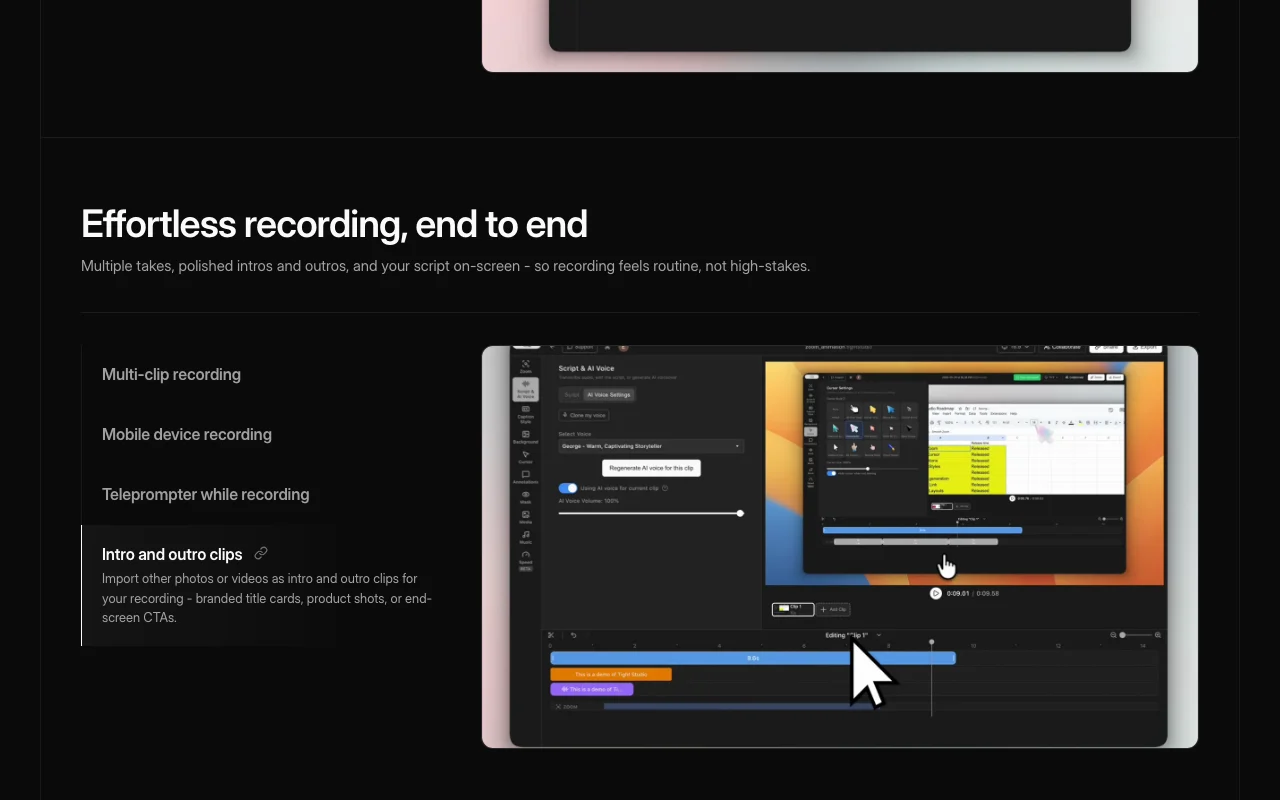
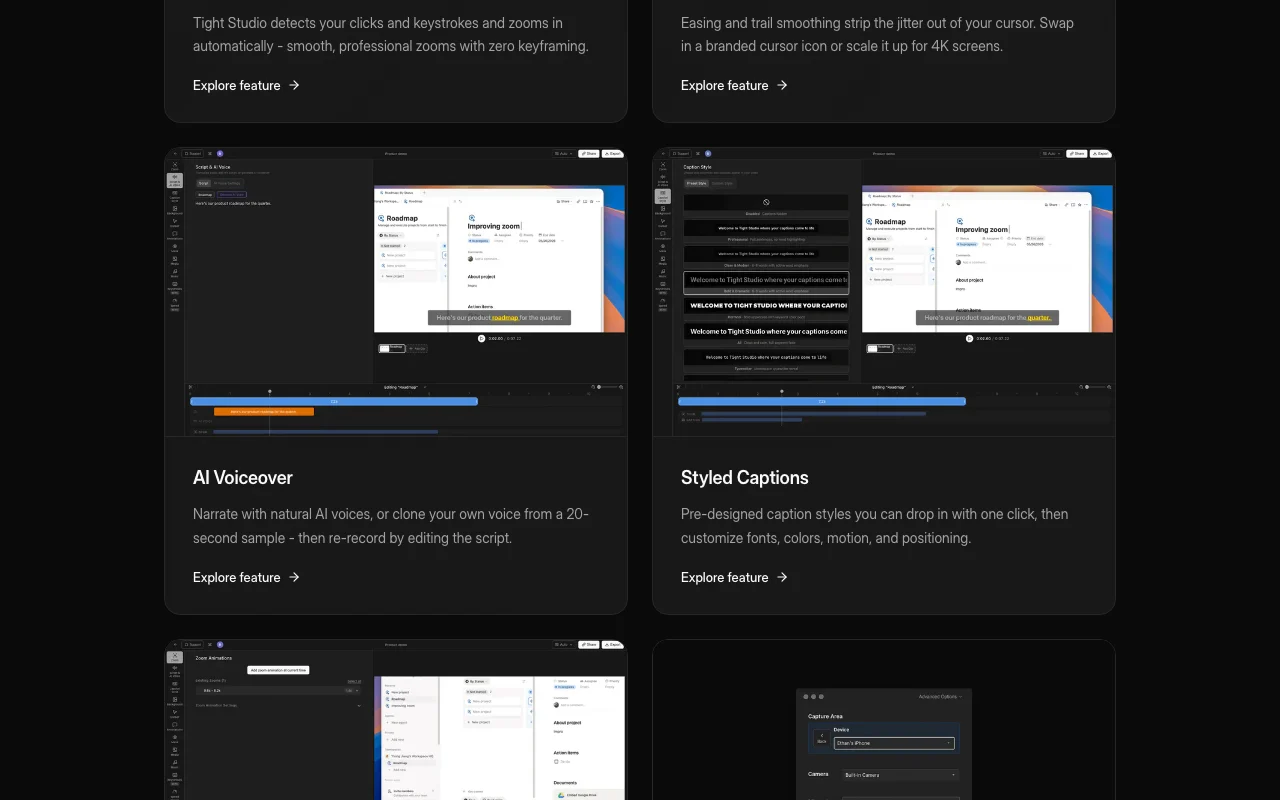
Tight Studio is a screen recorder for Mac that combines recording and editing in one app. It adds automatic zoom, cursor smoothing, captions, layouts and backgrounds. It also offers AI narration, voice cloning from a short sample, a teleprompter and iPhone or iPad capture. The homepage lists it as $0/month with no watermark; a Windows version is on a waitlist.
You provide
You get back
Scenarios are worked out by our editors from the documentation; the actual result depends on your input and plan.
Zooms in on click locations automatically; keeps viewers focused without keyframes. Keeps viewers focused without keyframes.
Smooths cursor motion and lets you swap cursor icon. Hides shaky mouse movement.
Records several takes and arranges them in one project. Avoids needing a perfect take.
Shows your script on screen while recording; keeps eye contact with the camera. Keeps eye contact with the camera.
Export: Share link
Tight Studio has no public API in its official documentation. Not mentioned.
Summarized from the vendor's current policies; this is not legal advice and a vendor's badge is not an independent audit.
Recordings stay in your project; share links control visibility.
"Better suited" is based on documented features and pricing, not on a head-to-head test.
No user reviews yet.
Used Tight Studio? Be the first to share your experience.
Core recording, captions and layouts without a watermark, plus 5 shareable links with 7-day expiry.
AI voiceover, AI media and a team workspace with 1,000 AI credits per month.
A 20-second recording.
Apple Silicon with macOS 14 or later per the seed research; Windows is a waitlist.
A 60-day money-back guarantee is stated.
Not verified: Monthly (non-yearly) prices not captured.; Export formats and resolution not stated.; Page not available: https://tight.studio/privacy; Page not available: https://tight.studio/docs.
Every fact about Tight Studio above comes from the 4 official pages listed here, last compared on Oct 2, 2026; we have not run Tight Studio ourselves, so it has no editorial score. How we check and re-check pages.
Article updated Oct 2, 2026; prices checked Oct 2, 2026. Outbound links to vendors are plain links; we do not earn commissions. How we review · Report an error
compare>