VideoDocumented overviewLast checked Oct 2, 2026

VideoLlama: Pricing, Features & Best Use Cases

AI video maker for long-form videos: generates script, images, voice-overs and music from an idea or URL, with editing control.

Who VideoLlama fits

VideoLlama suits YouTubers and educators who want long-form narrated videos of 20 minutes or more generated from an idea, script or URL, with pay-as-you-go credits. Based on the vendor's documentation, not on a hands-on test.

Best for: YouTube creators

Also a good fit for

  • Educators
  • Storytellers

Consider another tool if pricing plans not visible in loaded page content

Or if

  • Requires an account to start
  • Platforms not stated

VideoLlama pricing and usage limits

Prices checked Oct 2, 2026 on the official US pricing page. Official pricing ↗ Prices and limits change often.

Free access and trial conditions

Homepage links to Free AI Tools; no free video plan stated.

Paid plans: what changes as you upgrade

Credit pack (5,000 credits) web

$50 source (opens in a new tab)

One-time

Only the 5,000-credit pack at $50 is shown on the homepage

For: Pay-as-you-go creators

Limits

  • Voice-over about 5 credits per minute
  • Video export about 1 credit per minute

Includes

  • Script, images, voice-overs, music and transitions

Usage caps, credits and extra costs

Per-asset credit costs apply to voice-over, images and export.

What is VideoLlama, and how does it work?

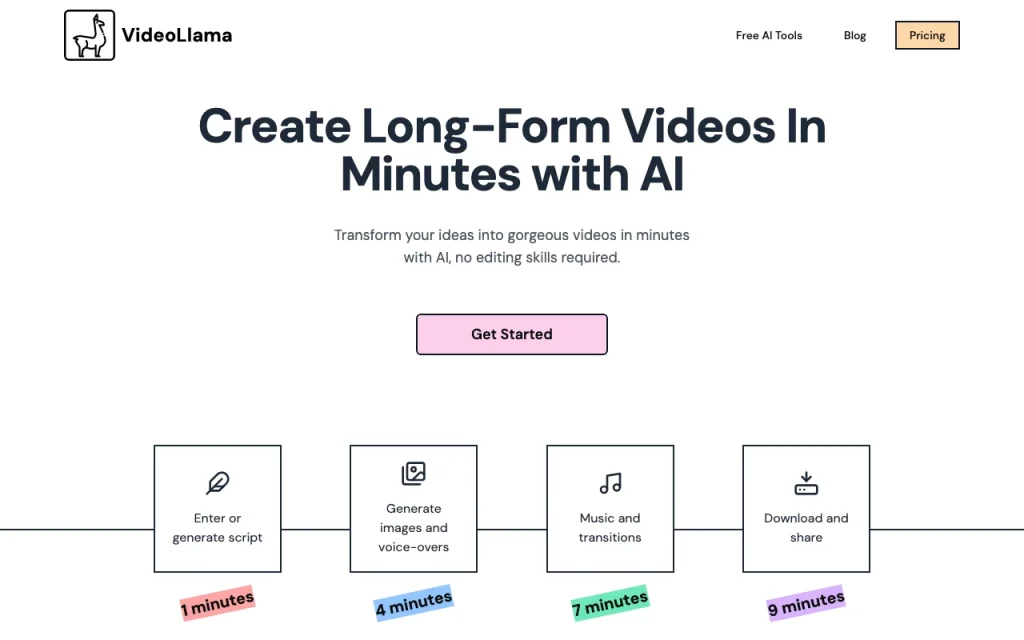
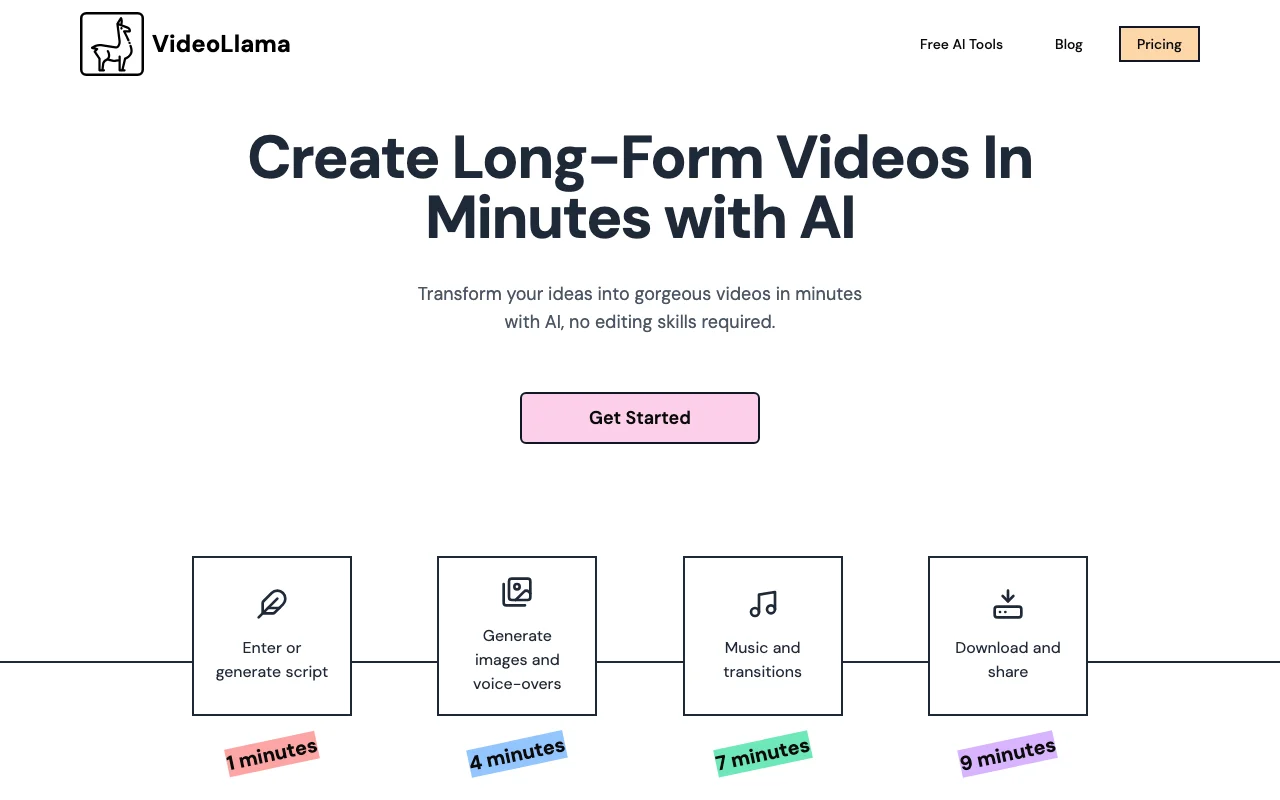
VideoLlama generates long-form videos from a topic, script or website URL, including script writing, images, voice-overs, music and transitions. The site says videos of 20 minutes or more are supported. Users can edit the script and regenerate individual assets, and pick visual styles such as pixel art, anime or comic book.

VideoLlama homepage — screenshot of the video AI tool, Oct 2, 2026
VideoLlama's official site: how the product presents itself. videollama.co, captured Oct 2, 2026

What you provide and what you get back

How VideoLlama works: what you provide, where it runs and what you get backYOU PROVIDEYour inputIdea, outline or full scriptWebsite URL as sourceChosen visual styleVIDEOVideoLlamafrom $50 (Credit pack (5,000 cred…free tier availableaccount requiredchecked Oct 2, 2026YOU GET BACKThe resultLong-form narrated videoEditable script and regenerable a…Downloadable or shareable videoinput → VideoLlama → output · from the vendor's own pages, no hands-on test unless stated
What you give VideoLlama and what comes back, from its documentation

You provide

  • Idea, outline or full script
  • Website URL as source
  • Chosen visual style

You get back

  • Long-form narrated video
  • Editable script and regenerable assets
  • Downloadable or shareable video

Where you can use it

Account
Required
Length
20 minutes or more
Credit costs
~5/min voice-over, ~1/min export
Styles
Pixel art, anime, retro, comic book
Inputs
Idea, script or URL

What people use VideoLlama for

Scenarios are worked out by our editors from the documentation; the actual result depends on your input and plan.

YouTube channel videos

Who
YouTube channel owners
You provide
Topic or script
Expected result
Long-form narrated video
Plan needed
Credits
Limitation
Credit cost scales with length source (opens in a new tab)

Documentary-style videos

Who
Educators
You provide
Lesson outline
Expected result
Explainer video with images and voice-over
Plan needed
Credits
Limitation
Review accuracy of the script source (opens in a new tab)

Educational and explainer videos

Who
Storytellers
You provide
Story idea
Expected result
Documentary-style video
Plan needed
Credits
Limitation
Visual consistency needs checking source (opens in a new tab)

VideoLlama features and their limits

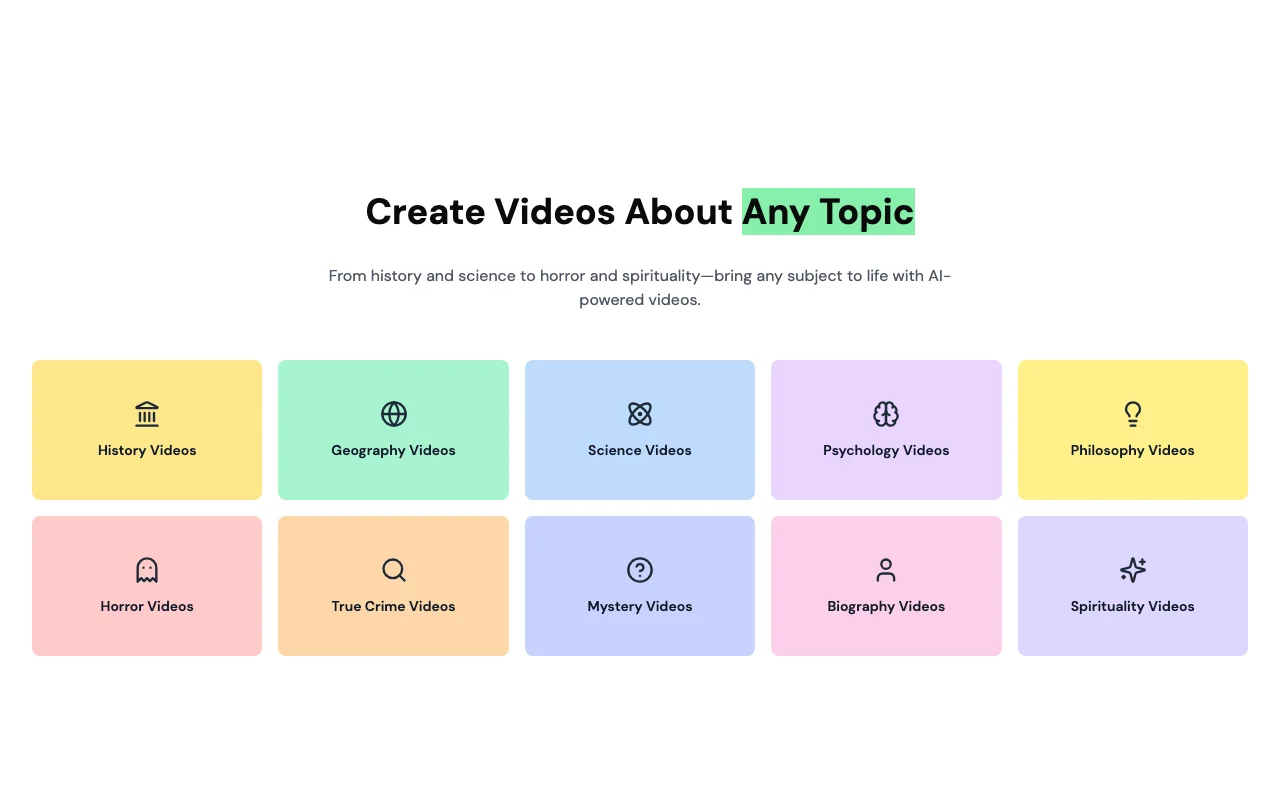
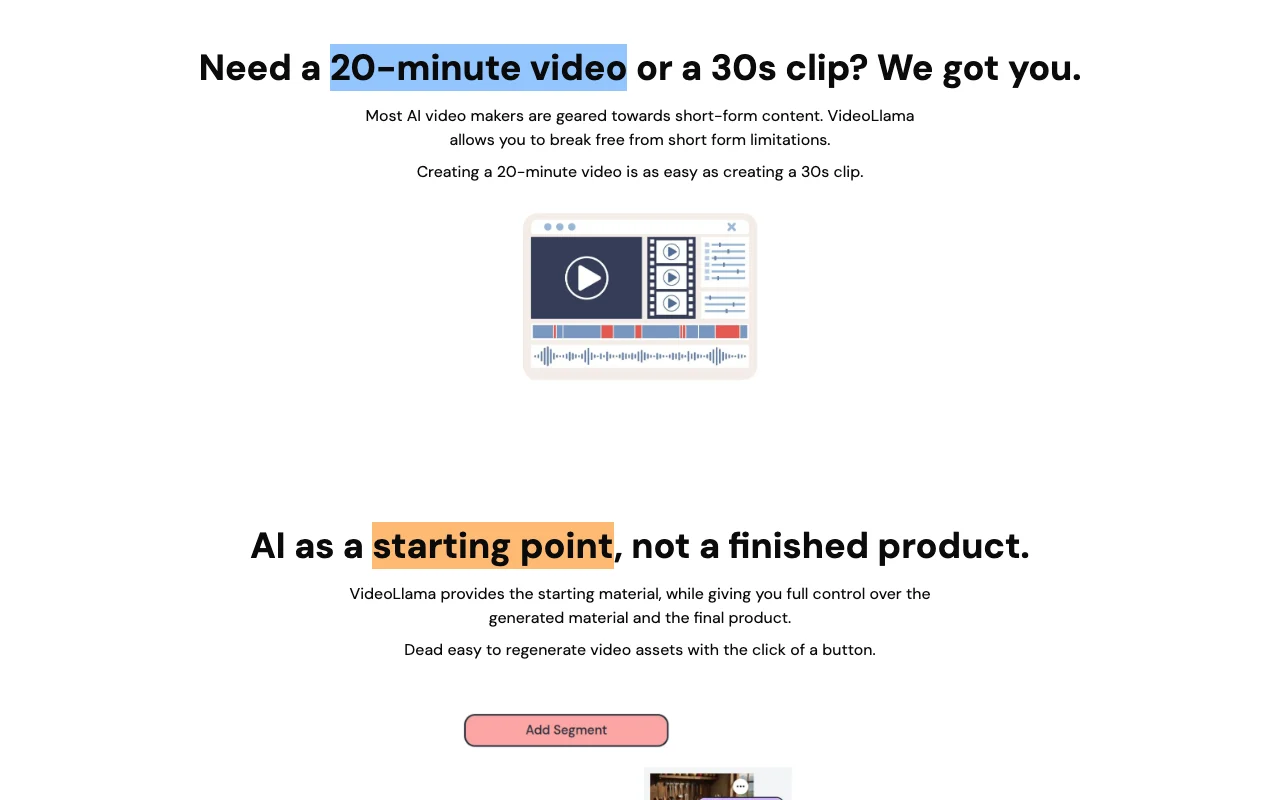
VideoLlama homepage — screenshot of the video AI tool, Oct 2, 2026
Feature overview on the official site. videollama.co, captured Oct 2, 2026

Script generation from idea or URL

Writes a script from your idea or a website URL in a chosen script style. Removes the blank page.

Access: CreditsLimit: Script needs editing source (opens in a new tab)

AI images and voice-overs

Generates images, clips and voice-overs for each content segment. Produces assets without stock searches.

Access: CreditsLimit: Each regeneration uses credits source (opens in a new tab)

Music and transitions

Adds music and transitions to assemble the video. Delivers a finished cut.

Access: CreditsLimit: Fine editing options are limited source (opens in a new tab)

Style selection

Applies styles such as pixel art, anime, retro or comic book. Matches the channel's look.

Access: CreditsLimit: Style list is not itemised source (opens in a new tab)

VideoLlama: strengths and limits

Where VideoLlama is strong

Limitations to check before paying

How to use VideoLlama for creating a long-form narrated video

Set up VideoLlama

  1. Open videollama.co and create an account.
  2. Add credits from the pricing section.
  3. Start a new video project.

Example: creating a long-form narrated video

  1. Paste your idea or a website URL.
  2. Choose a script style and edit the generated script.
  3. Pick a visual style and generate segment assets.
  4. Add music and transitions, then export.

Review and export the result

  1. Play the preview and check each segment.
  2. Check the credits used before exporting.
Example prompt suggested by our editors (not a recorded output of the product)
A 10-minute documentary-style video on the history of the printing press, calm narration, retro illustration style.

Other tools to consider instead of VideoLlama

"Better suited" is based on documented features and pricing, not on a head-to-head test.

Synthesia: better suited to

Runway: better suited to

Descript: better suited to

Alternatives
AlternativeWhen to choose itPricingLimitation
Synthesia——Compare
Runway——Compare
Descript——Compare

Explore VideoLlama further

If you are looking at VideoLlama

VideoLlama user reviews

No user reviews yet.

Used VideoLlama? Be the first to share your experience.

Write a review

Reviews are checked by a moderator before they appear. Your email is never published. Plain text only.

Your rating (required)

Show what you made or what went wrong. Images are published only if the review is approved; location data is removed.

    VideoLlama FAQ

    How long can a VideoLlama video be?

    VideoLlama says it supports videos of 20 minutes or more, as easily as a 30-second clip. source (opens in a new tab)

    How many credits does a VideoLlama video use?

    Voice-over costs about 5 credits per minute and video export about 1 credit per minute. source (opens in a new tab)

    How much is the VideoLlama 5,000-credit pack?

    A pack of 5,000 credits is shown at $50. source (opens in a new tab)

    Can I edit what VideoLlama generates?

    Yes. You can edit the script and regenerate individual assets before exporting. source (opens in a new tab)

    Sources and review methodology

    Official sources and verification dates

    Not verified: Resolution and watermark; Commercial terms; Plans; Platforms.

    How we documented and maintain this page

    Every fact about VideoLlama above comes from the 3 official pages listed here, last compared on Oct 2, 2026; we have not run VideoLlama ourselves, so it has no editorial score. How we check and re-check pages.

    Article updated Oct 10, 2026; prices checked Oct 2, 2026. Outbound links to vendors are plain links; we do not earn commissions. How we review · Report an error