VideoDocumented overviewLast checked Sep 29, 2026

TimeBolt: Pricing, Features & Best Use Cases

Mac and Windows desktop editor that automatically removes silence, filler words and bad takes from long videos and podcasts.
Who should use TimeBolt

Download the free version to test silence removal on a long recording, then buy Pro ($17 per month, $97 per year or $347 lifetime) when you need unwatermarked exports and XML or plugin export. Based on the vendor's documentation, not on a hands-on test.

Best for: YouTubers

Also a good fit for

  • Podcasters
  • Video editors using Premiere, Final Cut or Resolve

Consider another tool if free exports are watermarked

Or if

  • Free plan lacks XML/NLE export and project saving
  • UMCheck is billed pay-per-use on top of plans

TimeBolt pricing and usage limits

Prices checked Sep 29, 2026 on the official US pricing page. Official pricing ↗ Prices and limits change often.

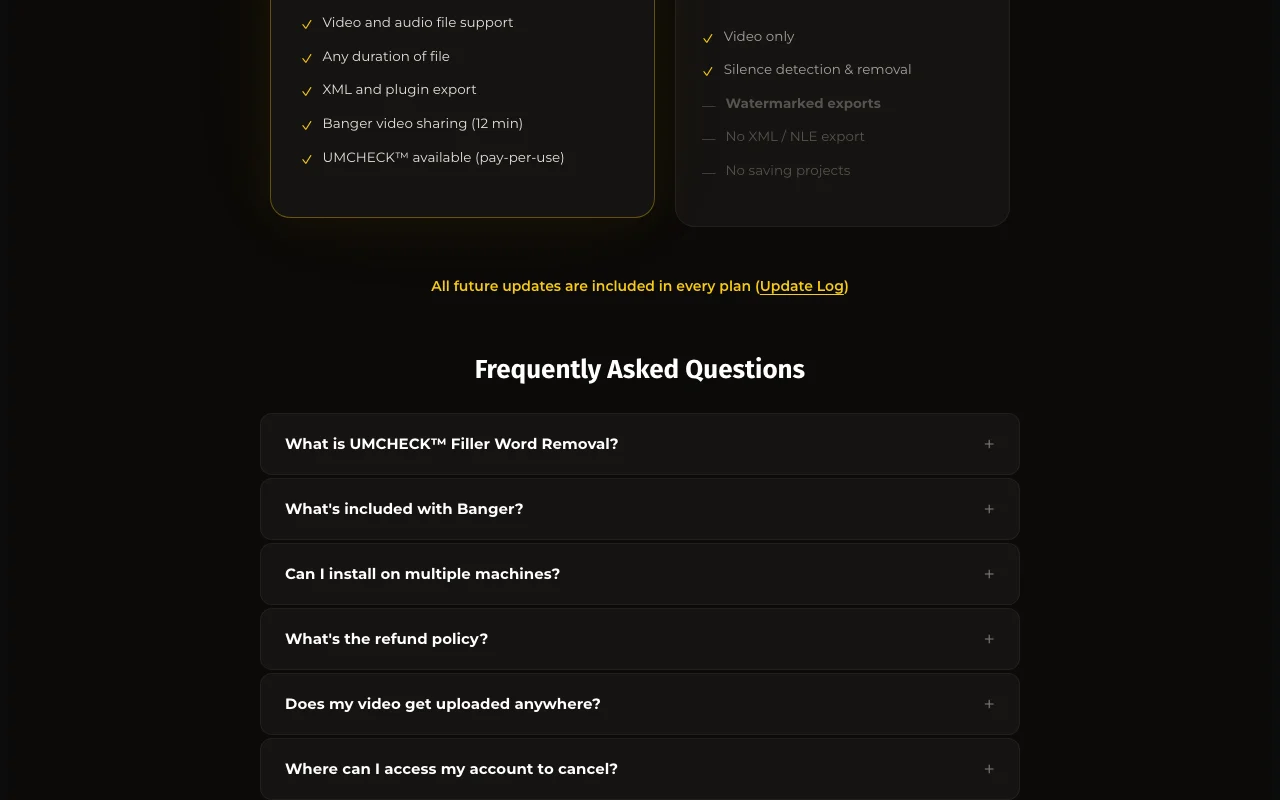
TimeBolt pricing page with plans and prices — screenshot of the video AI tool, Oct 1, 2026
The official TimeBolt pricing page as we saw it. timebolt.io, captured Oct 1, 2026

Free access and trial conditions

Forever-free version with watermarked exports.

30-day money-back guarantee.

Paid plans: what changes as you upgrade

Free web

Free source (opens in a new tab)

Unknown

For: Testing

Limits

  • Video only
  • Watermarked exports
1 more
  • No XML or NLE export, no saving projects

Includes

  • Silence detection and removal

Pro monthly web

$17 source (opens in a new tab)

Monthly

For: Regular creators

Limits

  • One license on up to 2 machines

Includes

  • Video and audio files
  • XML and plugin export
2 more
  • Banger sharing (12 min)
  • UMCHECK pay-per-use

Pro annual web

$97 source (opens in a new tab)

Annual, annual commitment

Billed annually; Save 52% versus monthly

For: Regular creators

Limits

  • One license on up to 2 machines

Includes

  • Same as Pro monthly

Pro lifetime web

$347 source (opens in a new tab)

One_time

For: Long-term users

Limits

  • Banger sharing 4 min, watermarked

Includes

  • All future updates

Teams web

$97 per seat per year source (opens in a new tab)

Annual

For: Teams

Limits

  • Volume discounts available

Includes

  • Everything in Pro
  • Centralized license dashboard
1 more
  • Priority support

Vault web

Custom pricing source (opens in a new tab)

Unknown

For: Regulated industries

Limits

  • Pricing by deployment size

Includes

  • Fully on-premise
  • HIPAA / FINRA / FedRAMP pathway

Usage caps, credits and extra costs

UMCHECK $0.03 per minute of video on any paid plan.

Not stated.

What is TimeBolt, and how does it work?

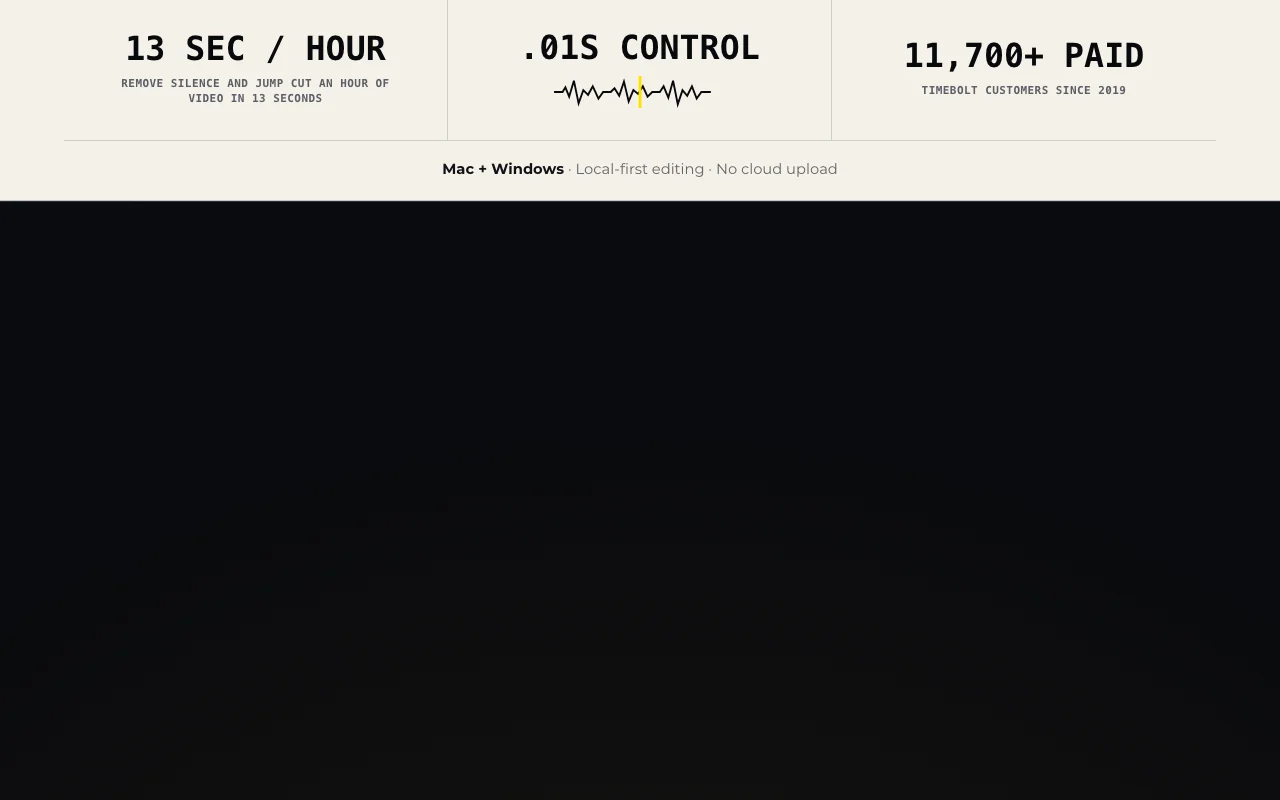
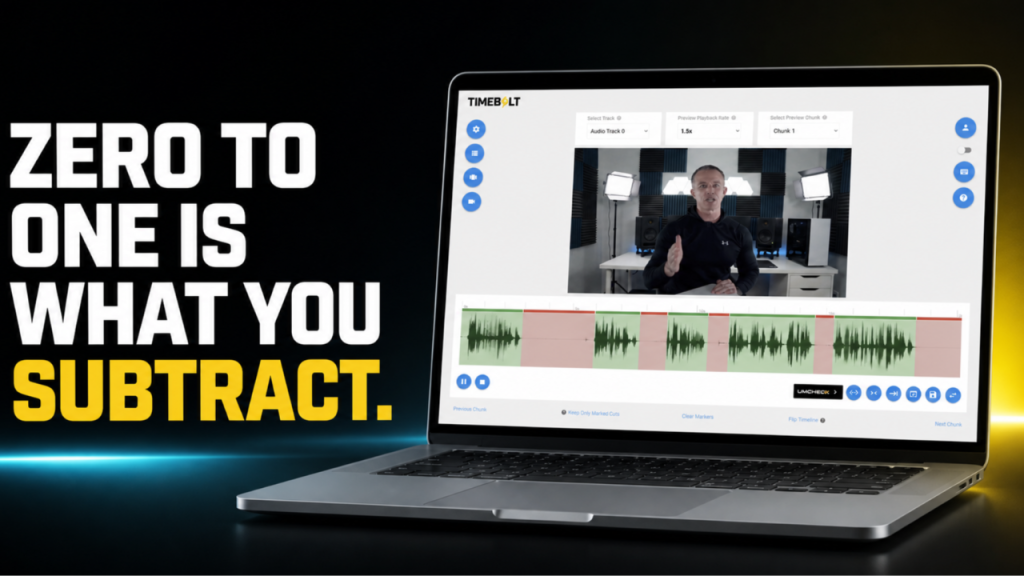
TimeBolt is a desktop video editor for Mac and Windows that automatically cuts silence, filler words and bad takes from long recordings such as YouTube videos and podcasts. Editing runs locally without cloud upload, and cuts stay visible and reversible on the waveform. Its UMCheck feature targets filler words, false starts and bad takes and can build synced captions, and projects can be exported as XML or via plugins to Premiere Pro, Final Cut Pro and DaVinci Resolve. Optional AI prompting and MCP connections are available.

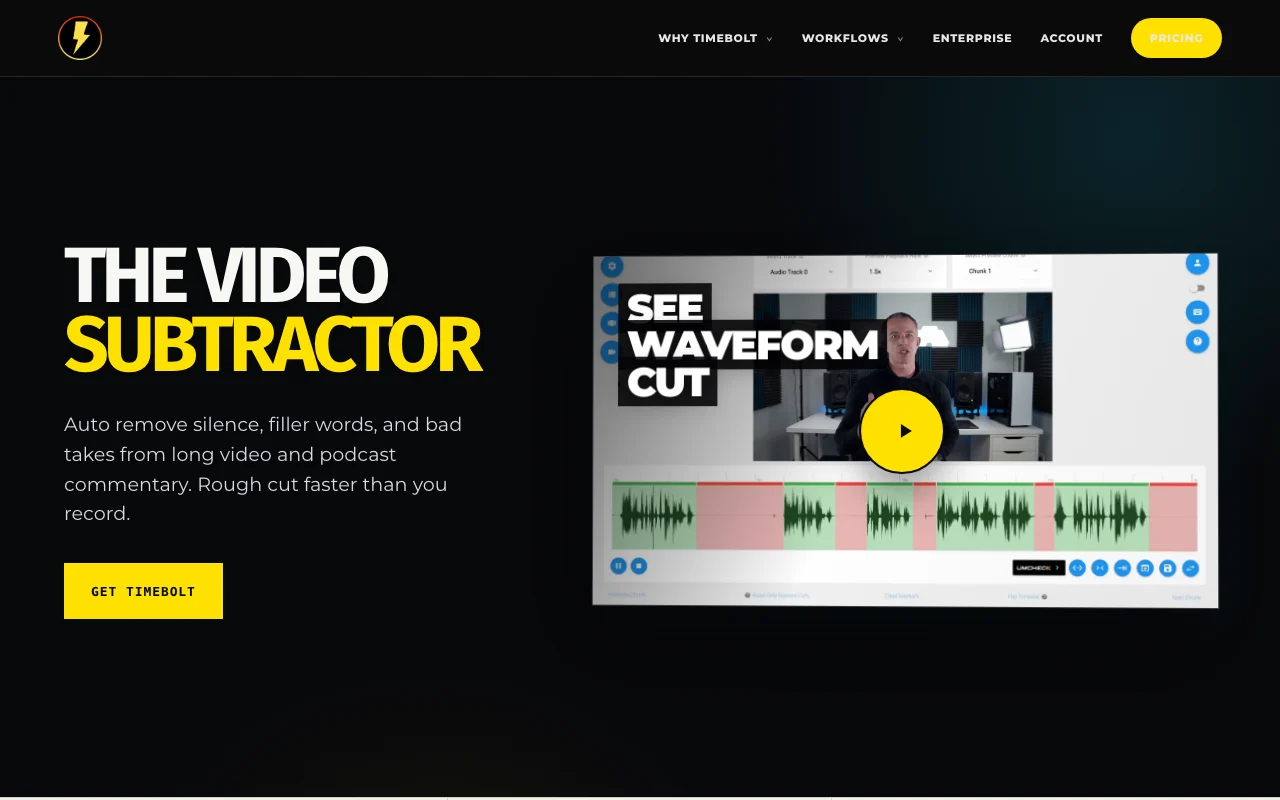
TimeBolt homepage — screenshot of the video AI tool, Oct 1, 2026
TimeBolt's official site: how the product presents itself. timebolt.io, captured Oct 1, 2026

What you provide and what you get back

How TimeBolt works: what you provide, where it runs and what you get backYOU PROVIDEYour inputLong video or audio recordings (a…Optional AI prompts or MCP connec…VIDEOTimeBoltDesktopfrom $17 (Pro monthly)free tier availableaccount requiredchecked Sep 29, 2026YOU GET BACKThe resultRough-cut videoXML or plugin export for Premiere…SRT captionsinput → TimeBolt → output · from the vendor's own pages, no hands-on test unless stated
What you give TimeBolt and what comes back, from its documentation

You provide

  • Long video or audio recordings (audio files on Pro)
  • Optional AI prompts or MCP connections

You get back

  • Rough-cut video
  • XML or plugin export for Premiere Pro, Final Cut Pro and DaVinci Resolve
  • SRT captions

Where you can use it

Platforms
Desktop
Account
Required
Platforms
Mac and Windows
NLE export
Premiere Pro, Final Cut Pro, DaVinci Resolve
Filler words
25+ detected by UMCHECK
Machines per license
Up to 2
Watermark
Free exports only

Where TimeBolt is most useful

Scenarios are worked out by our editors from the documentation; the actual result depends on your input and plan.

Jump-cutting long talking-head videos

Who
YouTubers and talking-head creators
You provide
Long raw recording
Expected result
Silence-trimmed jump-cut video
Plan needed
Free to test; Pro for clean export
Limitation
Free exports are watermarked source (opens in a new tab)

Removing filler words from podcasts

Who
Podcasters
You provide
Podcast recording
Expected result
Fewer fillers and false starts
Plan needed
Pro plus pay-per-use UMCheck
Limitation
UMCheck costs $0.03 per minute of video source (opens in a new tab)

Creating rough cuts before finishing in an NLE

Who
Editors using Premiere, Final Cut or Resolve
You provide
Raw footage
Expected result
Rough cut sent to the NLE
Plan needed
Pro
Limitation
XML export not on Free source (opens in a new tab)

TimeBolt features and their limits

TimeBolt homepage — screenshot of the video AI tool, Oct 1, 2026
Feature overview on the official site. timebolt.io, captured Oct 1, 2026

Automatic silence detection and removal

Detects and removes silence automatically Cuts hours of dead air quickly

Access: All plansLimit: Free is video only source (opens in a new tab)

UMCheck filler word and bad-take removal (pay-per-use)

UMCHECK finds 25+ filler words and bad takes via AI transcription Cleans speech without manual cutting

Access: Any paid plan, $0.03 per minute of videoLimit: Billed on top of the plan source (opens in a new tab)

XML and plugin export to Premiere Pro, Final Cut Pro, DaVinci Resolve

Exports XML and plugins for Premiere Pro, Final Cut Pro, DaVinci Resolve Continues editing in your NLE

Access: Pro and aboveLimit: Not on Free source (opens in a new tab)

Local-first editing with no cloud upload

Edits locally without cloud upload Keeps footage on your device

Access: All plansLimit: Banger sharing requires cloud services source (opens in a new tab)

Pros, cons and deal-breakers

Where TimeBolt is strong

Limitations to check before paying

How to use TimeBolt for removing silence from a long recording

Set up TimeBolt

  1. Download TimeBolt for Mac or Windows from timebolt.io
  2. Install and open the app
  3. Import your video file

Example: removing silence from a long recording

  1. Run silence detection and adjust the threshold
  2. Review the cuts on the waveform
  3. Optionally run UMCHECK to remove filler words
  4. Export the video or send XML to your NLE

Review and export the result

  1. Play through the cut to check nothing important was trimmed
  2. Confirm the export has no watermark (paid) and captions line up

TimeBolt integrations and API

TimeBolt pricing page with plans and prices — screenshot of the video AI tool, Oct 1, 2026
Plan comparison on the official pricing page. timebolt.io, captured Oct 1, 2026

Native integrations and export formats

Export: XML, SRT, Video

API access and separate billing

TimeBolt has no public API in its official documentation. Docs page returned 404; optional AI prompting and MCP mentioned on homepage.

Privacy, data use and commercial rights

Summarized from the vendor's current policies; this is not legal advice and a vendor's badge is not an independent audit.

How your inputs and outputs are handled

Everything is processed locally; video files never leave your device.

Commercial use and plan restrictions

Banger sharing requires cloud services.

Controls for business users

  • On-premise Vault

TimeBolt alternatives by need

"Better suited" is based on documented features and pricing, not on a head-to-head test.

Descript: better suited to

Runway: better suited to

Alternatives
AlternativeWhen to choose itPricingLimitation
Descript——Compare
Runway——Compare

Explore TimeBolt further

Tools and guides near TimeBolt

TimeBolt user reviews

No user reviews yet.

Used TimeBolt? Be the first to share your experience.

Write a review

Reviews are checked by a moderator before they appear. Your email is never published. Plain text only.

Your rating (required)

Show what you made or what went wrong. Images are published only if the review is approved; location data is removed.

    TimeBolt FAQ

    Is TimeBolt free?

    Yes, a forever-free version exists but exports are watermarked and projects cannot be saved. source (opens in a new tab)

    How much does Pro cost?

    $17 per month, $97 per year, or $347 one-time lifetime. source (opens in a new tab)

    Does my video get uploaded?

    No, TimeBolt processes everything locally on your machine. source (opens in a new tab)

    What does UMCHECK cost?

    $0.03 per minute of video on any paid plan. source (opens in a new tab)

    Is there a refund?

    Yes, a 30-day money-back guarantee; email [email protected]. source (opens in a new tab)

    Sources and review methodology

    Official sources and verification dates

    Not verified: Privacy policy (404); Docs (404); Training use; Changelog.

    How we documented and maintain this page

    Every fact about TimeBolt above comes from the 2 official pages listed here, last compared on Sep 29, 2026; we have not run TimeBolt ourselves, so it has no editorial score. How we check and re-check pages.

    Article updated Oct 2, 2026; prices checked Sep 29, 2026. Outbound links to vendors are plain links; we do not earn commissions. How we review · Report an error