
Veo 3.1 Standard Gemini API
$0.4 source (opens in a new tab)
Per second of video
For: Final-quality output
Includes
- Highest-quality variant
- Native audio
API included
VideoDocumented overviewLast checked Oct 1, 2026
Google DeepMind's video model generating video with native audio from text or images, offered via Gemini apps and the Gemini API.

 (open full size in a new tab)
 (open full size in a new tab)
 (open full size in a new tab)
 (open full size in a new tab)
 (open full size in a new tab)
Our take: Choose Veo 3.1 if you need video with natively generated audio, via the Gemini API for apps or Gemini and Flow for individual creation.
Main limitation: Gemini API video generation is paid-only and billed per second of output; the API free tier does not include it.
Choose Veo 3.1 if you need video with natively generated audio, via the Gemini API for apps or Gemini and Flow for individual creation. Based on the vendor's documentation, not on a hands-on test.
Also a good fit for
Or if
Headlines from US outlets, selected automatically — not endorsements. Updated Oct 12, 2026
Prices checked Oct 1, 2026 on the official US pricing page. Official pricing ↗ Prices and limits change often.
Vendor pricing page re-checked automatically 12 days ago: no changes detected.
Not available on the Gemini API free tier
$0.4 source (opens in a new tab)
Per second of video
For: Final-quality output
Includes
API included
$0.1 source (opens in a new tab)
Per second of video
For: Iteration
Includes
API included
$0.05 source (opens in a new tab)
Per second of video
For: High-volume drafts
Limits
Includes
API included
$4.99/mo source (opens in a new tab)
Month
For: Casual creation
Includes
No API
$19.99/mo source (opens in a new tab)
Month
For: Regular creation
Includes
No API
API billed per second of generated video
Veo is Google DeepMind's video generation model; the current version, Veo 3.1, handles text-to-video, image-to-video and text-to-audio-plus-video with realistic physics. Google publishes a model card and tech report for it. Developers can use Veo 3.1 through the Gemini API in Standard, Fast and Lite variants billed per second of video. Consumers access video generation through Google AI subscription plans such as Google AI Plus and Pro.
You provide
You get back
Scenarios are worked out by our editors from the documentation; the actual result depends on your input and plan.
Creates video from a written prompt Turns ideas into clips without filming
Animates a supplied image Brings existing visuals to life
Generates sound effects, ambience and dialogue with the video Removes separate audio work
Offers Standard, Fast and Lite tiers on API Trade quality for per-second cost
A medium shot of an old sailor at a ship's railing gesturing at a grey sea. Audio: waves, wind, creaking wood.
Veo 3.1 has no public API in its official documentation. Standard, Fast and Lite variants API documentation ↗
Summarized from the vendor's current policies; this is not legal advice and a vendor's badge is not an independent audit.
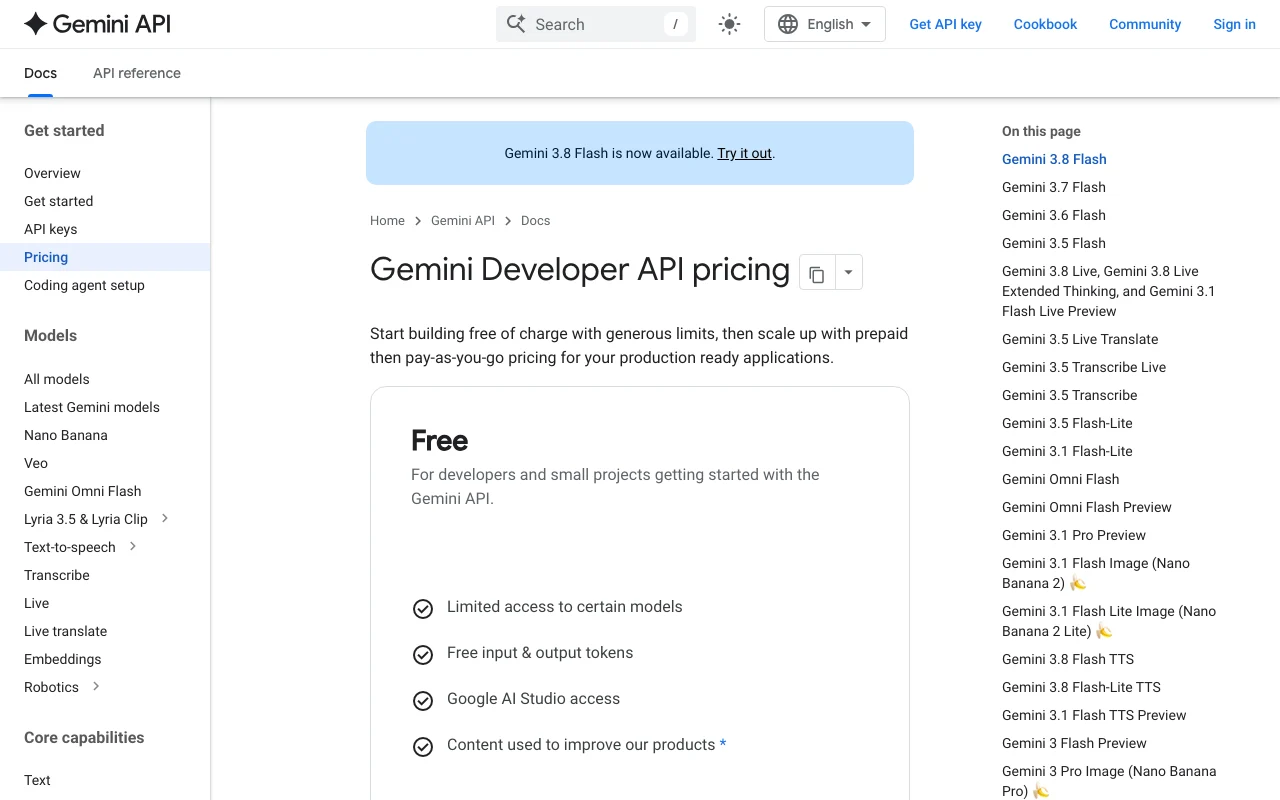
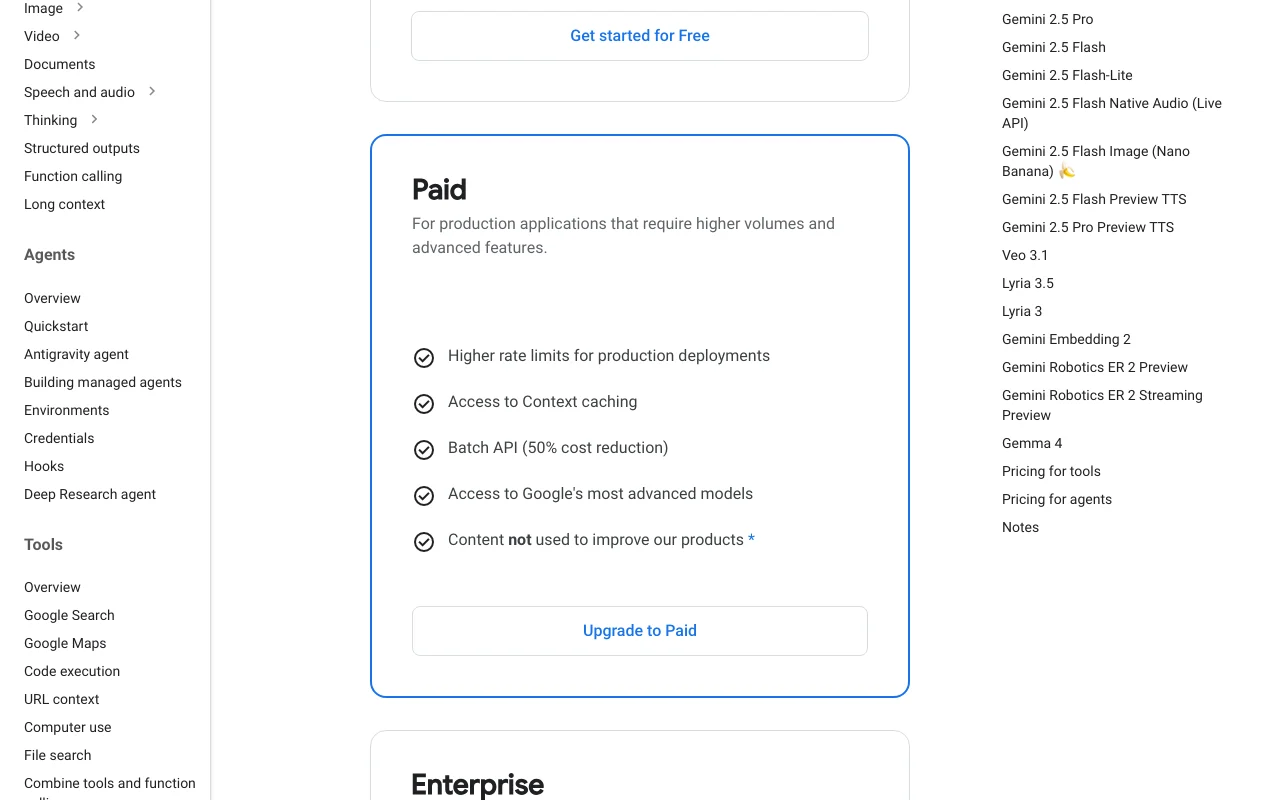
Gemini API: free tier content is used to improve products, paid tier is not (per pricing page)
Training-use terms differ between free and paid API tiers
Policies: ai.google.dev/gemini-api/docs/pricing
"Better suited" is based on documented features and pricing, not on a head-to-head test.
No user reviews yet.
Used Veo 3.1? Be the first to share your experience.
No. Gemini API video generation is not on the free tier, and consumer use requires a paid Google AI plan. source (opens in a new tab)
Per second of video: Standard $0.40, Fast $0.10-$0.30, Lite $0.05-$0.08 (seed data from official pricing). source (opens in a new tab)
Yes. Veo 3 and 3.1 generate sound effects, ambient noise and dialogue natively. source (opens in a new tab)
$4.99 per month on the US page; Google AI Pro is $19.99 per month. source (opens in a new tab)
In Gemini, in Google Flow, or via the Gemini API. source (opens in a new tab)
Not verified: Max duration and resolution options per mode; Watermark and commercial-use terms; Data retention and privacy for consumer plans; Official changelog entries; Plan usage limits (credits) for Google AI plans; Veo rows on the pricing page were not in fetched text; prices from seed.
Every fact about Veo 3.1 above comes from the 4 official pages listed here, last compared on Oct 1, 2026; we have not run Veo 3.1 ourselves, so it has no editorial score. How we check and re-check pages.
Article updated Oct 2, 2026; prices checked Oct 1, 2026. Outbound links to vendors are plain links; we do not earn commissions. How we review · Report an error
compare>