VideoDocumented overviewLast checked Oct 1, 2026

Screentell: Pricing, Features & Best Use Cases

Browser-based screen recorder and editor with focus zoom, 3D motion, stickers and face cam layer.
Who Screentell fits

Screentell suits creators and small SaaS teams who want a no-install browser screen recorder with focus zoom, 3D motion and a movable face cam, processed locally on their own computer. Based on the vendor's documentation, not on a hands-on test.

Best for: Creators making demos

Also a good fit for

  • Small SaaS teams

Consider another tool if free exports watermarked

Or if

  • Free export length capped at 3 minutes
  • Desktop browsers only; Chromium recommended

Screentell pricing and usage limits

Prices checked Oct 1, 2026 on the official US pricing page. Official pricing ↗ Prices and limits change often.

Free access and trial conditions

Free plan has unlimited recordings with watermark and a 3-minute export cap.

No trial stated; Free plan serves as the trial.

Paid plans: what changes as you upgrade

Free web

Free source (opens in a new tab)

For: Trying the editor

Limits

  • Watermarked videos
  • Export up to 3 minutes each

Includes

  • Unlimited recordings
  • HD export quality
1 more
  • Basic editing tools

No API

Pro web

$49.99/yr source (opens in a new tab)

Year, annual commitment

Equals $4.16/mo billed yearly; the monthly-billing price was not captured.

For: Creators and teams

Limits

  • Billed yearly

Includes

  • No watermark
  • Unlimited export video length
1 more
  • Everything in Free

No API

Lifetime web

$99 one-time source (opens in a new tab)

One-time

Shown as $99, struck through from $199.99.

For: Users avoiding subscriptions

Limits

  • One-time payment

Includes

  • Everything in Pro
  • Lifetime access and updates
1 more
  • No recurring payments

No API

Usage caps, credits and extra costs

None stated.

Not stated.

What is Screentell, and how does it work?

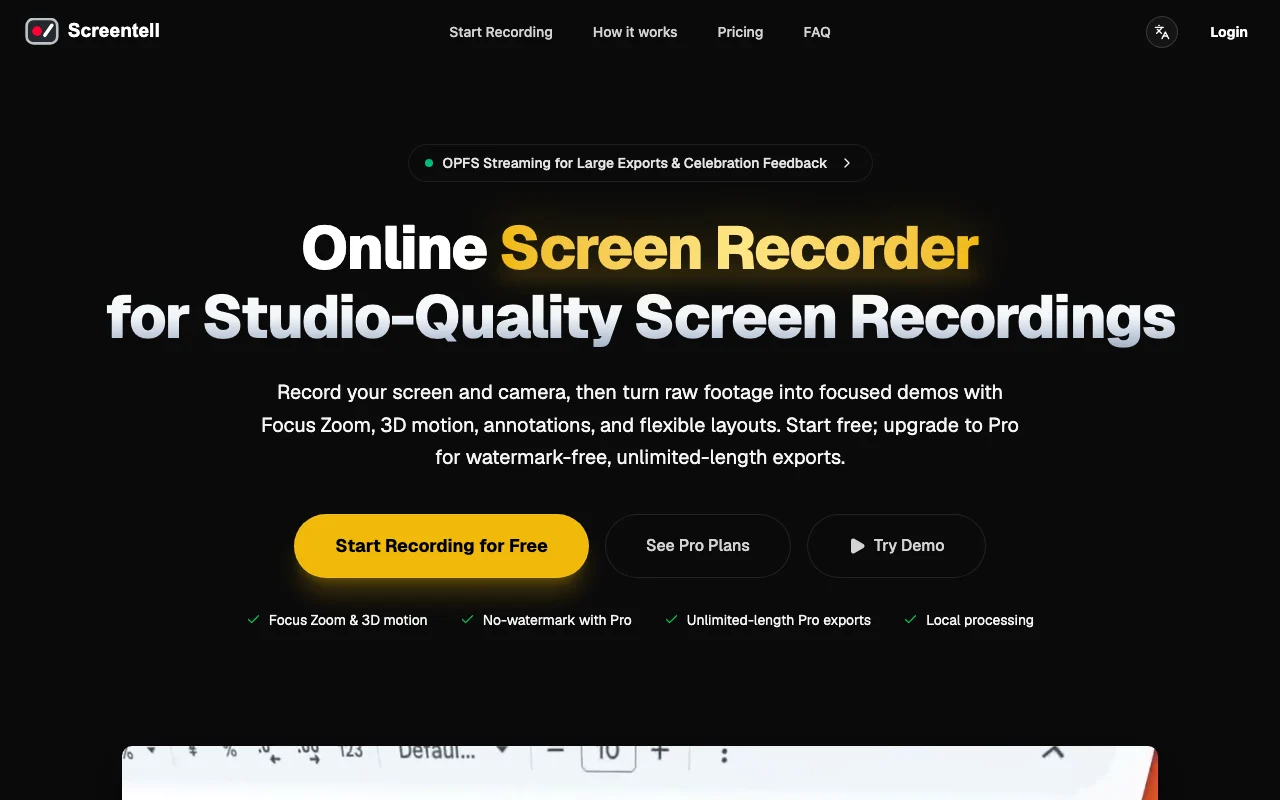
Screentell is a web-based screen recording and editing studio. It records screen, camera, system audio and microphone, then lets you add zooms, 3D transforms, annotations and backgrounds. The docs say it runs in modern desktop browsers with Chromium recommended, and that recordings are processed and stored locally. A free plan and paid plans are listed.

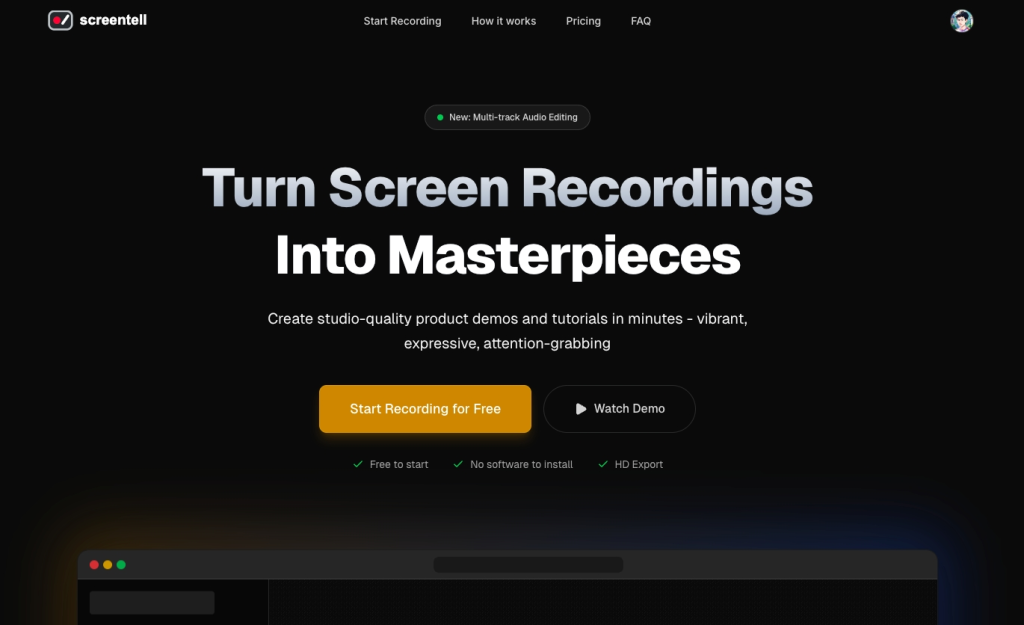
Screentell homepage — screenshot of the video AI tool, Oct 2, 2026
Screentell's official site: how the product presents itself. screentell.com, captured Oct 2, 2026

What you provide and what you get back

How Screentell works: what you provide, where it runs and what you get backYOU PROVIDEYour inputScreen, window and camera captureSystem audio and microphoneExisting video files to importVIDEOScreentellWebfrom $49.99/yr (Pro)free tier availableaccount requiredchecked Oct 1, 2026YOU GET BACKThe resultEdited video exported as MP4, Web…Zoomed and 3D-transformed footageinput → Screentell → output · from the vendor's own pages, no hands-on test unless stated
What you give Screentell and what comes back, from its documentation

You provide

  • Screen, window and camera capture
  • System audio and microphone
  • Existing video files to import

You get back

  • Edited video exported as MP4, WebM or GIF
  • Zoomed and 3D-transformed footage

Where you can use it

Platforms
Web
Account
Required
Export formats
MP4, WebM, GIF
Free export limit
3 minutes, watermarked
Capture
Screen, camera, system audio, microphone
Browsers
Chrome, Edge, Brave, Arc (desktop)

What people use Screentell for

Scenarios are worked out by our editors from the documentation; the actual result depends on your input and plan.

Product demos

Who
Product marketers and SaaS founders
You provide
A window recording of the product
Expected result
A demo with zooms, annotations and a styled background
Plan needed
Pro
Limitation
Free exports carry a watermark source (opens in a new tab)

Tutorials

Who
Educators and documentation writers
You provide
A screen and microphone recording
Expected result
A tutorial with cut segments and speed changes
Plan needed
Free
Limitation
Free export capped at 3 minutes source (opens in a new tab)

Social media videos

Who
Social video creators
You provide
A short screen capture plus face cam
Expected result
A clip with 3D motion exported as GIF or MP4
Plan needed
Pro
Limitation
Desktop browsers only, no mobile support source (opens in a new tab)

What Screentell does, and where it stops

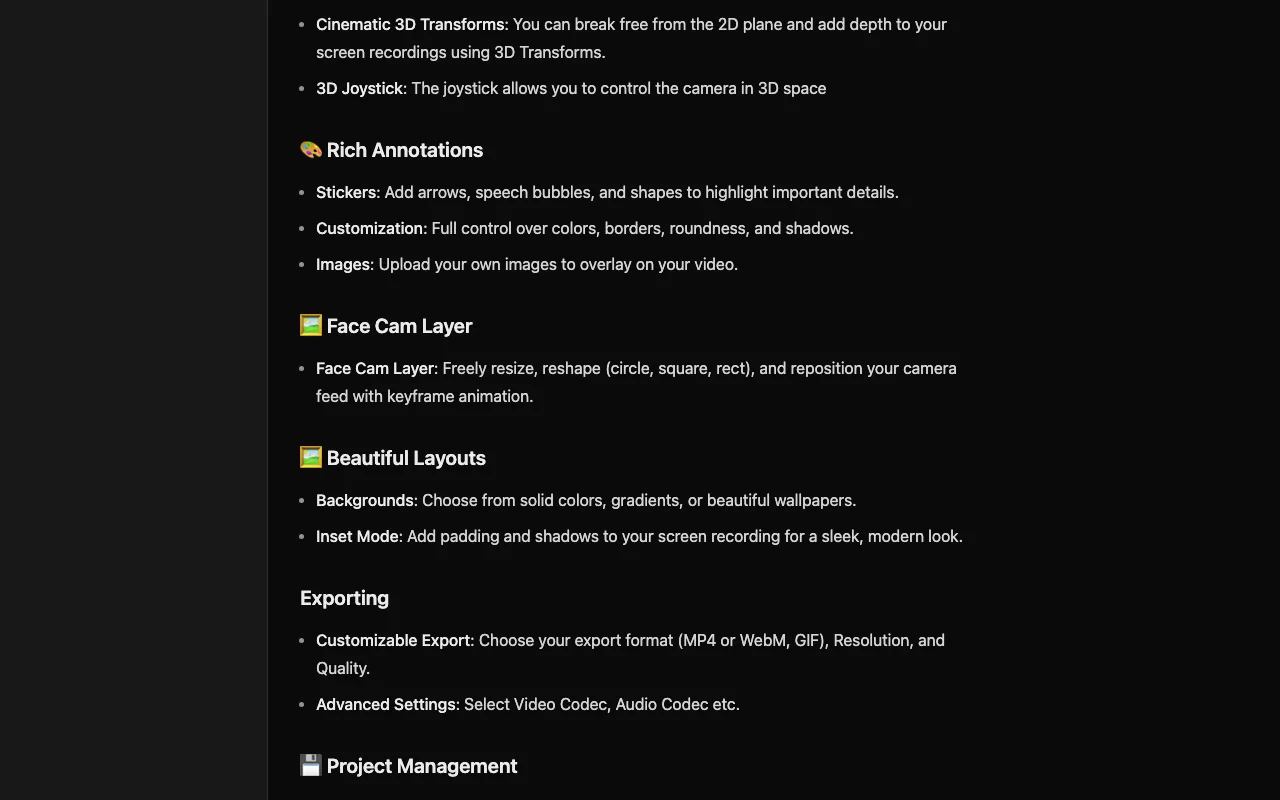
Screentell homepage — screenshot of the video AI tool, Oct 2, 2026
Feature overview on the official site. screentell.com, captured Oct 2, 2026

Screen and camera recording

Records screen and camera together with system sound and microphone. Captures a full demo in one take.

Access: All plansLimit: Chromium-based browser recommended. source (opens in a new tab)

Focus zoom and 2D/3D motion

Adds keyframe-based focus zooms and 3D transforms with a joystick control. Guides the viewer's eye to key areas.

Access: All plansLimit: 3D control takes practice. source (opens in a new tab)

Stickers and annotations

Places arrows, bubbles, shapes, hand-drawn text and uploaded images over video. Points out details without voice-over.

Access: All plansLimit: Not stated whether limited on Free. source (opens in a new tab)

Cropping, cutting and speed control

Splits and cuts clips, changes speed, crops the screen and treats the face cam as a layer to move, resize or hide. Fixes mistakes and hides distracting UI after recording.

Access: All plansLimit: Editing is in-browser, so large projects depend on device power. source (opens in a new tab)

Screentell: strengths and limits

Reasons to choose Screentell

Check before paying for Screentell

How to use Screentell for recording a product demo with focus zoom

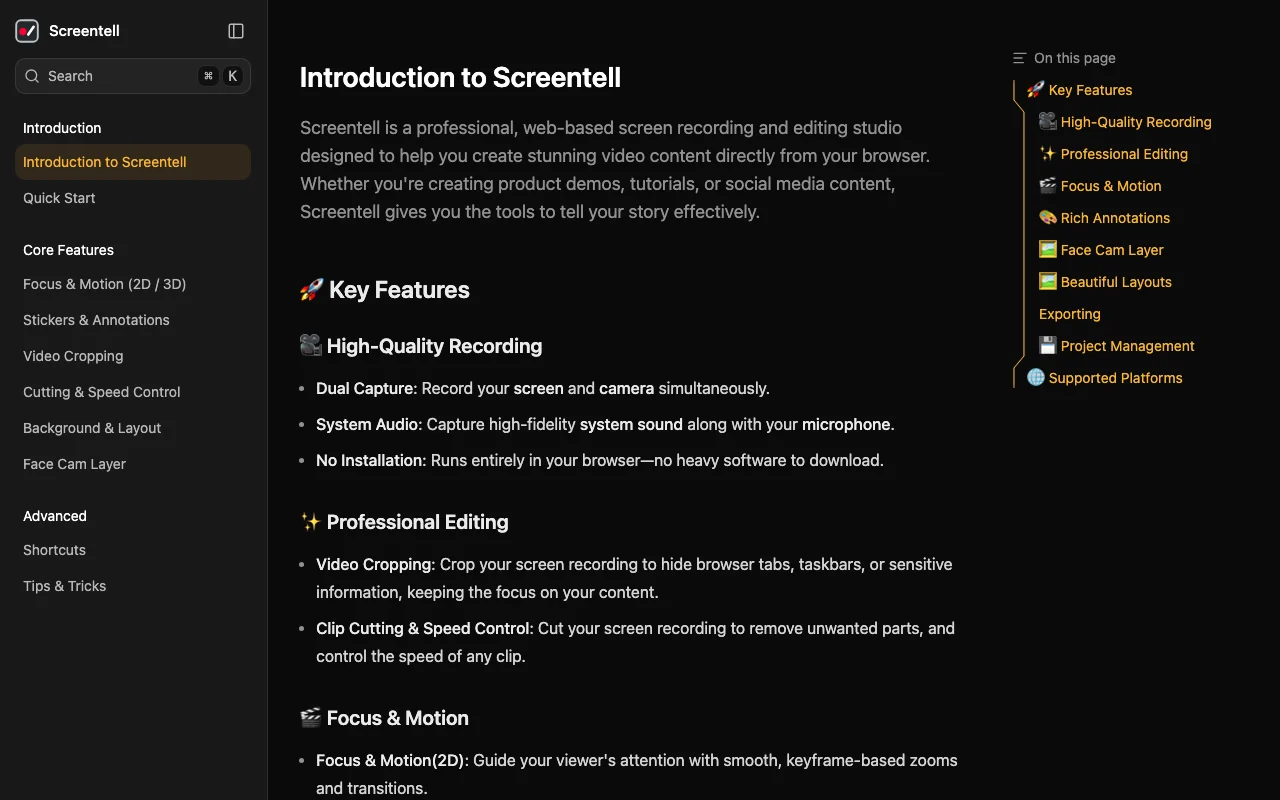
Screentell documentation — screenshot of the video AI tool, Oct 2, 2026
Screentell documentation: where the steps below come from. screentell.com, captured Oct 2, 2026

Set up Screentell

  1. Open screentell.com in Chrome, Edge or Brave on a desktop
  2. Log in or sign up to reach the Projects page
  3. Allow screen, camera and microphone permissions when prompted

Example: recording a product demo with focus zoom

  1. Select the window or screen and start recording with screen and camera
  2. Stop recording and open the editor
  3. Add focus zooms on the key clicks and a sticker arrow
  4. Crop out browser tabs and cut mistakes from the timeline
  5. Export as MP4 or GIF

Review and export the result

  1. Play the preview to confirm cuts and zooms look right
  2. Check the export has no watermark if on Pro and is within the 3-minute free limit otherwise

Privacy, data use and commercial rights

Summarized from the vendor's current policies; this is not legal advice and a vendor's badge is not an independent audit.

How your inputs and outputs are handled

Site states recordings are processed and stored locally in your browser and never uploaded to external servers.

Not stated; no server-side processing is claimed.

Stored on your device.

Commercial use and plan restrictions

Not stated.

None stated.

Other tools to consider instead of Screentell

"Better suited" is based on documented features and pricing, not on a head-to-head test.

Descript: better suited to

Runway: better suited to

Alternatives
AlternativeWhen to choose itPricingLimitation
Descript——Compare
Runway——Compare

Explore Screentell further

If you are looking at Screentell

Screentell user reviews

No user reviews yet.

Used Screentell? Be the first to share your experience.

Write a review

Reviews are checked by a moderator before they appear. Your email is never published. Plain text only.

Your rating (required)

Show what you made or what went wrong. Images are published only if the review is approved; location data is removed.

    Screentell FAQ

    Is Screentell really free?

    Yes: unlimited recording and editing, but free exports are watermarked and limited to 3 minutes each. source (opens in a new tab)

    Where are my Screentell recordings stored?

    Locally on your own computer; the site says recording data is never uploaded to external servers. source (opens in a new tab)

    Which browsers does Screentell support?

    Modern desktop browsers such as Chrome, Edge, Brave and Arc, with Chromium recommended. source (opens in a new tab)

    Can I edit a video I recorded elsewhere in Screentell?

    Yes. Log in and upload an existing video from the Projects page to use the editing tools. source (opens in a new tab)

    What does the Screentell Lifetime plan cost?

    $99 one time (shown reduced from $199.99), including everything in Pro and lifetime updates. source (opens in a new tab)

    Sources and review methodology

    Official sources and verification dates

    Not verified: Monthly Pro price; Privacy policy (404); Maximum export resolution; Commercial terms.

    How we documented and maintain this page

    Every fact about Screentell above comes from the 3 official pages listed here, last compared on Oct 1, 2026; we have not run Screentell ourselves, so it has no editorial score. How we check and re-check pages.

    Article updated Oct 2, 2026; prices checked Oct 1, 2026. Outbound links to vendors are plain links; we do not earn commissions. How we review · Report an error