VideoDocumented overviewLast checked Sep 29, 2026

Shocase: Pricing, Features & Best Use Cases

Turns a screen recording or upload into product videos, step-by-step guides, interactive demos and release notes.
Who should use Shocase

Shocase suits product, pre-sales and documentation teams who want a rough screen recording turned into a cut video, written guide, interactive demo and release notes in many languages. Based on the vendor's documentation, not on a hands-on test.

Best for: Product marketing teams

Also a good fit for

  • Customer education teams
  • Presales teams

Consider another tool if no pricing page found; paid plans not confirmed

Or if

  • Free allowance limited to first five items
  • Interactive demo capture needs a browser extension

Shocase pricing and usage limits

Prices checked Sep 29, 2026 on the official US pricing page. Official pricing ↗ Prices and limits change often.

Free access and trial conditions

Free for your first five recordings.

Free allowance acts as a trial.

Paid plans: what changes as you upgrade

Free Web

Free source (opens in a new tab)

Free, annual commitment

For: Trying the workflow

Limits

  • Free for the first five recordings; unit is the recording per the FAQ

Includes

  • Videos, guides and demos
  • Nothing publishes until approved

Paid Web

See official pricing source (opens in a new tab)

Month, annual commitment

For: Teams

Limits

  • Prices not shown

Includes

  • SSO and SCIM on every plan per the site
  • Team workspace and brand rules

Usage caps, credits and extra costs

Per-seat pricing after the first five; amount not published.

Not stated.

What is Shocase, and how does it work?

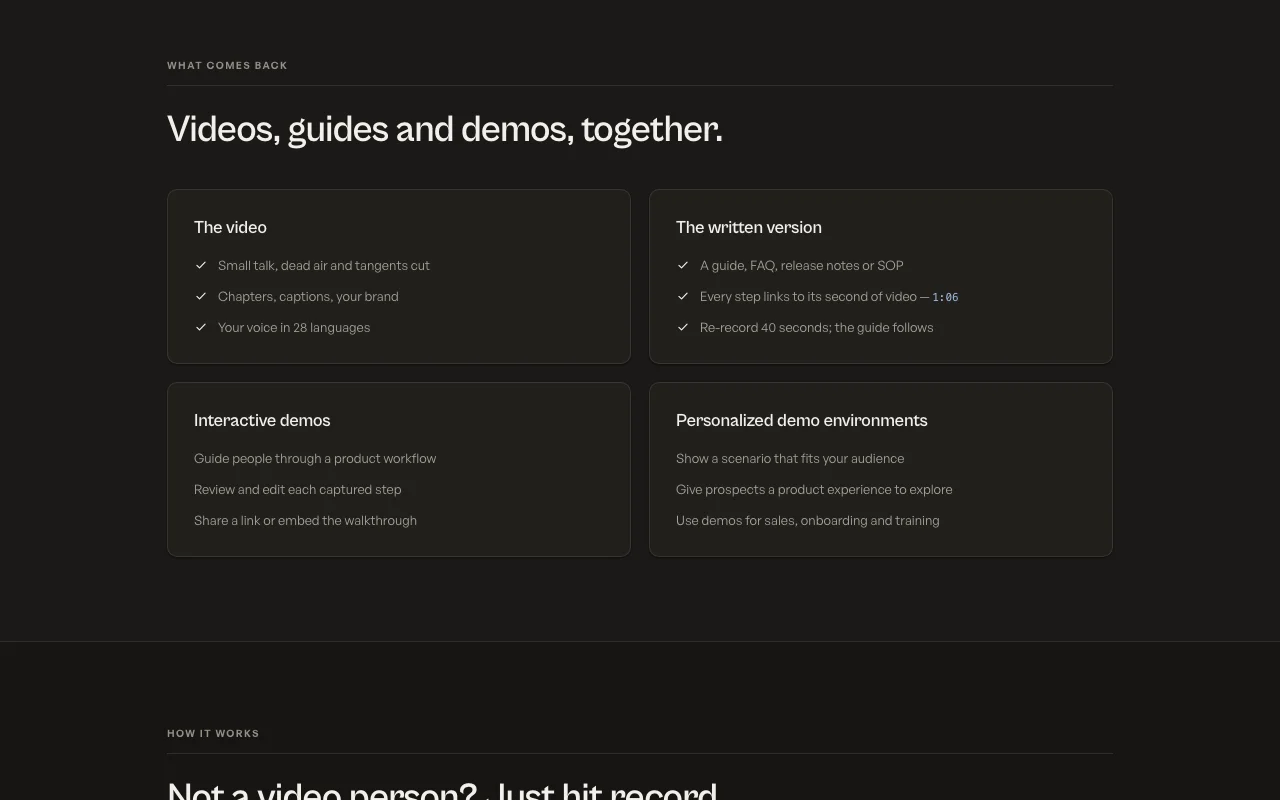
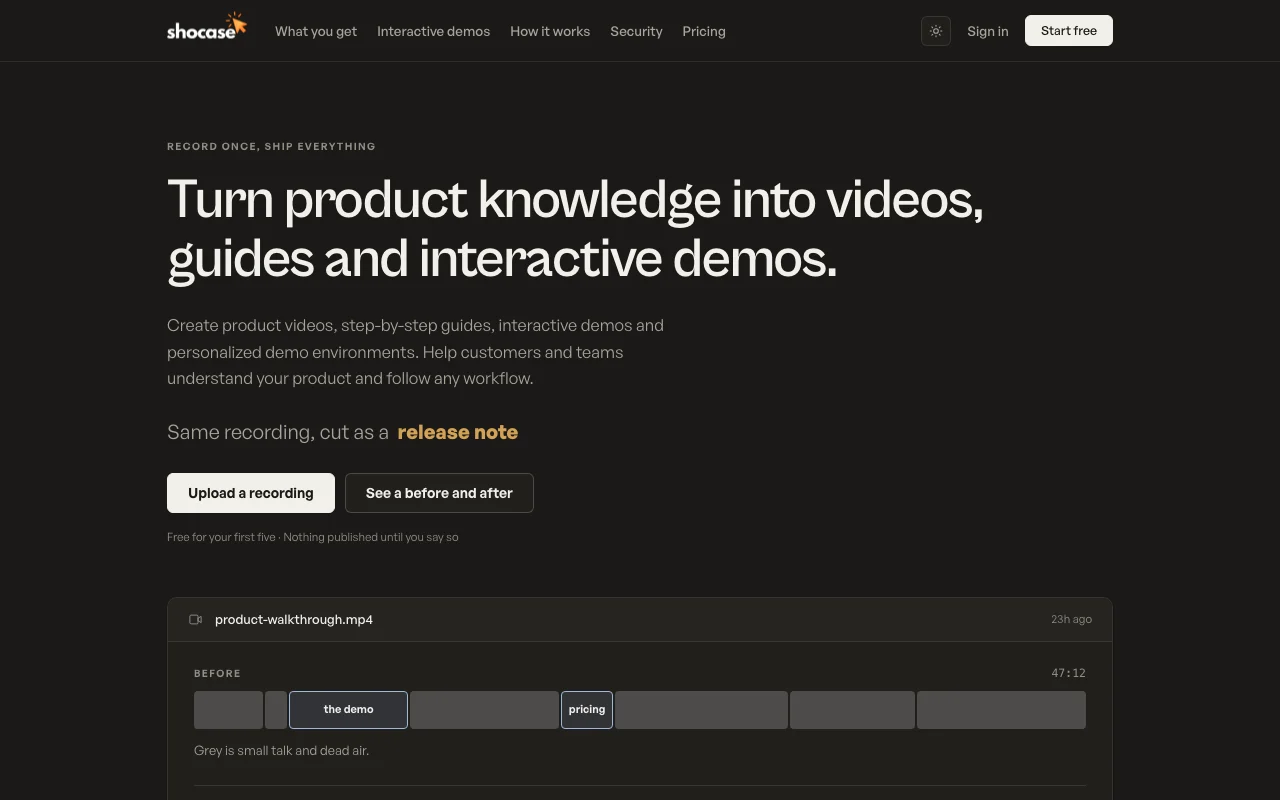
Shocase takes a product recording or upload and produces an edited product video, written guides, FAQs, release notes and interactive demos. Its home page says it cuts small talk and dead air, adds chapters and captions, and can dub narration into 28 languages. Interactive demos are captured with a browser extension, edited step by step in a builder, and shared as a link or embed. Outputs can be exported as MP4, a shared page, or to Notion and Confluence.

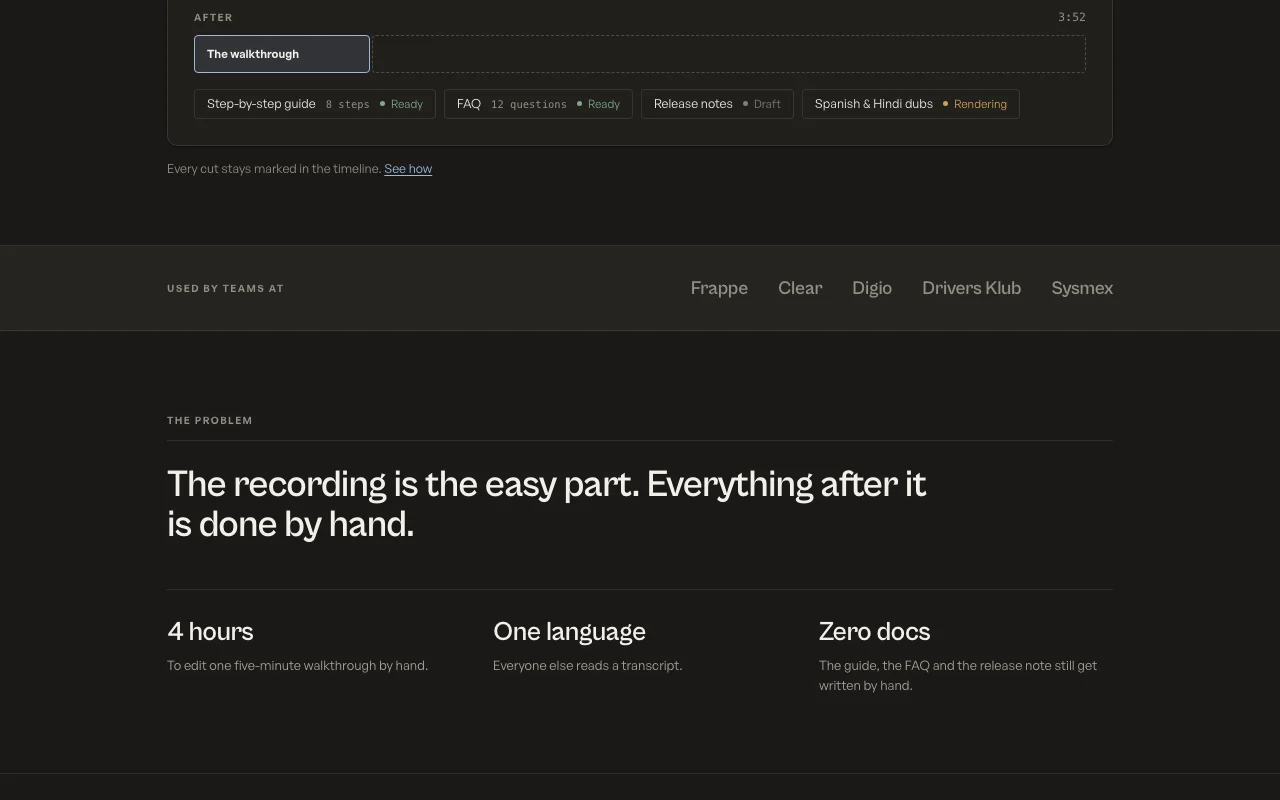
Shocase homepage — screenshot of the video AI tool, Oct 1, 2026
Shocase's official site: how the product presents itself. shocase.ai, captured Oct 1, 2026

What you provide and what you get back

How Shocase works: what you provide, where it runs and what you get backYOU PROVIDEYour inputScreen recordings or uploadsBrowser extension captures for de…VIDEOShocaseWebfree tier, paid price not publish…free tier availableaccount requiredchecked Sep 29, 2026YOU GET BACKThe resultCut product videos with captionsStep-by-step guides, FAQs and rel…Interactive demosDubbed versions in 28 languagesinput → Shocase → output · from the vendor's own pages, no hands-on test unless stated
What you give Shocase and what comes back, from its documentation

You provide

  • Screen recordings or uploads
  • Browser extension captures for demos

You get back

  • Cut product videos with captions
  • Step-by-step guides, FAQs and release notes
  • Interactive demos
  • Dubbed versions in 28 languages

Where you can use it

Platforms
Web
Account
Required
Dubbing
28 languages
Exports
MP4, shared page, Notion, Confluence
Security
SOC 2 Type II
Storage
Google Cloud Mumbai

What people use Shocase for

Scenarios are worked out by our editors from the documentation; the actual result depends on your input and plan.

Product walkthrough videos

Who
Product marketing
You provide
A messy screen recording
Expected result
A cut video with chapters, captions and branding
Plan needed
Free then paid
Limitation
Pricing after five not published source (opens in a new tab)

Step-by-step help guides

Who
Documentation and support teams
You provide
A recording of a workflow
Expected result
A guide whose steps link to video seconds
Plan needed
Free then paid
Limitation
Re-record to update steps source (opens in a new tab)

Interactive demos for sales

Who
Pre-sales and sales enablement
You provide
Browser extension capture
Expected result
Shareable or embeddable demo
Plan needed
Free then paid
Limitation
Needs the browser extension source (opens in a new tab)

Multilingual training videos

Who
Training teams
You provide
A recorded process
Expected result
Dubs in 28 languages
Plan needed
Free then paid
Limitation
Dub quality not independently verified source (opens in a new tab)

Key features and their practical limits

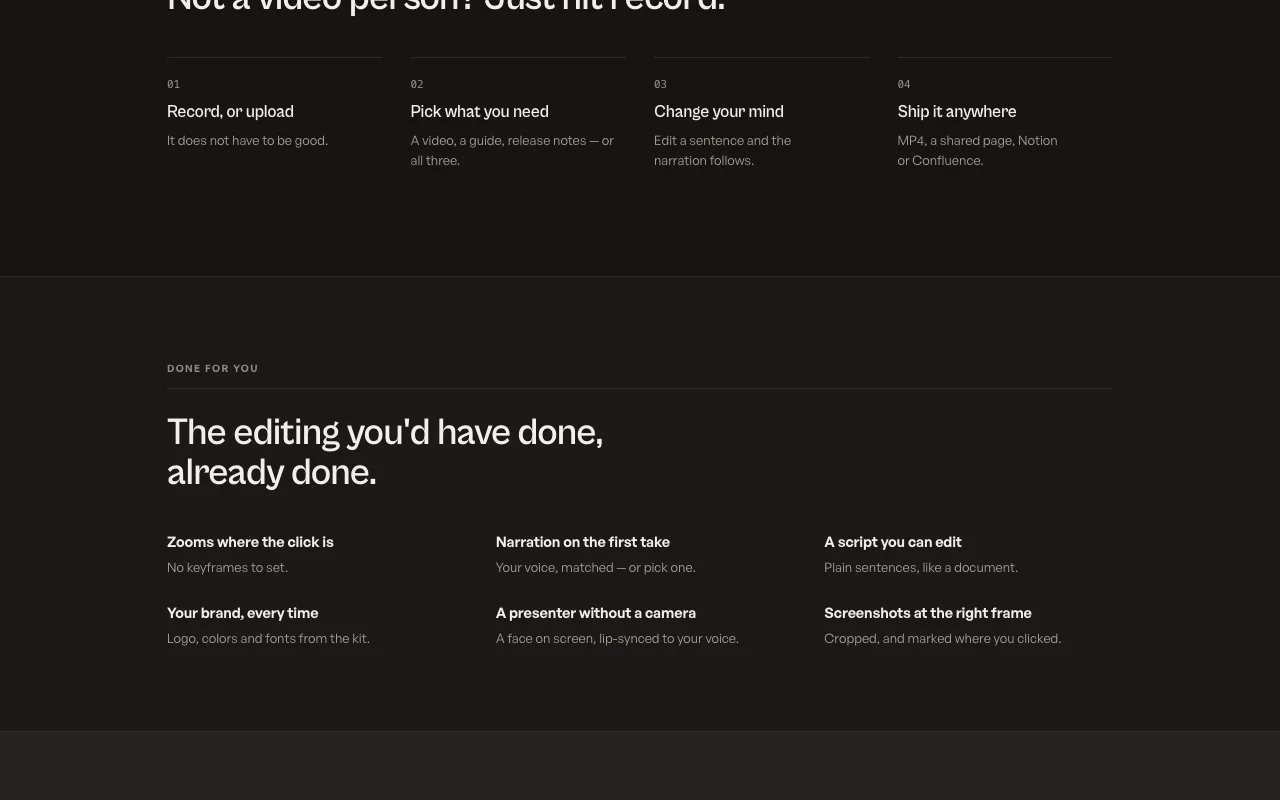
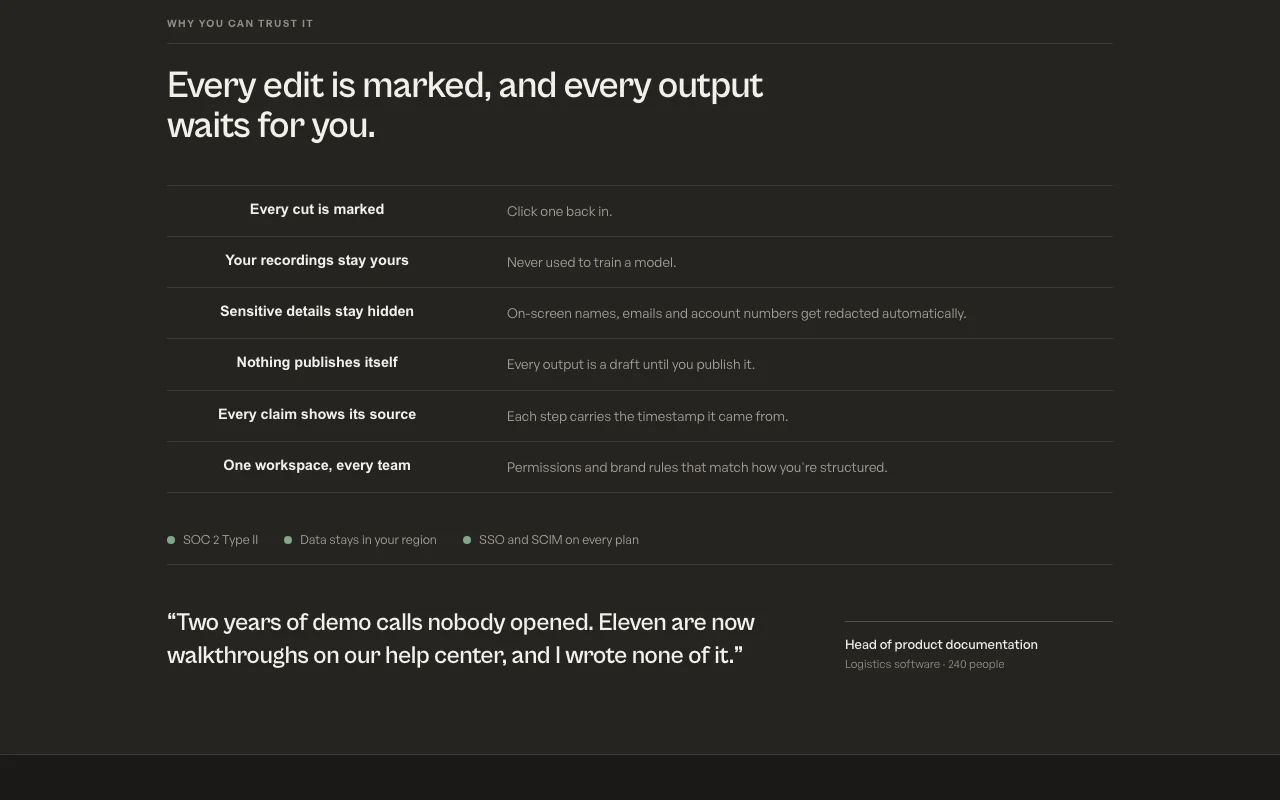
Shocase homepage — screenshot of the video AI tool, Oct 1, 2026
Feature overview on the official site. shocase.ai, captured Oct 1, 2026

Recording cleanup and cuts

Removes small talk and dead air and marks each cut in the timeline. Cuts editing time.

Access: All plansLimit: Automated cuts should be reviewed source (opens in a new tab)

Guides, FAQs and release notes from a recording

Writes documents from what is said, each step timestamped. Docs follow the video.

Access: All plansLimit: Drafts need approval source (opens in a new tab)

Interactive demo builder with extension capture

Captures workflow steps through a Chrome extension for editable demos. Sales-ready demos.

Access: All plansLimit: Extension required source (opens in a new tab)

Dubbing into 28 languages

Generates narration in your voice in 28 languages. Reach more viewers.

Access: All plansLimit: Rendering time not stated source (opens in a new tab)

Shocase pros and cons

Where Shocase is strong

Limitations to check before paying

How to use Shocase for turning a screen recording into a video and guide

Set up Shocase

  1. Create an account at shocase.ai
  2. Install the Chrome extension or Recorder app if you want demos
  3. Choose Upload a recording

Example: turning a screen recording into a video and guide

  1. Upload or record a product walkthrough
  2. Pick video, guide and release notes
  3. Review the marked cuts in the timeline
  4. Publish to a shared page, MP4, Notion or Confluence

Review and export the result

  1. Check cuts and redacted details in the timeline
  2. Confirm the guide steps match video timestamps

Shocase integrations and API

Native integrations and export formats

Export: MP4, Shared page, Embeddable demo

API access and separate billing

Shocase has no public API in its official documentation. No API mentioned.

Privacy, data use and commercial rights

Summarized from the vendor's current policies; this is not legal advice and a vendor's badge is not an independent audit.

How your inputs and outputs are handled

Parts of recordings are sent to named AI providers; data stored in Google Cloud Mumbai.

Vendor says it does not train its own models on your data.

Account and content deleted on request to support.

Commercial use and plan restrictions

Customers own their recordings.

SOC 2 Type II; SSO and SCIM on every plan.

Controls for business users

  • Automatic redaction of names and emails
  • Permissions and brand rules

Policies: shocase.ai/privacy/

Shocase alternatives by need

"Better suited" is based on documented features and pricing, not on a head-to-head test.

Descript: better suited to

Synthesia: better suited to

Canva: better suited to

Alternatives
AlternativeWhen to choose itPricingLimitation
Descript——Compare
Synthesia——Compare
Canva——

Explore Shocase further

Related to Shocase

Shocase user reviews

No user reviews yet.

Used Shocase? Be the first to share your experience.

Write a review

Reviews are checked by a moderator before they appear. Your email is never published. Plain text only.

Your rating (required)

Show what you made or what went wrong. Images are published only if the review is approved; location data is removed.

    Shocase FAQ

    Is Shocase free?

    The first five recordings are free, then pricing is per seat; amounts are not published. source (opens in a new tab)

    Does it train on my recordings?

    No; the privacy policy says it does not train its own models on your data. source (opens in a new tab)

    Where is data stored?

    In Google Cloud in Mumbai, India, while AI providers process data outside India. source (opens in a new tab)

    Will it publish automatically?

    No. Every output is a draft until you publish it. source (opens in a new tab)

    How many languages for dubbing?

    28. source (opens in a new tab)

    Sources and review methodology

    Official sources and verification dates

    Not verified: Paid plan prices; API.

    How we documented and maintain this page

    Every fact about Shocase above comes from the 2 official pages listed here, last compared on Sep 29, 2026; we have not run Shocase ourselves, so it has no editorial score. How we check and re-check pages.

    Article updated Oct 10, 2026; prices checked Sep 29, 2026. Outbound links to vendors are plain links; we do not earn commissions. How we review · Report an error