VideoDocumented overviewLast checked Oct 5, 2026

Riverside: Pricing, Features & Best Use Cases

Riverside is a studio for recording podcasts and video, live streaming and webinars with AI editing.
Who Riverside fits

Choose Riverside when remote guests must be recorded in studio quality with separate tracks, and use the free plan to test before the 14-day paid trial. Based on the vendor's documentation, not on a hands-on test.

Best for: Podcasters

Also a good fit for

  • Video creators
  • Webinar hosts

Consider another tool if free plan recording is 2 hours one-off

Or if

  • Pro limited to 15 hours/month
  • Annual billing needed for lowest price

Riverside in the news

Headlines from US outlets, selected automatically — not endorsements. Updated Oct 5, 2026

Riverside pricing and usage limits

Prices checked Oct 5, 2026 on the official US pricing page. Official pricing ↗ Prices and limits change often.

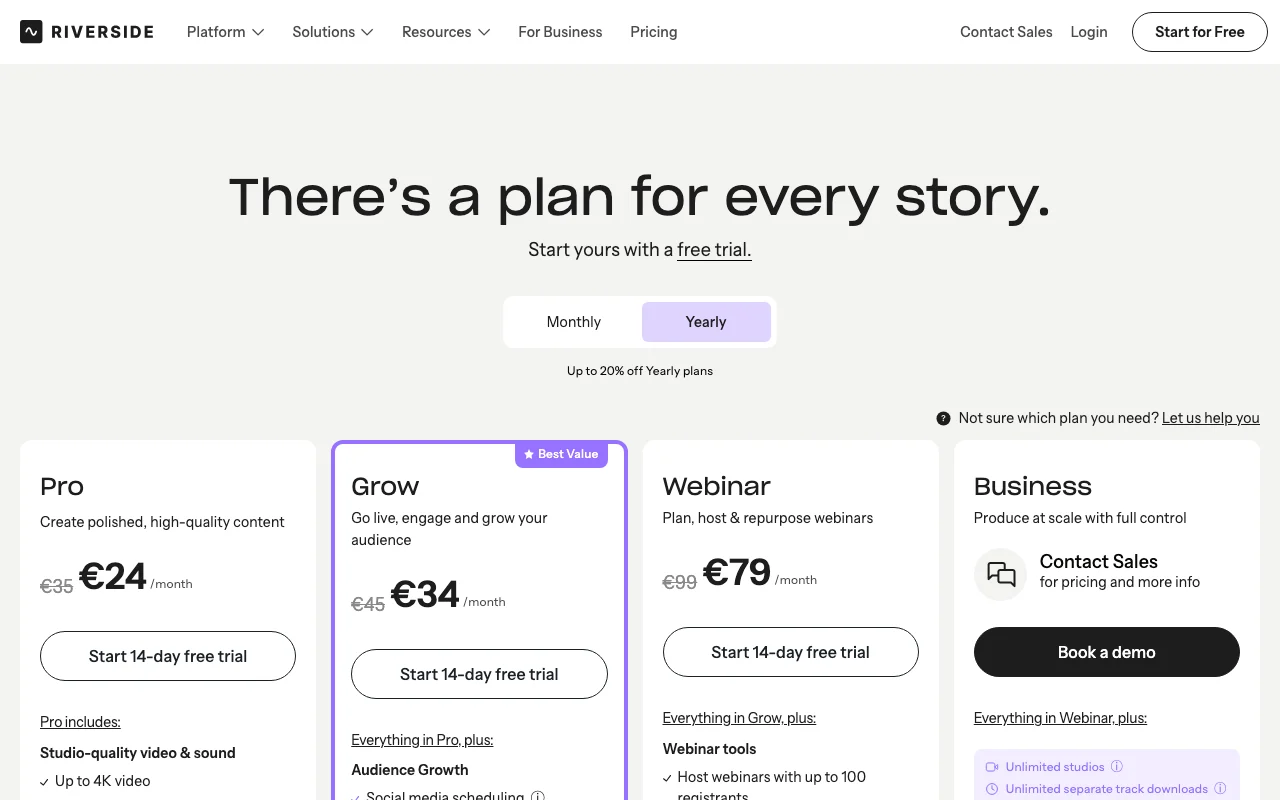
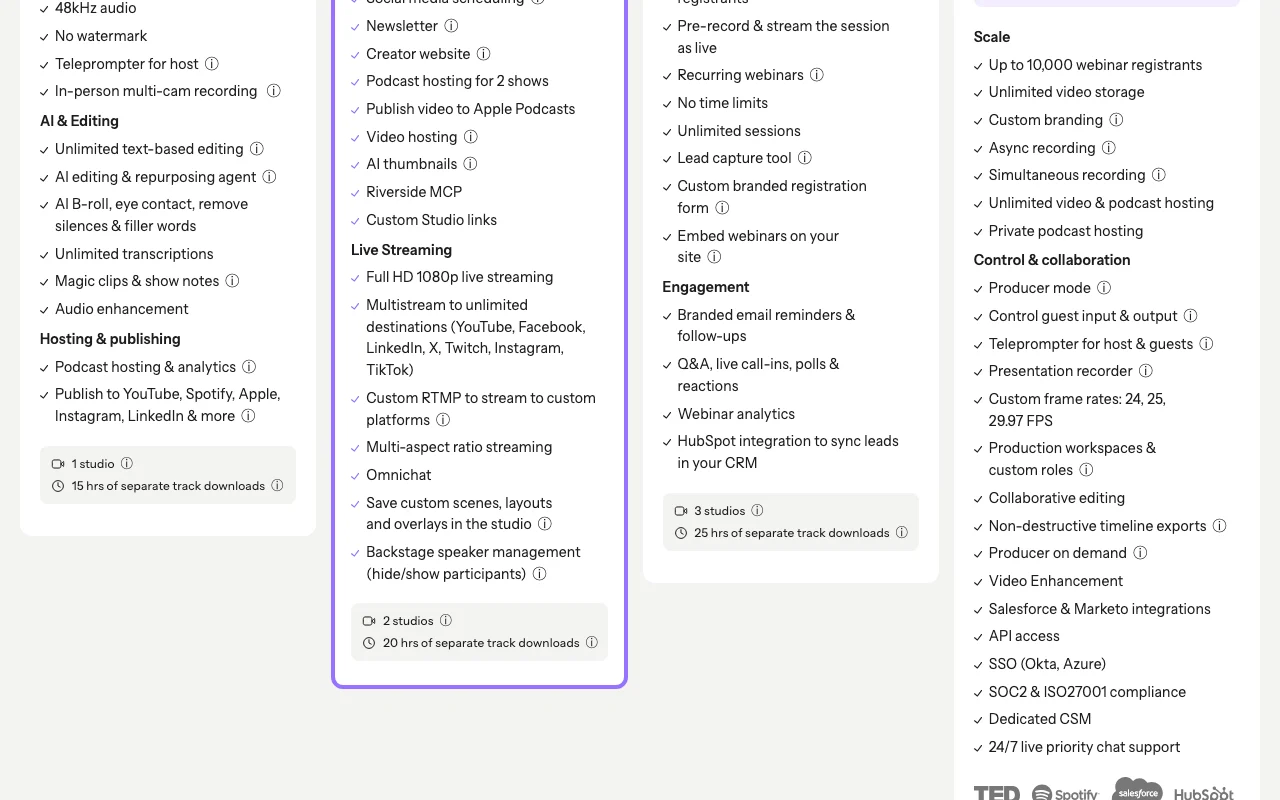
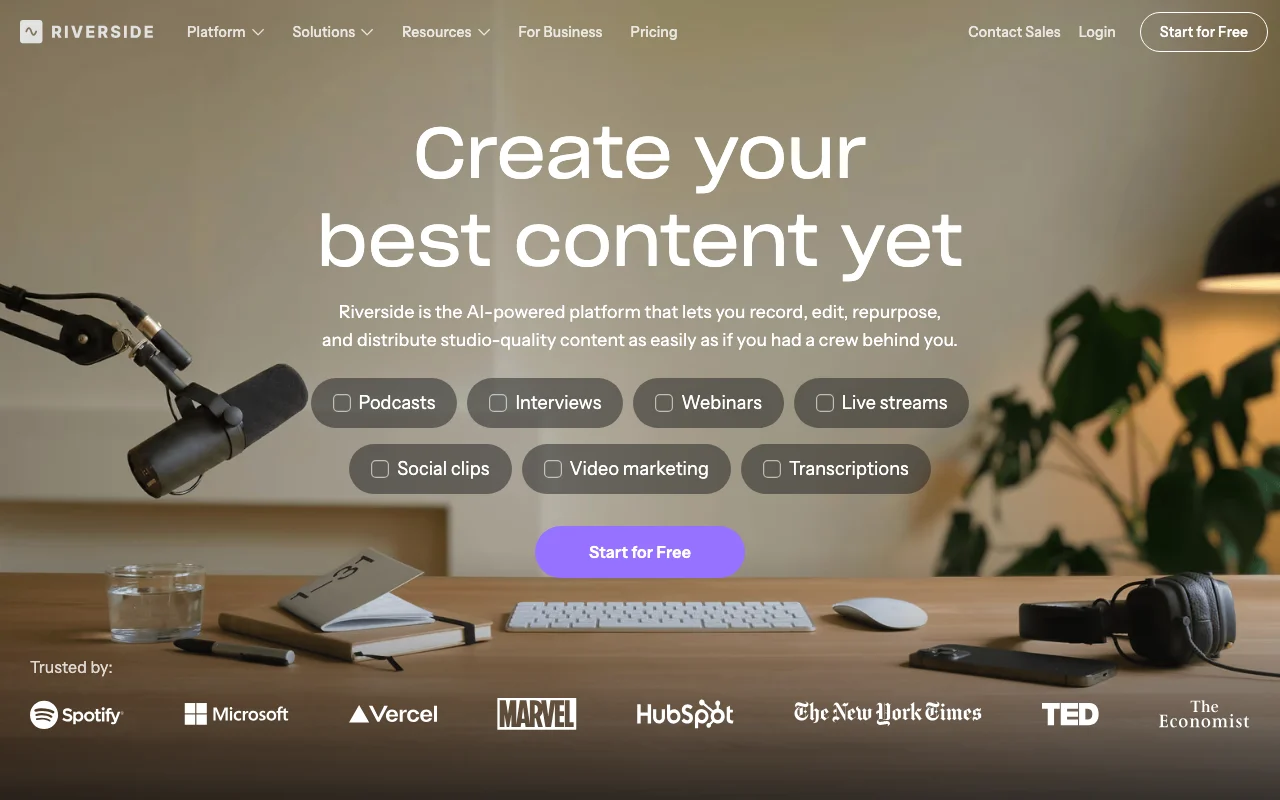
Riverside pricing page with plans and prices — screenshot of the video AI tool, Oct 5, 2026
The official Riverside pricing page as we saw it. riverside.fm, captured Oct 5, 2026

Free access and trial conditions

Free plan: 2 hours of multi-track recording (one-off), 720p, watermark.

14-day free trial on Pro, Grow and Webinar.

Paid plans: what changes as you upgrade

Free web

Free source (opens in a new tab)

Month

For: Trying Riverside

Limits

  • Up to 720p
  • Watermark
1 more
  • 2 hours of multi-track recording (one-off)

Includes

  • 44.1 kHz audio
  • Unlimited single-track recording
1 more
  • Magic Clips

Pro + Live Studio web

$29/mo source (opens in a new tab)

Month

$24/mo when billed $288 annually.

For: Solo podcasters

Limits

  • 15 hours of separate track downloads
  • 1 studio

Includes

  • Up to 4K
  • No watermark
2 more
  • Podcast hosting & analytics
  • AI editing agent

Grow + Live Studio web

$39/mo source (opens in a new tab)

Month

$34/mo when billed $408 annually.

For: Growing creators

Limits

  • 20 hours of separate track downloads
  • 2 studios

Includes

  • Full HD 1080p multistream
  • Social scheduling
2 more
  • Newsletter
  • Riverside MCP

Webinar + Live Studio web

$99/mo source (opens in a new tab)

Month

$79/mo is shown for annual, but the page text says billed $408 annually; mapping inconsistent, so not recorded.

For: Webinar hosts

Limits

  • Up to 100 registrants
  • 25 hours of separate track downloads
1 more
  • 3 studios

Includes

  • Recurring webinars
  • Q&A, polls
1 more
  • HubSpot integration

Business web

Custom pricing source (opens in a new tab)

Custom

Contact sales.

For: Teams at scale

Limits

  • Up to 10,000 webinar registrants

Includes

  • Unlimited studios
  • SSO
2 more
  • API access
  • SOC2 & ISO27001

API included

Usage caps, credits and extra costs

Business is custom priced.

Not stated.

What is Riverside, and how does it work?

Riverside is an all-in-one platform for audio and video recording, live streaming, webinars and podcast hosting, with AI editing and repurposing tools. It has a free plan and paid plans with a 14-day free trial; iOS and Android app links appear on its site.

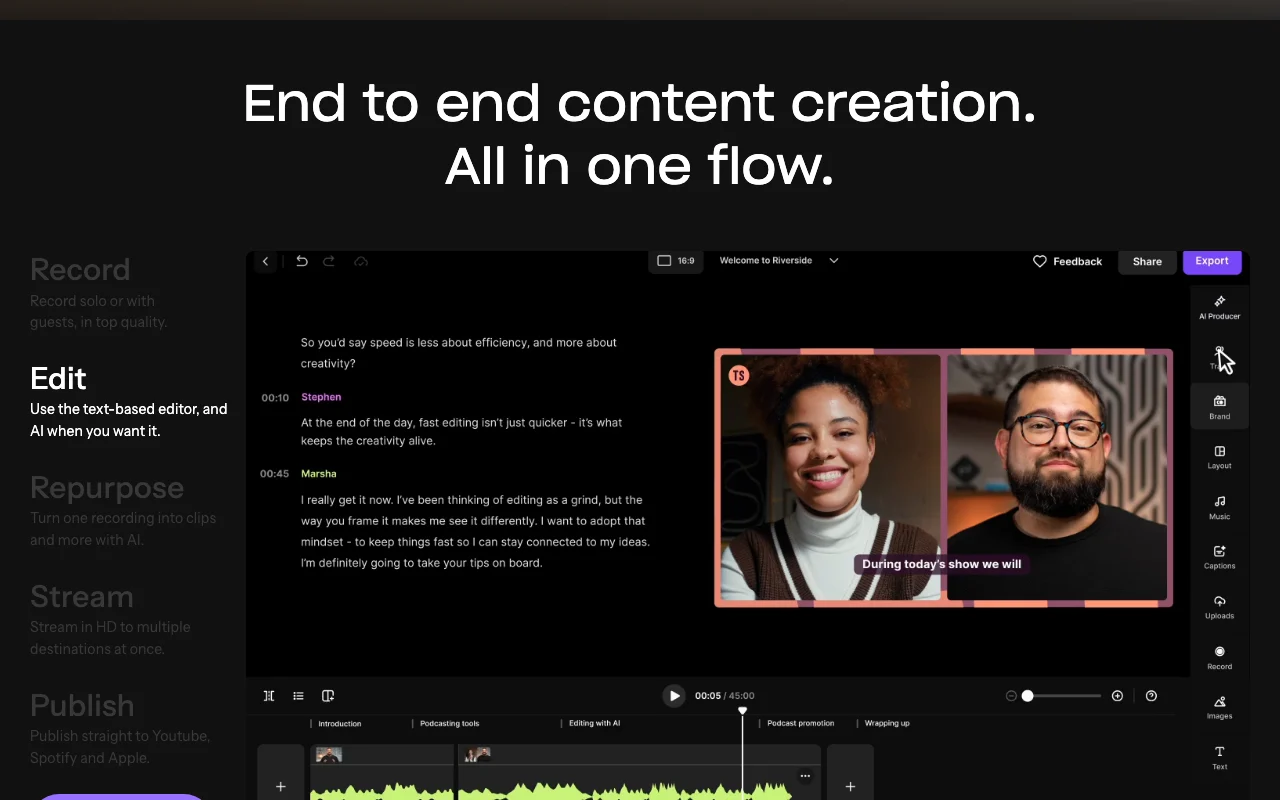
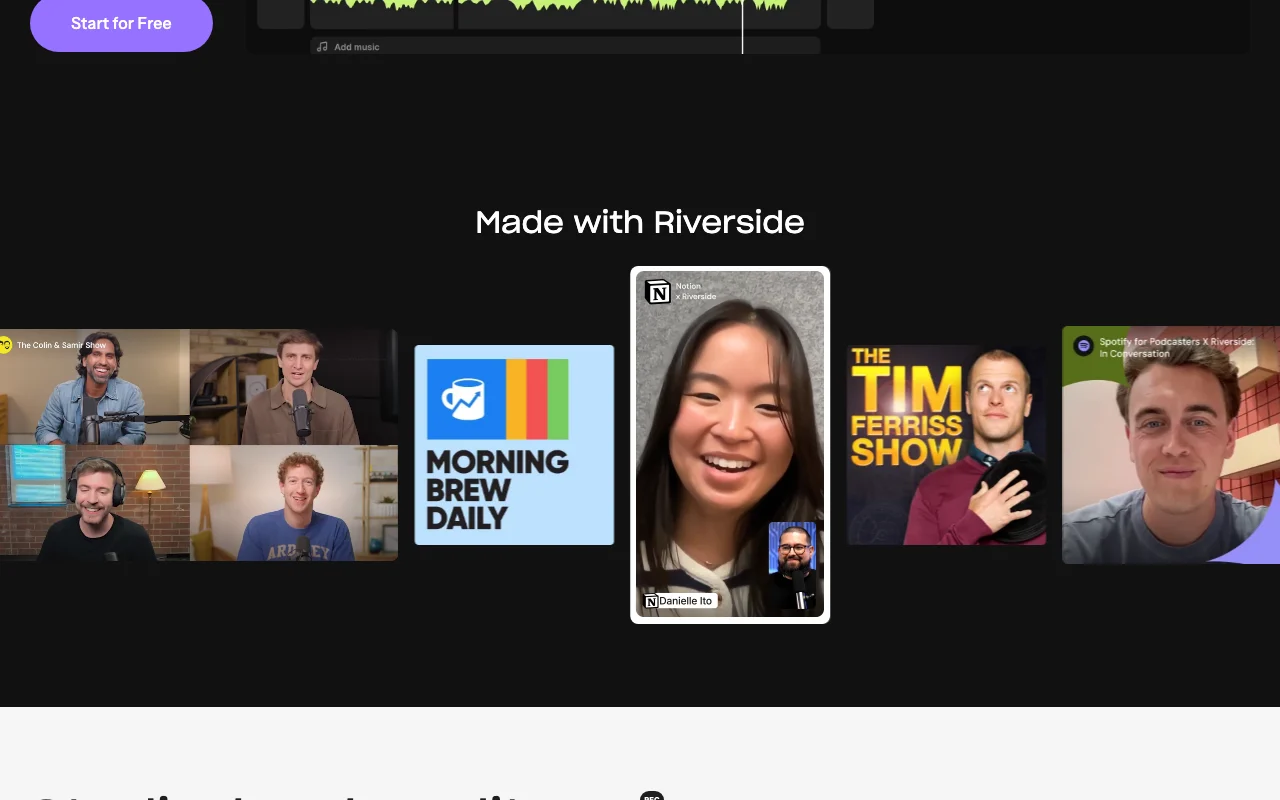
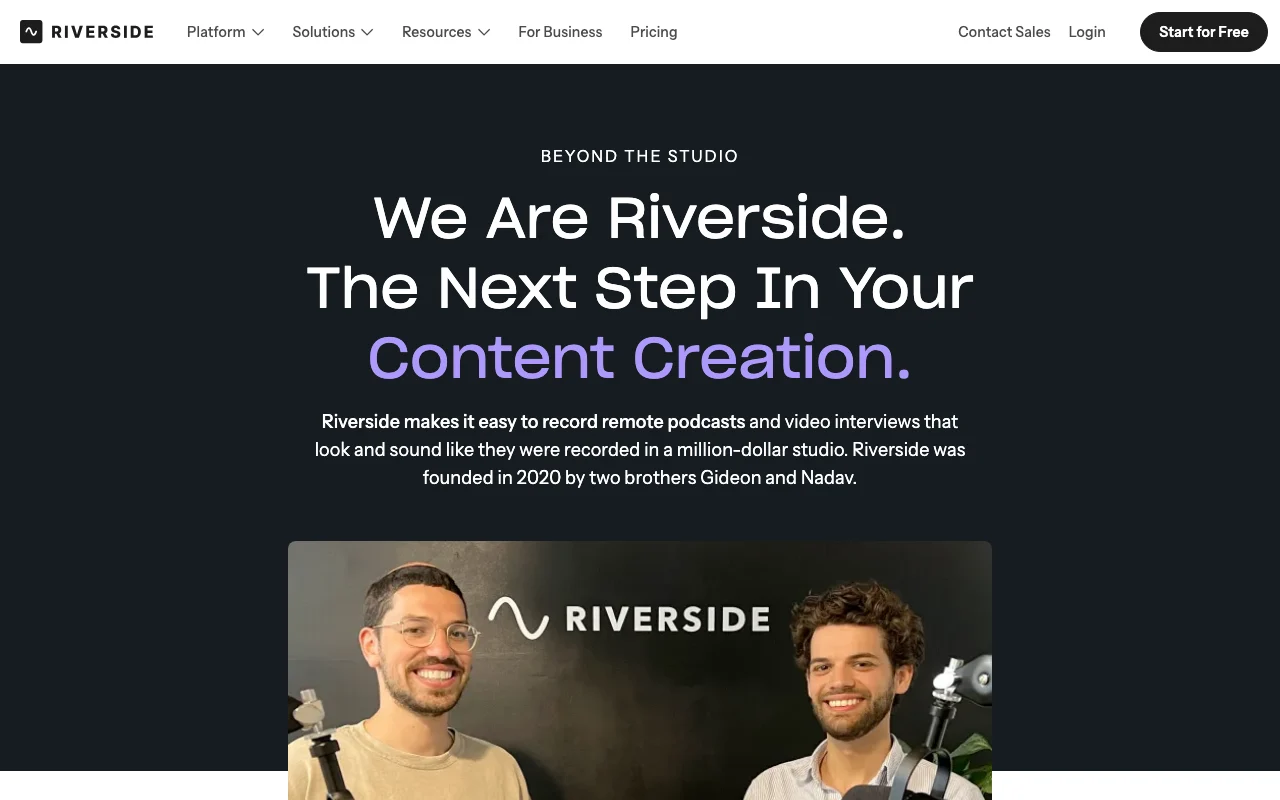
Riverside homepage — screenshot of the video AI tool, Oct 5, 2026
Riverside's official site: how the product presents itself. riverside.fm, captured Oct 5, 2026

What you provide and what you get back

How Riverside works: what you provide, where it runs and what you get backYOU PROVIDEYour inputLive recording sessions with gues…Webcam and microphoneUploaded filesVIDEORiversideWeb, Mobilefrom $29/mo (Pro + Live Studio)free tier availableaccount requiredchecked Oct 5, 2026YOU GET BACKThe resultUp to 4K video and separate audio…Clips and show notesLive streams and webinarsinput → Riverside → output · from the vendor's own pages, no hands-on test unless stated
What you give Riverside and what comes back, from its documentation

You provide

  • Live recording sessions with guests
  • Webcam and microphone
  • Uploaded files

You get back

  • Up to 4K video and separate audio/video tracks
  • Clips and show notes
  • Live streams and webinars

Where you can use it

Platforms
Web, Mobile
Account
Required

Where Riverside is most useful

Scenarios are worked out by our editors from the documentation; the actual result depends on your input and plan.

Podcast recording

Who
Podcasters
You provide
A recording session with a guest
Expected result
Separate tracks and transcripts to edit
Plan needed
Pro and above for 4K, no watermark
Limitation
Free plan: 720p with watermark source (opens in a new tab)

Remote interviews

Who
Interviewers
You provide
A remote guest joining a studio link
Expected result
Local-quality recording unaffected by connection
Plan needed
Free for 2 hours one-off
Limitation
Free recording is a one-off 2 hours source (opens in a new tab)

Live streaming

Who
Hosts going live
You provide
A Live Studio session
Expected result
Streams to multiple destinations in 1080p
Plan needed
Grow and above
Limitation
Streaming needs Grow ($39/mo) or higher source (opens in a new tab)

Riverside features and their limits

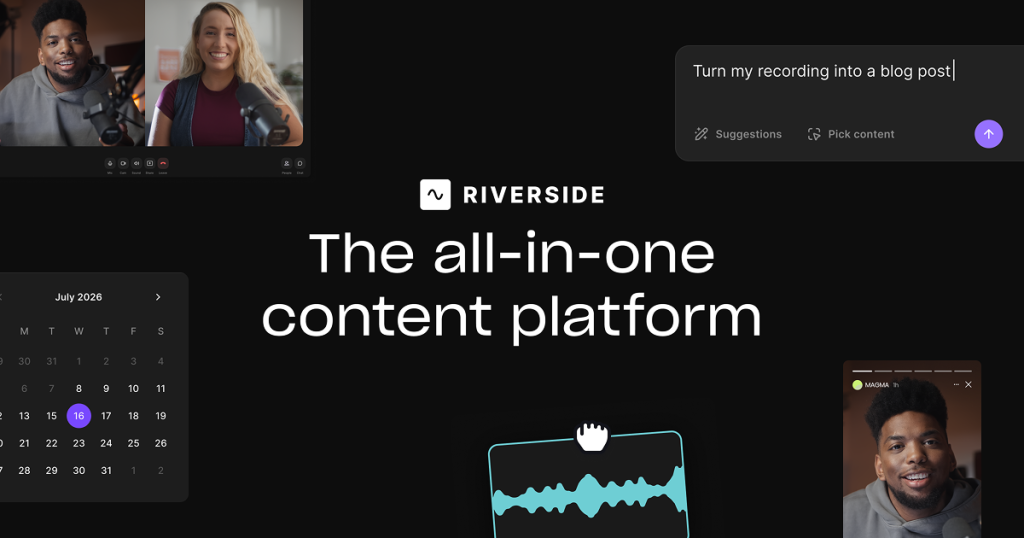
Riverside homepage — screenshot of the video AI tool, Oct 5, 2026
Feature overview on the official site. riverside.fm, captured Oct 5, 2026

Separate audio and video tracks

Records each participant locally as separate audio and video tracks. Fixes crosstalk in editing

Access: All plans (Free: 2 hours one-off)Limit: Download hours are capped per plan, e.g. Pro 15 hours source (opens in a new tab)

AI editing

Edits via transcript and removes filler words, silences, fixes eye contact and makes clips. Cuts editing time

Access: Pro and aboveLimit: AI features partly Pro-only source (opens in a new tab)

Live Studio

Streams to YouTube, Facebook, LinkedIn, X, Twitch, Instagram, TikTok and custom RTMP. Reaches audiences live

Access: Grow and aboveLimit: Free and Pro excluded source (opens in a new tab)

Webinars

Hosts webinars with up to 100 registrants, polls, Q&A and HubSpot sync. Runs registration-based events

Access: Webinar planLimit: Registrant limit rises only on Business source (opens in a new tab)

Pros, cons and deal-breakers

Reasons to choose Riverside

Check before paying for Riverside

How to use Riverside for recording a remote podcast interview

Set up Riverside

  1. Open riverside.fm and click Start for Free.
  2. Create an account and confirm your email.
  3. Create a studio and copy the guest invite link.
  4. Check microphone, camera and headphones in the green room.

Example: recording a remote podcast interview

  1. Send the invite link to your guest.
  2. Click Record when both people are in the studio.
  3. Stay in the session until uploads finish.
  4. Open the recording and use the text-based editor.

Review and export the result

  1. Confirm separate audio and video tracks appear for each participant.
  2. Check the export resolution and watermark match your plan.

Riverside integrations and API

Riverside pricing page with plans and prices — screenshot of the video AI tool, Oct 5, 2026
Plan comparison on the official pricing page. riverside.fm, captured Oct 5, 2026

Native integrations and export formats

Export: MP4, WAV

API access and separate billing

Riverside has no public API in its official documentation. API access listed under Business; Salesforce and Marketo also Business.

Other tools to consider instead of Riverside

"Better suited" is based on documented features and pricing, not on a head-to-head test.

Descript: better suited to text-based editing of existing media

Otter.ai: better suited to meeting transcription

ElevenLabs: better suited to aI voice and dubbing

Canva: better suited to design and simple video editing

Alternatives
AlternativeWhen to choose itPricingLimitation
Descriptyou edit rather than recordSee the alternative profileNo live studioCompare
Otter.aiyou only need transcriptsSee the alternative profileNo studio recording
ElevenLabsyou need voice generationSee the alternative profileNot a recording studio
Canvayou need templatesSee the alternative profileNot for podcast recording

Explore Riverside further

Tools and guides near Riverside

Riverside user reviews

No user reviews yet.

Used Riverside? Be the first to share your experience.

Write a review

Reviews are checked by a moderator before they appear. Your email is never published. Plain text only.

Your rating (required)

Show what you made or what went wrong. Images are published only if the review is approved; location data is removed.

    Riverside FAQ

    How much recording does the Riverside free plan include?

    A one-off 2 hours of multi-track recording at up to 720p with a watermark. source (opens in a new tab)

    How much do I save paying yearly?

    Up to 20%: Pro goes from $29 to $24/mo, Grow from $39 to $34/mo. source (opens in a new tab)

    How many hours of separate tracks can I download?

    Pro 15 hours, Grow 20, Webinar 25, Business unlimited. source (opens in a new tab)

    Is there a free trial for paid plans?

    Yes, 14 days on Pro, Grow and Webinar. source (opens in a new tab)

    How many webinar registrants are allowed?

    Webinar allows up to 100; Business up to 10,000. source (opens in a new tab)

    Sources and review methodology

    Official sources and verification dates

    Not verified: Privacy policy (riverside.fm/privacy redirect loop); Webinar annual price mapping ambiguous; Training use and retention; Docs; US availability.

    How we documented and maintain this page

    Every fact about Riverside above comes from the 3 official pages listed here, last compared on Oct 5, 2026; we have not run Riverside ourselves, so it has no editorial score. How we check and re-check pages.

    Article updated Oct 5, 2026; prices checked Oct 5, 2026. Outbound links to vendors are plain links; we do not earn commissions. How we review · Report an error