VideoDocumented overviewLast checked Oct 2, 2026

Project Genie: Pricing, Features & Best Use Cases

Google Labs research prototype that generates explorable interactive worlds in real time from text, images or Street View.

Who should use Project Genie

Project Genie is for Google AI Ultra subscribers aged 18+ who want to try an early research prototype that generates explorable worlds in real time from text, images or Street View. Based on the vendor's documentation, not on a hands-on test.

Best for: AI researchers and enthusiasts

Also a good fit for

  • Game concept prototyping

Consider another tool if requires Google AI Ultra subscription

Or if

  • 18+ only
  • Described as an early research prototype

Project Genie in the news

Headlines from US outlets, selected automatically — not endorsements. Updated Oct 2, 2026

Project Genie pricing and usage limits

Prices checked Oct 2, 2026 on the official US pricing page. Official pricing ↗ Prices and limits change often.

Free access and trial conditions

No free access shown; the page points to Google AI Ultra.

Paid plans: what changes as you upgrade

Google AI Ultra (required subscription) web

See official pricing source (opens in a new tab)

Monthly

Subscription price is not stated on the Project Genie page

For: Ultra subscribers aged 18+

Limits

  • Access requires Google AI Ultra
  • Ultra price not on fetched pages

Includes

  • Project Genie access

What is Project Genie, and how does it work?

Project Genie is an early research prototype from Google. Users prompt with text, images or Street View, build a character, and explore a world generated in real time as they move. Access is limited to Google AI Ultra subscribers aged 18+, and Google's blog states it is available to Ultra subscribers in the U.S.

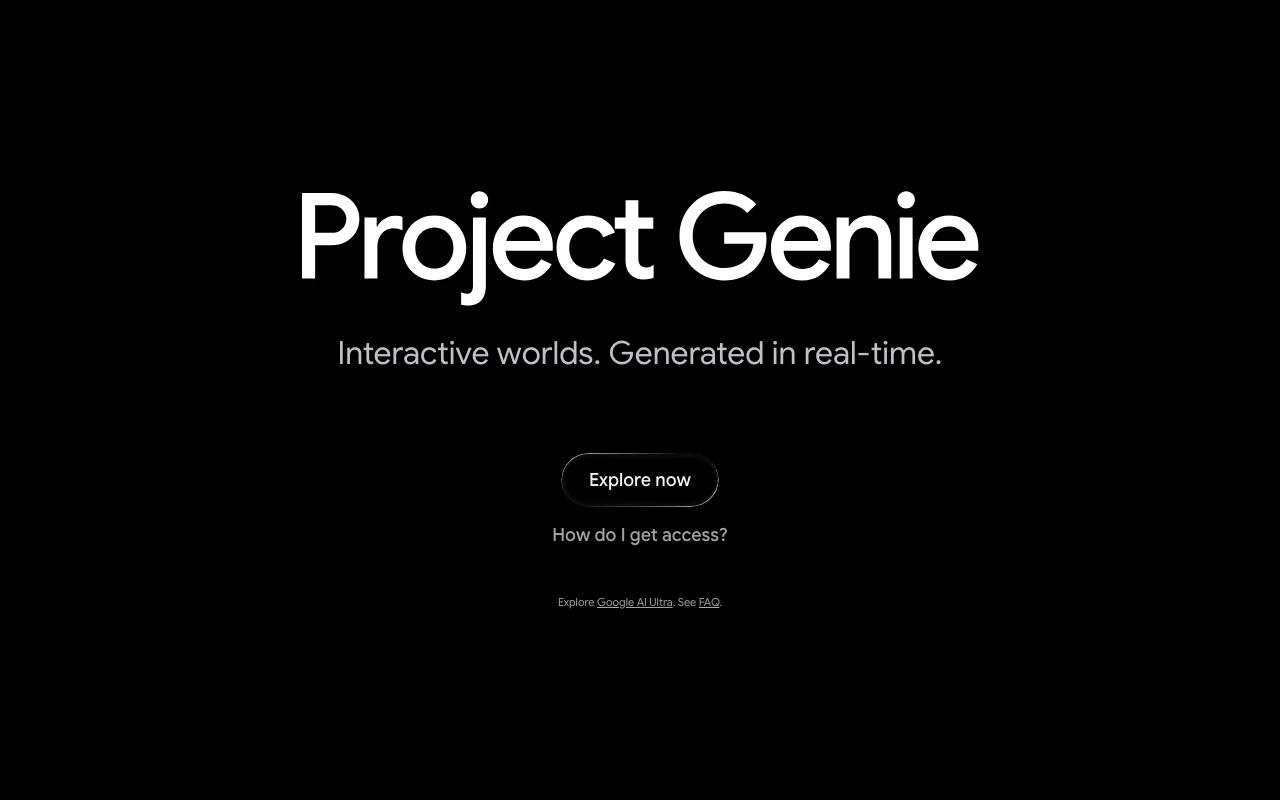
Project Genie homepage — screenshot of the video AI tool, Oct 2, 2026
Project Genie's official site: how the product presents itself. labs.google, captured Oct 2, 2026

What you provide and what you get back

How Project Genie works: what you provide, where it runs and what you get backYOU PROVIDEYour inputText promptsImages, art or photosGoogle Street ViewVIDEOProject Genieprice not publishedno free tieraccount requiredchecked Oct 2, 2026YOU GET BACKThe resultReal-time explorable worldsCharacter-controlled explorationinput → Project Genie → output · from the vendor's own pages, no hands-on test unless stated
What you give Project Genie and what comes back, from its documentation

You provide

  • Text prompts
  • Images, art or photos
  • Google Street View

You get back

  • Real-time explorable worlds
  • Character-controlled exploration

Where you can use it

Account
Required
Inputs
Text, images, Street View
Access
Google AI Ultra, 18+
Status
Early research prototype
Exploration modes
Walking, riding, flying, driving

Where Project Genie is most useful

Scenarios are worked out by our editors from the documentation; the actual result depends on your input and plan.

Creating explorable worlds from text prompts

Who
Creative experimenters
You provide
Text description of an environment and character
Expected result
World you can walk, fly or drive through
Plan needed
Google AI Ultra
Limitation
Research prototype source (opens in a new tab)

Turning photos or art into worlds

Who
Artists and photographers
You provide
Photos or artwork
Expected result
World built from the image
Plan needed
Google AI Ultra
Limitation
Results vary by input source (opens in a new tab)

Experimenting with physics and memory

Who
Researchers and curious users
You provide
Prompts testing memory and physics
Expected result
Observations of water, reflections and path memory
Plan needed
Google AI Ultra
Limitation
Not a production tool source (opens in a new tab)

What Project Genie does, and where it stops

Project Genie homepage — screenshot of the video AI tool, Oct 2, 2026
Feature overview on the official site. labs.google, captured Oct 2, 2026

Prompt with text, images or Street View

Accepts text, images or Street View as the starting point for a world. Starts from whatever material you have.

Access: Google AI UltraLimit: Prototype quality source (opens in a new tab)

Character creation

Lets you define a character and its controls before entering the world. Controls how you move through the scene.

Access: Google AI UltraLimit: Character options are limited to prompts source (opens in a new tab)

Real-time world generation

Generates the environment around you as you move. Makes the world expand endlessly.

Access: Google AI UltraLimit: Session length limits not stated source (opens in a new tab)

Edit and refine prompts before exploring

Allows modifying the image and prompts before exploring. Improves the starting scene.

Access: Google AI UltraLimit: Changes apply before the session starts source (opens in a new tab)

Project Genie: strengths and limits

Reasons to choose Project Genie

Check before paying for Project Genie

How to use Project Genie for generating an explorable world

Set up Project Genie

  1. Open labs.google/projectgenie.
  2. Sign in with a Google account that has Google AI Ultra.
  3. Choose Explore now.

Example: generating an explorable world

  1. Describe the environment and the character.
  2. Optionally add an image or Street View location.
  3. Adjust the prompts before starting.
  4. Explore by walking, flying or driving.

Review and export the result

  1. Confirm the world matches your prompt.
  2. Test whether the world remembers your earlier actions.
Example prompt suggested by our editors (not a recorded output of the product)
Environment: a misty alpine meadow with a log cabin. Character: a shiba inu seen from a third-person angle.

Best Project Genie alternatives for different needs

"Better suited" is based on documented features and pricing, not on a head-to-head test.

Google Gemini: better suited to

Runway: better suited to

Alternatives
AlternativeWhen to choose itPricingLimitation
Google Gemini——
Runway——Compare

Explore Project Genie further

Related to Project Genie

Project Genie user reviews

No user reviews yet.

Used Project Genie? Be the first to share your experience.

Write a review

Reviews are checked by a moderator before they appear. Your email is never published. Plain text only.

Your rating (required)

Show what you made or what went wrong. Images are published only if the review is approved; location data is removed.

    Project Genie FAQ

    Who can use Project Genie?

    Project Genie is available to Google AI Ultra subscribers aged 18+, and Google's blog states initial availability in the U.S. source (opens in a new tab)

    What can you give Project Genie as a starting prompt?

    You can prompt Project Genie with text, images or Google Street View. source (opens in a new tab)

    Is Project Genie a finished product?

    No. Google calls Project Genie an early research prototype. source (opens in a new tab)

    How do you move around a Project Genie world?

    You can walk, ride, fly or drive depending on the world, and it generates the surroundings in real time as you move. source (opens in a new tab)

    Sources and review methodology

    Official sources and verification dates

    Not verified: Google AI Ultra price; Session length and output limits; Privacy and retention; Platforms.

    How we documented and maintain this page

    Every fact about Project Genie above comes from the 2 official pages listed here, last compared on Oct 2, 2026; we have not run Project Genie ourselves, so it has no editorial score. How we check and re-check pages.

    Article updated Oct 2, 2026; prices checked Oct 2, 2026. Outbound links to vendors are plain links; we do not earn commissions. How we review · Report an error