VideoDocumented overviewLast checked Sep 29, 2026

Reclip: Pricing, Features & Best Use Cases

Web creator workspace with an AI video clipper plus generation, captioning, translation and export tools.

Who should use Reclip

Reclip is a fit for short-form creators and podcasters who want to find clips in long videos and also generate, caption, translate and compress in one web workspace. Based on the vendor's documentation, not on a hands-on test.

Best for: Short-form creators

Also a good fit for

  • Podcasters and streamers

Consider another tool if paid plans run on monthly credits

Or if

  • Usage varies with source length and settings
  • Free-tier limits not stated on pricing section

Reclip pricing and usage limits

Prices checked Sep 29, 2026 on the official US pricing page. Official pricing ↗ Prices and limits change often.

Free access and trial conditions

Account creation is free; the free-tier limits are not stated on the pricing section

Not stated

Paid plans: what changes as you upgrade

Starter web

$19/mo source (opens in a new tab)

Month

Annual billing $15/mo ($180/yr), save 21%

For: Solo creators clipping a few videos

Limits

  • 300 credits per month (about 2.6 hours of long-video clipping)
  • 1 member, 1 simultaneous job
1 more
  • 30-day media retention

Includes

  • All core paid tools

Pro web

$49/mo source (opens in a new tab)

Month

Annual billing $24.50/mo ($294/yr), save 50%

For: Creators publishing regularly

Limits

  • 800 credits per month (about 7 hours)
  • 2 members, 2 simultaneous jobs
1 more
  • 90-day media retention

Includes

  • All core paid tools

Creator web

$149/mo source (opens in a new tab)

Month

Annual billing $74.50/mo ($894/yr)

For: Small teams and channels

Limits

  • 2,500 credits per month (about 21.9 hours)
  • 5 members, 4 simultaneous jobs
1 more
  • 180-day media retention

Includes

  • All core paid tools

Studio web

$299/mo source (opens in a new tab)

Month

Annual billing $149.50/mo ($1,794/yr)

For: Studios and agencies

Limits

  • 5,000 credits per month (about 43.9 hours)
  • 10 members, 8 simultaneous jobs
1 more
  • 365-day media retention

Includes

  • All core paid tools

Usage caps, credits and extra costs

Prices exclude applicable tax; credits refresh monthly, including on annual plans

Prices exclude applicable tax

What is Reclip, and how does it work?

Reclip is a browser-based workspace that finds strong moments in long videos and turns them into short clips. It also bundles tools for AI video and image generation, voiceover, captions, background removal, translation and compression. Paid plans are credit-based, with monthly credits, team seats and media retention that vary by tier. Account creation is free according to the FAQ.

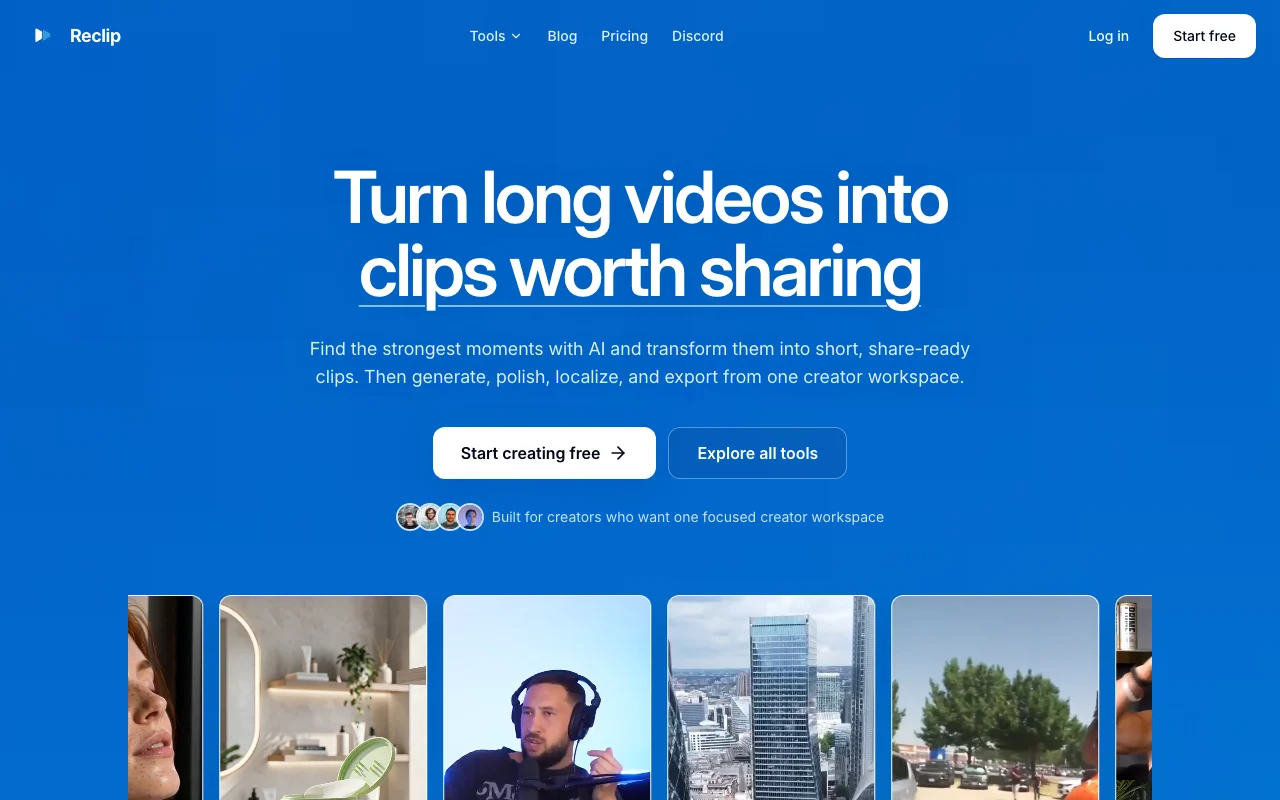
Reclip homepage — screenshot of the video AI tool, Oct 1, 2026
Reclip's official site: how the product presents itself. reclip.io, captured Oct 1, 2026

What you provide and what you get back

How Reclip works: what you provide, where it runs and what you get backYOU PROVIDEYour inputLong videos from upload or suppor…Text prompts and product imagesSource audio and text for caption…VIDEOReclipWebfrom $19/mo (Starter)free tier availableaccount requiredchecked Sep 29, 2026YOU GET BACKThe resultShort vertical clipsAI-generated videos and imagesCaptions, voiceover, translations…input → Reclip → output · from the vendor's own pages, no hands-on test unless stated
What you give Reclip and what comes back, from its documentation

You provide

  • Long videos from upload or supported links
  • Text prompts and product images
  • Source audio and text for captions and translation

You get back

  • Short vertical clips
  • AI-generated videos and images
  • Captions, voiceover, translations and compressed files

Where you can use it

Platforms
Web
Account
Required
Credits
300 / 800 / 2,500 / 5,000
Retention
30 / 90 / 180 / 365 days
Seats
1 / 2 / 5 / 10
Simultaneous jobs
1 / 2 / 4 / 8
Target platforms
Instagram, YouTube Shorts, TikTok, YouTube, Twitch

Best use cases for Reclip

Scenarios are worked out by our editors from the documentation; the actual result depends on your input and plan.

Cutting long videos into short clips

Who
Podcasters and streamers
You provide
A long video
Expected result
Share-ready short clips from its strongest moments
Plan needed
Starter and above
Limitation
Source length limits depend on the plan source (opens in a new tab)

Generating AI video or images

Who
Creators and marketers
You provide
A prompt or product image
Expected result
Generated videos and images saved in the library
Plan needed
Paid plans for credits
Limitation
Credit use varies by model and settings source (opens in a new tab)

Adding captions or voiceover

Who
Faceless-channel creators
You provide
A script or video
Expected result
Narration and captions added to the workflow
Plan needed
Paid plans
Limitation
Voice options not listed source (opens in a new tab)

Cleaning visuals before posting

Who
Editors
You provide
A video with burned-in subtitles or a Gemini-watermarked image
Expected result
Cleaned video or image
Plan needed
Free tools exist for Gemini watermark removal
Limitation
Works only on supported content source (opens in a new tab)

What Reclip does, and where it stops

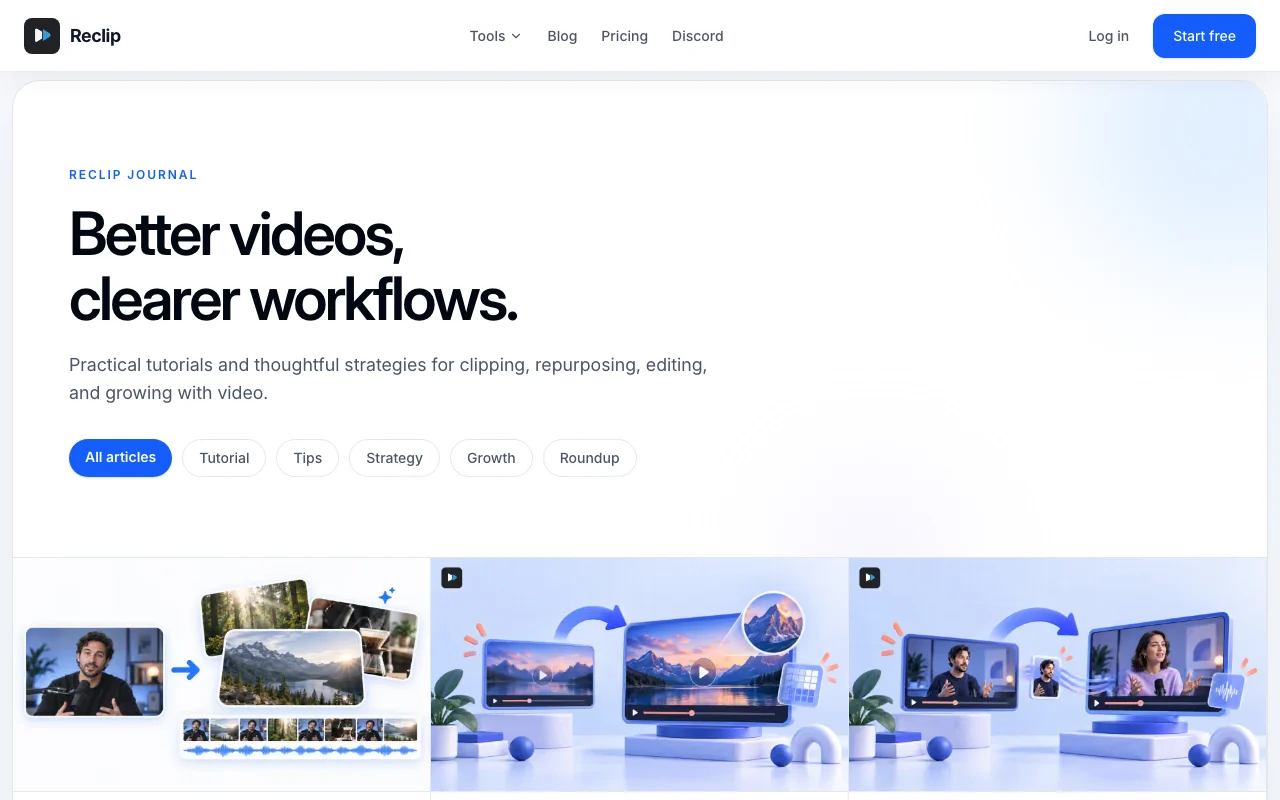
Reclip homepage — screenshot of the video AI tool, Oct 1, 2026
Feature overview on the official site. reclip.io, captured Oct 1, 2026

AI video clipper

Finds promising moments in long videos and cuts them into short clips Saves hours of manual scrubbing

Access: Paid plansLimit: About 2.6 hours of clipping on Starter source (opens in a new tab)

Find clips by prompt

Lets you describe the moment you want and finds matching clips Targets specific topics

Access: Paid plansLimit: Results depend on transcript quality source (opens in a new tab)

AI video and image generators

Create videos and images from text, images and references Visuals without shooting

Access: Paid plansLimit: Credit cost varies source (opens in a new tab)

AI voiceover and captions

Generates narration and adds captions Finishes videos in one place

Access: Paid plansLimit: Caption styles not documented source (opens in a new tab)

Utility tools

Includes caption remover, subtitle removal, background removal, compressor and downloader Fixes everyday edit problems

Access: Some free, some paidLimit: Supported inputs only source (opens in a new tab)

Reclip: strengths and limits

Where Reclip is strong

Limitations to check before paying

How to use Reclip for cutting a long video into short clips

Set up Reclip

  1. Create a free account at reclip.io
  2. Choose a plan with credits from the pricing section
  3. Open the AI Clipper tool

Example: cutting a long video into short clips

  1. Upload a long video or paste a supported link
  2. Check the estimated credit cost shown before processing
  3. Run the clipper, or describe the moment to find by prompt
  4. Download the clips for Shorts, TikTok or Reels

Review and export the result

  1. Watch each clip to confirm the cut points are right
  2. Check remaining credits in Billing & credits
Example prompt suggested by our editors (not a recorded output of the product)
Find the three moments where the guest explains how they got their first customer.

Privacy, data use and commercial rights

Summarized from the vendor's current policies; this is not legal advice and a vendor's badge is not an independent audit.

How your inputs and outputs are handled

Processes uploaded videos and images and keeps them for plan-based retention periods

Not stated

30, 90, 180 or 365 days depending on plan

Commercial use and plan restrictions

You retain rights to content you upload and create, subject to terms and source rules

Retention length rises with plan

Controls for business users

  • Delete or restrict personal data on request

Policies: reclip.io/privacy-policy

Best Reclip alternatives for different needs

"Better suited" is based on documented features and pricing, not on a head-to-head test.

Descript: better suited to

Runway: better suited to

Kling AI: better suited to

Alternatives
AlternativeWhen to choose itPricingLimitation
Descript——Compare
Runway——Compare
Kling AI——Compare

Explore Reclip further

Related to Reclip

Reclip user reviews

No user reviews yet.

Used Reclip? Be the first to share your experience.

Write a review

Reviews are checked by a moderator before they appear. Your email is never published. Plain text only.

Your rating (required)

Show what you made or what went wrong. Images are published only if the review is approved; location data is removed.

    Reclip FAQ

    How much does Reclip cost?

    Monthly prices are Starter $19, Pro $49, Creator $149 and Studio $299, with annual billing discounts up to 50%. source (opens in a new tab)

    What is a credit?

    A usage unit for processing; Reclip shows the estimated amount before a job starts. source (opens in a new tab)

    How long is media kept?

    30 days on Starter, 90 on Pro, 180 on Creator and 365 on Studio. source (opens in a new tab)

    Is Reclip free?

    Account creation is free; paid plans add monthly credits and capacity. source (opens in a new tab)

    How many team members are included?

    1 on Starter, 2 on Pro, 5 on Creator and 10 on Studio. source (opens in a new tab)

    Sources and review methodology

    Official sources and verification dates

    Not verified: Free-tier limits; Max source duration; US availability; Training use.

    How we documented and maintain this page

    Every fact about Reclip above comes from the 2 official pages listed here, last compared on Sep 29, 2026; we have not run Reclip ourselves, so it has no editorial score. How we check and re-check pages.

    Article updated Oct 10, 2026; prices checked Sep 29, 2026. Outbound links to vendors are plain links; we do not earn commissions. How we review · Report an error