VideoDokumentierter ÜberblickZuletzt geprüft Sep 29, 2026

PandaStudio: Preise, Funktionen & beste Einsatzzwecke

AI video editor for Mac and Windows that records, edits by transcript, and can be driven by Claude Code, Codex or ChatGPT.
Ist PandaStudio das Richtige für Sie?

PandaStudio suits creators who want a Mac and Windows editor that records, edits by transcript and can be driven by their own Claude, ChatGPT or Codex account, with monthly or lifetime licensing. Auf Basis der Dokumentation des Anbieters, nicht in einem praktischen Test.

Am besten für: Creators

Auch gut geeignet für

  • Developers making demos

Ein anderes Tool in Betracht ziehen, wenn trial exports are watermarked

Oder wenn

  • AI needs your own Claude/ChatGPT account
  • Starter lifetime lacks social publishing

PandaStudio Preise und Nutzungslimits

Preise am Sep 29, 2026 auf der offiziellen US-Preisseite geprüft. Offizielle Preise ↗ Preise und Limits ändern sich häufig.

PandaStudio Preisseite mit Tarifen und Preisen – Screenshot des KI-Tools video, Oct 1, 2026
Die offizielle PandaStudio-Preisseite, wie wir sie gesehen haben. writepanda.ai, erfasst Oct 1, 2026

Kostenloser Zugang und Testbedingungen

10 free exports with no card, watermarked.

Trial = 10 exports.

Kostenpflichtige Tarife: was sich beim Upgrade ändert

Free trial Desktop

Kostenlos Quelle (öffnet in neuem Tab)

Trial, Jahresbindung

Für: Evaluation

Limits

  • 10 free exports, watermarked
  • No card

Enthält

  • Full app download

Pro Monthly Desktop

$19/mo Quelle (öffnet in neuem Tab)

Monat, Jahresbindung

Für: Occasional creators

Limits

  • 1 device

Enthält

  • All editing features
  • Social publishing
1 mehr
  • MCP and CLI

API inklusive

Lifetime Starter Desktop

$99 one-time Quelle (öffnet in neuem Tab)

Einmalig, Jahresbindung

Für: Budget users

Limits

  • No social publishing

Enthält

  • Own the app forever

Lifetime Team Desktop

$499 one-time Quelle (öffnet in neuem Tab)

Einmalig, Jahresbindung

Für: Small teams

Limits

  • 5 devices

Enthält

  • Own the app forever

Lifetime Creator Desktop

Offizielle Preise ansehen Quelle (öffnet in neuem Tab)

Einmalig, Jahresbindung

Für: Creators

Limits

  • Details not captured

Enthält

  • Listed on pricing page

Nutzungsobergrenzen, Guthaben und Zusatzkosten

Your own Claude, ChatGPT or MiniMax subscription for AI features.

Not stated.

Was ist PandaStudio und wie funktioniert es?

PandaStudio is a desktop video editor that records screen and camera, transcribes locally, and lets you edit by deleting words. A built-in AI agent applies edit recipes such as captions, zooms, graphics and sound cleanup. AI features use your own Claude, ChatGPT or Codex account. Every action is exposed as MCP and CLI commands, and edits stay on a timeline.

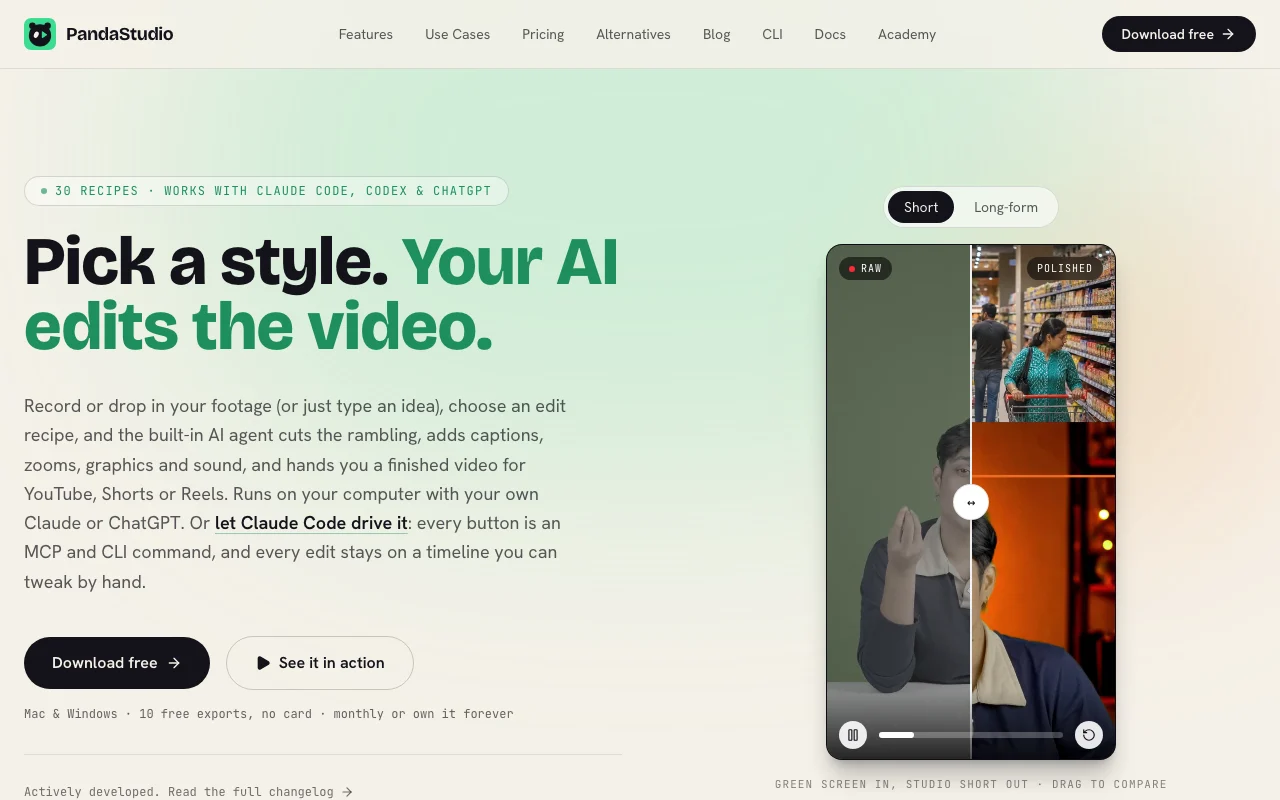
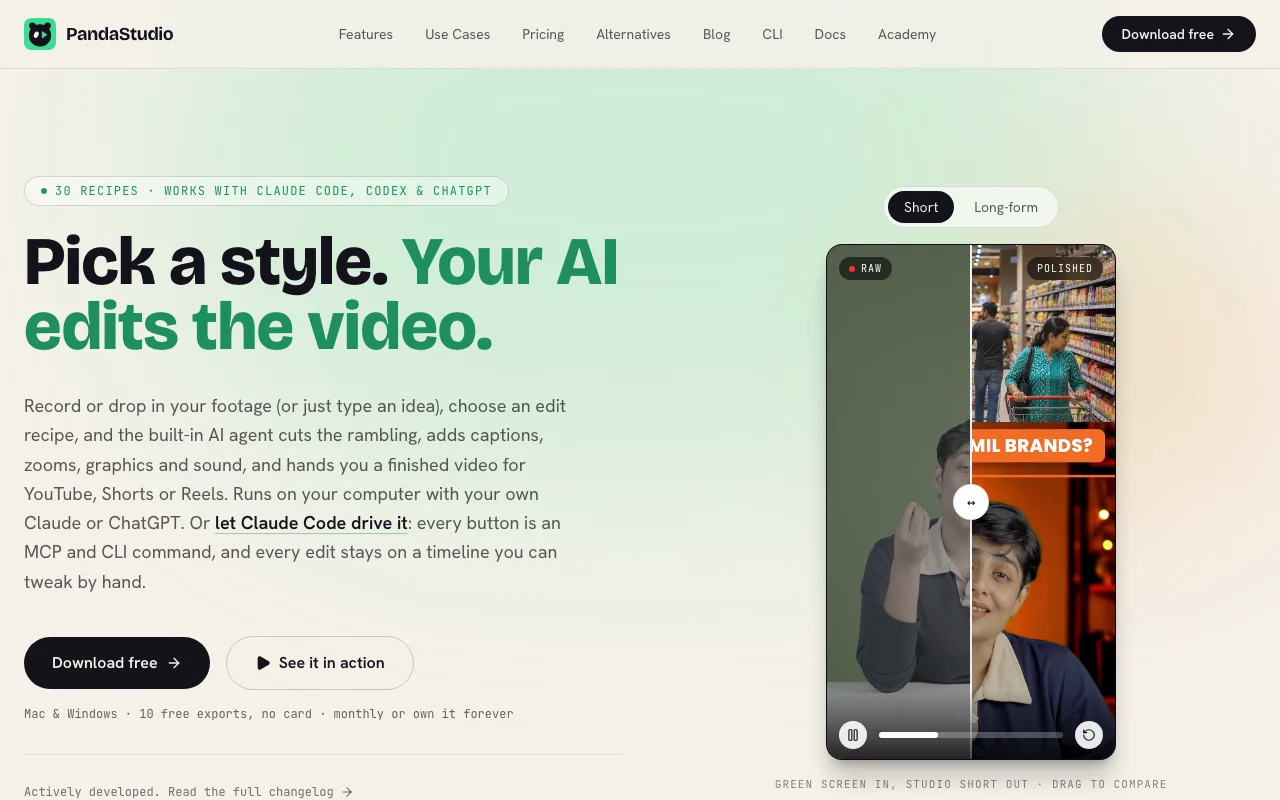
PandaStudio Startseite – Screenshot des KI-Tools video, Oct 1, 2026
Offizielle Website von PandaStudio: So stellt sich das Produkt selbst dar. writepanda.ai, erfasst Oct 1, 2026

Was Sie liefern und was Sie erhalten

Wie PandaStudio funktioniert: was Sie liefern, wo es läuft und was Sie zurückbekommenSIE LIEFERNIhre EingabeScreen and camera recordingsImported videoPlain-English edit requestsVIDEOPandaStudioDesktop, APIab $19/mo (Pro Monthly)kostenloser Tarif verfügbarKonto erforderlichgeprüft Sep 29, 2026SIE ERHALTEN ZURÜCKDas ErgebnisEdited videos in 16:9, 9:16 and s…Captions, titles and thumbnailsPublished uploads to YouTube or I…input → PandaStudio → output · von den eigenen Seiten des Anbieters, kein praktischer Test, sofern nicht angegeben
Was Sie PandaStudio geben und was zurückkommt, laut Dokumentation

Sie liefern

  • Screen and camera recordings
  • Imported video
  • Plain-English edit requests

Sie erhalten zurück

  • Edited videos in 16:9, 9:16 and square
  • Captions, titles and thumbnails
  • Published uploads to YouTube or Instagram

Wo Sie es nutzen können

Plattformen
Desktop, API
Konto
Erforderlich
Platforms
Mac and Windows
Loudness
Exports at -14 LUFS
Recipes
30 edit recipes
Transcription
On-device

Wo PandaStudio am nützlichsten ist

Die Szenarien erarbeiten unsere Redakteure anhand der Dokumentation; das tatsächliche Ergebnis hängt von Ihrer Eingabe und Ihrem Tarif ab.

Screen recordings and tutorials

Wer
Educators and product teams
Sie liefern
Screen and camera recording
Erwartetes Ergebnis
Polished tutorial with zooms following clicks
Benötigter Tarif
Any
Einschränkung
Trial exports watermarked Quelle (öffnet in neuem Tab)

Short-form videos

Wer
Creators
Sie liefern
A long video
Erwartetes Ergebnis
Vertical Shorts reframed around the face
Benötigter Tarif
Pro or lifetime
Einschränkung
Social publishing missing on Starter lifetime Quelle (öffnet in neuem Tab)

Remote podcasts

Wer
Podcasters
Sie liefern
Peer-to-peer recording
Erwartetes Ergebnis
Edited episode with captions
Benötigter Tarif
Any
Einschränkung
Not detailed Quelle (öffnet in neuem Tab)

Letting Claude Code edit a video

Wer
Developers
Sie liefern
An MCP or CLI command
Erwartetes Ergebnis
Edit applied on a timeline you can tweak
Benötigter Tarif
Pro or lifetime
Einschränkung
Needs your AI account Quelle (öffnet in neuem Tab)

Wichtige Funktionen und ihre praktischen Grenzen

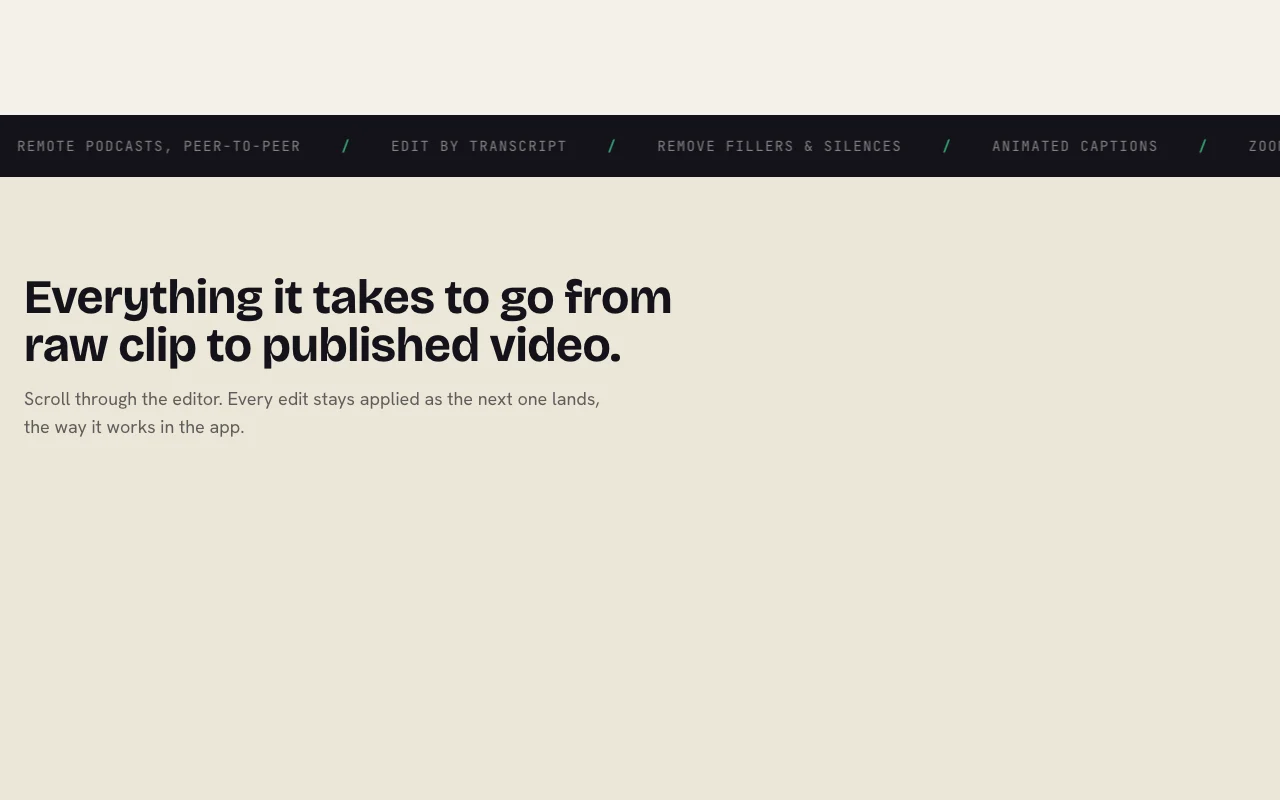
PandaStudio Startseite – Screenshot des KI-Tools video, Oct 1, 2026
Funktionsüberblick auf der offiziellen Website. writepanda.ai, erfasst Oct 1, 2026

Screen and camera recording

Records screen and camera in one take with a countdown. Start from capture.

Zugriff: All plansLimit: Mac and Windows only Quelle (öffnet in neuem Tab)

Edit by transcript

Transcribes on-device and cuts video when you delete words. Edit like text.

Zugriff: All plansLimit: Transcript accuracy varies Quelle (öffnet in neuem Tab)

Animated captions

Creates word-by-word styled captions from the transcript. Retains viewers.

Zugriff: All plansLimit: Styles preset Quelle (öffnet in neuem Tab)

Auto zooms

Zooms in where you clicked, with optional sound effects. Draws attention to actions.

Zugriff: All plansLimit: Editable manually Quelle (öffnet in neuem Tab)

PandaStudio Vor- und Nachteile

Gründe für die Wahl von PandaStudio

Vor dem Bezahlen bei PandaStudio prüfen

So nutzen Sie PandaStudio für editing a screen recording by transcript

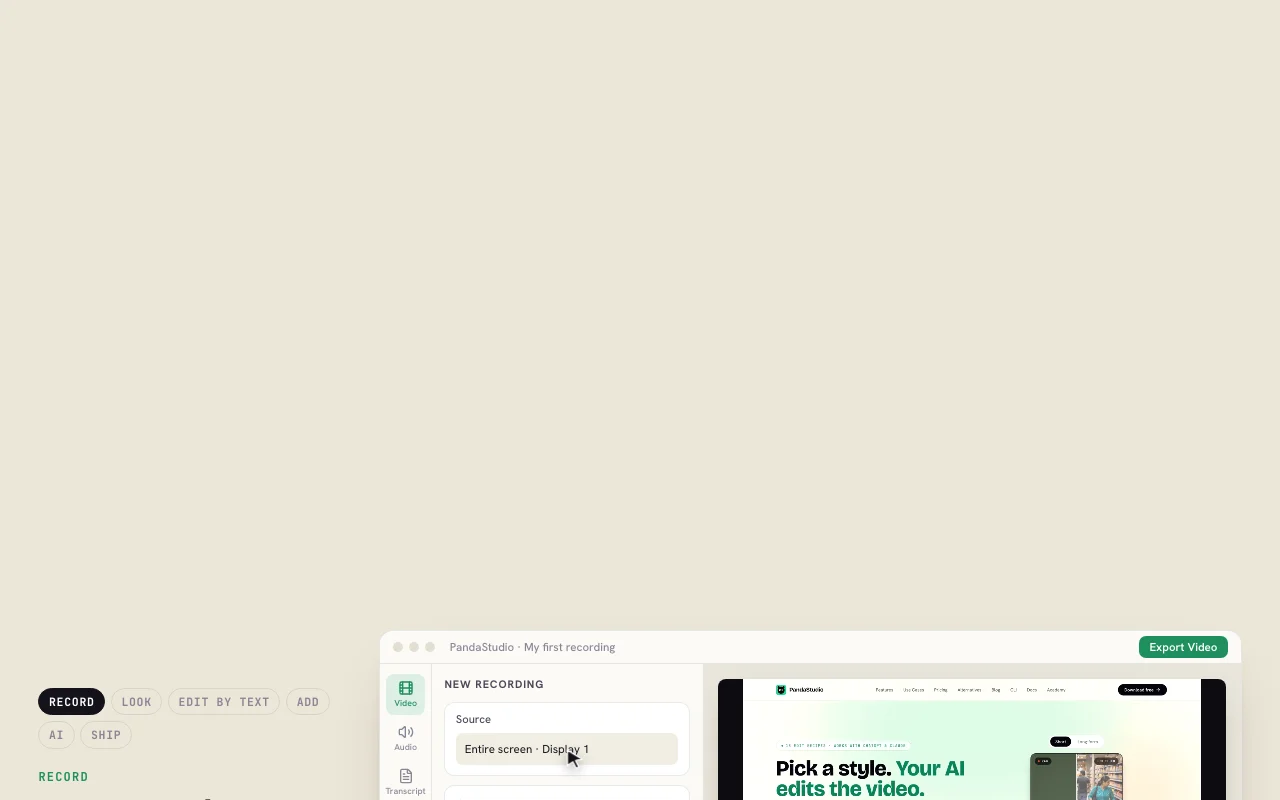
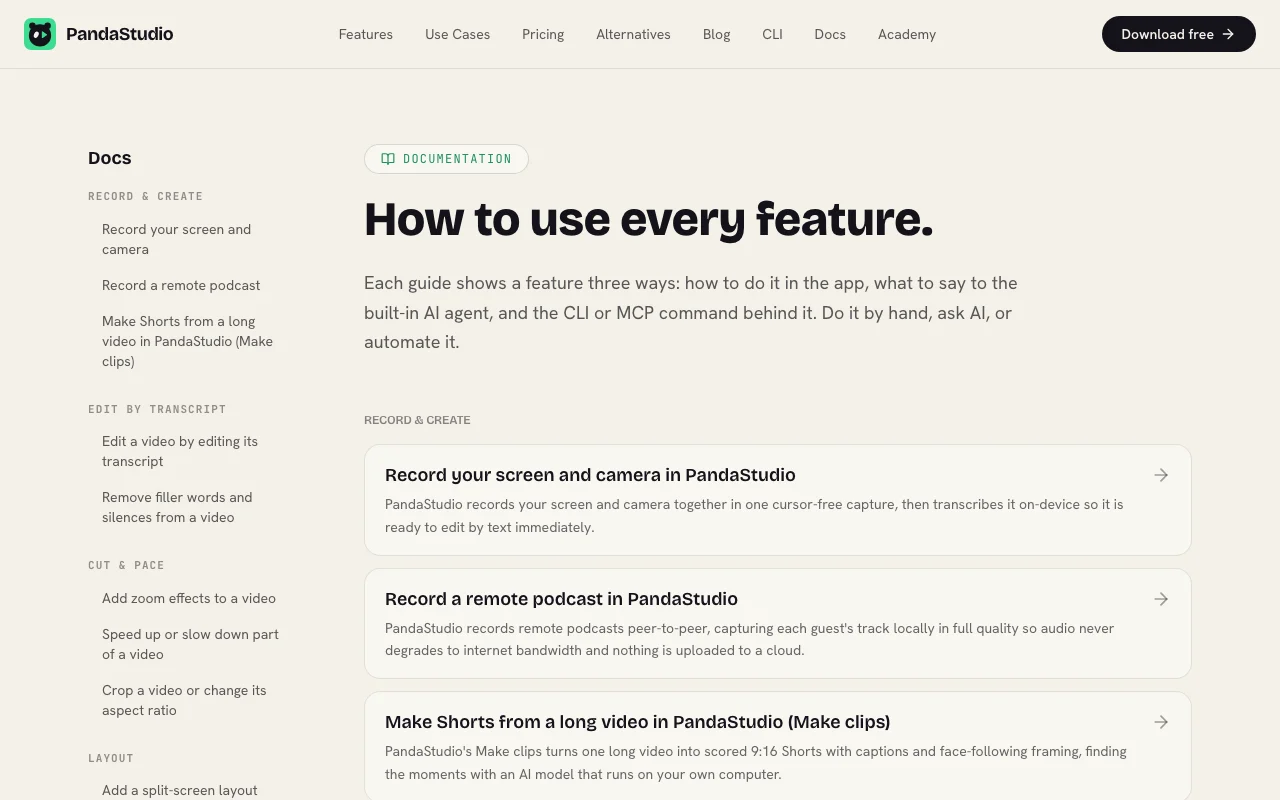
PandaStudio Dokumentation – Screenshot des KI-Tools video, Oct 1, 2026
PandaStudio Dokumentation: Quellen der folgenden Schritte. writepanda.ai, erfasst Oct 1, 2026

PandaStudio einrichten

  1. Download PandaStudio for Mac or Windows
  2. Open a new recording and choose screen and camera
  3. Connect your Claude or ChatGPT account for the AI agent

Beispiel: editing a screen recording by transcript

  1. Record your screen with a 3-2-1 countdown
  2. Delete filler words in the transcript
  3. Add animated captions
  4. Export in 16:9 and 9:16

Ergebnis prüfen und exportieren

  1. Play the export and check cuts follow the transcript
  2. Confirm no watermark after upgrading
Von unserer Redaktion vorgeschlagener Beispiel-Prompt (keine aufgezeichnete Ausgabe des Produkts)
Cut the rambling, add captions and zoom on each click, then make a 60 second Short.
PandaStudio Integrationen und API

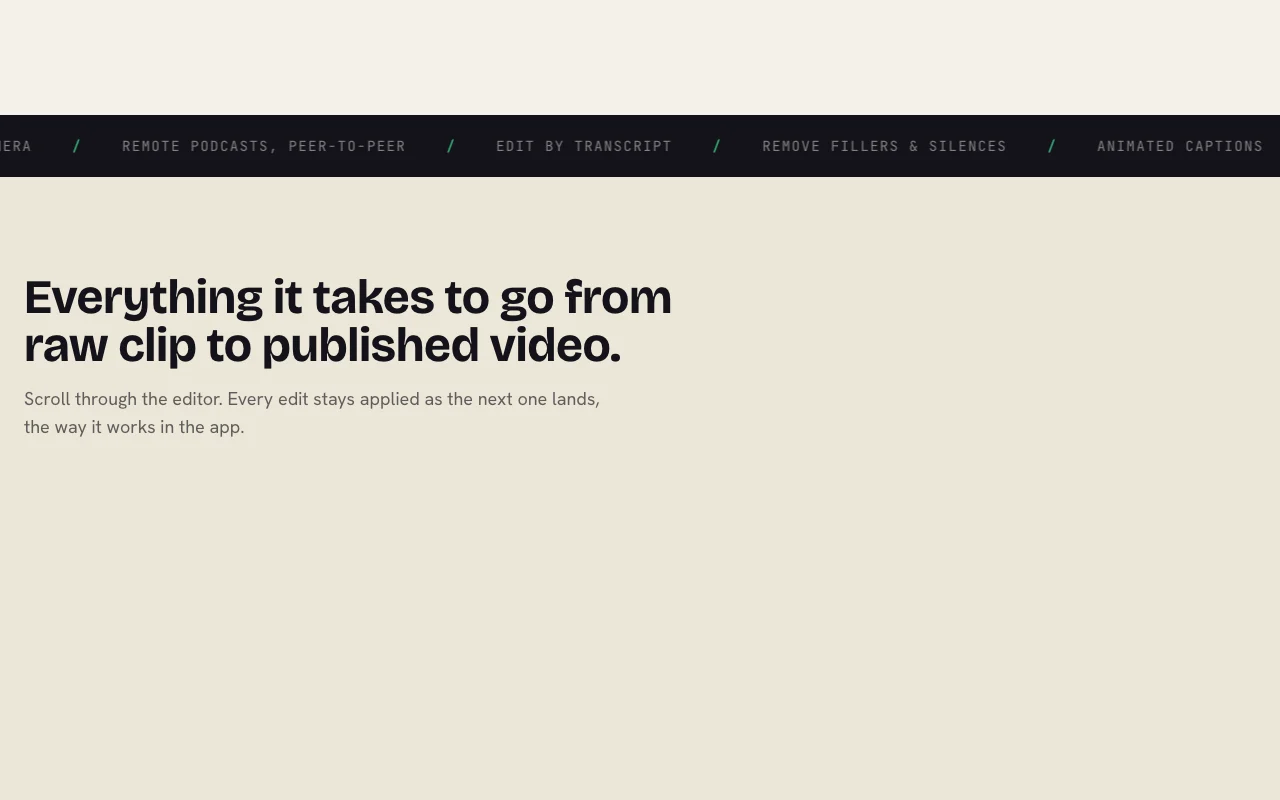
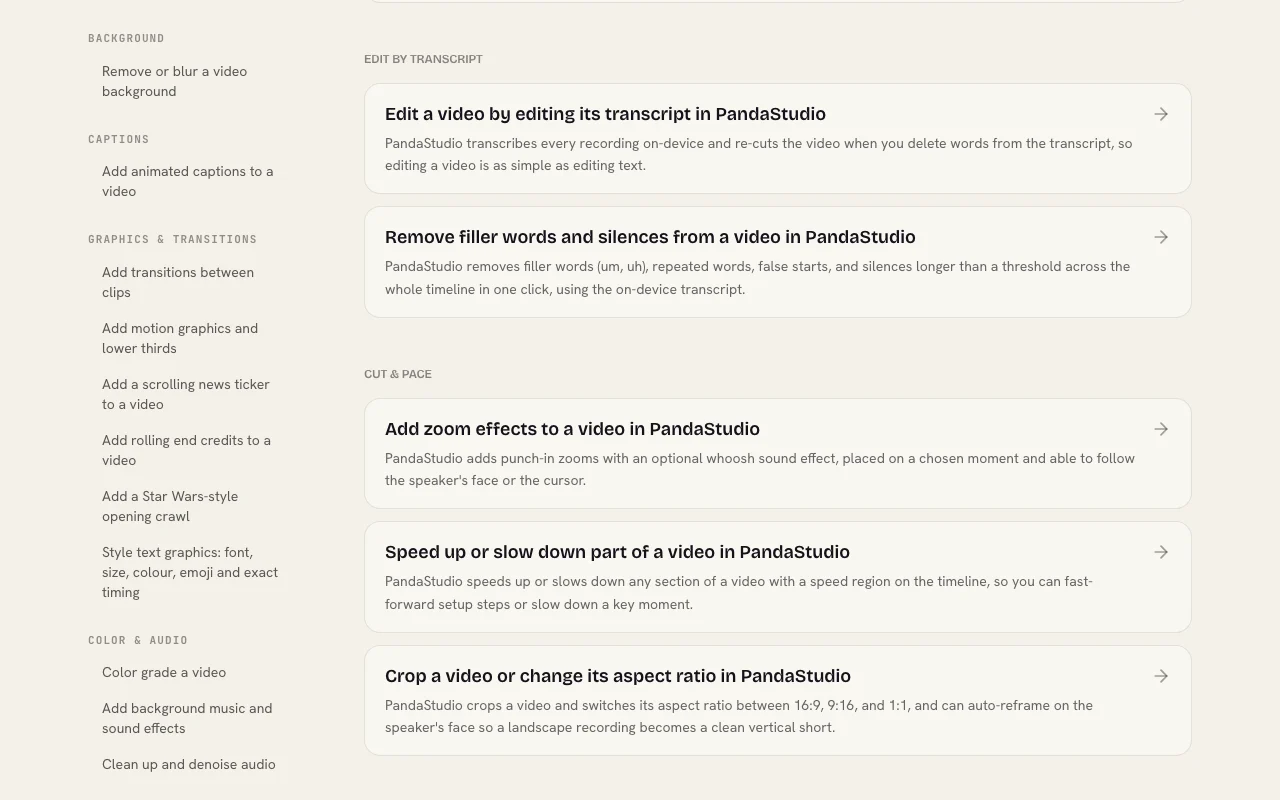
PandaStudio Dokumentation – Screenshot des KI-Tools video, Oct 1, 2026
PandaStudio Dokumentation (Fortsetzung). writepanda.ai, erfasst Oct 1, 2026

Native Integrationen und Exportformate

Export: MP4 in 16:9, 9:16, square

API-Zugang und separate Abrechnung

PandaStudio hat laut offizieller Dokumentation keine öffentliche API. MCP and CLI commands for every button. API-Dokumentation ↗

Datenschutz, Datennutzung und kommerzielle Rechte

Zusammengefasst aus den aktuellen Richtlinien des Anbieters; dies ist keine Rechtsberatung, und das Badge eines Anbieters ersetzt kein unabhängiges Audit.

Wie Ihre Eingaben und Ausgaben verarbeitet werden

Recording, transcription and denoising run on your computer; AI edits use your own Claude, ChatGPT or MiniMax account.

Not captured.

Local files.

Kommerzielle Nutzung und Tarifbeschränkungen

Not stated.

Starter lifetime lacks social publishing.

Richtlinien: writepanda.ai/privacy

Andere Tools statt PandaStudio

„Besser geeignet“ beruht auf dokumentierten Funktionen und Preisen, nicht auf einem direkten Test.

Descript: besser geeignet für

Runway: besser geeignet für

Alternativen
AlternativeWann Sie es wählen solltenPreiseEinschränkung
Descript——Vergleichen
Runway——Vergleichen

PandaStudio weiter erkunden

Tools und Ratgeber in der Nähe von PandaStudio

PandaStudio Nutzerbewertungen

Noch keine Nutzerbewertungen.

Verwendet PandaStudio? Teilen Sie als Erste oder Erster Ihre Erfahrung.

Bewertung schreiben

Bewertungen werden von einem Moderator geprüft, bevor sie erscheinen. Ihre E-Mail-Adresse wird nie veröffentlicht. Nur Klartext.

Ihre Bewertung (erforderlich)

Zeigen Sie, was Sie erstellt haben oder was schiefgelaufen ist. Bilder werden nur veröffentlicht, wenn die Bewertung freigegeben wird; Standortdaten werden entfernt.

    PandaStudio FAQ

    Is there a free trial?

    Yes, 10 free exports with no card; trial exports are watermarked. Quelle (öffnet in neuem Tab)

    How much does it cost?

    Pro Monthly is $19 per month for 1 device; Lifetime Starter $99 one-time; Lifetime Team $499 one-time for 5 devices. Quelle (öffnet in neuem Tab)

    Does the AI need my own account?

    Yes, the built-in agent uses your own ChatGPT, Claude or MiniMax account. Quelle (öffnet in neuem Tab)

    Can Claude Code control it?

    Yes, every button is an MCP and CLI command usable from Claude Code, Codex or Cursor. Quelle (öffnet in neuem Tab)

    Is there a refund?

    The site lists a 30-day money-back guarantee. Quelle (öffnet in neuem Tab)

    Quellen und Bewertungsmethodik

    Offizielle Quellen und Prüfdaten

    Nicht verifiziert: Creator lifetime price; Training and retention.

    Wie wir diese Seite dokumentiert haben und pflegen

    Jede Angabe zu PandaStudio oben stammt aus den 3 hier aufgeführten offiziellen Seiten, zuletzt verglichen am Sep 29, 2026; wir haben PandaStudio nicht selbst getestet, daher gibt es keine redaktionelle Bewertung. Wie wir Seiten prüfen und erneut prüfen.

    Artikel aktualisiert Oct 10, 2026; Preise geprüft Sep 29, 2026. Ausgehende Links zu Anbietern sind einfache Links; wir erhalten keine Provisionen. So testen wir · Fehler melden