Free desktop
Kostenlos Quelle (öffnet in neuem Tab)
Einmalig, Jahresbindung
Für: Trying the app
Limits
- Full clipping on 2 videos
- Watermark implied on exports
Enthält
- Local processing
- No card needed
Keine API

VideoDokumentierter ÜberblickZuletzt geprüft Sep 29, 2026
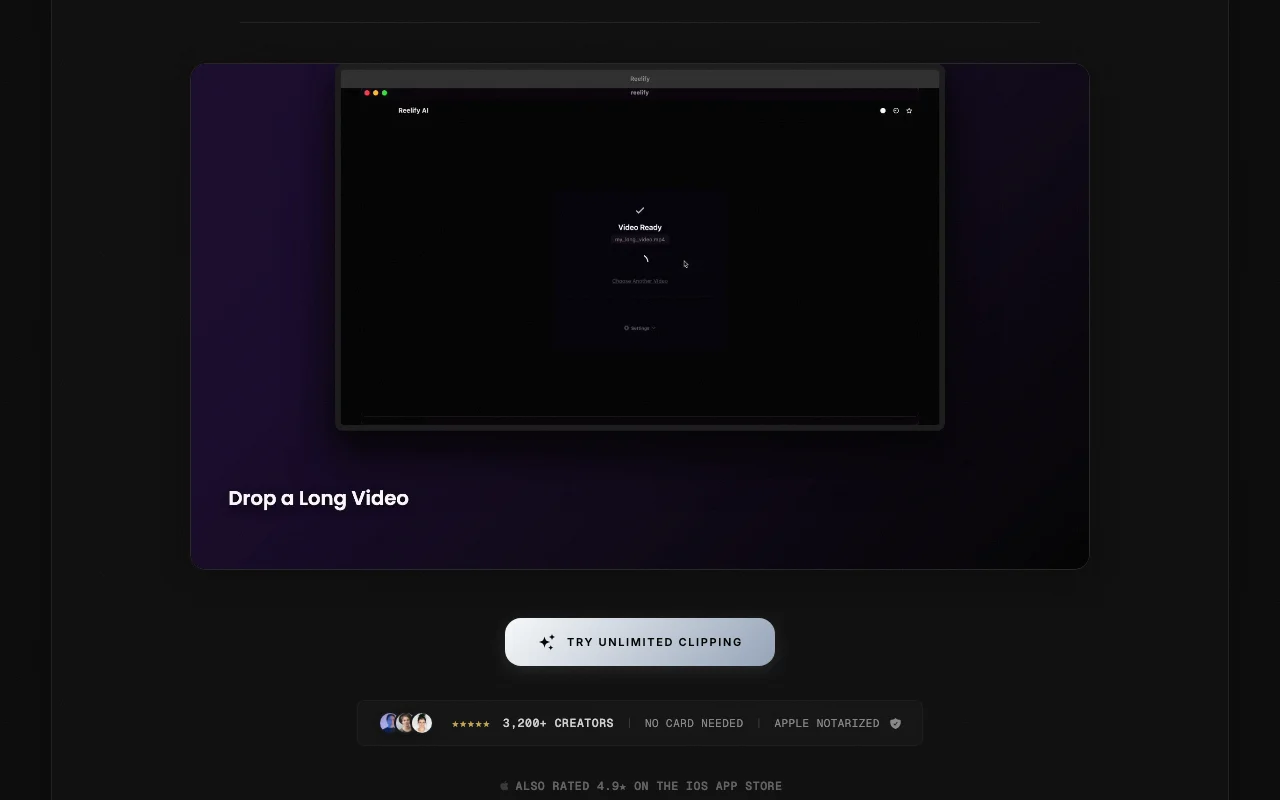
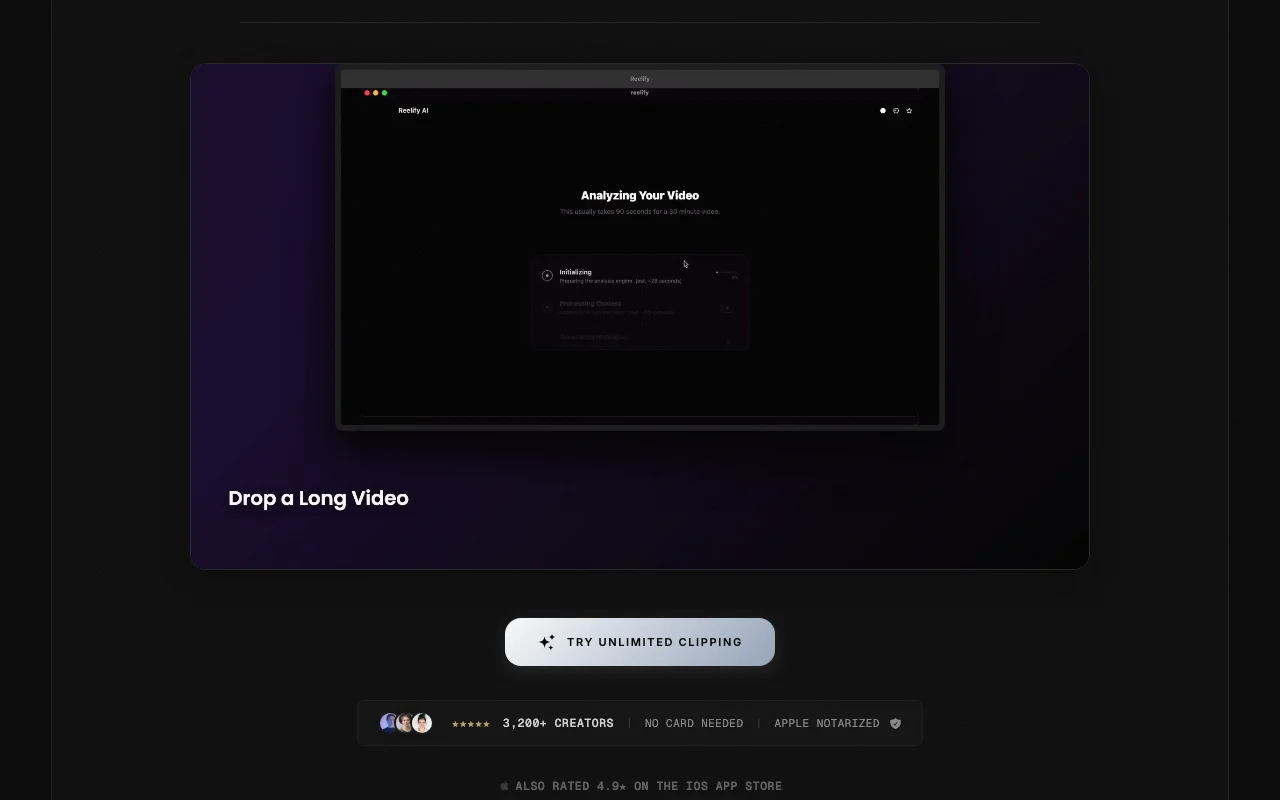
Mac app that turns long videos into short vertical clips with captions, processed locally on-device.

 (in voller Größe in neuem Tab öffnen)
 (in voller Größe in neuem Tab öffnen)
 (in voller Größe in neuem Tab öffnen)
 (in voller Größe in neuem Tab öffnen)
 (in voller Größe in neuem Tab öffnen)
 (in voller Größe in neuem Tab öffnen)
Unsere Einschätzung: Choose Reelify AI if you own an Apple Silicon Mac and want podcasts or webinars turned into captioned vertical clips locally, with no uploads and no credit limits on paid plans.
Wichtigste Einschränkung: The desktop app needs macOS 15 or later on Apple Silicon, and the free plan covers only 2 videos.
Choose Reelify AI if you own an Apple Silicon Mac and want podcasts or webinars turned into captioned vertical clips locally, with no uploads and no credit limits on paid plans. Auf Basis der Dokumentation des Anbieters, nicht in einem praktischen Test.
Auch gut geeignet für
Oder wenn
Preise am Sep 29, 2026 auf der offiziellen US-Preisseite geprüft. Offizielle Preise ↗ Preise und Limits ändern sich häufig.
Free plan for 2 videos
No card needed
Kostenlos Quelle (öffnet in neuem Tab)
Einmalig, Jahresbindung
Für: Trying the app
Limits
Enthält
Keine API
$15/mo Quelle (öffnet in neuem Tab)
Monat, Jahresbindung
Für: Mac-based creators
Limits
Enthält
Keine API
Offizielle Preise ansehen Quelle (öffnet in neuem Tab)
Monat, Jahresbindung
Für: Heavier creators
Enthält
Keine API
None stated
Not stated
Reelify AI is a macOS app that finds highlight moments in long videos such as podcasts and webinars and exports captioned vertical clips for Shorts, Reels and TikTok. Processing runs on the user's Mac rather than in the cloud, which the site gives as the reason it has no credit limits.
Sie liefern
Sie erhalten zurück
Die Szenarien erarbeiten unsere Redakteure anhand der Dokumentation; das tatsächliche Ergebnis hängt von Ihrer Eingabe und Ihrem Tarif ab.
Finds highlight moments in a long video automatically Saves scrubbing through hours
Adds automatic captions Publish-ready clips
Applies caption style, fonts, colors and watermark with reframing Consistent branding
Exports 9:16 vertical clips for Shorts, Reels and TikTok Matches social formats
Zusammengefasst aus den aktuellen Richtlinien des Anbieters; dies ist keine Rechtsberatung, und das Badge eines Anbieters ersetzt kein unabhängiges Audit.
Processing runs on your Mac; the site says videos are not uploaded
Not stated
Local files
Not stated
Not stated
„Besser geeignet“ beruht auf dokumentierten Funktionen und Preisen, nicht auf einem direkten Test.
| Alternative | Wann Sie es wählen sollten | Preise | Einschränkung | |
|---|---|---|---|---|
| Descript | — | — | Vergleichen | |
| Runway | — | — | Vergleichen |
Noch keine Nutzerbewertungen.
Verwendet Reelify AI? Teilen Sie als Erste oder Erster Ihre Erfahrung.
No, the site says processing runs locally on your Mac. Quelle (öffnet in neuem Tab)
Apple Silicon (M1 or later) with macOS 15 or later and at least 8 GB RAM. Quelle (öffnet in neuem Tab)
The site claims about 10 short clips in roughly 90 seconds. Quelle (öffnet in neuem Tab)
Open the Mac app and click Plans in the top right. Quelle (öffnet in neuem Tab)
No, the site states no credit limits or per-minute fees. Quelle (öffnet in neuem Tab)
Nicht verifiziert: Creator plan price; Starter price on today's page; Watermark details; Privacy policy.
Jede Angabe zu Reelify AI oben stammt aus den 2 hier aufgeführten offiziellen Seiten, zuletzt verglichen am Sep 29, 2026; wir haben Reelify AI nicht selbst getestet, daher gibt es keine redaktionelle Bewertung. Wie wir Seiten prüfen und erneut prüfen.
Artikel aktualisiert Oct 10, 2026; Preise geprüft Sep 29, 2026. Ausgehende Links zu Anbietern sind einfache Links; wir erhalten keine Provisionen. So testen wir · Fehler melden
compare>