VideoDocumented overviewLast checked Sep 29, 2026

Palmier Pro: Pricing, Features & Best Use Cases

Multi-track video editor for macOS that AI tools like Claude or Codex can drive via MCP, with in-timeline media generation.

Is Palmier Pro right for you?

Choose Palmier Pro if you use a Mac and want Claude, Codex or Cursor to drive a multi-track video editor over MCP, with a free editor and paid generation credits. Based on the vendor's documentation, not on a hands-on test.

Best for: Creators and editors using Claude Code

Also a good fit for

  • Agencies automating edits
  • Mac users

Consider another tool if requires macOS 26 (Tahoe) or later

Or if

  • Generation needs paid credits (5,000 on Pro)
  • Cloud transcription and chat are paid only

Palmier Pro pricing and usage limits

Prices checked Sep 29, 2026 on the official US pricing page. Official pricing ↗ Prices and limits change often.

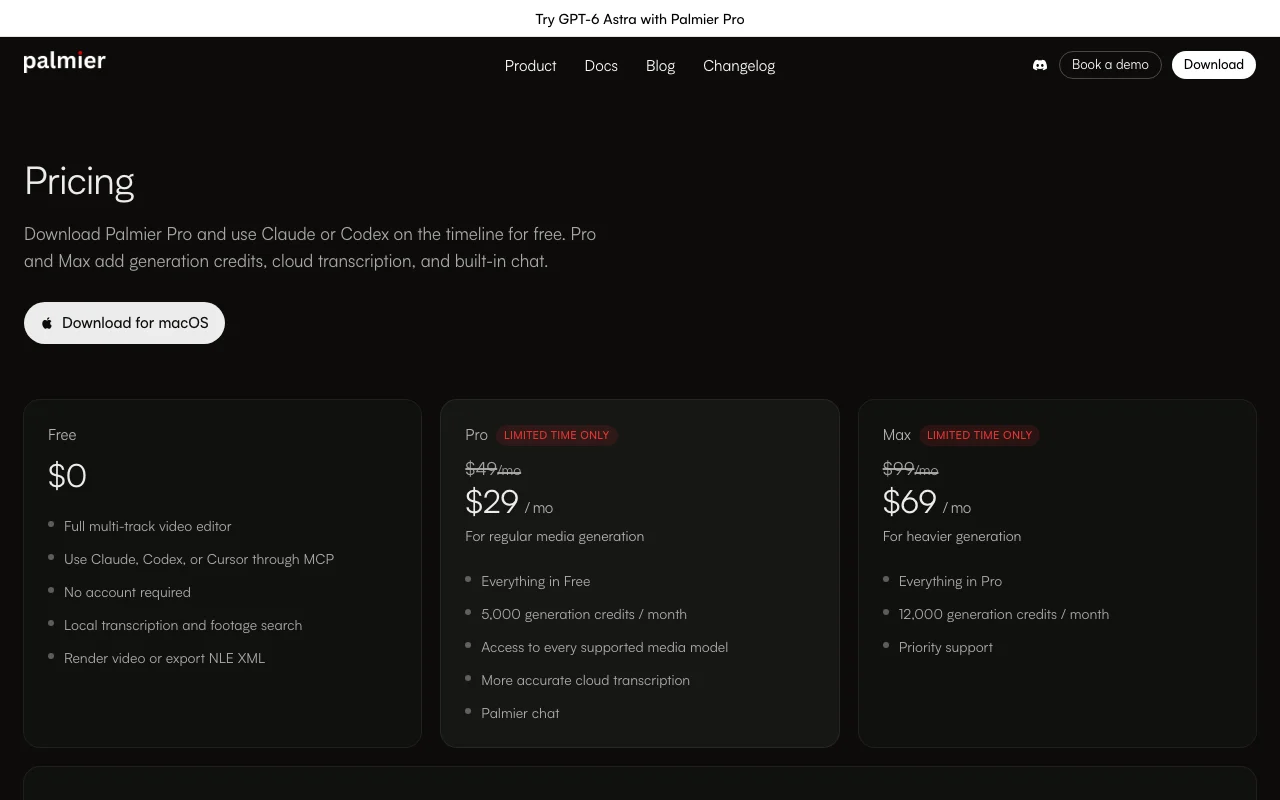
Palmier Pro pricing page with plans and prices — screenshot of the video AI tool, Oct 1, 2026
The official Palmier Pro pricing page as we saw it. palmier.io, captured Oct 1, 2026

Free access and trial conditions

Free editor with MCP, no account required.

None; the free plan is the trial.

Paid plans: what changes as you upgrade

Free Web

Free source (opens in a new tab)

Month

For: Editing with AI agents

Limits

  • No account required

Includes

  • Full multi-track editor
  • MCP with Claude, Codex, Cursor
2 more
  • Local transcription and footage search
  • Render or NLE XML export

API included

Pro Web

$29/mo source (opens in a new tab)

Month

For: Regular media generation

Limits

  • 5,000 generation credits per month

Includes

  • Everything in Free
  • All supported media models
2 more
  • Cloud transcription
  • Palmier chat

API included

Max Web

$69/mo source (opens in a new tab)

Month

For: Heavier generation

Limits

  • 12,000 generation credits per month

Includes

  • Everything in Pro
  • Priority support

API included

Enterprise Web

Custom pricing source (opens in a new tab)

Unknown

For: Teams with procurement needs

Limits

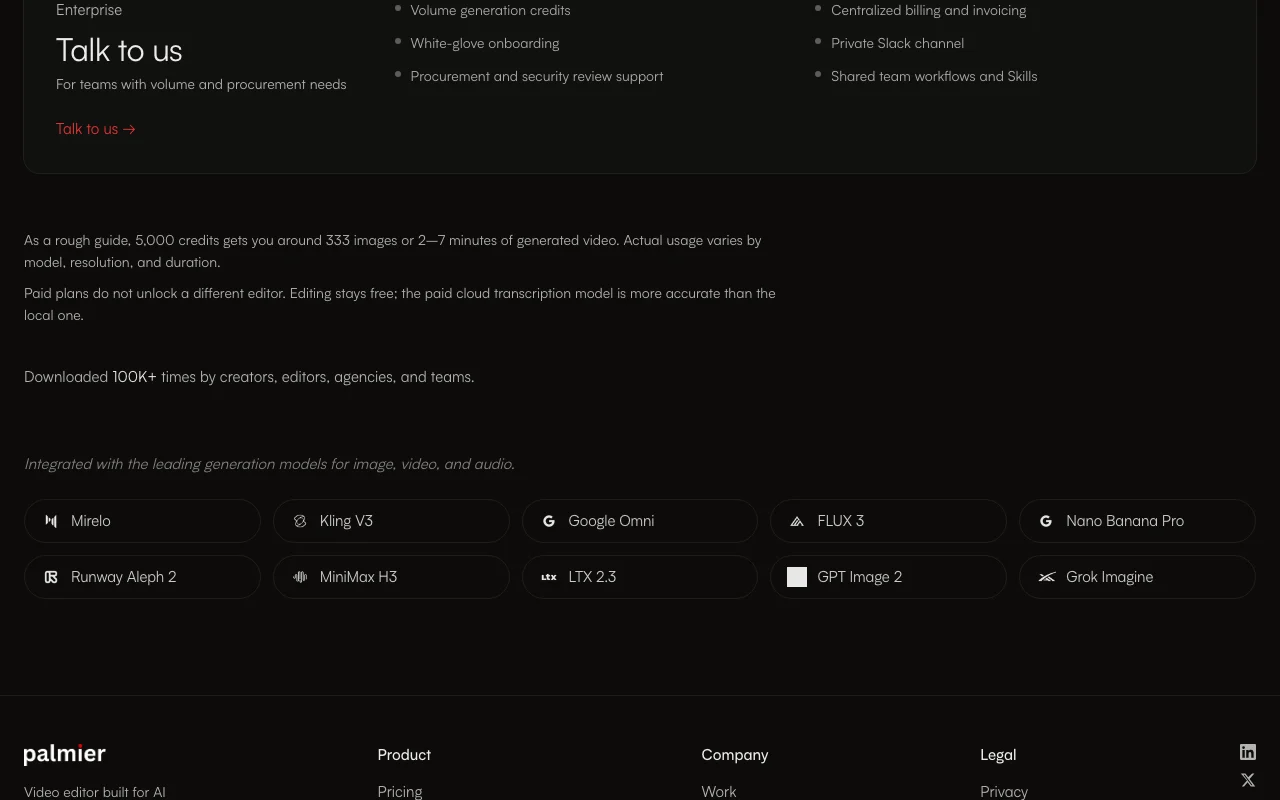
  • Volume generation credits

Includes

  • Centralized billing
  • Private Slack channel
1 more
  • Security review support

Usage caps, credits and extra costs

5,000 credits is roughly 333 images or 2 to 7 minutes of generated video.

Not stated.

What is Palmier Pro, and how does it work?

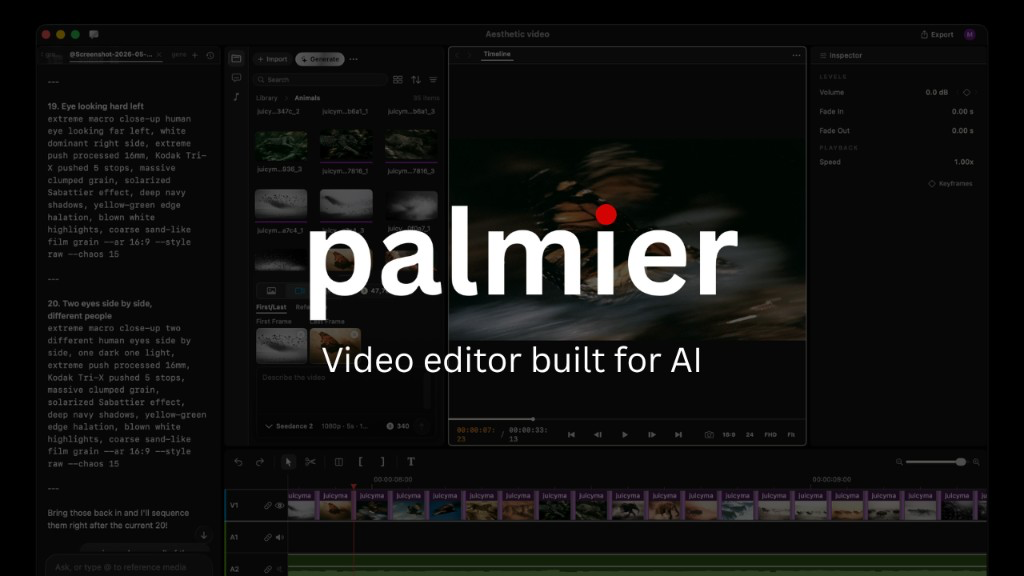
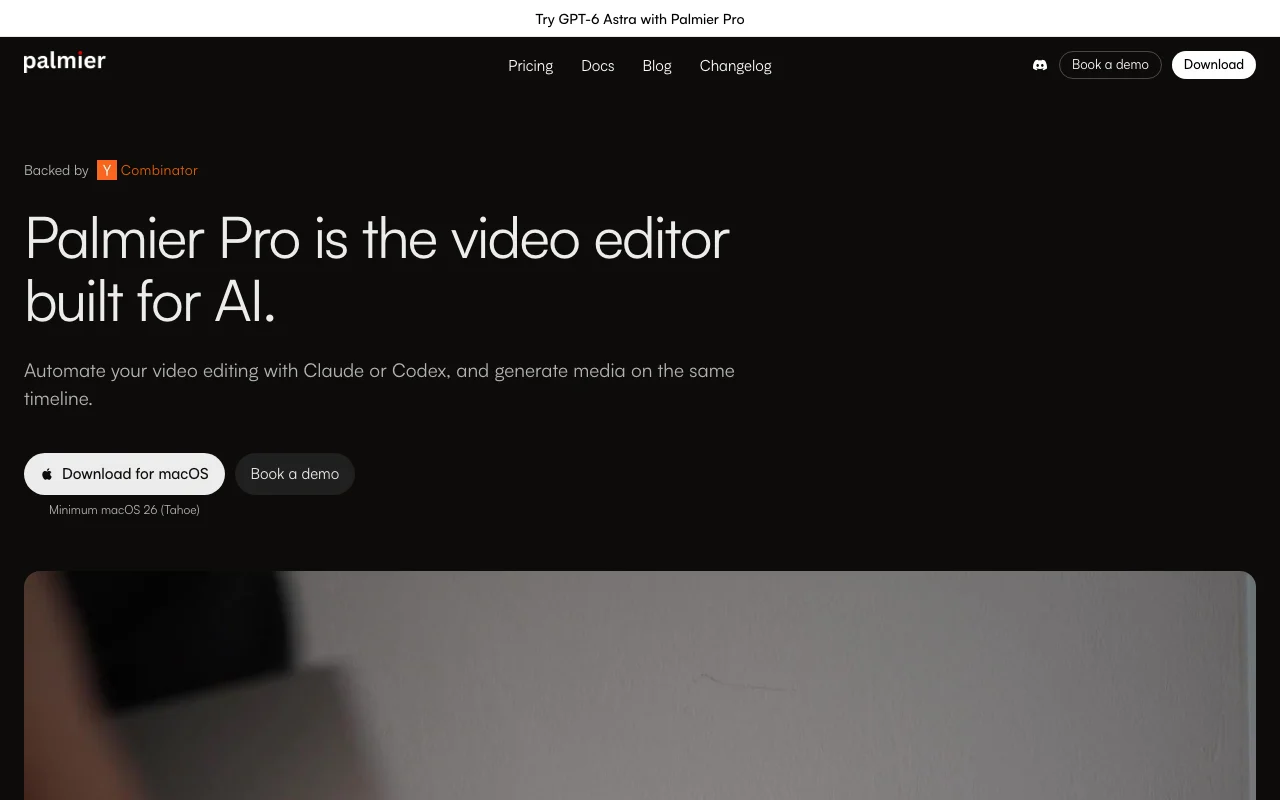
Palmier Pro is a desktop video editor built so AI assistants such as Claude, Codex or Cursor can automate repeatable edits through MCP. Media can also be generated directly on the timeline. The editor and MCP are free; paid plans add generation credits, cloud transcription and built-in chat. Projects can be rendered or exported as NLE XML for a professional editor.

Palmier Pro homepage — screenshot of the video AI tool, Oct 1, 2026
Palmier Pro's official site: how the product presents itself. palmier.io, captured Oct 1, 2026

What you provide and what you get back

How Palmier Pro works: what you provide, where it runs and what you get backYOU PROVIDEYour inputVideo footage and media on a mult…MCP commands from Claude, Codex o…Prompts for image, video and audi…VIDEOPalmier ProDesktopfrom $29/mo (Pro)free tier availablechecked Sep 29, 2026YOU GET BACKThe resultRendered videoNLE XML for Premiere Pro, DaVinci…Captions and transcriptsinput → Palmier Pro → output · from the vendor's own pages, no hands-on test unless stated
What you give Palmier Pro and what comes back, from its documentation

You provide

  • Video footage and media on a multi-track timeline
  • MCP commands from Claude, Codex or Cursor
  • Prompts for image, video and audio generation

You get back

  • Rendered video
  • NLE XML for Premiere Pro, DaVinci Resolve or Final Cut
  • Captions and transcripts

Where you can use it

Platforms
Desktop
Account
Not required
Platform
macOS 26+
Agents
Claude, Codex, Cursor via MCP
Export
Render, NLE XML
Models
Seedance, Kling, FLUX, Runway Aleph and others

What people use Palmier Pro for

Scenarios are worked out by our editors from the documentation; the actual result depends on your input and plan.

AI-automated video editing

Who
Creators using Claude Code
You provide
Raw footage and a plain instruction
Expected result
A cut assembled by the AI agent over MCP
Plan needed
Free
Limitation
Agent quality varies source (opens in a new tab)

Template-based edits

Who
Agencies with recurring formats
You provide
A saved Skill and new footage
Expected result
The same format applied to each new video
Plan needed
Free
Limitation
Skill must be built from a first edit source (opens in a new tab)

Captioning and transcription

Who
Editors
You provide
Spoken footage
Expected result
Local transcript, or more accurate cloud transcript on paid
Plan needed
Free or Pro
Limitation
Cloud model is paid only source (opens in a new tab)

Generating media on the timeline

Who
Marketers
You provide
A prompt
Expected result
Images, video or audio inserted on the timeline
Plan needed
Pro or Max
Limitation
Credits are consumed per model and length source (opens in a new tab)

Key features and their practical limits

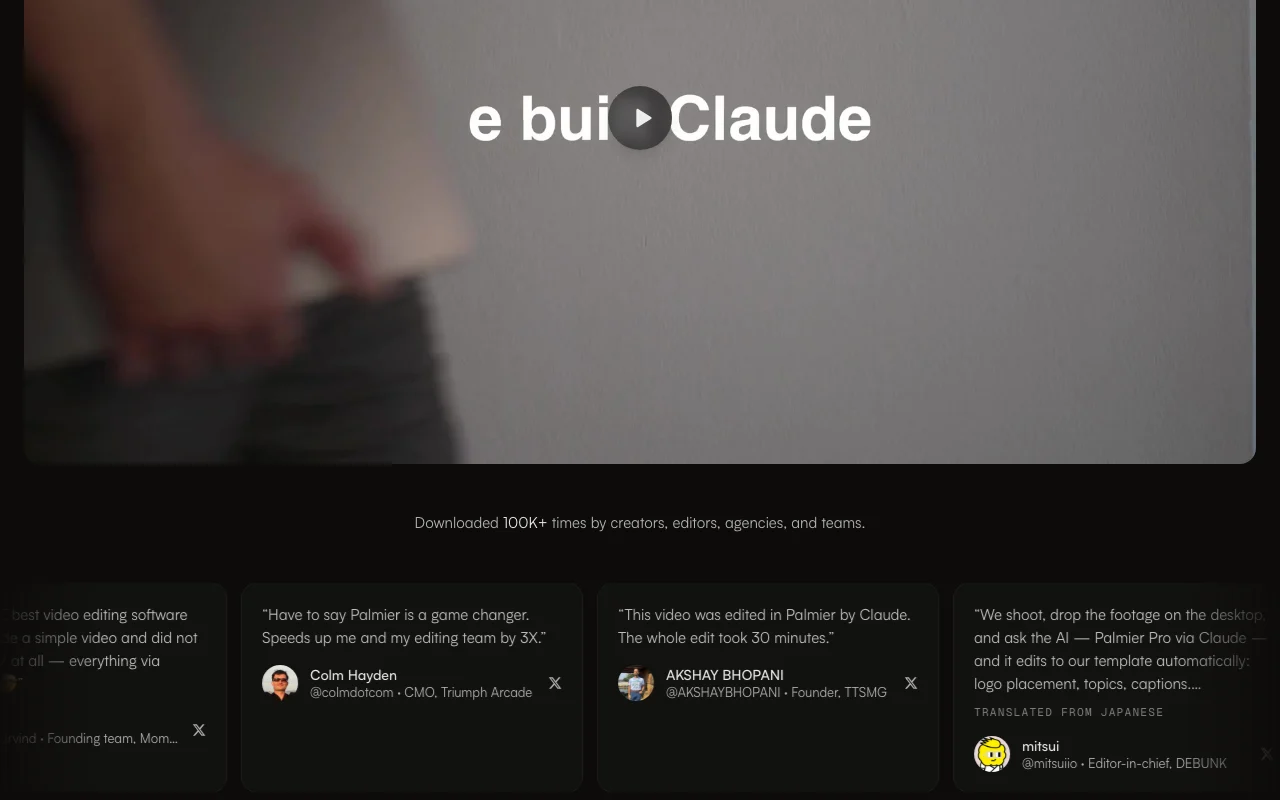
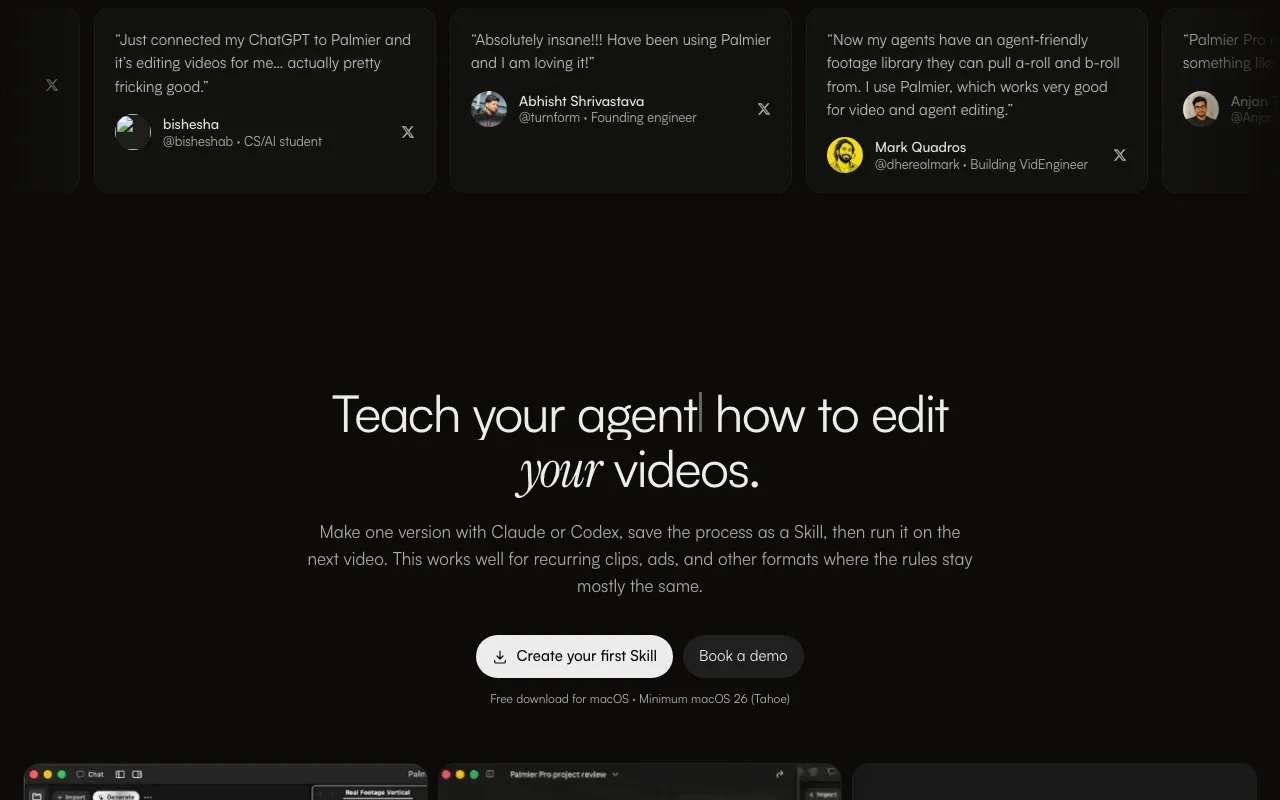
Palmier Pro homepage — screenshot of the video AI tool, Oct 1, 2026
Feature overview on the official site. palmier.io, captured Oct 1, 2026

Multi-track editor

Provides a full multi-track timeline for video editing. Edits without a paid editor.

Access: FreeLimit: macOS 26 or later only source (opens in a new tab)

MCP integration with Claude, Codex, Cursor

Lets Claude, Codex or Cursor operate the editor via MCP. Hands repeat edits to an AI agent.

Access: FreeLimit: Depends on your own agent subscription source (opens in a new tab)

Local transcription and footage search

Transcribes locally and searches footage. Finds clips fast.

Access: FreeLimit: Cloud transcription is more accurate but paid source (opens in a new tab)

Generation credits for image/video/audio models

Generates image, video and audio with supported models using credits. Creates media in place.

Access: Pro and MaxLimit: Credits run out: 5,000 or 12,000 monthly source (opens in a new tab)

Pros, cons and deal-breakers

Reasons to choose Palmier Pro

Check before paying for Palmier Pro

How to use Palmier Pro for editing a video through Claude or Codex

Set up Palmier Pro

  1. Download Palmier Pro for macOS 26 or later
  2. Open the app and add your footage to a project
  3. Connect Claude, Codex or Cursor through MCP

Example: editing a video through Claude or Codex

  1. Ask the agent to assemble a rough cut
  2. Ask it to add captions and a logo
  3. Review the timeline
  4. Render or export NLE XML

Review and export the result

  1. Scrub the timeline for wrong cuts
  2. Check caption accuracy against the audio
Example prompt suggested by our editors (not a recorded output of the product)
Cut this interview to the best 60 seconds, add burned-in captions, and place the logo bottom-right.

Palmier Pro integrations and API

Palmier Pro pricing page with plans and prices — screenshot of the video AI tool, Oct 1, 2026
Plan comparison on the official pricing page. palmier.io, captured Oct 1, 2026

Native integrations and export formats

Export: Rendered video, NLE XML (Premiere Pro, DaVinci Resolve, Final Cut)

API access and separate billing

Palmier Pro has no public API in its official documentation. MCP connection to AI agents API documentation ↗

Privacy, data use and commercial rights

Summarized from the vendor's current policies; this is not legal advice and a vendor's badge is not an independent audit.

How your inputs and outputs are handled

Projects, media, prompts and edits stay on your device; AI inputs for generation go to model providers.

Not used to train Palmier models; providers contracted not to train general models on it.

Palmier does not store AI inputs on its servers; some providers may retain data temporarily for abuse prevention or billing.

Commercial use and plan restrictions

Not stated.

Cloud features need Pro or Max.

Controls for business users

  • Security review support (Enterprise)

Policies: palmier.io/privacy

Palmier Pro alternatives by need

"Better suited" is based on documented features and pricing, not on a head-to-head test.

Descript: better suited to

Runway: better suited to

Alternatives
AlternativeWhen to choose itPricingLimitation
Descript——Compare
Runway——Compare

Explore Palmier Pro further

If you are looking at Palmier Pro

Palmier Pro user reviews

No user reviews yet.

Used Palmier Pro? Be the first to share your experience.

Write a review

Reviews are checked by a moderator before they appear. Your email is never published. Plain text only.

Your rating (required)

Show what you made or what went wrong. Images are published only if the review is approved; location data is removed.

    Palmier Pro FAQ

    Is Palmier Pro free?

    The editor, MCP and local transcription are free with no account; Pro and Max add credits, cloud transcription and chat. source (opens in a new tab)

    What do the plans cost?

    Pro is $29/month (listed $49) with 5,000 credits and Max $69/month (listed $99) with 12,000 credits; promo prices are limited time. source (opens in a new tab)

    What can I export?

    Rendered video or NLE XML for Premiere Pro, DaVinci Resolve or Final Cut. source (opens in a new tab)

    Which Macs does it support?

    macOS 26 (Tahoe) or later. source (opens in a new tab)

    How many generations is 5,000 credits?

    Roughly 333 images or 2 to 7 minutes of generated video, varying by model, resolution and duration. source (opens in a new tab)

    Sources and review methodology

    Official sources and verification dates

    Not verified: Resolution limits; Commercial-use terms; Windows support.

    How we documented and maintain this page

    Every fact about Palmier Pro above comes from the 2 official pages listed here, last compared on Sep 29, 2026; we have not run Palmier Pro ourselves, so it has no editorial score. How we check and re-check pages.

    Article updated Oct 2, 2026; prices checked Sep 29, 2026. Outbound links to vendors are plain links; we do not earn commissions. How we review · Report an error