
Free web
Free source (opens in a new tab)
Monthly
For: Trying avatars
Limits
- Unlimited streaming
- 25 free credits on sign-up
Includes
- Top up credits anytime
- No subscription required

VideoDocumented overviewLast checked Oct 1, 2026
Browser-based real-time avatar tool that turns a webcam feed into an animated character for streams and video calls.
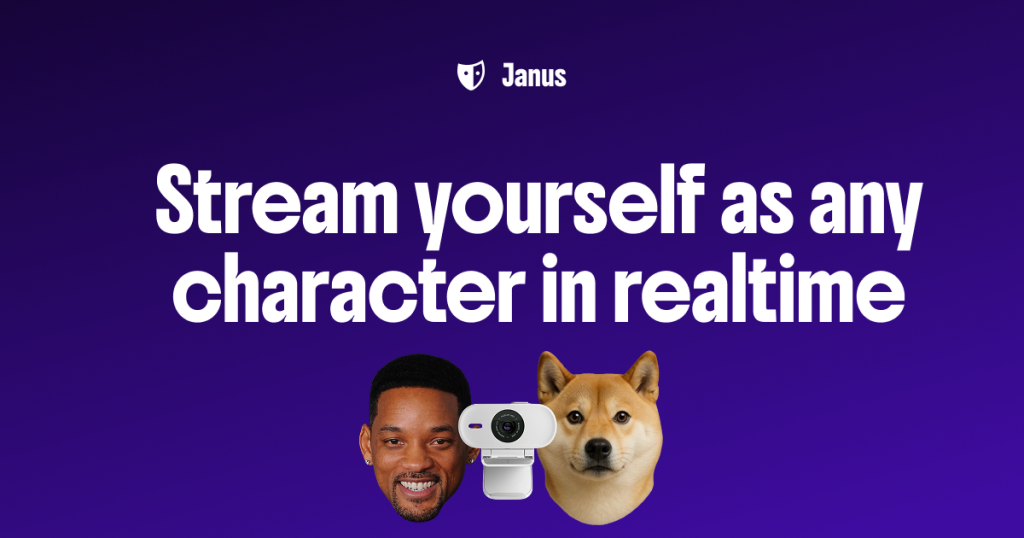
Our take: Janus suits streamers, anonymous creators and remote workers who want a webcam-driven animated avatar in the browser for Discord, Zoom, Twitch, YouTube or OBS, with unlimited free streaming.
Main limitation: Free gives only 25 sign-up credits for avatar creation, Pro features such as green screen and 60fps+ are paid, and the Pro monthly price is not shown.
Janus suits streamers, anonymous creators and remote workers who want a webcam-driven animated avatar in the browser for Discord, Zoom, Twitch, YouTube or OBS, with unlimited free streaming. Based on the vendor's documentation, not on a hands-on test.
Also a good fit for
Or if
Headlines from US outlets, selected automatically — not endorsements. Updated Oct 2, 2026
 Economy is healthy and that is transcending AI spend, says Janus Henderson's Michael Contopoulos (opens in a new tab)Janus Henderson's Richard Clode on mega cap earnings (opens in a new tab)Despite higher energy prices, there's an opportunity in travel stocks, says Janus' Jeremiah Buckley (opens in a new tab)
Prices checked Oct 1, 2026 on the official US pricing page. Official pricing ↗ Prices and limits change often.
Free: $0/month, unlimited streaming, 25 sign-up credits.
Pro: 7-day trial.
Free source (opens in a new tab)
Monthly
For: Trying avatars
Limits
Includes
See official pricing source (opens in a new tab)
Monthly
Ongoing price not displayed
For: Creators wanting pro features
Limits
Includes
Credit top-ups; prices not shown.
Not stated.
Janus is a real-time character animation platform. It generates a 3D avatar from a photo or prompt and animates it from webcam facial expressions, rendering in the browser at 1080p+. The avatar can be used on Discord, Zoom, Twitch, YouTube, Google Meet and OBS via a Chrome extension or virtual camera. A Free plan includes unlimited streaming and sign-up credits; Pro adds extra features.

You provide
You get back
Scenarios are worked out by our editors from the documentation; the actual result depends on your input and plan.
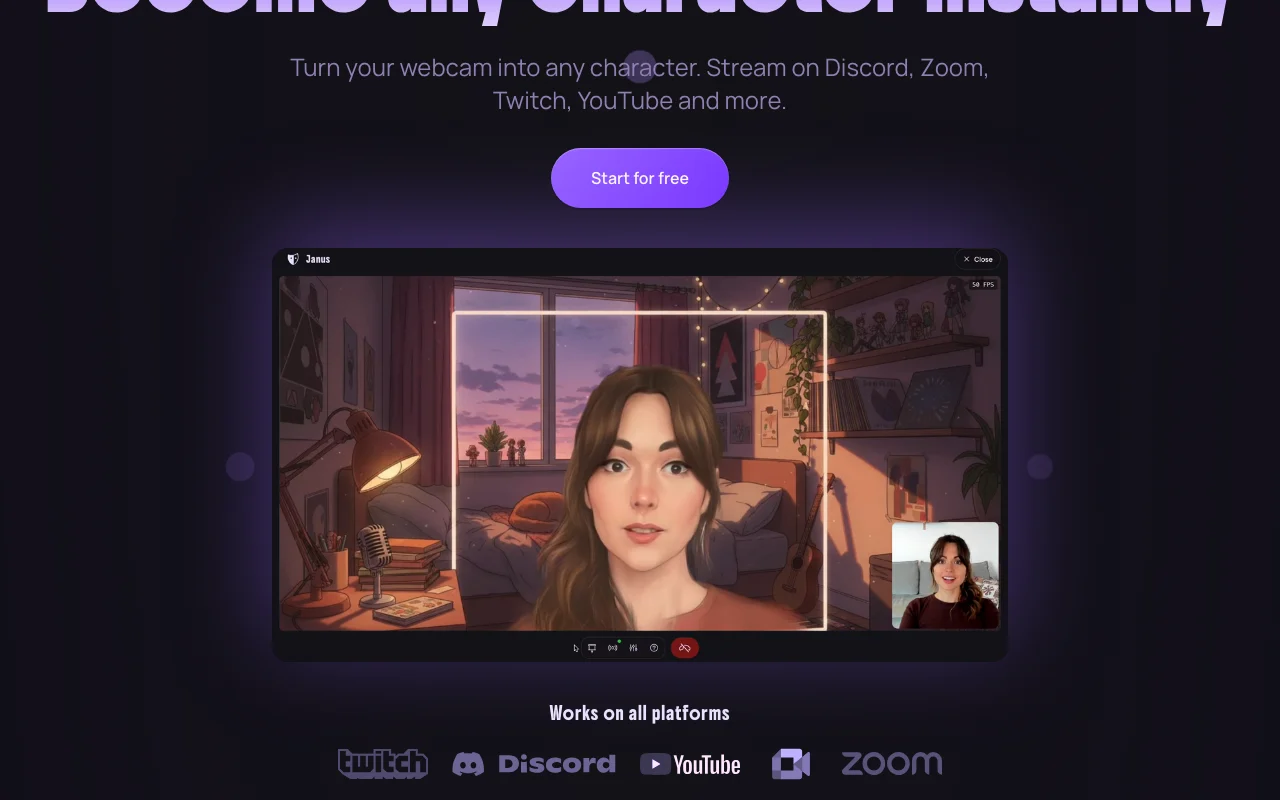
Animates an avatar from your webcam. Expressive presence without showing your face.
Makes an avatar from a photo or prompt. Custom character.
Renders 1080p+ locally in the browser. Low lag.
Works via Chrome extension and OBS. Broadcast anywhere.
Janus has no public API in its official documentation. No API documented.
Summarized from the vendor's current policies; this is not legal advice and a vendor's badge is not an independent audit.
Webcam footage is not stored; images used to create an avatar are only used in transit.
Not stated.
No webcam footage stored.
Not stated.
"Better suited" is based on documented features and pricing, not on a head-to-head test.
No user reviews yet.
Used Janus? Be the first to share your experience.
Yes: $0 per month with unlimited streaming and 25 credits. source (opens in a new tab)
No, facial tracking happens locally and footage is not stored. source (opens in a new tab)
Discord, Twitch, YouTube, Zoom, Google Meet, OBS and virtual-camera apps. source (opens in a new tab)
60fps+ streaming, green screen, all styles and no watermarks. source (opens in a new tab)
Not verified: Pro price; Credit top-up prices; Training use.
Every fact about Janus above comes from the 3 official pages listed here, last compared on Oct 1, 2026; we have not run Janus ourselves, so it has no editorial score. How we check and re-check pages.
Article updated Oct 2, 2026; prices checked Oct 1, 2026. Outbound links to vendors are plain links; we do not earn commissions. How we review · Report an error
compare>