VideoDocumented overviewLast checked Sep 29, 2026

iArt.ai: Pricing, Features & Best Use Cases

AI motion graphics agent that turns prompts, designs, URLs and audio into animated videos exported as MP4 up to 4K.
Is iArt.ai right for you?

Use iArt.ai to turn a prompt, design, PDF or web link into an animated explainer or promo without After Effects, starting with the free $2 signup credit and moving to Pro at $20 per month for watermark-free 1080p. Based on the vendor's documentation, not on a hands-on test.

Best for: Marketers making explainers

Also a good fit for

  • Creators avoiding After Effects

Consider another tool if free tier only has a $2 signup credit

Or if

  • Free tier cannot buy top-ups
  • Monthly credits reset each billing date

iArt.ai pricing and usage limits

Prices checked Sep 29, 2026 on the official US pricing page. Official pricing ↗ Prices and limits change often.

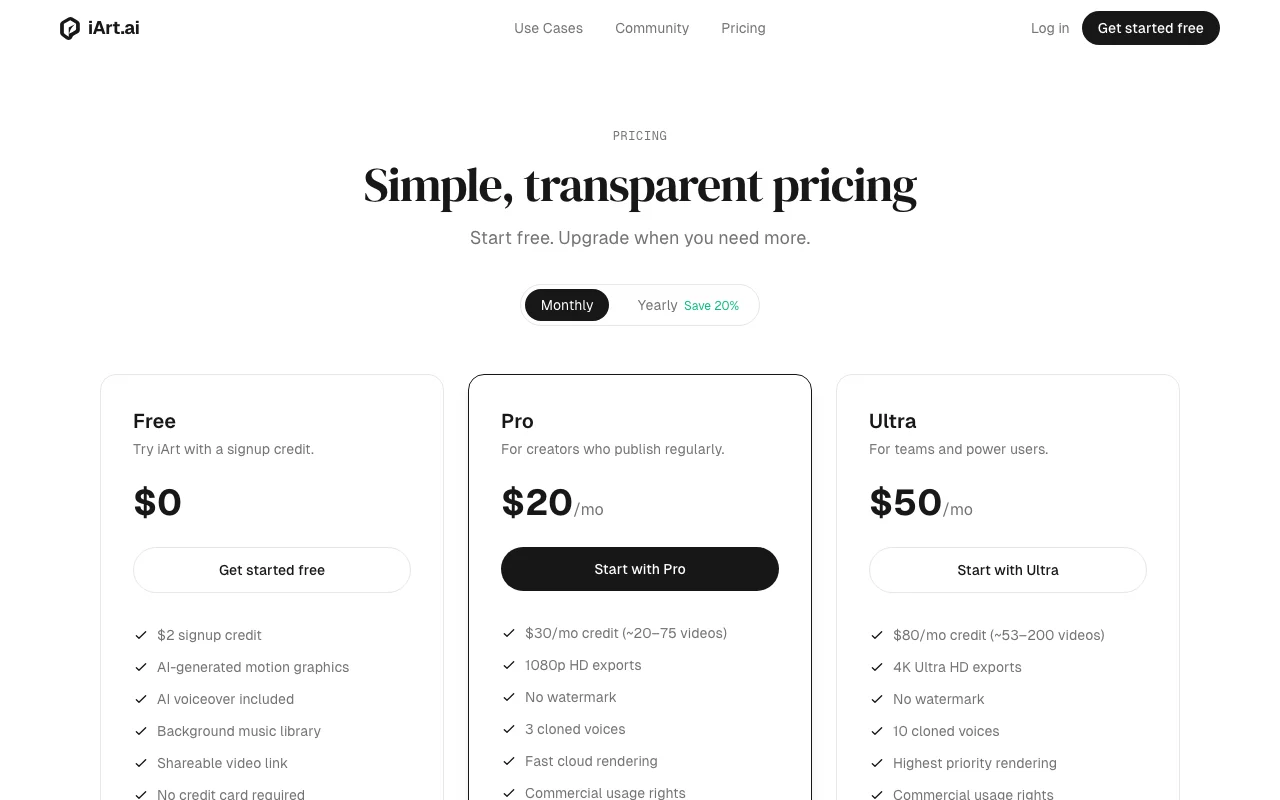
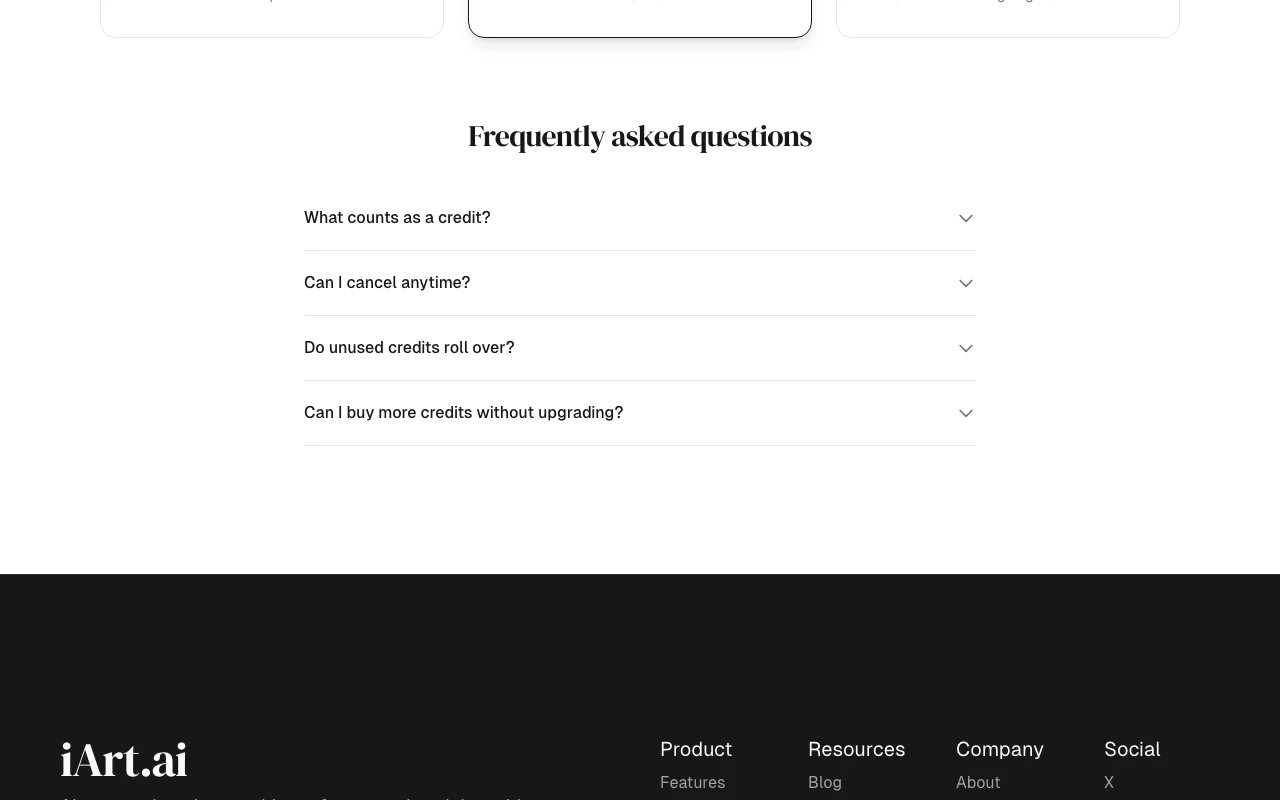
iArt.ai pricing page with plans and prices — screenshot of the video AI tool, Oct 1, 2026
The official iArt.ai pricing page as we saw it. iart.ai, captured Oct 1, 2026

Free access and trial conditions

Free tier with $2 signup credit, no card.

None beyond the signup credit.

Paid plans: what changes as you upgrade

Free Web

Free source (opens in a new tab)

Month

For: Trying iArt

Limits

  • $2 signup credit
  • No top-ups on free tier

Includes

  • AI motion graphics
  • AI voiceover
2 more
  • Background music library
  • Shareable video link

No API

Pro Web

$20/mo source (opens in a new tab)

Month

Yearly toggle saves 20%; yearly price not read

For: Regular creators

Limits

  • $30 monthly credit (about 20 to 75 videos)
  • 3 cloned voices

Includes

  • 1080p HD exports
  • No watermark
2 more
  • Commercial usage rights
  • Fast cloud rendering

No API

Ultra Web

$50/mo source (opens in a new tab)

Month

Yearly toggle saves 20%; yearly price not read

For: Teams and power users

Limits

  • $80 monthly credit (about 53 to 200 videos)
  • 10 cloned voices

Includes

  • 4K exports
  • No watermark
2 more
  • Highest priority rendering
  • Commercial usage rights

No API

Top-up packs Web

$10 one-time source (opens in a new tab)

One-time

For: Extra credit without upgrading

Limits

  • Paid plans only
  • Never expire

Includes

  • Extra credits

No API

Usage caps, credits and extra costs

Top-up packs $10/$50/$100 on Pro and Ultra; a simple 10-second animation costs roughly $0.15 to $0.40 of credit.

Not stated.

What is iArt.ai, and how does it work?

iArt.ai is an AI motion graphics tool that builds animated videos scene by scene from a text description, uploaded images, PDFs or a web link. It handles layout, typography, timing and transitions without a timeline editor. Users pick a library voice or clone their own on paid plans, add background music, then export MP4 or share a link. Exports reach 4K on Ultra.

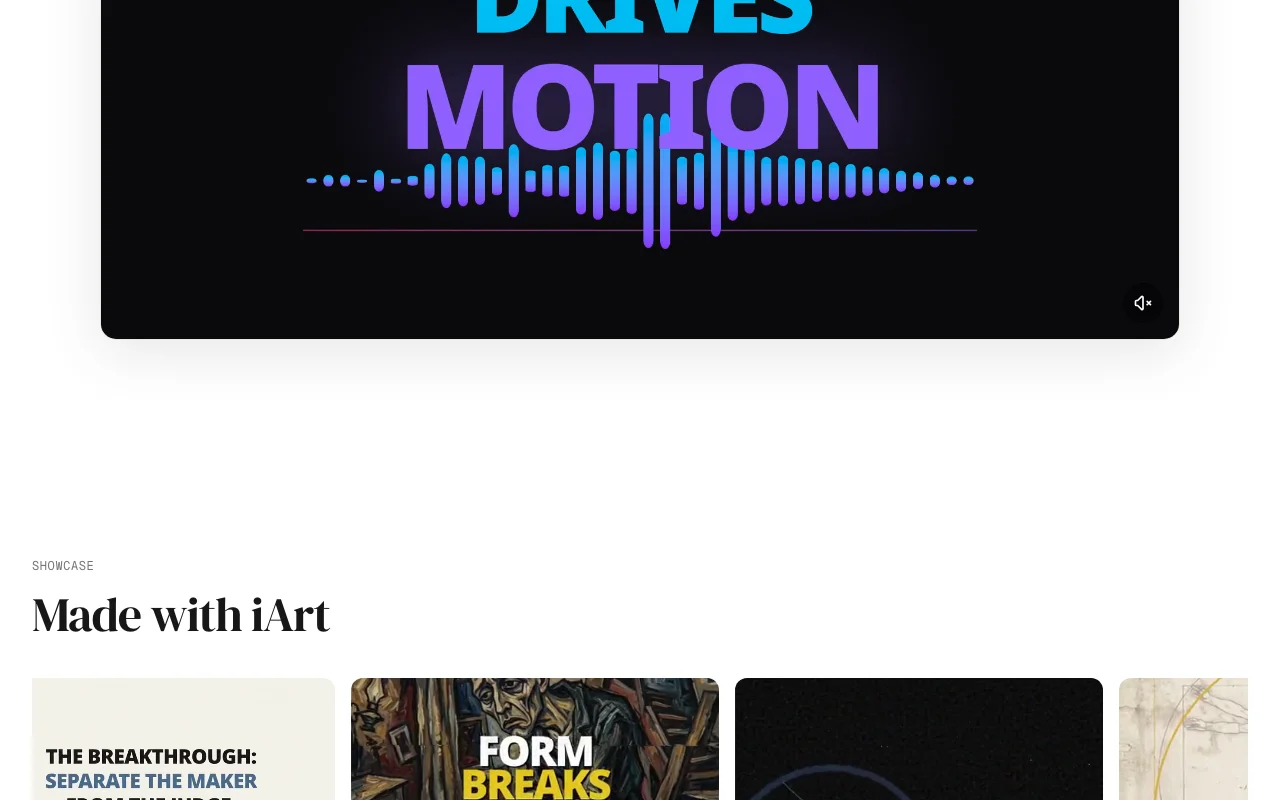
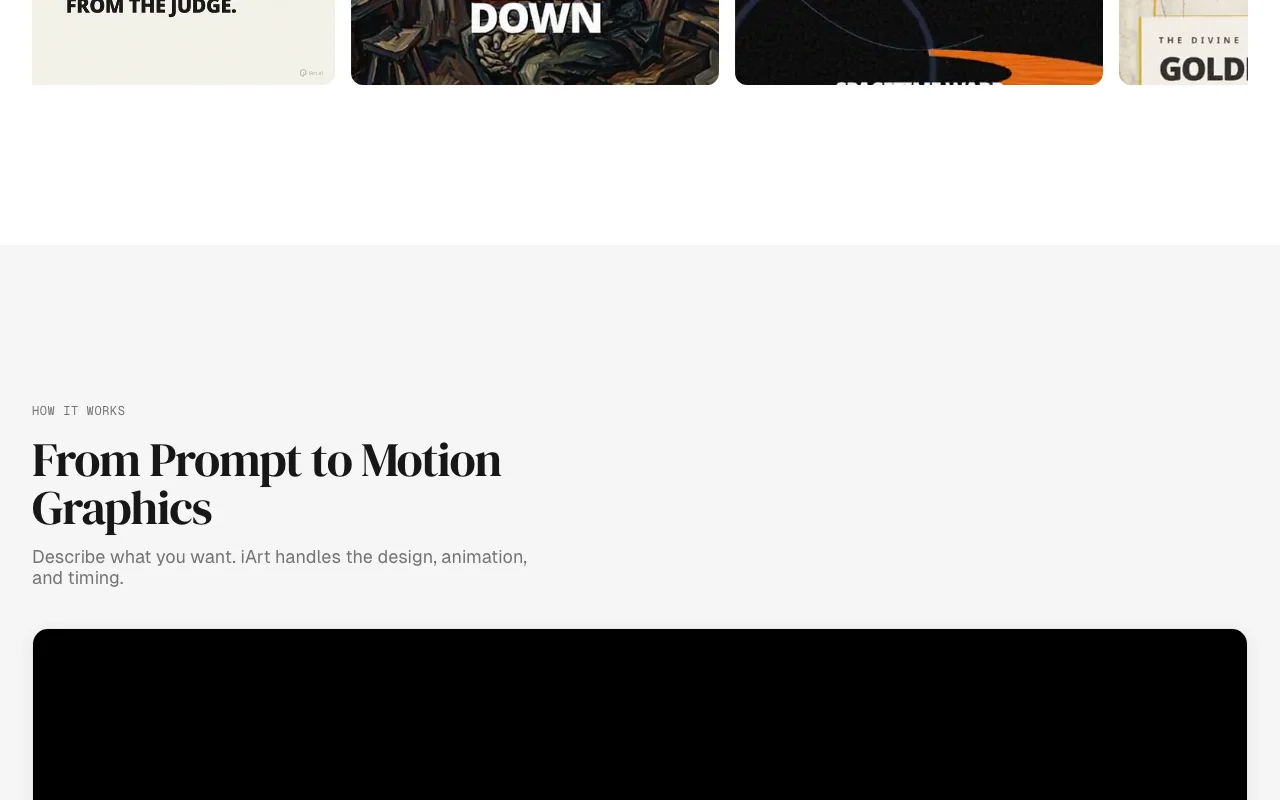
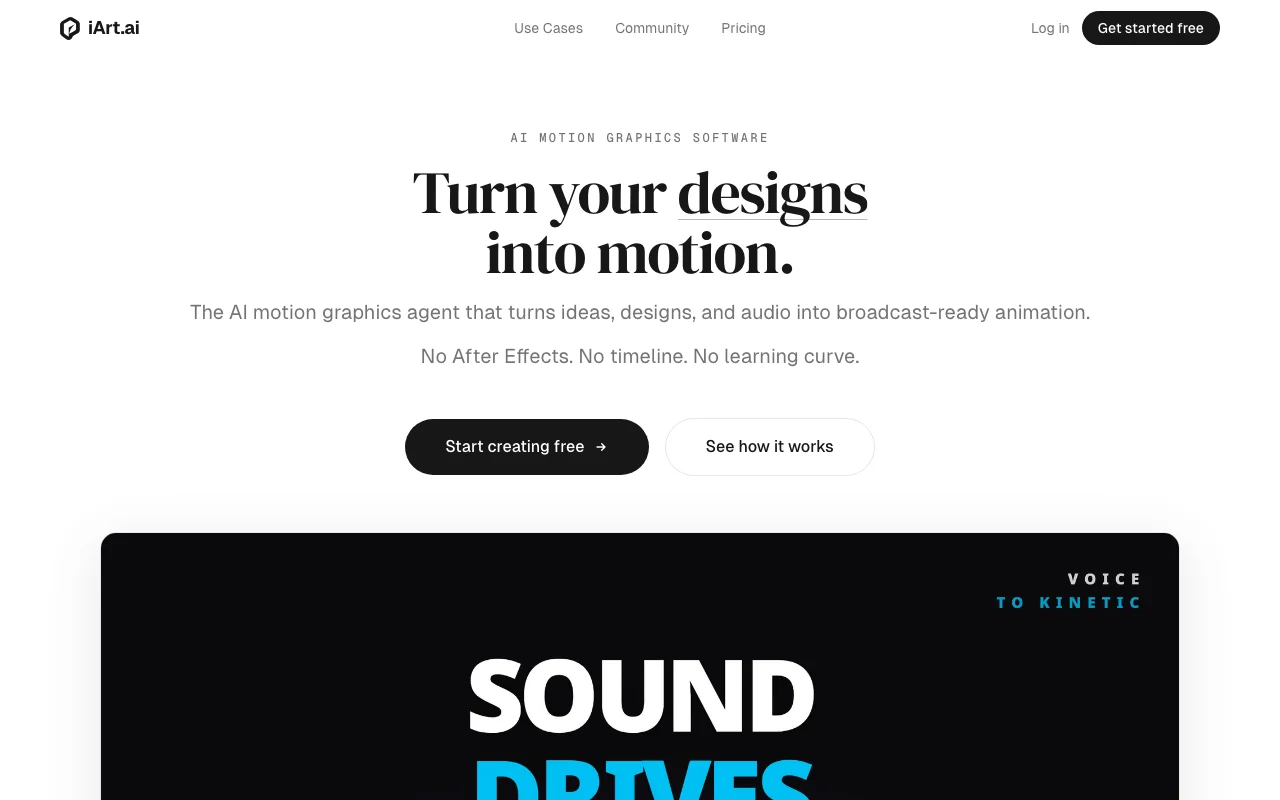
iArt.ai homepage — screenshot of the video AI tool, Oct 1, 2026
iArt.ai's official site: how the product presents itself. iart.ai, captured Oct 1, 2026

What you provide and what you get back

How iArt.ai works: what you provide, where it runs and what you get backYOU PROVIDEYour inputText descriptionImages and PDFsWeb linksAudio and a script for voice syncVIDEOiArt.aiWebfrom $10 (Top-up packs)free tier availableaccount requiredchecked Sep 29, 2026YOU GET BACKThe resultAnimated MP4 up to 4KShareable playback linkinput → iArt.ai → output · from the vendor's own pages, no hands-on test unless stated
What you give iArt.ai and what comes back, from its documentation

You provide

  • Text description
  • Images and PDFs
  • Web links
  • Audio and a script for voice sync

You get back

  • Animated MP4 up to 4K
  • Shareable playback link

Where you can use it

Platforms
Web
Account
Required
Export
MP4 up to 4K, share link
Inputs
Text, images, PDF, links, audio
Voice cloning
3 voices Pro, 10 Ultra
Watermark
Removed on paid plans

Best use cases for iArt.ai

Scenarios are worked out by our editors from the documentation; the actual result depends on your input and plan.

Explainer videos

Who
Marketers
You provide
A description of a process or strategy
Expected result
Scene-by-scene animated explainer
Plan needed
Pro
Limitation
Credit use depends on length and complexity source (opens in a new tab)

URL to video promos

Who
Small-business owners
You provide
A web link
Expected result
A promo animation built from page content
Plan needed
Free to Pro
Limitation
Output needs review for accuracy source (opens in a new tab)

Product launch animations

Who
Product teams
You provide
A mockup or brand poster
Expected result
Your design animated, colors preserved
Plan needed
Pro or Ultra
Limitation
4K only on Ultra source (opens in a new tab)

Audio to kinetic type for Reels or Shorts

Who
Podcasters and creators
You provide
A podcast or lecture audio
Expected result
Highlights wrapped in animated typography
Plan needed
Pro
Limitation
Voice cloning limited to Pro and Ultra source (opens in a new tab)

iArt.ai features and their limits

iArt.ai homepage — screenshot of the video AI tool, Oct 1, 2026
Feature overview on the official site. iart.ai, captured Oct 1, 2026

Prompt, image, PDF or link input

Accepts text, images, PDFs or links and builds the animation scene by scene. Skips timeline editing.

Access: All plansLimit: Not photoreal footage; it makes motion graphics source (opens in a new tab)

Scene-by-scene AI generation

Adds AI voiceover from a library or a cloned voice. Narrated videos without recording.

Access: Library on all plans, cloning on Pro (3) and Ultra (10)Limit: Cloning not on Free source (opens in a new tab)

AI voiceover and voice cloning

Provides background music for videos. Finishes the soundtrack.

Access: All plansLimit: Library size not stated source (opens in a new tab)

Background music library

Exports MP4 up to 4K or a share link. Shareable output.

Access: 1080p Pro, 4K UltraLimit: No watermark only on paid plans source (opens in a new tab)

iArt.ai pros and cons

Reasons to choose iArt.ai

Check before paying for iArt.ai

How to use iArt.ai for making an explainer animation from a prompt

Set up iArt.ai

  1. Sign up at iart.ai
  2. Open the new-video screen
  3. Choose a library voice or, on Pro, clone yours

Example: making an explainer animation from a prompt

  1. Type a description or drop in a PDF or link
  2. Generate the animation
  3. Review each scene
  4. Export MP4 or copy the share link

Review and export the result

  1. Play it through for text or timing errors
  2. Check the credit used against your balance
Example prompt suggested by our editors (not a recorded output of the product)
A 30-second explainer showing how a refund request moves from customer to support to finance, in a clean blue-and-white style.

Privacy, data use and commercial rights

Summarized from the vendor's current policies; this is not legal advice and a vendor's badge is not an independent audit.

How your inputs and outputs are handled

Account data and user-created content are stored until you delete them.

Not captured from reviewed text.

Account data while active; content until deleted; analytics 12 to 24 months.

Commercial use and plan restrictions

Commercial usage rights on Pro and Ultra.

Commercial rights and no watermark on paid plans.

Controls for business users

  • Deletion on request

Policies: iart.ai/privacy

Best iArt.ai alternatives for different needs

"Better suited" is based on documented features and pricing, not on a head-to-head test.

Runway: better suited to

Synthesia: better suited to

Canva: better suited to

Alternatives
AlternativeWhen to choose itPricingLimitation
Runway——Compare
Synthesia——Compare
Canva——

Explore iArt.ai further

If you are looking at iArt.ai

iArt.ai user reviews

No user reviews yet.

Used iArt.ai? Be the first to share your experience.

Write a review

Reviews are checked by a moderator before they appear. Your email is never published. Plain text only.

Your rating (required)

Show what you made or what went wrong. Images are published only if the review is approved; location data is removed.

    iArt.ai FAQ

    What does a credit buy?

    Credits are deducted by AI compute used; a simple 10-second animation costs roughly $0.15 to $0.40. source (opens in a new tab)

    Do unused credits roll over?

    Monthly credits reset on the billing date; top-up credits never expire. source (opens in a new tab)

    Can the free tier buy more credits?

    No. Top-up packs ($10, $50, $100) are for Pro and Ultra only. source (opens in a new tab)

    What resolution can I export?

    1080p on Pro and 4K on Ultra. source (opens in a new tab)

    How is iArt different from Sora or Runway?

    iArt makes motion graphics with typography and layout rather than cinematic footage, per its FAQ. source (opens in a new tab)

    Sources and review methodology

    Official sources and verification dates

    Not verified: Yearly prices; Training policy; Max video length; Docs.

    How we documented and maintain this page

    Every fact about iArt.ai above comes from the 3 official pages listed here, last compared on Sep 29, 2026; we have not run iArt.ai ourselves, so it has no editorial score. How we check and re-check pages.

    Article updated Oct 10, 2026; prices checked Sep 29, 2026. Outbound links to vendors are plain links; we do not earn commissions. How we review · Report an error