Our take: Agentic AI video editor that applies instructions across shots and generates video with real-time collaboration, but usage is limited by monthly credit allocation.
Main limitation: Usage is limited by monthly credits
By the AI Tool Atlas editors.
Based on the vendor's official documentation; we have not tested this product hands-on. What “documented overview” means
Is invideo right for you?
Agentic AI video editor that applies instructions across shots and generates video with real-time collaboration, but usage is limited by monthly credit allocation. Based on the vendor's documentation, not on a hands-on test.
Best for: Video editors and filmmakers
Also a good fit for
Social media teams
Advertising and marketing teams
Consider another tool if usage is limited by monthly credits
Or if
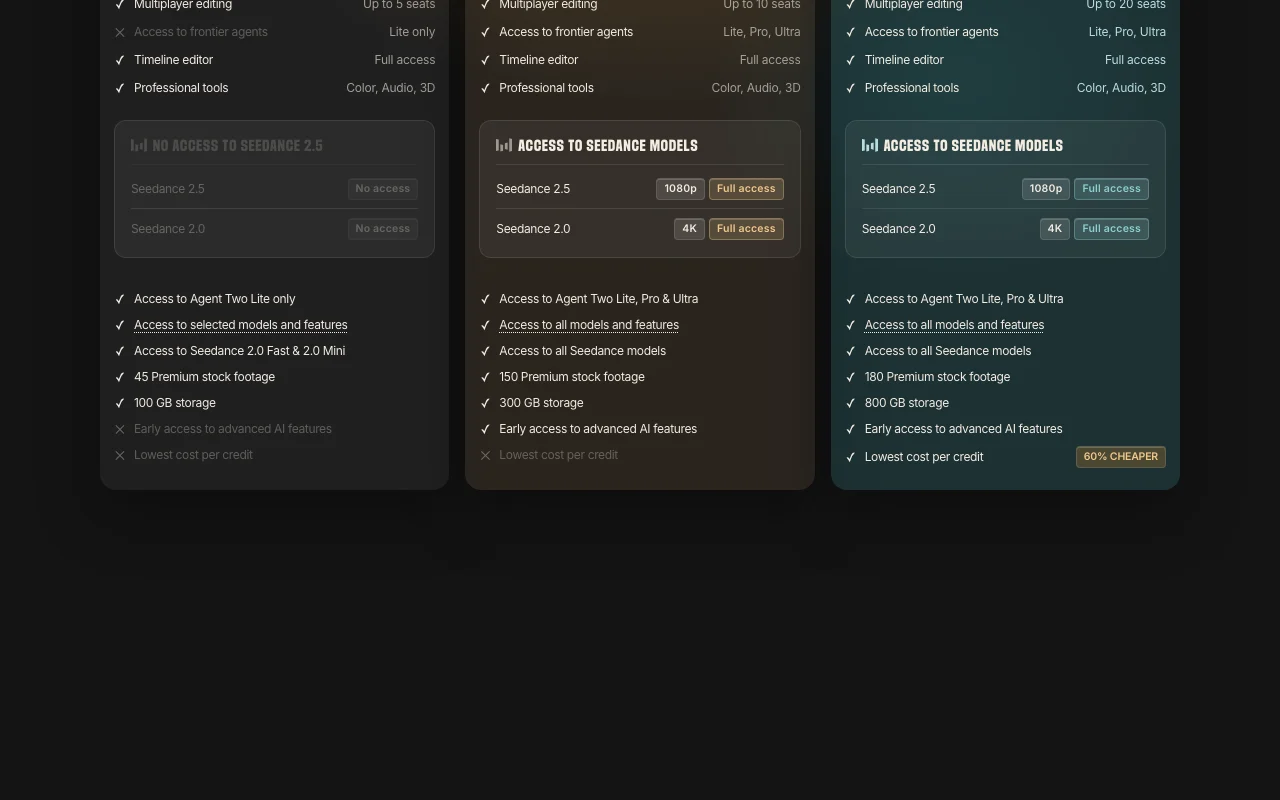
Basic plan lacks Seedance 2.5/2.0 full access and has Lite-only agents
Per-seat pricing
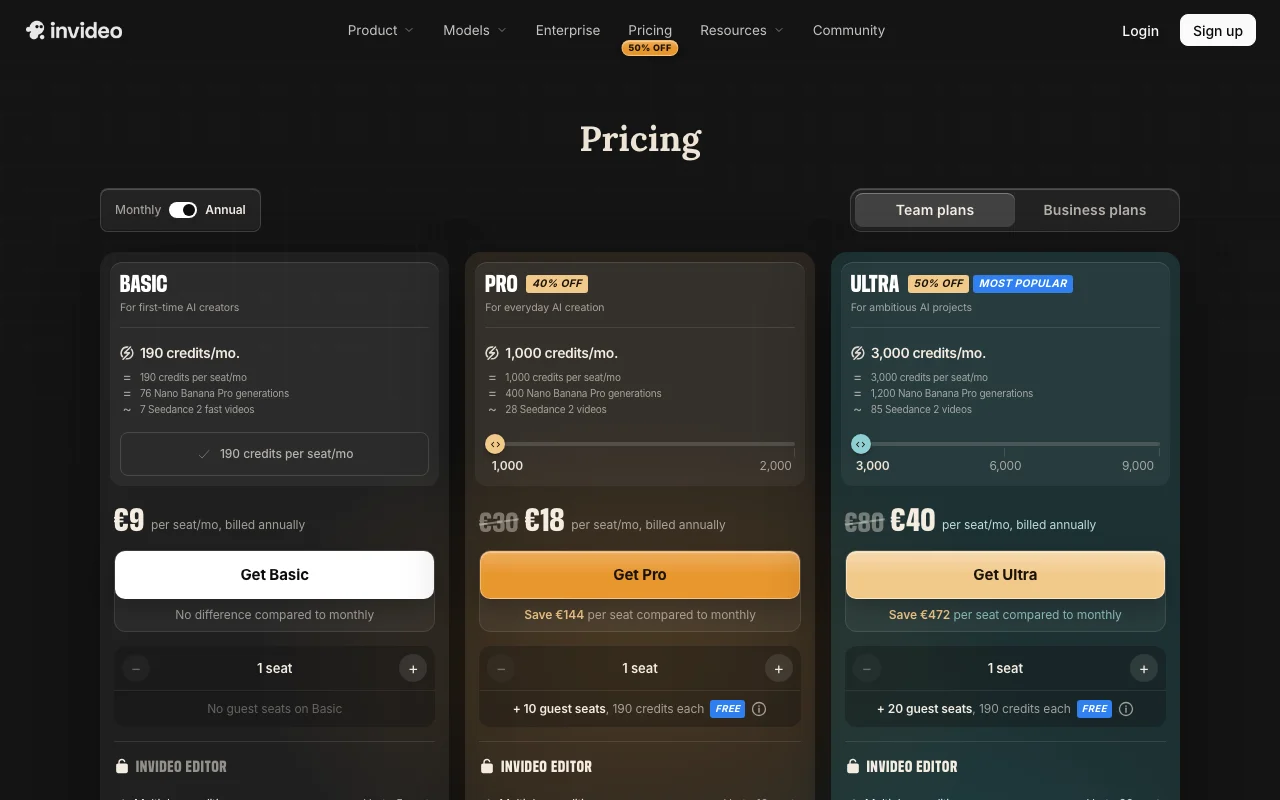
invideo pricing and usage limits
Prices checked Oct 1, 2026 on the official US pricing page. Official pricing ↗ Prices and limits change often.
Vendor pricing page re-checked automatically 11 days ago: no changes detected.
The official invideo pricing page as we saw it. invideo.io, captured Oct 1, 2026
25% off annual billing (shown as $80 monthly equivalent, marked Most popular)
For: Ambitious video projects and creative enterprises
Limits
3,000 credits per month
Up to 20 seats plus 20 free guest seats (190 credits each)
1 more
800 GB storage
Includes
Multiplayer editing
Full Seedance 2.5 and 2.0 4K access
2 more
Agent Two (Lite, Pro, Ultra)
Lowest cost per credit
Usage caps, credits and extra costs
Credits required for generative models at vendor's original API pricing; unused credits do not roll over monthly
What is invideo, and how does it work?
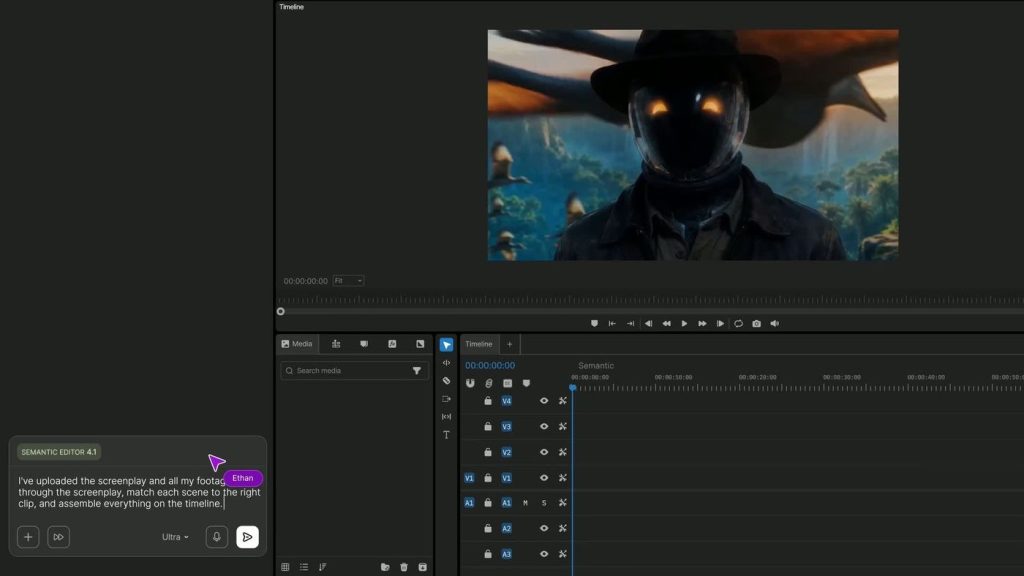
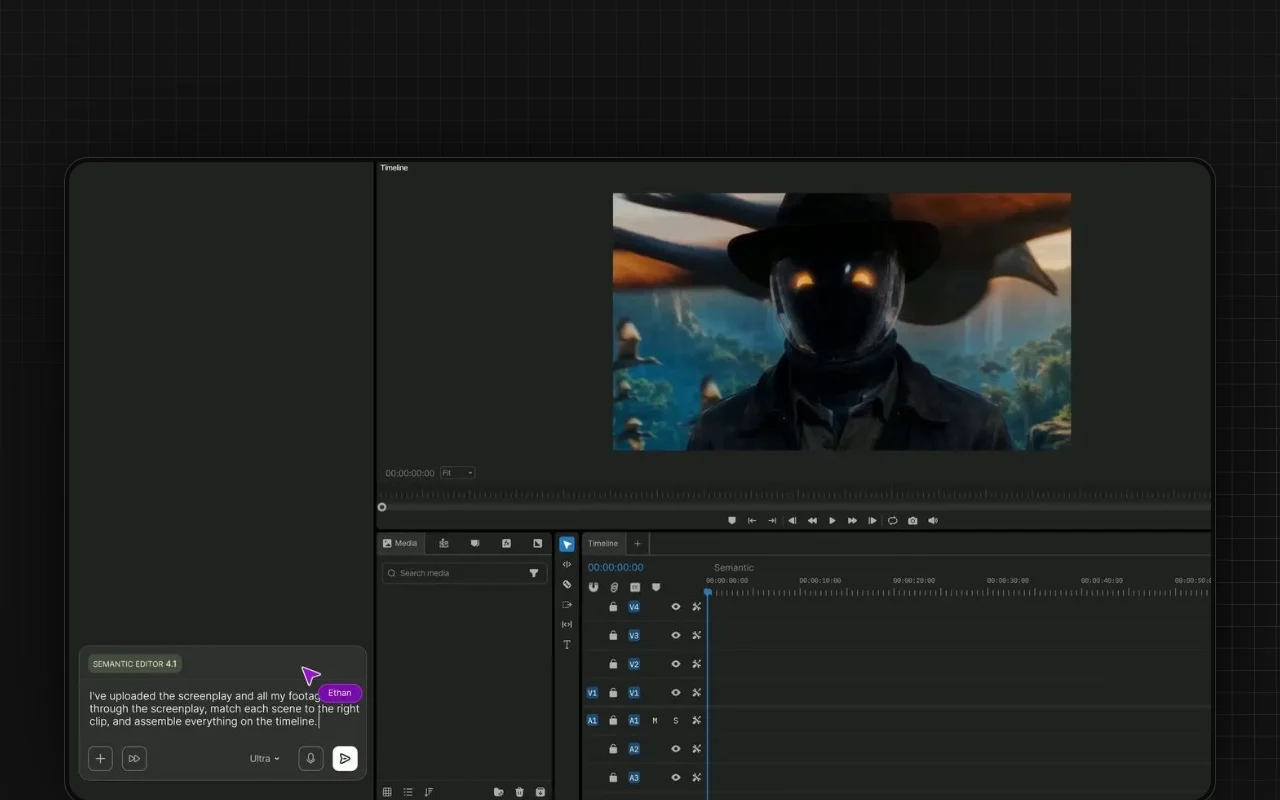
invideo is a browser-based video editor built around AI agents. Its editing agent logs uploaded footage so clips can be found by description, applies one instruction across many shots, and works on a real multitrack timeline users can take over at any point.
The platform also includes storyboarding, an AI script co-writer, real-time multiplayer collaboration, custom agents for roles like cinematographer or colorist, and credit-based access to generation models such as Seedance and Nano Banana Pro.
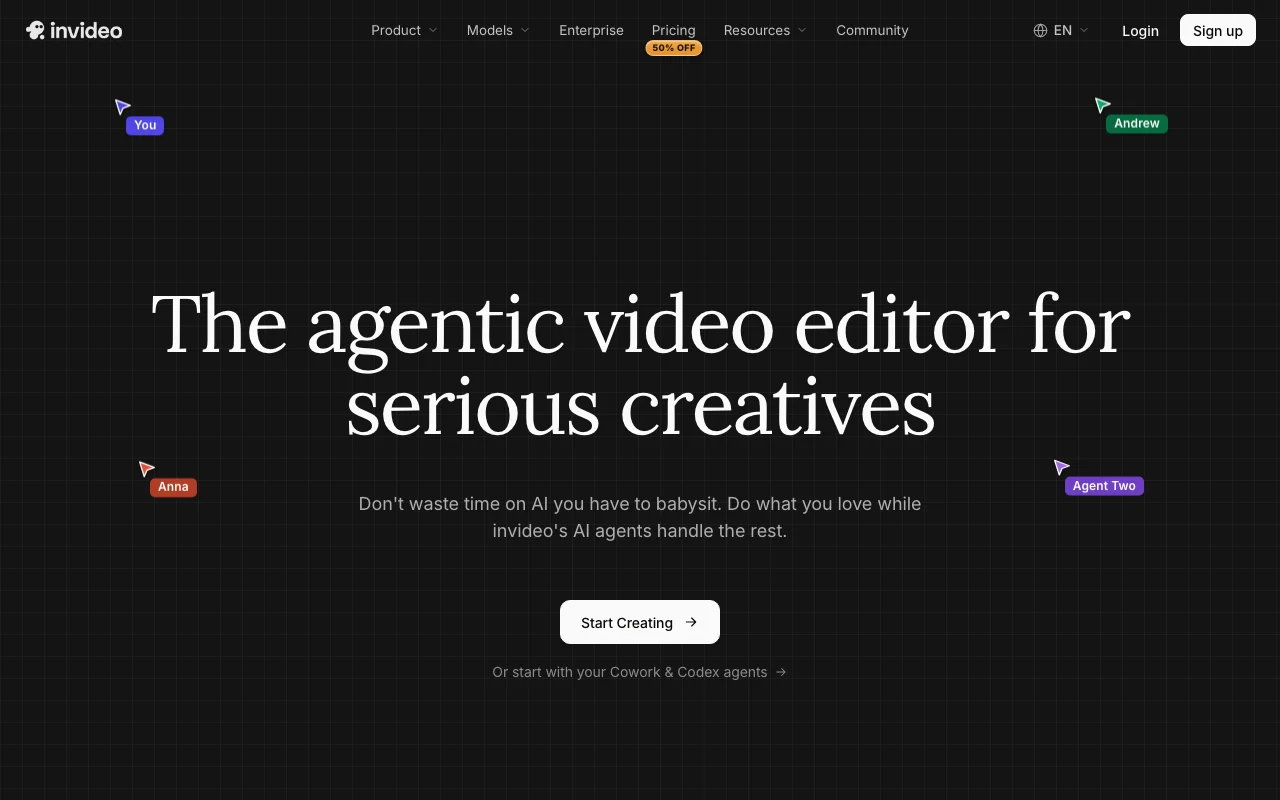
invideo's official site: how the product presents itself. invideo.io, captured Oct 1, 2026
What you provide and what you get back
What you give invideo and what comes back, from its documentation
You provide
Raw video footage
Natural language editing instructions
Scripts or ideas for storyboarding
You get back
Edited video files (4K export available)
Shot-by-shot storyboard plans
AI-generated videos
Where you can use it
Platforms
Web
Account
Required
Where invideo is most useful
Scenarios are worked out by our editors from the documentation; the actual result depends on your input and plan.
Editing long raw footage with natural-language instructions
Who
Video editors and filmmakers
You provide
Raw footage (30+ minutes)
Expected result
Edited timeline with AI-applied cuts and adjustments
Traditional editing interface with AI assistance for batch edits across multiple clips Apply changes to all shots at once (e.g., color, pacing) instead of individually
Multiple team members edit simultaneously with live cursors showing presence Enable remote team collaboration without file handoffs
Access: All plans (5-20 seats depending on plan)Limit: Seat count and guest seats vary by plan tiersource (opens in a new tab)
invideo: strengths and limits
Where invideo is strong
Batch-applies an edit across all clips on the timeline Saves time on repetitive changes across dozens of clipsdocumentedsource (opens in a new tab)
Real-time collaboration with multiple seats Teams can work together without file handoffsdocumentedsource (opens in a new tab)
Includes stock footage and cloud storage in plans Complete production ecosystem without additional purchasesdocumentedsource (opens in a new tab)
Annual billing discount shown on pricing page Up to 25% savings with annual commitmentdocumentedsource (opens in a new tab)
Limitations to check before paying
Usage is limited by monthly credits Must manage credit usage or purchase additional credits for overagesdocumentedsource (opens in a new tab)
Basic plan lacks Seedance 2.5/2.0 full access and has Lite-only agents Limited to basic AI video models on entry-level plandocumentedsource (opens in a new tab)
Credits work like currency on the platform and are used for video creation, generative models, and other features (not for downloading content). Generative models are priced differently; all models available at their original API pricing. Credits can be used however needed across the platform. Unused credits do not roll over to the next month. source (opens in a new tab)
When do my credits reset, and do unused credits roll over?
Enterprise plans are available with SOC 2, GDPR compliance, ISO alignment, single sign-on, and indemnification. Contact the sales team for details. source (opens in a new tab)
Pricing | invideo AIpricing · checked Oct 1, 2026 · Plan details, Credit system, FAQ section
Not verified: Trial period or free tier details; API documentation and pricing; Privacy policy (404 error); Offline capabilities; Mobile app availability; Offline editing support; Payment methods accepted.
How we documented and maintain this page
Every fact about invideo above comes from the 2 official pages listed here, last compared on Oct 1, 2026; we have not run invideo ourselves, so it has no editorial score. How we check and re-check pages.
Article updated Oct 2, 2026; prices checked Oct 1, 2026. Outbound links to vendors are plain links; we do not earn commissions. How we review · Report an error