Synthesia vs invideo in 2026: avatar presenters or an AI video editor
Pick Synthesia to turn a script into an AI-presenter video, with a free Basic plan and paid plans from $29/mo billed monthly. Pick invideo to edit real footage with an AI agent on a timeline, from $9 per seat per month billed annually. invideo's pricing page showed no free plan.
We wrote this from our own profiles of both tools, Synthesia verified on September 29, 2026 and invideo verified on October 1, 2026; we ran no benchmark and took no vendor payments.
Is Synthesia better than invideo? The short answer
Pick Synthesia if your video is a person-on-screen script: training, product explainers or localized messages, made from text with an AI avatar and voices in 160+ languages. It has a free Basic plan, so you can test it before paying, and paid plans start at $29/mo billed monthly. Pick invideo if you start from real footage or an idea and want an AI agent to edit it on a multitrack timeline with your team, from $9 per seat per month billed annually. Neither tool is a drop-in replacement for the other, and invideo's pricing page showed no free plan when we checked.
Based on our profiles of both tools: Synthesia verified on September 29, 2026 and invideo verified on October 1, 2026. We ran no benchmark task for this pair, and the privacy policy pages of both vendors returned 404.
Synthesia and invideo, as their sites look today
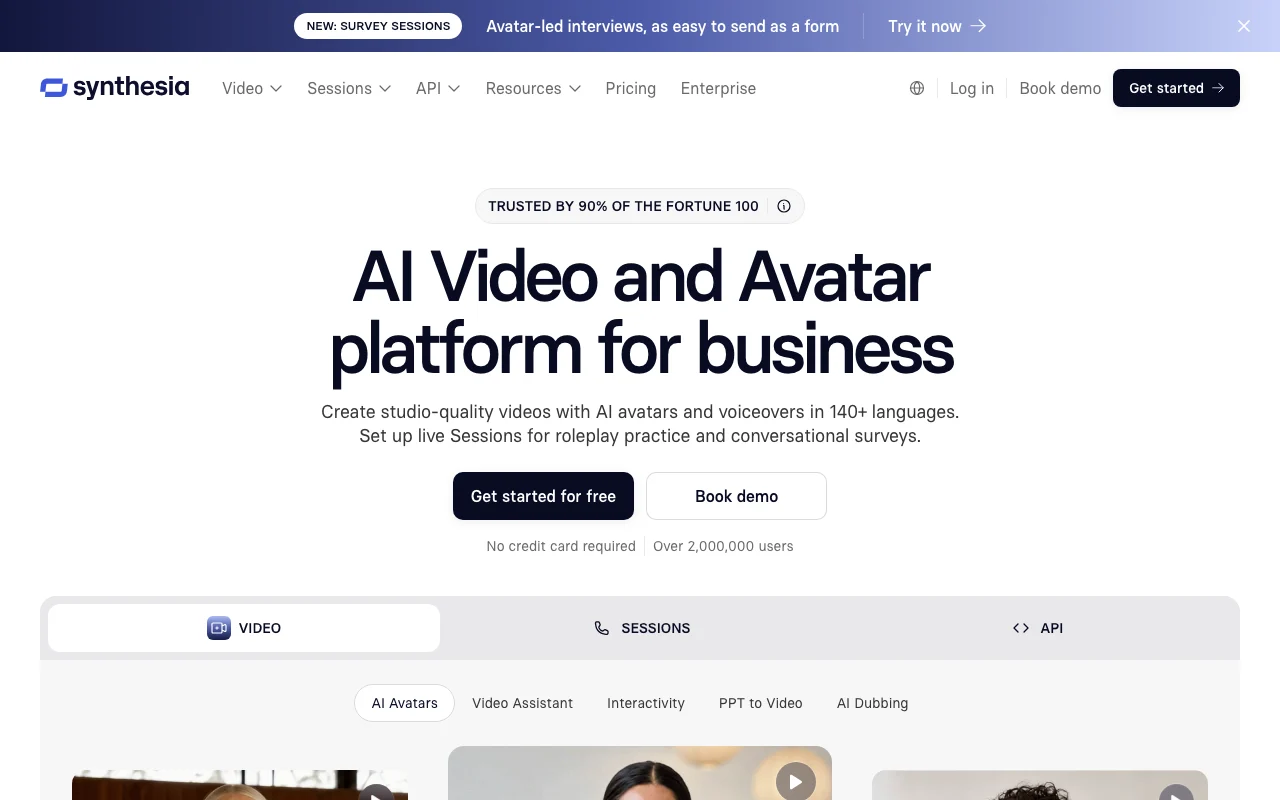
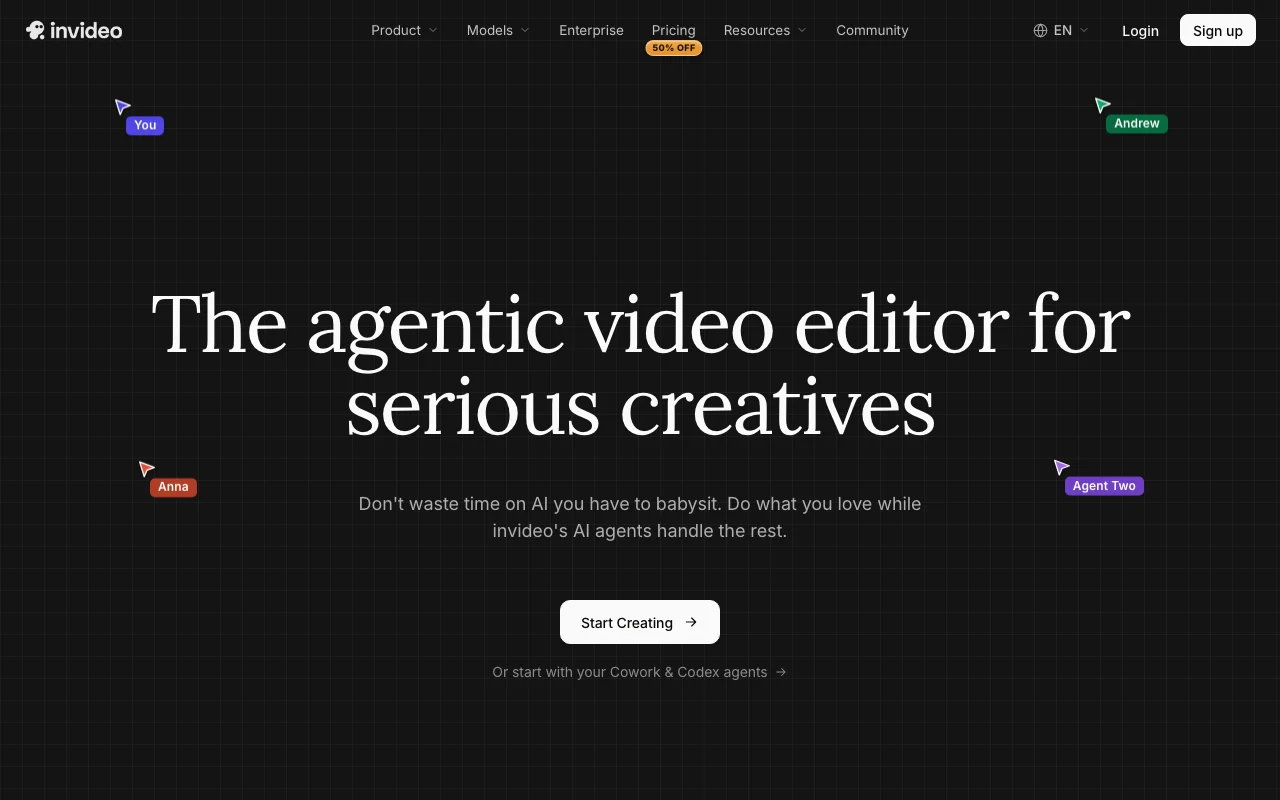
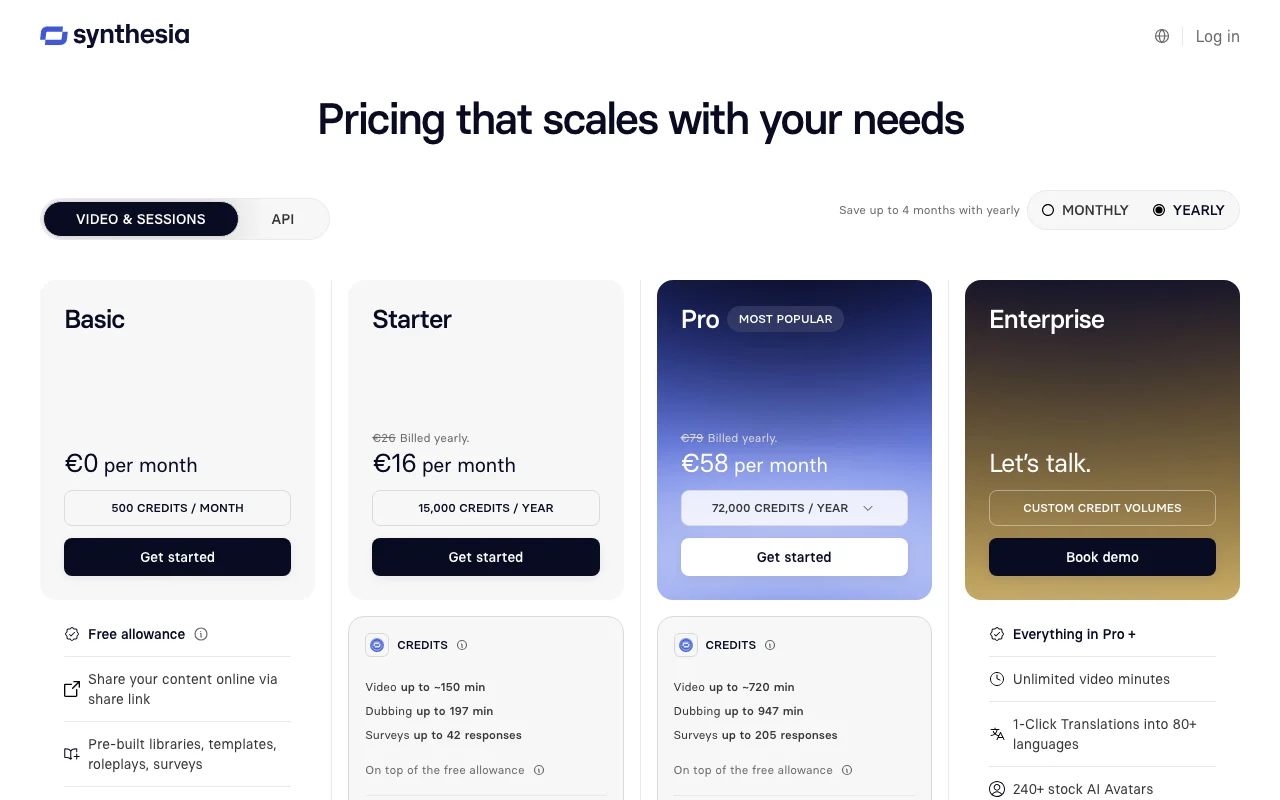
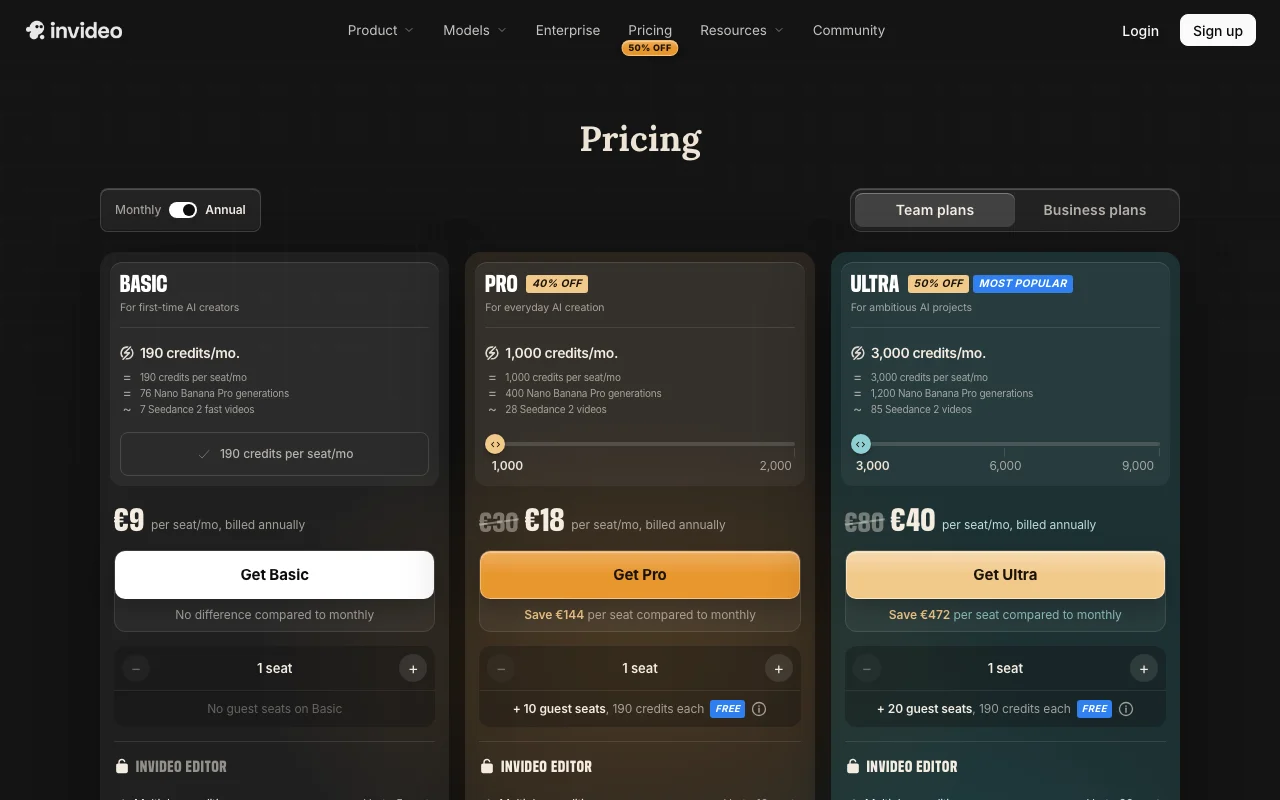
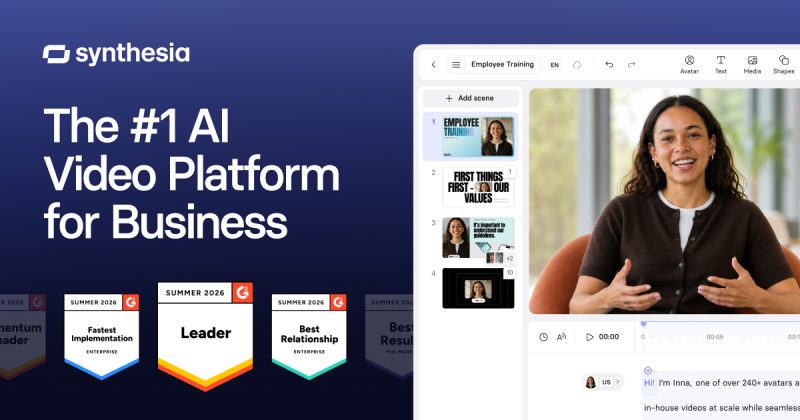
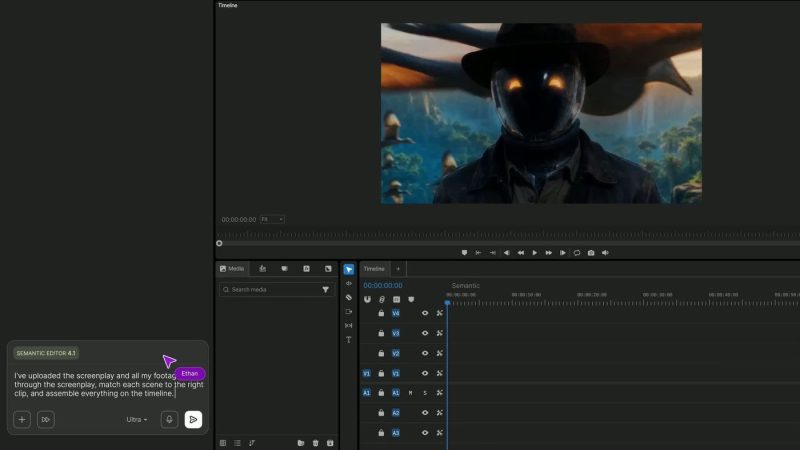
Our own captures of each vendor's public pages. Click a frame for the full-size image.
Synthesia homepage. synthesia.io, captured Oct 1, 2026invideo homepage. invideo.io, captured Oct 1, 2026Synthesia plans and prices. synthesia.io, captured Oct 1, 2026invideo plans and prices. invideo.io, captured Oct 1, 2026
Synthesia or invideo: which to use, by task
If you only want the answer, this is the table. Everything below is the evidence from the two documented profiles.
Side-by-side comparison
You want to
Use
Why
Turn a script into a presenter video
Synthesia
Synthesia creates avatar videos from text; invideo's profile lists no avatar presenters.
Make employee training videos
Synthesia
Synthesia lists training videos for L&D teams and SCORM export on Enterprise.
Dub a video into other languages
Synthesia
Synthesia lists AI dubbing and a video translator; dubbing is not described for invideo.
Edit 30+ minutes of raw footage
invideo
invideo's agent indexes footage by description and applies edits across clips.
Make one ad in several formats
invideo
invideo lists on-brand ad variants across formats, limited by monthly credits.
Cut vertical social clips from one video
invideo
invideo lists turning one video into many vertical clips.
Edit together with teammates in real time
invideo
invideo has multiplayer editing with live cursors on all plans.
Plan a short film or storyboard
invideo
invideo includes storyboarding and an AI script co-writer.
Produce videos from your own systems
Synthesia
Synthesia has a documented REST API for videos, dubbing and assets; invideo's API is not confirmed.
Try the tool before paying
Synthesia
Synthesia Basic is free; invideo showed no free plan on its pricing page.
Who should pick which
Which one: Synthesia for script-driven avatar videos, invideo for AI editing of real footage
Pick Synthesia if
You want a presenter on screen without filming anyone, driven by a text script or a PowerPoint file.
You need to localize: voiceovers in 160+ languages and AI dubbing from the Starter plan up.
You want to try it first. The Basic plan is $0 with no credit card, though it cannot download videos.
Your buyers ask about security: SOC 2 Type II and GDPR are stated, plus SSO on Enterprise.
Pick invideo if
You have raw footage, including long recordings, and want to cut it by describing the edit in plain language.
You make many variants, such as ads in several formats or vertical clips from one video.
Several people edit the same project: real-time multiplayer editing is on all plans.
You want the AI generation models (Seedance, Nano Banana Pro) in the same tool, paid with monthly credits.
What Synthesia does better, and what invideo does better
Synthesia
Avatar presenter videos from a script, with 9 to 240+ avatars depending on plan.
Voiceovers in 160+ languages and AI dubbing with 70+ output languages.
A free Basic plan, no credit card, to test quality first.
A public REST API and stated SOC 2 Type II and GDPR compliance.
invideo
Editing real footage by plain-language instruction, applied across many clips at once.
Searchable footage memory and a multitrack timeline you can take over by hand.
Real-time multiplayer editing and guest seats on paid plans.
Stock footage and cloud storage in the plans, plus generation models paid with credits.
Synthesia vs invideo pricing: plans and free tiers
Side-by-side comparison
Plan
Tool
Price
Limits
Basic
Synthesia
$0/mo
1,200 credits and 10 min of video per month; no downloads; 9 avatars
Starter
Synthesia
$29/mo billed monthly; $264/yr billed annually
1,200 credits and 10 min per month; downloads, dubbing, 125+ avatars
Creator
Synthesia
$89/mo billed monthly; $804/yr billed annually
3,600 credits and 30 min per month; API access, 180+ avatars
Enterprise
Synthesia
Custom
Unlimited video minutes; SSO, SCORM, 240+ avatars
Basic
invideo
$9/seat/mo, billed annually
190 credits per month; up to 5 seats; 100 GB; Lite agents only
Pro
invideo
$25/seat/mo billed annually ($30 monthly shown)
1,000 credits per month; up to 10 seats; 300 GB; full Seedance access
Do you have footage? If you start from recordings, choose invideo; if you start from a script and no camera, choose Synthesia.
Need a free test? Synthesia Basic is $0, but you cannot download from it. invideo showed no free plan.
Localizing into many languages? Synthesia lists 160+ languages and AI dubbing with 70+ output languages.
Editing as a team? invideo has multiplayer editing on every plan but charges per seat.
Need an API? Synthesia documents one and includes it on Creator; invideo's API is not confirmed.
Our pick: Synthesia for script-to-avatar training and localization; invideo for editing footage and making many variants.
Frequently asked questions
Which is cheaper, Synthesia or invideo?
invideo has the lower entry price: Basic is $9 per seat per month billed annually, against $29/mo billed monthly for Synthesia Starter. The two buy different things, though. Synthesia Starter includes downloads, dubbing and 10 minutes of video per month; invideo Basic includes 190 credits per month and Lite-only agents. Synthesia also has a free Basic plan.
Do Synthesia and invideo have a free plan?
Synthesia does: Basic is $0 with no credit card, 1,200 credits and 10 minutes of video per month, but you cannot download videos. invideo's pricing page showed no free plan when we checked on October 1, 2026, and its trial terms are not confirmed.
Can invideo make AI avatar presenter videos like Synthesia?
Not confirmed. Our invideo profile describes an agentic editor with storyboarding and access to generation models such as Seedance and Nano Banana Pro, and does not list avatar presenters. Synthesia lists 9 avatars on Basic and up to 240+ on Enterprise.
Which is better for editing existing footage?
invideo. Its agent indexes uploaded footage so you can find moments by description, applies one instruction across many clips, and leaves a multitrack timeline you can edit by hand. Synthesia centers on script-driven avatar videos and dubbing of existing video.
Is Synthesia or invideo better for teams?
It depends on how the team works. invideo includes real-time multiplayer editing on all plans, with 5 to 20 seats depending on the plan, but is priced per seat. Synthesia Starter has 1 editor and 3 guests; live collaboration and brand kits are listed on Enterprise.
Do they use my videos to train AI models?
We could not confirm it for either tool. Synthesia's training use and retention are not stated, and the privacy policy pages of both tools returned 404 when we checked. Ask each vendor in writing before uploading sensitive footage.