HeyGen creates AI avatar videos, translations and localized video from text or a photo.
Free stops at: 3 videos per month, Videos up to 1 minute
Listed Not yet reviewed
From $29/mo US · checked Oct 5
Head-to-head · profiles checked Oct 5, 2026
Pick HeyGen to turn a script or a photo into an avatar video, or to translate a video with lip-sync; it has a free plan and paid plans from $29/mo. Pick invideo to edit footage with AI agents on a multitrack timeline; plans start at $9/seat/mo billed annually and there is no free plan on its pricing page.
We wrote this from our own profiles of both tools, HeyGen checked on October 5, 2026 and invideo checked on October 1, 2026; we ran no hands-on tests, used no third-party benchmarks and took no vendor payments.
Pick HeyGen if you want a digital presenter to read your script, or you need an existing video translated with lip-sync, and you want a free plan to judge quality first (3 videos a month, 1 minute each). Pick invideo if you already have footage and want AI agents to apply edits across shots on a multitrack timeline, with live multiplayer editing for a team. Both meter usage with monthly credits, so compare the credit allowance on the plan you would actually buy. Neither profile covers output quality, so we make no claim about which looks better.
Based on our profiles of both tools: HeyGen verified on October 5, 2026 and invideo verified on October 1, 2026. We ran no benchmark for this pair.
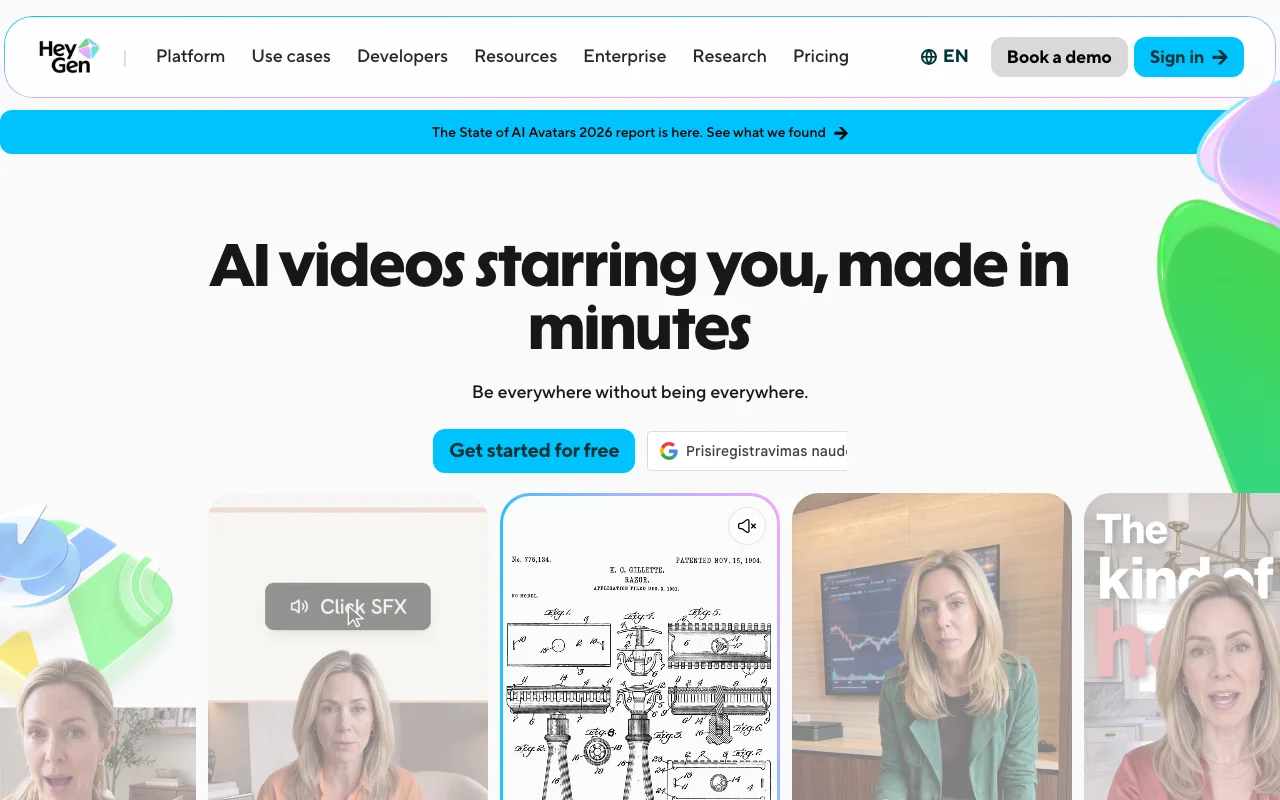
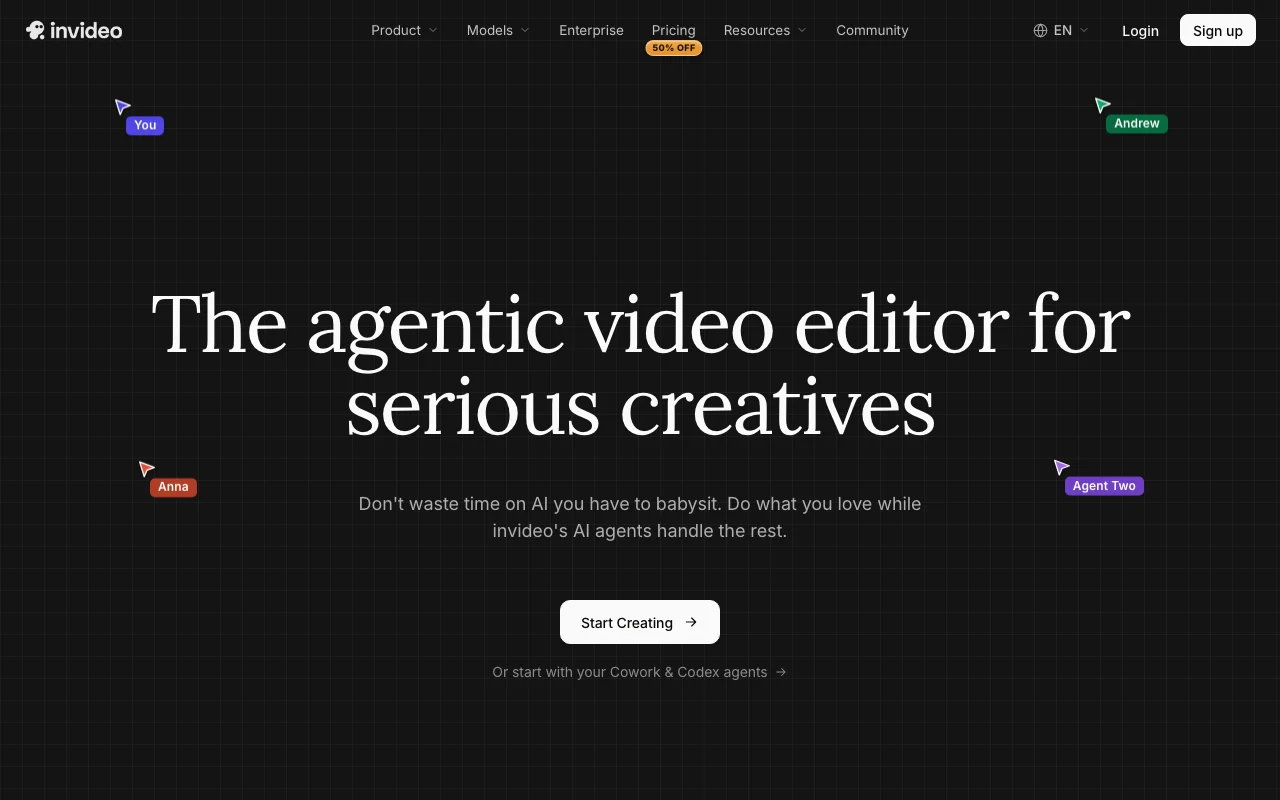
Our own captures of each vendor's public pages. Click a frame for the full-size image.
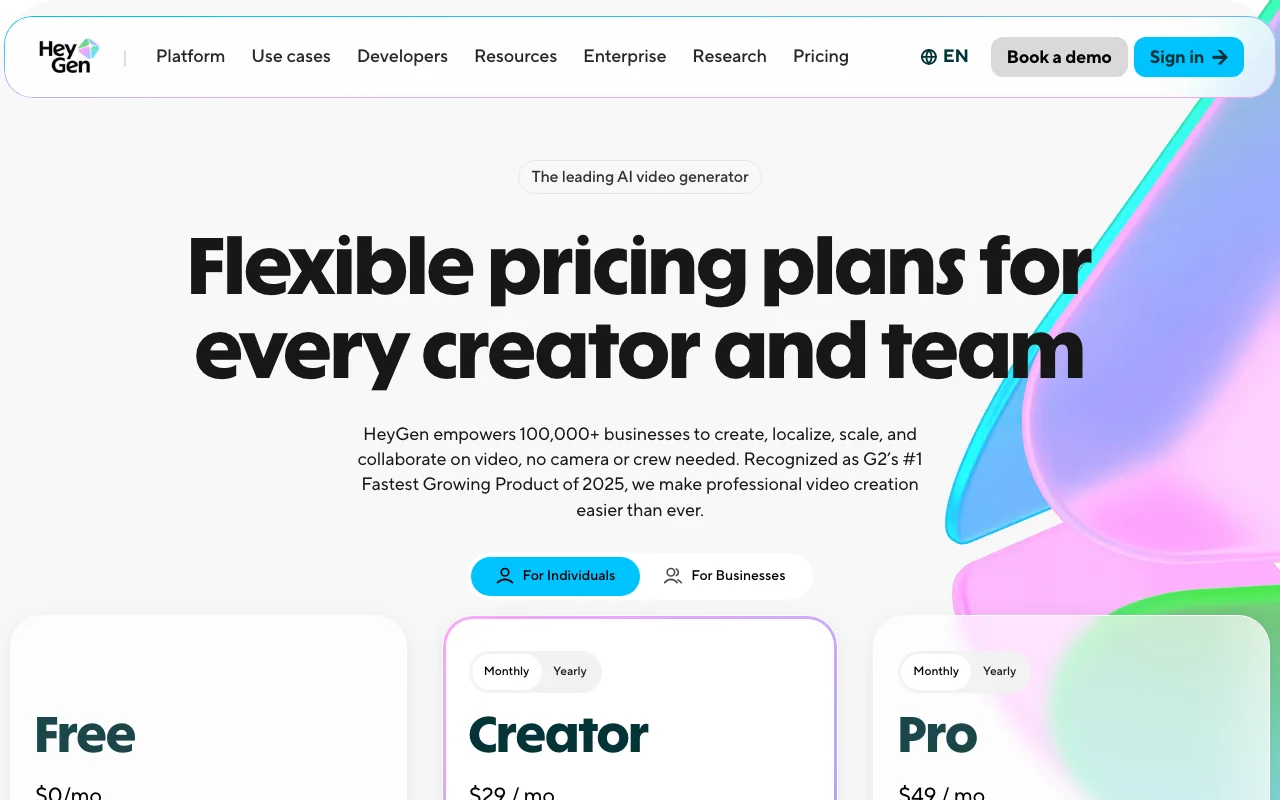
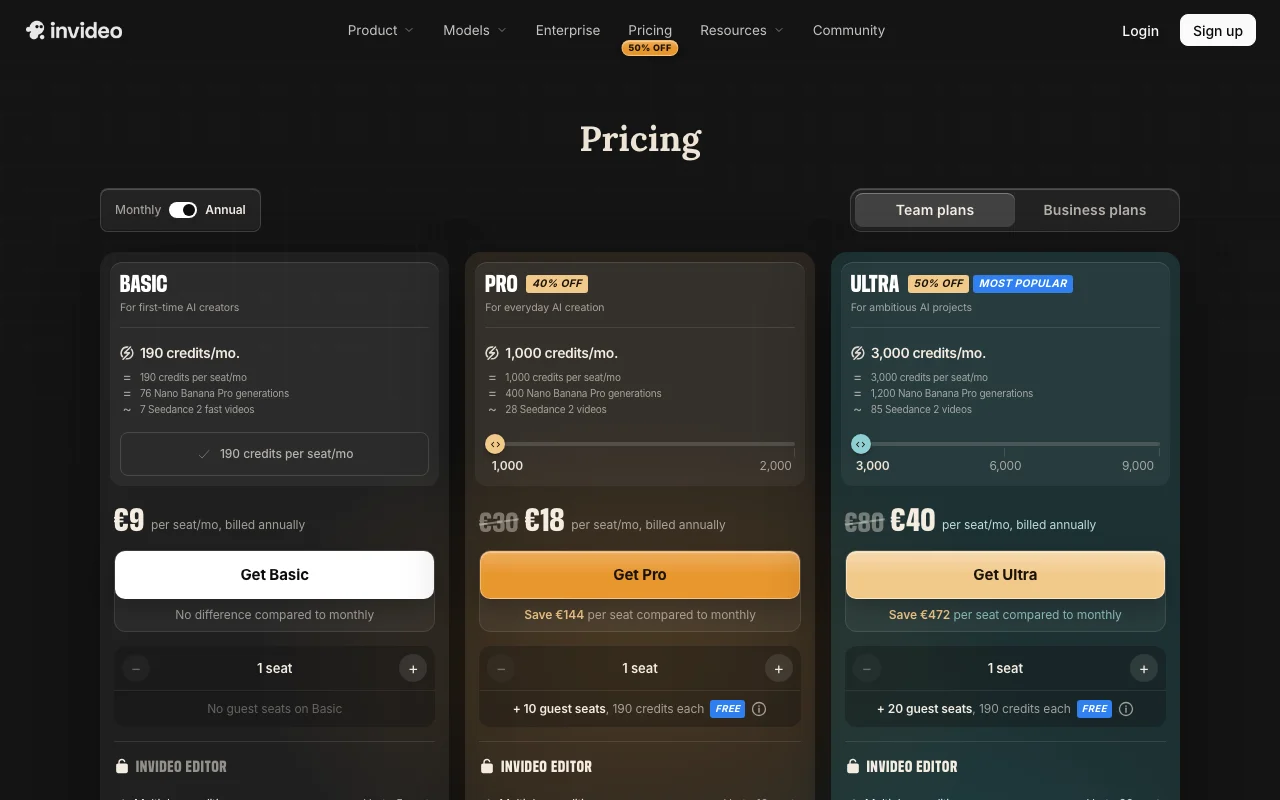
If you only want the answer, this is the table. Everything below is the evidence from the two documented profiles.
| You want to | Use | Why |
|---|---|---|
| Make a presenter video from a script | HeyGen | HeyGen generates a talking avatar from text; invideo's profile lists no avatars. |
| Translate an existing video with lip-sync | HeyGen | HeyGen lists a video translator with matching lip movement; invideo's profile does not. |
| Edit 30+ minutes of raw footage | invideo | invideo's use cases include editing long raw footage from plain-language instructions. |
| Apply one change across many shots | invideo | invideo's agent applies an instruction across shots, such as color or pacing. |
| Build course modules for an LMS | HeyGen | HeyGen lists SCORM export and LMS integrations on Business. |
| Make many vertical social clips from one video | invideo | invideo lists turning one full-length video into multiple vertical formats. |
| Edit together with teammates in real time | invideo | invideo lists multiplayer editing with live cursors on all plans. |
| Try it before paying | HeyGen | HeyGen has a free plan; no free plan was seen on invideo's pricing page. |
| Use it through an API | HeyGen | HeyGen has separate API pricing; invideo's API documentation link returned 404. |
| Make a short ad with a presenter and branded cuts | Either | HeyGen covers the presenter, invideo covers the edit; neither profile shows both in one tool. |
| Plan | Tool | Price | Limits |
|---|---|---|---|
| Free | HeyGen | $0/mo | 3 videos per month, up to 1 minute each |
| Creator | HeyGen | $29/mo | 600 credits, videos up to 30 minutes, 1080p |
| Pro | HeyGen | $49/mo | 1,000 credits, videos up to 30 minutes, 4K |
| Business | HeyGen | $149/mo plus $20 per extra seat | 1,500 credits, videos up to 60 minutes |
| Enterprise | HeyGen | Contact sales | No video duration max, highest concurrency |
| Basic | invideo | $9/seat/mo billed annually | 190 credits per month, up to 5 seats, Agent Two Lite only |
| Pro | invideo | $25/seat/mo billed annually ($30 shown monthly) | 1,000 credits per month, up to 10 seats |
| Ultra | invideo | $60/seat/mo billed annually ($80 shown monthly) | 3,000 credits per month, up to 20 seats |
USD as published on each vendor's pricing page, checked Oct 5, 2026. HeyGen pricing in full · invideo pricing in full
| HeyGen | invideo | |
|---|---|---|
| Messages / rate limits | Not applicable: usage is metered in credits (600 on Creator, 1,000 on Pro, 1,500 on Business) | Not applicable: usage is metered in credits (190 on Basic, 1,000 on Pro, 3,000 on Ultra), reset monthly |
| Context / file size | Videos up to 1 minute on Free, 30 minutes on Creator and Pro, 60 minutes on Business | Storage: 100 GB on Basic, 300 GB on Pro, 800 GB on Ultra |
| Seats / team | Business adds $20 per extra seat per month; seat caps not stated | Up to 5 seats on Basic, 10 on Pro, 20 on Ultra, plus free guest seats on Pro and Ultra |
| Feature | HeyGen | invideo |
|---|---|---|
| Image generation | Not stated | Not stated |
| Voice | Yes: voice cloning on Creator and above | Not stated |
| File upload | Yes: photo, recorded video, existing video, PowerPoint or PDF | Yes: raw video footage |
| Web search | Not stated | Not stated |
| Agents / tools | Avatar IV, custom video avatars, talking photo, LiveAvatar | Editing agent (Agent Two), custom agents, storyboarding, AI script co-writer |
| API | Yes, priced separately | Not confirmed |
| Mobile apps | Not confirmed | Not confirmed |
| IDE integration | Not applicable | Not applicable |
| HeyGen | invideo | |
|---|---|---|
| Training on your data | Policy lists AI model training among purposes where HeyGen is controller; exact opt-out terms not read | Not confirmed: the privacy page returned 404 |
| Retention | Not stated | Not stated |
| Business controls | SAML/SSO on Business, SCIM and team MFA on Enterprise | Enterprise plans list SOC 2, GDPR compliance, ISO alignment, single sign-on and indemnification; contact sales |
Taken from each vendor's published policy pages at the time of our check. Policies change; the source links are at the bottom.
HeyGen creates AI avatar videos, translations and localized video from text or a photo.
Free stops at: 3 videos per month, Videos up to 1 minute
From $29/mo US · checked Oct 5
Agentic AI video editor that edits footage from plain-language directions on a multitrack timeline, plus AI video generation.
Watch out: Usage is limited by monthly credits
From $9/mo US · checked Sep 29
invideo starts lower on paper: Basic is $9/seat/mo billed annually with 190 credits, while HeyGen's first paid plan, Creator, is $29/mo with 600 credits. The credits are not the same unit across the two tools, so the sticker prices are not a like-for-like comparison.
HeyGen does: Free is $0/mo with 3 videos a month, up to 1 minute each. We saw no free plan on invideo's pricing page, and its trial terms are not confirmed.
HeyGen. Its profile lists Avatar IV avatars, custom video avatars, talking photos and voice cloning. invideo is described as an AI video editor and generator, and its profile does not list avatars.
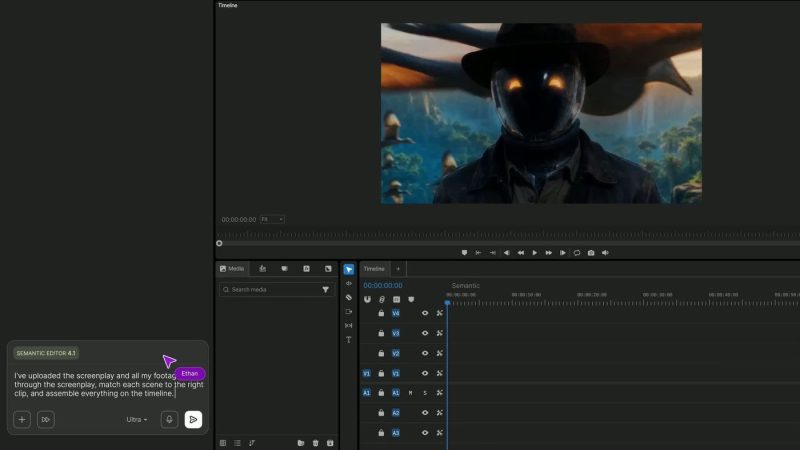
invideo. Its editing agent indexes uploaded footage by description, applies one instruction across many shots and works on a multitrack timeline. HeyGen's profile lists no timeline editor.
invideo says unused credits do not roll over to the next month. HeyGen lists credit rollovers on Creator, but we did not confirm the terms for other plans.
Both support teams in different ways. HeyGen Business is $149/mo plus $20 per extra seat per month. invideo charges per seat, with Pro allowing up to 10 seats and Ultra up to 20, plus free guest seats at 190 credits each.
Only official vendor pages. No third-party benchmarks, forum threads or press were used. How we review.
compare>