Free web
Free source (opens in a new tab)
Month
For: Trying the workflow
Limits
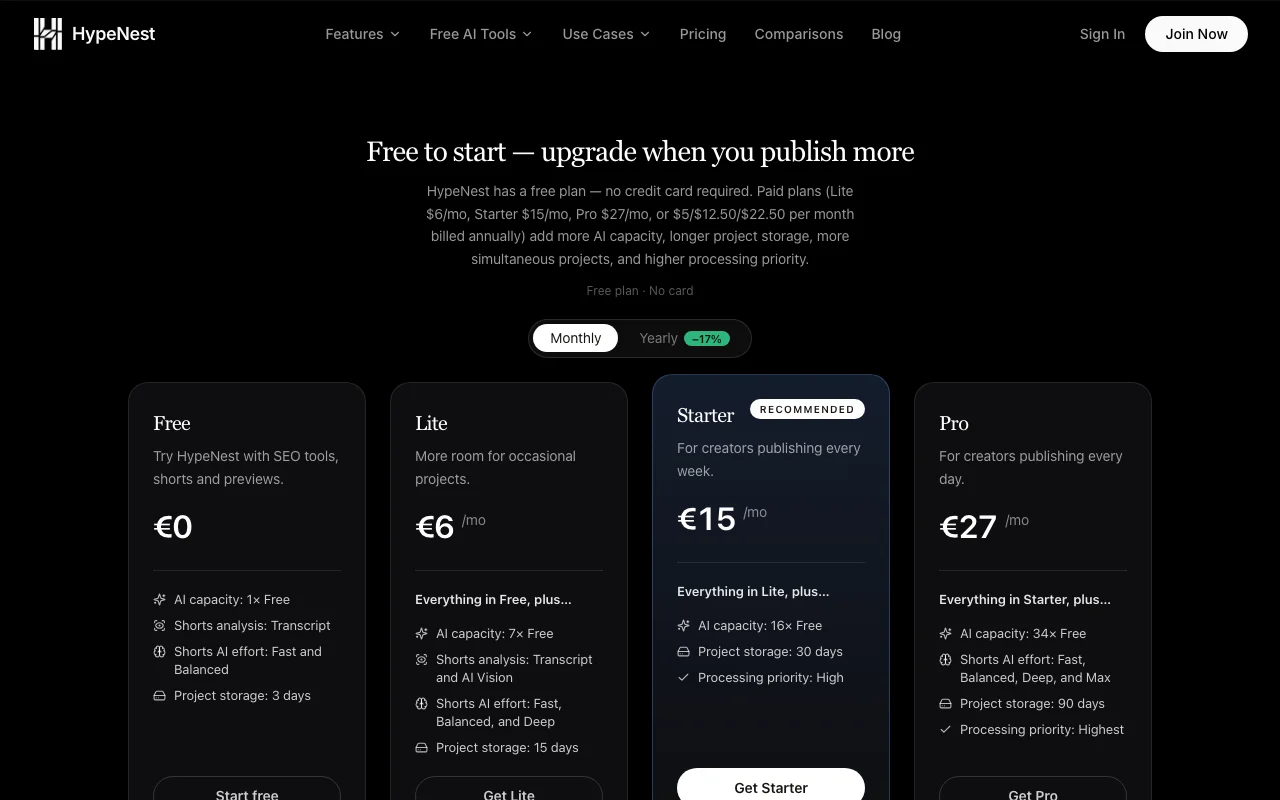
- AI capacity 1x Free
- 1 project at once, 3-day storage
1 more
- Transcript-only shorts analysis
Includes
- Up to 10 Shorts per generation
- SEO tools and previews

VideoDocumented overviewLast checked Oct 2, 2026
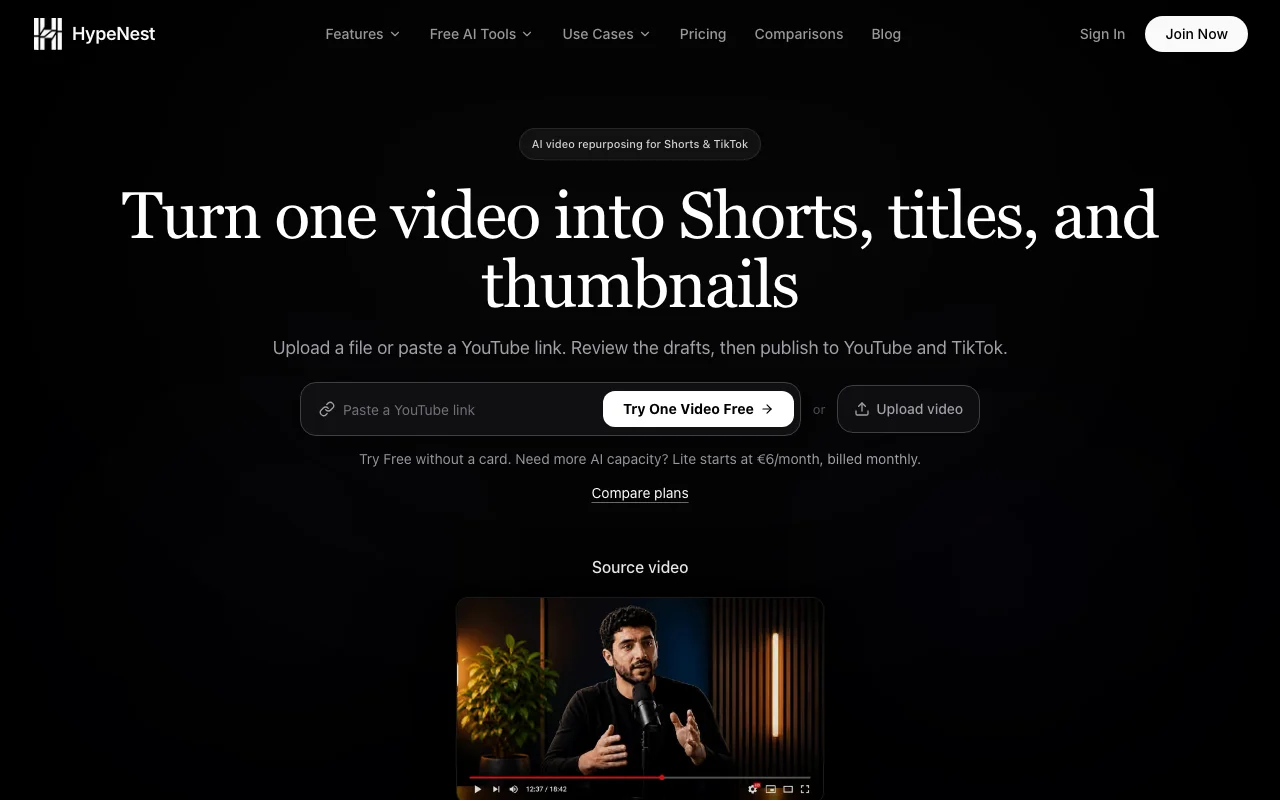
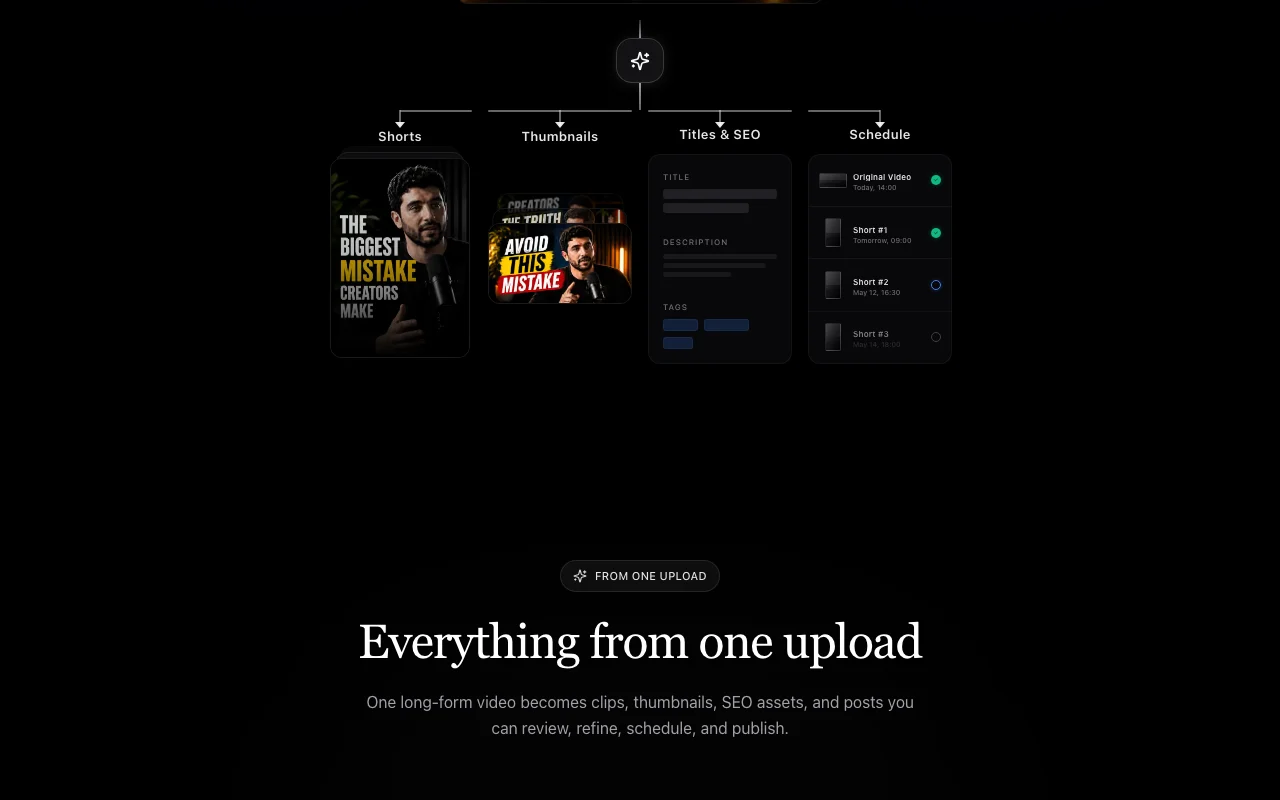
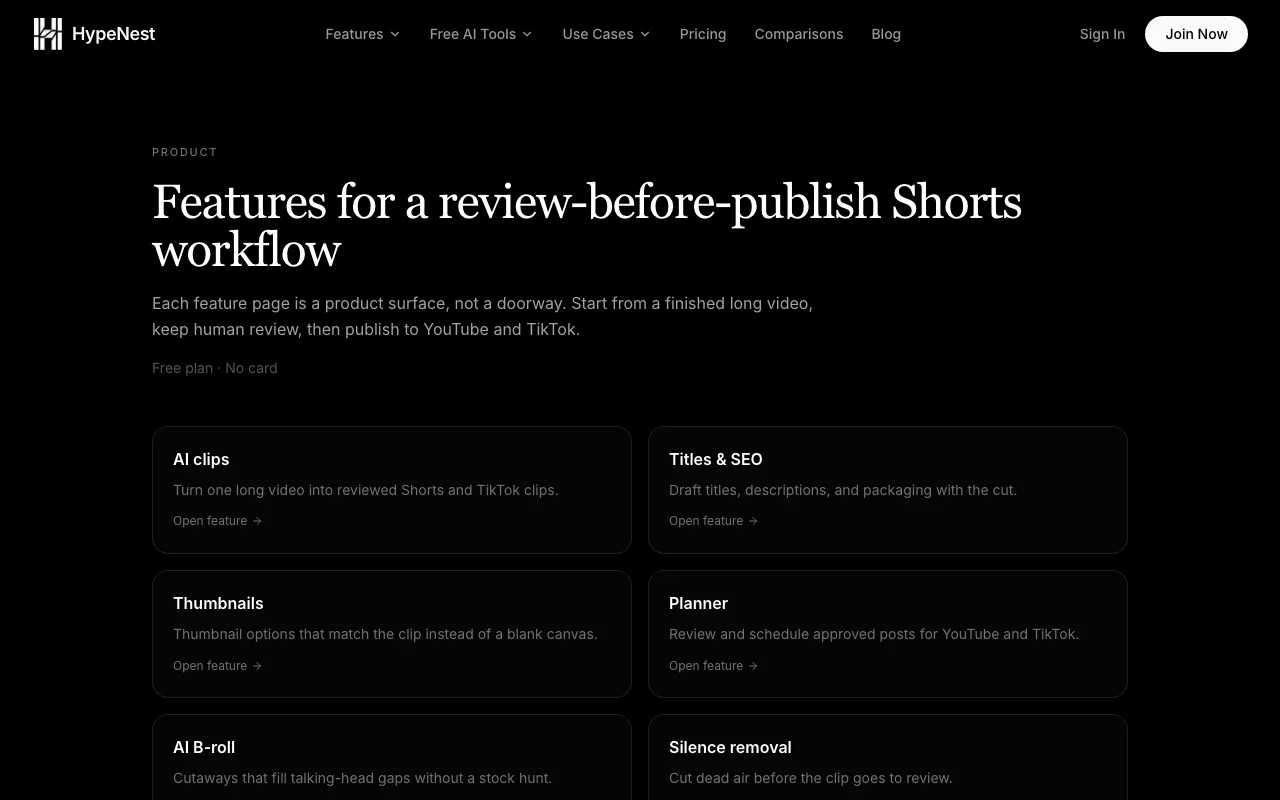
Turns one long video into Shorts clips, titles, descriptions and thumbnails, with scheduling to YouTube and TikTok.

 (open full size in a new tab)
 (open full size in a new tab)
 (open full size in a new tab)
 (open full size in a new tab)
 (open full size in a new tab)
 (open full size in a new tab)
Our take: Choose HypeNest if you want to turn long videos into Shorts clips, titles, descriptions and thumbnails and publish to YouTube or TikTok, starting free.
Main limitation: AI capacity is relative to the free plan rather than a fixed video count, and direct publishing only reaches YouTube and TikTok.
Choose HypeNest if you want to turn long videos into Shorts clips, titles, descriptions and thumbnails and publish to YouTube or TikTok, starting free. Based on the vendor's documentation, not on a hands-on test.
Also a good fit for
Or if
Prices checked Oct 2, 2026 on the official US pricing page. Official pricing ↗ Prices and limits change often.
Free plan, no credit card.
No trial; free plan.
Free source (opens in a new tab)
Month
For: Trying the workflow
Limits
Includes
$6/mo source (opens in a new tab)
Month
Annual saves ~17%
For: Occasional projects
Limits
Includes
$15/mo source (opens in a new tab)
Month
Annual saves ~17%
For: Weekly publishing
Limits
Includes
$27/mo source (opens in a new tab)
Month
Annual saves ~17%
For: Daily publishing
Limits
Includes
Not stated.
Not stated.
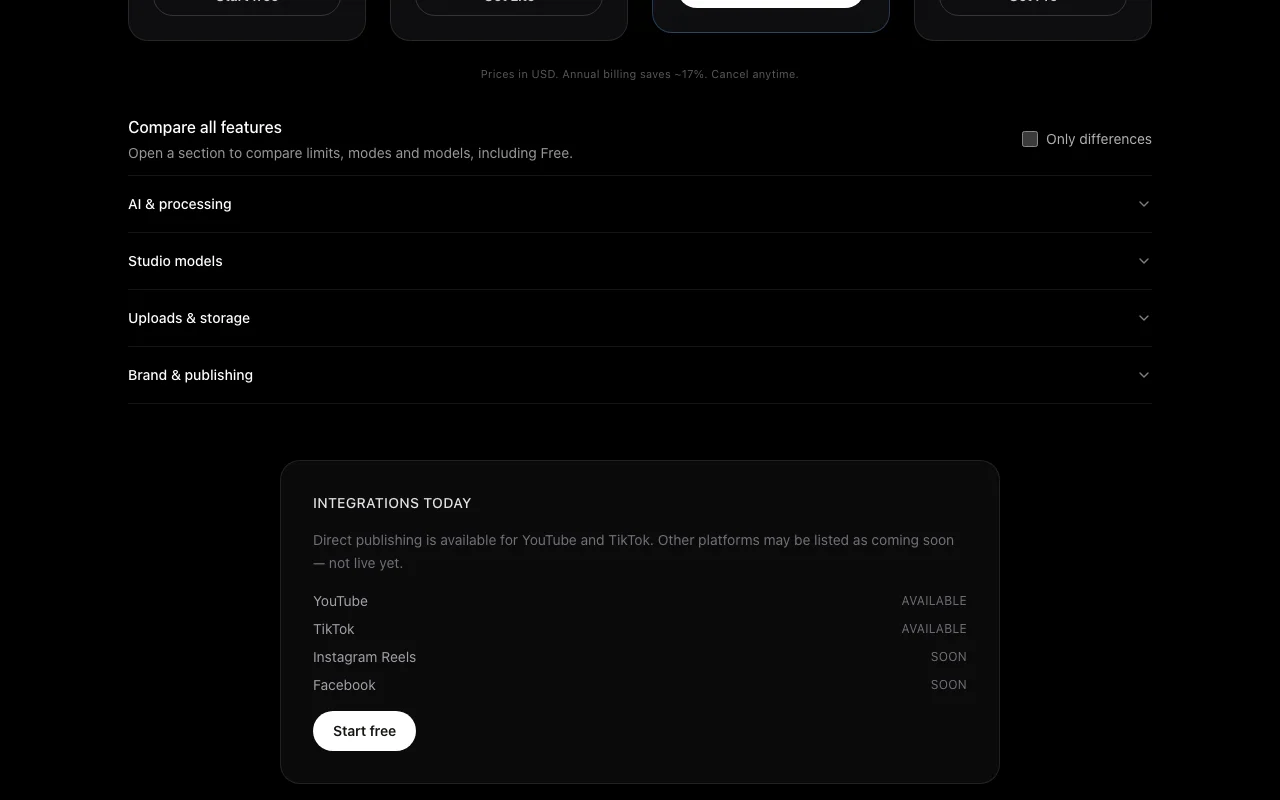
HypeNest repurposes a long-form video, uploaded or imported from a YouTube link, into short clips, SEO metadata and thumbnail options. Users review and edit the package before publishing. A content calendar queues and schedules posts; direct publishing is live for YouTube and TikTok, with other platforms listed as coming soon.
You provide
You get back
Scenarios are worked out by our editors from the documentation; the actual result depends on your input and plan.
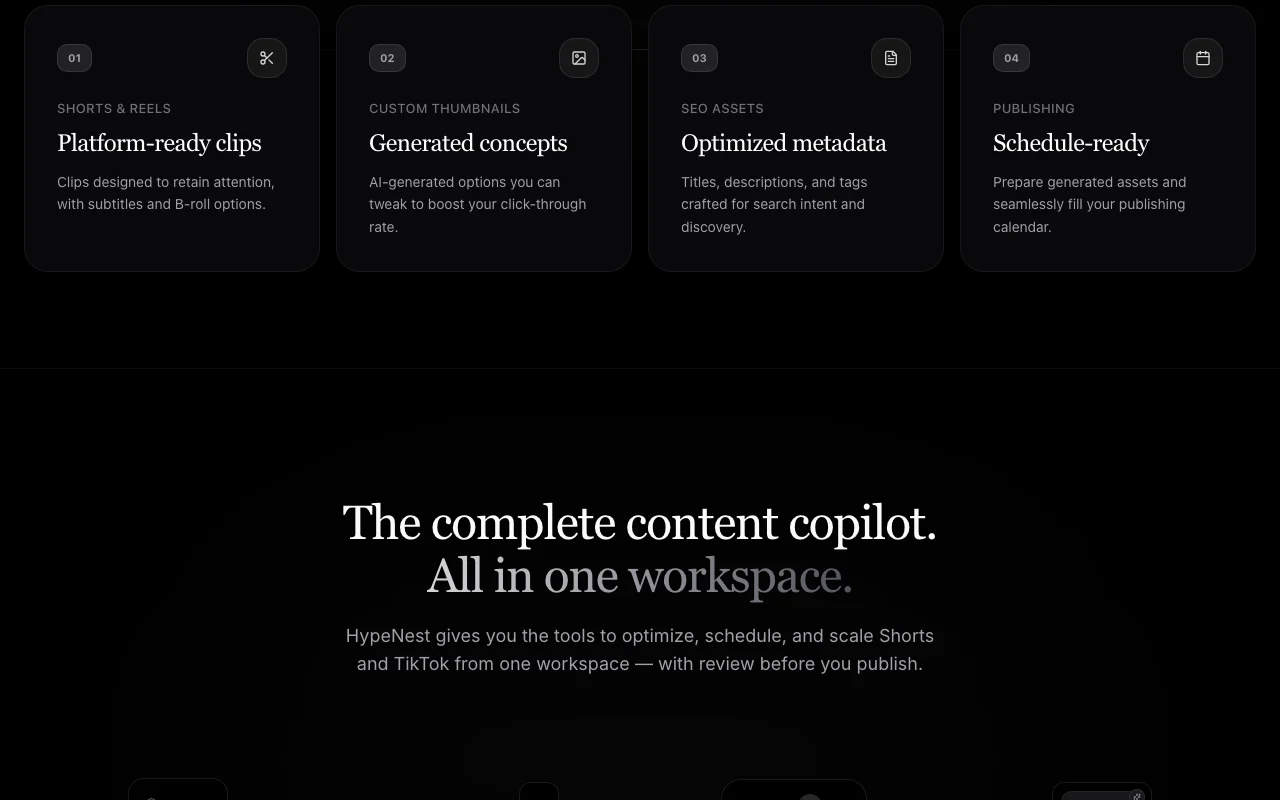
Generates clips with subtitles Faster repurposing
Generates SEO metadata Better discoverability
Generates thumbnails with image models Quick visuals
Schedule publications Consistent posting
Summarized from the vendor's current policies; this is not legal advice and a vendor's badge is not an independent audit.
Uploaded videos and generated outputs are processed by AI providers such as OpenAI and Replicate.
Files and outputs may be stored temporarily; temp files may be deleted after processing; deletion on request.
Policies: hypenest.ai/privacy
"Better suited" is based on documented features and pricing, not on a head-to-head test.
No user reviews yet.
Used HypeNest? Be the first to share your experience.
Free; Lite $6/mo, Starter $15/mo, Pro $27/mo, or $5, $12.50 and $22.50 per month billed annually. source (opens in a new tab)
No, only when upgrading. source (opens in a new tab)
Directly to YouTube and TikTok; others are coming soon. source (opens in a new tab)
Refunds within 14 days if no paid usage occurred. source (opens in a new tab)
An approximate usage multiple relative to Free, not a fixed number of videos. source (opens in a new tab)
Not verified: Currency (cards show euro symbol while text says USD); Resolution of exports; Commercial-use terms; Training use of data.
Every fact about HypeNest above comes from the 5 official pages listed here, last compared on Oct 2, 2026; we have not run HypeNest ourselves, so it has no editorial score. How we check and re-check pages.
Article updated Oct 2, 2026; prices checked Oct 2, 2026. Outbound links to vendors are plain links; we do not earn commissions. How we review · Report an error
compare>