VideoDocumented overviewLast checked Oct 1, 2026

Diffusion Studio: Pricing, Features & Best Use Cases

Open-source video editor with canvas and timeline that coding agents like Claude Code or Codex can drive via MCP and CLI.
Who Diffusion Studio fits

Pick Diffusion Studio if you want a free, open-source video editor that coding agents can drive via MCP and CLI, paying only for credits when you need AI generation or analysis. Based on the vendor's documentation, not on a hands-on test.

Best for: Developers using coding agents

Also a good fit for

  • Motion designers
  • Content teams automating video production

Consider another tool if aI features consume credits; free plan gets 50 one-time credits

Or if

  • Monthly credits do not roll over
  • macOS app requires Apple Silicon (M1+) and macOS 12+

Diffusion Studio pricing and usage limits

Prices checked Oct 1, 2026 on the official US pricing page. Official pricing ↗ Prices and limits change often.

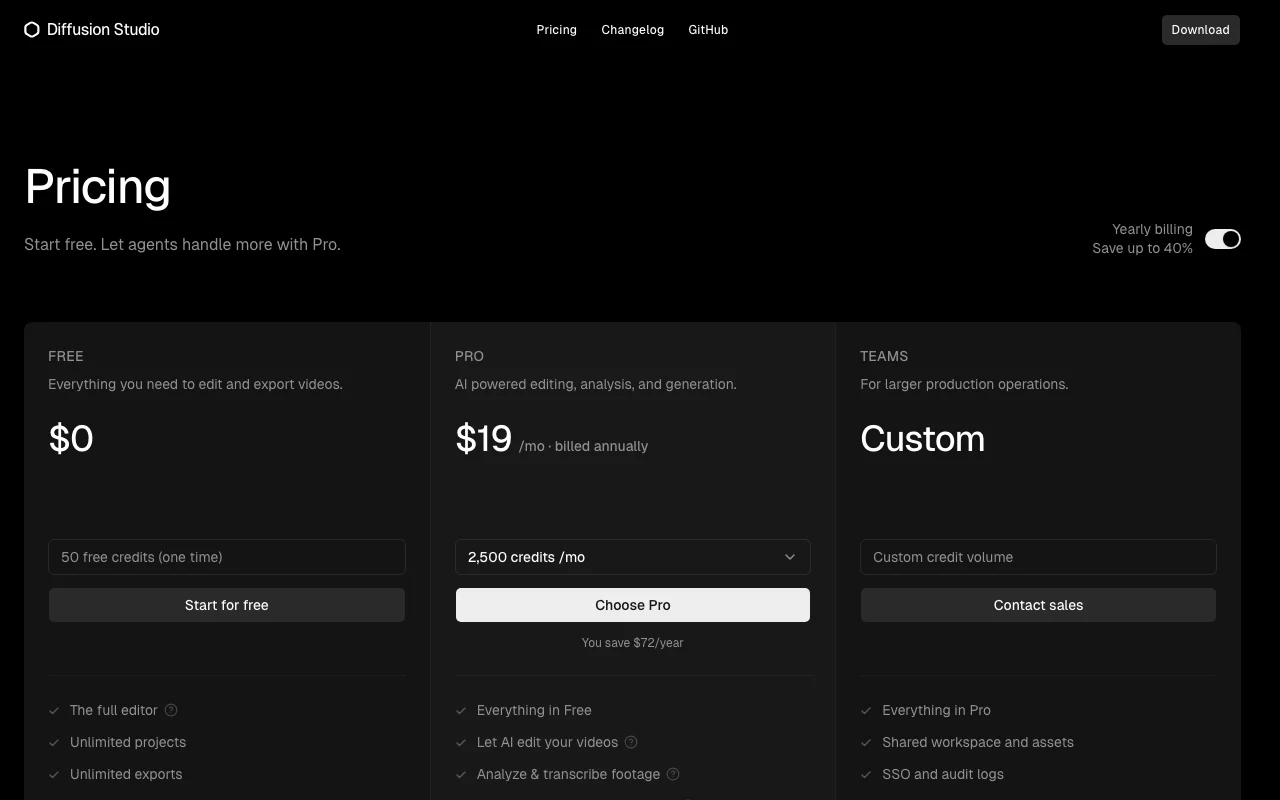
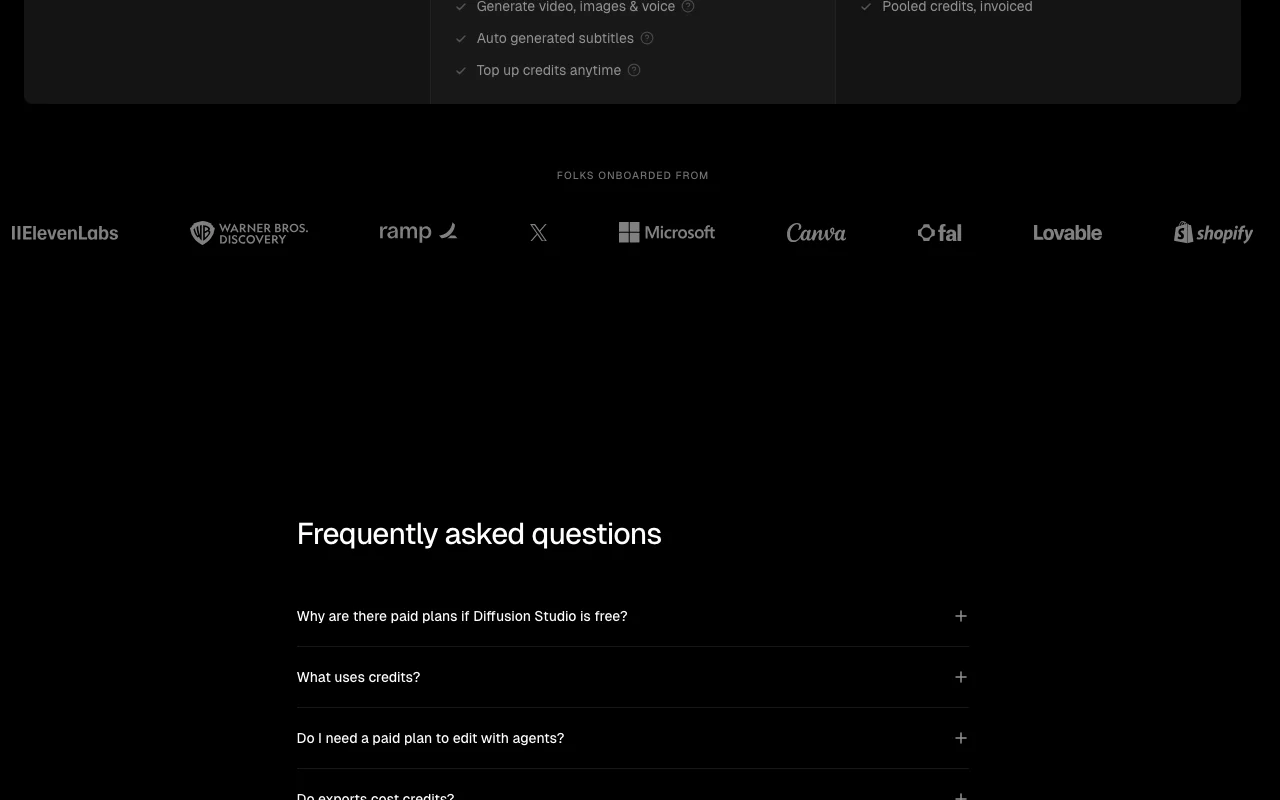
Diffusion Studio pricing page with plans and prices — screenshot of the video AI tool, Oct 1, 2026
The official Diffusion Studio pricing page as we saw it. diffusion.studio, captured Oct 1, 2026

Free access and trial conditions

Editor, dapi, skills, agentic workflows and exports are free

50 one-time free credits

Paid plans: what changes as you upgrade

Free web

Free source (opens in a new tab)

Month

For: Editing and agent workflows

Limits

  • 50 one-time credits
  • Unlimited exports up to 4K

Includes

  • Full editor
  • Unlimited projects
1 more
  • Agent support

Pro web

$19/mo source (opens in a new tab)

Month, annual commitment

$19/mo billed annually; saves $72/year

For: Creators using AI generation

Limits

  • 2,500 credits per month
  • Credits do not roll over

Includes

  • Everything in Free
  • AI editing and analysis
2 more
  • Generate video, images, voice
  • Auto subtitles

Teams web

Custom pricing source (opens in a new tab)

Month

For: Larger production teams

Limits

  • Custom credit volume

Includes

  • Everything in Pro
  • Shared workspace
2 more
  • SSO and audit logs
  • Pooled invoiced credits

Usage caps, credits and extra costs

Credit top-ups; volume discounts on larger bundles

Not stated

What is Diffusion Studio, and how does it work?

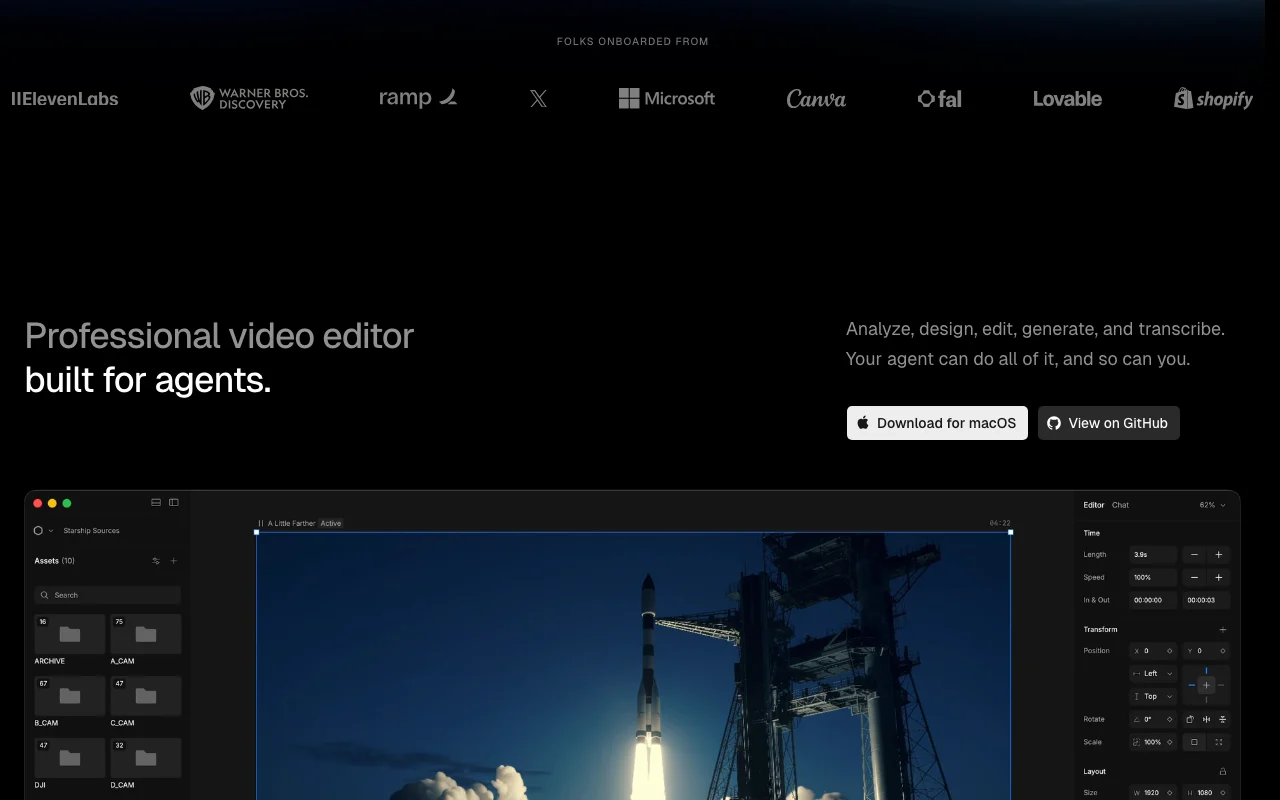
Diffusion Studio is an open-source video editor built for both people and AI agents. It combines an infinite canvas with a timeline, and every edit is written to a real codebase that coding agents can read, modify and render; scenes can use HTML, WebGL, 3D and shaders. It runs in the browser and as a macOS/Windows desktop app, and connects to agents such as Claude Code, Codex, Cursor and Gemini CLI via MCP and its dapi CLI. Editing and exports up to 4K are free; paid credits cover AI generation, analysis and transcription.

Diffusion Studio homepage — screenshot of the video AI tool, Oct 1, 2026
Diffusion Studio's official site: how the product presents itself. diffusion.studio, captured Oct 1, 2026

What you provide and what you get back

How Diffusion Studio works: what you provide, where it runs and what you get backYOU PROVIDEYour inputVideo, image and audio assetsAgent instructions via MCP or dap…HTML, WebGL or shader scenesVIDEODiffusion StudioWeb, Desktopfrom $19/mo (Pro)free tier availableaccount requiredchecked Oct 1, 2026YOU GET BACKThe resultExports up to 4K without watermarkCaptions and transcriptsGenerated video, images, voiceinput → Diffusion Studio → output · from the vendor's own pages, no hands-on test unless stated
What you give Diffusion Studio and what comes back, from its documentation

You provide

  • Video, image and audio assets
  • Agent instructions via MCP or dapi CLI
  • HTML, WebGL or shader scenes

You get back

  • Exports up to 4K without watermark
  • Captions and transcripts
  • Generated video, images, voice

Where you can use it

Platforms
Web, Desktop
Account
Required
Platforms
Web, macOS (Apple Silicon, macOS 12+), Windows
Export
Up to 4K, no watermark
Agents
Claude Code, Codex, Cursor, Gemini CLI
Scene tech
HTML, WebGL, 3D, shaders
Licence
Open source

Best use cases for Diffusion Studio

Scenarios are worked out by our editors from the documentation; the actual result depends on your input and plan.

Having a coding agent edit or assemble videos

Who
Developers using coding agents
You provide
Footage plus a production brief
Expected result
Agent edits, captions and exports the video
Plan needed
Free for editing; credits for AI
Limitation
AI analysis and generation need credits source (opens in a new tab)

Creating motion graphics and animated scenes

Who
Motion designers
You provide
Scenes in HTML, WebGL, 3D or shaders
Expected result
Animated motion graphics on the timeline
Plan needed
Free
Limitation
Learning curve for code-based scenes source (opens in a new tab)

Transcribing, captioning and localizing footage

Who
Content teams
You provide
Raw footage in several languages
Expected result
Transcribed, captioned and localized video
Plan needed
Pro for credits
Limitation
Credit use depends on model and duration source (opens in a new tab)

What Diffusion Studio does, and where it stops

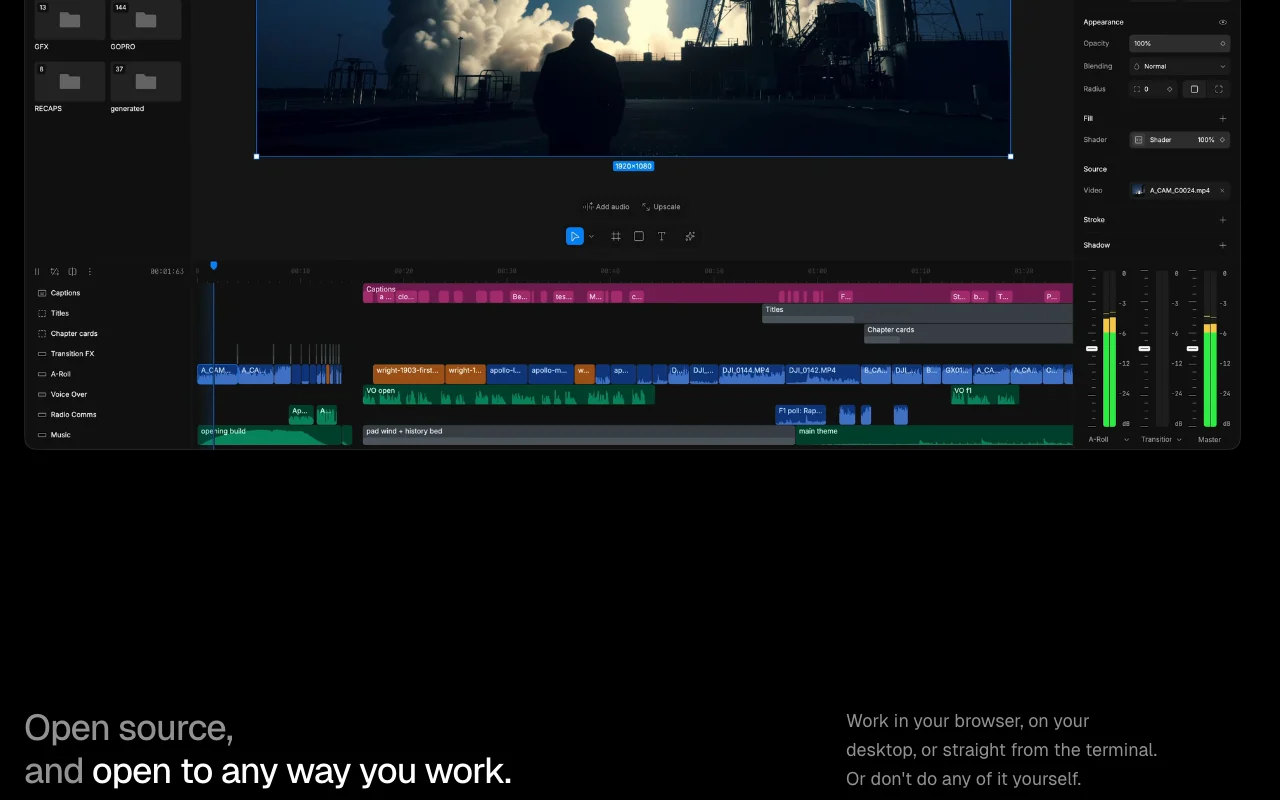
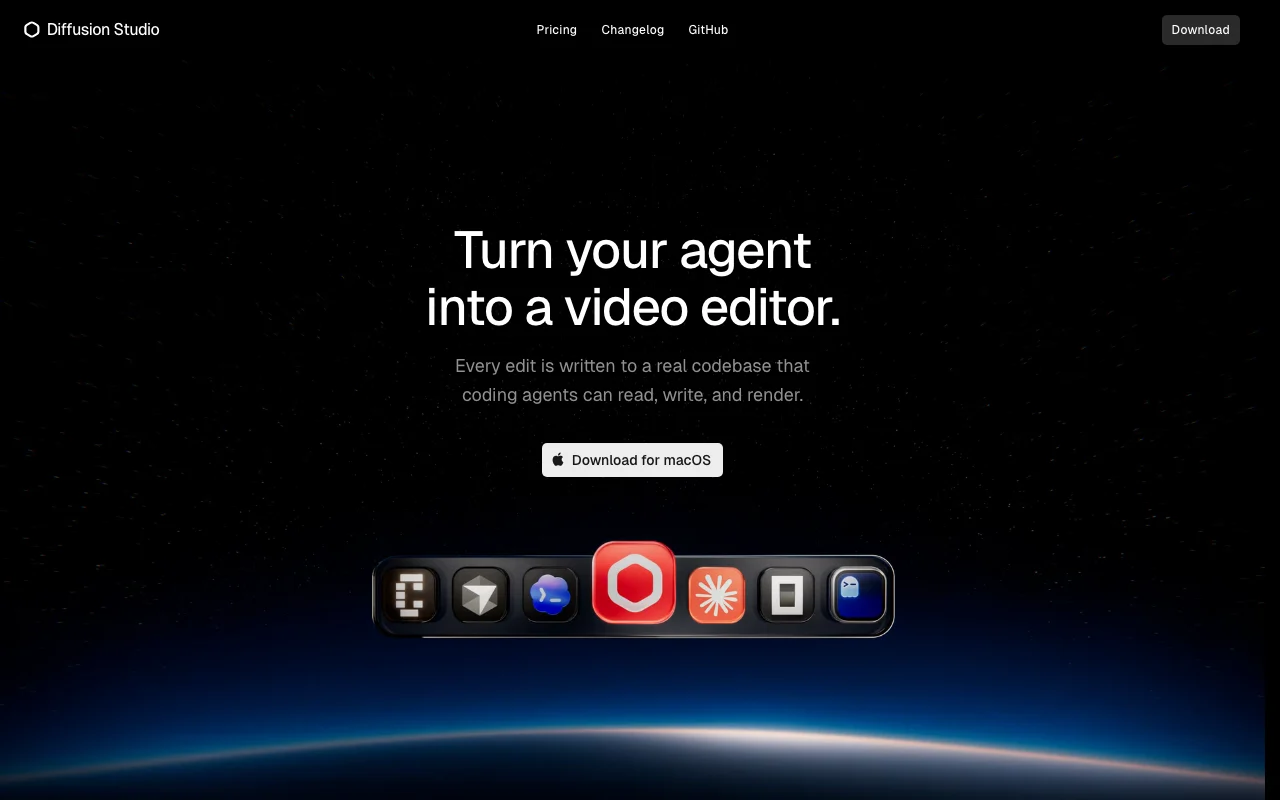
Diffusion Studio homepage — screenshot of the video AI tool, Oct 1, 2026
Feature overview on the official site. diffusion.studio, captured Oct 1, 2026

Infinite canvas plus timeline editing

Combines an infinite canvas with a timeline Organizes assets and edits in one view

Access: FreeLimit: Desktop app needs macOS 12+ on Apple Silicon or Windows source (opens in a new tab)

MCP and dapi CLI for coding agents

Connects coding agents through MCP and the dapi CLI Agents read, edit and render projects

Access: FreeLimit: Credits needed for AI model use source (opens in a new tab)

Keyframes, bezier and spring easing

Keyframes with bezier and spring easing and motion presets Precise animation control

Access: FreeLimit: Manual work for fine tuning source (opens in a new tab)

Built-in effects and audio mixing

Built-in effects, filters and audio mixing Finish without a second tool

Access: FreeLimit: Not compared to dedicated audio tools source (opens in a new tab)

Pros, cons and deal-breakers

Reasons to choose Diffusion Studio

Check before paying for Diffusion Studio

How to use Diffusion Studio for having a coding agent edit a video

Diffusion Studio help center — screenshot of the video AI tool, Oct 1, 2026
Diffusion Studio help center. diffusion.studio, captured Oct 1, 2026

Set up Diffusion Studio

  1. Download the desktop app from diffusion.studio or open the web editor
  2. Sign in and create a project
  3. Connect your coding agent through MCP or the dapi CLI
  4. Import your footage

Example: having a coding agent edit a video

  1. Describe the edit you want to your agent, for example cut to the key moments and add captions
  2. Let the agent build the timeline and scenes
  3. Review and adjust anything on the canvas or timeline
  4. Export up to 4K

Review and export the result

  1. Check the timeline reflects the agent's edits and stays editable
  2. Confirm credit usage in your account after AI actions
Example prompt suggested by our editors (not a recorded output of the product)
Cut this interview to the three best moments, add word-level captions and export in 4K.

Diffusion Studio integrations and API

Diffusion Studio pricing page with plans and prices — screenshot of the video AI tool, Oct 1, 2026
Plan comparison on the official pricing page. diffusion.studio, captured Oct 1, 2026

Native integrations and export formats

Export: Video up to 4K

API access and separate billing

Diffusion Studio has no public API in its official documentation. dapi CLI and MCP; docs page 404

Privacy, data use and commercial rights

Summarized from the vendor's current policies; this is not legal advice and a vendor's badge is not an independent audit.

How your inputs and outputs are handled

You keep rights to inputs and own outputs where legally possible

Commercial use and plan restrictions

Allowed on every plan including Free; subject to model providers' terms

Controls for business users

  • SSO and audit logs (Teams)

Other tools to consider instead of Diffusion Studio

"Better suited" is based on documented features and pricing, not on a head-to-head test.

Descript: better suited to

Runway: better suited to

Canva: better suited to

Claude: better suited to

Alternatives
AlternativeWhen to choose itPricingLimitation
Descript——Compare
Runway——Compare
Canva——
Claude——

Explore Diffusion Studio further

Tools and guides near Diffusion Studio

Diffusion Studio user reviews

No user reviews yet.

Used Diffusion Studio? Be the first to share your experience.

Write a review

Reviews are checked by a moderator before they appear. Your email is never published. Plain text only.

Your rating (required)

Show what you made or what went wrong. Images are published only if the review is approved; location data is removed.

    Diffusion Studio FAQ

    Is Diffusion Studio free?

    Yes: the editor, dapi, skills, agentic workflows and exports up to 4K are free; paid plans add credits. source (opens in a new tab)

    Do exports cost credits?

    No; exports are unlimited up to 4K with no watermark on any plan. source (opens in a new tab)

    What uses credits?

    Generating video, images, audio or speech, and AI analysis or transcription of footage. source (opens in a new tab)

    Do credits roll over?

    No; monthly credits are allocated on each billing date and do not roll over, but you can top up anytime. source (opens in a new tab)

    Can I use it commercially?

    Yes on every plan including Free, subject to underlying model providers' terms. source (opens in a new tab)

    Sources and review methodology

    Official sources and verification dates

    Not verified: Monthly billing price of Pro; Privacy policy; Docs.

    How we documented and maintain this page

    Every fact about Diffusion Studio above comes from the 3 official pages listed here, last compared on Oct 1, 2026; we have not run Diffusion Studio ourselves, so it has no editorial score. How we check and re-check pages.

    Article updated Oct 10, 2026; prices checked Oct 1, 2026. Outbound links to vendors are plain links; we do not earn commissions. How we review · Report an error