Unsere Einschätzung: Choose WorkOps if you are a legal professional in the EU or Spain who wants research and drafting in one workspace with a Word add-in, and can ask the vendor for pricing.
Wichtigste Einschränkung: Pricing is not published, and the legal data sources focus on the EU and Spain.
Von den Redakteuren des AI Tool Atlas.
Auf Basis der offiziellen Dokumentation des Anbieters; wir haben dieses Produkt nicht selbst getestet. Was „dokumentierte Übersicht“ bedeutet
Für wen WorkOps passt
Choose WorkOps if you are a legal professional in the EU or Spain who wants research and drafting in one workspace with a Word add-in, and can ask the vendor for pricing. Auf Basis der Dokumentation des Anbieters, nicht in einem praktischen Test.
Am besten für: Legal professionals
Auch gut geeignet für
Consultants and administrative teams working with documents
Ein anderes Tool in Betracht ziehen, wenn pricing is not published on the site
Oder wenn
Excel, Outlook, Gmail, Drive and SharePoint integrations are not yet available
Legal data sources are focused on EU and Spain
WorkOps Preise und Nutzungslimits
Preise am Oct 4, 2026 auf der offiziellen US-Preisseite geprüft. Offizielle Preise ↗ Preise und Limits ändern sich häufig.
Kostenloser Zugang und Testbedingungen
Not stated
Not stated
Kostenpflichtige Tarife: was sich beim Upgrade ändert
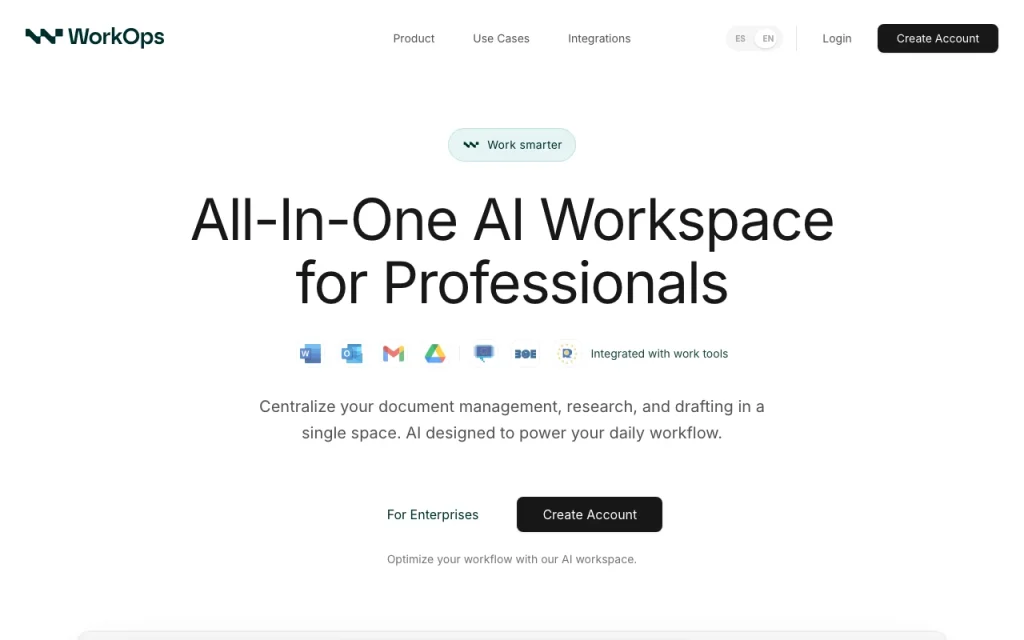
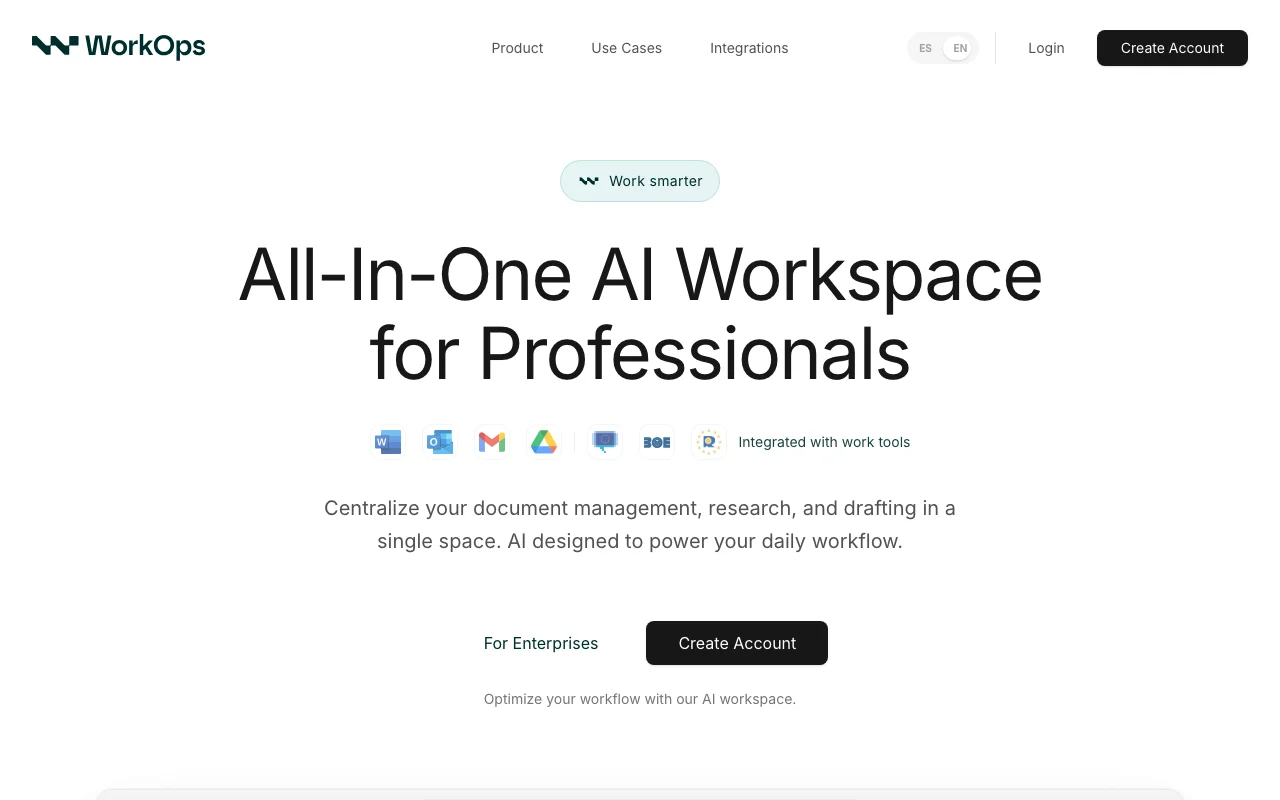
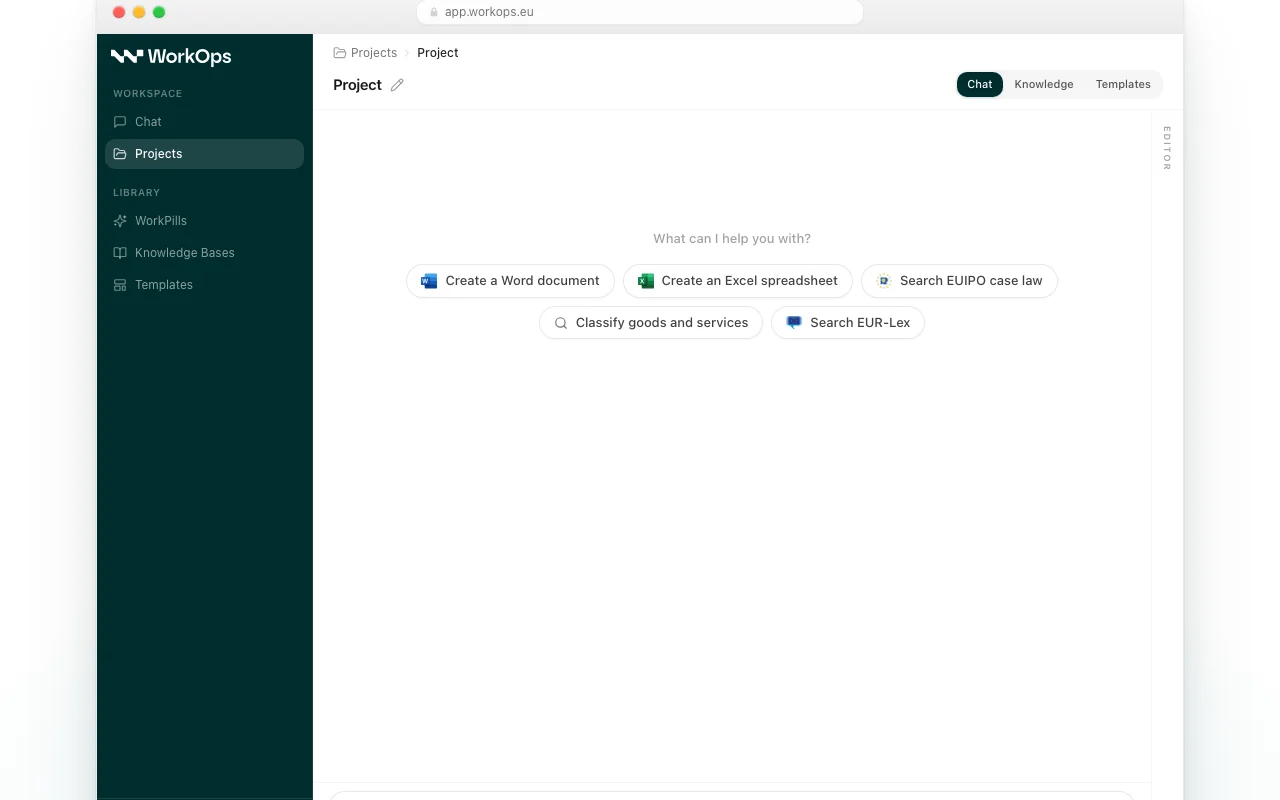
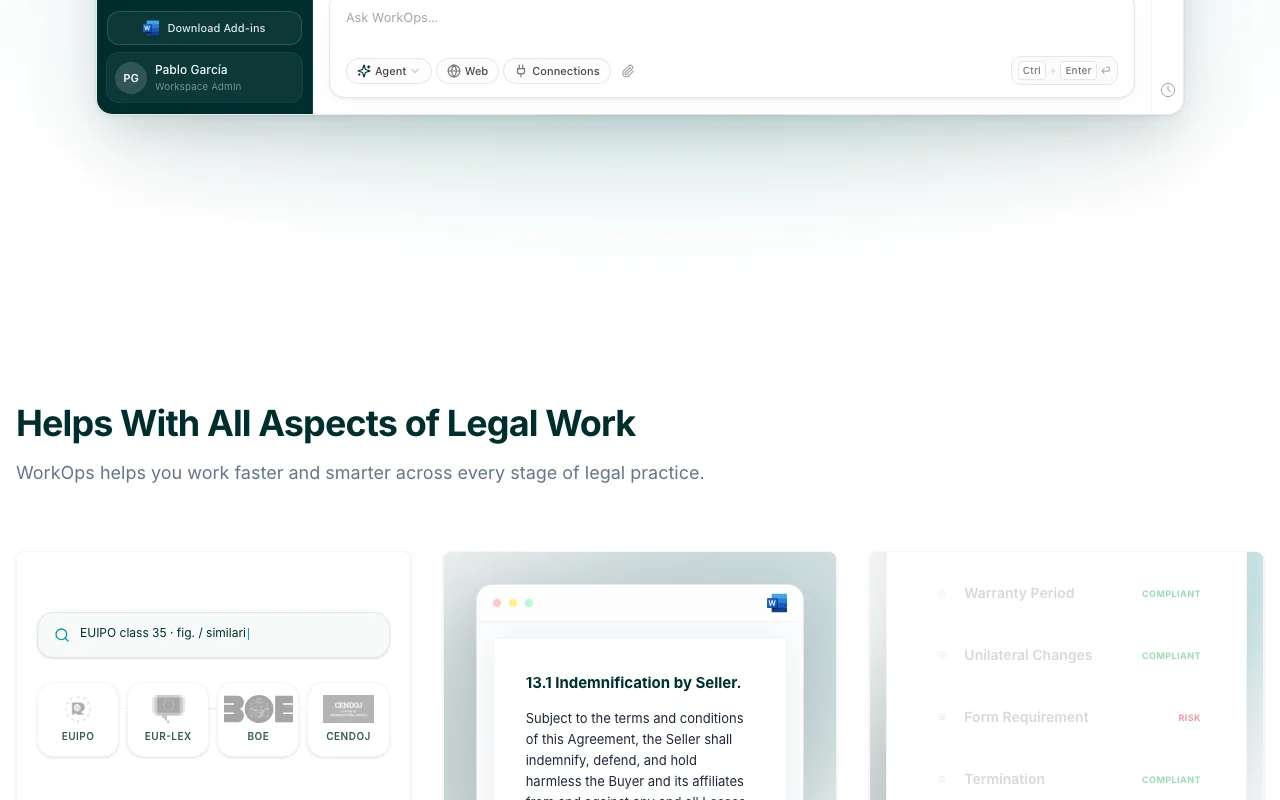
WorkOps is an all-in-one AI workspace for professionals who work with documents daily. It centralizes document management, research and drafting in one place, with a chat, projects, knowledge bases, templates and reusable prompts called WorkPills. The homepage shows connections to legal sources such as EUIPO, EUR-Lex, BOE and CENDOJ.
A Microsoft Word add-in lets users draft, edit and analyze documents from the Word ribbon. Excel, Outlook, Gmail, Drive and SharePoint integrations are listed as coming soon. The privacy policy states customer content is not used to train AI models; the brand is owned by Galileo Studio, Software & AI S.L.
Offizielle Website von WorkOps: So stellt sich das Produkt selbst dar. useworkops.com, erfasst Oct 2, 2026
Was Sie liefern und was Sie erhalten
Was Sie WorkOps geben und was zurückkommt, laut Dokumentation
Sie liefern
Documents and case files
Research questions
Sie erhalten zurück
Drafted legal documents
Checklist review of documents
Wo Sie es nutzen können
Plattformen
Web
Konto
Erforderlich
Sources
EUIPO, EUR-Lex, BOE, CENDOJ
Add-in
Microsoft Word
Coming soon
Excel, Outlook, Gmail, Drive, SharePoint
Encryption
AES-256 / TLS 1.2+
Wofür WorkOps genutzt wird
Die Szenarien erarbeiten unsere Redakteure anhand der Dokumentation; das tatsächliche Ergebnis hängt von Ihrer Eingabe und Ihrem Tarif ab.
Research EU and Spanish case law and legislation
Wer
Lawyers
Sie liefern
A legal question
Erwartetes Ergebnis
You get an answer with cited case law and legislation for your legal question.
Review documents against own standards with a checklist analysis
Wer
Legal reviewers
Sie liefern
A document and standards
Erwartetes Ergebnis
You get a checklist analysis showing how the document measures against your standards.
Benötigter Tarif
Not published
Einschränkung
You must supply your own standards, because the review compares the document only against what you provide. Quelle (öffnet in neuem Tab)
Wichtige Funktionen und ihre praktischen Grenzen
Funktionsüberblick auf der offiziellen Website. useworkops.com, erfasst Oct 2, 2026
AI chat with projects
Lets you converse with documents and organise work into projects. Lawyers can ask questions about documents and keep related work together in projects instead of scattered chats.
Zugriff: Not statedLimit: Details of how projects and chat behave have not been verified in the official pages we could read.Quelle (öffnet in neuem Tab)
Knowledge bases and templates
Stores reference material and reusable document formats. Legal teams can store reference material and reuse document formats instead of rebuilding them each time.
Zugriff: Not statedLimit: Limits on knowledge bases and templates are not stated in the official pages we could read.Quelle (öffnet in neuem Tab)
WorkPills reusable prompts
Saves frequently used instructions as one-click prompts. Lawyers can save instructions they use often and run them with one click instead of retyping them.
Zugriff: Not statedLimit: WorkPills is the vendor's own term, so there is no standard behavior to compare it against.Quelle (öffnet in neuem Tab)
Microsoft Word add-in for drafting and editing
Adds drafting, editing and analysis tools to the Word ribbon. Lawyers who draft in Word get editing and analysis help inside the document itself.
Zugriff: Not statedLimit: The add-in works with Word only, as other Office and email integrations are not yet available.Quelle (öffnet in neuem Tab)
WorkOps Vor- und Nachteile
Gründe für die Wahl von WorkOps
Word add-in works inside the Word ribbon Because the add-in sits in the Word ribbon, lawyers can draft and edit without leaving the program they already use.dokumentiertQuelle (öffnet in neuem Tab)
Site states customer data is not used to train models The site states customer data is not used to train models, which is a vendor claim to confirm in the privacy terms.dokumentiertQuelle (öffnet in neuem Tab)
Grounded in named legal databases Answers are grounded in named legal databases, so you can trace statements back to a source.dokumentiertQuelle (öffnet in neuem Tab)
Encryption AES-256 at rest, TLS 1.2+ in transit stated The site states AES-256 encryption at rest and TLS 1.2+ in transit, which gives a stated baseline for data protection.dokumentiertQuelle (öffnet in neuem Tab)
Vor dem Bezahlen bei WorkOps prüfen
Pricing is not published on the site Without published pricing you cannot budget or compare the cost to other tools before contacting the vendor.dokumentiertQuelle (öffnet in neuem Tab)
Excel, Outlook, Gmail, Drive and SharePoint integrations are not yet available Integrations with Excel, Outlook, Gmail, Drive and SharePoint are not yet available, so those workflows stay outside the tool.dokumentiertQuelle (öffnet in neuem Tab)
Legal data sources are focused on EU and Spain The legal data sources focus on the EU and Spain, so work under other jurisdictions is poorly covered.dokumentiertQuelle (öffnet in neuem Tab)
Requires creating an account You must create an account before using it, so you cannot try it anonymously.dokumentiertQuelle (öffnet in neuem Tab)
So nutzen Sie WorkOps für legal research and drafting
WorkOps einrichten
Request access on useworkops.com.
Create an account.
Install the Word add-in.
Beispiel: legal research and drafting
Create a project.
Ask a legal question.
Draft in Word.
Ergebnis prüfen und exportieren
Verify citations.
Review before filing.
Von unserer Redaktion vorgeschlagener Beispiel-Prompt (keine aufgezeichnete Ausgabe des Produkts)
Summarise relevant Spanish case law on tenant eviction notices.
WorkOps API
API-Zugang und separate Abrechnung
WorkOps hat laut offizieller Dokumentation keine öffentliche API.
Datenschutz, Datennutzung und kommerzielle Rechte
Zusammengefasst aus den aktuellen Richtlinien des Anbieters; dies ist keine Rechtsberatung, und das Badge eines Anbieters ersetzt kein unabhängiges Audit.
Wie Ihre Eingaben und Ausgaben verarbeitet werden
Documents and queries
Privacy policy states customer content is not used to train AI models
Nicht verifiziert: Pricing; US availability; Retention; Official pages could not be read as text (client-rendered or empty fetch); facts come from the verified seed research.
Wie wir diese Seite dokumentiert haben und pflegen
Jede Angabe zu WorkOps oben stammt aus den 2 hier aufgeführten offiziellen Seiten, zuletzt verglichen am Oct 4, 2026; wir haben WorkOps nicht selbst getestet, daher gibt es keine redaktionelle Bewertung. Wie wir Seiten prüfen und erneut prüfen.
Artikel aktualisiert Oct 10, 2026; Preise geprüft Oct 4, 2026. Ausgehende Links zu Anbietern sind einfache Links; wir erhalten keine Provisionen. So testen wir · Fehler melden
 (in voller Größe in neuem Tab öffnen)
 (in voller Größe in neuem Tab öffnen)
 (in voller Größe in neuem Tab öffnen)
 (in voller Größe in neuem Tab öffnen)
 (in voller Größe in neuem Tab öffnen)
 (in voller Größe in neuem Tab öffnen)