Our take: Choose Gemini Notebook (formerly NotebookLM) when you want answers, summaries and study aids that stay grounded in documents you upload, starting on the free tier with up to 50 sources per notebook.
Main limitation: Free tier has standard usage limits and 50 sources per notebook; higher limits need a Google AI Plus, Pro or Ultra plan, which Google says are only available in specific regions.
By the AI Tool Atlas editors.
Based on the vendor's official documentation; we have not tested this product hands-on. What “documented overview” means
Who Gemini Notebook (formerly NotebookLM) fits
Choose Gemini Notebook (formerly NotebookLM) when you want answers, summaries and study aids that stay grounded in documents you upload, starting on the free tier with up to 50 sources per notebook. Based on the vendor's documentation, not on a hands-on test.
Best for: Students
Also a good fit for
Researchers
Teams working from document collections
Consider another tool if free tier has standard usage limits for chat and generation
Or if
Google AI Plus/Pro/Ultra plans only available in specific regions
Public sharing not enabled for organization accounts
Gemini Notebook (formerly NotebookLM) pricing and usage limits
Prices checked Oct 1, 2026 on the official US pricing page. Official pricing ↗ Prices and limits change often.
The official Gemini Notebook (formerly NotebookLM) pricing page as we saw it. notebook.google, captured Oct 1, 2026
Free access and trial conditions
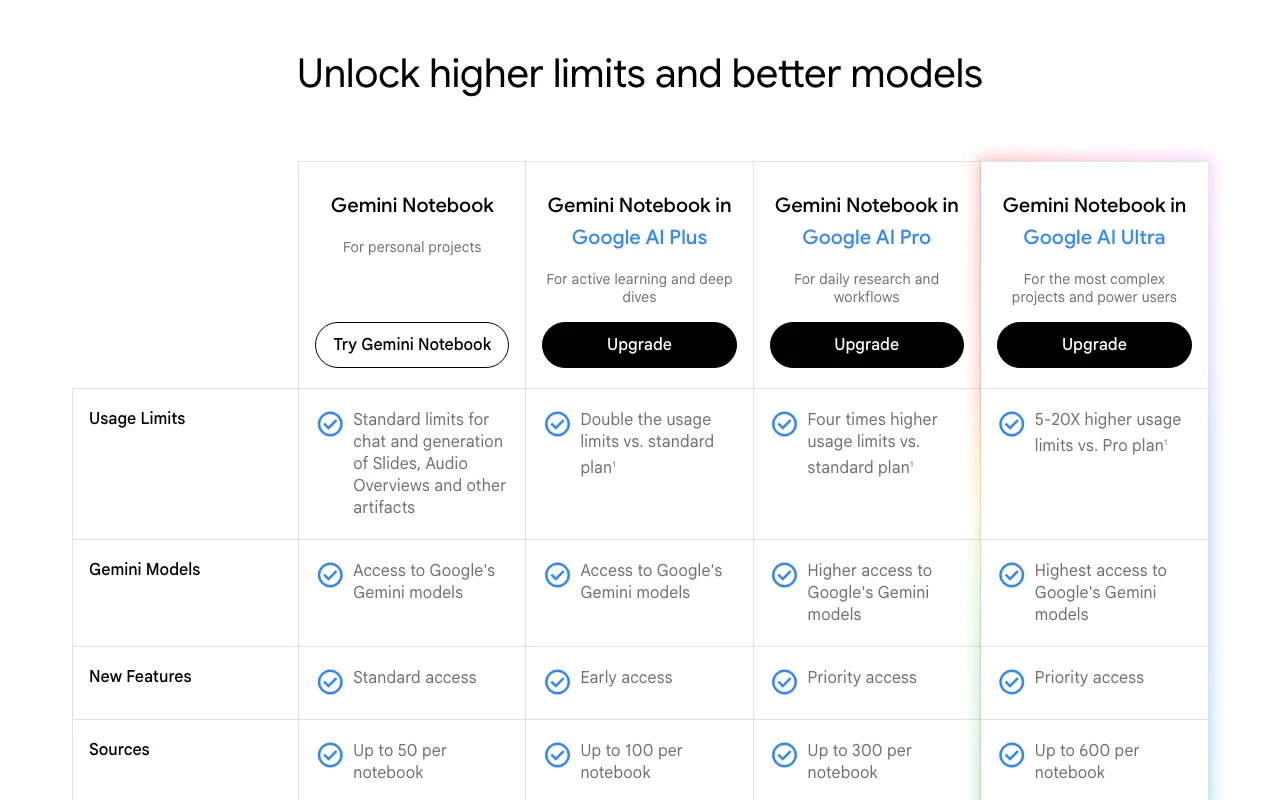
Free tier with standard usage limits and up to 50 sources per notebook.
Organization data stays private; not used to train Gemini Notebook
Includes
Public sharing is enabled only for consumer accounts
Usage caps, credits and extra costs
Plus, Pro and Ultra are Google AI subscriptions; their USD prices are not shown on the Gemini Notebook plans page.
What is Gemini Notebook (formerly NotebookLM), and how does it work?
Gemini Notebook, the product previously called NotebookLM, is Google's AI research and note tool. Users upload their sources and get answers grounded in that material, plus generated study aids like Audio Overviews, Video Overviews, Flashcards, Reports and Slides.
It runs on Google's Gemini models and includes Source Discovery and Deep Research to find new material. A free standard tier exists, with higher limits via Google AI Plus, Pro and Ultra subscriptions, and organizational access through Google Workspace and Google Cloud.
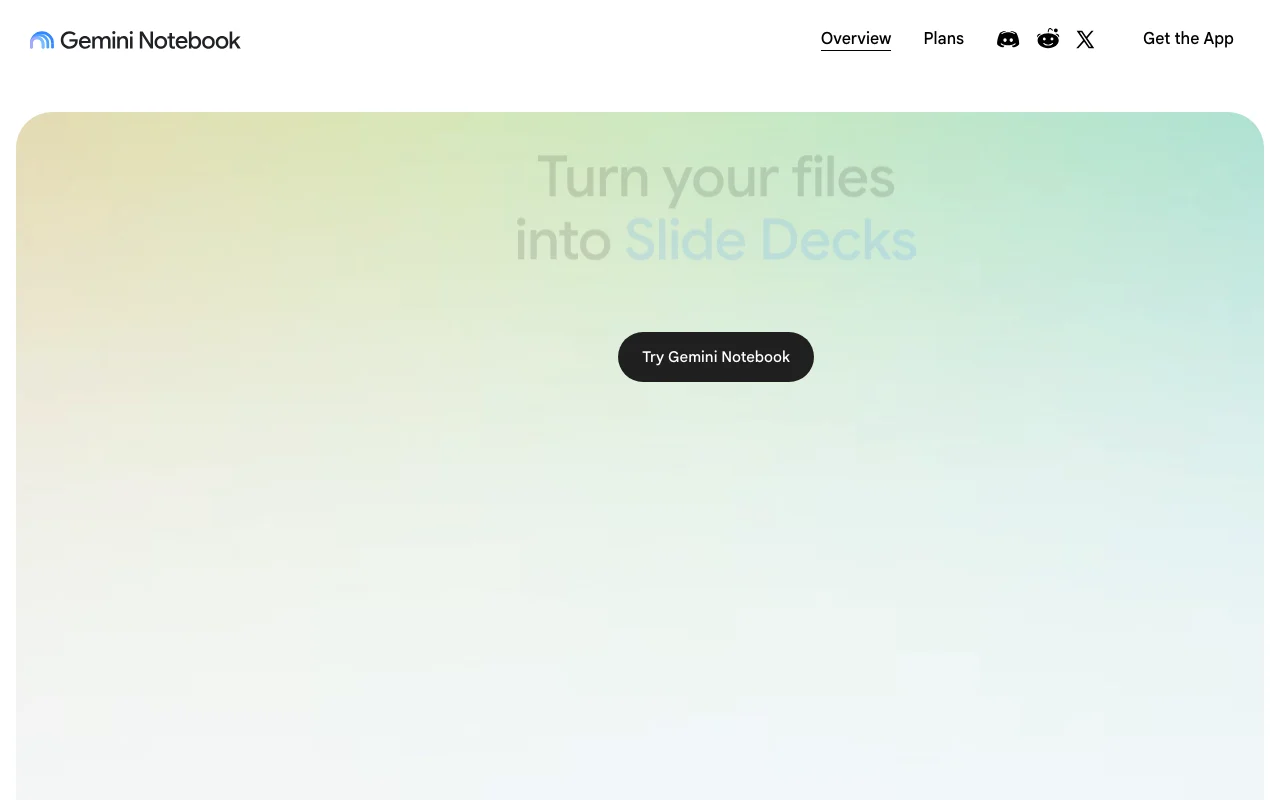
Gemini Notebook (formerly NotebookLM)'s official site: how the product presents itself. notebook.google, captured Oct 1, 2026
What you provide and what you get back
What you give Gemini Notebook (formerly NotebookLM) and what comes back, from its documentation
You provide
Uploaded documents and other sources (up to 50-600 per notebook depending on plan)
Questions typed in chat
Source Discovery / Deep Research queries
Existing notebooks (public notebooks can be shared)
You get back
Cited chat answers
Audio Overviews and Video Overviews
Flashcards, Reports, Slides and Infographics
Where you can use it
Platforms
Web, Mobile
Account
Required
Models / versions
Gemini models (version not named); Veo, Omni, Nano Banana for generated outputs
Sources per notebook
50 free / 100 Plus / 300 Pro / 600 Ultra
Generated artifacts
Audio Overviews, Video Overviews, Flashcards, Reports, Slides, Infographics
Source finding
Source Discovery and Deep Research
Platforms
Web and mobile app
Where Gemini Notebook (formerly NotebookLM) is most useful
Scenarios are worked out by our editors from the documentation; the actual result depends on your input and plan.
Studying class materials with flashcards and audio recaps
Who
Students preparing for exams
You provide
Class notes, slides and readings uploaded as sources
Expected result
Audio Overview recap and Flashcards built from the uploaded material
Feature overview on the official site. notebook.google, captured Oct 1, 2026
Answers grounded in uploaded sources
Answers questions using only the sources you add to a notebook Keeps replies tied to your own material rather than the open web
Access: All plansLimit: Google's help center notes citations are not always shownsource (opens in a new tab)
Audio Overviews
Turns sources into an interactive spoken-style recap Lets you listen to material on the go
Access: All plans, subject to standard generation limitsLimit: Generation counts against plan usage limitssource (opens in a new tab)
Video Overviews
Generates a visual explainer of complex material from sources Useful for training, onboarding and campaign explainers
Access: All plans, subject to usage limitsLimit: Counts against usage limits; limits are higher on paid tierssource (opens in a new tab)
Flashcards, Reports and Slides generation
Produces study and presentation artifacts from sources Speeds up exam prep and pitch-deck drafting
Access: All plans; early/priority access to new features on paid tiersLimit: Newest features roll out first to paid tierssource (opens in a new tab)
Pros, cons and deal-breakers
Reasons to choose Gemini Notebook (formerly NotebookLM)
Free tier with up to 50 sources per notebook Light personal use can start without payingdocumentedsource (opens in a new tab)
Paid tiers raise the limit to up to 600 sources per notebook Large collections of up to 600 sources can live in one notebook on Ultradocumentedsource (opens in a new tab)
Available for businesses and schools via Google Workspace Schools and companies can adopt it under existing Google accounts and admin controlsdocumentedsource (opens in a new tab)
States organization data is not used to train models Organization content is not used to train models, which eases internal-data concernsdocumentedsource (opens in a new tab)
Check before paying for Gemini Notebook (formerly NotebookLM)
Free tier has standard usage limits for chat and generation Heavy daily use can hit the standard limits and force an upgradedocumentedsource (opens in a new tab)
Google AI Plus/Pro/Ultra plans only available in specific regions Users outside supported regions cannot buy the higher tiersdocumentedsource (opens in a new tab)
Public sharing not enabled for organization accounts Public Q&A notebooks cannot be created from an organization accountdocumentedsource (opens in a new tab)
Requires a Google account Anyone without a Google account cannot use itdocumentedsource (opens in a new tab)
How to use Gemini Notebook (formerly NotebookLM) for studying from your own class materials
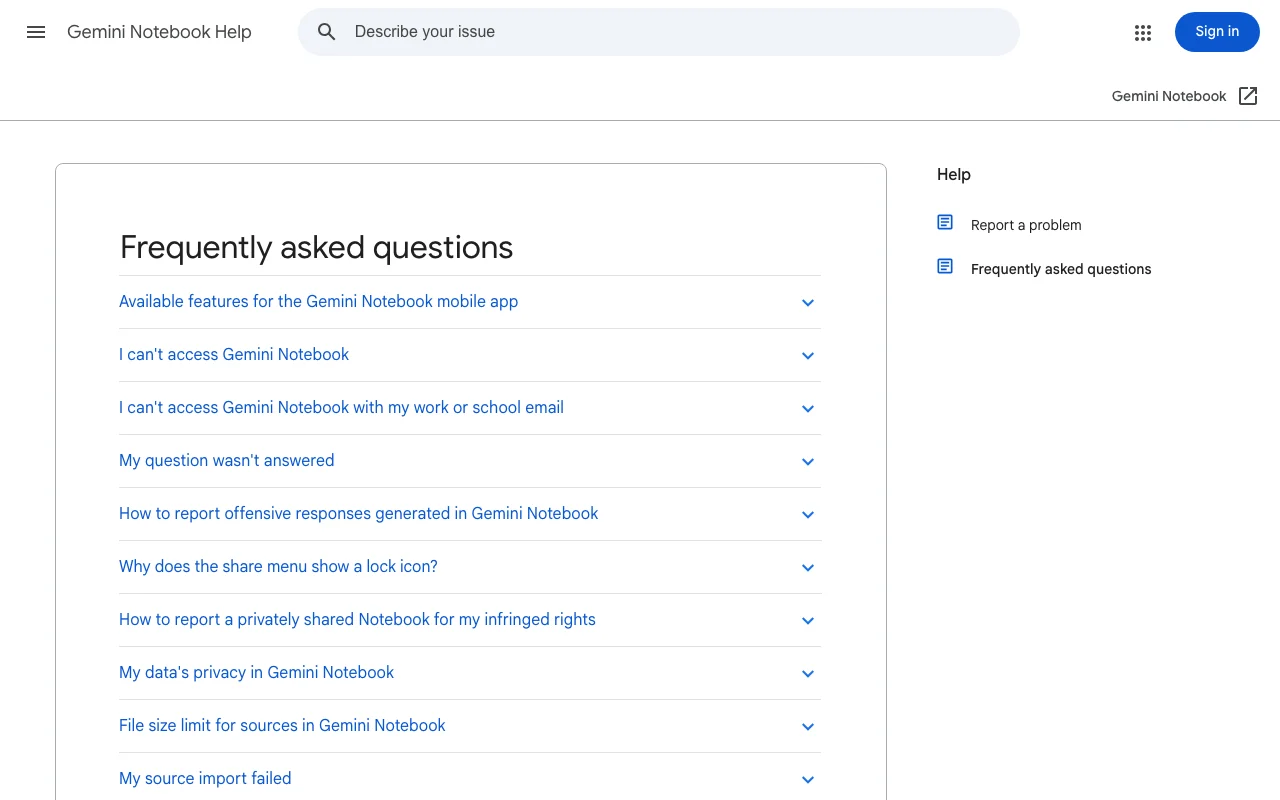
Gemini Notebook (formerly NotebookLM) help center. support.google.com, captured Oct 1, 2026
Set up Gemini Notebook (formerly NotebookLM)
Open notebook.google and sign in with a Google account
Click Try Gemini Notebook to create a new notebook
Add sources (documents, links, videos) up to the 50-per-notebook free limit
Example: studying from your own class materials
Upload lecture slides and two readings as sources
Ask in chat for the three key themes and check the citations
Generate an Audio Overview for a commute recap
Generate Flashcards for the weeks before the exam
Review and export the result
Open the cited passages in your sources to confirm each answer
Compare a flashcard against the original document before relying on it
Example prompt suggested by our editors (not a recorded output of the product)
Using only my uploaded lecture notes, list the five concepts most likely to appear on an exam on cell biology and cite where each comes from.
Gemini Notebook (formerly NotebookLM) API
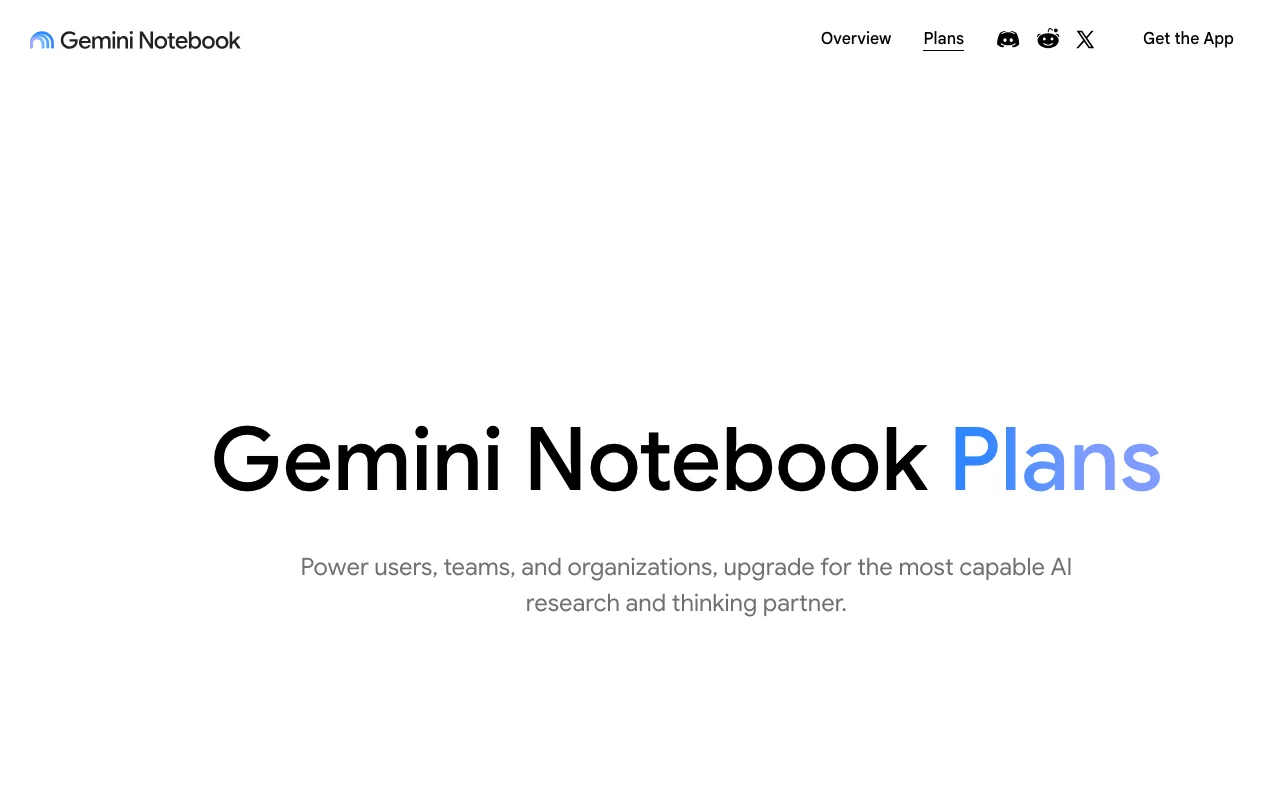
Plan comparison on the official pricing page. notebook.google, captured Oct 1, 2026
API access and separate billing
Gemini Notebook (formerly NotebookLM) has no public API in its official documentation. No API stated on the pages checked.
Privacy, data use and commercial rights
Summarized from the vendor's current policies; this is not legal advice and a vendor's badge is not an independent audit.
How your inputs and outputs are handled
Google says individual use does not use your data for training unless you submit feedback.
Organization or school data is never used to train Gemini Notebook; personal data is used only if you share feedback.
Commercial use and plan restrictions
Public sharing is enabled only for consumer accounts.
The site lists this as an FAQ, and notebooklm.google now redirects to notebook.google where the product is branded Gemini Notebook. source (opens in a new tab)
Not for organizations or schools; for personal use data is used for training only if you submit feedback. source (opens in a new tab)
Is there a price for the paid tiers?
The plans page names Google AI Plus, Pro and Ultra but shows no dollar prices, and says they are only available in specific regions. source (opens in a new tab)
Can I share a notebook publicly?
Yes for consumer accounts; public sharing is not enabled for organization accounts. source (opens in a new tab)
Not verified: USD prices for Google AI Plus, Pro and Ultra; Data retention period; Supported source file types and size limits; Offline use; Whether an API exists.
How we documented and maintain this page
Every fact about Gemini Notebook (formerly NotebookLM) above comes from the 4 official pages listed here, last compared on Oct 1, 2026; we have not run Gemini Notebook (formerly NotebookLM) ourselves, so it has no editorial score. How we check and re-check pages.
Article updated Oct 2, 2026; prices checked Oct 1, 2026. Outbound links to vendors are plain links; we do not earn commissions. How we review · Report an error