Our take: GetTheGists suits people who read long policies, tickets and contracts in Chrome and want quick summaries or spoken explanations, with a free tier of 50 summaries a month.
Main limitation: It is Chrome-only and sends page text to a third-party AI provider, with free voice limited to 5 minutes a month.
By the AI Tool Atlas editors.
Based on the vendor's official documentation; we have not tested this product hands-on. What “documented overview” means
Is GetTheGists right for you?
GetTheGists suits people who read long policies, tickets and contracts in Chrome and want quick summaries or spoken explanations, with a free tier of 50 summaries a month. Based on the vendor's documentation, not on a hands-on test.
Best for: Knowledge workers reading long documents
Also a good fit for
Researchers and students
Consider another tool if free voice limited to 5 min/month
Or if
Chrome extension only per site
Premium voice capped at 15 min/mo then $0.25/min
GetTheGists pricing and usage limits
Prices checked Sep 29, 2026 on the official US pricing page. Official pricing ↗ Prices and limits change often.
Monthly toggle; annual option shown without prices
For: Heavy users
Usage caps, credits and extra costs
Voice overage $0.25/min on Premium
Not stated
What is GetTheGists, and how does it work?
GetTheGists is a Chrome extension that uses AI to summarize the current page, answer questions by chat or voice and synthesize information across selected tabs.
Summaries can be exported to Notion, Obsidian or Bear. The privacy page states page text is not stored and is processed through a third-party AI provider.
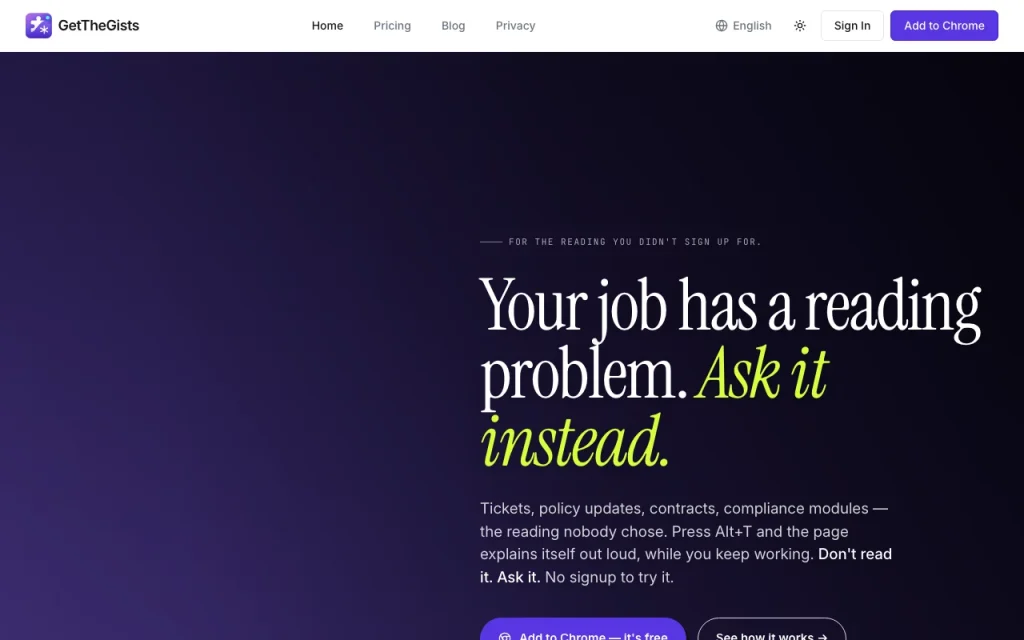
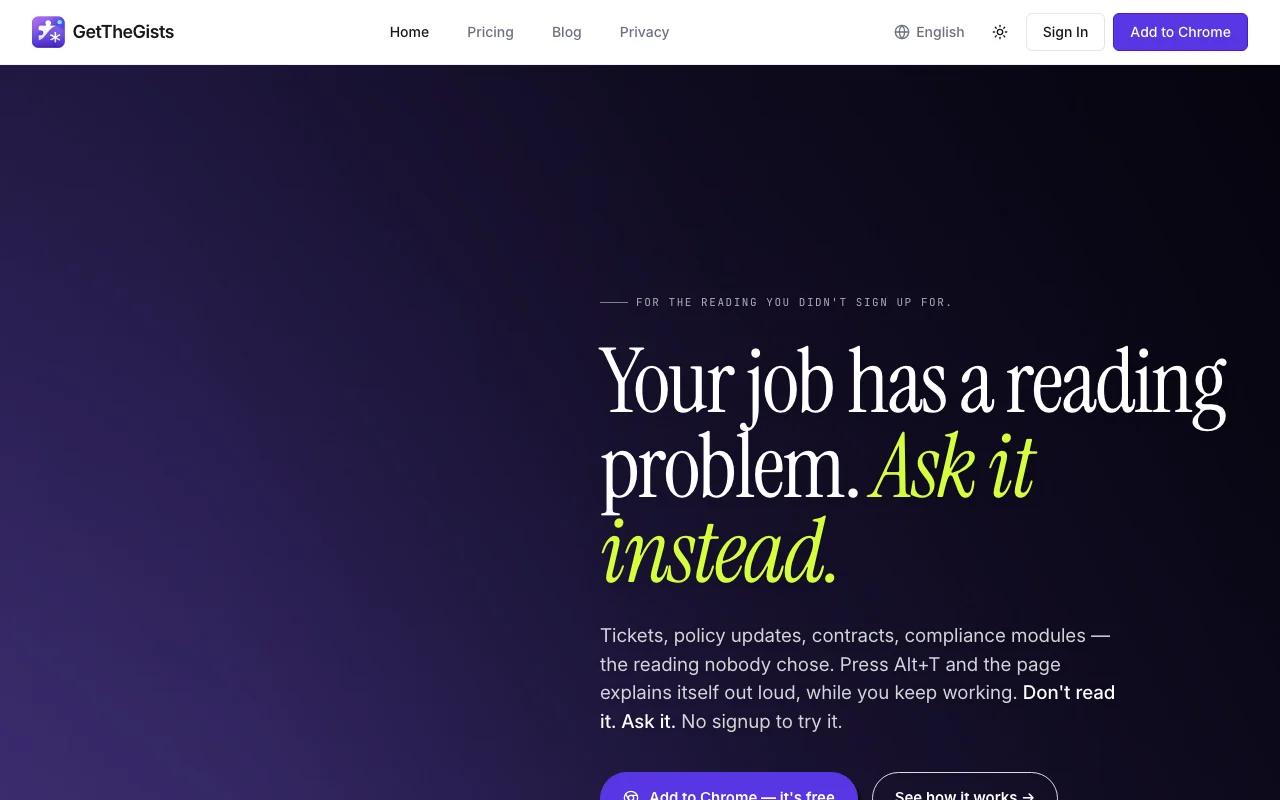
GetTheGists's official site: how the product presents itself. getthegists.com, captured Oct 2, 2026
What you provide and what you get back
What you give GetTheGists and what comes back, from its documentation
You provide
Web page text in the current tab
Questions typed or spoken
You get back
Summaries
Spoken answers and combined briefs
Where you can use it
Platforms
chrome_extension
Account
Required
Browser
Chrome extension
Shortcuts
Alt+G summary, Alt+T voice
Free limits
50 summaries, 5 min voice
Overage
$0.25/min voice on Premium
Best use cases for GetTheGists
Scenarios are worked out by our editors from the documentation; the actual result depends on your input and plan.
Summarize policies and contracts
Who
Employees
You provide
Policies and compliance modules
Expected result
You get a short summary of a policy or compliance document that you can read quickly.
Plan needed
Free
Limitation
The free plan allows 50 summaries per month, so heavy readers may need a paid plan. source (opens in a new tab)
Ask questions about a long ticket or document
Who
Support staff
You provide
A long ticket
Expected result
You get answers to your questions about a long ticket or document from the page itself.
Plan needed
Free or Premium
Limitation
Voice answers are limited by minutes per month, so long spoken sessions can use up the allowance. source (opens in a new tab)
Combine several tabs into one brief
Who
Researchers
You provide
Several open tabs
Expected result
You get one combined brief that draws on the several tabs you selected.
Plan needed
Premium or Pro
Limitation
Plan limits apply to this feature, and the exact limits were not stated in the sources we could read. source (opens in a new tab)
What GetTheGists does, and where it stops
Feature overview on the official site. getthegists.com, captured Oct 2, 2026
Page summaries (Alt+G)
Summarizes the page you are on (Alt+G). Readers who skim many pages can get the main points of the current page with a single shortcut.
Answers out loud on Alt+T. Users who prefer listening can ask questions and hear the answers instead of reading them.
Access: Free, PremiumLimit: Free allows 5 minutes per month, and Premium allows 15 minutes per month and then charges $0.25 per minute.source (opens in a new tab)
Chat with page
Lets you ask questions of the page. Readers of long documents or tickets can ask about the exact detail they need instead of reading everything.
Access: Free, Premium, ProLimit: Limits differ by plan and were not itemized in the sources.source (opens in a new tab)
Multi-tab research mode
Merges several tabs into one brief. Researchers can combine what several open tabs say into one brief instead of reading each tab separately.
Access: Not statedLimit: Which plan includes this feature is not stated in the official pages we could read.source (opens in a new tab)
GetTheGists: strengths and limits
Reasons to choose GetTheGists
Free plan with 50 summaries per month The free plan includes 50 summaries per month, which is enough to judge whether the tool fits the way you read.documentedsource (opens in a new tab)
10 trial summaries without signup Ten trial summaries are offered without signing up, so you can test the extension before you create an account.documentedsource (opens in a new tab)
Page text not stored per privacy page The privacy page says page text is not stored, which matters if you summarize internal or sensitive pages.documentedsource (opens in a new tab)
Cancel anytime stated The site states that you can cancel at any time, so a paid plan does not lock you in for a long period.documentedsource (opens in a new tab)
Check before paying for GetTheGists
Free voice limited to 5 min/month Free voice mode is limited to 5 minutes per month, so spoken answers will stop quickly for free users.documentedsource (opens in a new tab)
Chrome extension only per site It is a Chrome extension only, so people who use another browser cannot install it from what the site says.documentedsource (opens in a new tab)
Premium voice capped at 15 min/mo then $0.25/min Premium voice is capped at 15 minutes per month and then costs $0.25 per minute, so heavy voice use adds to the bill.documentedsource (opens in a new tab)
Page text goes to a third-party AI provider Page text goes to a third-party AI provider, so you should not use it on pages that your organization keeps private.documentedsource (opens in a new tab)
How to use GetTheGists for summarizing a long web page
Set up GetTheGists
Install the Chrome extension.
Open a page you need to read.
Press Alt+G for a summary.
Example: summarizing a long web page
Press Alt+T to ask the page a question aloud.
Read or listen to the answer.
Open more tabs and combine them in research mode.
Review and export the result
Check the summary against key paragraphs.
Check your remaining monthly count.
Example prompt suggested by our editors (not a recorded output of the product)
What deadlines does this policy set?
Privacy, data use and commercial rights
Summarized from the vendor's current policies; this is not legal advice and a vendor's badge is not an independent audit.
Not verified: Annual prices; Pro limits; Provider names.
How we documented and maintain this page
Every fact about GetTheGists above comes from the 2 official pages listed here, last compared on Sep 29, 2026; we have not run GetTheGists ourselves, so it has no editorial score. How we check and re-check pages.
Article updated Oct 10, 2026; prices checked Sep 29, 2026. Outbound links to vendors are plain links; we do not earn commissions. How we review · Report an error

 (open full size in a new tab)
 (open full size in a new tab)
 (open full size in a new tab)
 (open full size in a new tab)
 (open full size in a new tab)
 (open full size in a new tab)