Our take: Choose KeepFlash if you want one searchable library for clipped pages, PDFs, YouTube transcripts and notes with AI answers that cite the saved originals.
Main limitation: Free plan is capped at 150 notes, 2 spaces, 500MB storage and 200 credits per month; semantic search and PDF export need Plus or Pro.
By the AI Tool Atlas editors.
Based on the vendor's official documentation; we have not tested this product hands-on. What “documented overview” means
Is KeepFlash right for you?
Choose KeepFlash if you want one searchable library for clipped pages, PDFs, YouTube transcripts and notes with AI answers that cite the saved originals. Based on the vendor's documentation, not on a hands-on test.
Best for: Researchers and students organizing reading
Also a good fit for
Writers collecting sources
Users who want a searchable personal knowledge base
Consider another tool if free plan capped at 150 notes, 2 spaces and 500 MB storage
Or if
AI usage consumes monthly KeepFlash credits (200 on Free)
Semantic search and PDF export require Plus or Pro
KeepFlash pricing and usage limits
Prices checked Oct 1, 2026 on the official US pricing page. Official pricing ↗ Prices and limits change often.
Free access and trial conditions
Free plan, no card required.
No separate trial listed; Free plan is the entry point.
Saving new TikTok, X or YouTube items uses a content-read credit cost shown before saving.
Not stated on the page.
What is KeepFlash, and how does it work?
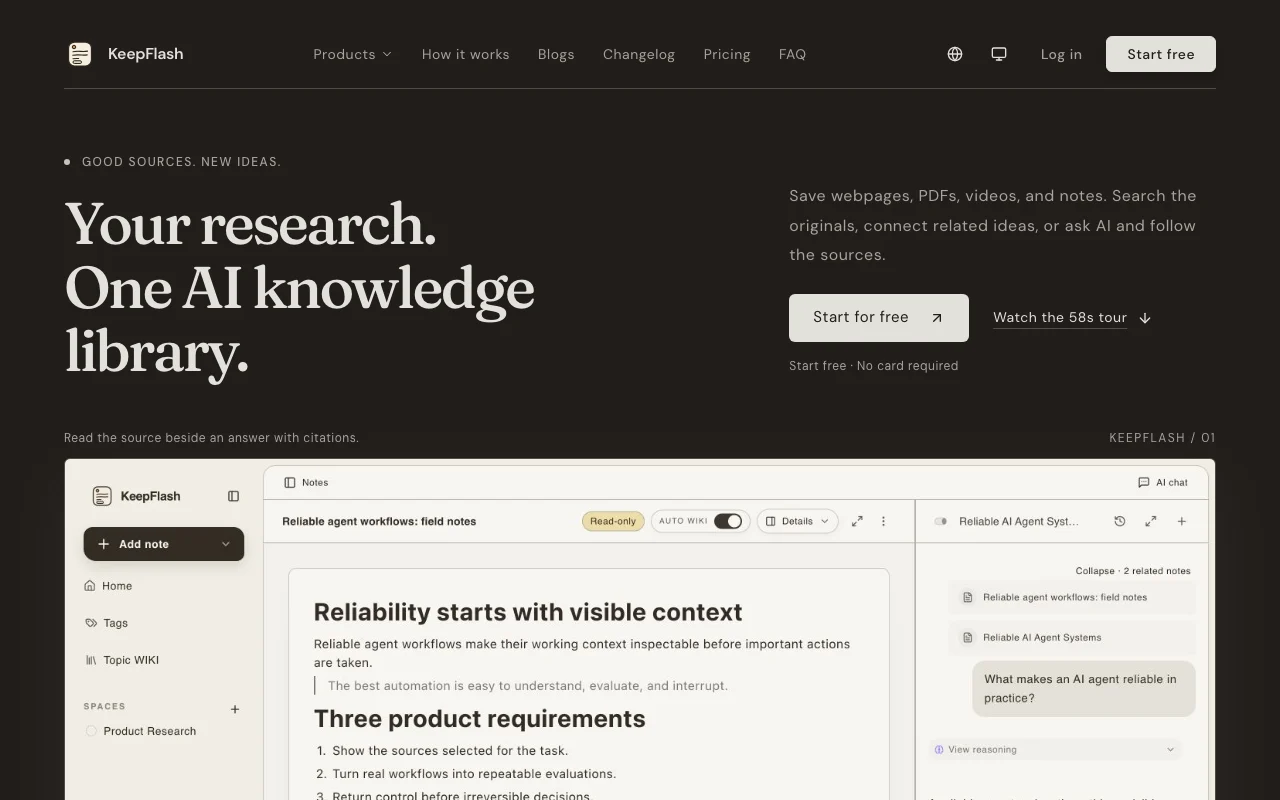
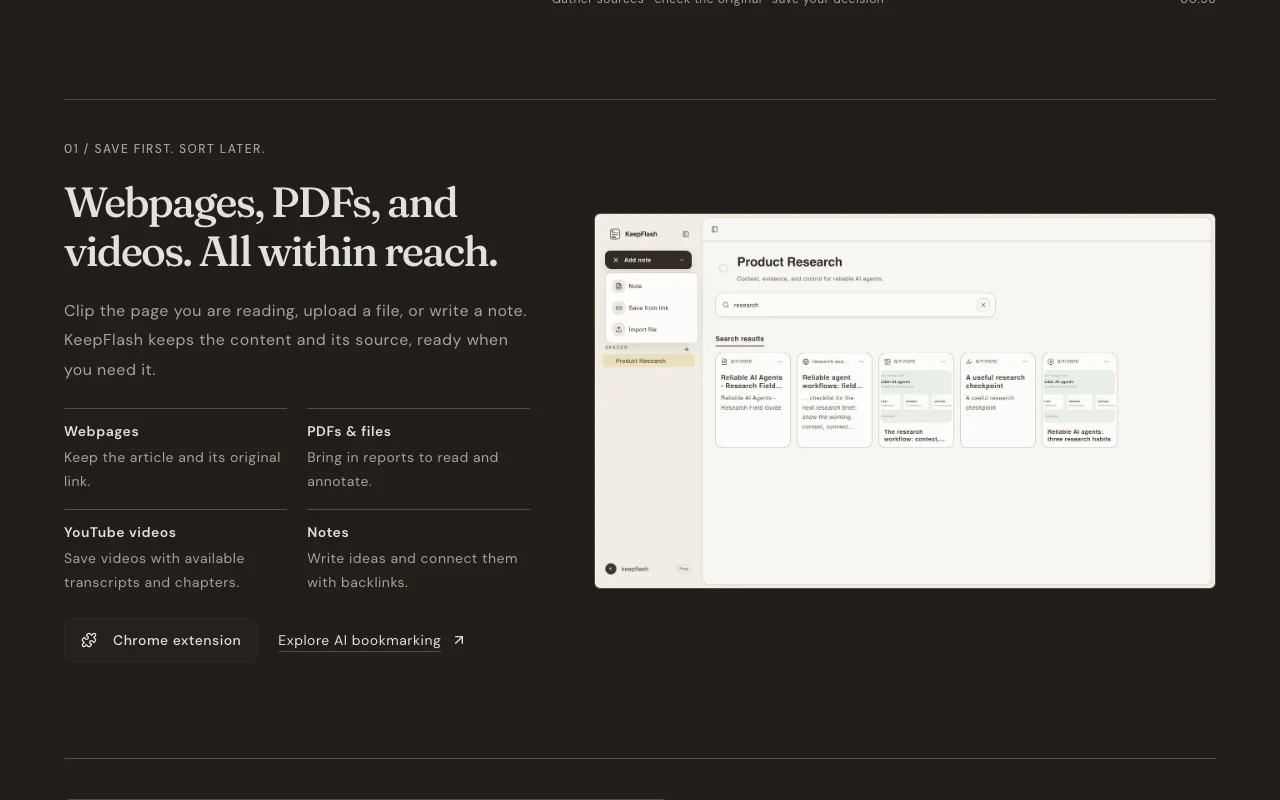
KeepFlash is a personal knowledge library for saved research. Users clip webpages with a Chrome extension, upload PDFs, save YouTube videos with transcripts, and write block-editor notes with backlinks. Saved content is searchable by keyword on the free plan and by meaning (semantic search) on paid plans.
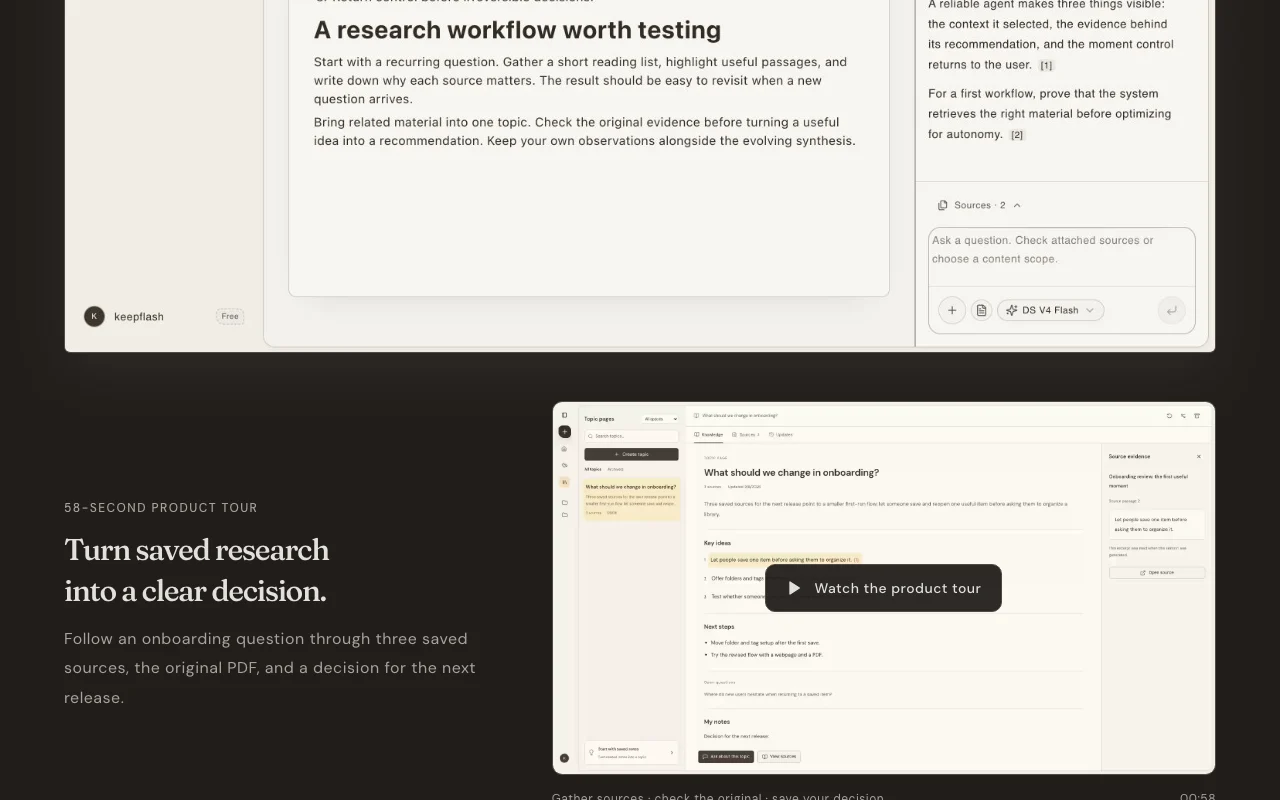
AI features include automatic tagging, Auto Wiki Topic Pages that compile related notes with sources attached, PDF annotation, translation of selected text, and question answering with citations back to the source. Coding agents such as Codex, Claude Code and Cursor can be connected read-only via MCP to search the library.
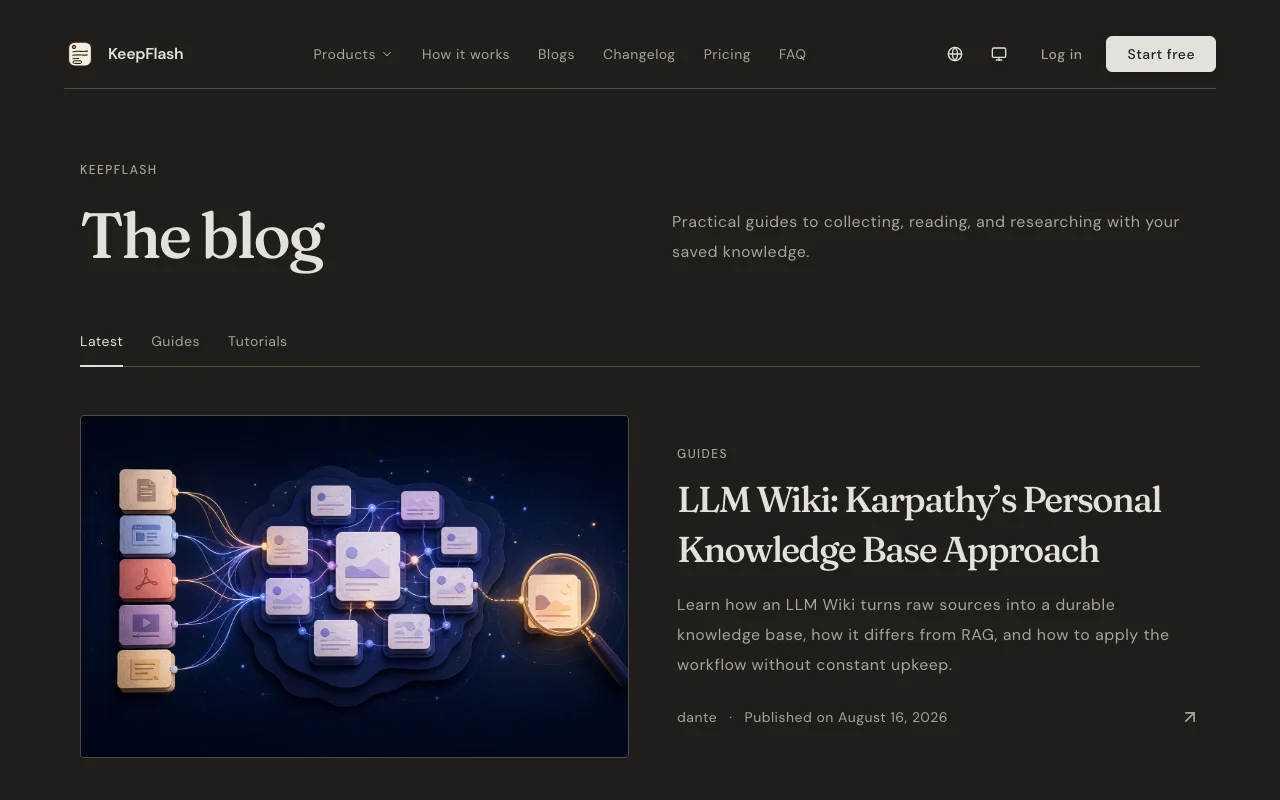
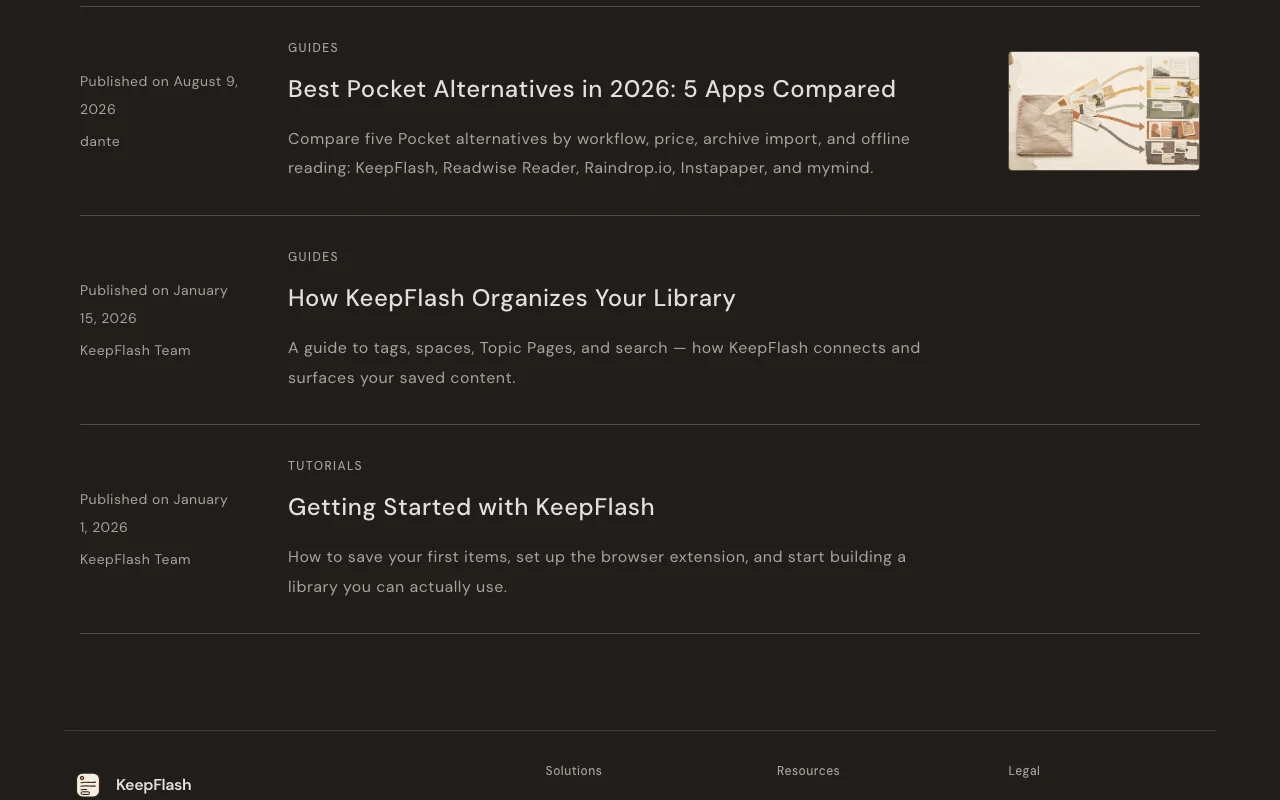
KeepFlash's official site: how the product presents itself. keepflash.com, captured Oct 1, 2026
What you provide and what you get back
What you give KeepFlash and what comes back, from its documentation
You provide
Webpages clipped via Chrome extension
PDFs and files
YouTube links
Typed notes
You get back
Cited AI answers
Auto Wiki Topic Pages
AI tags
PDF export (Plus/Pro)
Where you can use it
Platforms
Web
Account
Required
Capture
Chrome extension, PDF upload, YouTube links, typed notes
Max file size
10MB Free / 50MB Plus / 200MB Pro
Storage
500MB / 10GB / 50GB
Agent access
Read-only MCP for Codex, Claude Code, Cursor
Best use cases for KeepFlash
Scenarios are worked out by our editors from the documentation; the actual result depends on your input and plan.
Saving and searching articles, PDFs and videos for research projects
Who
Students and researchers
You provide
Clipped articles, PDFs and YouTube links
Expected result
A searchable library where each item keeps its source link
Plan needed
Free for up to 150 notes; Plus for semantic search
Suggests tags reusing your existing ones and compiles related notes into Topic Pages with sources. Reduces manual filing and duplicate tags.
Access: Tagging unlimited on all; Topic Pages capped 3/50/300Limit: Output quality depends on how many related notes you have saved.source (opens in a new tab)
KeepFlash pros and cons
Reasons to choose KeepFlash
Free plan with no card required You can test the whole save-search-ask loop before paying.documentedsource (opens in a new tab)
MCP agent access included on all plans Claude Code, Codex or Cursor can search your notes without a separate subscription.documentedsource (opens in a new tab)
Paid plans list clear storage and credit limits You can see in advance when you will need to upgrade.documentedsource (opens in a new tab)
Public changelog with dated updates You can check what changed between releases.documentedsource (opens in a new tab)
Check before paying for KeepFlash
Free plan capped at 150 notes, 2 spaces and 500 MB storage You must upgrade or delete content once you reach the limits.documentedsource (opens in a new tab)
AI usage consumes monthly KeepFlash credits (200 on Free) Heavy AI use can exhaust the Free credits before month end.documentedsource (opens in a new tab)
Semantic search and PDF export require Plus or Pro Free users can only find items by exact words.documentedsource (opens in a new tab)
Capture extension confirmed only for Chrome Users of other browsers may not be able to clip pages.documentedsource (opens in a new tab)
How to use KeepFlash for building a searchable research library
Set up KeepFlash
Create a free KeepFlash account (no card required).
Install the Chrome extension linked from the site.
Create a space for your first project.
Optionally create a read-only agent token in Settings for MCP.
Example: building a searchable research library
Clip two articles on one topic with the extension.
Upload a PDF report and highlight key passages.
Save a YouTube link to get its transcript.
Open Auto Wiki to generate a Topic Page and ask a question from it.
Review and export the result
Open the citation in the answer and compare it with the original passage.
Check the credit balance after AI actions.
Example prompt suggested by our editors (not a recorded output of the product)
What do my saved sources say about onboarding drop-off, and which one supports it?
KeepFlash integrations and API
Native integrations and export formats
Export: PDF (Plus/Pro)
API access and separate billing
KeepFlash has no public API in its official documentation. MCP agent access is read-only; no public REST API documented.
Privacy, data use and commercial rights
Summarized from the vendor's current policies; this is not legal advice and a vendor's badge is not an independent audit.
How your inputs and outputs are handled
Saved pages, files and notes are stored in your library.
Commercial use and plan restrictions
Agent tokens are read-only and revocable.
KeepFlash alternatives by need
"Better suited" is based on documented features and pricing, not on a head-to-head test.
Gemini Notebook (formerly NotebookLM): better suited to
Can Claude Code or Cursor read my KeepFlash library?
Yes. Agent Access via MCP is included on every plan, gives each agent its own read-only token, and can be revoked in Settings. source (opens in a new tab)
What happens when I hit the storage limit?
Existing content stays, but you must upgrade or free space before uploading more files. source (opens in a new tab)
What do KeepFlash credits pay for?
AI features and supported public-content reads; each new TikTok, X or YouTube save shows its content-read cost first. Free has 200 per month, Plus 1,000, Pro 5,000. source (opens in a new tab)
Do Topic Pages keep links to the original sources?
Yes. Auto Wiki links each overview to the source notes, and you can use a Topic Page as the basis for a cited question. source (opens in a new tab)
Not verified: vendor name; data retention and training policy; offline mode; refund terms.
How we documented and maintain this page
Every fact about KeepFlash above comes from the 3 official pages listed here, last compared on Oct 1, 2026; we have not run KeepFlash ourselves, so it has no editorial score. How we check and re-check pages.
Article updated Oct 10, 2026; prices checked Oct 1, 2026. Outbound links to vendors are plain links; we do not earn commissions. How we review · Report an error