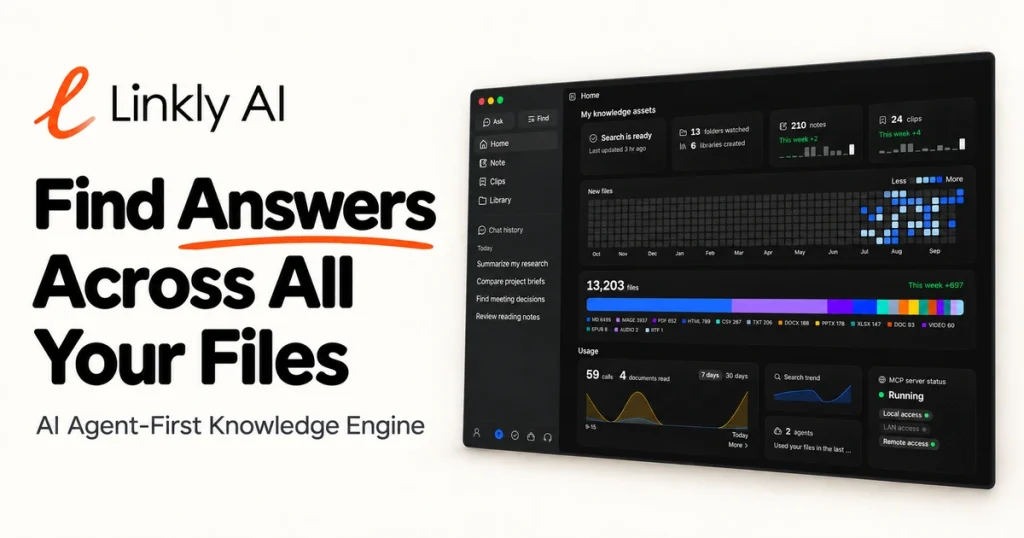
Our take: Linkly AI builds a private, searchable knowledge layer from local files, making them accessible to AI agents through MCP and CLI tools without uploading to the cloud—ideal for developers and researchers with sensitive document collections.
Main limitation: Cloud library usage limited on Free plan; frontier AI models only on Pro plan
By the AI Tool Atlas editors.
Based on the vendor's official documentation; we have not tested this product hands-on. What “documented overview” means
Who should use Linkly AI
Linkly AI builds a private, searchable knowledge layer from local files, making them accessible to AI agents through MCP and CLI tools without uploading to the cloud—ideal for developers and researchers with sensitive document collections. Based on the vendor's documentation, not on a hands-on test.
Best for: Developers using AI coding agents
Also a good fit for
Researchers with large local document collections
Teams needing private document access
Consider another tool if cloud library usage limited on Free
Or if
Frontier AI models only on Pro
Cloud audio/video transcription listed as coming soon
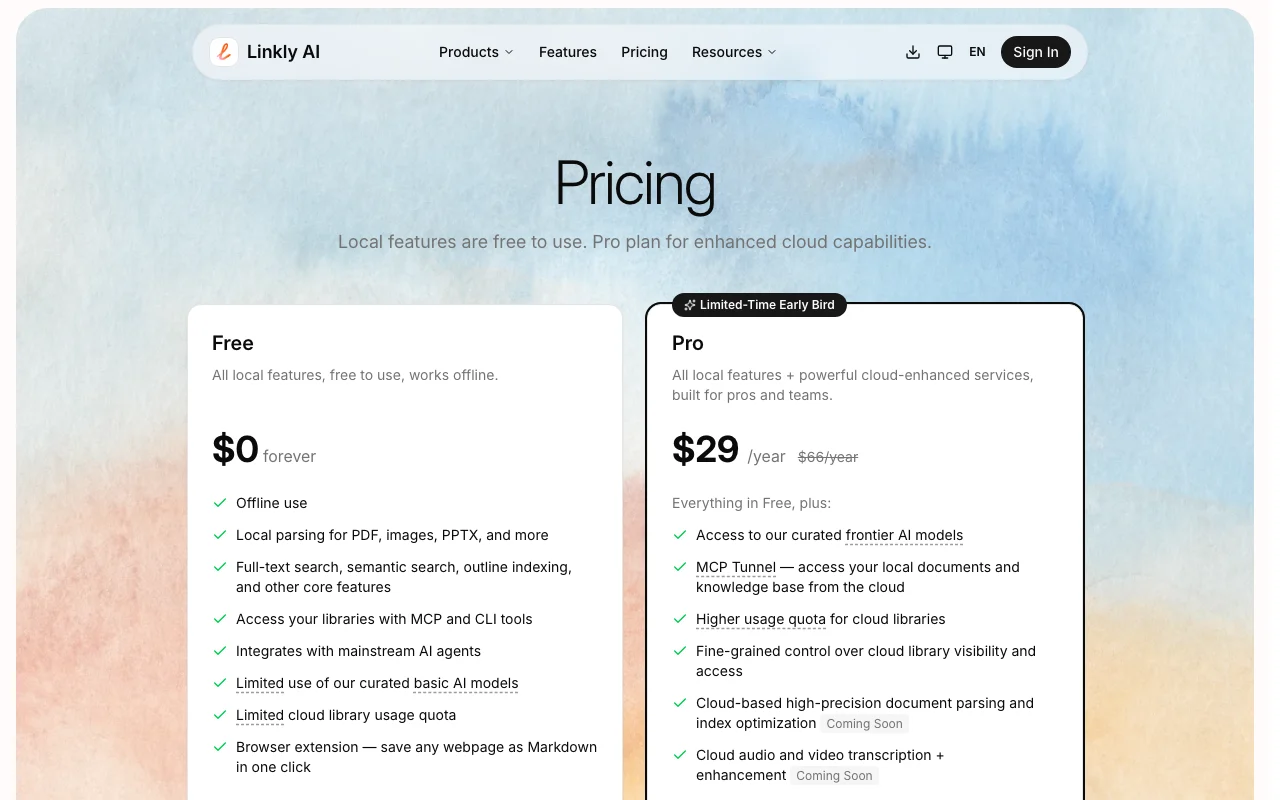
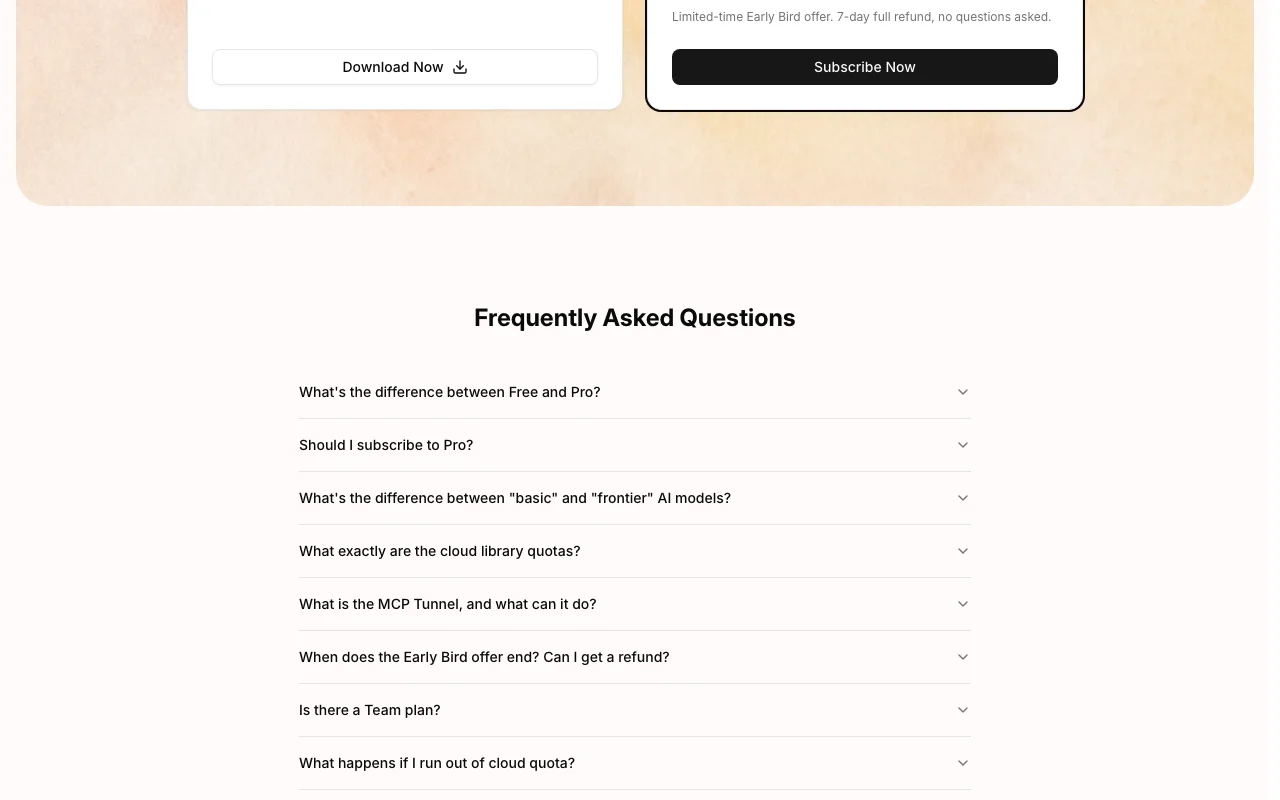
Linkly AI pricing and usage limits
Prices checked Oct 1, 2026 on the official US pricing page. Official pricing ↗ Prices and limits change often.
The official Linkly AI pricing page as we saw it. linkly.ai, captured Oct 1, 2026
Free access and trial conditions
Free tier with unlimited local features
7-day refund on Pro; no credit card required for Free
For: Teams and professionals needing cloud features and frontier AI
Limits
Unlimited cloud library usage
Frontier AI models
2 more
Higher quota for cloud operations
MCP Tunnel for remote access
Includes
Everything in Free, plus:
Access to frontier AI models
5 more
MCP Tunnel (remote cloud access)
Higher cloud library quotas
Fine-grained cloud library sharing controls
Cloud document parsing (coming soon)
Cloud audio/video transcription (coming soon)
API included
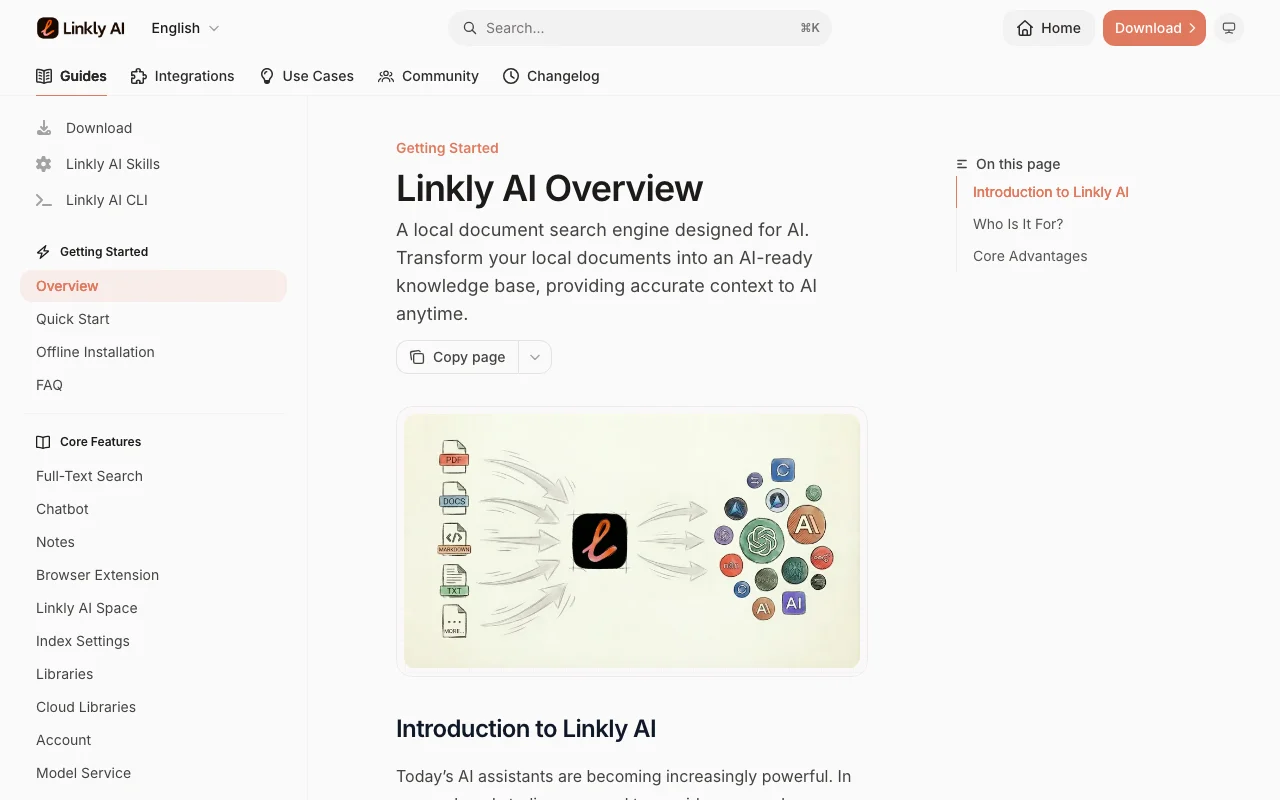
What is Linkly AI, and how does it work?
Linkly AI is a desktop app that indexes local folders (PDF, Office files, images, e-books, audio, video, Markdown) and builds a private, searchable knowledge layer on your computer.
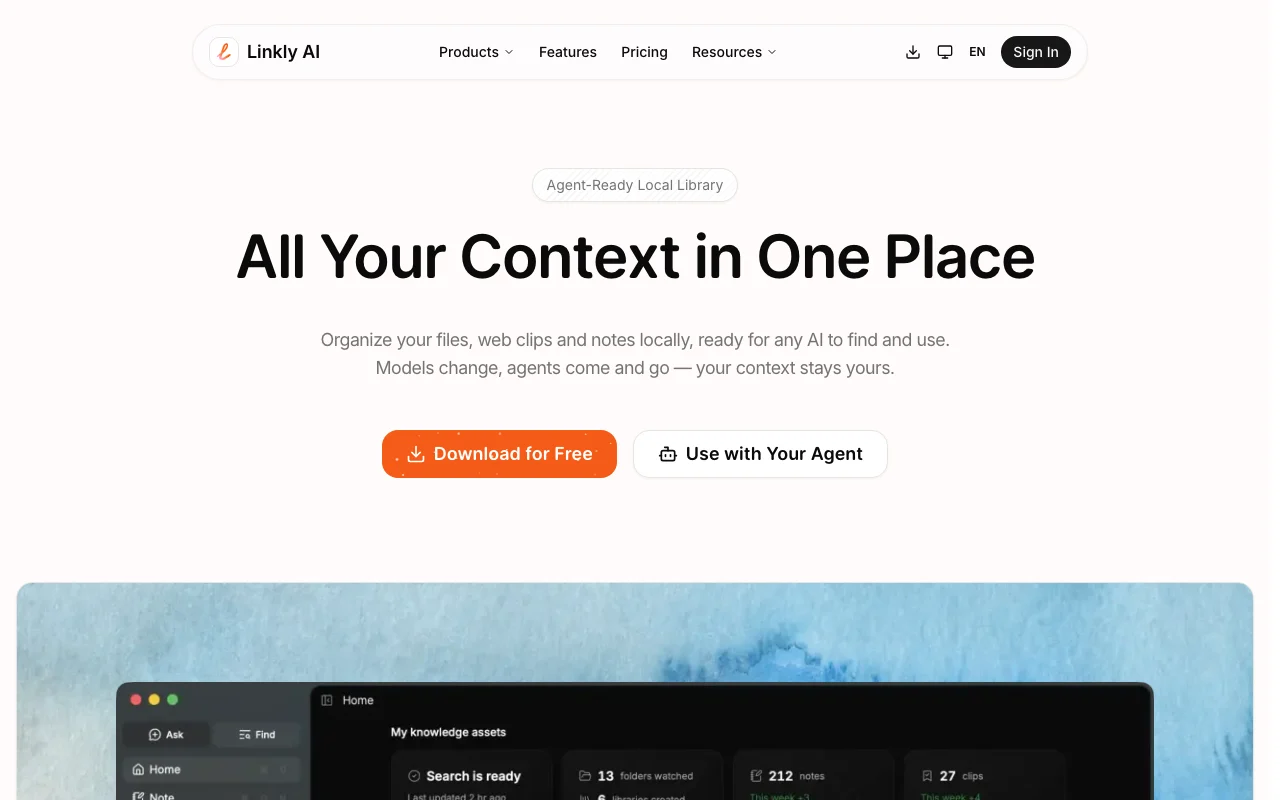
AI agents such as Claude Code, Cursor, Codex or Gemini CLI can search and read that library through MCP and CLI tools. A browser extension saves web pages as Markdown, and a Pro plan adds cloud models, cloud libraries and an MCP Tunnel.
Linkly AI's official site: how the product presents itself. linkly.ai, captured Oct 1, 2026
What you provide and what you get back
What you give Linkly AI and what comes back, from its documentation
You provide
Local file folders (PDFs, Office, images, EPUB, audio, video, Markdown)
Web pages saved via browser extension
Search queries in natural language
You get back
Full-text and semantic search results
Indexed Markdown files for agent access
Outline-based document traversal
Cross-language search across document collections
Where you can use it
Platforms
Desktop
Account
Not required
Works offline
1
PDF, DOCX, PPTX, XLSX, EPUB, HTML, Markdown, TXT
Images (with OCR), audio (WAV, MP3), video (MP4, MOV)
~5 minutes for typical folder; queries return in <0.5 seconds
macOS, Windows, Linux (x86_64 and ARM64)
MCP connector or CLI; works with Claude Code, Cursor, Codex, Gemini CLI, etc.
All indexing and search happen locally; cloud features optional
What people use Linkly AI for
Scenarios are worked out by our editors from the documentation; the actual result depends on your input and plan.
Give coding agents access to local documents
Who
Developers using Claude Code, Cursor, or Codex
You provide
Local project documentation, design specs, or research files
Expected result
Agents can search and read project docs without leaving the IDE
Plan needed
Free plan includes MCP and CLI access; Pro adds frontier models
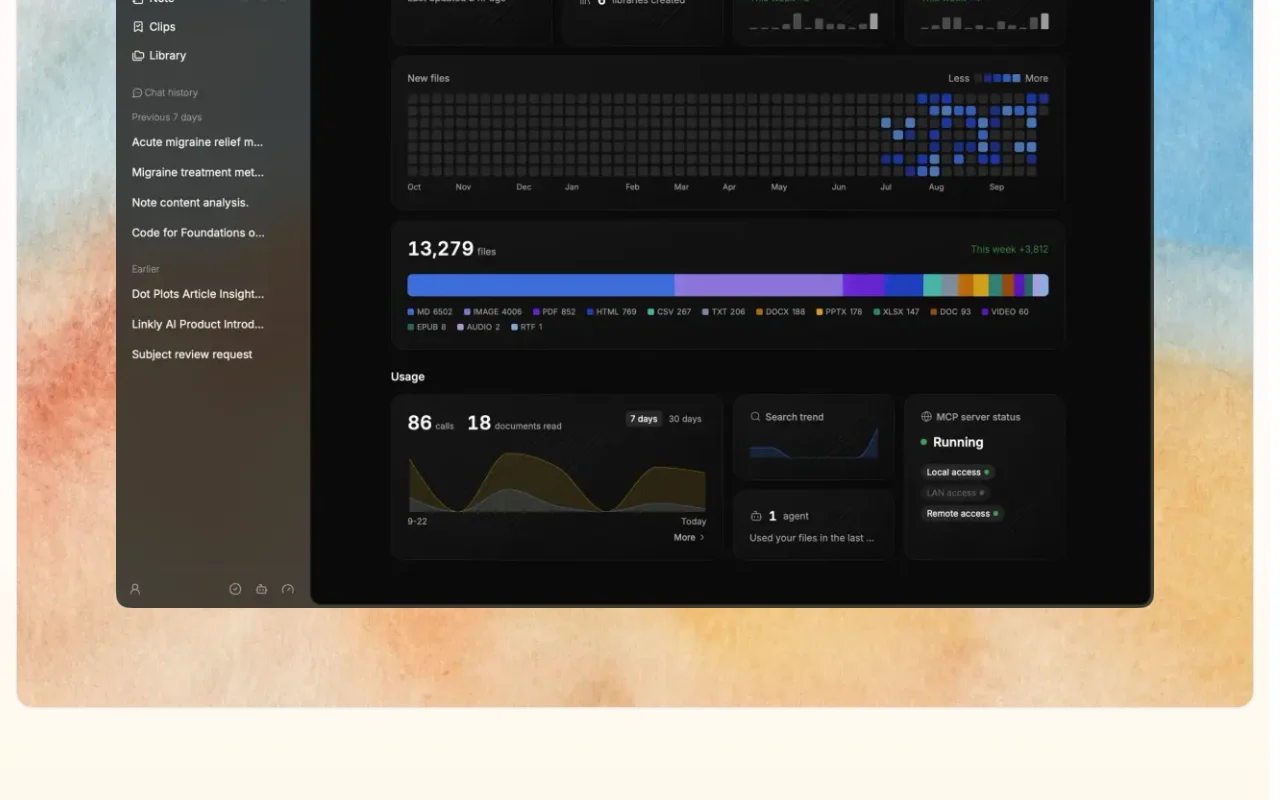
Feature overview on the official site. linkly.ai, captured Oct 1, 2026
Automatic local indexing of common file formats
Parses PDF, images (OCR), PPTX, DOCX, XLSX, EPUB, audio, video and Markdown on your computer Eliminates manual tagging; just point Linkly at a folder and it indexes automatically
Access: Drag-and-drop folders or select in app settingsLimit: Some formats like video/audio transcription on cloud coming soonsource (opens in a new tab)
Full-text, semantic and outline search
Searches document content by exact text match, semantic meaning, or document structure Find relevant docs even when you don't remember exact keywords
Access: Desktop app search bar with global hotkey; MCP and CLI for agentsLimit: Outline search limited to documents with clear structuresource (opens in a new tab)
MCP and CLI access for AI agents
Exposes Linkly as an MCP server or CLI tool to Claude Code, Cursor, Codex, and other agents Agents can search your library without manual copy-paste
Access: MCP connector URL or CLI installationLimit: Requires agent to have MCP or CLI supportsource (opens in a new tab)
Browser extension saving pages as Markdown
One-click save of web pages as Markdown into your local library Integrate web research directly into your searchable library
Access: Browser extension (Chrome, Firefox, Safari edge available)Limit: Web clip sync to cloud requires Pro plansource (opens in a new tab)
Linkly AI: strengths and limits
Reasons to choose Linkly AI
All local features free and usable offline No subscription required for personal or team use with local indexingdocumentedsource (opens in a new tab)
Downloads offered for macOS, Windows and Linux Works across operating systems without platform lock-indocumentedsource (opens in a new tab)
Integrates with many agent tools via MCP Works with Claude Code, Cursor, Windsurf, Gemini CLI and othersdocumentedsource (opens in a new tab)
Cloud library usage limited on Free Sharing libraries and cloud sync require Pro upgradedocumentedsource (opens in a new tab)
Frontier AI models only on Pro Free plan limited to basic AI models for some cloud featuresdocumentedsource (opens in a new tab)
Cloud audio/video transcription listed as coming soon Currently cannot transcribe audio/video in cloud; local parsing onlydocumentedsource (opens in a new tab)
No Team plan price shown Unclear pricing for multi-user teams or enterprisesdocumentedsource (opens in a new tab)
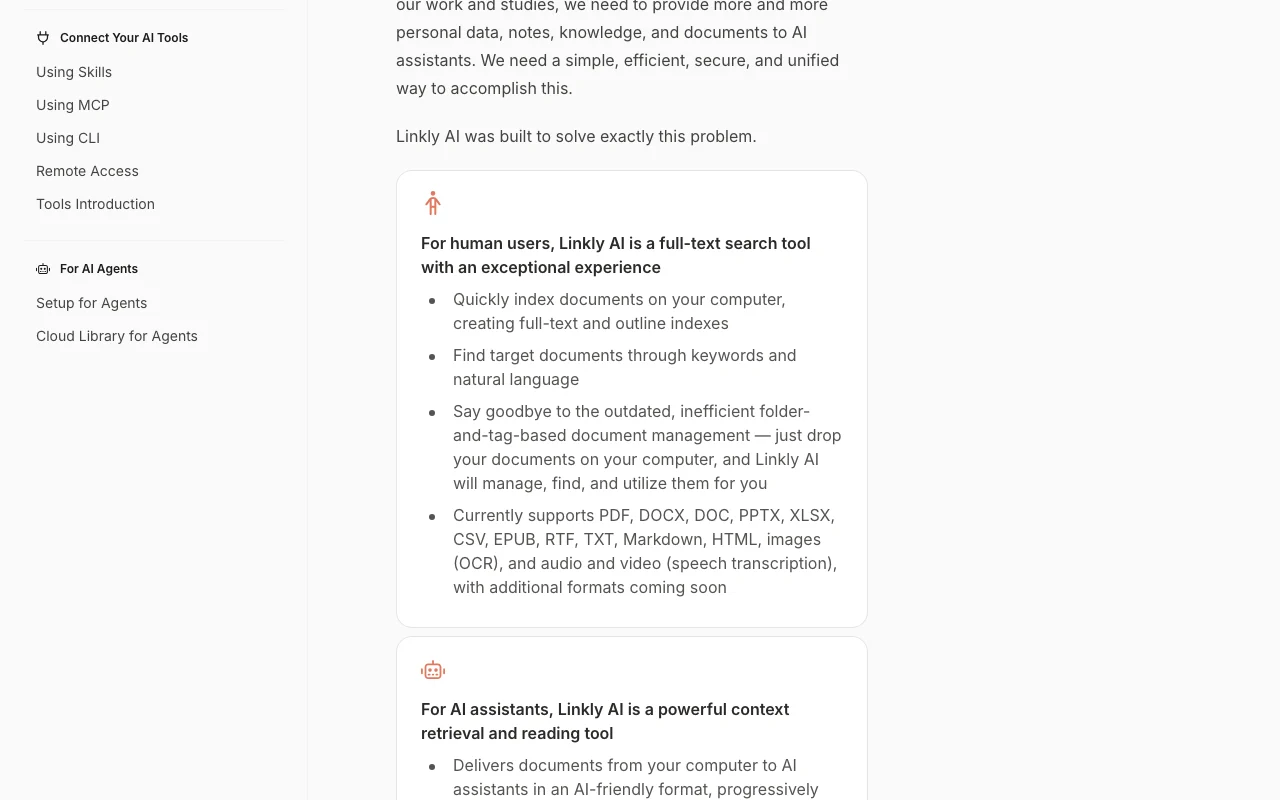
How to use Linkly AI for setting up Linkly to give AI agents access to local documents
Linkly AI documentation: where the steps below come from. linkly.ai, captured Oct 1, 2026
Set up Linkly AI
Download Linkly AI for macOS, Windows, or Linux from https://linkly.ai/
Launch the app and select a folder to index (e.g., ~/Documents)
Wait for indexing to complete (typically 5-10 minutes for large folders)
Copy your MCP connector URL or CLI setup command from Linkly settings
Example: setting up Linkly to give AI agents access to local documents
In Claude Code or Cursor, paste the MCP connector URL into Settings > MCP Servers or use 'Set up' command to install the skill
In your agent, reference a tool like 'linkly_search' or 'linkly_read_file' to query your library
Ask your agent a question: 'Search for design spec for the login flow' and it fetches from your local Linkly index
Try the browser extension: open a web page, click the Linkly icon, and save it as Markdown into your library
Review and export the result
Open Linkly desktop app and search for a document you know exists; confirm results appear in under 0.5 seconds
Ask Claude Code or your agent to search Linkly; verify it returns relevant results from your local collection
Example prompt suggested by our editors (not a recorded output of the product)
Search my project documentation for information about the authentication flow and summarize it
Linkly AI integrations and API
Linkly AI documentation (continued). linkly.ai, captured Oct 1, 2026
Native integrations and export formats
Export: Markdown (web clips, document exports)
API access and separate billing
Linkly AI has no public API in its official documentation. MCP and CLI access; REST API not documented publicly API documentation ↗
Privacy, data use and commercial rights
Summarized from the vendor's current policies; this is not legal advice and a vendor's badge is not an independent audit.
How your inputs and outputs are handled
Local files indexed on-device; cloud library contents encrypted and kept private by default
Not used for model training per privacy policy
Local files: until deleted by user. Cloud library: until account closed
No for local features. Local indexing, search, and MCP access all happen on your computer. Cloud library features are optional and only for files you explicitly publish to the cloud. You stay in control. source (opens in a new tab)
Which AI agents can use Linkly?
Any agent that supports MCP can connect to Linkly: Claude Code, Cursor, Codex, Windsurf, GitHub Copilot, Gemini CLI, and more. You can also use the CLI in scripts or terminal workflows. source (opens in a new tab)
What file formats does Linkly support?
PDF, images (with OCR), PPTX, DOCX, XLSX, EPUB, HTML, Markdown, TXT, audio (WAV, MP3), and video (MP4, MOV). Additional formats coming soon. source (opens in a new tab)
How fast is Linkly's search?
Typical search returns results in under 0.5 seconds, even for large collections. Indexing of thousands of documents typically completes in 5-30 minutes depending on file sizes. source (opens in a new tab)
Is there a team plan?
Currently, no dedicated team plan is advertised. Teams can share cloud libraries on Pro, but pricing for larger teams is not publicly shown. Contact support for team requirements. source (opens in a new tab)
Not verified: When cloud audio/video transcription will be available; Team plan pricing and features; Max collection size before performance degrades; Regular pricing after early-bird ends.
How we documented and maintain this page
Every fact about Linkly AI above comes from the 4 official pages listed here, last compared on Oct 1, 2026; we have not run Linkly AI ourselves, so it has no editorial score. How we check and re-check pages.
Article updated Oct 10, 2026; prices checked Oct 1, 2026. Outbound links to vendors are plain links; we do not earn commissions. How we review · Report an error