Productivity & writingDocumented overviewLast checked Sep 29, 2026

Wave: Pricing, Features & Best Use Cases

AI note taker that records, transcribes and summarizes meetings, calls and lectures across phone, desktop and web.
Who Wave fits

Choose Wave if you want an AI note taker for meetings, calls and lectures on phone, desktop and browser, free for 30 minutes a month and about $15 a month for unlimited recording. Based on the vendor's documentation, not on a hands-on test.

Best for: Students

Also a good fit for

  • Professionals who record meetings
  • Small teams

Consider another tool if free plan limited to 30 minutes monthly

Or if

  • Unlimited recording requires paid Pro
  • Teams plan needs minimum 5 users

Wave pricing and usage limits

Prices checked Sep 29, 2026 on the official US pricing page. Official pricing ↗ Prices and limits change often.

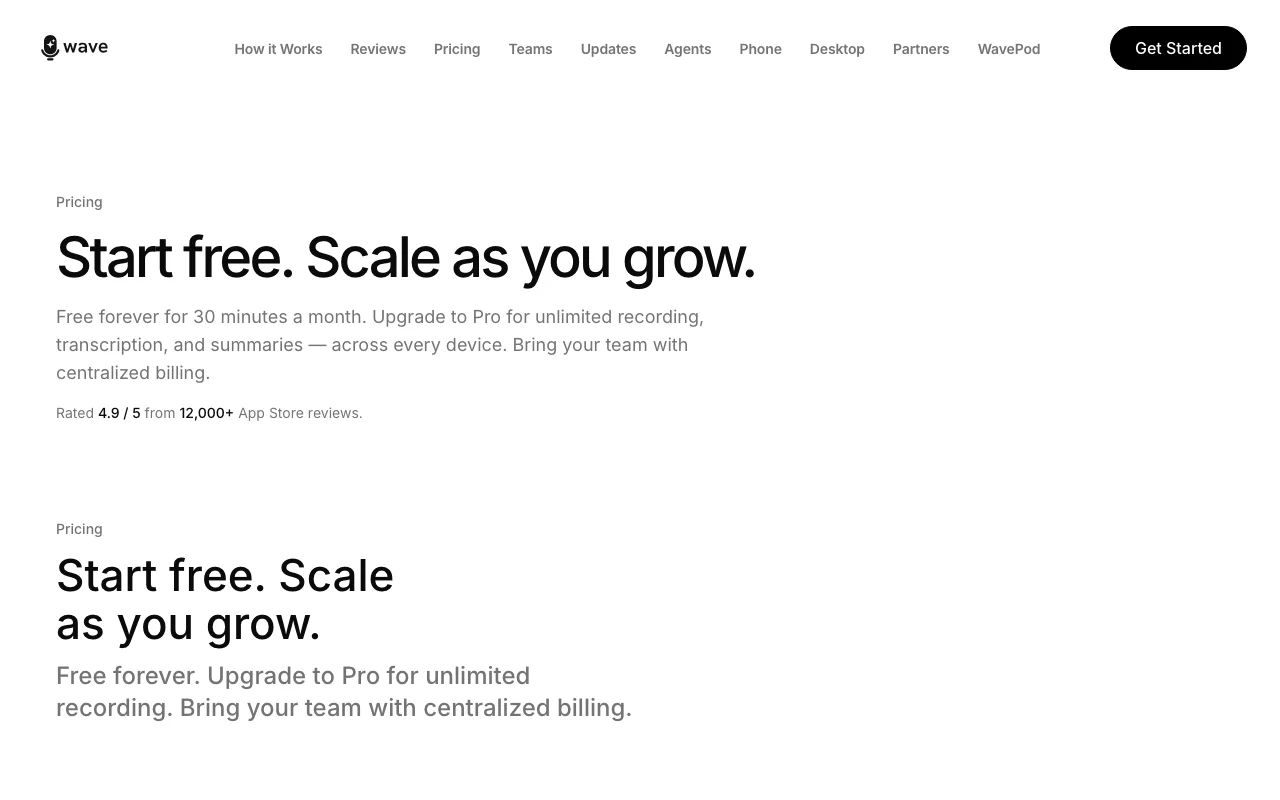
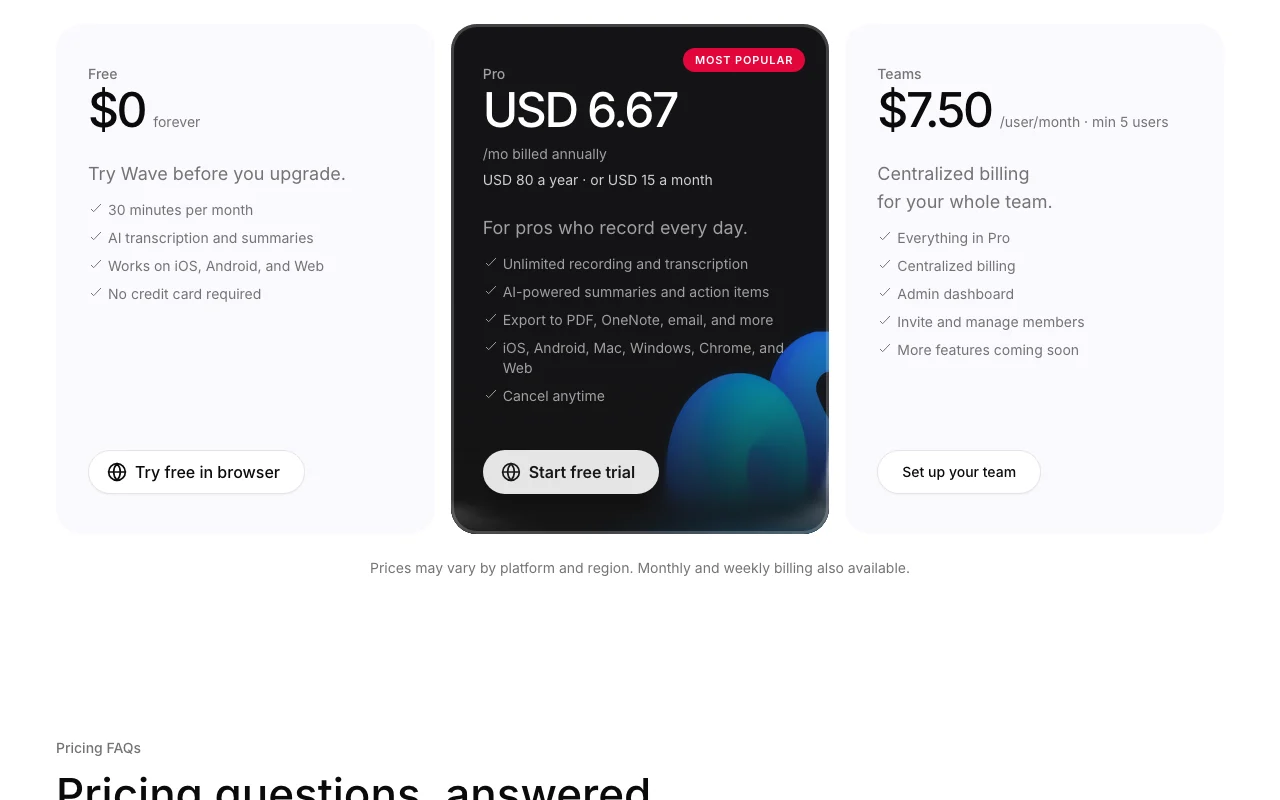
Wave pricing page with plans and prices — screenshot of the productivity & writing AI tool, Oct 13, 2026
The official Wave pricing page as we saw it. wave.co, captured Oct 13, 2026

Free access and trial conditions

Free forever for 30 minutes a month.

Start free trial on Pro.

Paid plans: what changes as you upgrade

Free Web

Free source (opens in a new tab)

Month

For: Trying Wave

Limits

  • 30 minutes per month
  • iOS, Android and Web

Includes

  • AI transcription and summaries
  • No credit card required

Pro Web

$15/mo source (opens in a new tab)

Month

$80/year shown (about $6.67/mo); one block also shows $100/year

For: Daily recorders

Limits

  • Prices vary by platform and region

Includes

  • Unlimited recording and transcription
  • AI summaries and action items
2 more
  • Export to PDF, OneNote, email
  • All platforms

Teams Web

$7.5/mo per user per month, min 5 users source (opens in a new tab)

Month

For: Small teams

Limits

  • Minimum 5 users

Includes

  • Everything in Pro
  • Centralized billing
1 more
  • Admin dashboard

Usage caps, credits and extra costs

Weekly billing also available; app-store prices can be higher.

Not stated.

What is Wave, and how does it work?

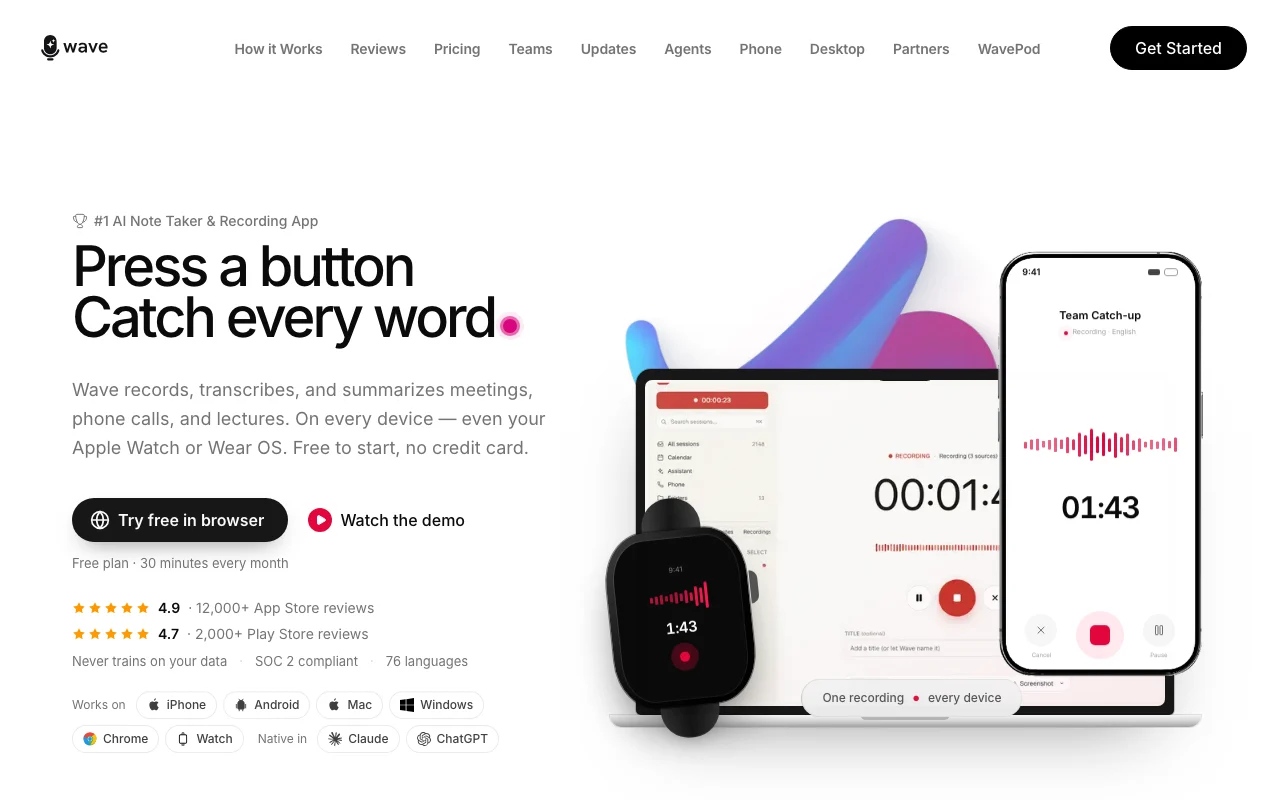
Wave records audio, transcribes it and produces AI summaries and action items for meetings, phone calls and lectures. It is offered on iPhone, Android, Mac, Windows, Chrome and in the browser. The site lists 76 supported languages and states it does not train on user data and is SOC 2 compliant. Recordings can be shared by link or exported.

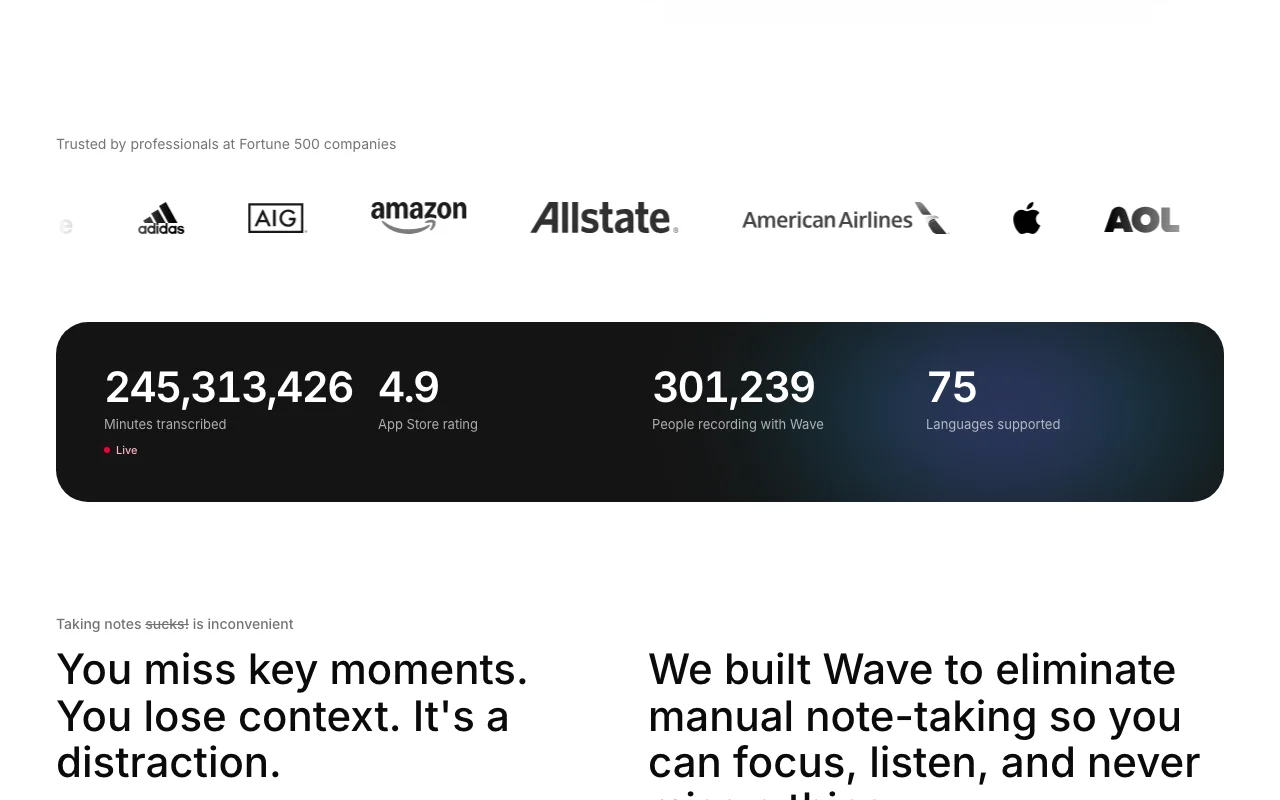
Wave homepage — screenshot of the productivity & writing AI tool, Oct 13, 2026
Wave's official site: how the product presents itself. wave.co, captured Oct 13, 2026

What you provide and what you get back

How Wave works: what you provide, where it runs and what you get backYOU PROVIDEYour inputLive audio from meetings, calls a…Imported recordingsPRODUCTIVITY & WRITINGWaveWeb, Desktop, Mobilefrom $7.5/mo (Teams)free tier availableaccount requiredchecked Sep 29, 2026YOU GET BACKThe resultTranscriptsAI summaries and action itemsShareable linksPDF, OneNote and email exportsinput → Wave → output · from the vendor's own pages, no hands-on test unless stated
What you give Wave and what comes back, from its documentation

You provide

  • Live audio from meetings, calls and lectures
  • Imported recordings

You get back

  • Transcripts
  • AI summaries and action items
  • Shareable links
  • PDF, OneNote and email exports

Where you can use it

Platforms
Web, Desktop, Mobile
Account
Required
Platforms
iPhone, Android, Mac, Windows, Chrome, web
Languages
76
Export
PDF, OneNote, email, link
Compliance
SOC 2 Type 1

Where Wave is most useful

Scenarios are worked out by our editors from the documentation; the actual result depends on your input and plan.

Meeting notes

Who
Professionals
You provide
A recorded meeting
Expected result
Summary with action items
Plan needed
Pro for unlimited
Limitation
Free is 30 minutes monthly source (opens in a new tab)

Lecture recording

Who
Students
You provide
Lecture audio
Expected result
Transcript and summary
Plan needed
Free or Pro
Limitation
Free covers only 30 minutes source (opens in a new tab)

Phone call transcription

Who
Sales and legal professionals
You provide
A recorded call
Expected result
Transcript with speakers identified
Plan needed
Pro
Limitation
Call recording rules vary by region source (opens in a new tab)

Team note taking

Who
Small teams
You provide
Shared recordings
Expected result
Central billing and admin
Plan needed
Teams
Limitation
Minimum 5 users source (opens in a new tab)

What Wave does, and where it stops

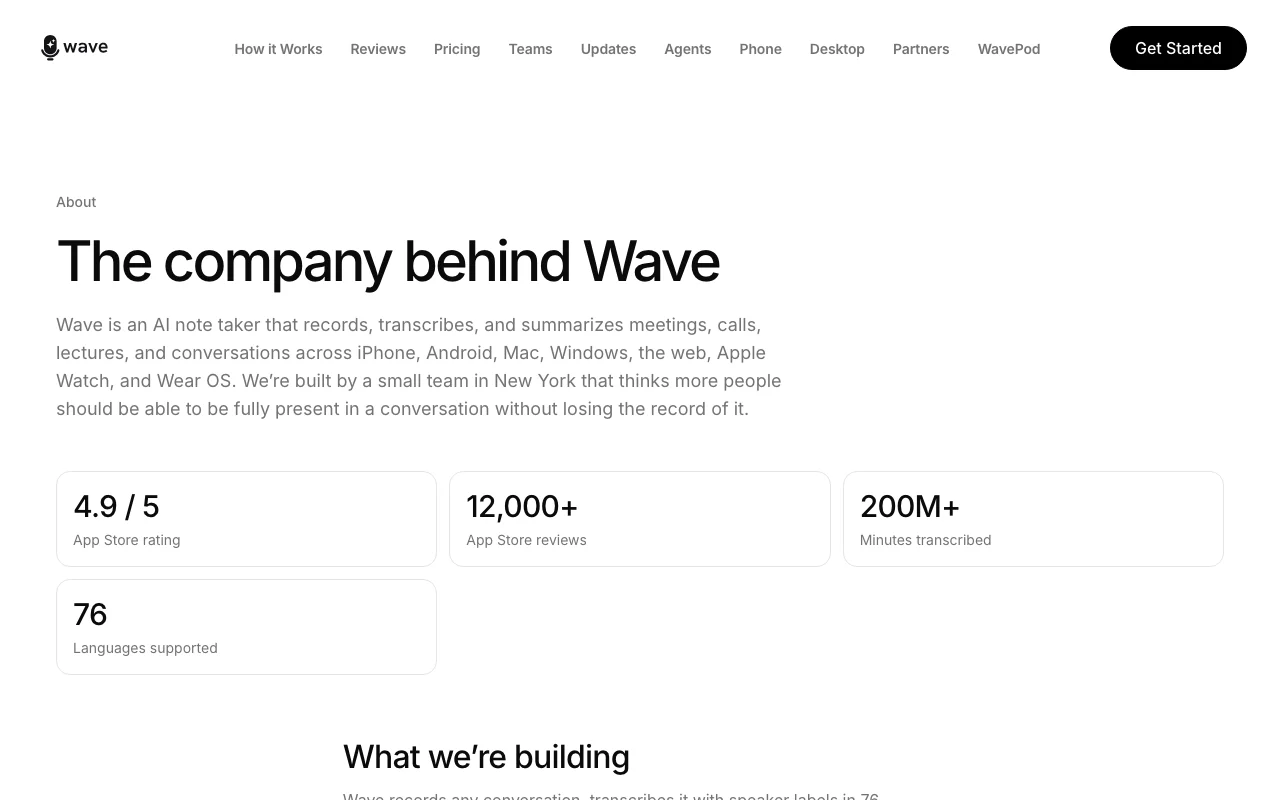
Wave homepage — screenshot of the productivity & writing AI tool, Oct 13, 2026
Feature overview on the official site. wave.co, captured Oct 13, 2026

Recording and transcription

Records and transcribes audio in 76 languages. Captures every word without typing.

Access: Free 30 min, unlimited on ProLimit: Free capped at 30 minutes source (opens in a new tab)

AI summaries and action items

Produces summaries and action items per recording. Skip rereading transcripts.

Access: All plansLimit: Quality depends on audio source (opens in a new tab)

Automatic speaker identification

Labels who is speaking automatically. Clear meeting transcripts.

Access: All plansLimit: Accuracy not stated source (opens in a new tab)

76 languages

Shares recordings by link and exports to PDF, OneNote or email. Easy distribution.
Access: Exports on ProLimit: Export options differ by plan source (opens in a new tab)

Wave pros and cons

Where Wave is strong

Limitations to check before paying

How to use Wave for recording and summarizing a meeting

Wave documentation — screenshot of the productivity & writing AI tool, Oct 13, 2026
Wave documentation: where the steps below come from. wave.co, captured Oct 13, 2026

Set up Wave

  1. Open wave.co and try it in the browser or download the app
  2. Sign in with your account
  3. Allow microphone access

Example: recording and summarizing a meeting

  1. Press record at the start of the meeting
  2. Stop recording when finished
  3. Open the AI summary and action items
  4. Share the link or export to PDF

Review and export the result

  1. Read the transcript for names and numbers
  2. Confirm action items match what was agreed

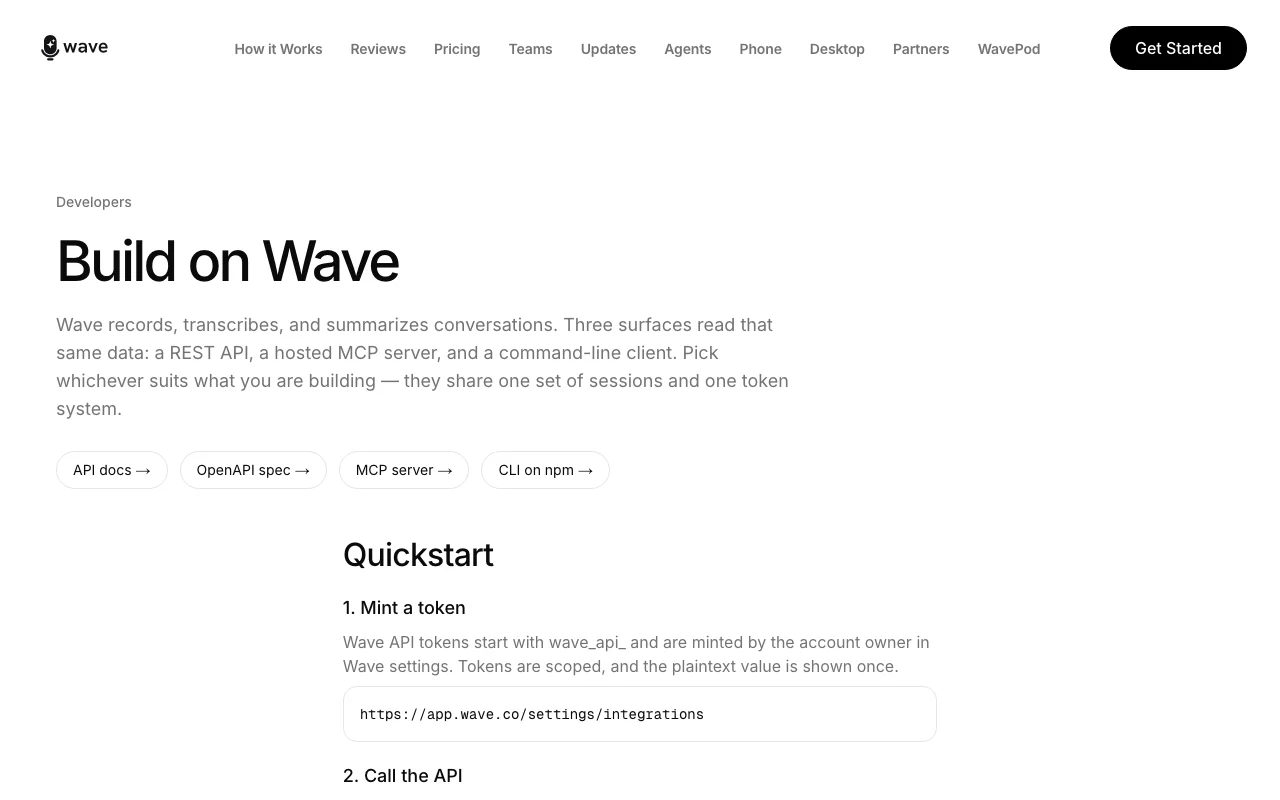
Wave integrations and API

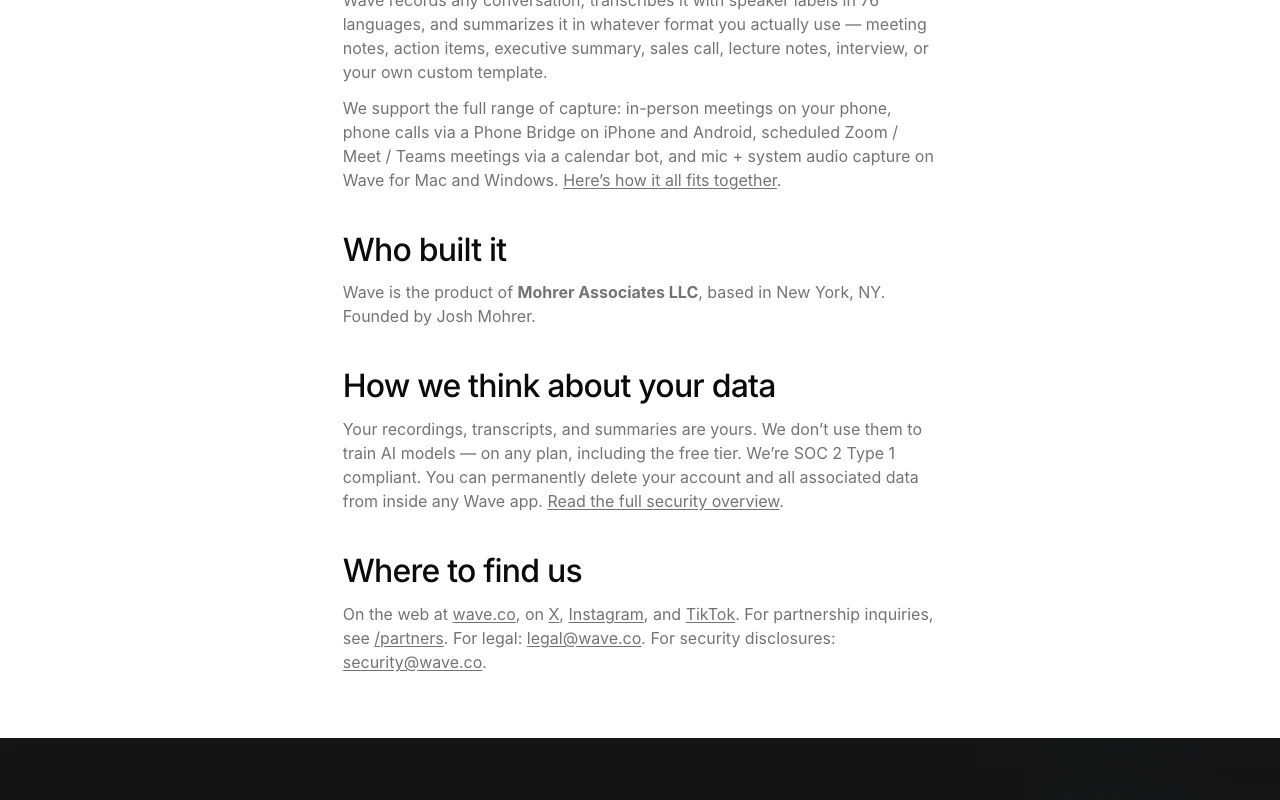
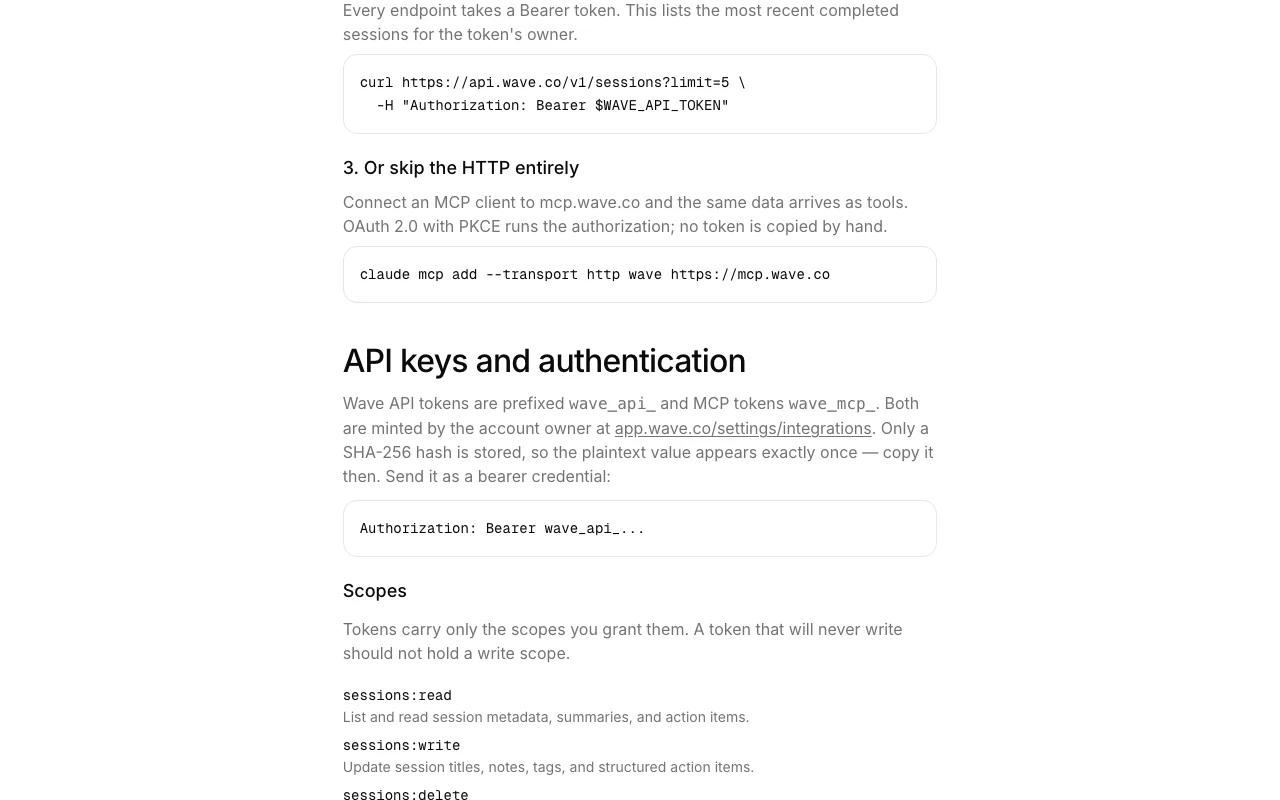
Wave documentation — screenshot of the productivity & writing AI tool, Oct 13, 2026
Wave documentation (continued). wave.co, captured Oct 13, 2026

Native integrations and export formats

Export: PDF, OneNote, Email, Share link

API access and separate billing

Wave has no public API in its official documentation. API, MCP server, CLI and OpenAPI on developer portal API documentation ↗

Privacy, data use and commercial rights

Summarized from the vendor's current policies; this is not legal advice and a vendor's badge is not an independent audit.

How your inputs and outputs are handled

Audio is uploaded to Wave servers for transcription and stored until you delete it.

Wave states it never trains on your data.

Deleted data is removed at deletion time with no backup archives.

Commercial use and plan restrictions

Not stated.

None stated.

Controls for business users

  • SOC 2 Type 1 report
  • DPA
  • Admin dashboard

Policies: wave.co/privacy

Other tools to consider instead of Wave

"Better suited" is based on documented features and pricing, not on a head-to-head test.

Otter.ai: better suited to

Gemini Notebook (formerly NotebookLM): better suited to

Alternatives
AlternativeWhen to choose itPricingLimitation
Otter.ai——
Gemini Notebook (formerly NotebookLM)——

Explore Wave further

If you are looking at Wave

Wave user reviews

No user reviews yet.

Used Wave? Be the first to share your experience.

Write a review

Reviews are checked by a moderator before they appear. Your email is never published. Plain text only.

Your rating (required)

Show what you made or what went wrong. Images are published only if the review is approved; location data is removed.

    Wave FAQ

    Is Wave free?

    Yes, 30 minutes per month with AI transcription and summaries and no credit card. source (opens in a new tab)

    How much is Pro?

    The page shows $80 a year or $15 a month, noting that is 20% less than in the app stores. source (opens in a new tab)

    What does Teams cost?

    $7.50 per user per month with a minimum of 5 users. source (opens in a new tab)

    How many languages does Wave support?

    76 languages. source (opens in a new tab)

    Does Wave train AI on my recordings?

    No. The site states it never trains on your data. source (opens in a new tab)

    Sources and review methodology

    Official sources and verification dates

    Not verified: Exact Pro yearly price (page shows $80 and $100); US availability.

    How we documented and maintain this page

    Every fact about Wave above comes from the 2 official pages listed here, last compared on Sep 29, 2026; we have not run Wave ourselves, so it has no editorial score. How we check and re-check pages.

    Article updated Oct 10, 2026; prices checked Sep 29, 2026. Outbound links to vendors are plain links; we do not earn commissions. How we review · Report an error