Produktivität & SchreibenDokumentierter ÜberblickZuletzt geprüft Sep 29, 2026

Wave: Preise, Funktionen & beste Einsatzzwecke

AI note taker that records, transcribes and summarizes meetings, calls and lectures across phone, desktop and web.
Für wen Wave passt

Choose Wave if you want an AI note taker for meetings, calls and lectures on phone, desktop and browser, free for 30 minutes a month and about $15 a month for unlimited recording. Auf Basis der Dokumentation des Anbieters, nicht in einem praktischen Test.

Am besten für: Students

Auch gut geeignet für

  • Professionals who record meetings
  • Small teams

Ein anderes Tool in Betracht ziehen, wenn free plan limited to 30 minutes monthly

Oder wenn

  • Unlimited recording requires paid Pro
  • Teams plan needs minimum 5 users

Wave Preise und Nutzungslimits

Preise am Sep 29, 2026 auf der offiziellen US-Preisseite geprüft. Offizielle Preise ↗ Preise und Limits ändern sich häufig.

Kostenloser Zugang und Testbedingungen

Free forever for 30 minutes a month.

Start free trial on Pro.

Kostenpflichtige Tarife: was sich beim Upgrade ändert

Free Web

Kostenlos Quelle (öffnet in neuem Tab)

Monat

Für: Trying Wave

Limits

  • 30 minutes per month
  • iOS, Android and Web

Enthält

  • AI transcription and summaries
  • No credit card required

Pro Web

$15/mo Quelle (öffnet in neuem Tab)

Monat

$80/year shown (about $6.67/mo); one block also shows $100/year

Für: Daily recorders

Limits

  • Prices vary by platform and region

Enthält

  • Unlimited recording and transcription
  • AI summaries and action items
2 mehr
  • Export to PDF, OneNote, email
  • All platforms

Teams Web

$7.5/mo per user per month, min 5 users Quelle (öffnet in neuem Tab)

Monat

Für: Small teams

Limits

  • Minimum 5 users

Enthält

  • Everything in Pro
  • Centralized billing
1 mehr
  • Admin dashboard

Nutzungsobergrenzen, Guthaben und Zusatzkosten

Weekly billing also available; app-store prices can be higher.

Not stated.

Was ist Wave und wie funktioniert es?

Wave records audio, transcribes it and produces AI summaries and action items for meetings, phone calls and lectures. It is offered on iPhone, Android, Mac, Windows, Chrome and in the browser. The site lists 76 supported languages and states it does not train on user data and is SOC 2 compliant. Recordings can be shared by link or exported.
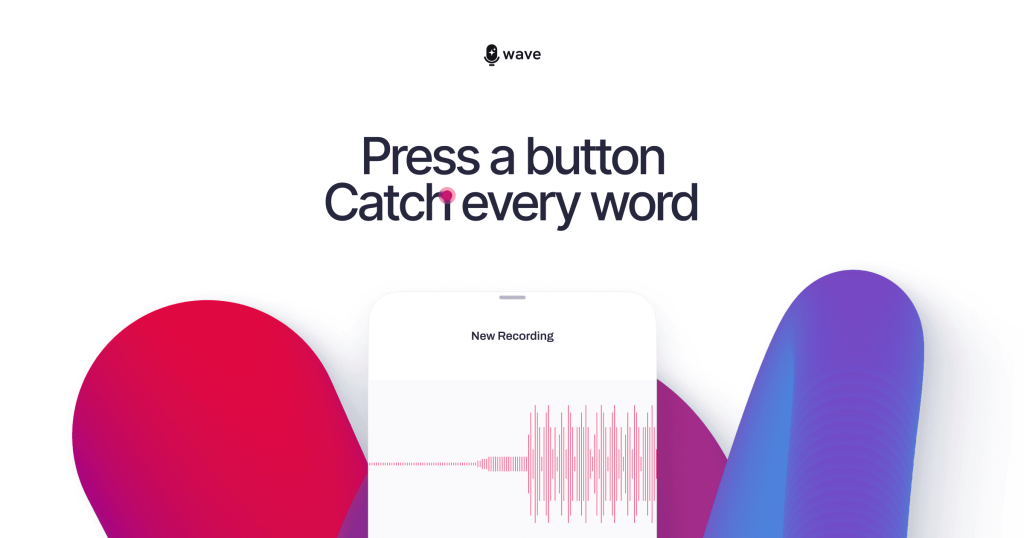
Wave Startseite – Screenshot des KI-Tools produktivität & schreiben, Oct 1, 2026
Offizielle Website von Wave: So stellt sich das Produkt selbst dar. wave.co, erfasst Oct 1, 2026

Was Sie liefern und was Sie erhalten

Wie Wave funktioniert: was Sie liefern, wo es läuft und was Sie zurückbekommenSIE LIEFERNIhre EingabeLive audio from meetings, calls a…Imported recordingsPRODUKTIVITäT & SCHREIBENWaveWeb, Desktop, Mobileab $7.5/mo (Teams)kostenloser Tarif verfügbarKonto erforderlichgeprüft Sep 29, 2026SIE ERHALTEN ZURÜCKDas ErgebnisTranscriptsAI summaries and action itemsShareable linksPDF, OneNote and email exportsinput → Wave → output · von den eigenen Seiten des Anbieters, kein praktischer Test, sofern nicht angegeben
Was Sie Wave geben und was zurückkommt, laut Dokumentation

Sie liefern

  • Live audio from meetings, calls and lectures
  • Imported recordings

Sie erhalten zurück

  • Transcripts
  • AI summaries and action items
  • Shareable links
  • PDF, OneNote and email exports

Wo Sie es nutzen können

Plattformen
Web, Desktop, Mobile
Konto
Erforderlich
Platforms
iPhone, Android, Mac, Windows, Chrome, web
Languages
76
Export
PDF, OneNote, email, link
Compliance
SOC 2 Type 1

Wo Wave am nützlichsten ist

Die Szenarien erarbeiten unsere Redakteure anhand der Dokumentation; das tatsächliche Ergebnis hängt von Ihrer Eingabe und Ihrem Tarif ab.

Meeting notes

Wer
Professionals
Sie liefern
A recorded meeting
Erwartetes Ergebnis
Summary with action items
Benötigter Tarif
Pro for unlimited
Einschränkung
Free is 30 minutes monthly Quelle (öffnet in neuem Tab)

Lecture recording

Wer
Students
Sie liefern
Lecture audio
Erwartetes Ergebnis
Transcript and summary
Benötigter Tarif
Free or Pro
Einschränkung
Free covers only 30 minutes Quelle (öffnet in neuem Tab)

Phone call transcription

Wer
Sales and legal professionals
Sie liefern
A recorded call
Erwartetes Ergebnis
Transcript with speakers identified
Benötigter Tarif
Pro
Einschränkung
Call recording rules vary by region Quelle (öffnet in neuem Tab)

Team note taking

Wer
Small teams
Sie liefern
Shared recordings
Erwartetes Ergebnis
Central billing and admin
Benötigter Tarif
Teams
Einschränkung
Minimum 5 users Quelle (öffnet in neuem Tab)

Was Wave leistet und wo die Grenzen liegen

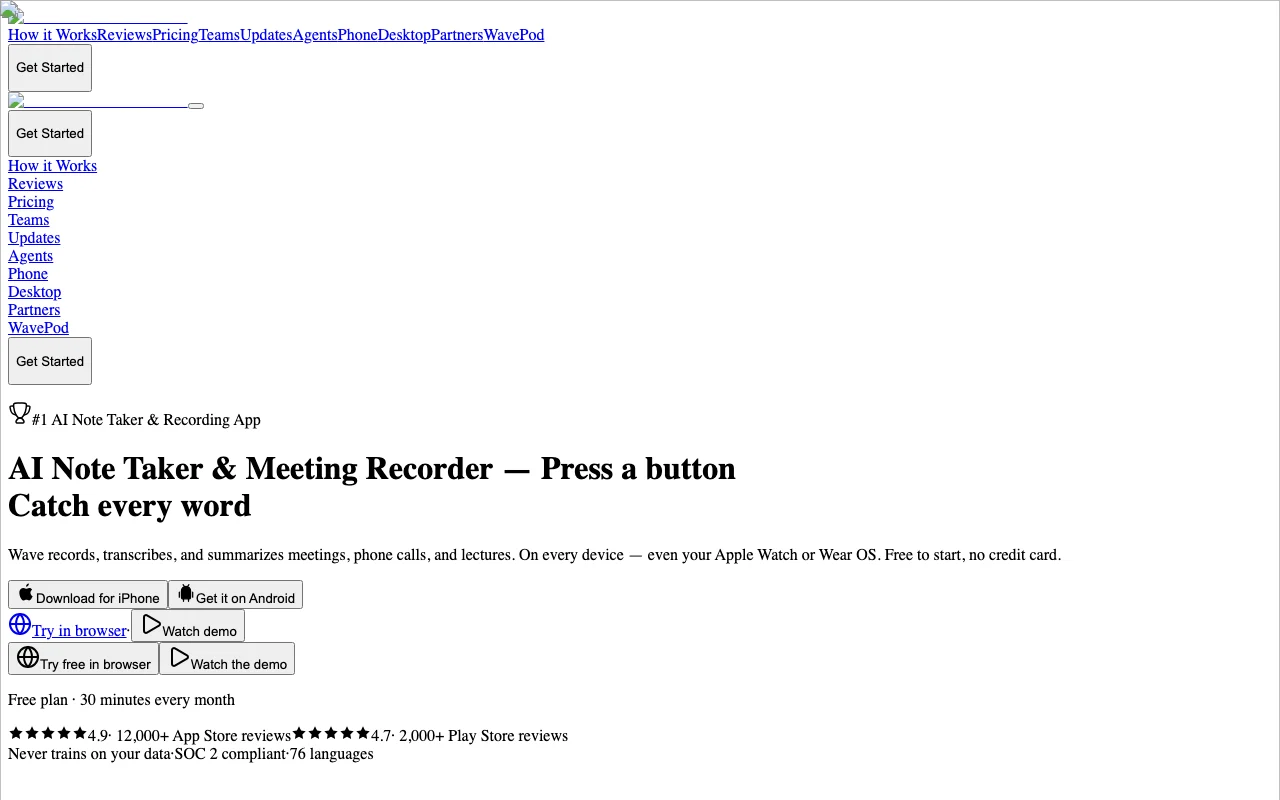
Wave Startseite – Screenshot des KI-Tools produktivität & schreiben, Oct 1, 2026
Funktionsüberblick auf der offiziellen Website. wave.co, erfasst Oct 1, 2026

Recording and transcription

Records and transcribes audio in 76 languages. Captures every word without typing.

Zugriff: Free 30 min, unlimited on ProLimit: Free capped at 30 minutes Quelle (öffnet in neuem Tab)

AI summaries and action items

Produces summaries and action items per recording. Skip rereading transcripts.

Zugriff: All plansLimit: Quality depends on audio Quelle (öffnet in neuem Tab)

Automatic speaker identification

Labels who is speaking automatically. Clear meeting transcripts.

Zugriff: All plansLimit: Accuracy not stated Quelle (öffnet in neuem Tab)

76 languages

Shares recordings by link and exports to PDF, OneNote or email. Easy distribution.

Zugriff: Exports on ProLimit: Export options differ by plan Quelle (öffnet in neuem Tab)

Wave Vor- und Nachteile

Wo Wave stark ist

Einschränkungen, die Sie vor dem Bezahlen prüfen sollten

So nutzen Sie Wave für recording and summarizing a meeting

Wave einrichten

  1. Open wave.co and try it in the browser or download the app
  2. Sign in with your account
  3. Allow microphone access

Beispiel: recording and summarizing a meeting

  1. Press record at the start of the meeting
  2. Stop recording when finished
  3. Open the AI summary and action items
  4. Share the link or export to PDF

Ergebnis prüfen und exportieren

  1. Read the transcript for names and numbers
  2. Confirm action items match what was agreed

Wave Integrationen und API

Native Integrationen und Exportformate

Export: PDF, OneNote, Email, Share link

API-Zugang und separate Abrechnung

Wave hat laut offizieller Dokumentation keine öffentliche API. API, MCP server, CLI and OpenAPI on developer portal API-Dokumentation ↗

Datenschutz, Datennutzung und kommerzielle Rechte

Zusammengefasst aus den aktuellen Richtlinien des Anbieters; dies ist keine Rechtsberatung, und das Badge eines Anbieters ersetzt kein unabhängiges Audit.

Wie Ihre Eingaben und Ausgaben verarbeitet werden

Audio is uploaded to Wave servers for transcription and stored until you delete it.

Wave states it never trains on your data.

Deleted data is removed at deletion time with no backup archives.

Kommerzielle Nutzung und Tarifbeschränkungen

Not stated.

None stated.

Steuerungsmöglichkeiten für Geschäftskunden

  • SOC 2 Type 1 report
  • DPA
  • Admin dashboard

Richtlinien: wave.co/privacy

Andere Tools statt Wave

„Besser geeignet“ beruht auf dokumentierten Funktionen und Preisen, nicht auf einem direkten Test.

Otter.ai: besser geeignet für

Gemini Notebook (formerly NotebookLM): besser geeignet für

Alternativen
AlternativeWann Sie es wählen solltenPreiseEinschränkung
Otter.ai——
Gemini Notebook (formerly NotebookLM)——

Wave weiter erkunden

Wenn Sie Wave in Betracht ziehen

Wave Nutzerbewertungen

Noch keine Nutzerbewertungen.

Verwendet Wave? Teilen Sie als Erste oder Erster Ihre Erfahrung.

Bewertung schreiben

Bewertungen werden von einem Moderator geprüft, bevor sie erscheinen. Ihre E-Mail-Adresse wird nie veröffentlicht. Nur Klartext.

Ihre Bewertung (erforderlich)

Zeigen Sie, was Sie erstellt haben oder was schiefgelaufen ist. Bilder werden nur veröffentlicht, wenn die Bewertung freigegeben wird; Standortdaten werden entfernt.

    Wave FAQ

    Is Wave free?

    Yes, 30 minutes per month with AI transcription and summaries and no credit card. Quelle (öffnet in neuem Tab)

    How much is Pro?

    The page shows $80 a year or $15 a month, noting that is 20% less than in the app stores. Quelle (öffnet in neuem Tab)

    What does Teams cost?

    $7.50 per user per month with a minimum of 5 users. Quelle (öffnet in neuem Tab)

    How many languages does Wave support?

    76 languages. Quelle (öffnet in neuem Tab)

    Does Wave train AI on my recordings?

    No. The site states it never trains on your data. Quelle (öffnet in neuem Tab)

    Quellen und Bewertungsmethodik

    Offizielle Quellen und Prüfdaten

    Nicht verifiziert: Exact Pro yearly price (page shows $80 and $100); US availability.

    Wie wir diese Seite dokumentiert haben und pflegen

    Jede Angabe zu Wave oben stammt aus den 2 hier aufgeführten offiziellen Seiten, zuletzt verglichen am Sep 29, 2026; wir haben Wave nicht selbst getestet, daher gibt es keine redaktionelle Bewertung. Wie wir Seiten prüfen und erneut prüfen.

    Artikel aktualisiert Oct 10, 2026; Preise geprüft Sep 29, 2026. Ausgehende Links zu Anbietern sind einfache Links; wir erhalten keine Provisionen. So testen wir · Fehler melden