Productivity & writingDocumented overviewLast checked Oct 1, 2026
Wokay: Pricing, Features & Best Use Cases
All-in-one work platform combining team chat, task management, integrated ticketing, calendars and an intranet with built-in AI assistant for task prioritization.
For: Larger teams needing full suite with advanced governance
Limits
150 users included
500 GB workspace storage
1 more
All features unlimited
Includes
All Growth features
Advanced permissions and controls
2 more
Team management features
Priority support
No API
Usage caps, credits and extra costs
No per-seat overages; pack pricing is flat
Not documented
What is Wokay, and how does it work?
Wokay is an all-in-one work platform that puts team chat, task management, ticketing, calendars and an intranet in one app, with an AI assistant for task prioritization. It is priced per team pack (flat monthly fee) rather than per seat, with web, Android and iOS apps. The platform aims to reduce switching costs by consolidating tools like Slack, Asana, Jira, Zendesk and Calendly.
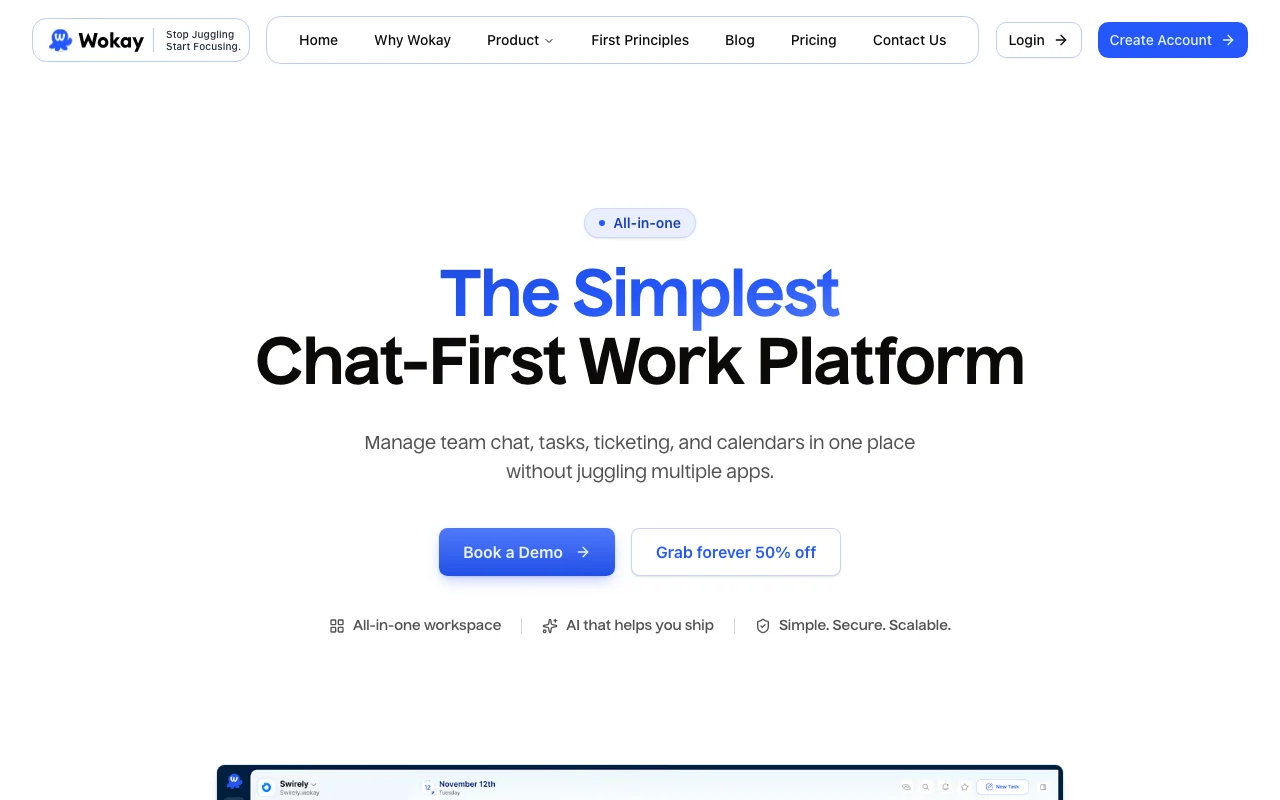
Wokay's official site: how the product presents itself. wokay.com, captured Oct 1, 2026
What you provide and what you get back
What you give Wokay and what comes back, from its documentation
You provide
Team chat and messages (internal and external)
Task descriptions and priority signals
Ticket submissions from customers or team
Calendar events and meeting invites
You get back
Unified team messaging workspace
Task lists with AI-assisted prioritization
Ticketing queue with status tracking
Shared calendar and intranet knowledge base
Where you can use it
Platforms
Web, iOS, Android
Account
Required
Where Wokay is most useful
Scenarios are worked out by our editors from the documentation; the actual result depends on your input and plan.
Internal and external team chat
Who
All team members
You provide
Messages in dedicated channels for projects, teams, customers
Expected result
Centralized conversation history with search and file sharing
Plan needed
Free or any paid plan
Limitation
Free plan: 6-month chat history; paid plans: unlimited history
Task and project tracking
Who
Project managers and individual contributors
You provide
Task descriptions, due dates, assignments, subtasks
Expected result
Organized task lists with AI-driven priority suggestions
Plan needed
Starter Pack or higher
Limitation
Free plan limited to basic task management
Customer and internal ticketing
Who
Support teams and operations
You provide
Support requests from customers or internal departments
Expected result
Ticketing queue with status tracking and AI routing suggestions
Plan needed
Starter Pack or higher
Limitation
Ticketing is integrated but limited features in Free plan
Wokay features and their limits
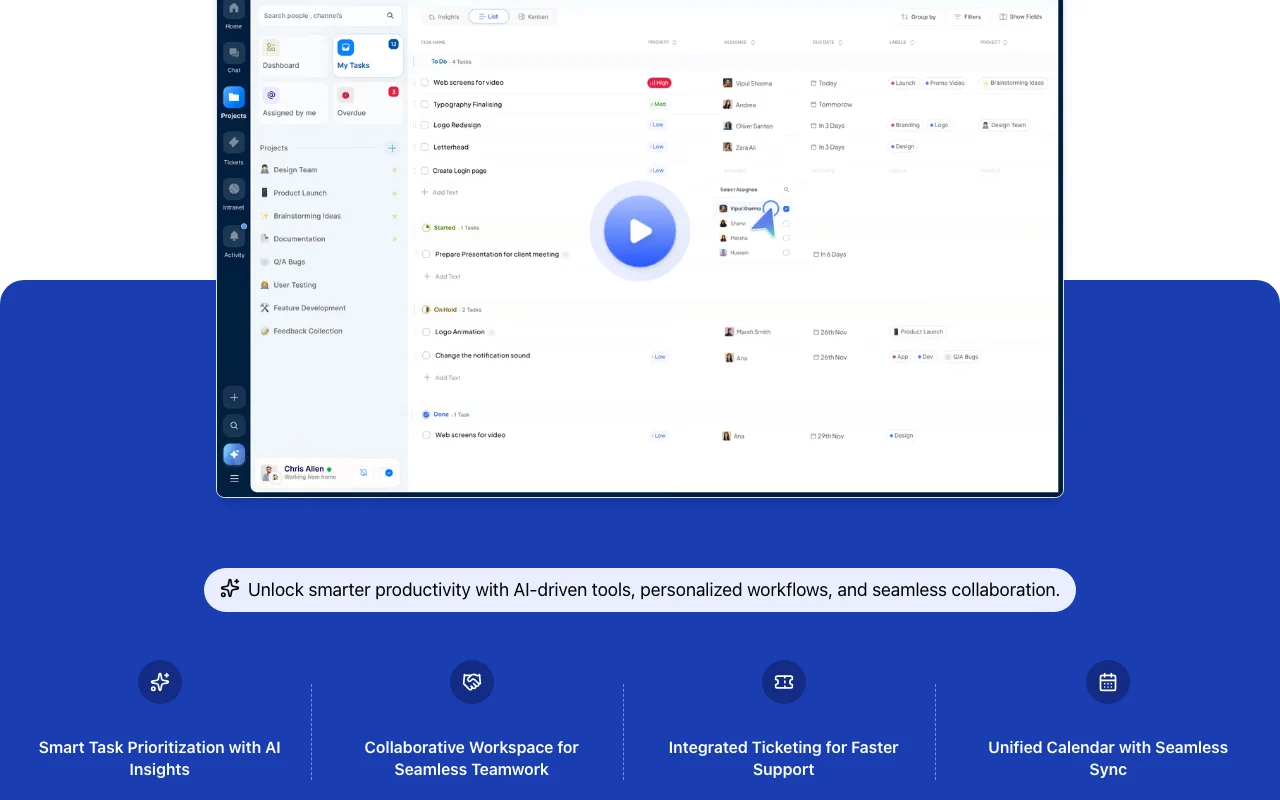
Feature overview on the official site. wokay.com, captured Oct 1, 2026
Team and partner chat
Facilitates internal and external team communication in dedicated channels Consolidate conversations from Slack, Teams and email into one app
Access: All plans; web, iOS, Android apps includedLimit: Free plan: 6-month history; chat disappears after 6 months
Task management
Create, assign, prioritize and track tasks with due dates and subtasks Replace Asana, ClickUp or Trello for lightweight project tracking
Access: All plans; unlimited tasks on Starter Pack and aboveLimit: Free plan limits number of active tasks
Integrated ticketing
Manage internal requests and customer support tickets in one system Reduce context switching by keeping tickets alongside chat and tasks
Access: Starter Pack and above; limited in Free planLimit: Advanced ticketing features (SLAs, automations) on higher plans
Unified calendar and intranet
Sync events, plan meetings, and maintain a knowledge base for company information Replace Calendly and internal wikis; central hub for company policies and documentation
Access: Growth Pack and above for intranet; calendar on StarterLimit: Free and Starter: no intranet access
Wokay: strengths and limits
Reasons to choose Wokay
Free plan for 5 users with no credit card required Low barrier to entry for very small teams or nonprofitsdocumented
Flat pack pricing instead of per-seat Predictable costs; adding users doesn't increase the monthly billdocumented
Web, Android and iOS apps included on all plans Full mobile access without additional licensingdocumented
70% cost savings vs. replacing multiple tools individually Consolidation delivers clear ROI for small teamsdocumented
Check before paying for Wokay
Free plan limited to 5 users, 5 GB storage and 6-month chat history Chat automatically deleted after 6 months; significant limitation for compliance or auditsdocumented
Intranet only available on Growth ($199/mo) and Enterprise ($299/mo) packs Must upgrade significantly to access knowledge managementdocumented
Displayed prices are 50% limited-time discounts Actual pricing may be $99/$199/$299/month after promotion ends (shows as $199/$399/$599 list price)documented
AI assistant is a minor feature, not a core differentiator Tool primarily a collaboration suite; AI is supplementarydocumented
How to use Wokay for setting up team chat and task management in one app
Set up Wokay
Sign up at wokay.com with email or SSO
Create a workspace and invite team members by email
Set up channels for different teams or projects
Connect integrations (if upgrading to Starter or higher)
Example: setting up team chat and task management in one app
Create a channel for a project and post initial requirements
Create tasks from chat messages by highlighting text
Invite team members to collaborate and @mention people
Use the calendar to sync team meetings and availability
Review and export the result
Verify all team members can log in and see channels
Test that chat history is being retained (check on Free: should see 6 months)
Wokay integrations and API
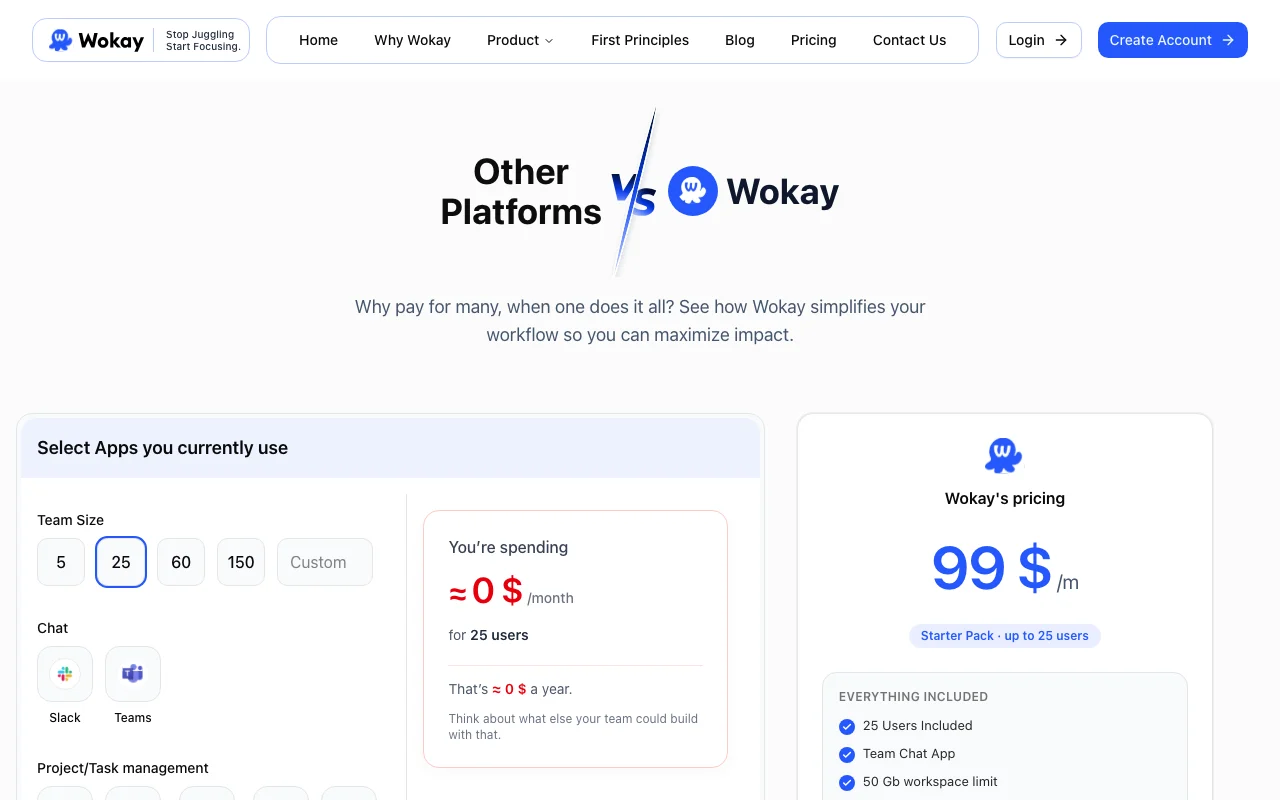
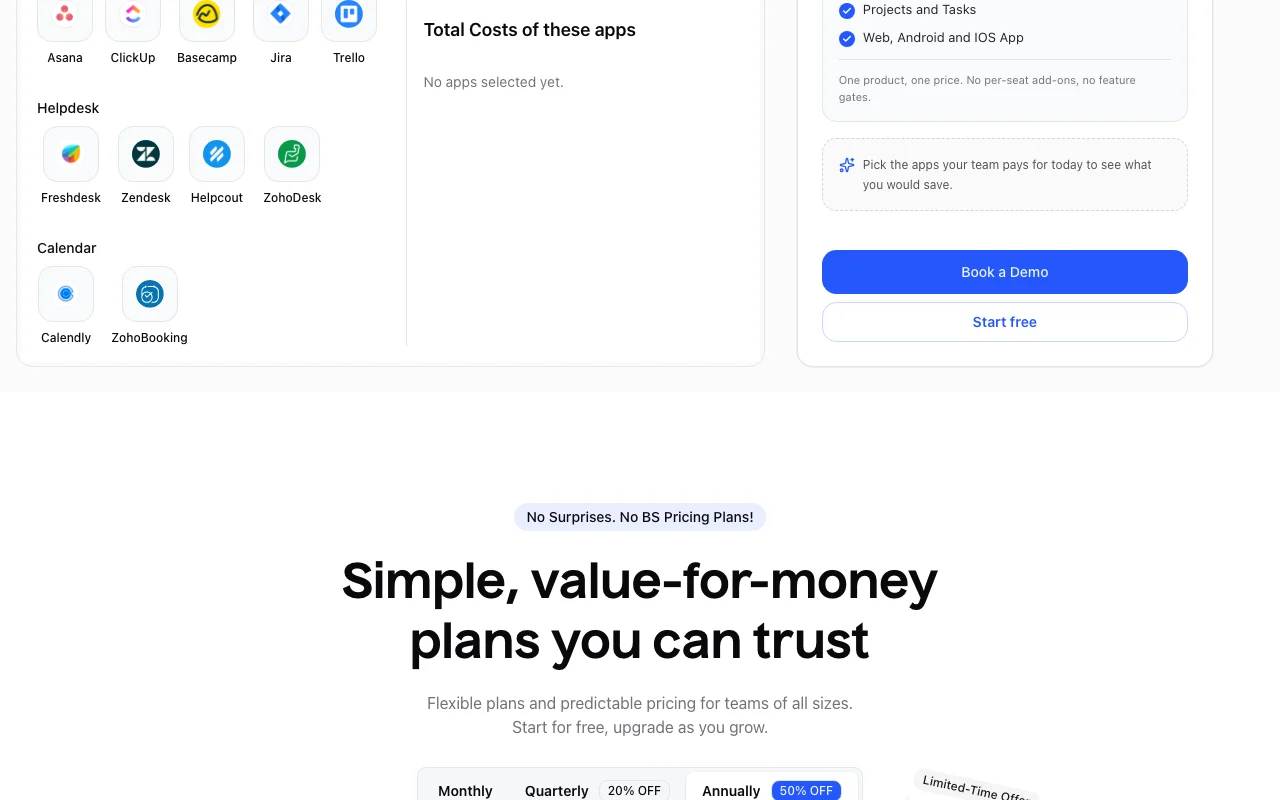
Plan comparison on the official pricing page. wokay.com, captured Oct 1, 2026
Native integrations and export formats
Export: Chat history export (limited)
API access and separate billing
Wokay has no public API in its official documentation. API not mentioned; primarily web and mobile apps
Wokay is an all-in-one work platform with a built-in AI assistant that helps teams chat, manage tasks, schedule, and collaborate smarter. source (opens in a new tab)
Is Wokay available on mobile?
Yes. Wokay is available on web, Android and iOS. All plans include the mobile apps. source (opens in a new tab)
How much does Wokay cost?
Free for 5 users. Starter Pack is $99/mo (25 users), Growth Pack $199/mo (60 users), Enterprise Pack $299/mo (150 users). Prices shown are currently 50% off list prices. source (opens in a new tab)
Can I upgrade or downgrade my plan?
Yes. You can change plans at any time. Upgrades take effect immediately; downgrades take effect at the end of your current billing period. source (opens in a new tab)
Not verified: Privacy policy and data handling practices; Whether 50% discount is permanent or temporary (listed as limited-time); API availability for integrations; GDPR or SOC 2 compliance status.
How we documented and maintain this page
Every fact about Wokay above comes from the 2 official pages listed here, last compared on Oct 1, 2026; we have not run Wokay ourselves, so it has no editorial score. How we check and re-check pages.
Article updated Oct 10, 2026; prices checked Oct 1, 2026. Outbound links to vendors are plain links; we do not earn commissions. How we review · Report an error