Productivity & writingDocumented overviewLast checked Oct 1, 2026

Viora: Pricing, Features & Best Use Cases

Voice AI assistant for macOS that writes, edits, answers questions and runs tasks from a hold-to-speak shortcut.
Who Viora fits

Viora suits Mac users who want to dictate, rewrite and query by holding a shortcut and speaking, with a free tier, a 30-day trial and memory they can view, edit and delete. Based on the vendor's documentation, not on a hands-on test.

Best for: Mac users who dictate often

Also a good fit for

  • People wanting voice-driven editing across apps

Consider another tool if download is for macOS only

Or if

  • No plan is unlimited; after the allowance it falls back to the Haiku model
  • Marked as early access

Viora pricing and usage limits

Prices checked Oct 1, 2026 on the official US pricing page. Official pricing ↗ Prices and limits change often.

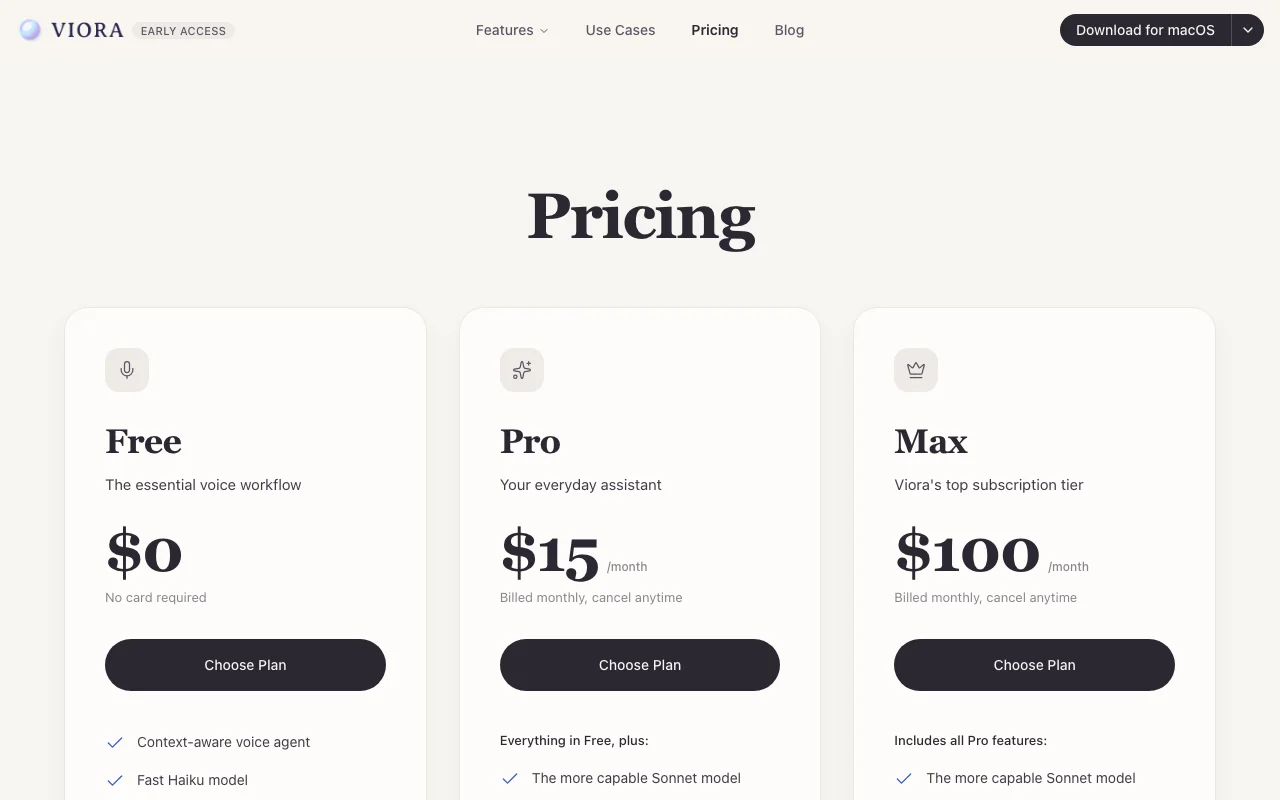
Viora pricing page with plans and prices — screenshot of the productivity & writing AI tool, Oct 1, 2026
The official Viora pricing page as we saw it. viora.io, captured Oct 1, 2026

Free access and trial conditions

Free tier, no card.

30-day free trial advertised, no card.

Paid plans: what changes as you upgrade

Free web

Free source (opens in a new tab)

Month

For: Dictation and occasional questions

Limits

  • Fast Haiku model
  • Long-session context

Includes

  • Voice input in any app
  • Personal dictionary
1 more
  • Connect Gmail, Slack, Notion

Pro web

$15/mo source (opens in a new tab)

Month

For: Daily workflow

Limits

  • Allowance, then falls back to Haiku

Includes

  • Sonnet model
  • Long-term memory
2 more
  • Proactive reports
  • Reusable workflows

Max web

$100/mo source (opens in a new tab)

Month

For: Heaviest users

Limits

  • Larger allowance (details not captured)

Includes

  • All Pro features

Usage caps, credits and extra costs

None stated; organizations needing invoicing can contact Viora.

Not stated.

What is Viora, and how does it work?

Viora is a voice assistant for macOS. You hold a shortcut and speak, and it decides whether to type text into the current field, edit selected text, answer a question in place, or carry out a task. It keeps memory across sessions that can be viewed, edited or deleted, and offers a Free tier plus paid Pro and Max plans. The site labels the product as early access.

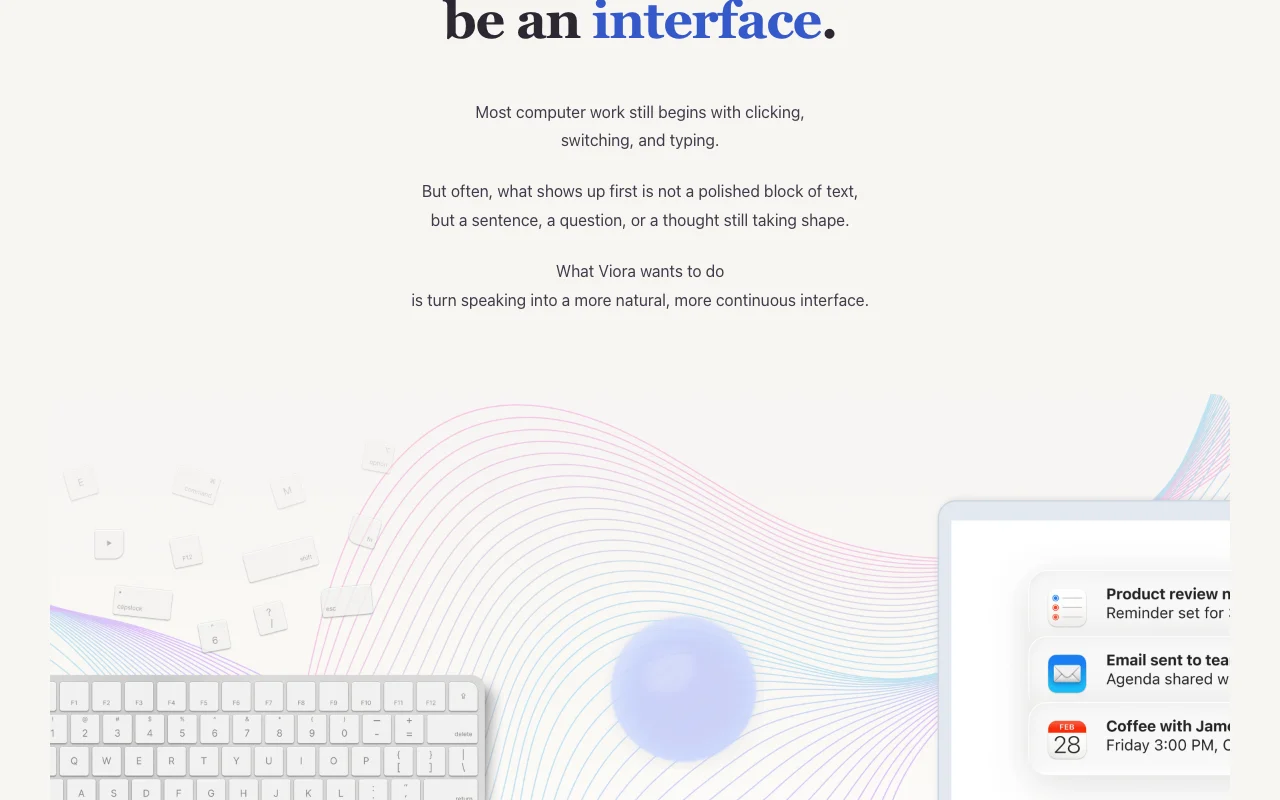
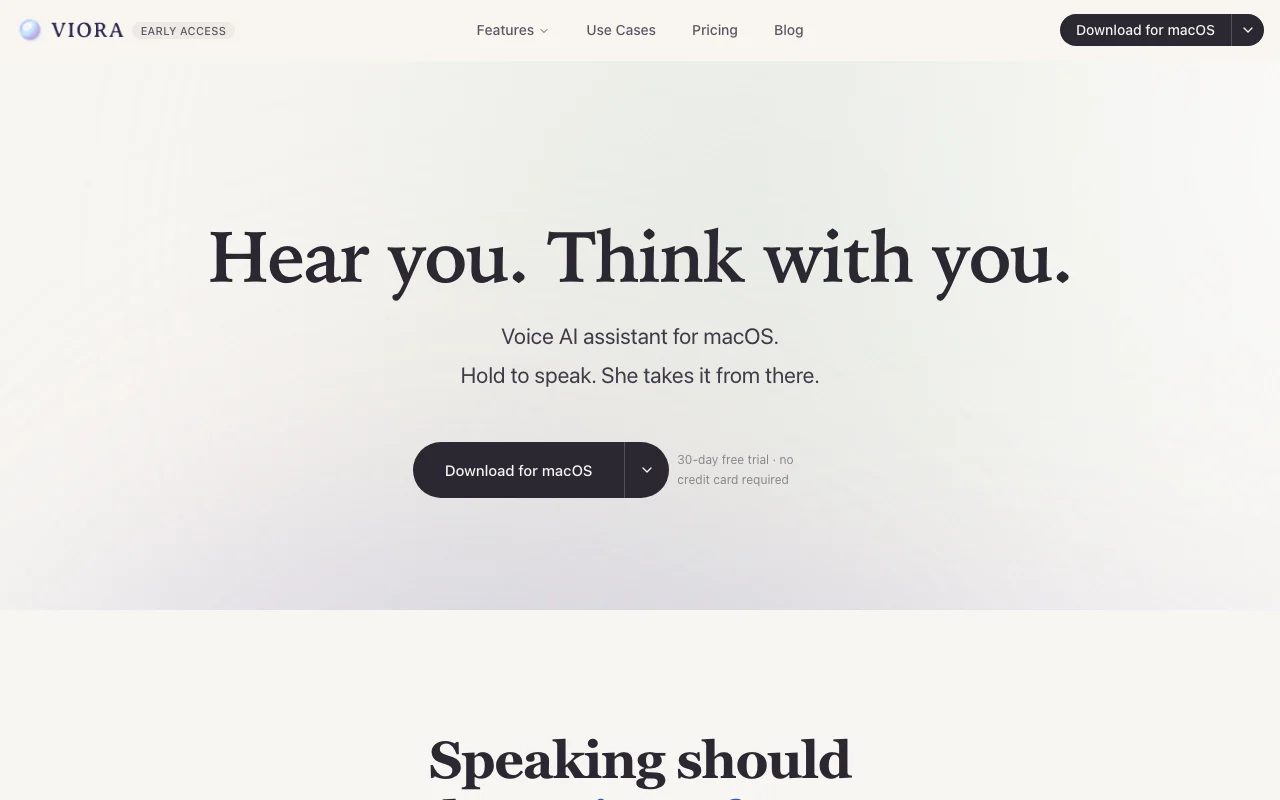
Viora homepage — screenshot of the productivity & writing AI tool, Oct 1, 2026
Viora's official site: how the product presents itself. viora.io, captured Oct 1, 2026

What you provide and what you get back

How Viora works: what you provide, where it runs and what you get backYOU PROVIDEYour inputSpoken commands via a hold-to-spe…Selected text in any appGmail, Slack and Notion connectio…PRODUCTIVITY & WRITINGVioraDesktopfrom $15/mo (Pro)free tier availableaccount requiredchecked Oct 1, 2026YOU GET BACKThe resultText typed into the active fieldEdited selectionsSpoken or written answersinput → Viora → output · from the vendor's own pages, no hands-on test unless stated
What you give Viora and what comes back, from its documentation

You provide

  • Spoken commands via a hold-to-speak shortcut
  • Selected text in any app
  • Gmail, Slack and Notion connections

You get back

  • Text typed into the active field
  • Edited selections
  • Spoken or written answers

Where you can use it

Platforms
Desktop
Account
Required
Models / versions
Haiku (Free, fallback); Sonnet (Pro/Max default) via Google Vertex AI; versions not named
Platform
macOS
Models
Haiku (Free), Sonnet (Pro, Max)
Modes
Write, edit, ask, do
Inference
Google Vertex AI

Best use cases for Viora

Scenarios are worked out by our editors from the documentation; the actual result depends on your input and plan.

Dictating text into any input field

Who
Mac users who dictate often
You provide
Voice in any text field
Expected result
Text typed in place with optional AI cleanup
Plan needed
Free
Limitation
Free uses the faster Haiku model source (opens in a new tab)

Rewriting selected text by voice

Who
Writers and email-heavy workers
You provide
Selected paragraph plus a spoken instruction
Expected result
Rewritten text in place
Plan needed
Free or Pro
Limitation
Allowance applies on paid tiers source (opens in a new tab)

Asking questions about highlighted passages

Who
Researchers
You provide
Highlighted passage and a question
Expected result
Answer in place
Plan needed
Free
Limitation
Needs Mac source (opens in a new tab)

Key features and their practical limits

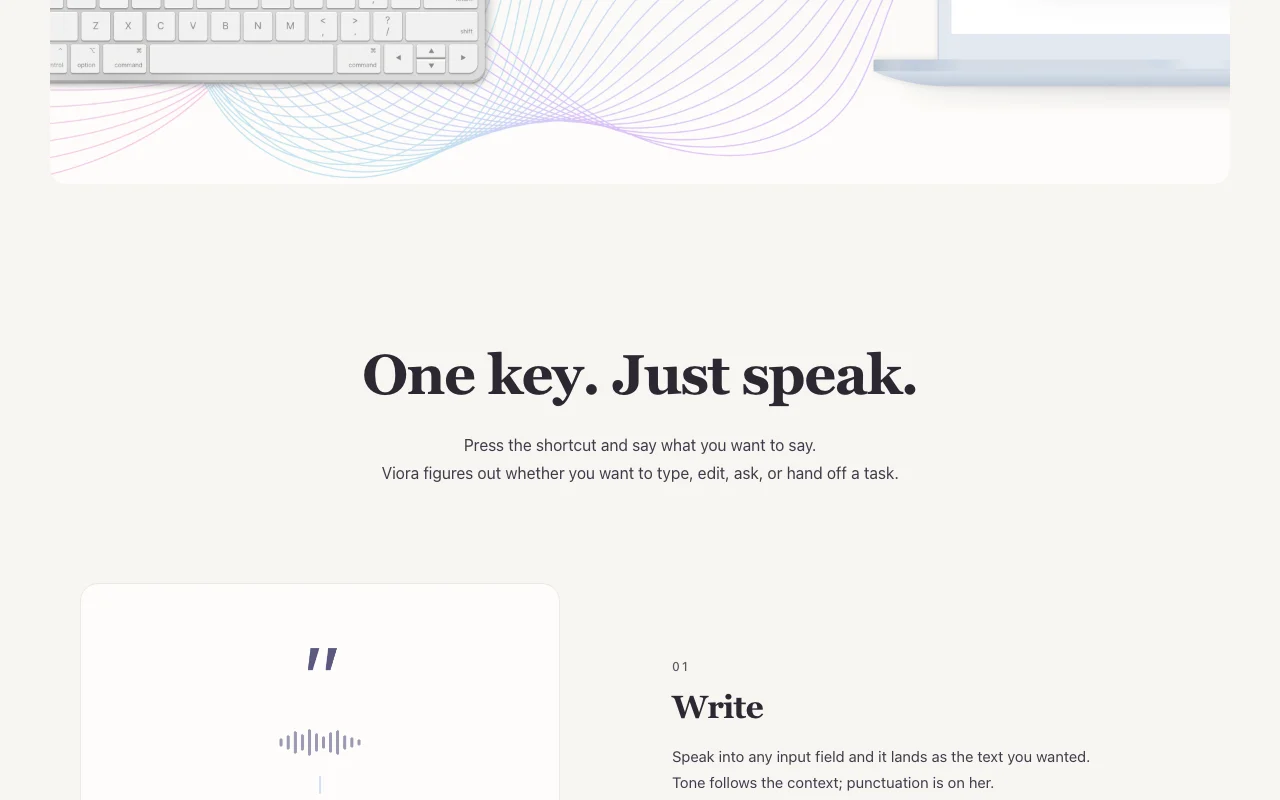
Viora homepage — screenshot of the productivity & writing AI tool, Oct 1, 2026
Feature overview on the official site. viora.io, captured Oct 1, 2026

Hold-to-speak shortcut

Starts listening when you hold a shortcut Skips clicking and switching

Access: All plansLimit: macOS only source (opens in a new tab)

Write, edit, ask and do modes

Decides whether to write, edit, ask or do a task One shortcut for several jobs

Access: All plansLimit: Task execution depends on connected tools source (opens in a new tab)

Memory across sessions

Keeps long-term memory across sessions you can view, edit or delete Remembers preferences and context

Access: Pro and upLimit: Not on Free (long-session context only) source (opens in a new tab)

Personal dictionary

Stores a personal dictionary of names and terms Improves recognition of jargon

Access: All plansLimit: Needs setup by you source (opens in a new tab)

Viora: strengths and limits

Where Viora is strong

Limitations to check before paying

How to use Viora for dictating and rewriting text by voice on a Mac

Set up Viora

  1. Download Viora for macOS
  2. Grant microphone and accessibility permissions
  3. Set your hold-to-speak shortcut
  4. Add names to the personal dictionary

Example: dictating and rewriting text by voice on a Mac

  1. Click into an email field
  2. Hold the shortcut and speak your message
  3. Select a paragraph and say 'make this shorter'
  4. Ask a question about highlighted text

Review and export the result

  1. Review typed text for errors before sending
  2. Open memory settings and edit or delete entries
Example prompt suggested by our editors (not a recorded output of the product)
Make this paragraph shorter and more direct, keep the dates unchanged.

Viora API

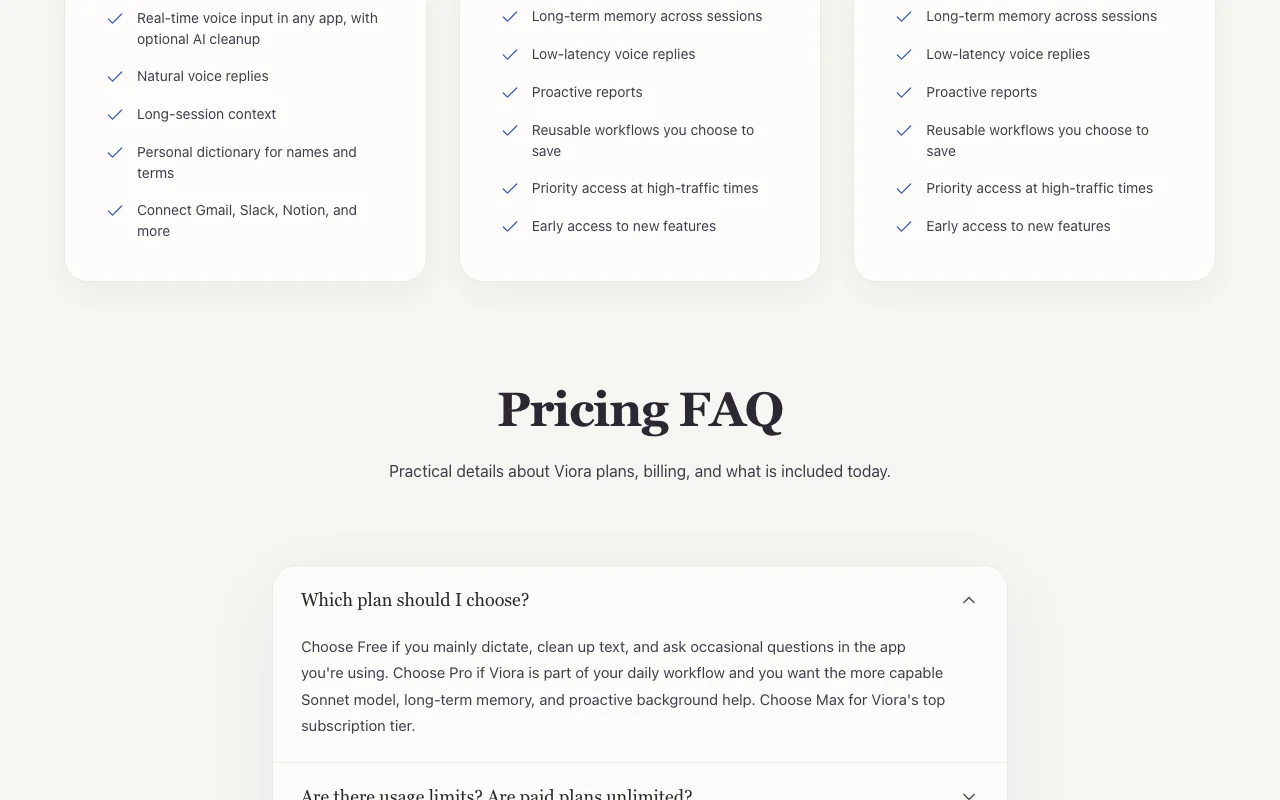
Viora pricing page with plans and prices — screenshot of the productivity & writing AI tool, Oct 1, 2026
Plan comparison on the official pricing page. viora.io, captured Oct 1, 2026

API access and separate billing

Viora has no public API in its official documentation. None mentioned

Privacy, data use and commercial rights

Summarized from the vendor's current policies; this is not legal advice and a vendor's badge is not an independent audit.

How your inputs and outputs are handled

Voice and account data stored on Viora's cloud; inference requests go to Google Vertex AI.

Never trained on your data; Google enterprise terms say prompts are not logged, retained or used for training.

Memories can be viewed, edited and deleted.

Commercial use and plan restrictions

Not stated.

Not stated.

Controls for business users

  • Memory deletion

Viora alternatives by need

"Better suited" is based on documented features and pricing, not on a head-to-head test.

ChatGPT: better suited to

Claude: better suited to

Otter.ai: better suited to

Alternatives
AlternativeWhen to choose itPricingLimitation
ChatGPT——
Claude——
Otter.ai——

Explore Viora further

Tools and guides near Viora

Viora user reviews

No user reviews yet.

Used Viora? Be the first to share your experience.

Write a review

Reviews are checked by a moderator before they appear. Your email is never published. Plain text only.

Your rating (required)

Show what you made or what went wrong. Images are published only if the review is approved; location data is removed.

    Viora FAQ

    Is Viora free?

    Yes; Free has no card, and a 30-day trial is advertised. source (opens in a new tab)

    What do Pro and Max cost?

    Pro is $15 and Max is $100 per month, billed monthly. source (opens in a new tab)

    Are paid plans unlimited?

    No; after your allowance Viora falls back to the faster Haiku model so you can keep working. source (opens in a new tab)

    Is my voice used for training?

    No; the pricing FAQ says it never trains on your data. source (opens in a new tab)

    Is there annual billing?

    No; plans are billed monthly. source (opens in a new tab)

    Sources and review methodology

    Official sources and verification dates

    Not verified: Max plan allowance; Privacy policy page; Windows or iOS availability; US availability.

    How we documented and maintain this page

    Every fact about Viora above comes from the 3 official pages listed here, last compared on Oct 1, 2026; we have not run Viora ourselves, so it has no editorial score. How we check and re-check pages.

    Article updated Oct 10, 2026; prices checked Oct 1, 2026. Outbound links to vendors are plain links; we do not earn commissions. How we review · Report an error