Productivity & writingDocumented overviewLast checked Sep 29, 2026

VersQ: Pricing, Features & Best Use Cases

AI document translation for PDF, DOCX and EPUB with a choice of AI models, translation memory and glossary.
Who should use VersQ

VersQ suits freelancers, publishers and small firms translating PDF, DOCX or EPUB files who want to pick the AI model, with a free 10,000-word tier and paid plans from $7.99. Based on the vendor's documentation, not on a hands-on test.

Best for: Professionals translating long documents

Also a good fit for

  • Translators building reusable glossaries

Consider another tool if free plan limited to budget models and HTML downloads

Or if

  • Registration required for free plan
  • Word allowances are in effective words that vary by model

VersQ pricing and usage limits

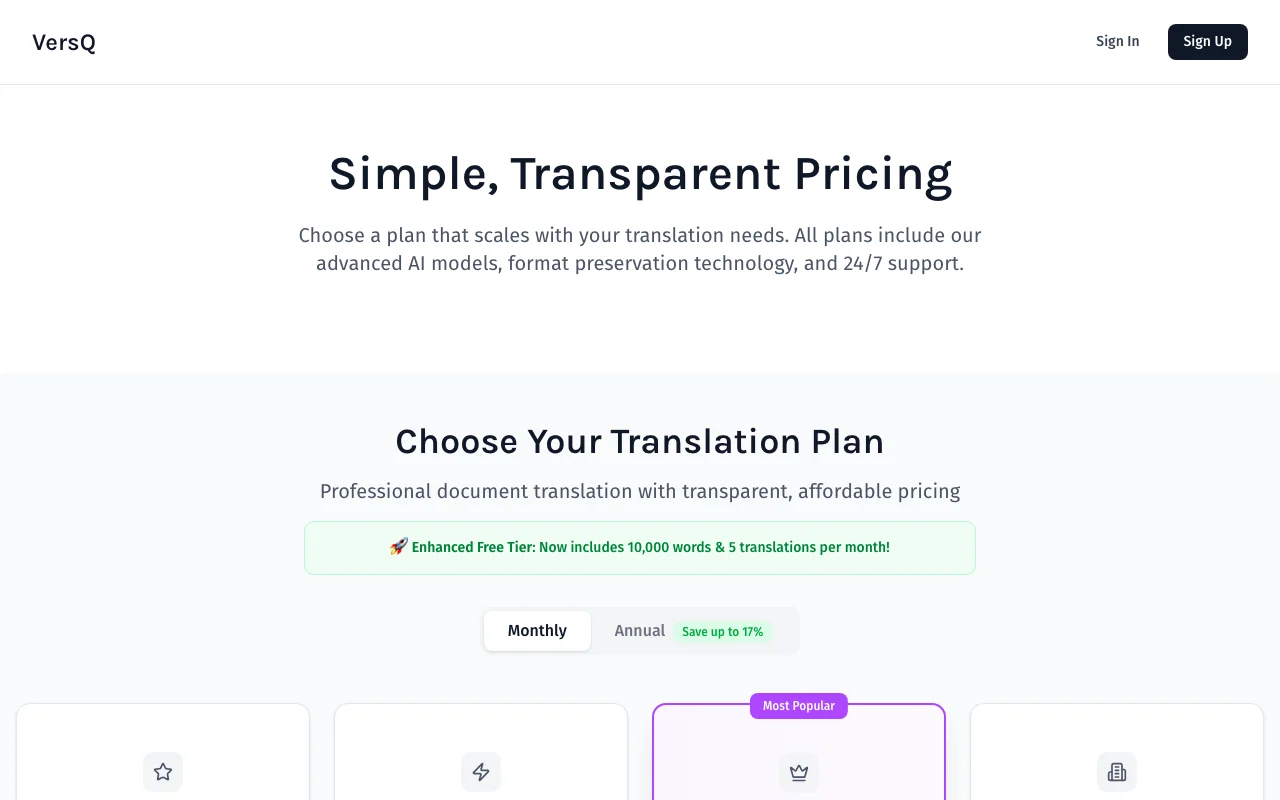
Prices checked Sep 29, 2026 on the official US pricing page. Official pricing ↗ Prices and limits change often.

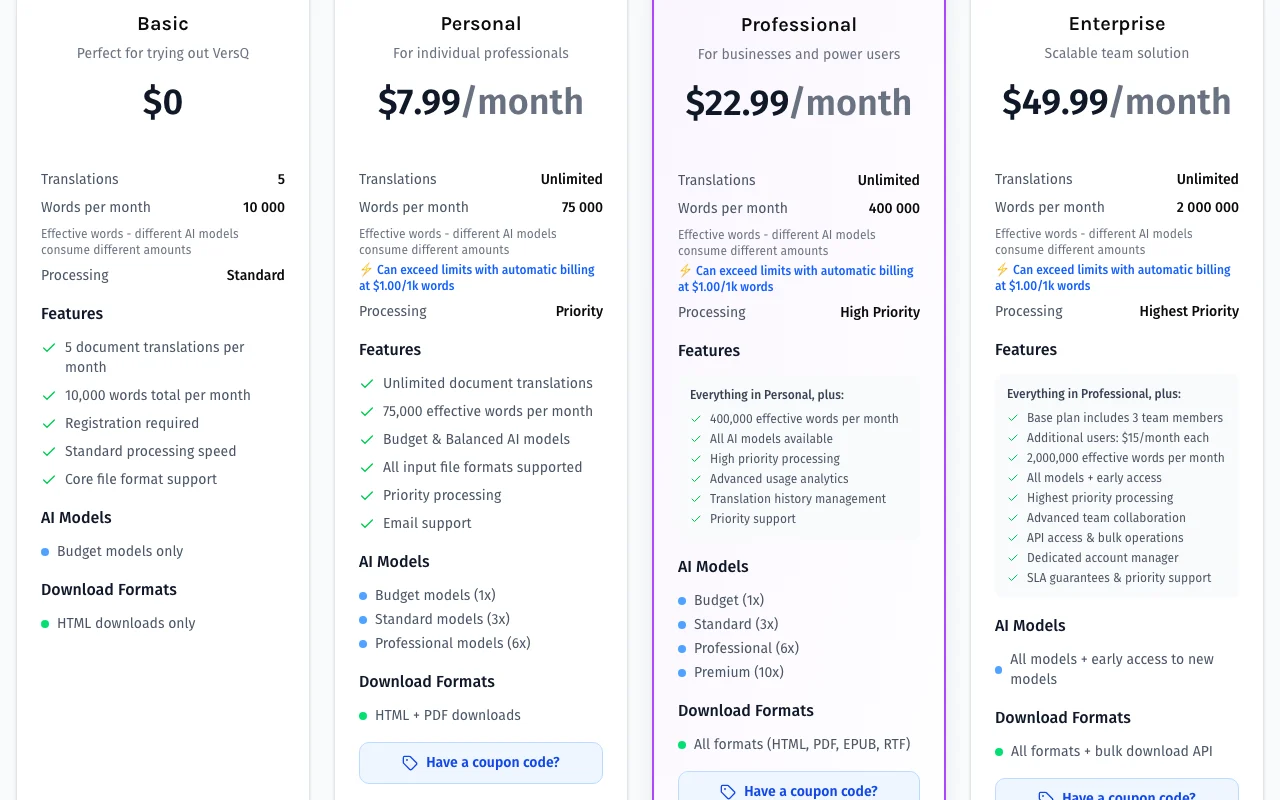
VersQ pricing page with plans and prices — screenshot of the productivity & writing AI tool, Oct 1, 2026
The official VersQ pricing page as we saw it. versq.com, captured Oct 1, 2026

Free access and trial conditions

Basic plan free: 10,000 words and 5 translations per month, registration required.

Paid plans: what changes as you upgrade

Basic web

Free source (opens in a new tab)

Month

For: Trying VersQ

Limits

  • 5 translations, 10,000 effective words per month
  • Budget models only

Includes

  • HTML downloads only
  • Standard processing speed

No API

Personal web

$7.99/mo source (opens in a new tab)

Month

Annual billing shown at up to 17% off

For: Individual professionals

Limits

  • 75,000 effective words per month
  • Overage $1.00 per 1k words

Includes

  • Unlimited translations
  • Budget and balanced models
2 more
  • HTML and PDF downloads
  • Priority processing

No API

Professional web

$22.99/mo source (opens in a new tab)

Month

Annual billing shown at up to 17% off

For: Businesses and power users

Limits

  • 400,000 effective words per month
  • Overage $1.00 per 1k words

Includes

  • All AI models including premium (10x)
  • HTML, PDF, EPUB and RTF downloads
1 more
  • Usage analytics and history

No API

Enterprise web

$49.99/mo source (opens in a new tab)

Month

Annual billing shown at up to 17% off

For: Teams

Limits

  • 2,000,000 effective words per month
  • Includes 3 team members, extra users $15 per month

Includes

  • API access and bulk operations
  • Dedicated account manager
1 more
  • SLA guarantees

API included

Usage caps, credits and extra costs

Overage $1.00 per 1k words; extra Enterprise users $15 per month.

Not stated; prices in USD.

What is VersQ, and how does it work?

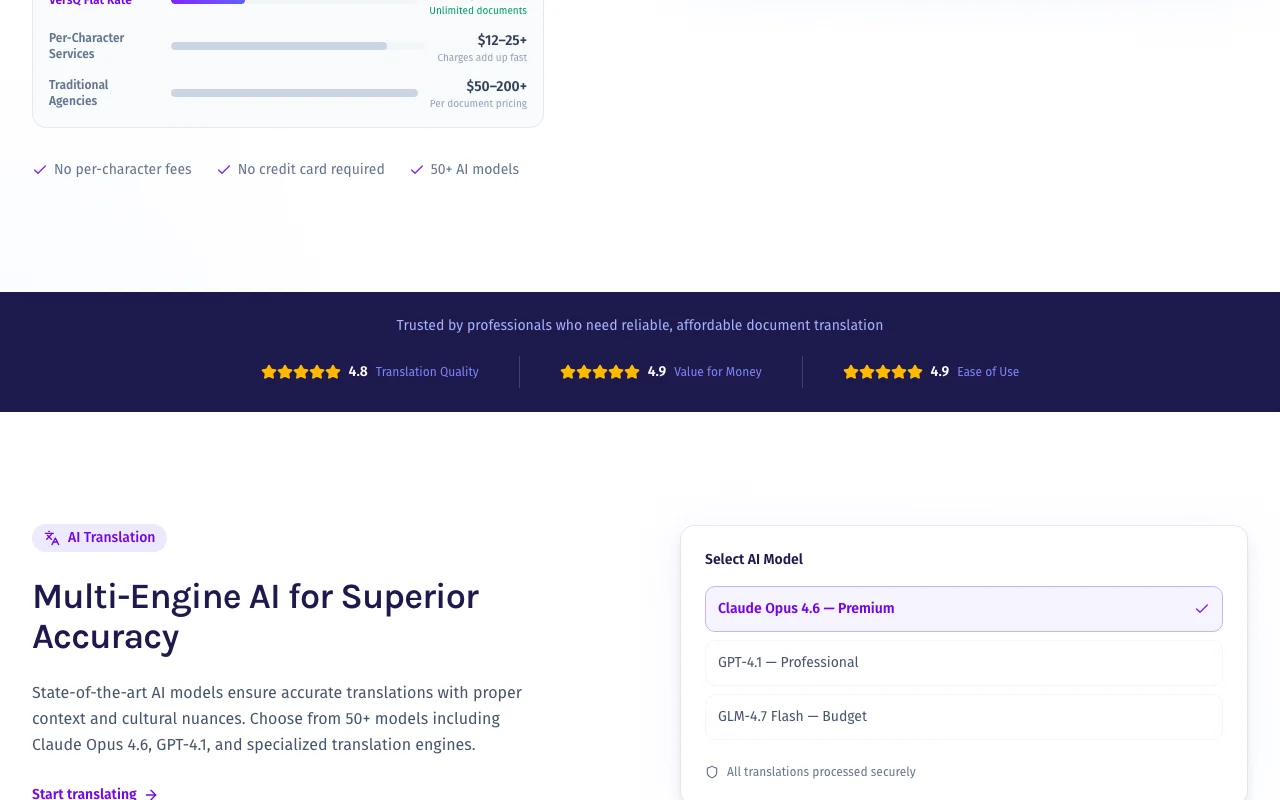
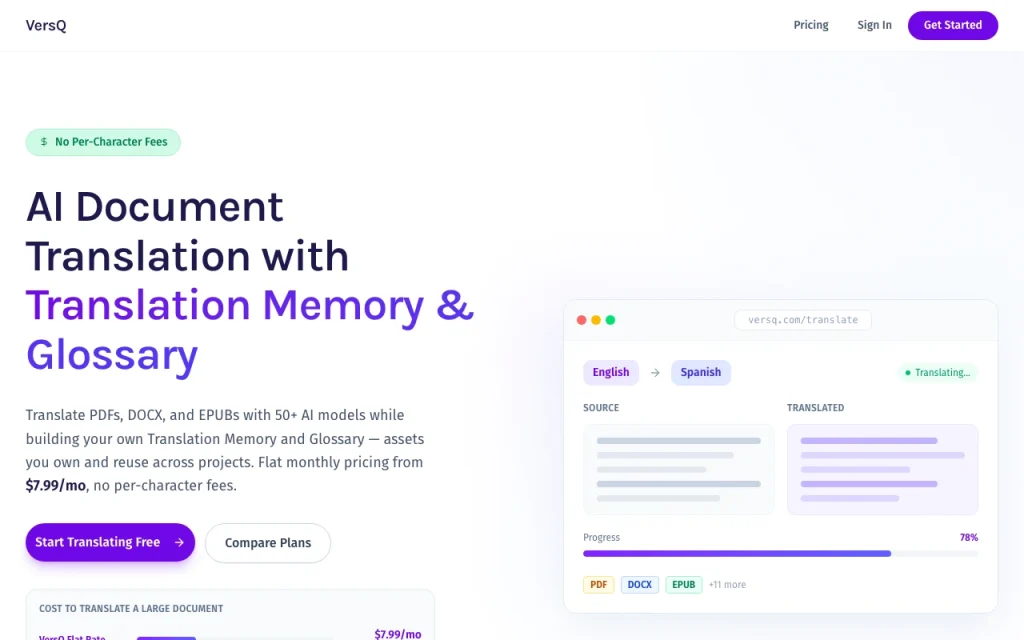
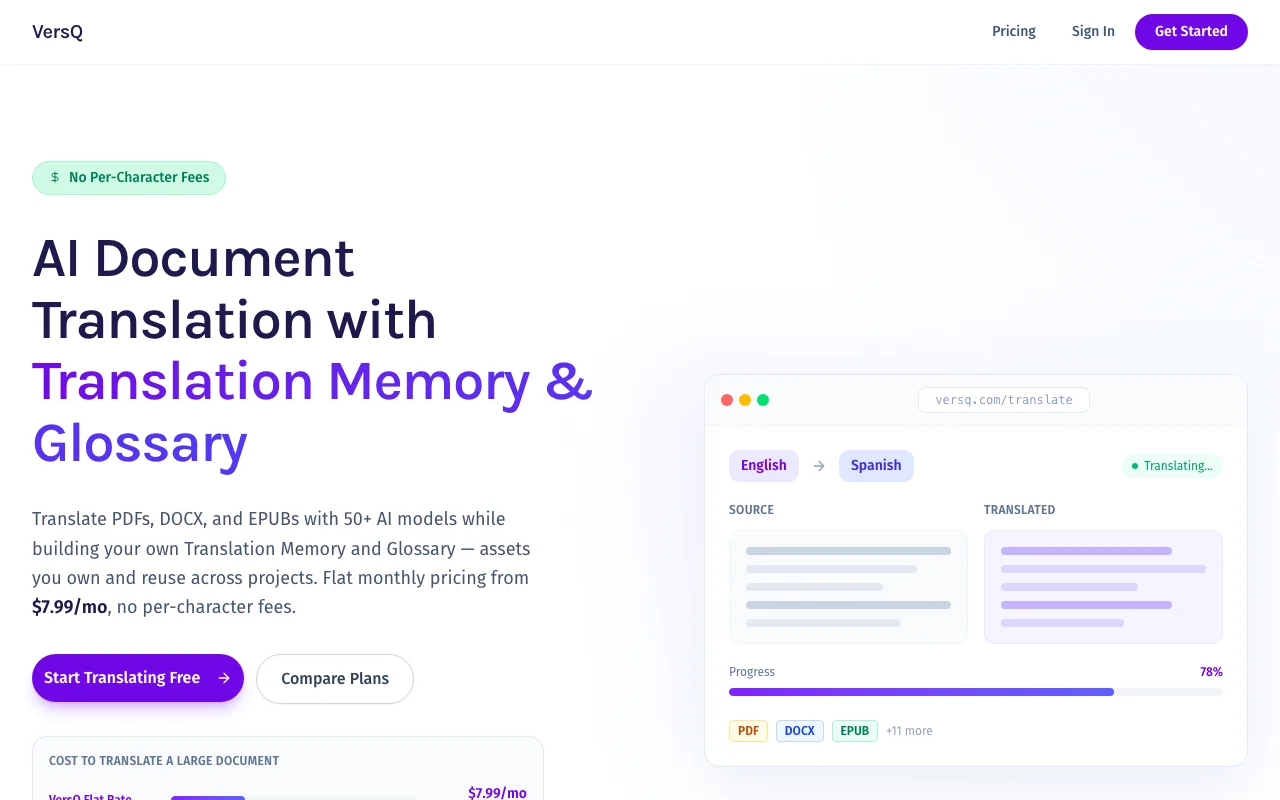
VersQ translates whole documents while keeping formatting, using a selectable set of AI models. Users can build a translation memory and glossary to reuse across projects, and a side-by-side editor is included. A free Basic plan and paid Personal and Professional plans are listed on the pricing page, which also documents a REST API for translation.

VersQ homepage — screenshot of the productivity & writing AI tool, Oct 1, 2026
VersQ's official site: how the product presents itself. versq.com, captured Oct 1, 2026

What you provide and what you get back

How VersQ works: what you provide, where it runs and what you get backYOU PROVIDEYour inputPDF, DOCX or EPUB filesTarget language choice and AI mod…Glossary terms and translation me…PRODUCTIVITY & WRITINGVersQWeb, APIfrom $7.99/mo (Personal)free tier availableaccount requiredchecked Sep 29, 2026YOU GET BACKThe resultTranslated documents that keep la…HTML, PDF, EPUB or RTF downloadsSide-by-side editable translationinput → VersQ → output · from the vendor's own pages, no hands-on test unless stated
What you give VersQ and what comes back, from its documentation

You provide

  • PDF, DOCX or EPUB files
  • Target language choice and AI model
  • Glossary terms and translation memory

You get back

  • Translated documents that keep layout
  • HTML, PDF, EPUB or RTF downloads
  • Side-by-side editable translation

Where you can use it

Platforms
Web, API
Account
Required
Input formats
PDF, DOCX, EPUB
Output formats
HTML, PDF, EPUB, RTF
Models
50+ AI models
Model multipliers
1x / 3x / 6x / 10x
Extra tools
Glossary, translation memory, editor

Where VersQ is most useful

Scenarios are worked out by our editors from the documentation; the actual result depends on your input and plan.

Translate PDF contracts and reports

Who
Legal and business staff
You provide
A PDF contract
Expected result
Translated PDF that keeps layout
Plan needed
Personal
Limitation
Priority models cost more effective words source (opens in a new tab)

Translate EPUB books

Who
Self-published authors
You provide
An EPUB book
Expected result
Translated EPUB for review
Plan needed
Professional (EPUB download)
Limitation
Long books use many effective words source (opens in a new tab)

Keep consistent terminology with a glossary

Who
Localization teams
You provide
Glossary of brand terms
Expected result
Consistent terminology across documents
Plan needed
Any plan
Limitation
Glossary must be maintained source (opens in a new tab)

VersQ features and their limits

VersQ homepage — screenshot of the productivity & writing AI tool, Oct 1, 2026
Feature overview on the official site. versq.com, captured Oct 1, 2026

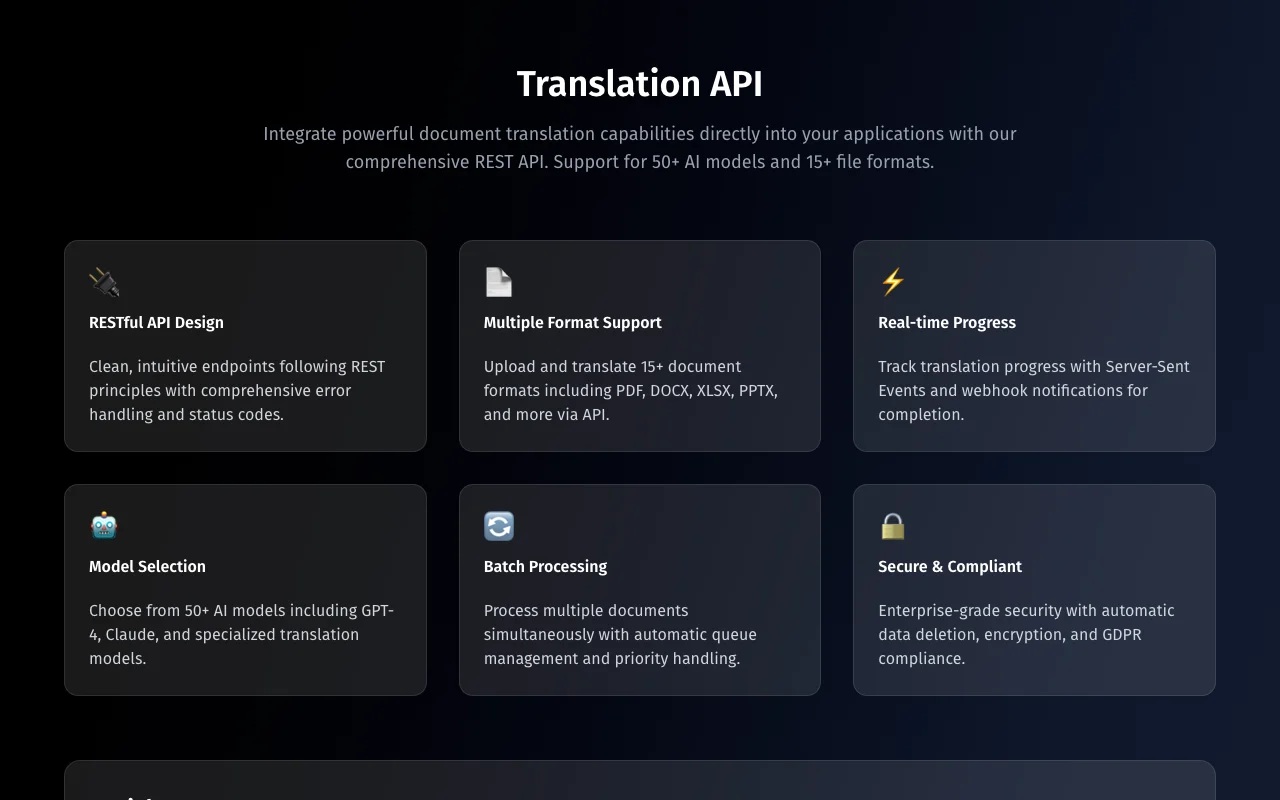
Choice of 50+ AI models

Lets you pick from 50+ AI models, from budget to premium Balance cost against quality

Access: Budget on Free, all on ProfessionalLimit: Premium models consume up to 10x words source (opens in a new tab)

Translation memory and glossary

Applies translation memory and glossary Keeps terms consistent

Access: All plansLimit: Coverage depends on your entries source (opens in a new tab)

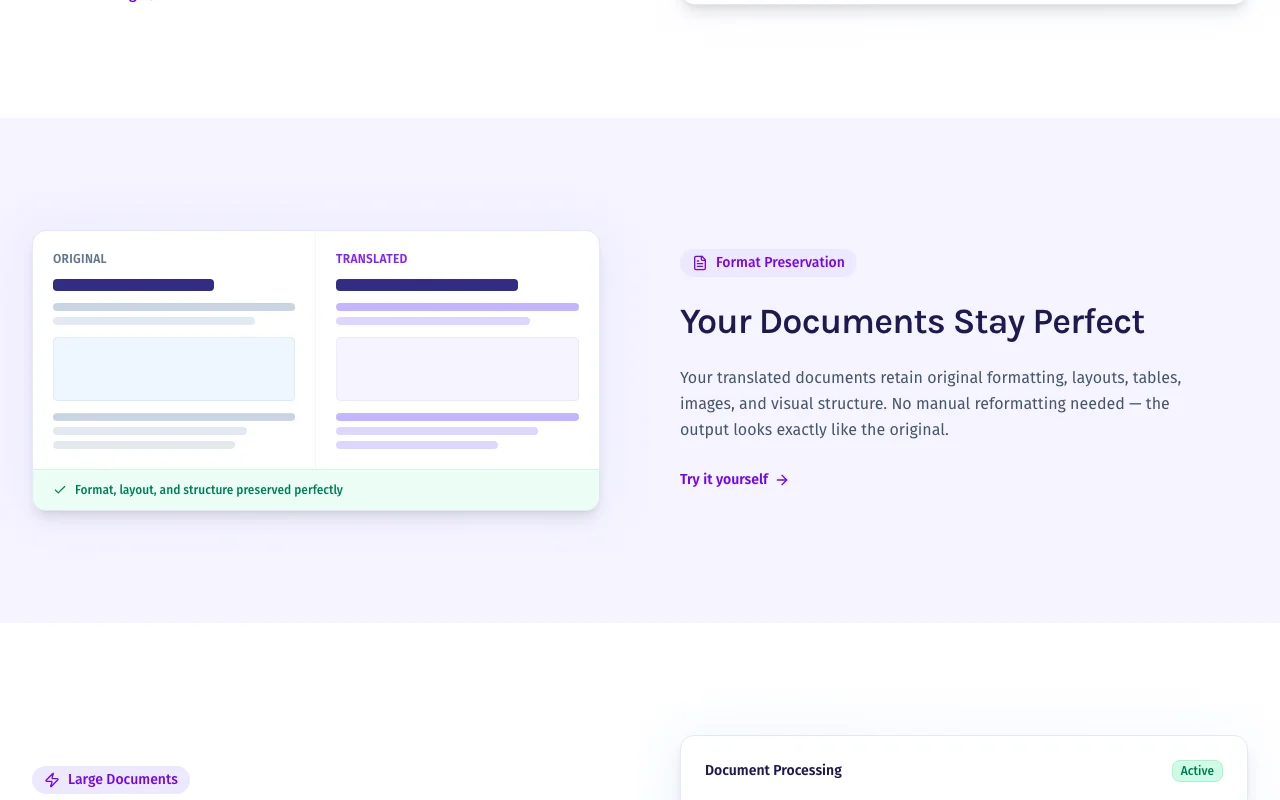
Layout and format preservation

Preserves layout and file formats Output looks like the original

Access: All plansLimit: Complex layouts may need review source (opens in a new tab)

Side-by-side editor

Offers a side-by-side editor Fix translations before download

Access: All plansLimit: Manual editing still required source (opens in a new tab)

VersQ pros and cons

Where VersQ is strong

Limitations to check before paying

  • Free plan limited to budget models and HTML downloads Free plan limited to budget models and HTML documented source (opens in a new tab)
  • Registration required for free plan Registration is required even for free use documented source (opens in a new tab)
  • Word allowances are in effective words that vary by model Effective words vary by model, so budgeting is hard documented source (opens in a new tab)
  • Personal plan capped at 75,000 words per month before overage Personal capped at 75,000 words before overage documented source (opens in a new tab)

How to use VersQ for translating a PDF while keeping its layout

Set up VersQ

  1. Register for the free Basic plan
  2. Upload a PDF, DOCX or EPUB
  3. Choose the target language and an AI model

Example: translating a PDF while keeping its layout

  1. Add key terms to the glossary
  2. Start the translation with a balanced model
  3. Review the side-by-side editor
  4. Download the translated file

Review and export the result

  1. Compare layout against the original
  2. Check the effective words used for your model

VersQ integrations and API

VersQ API documentation — screenshot of the productivity & writing AI tool, Oct 1, 2026
VersQ API documentation. versq.com, captured Oct 1, 2026

Native integrations and export formats

Export: HTML, PDF, EPUB, RTF

API access and separate billing

VersQ has no public API in its official documentation. Public API documentation; bulk operations on Enterprise. API documentation ↗

Privacy, data use and commercial rights

Summarized from the vendor's current policies; this is not legal advice and a vendor's badge is not an independent audit.

How your inputs and outputs are handled

Uploaded documents are sent to the chosen AI model provider for translation.

VersQ alternatives by need

"Better suited" is based on documented features and pricing, not on a head-to-head test.

ChatGPT: better suited to

Claude: better suited to

Google Gemini: better suited to

Notion AI: better suited to

Alternatives
AlternativeWhen to choose itPricingLimitation
ChatGPT——
Claude——
Google Gemini——
Notion AI——Compare

Explore VersQ further

If you are looking at VersQ

VersQ user reviews

No user reviews yet.

Used VersQ? Be the first to share your experience.

Write a review

Reviews are checked by a moderator before they appear. Your email is never published. Plain text only.

Your rating (required)

Show what you made or what went wrong. Images are published only if the review is approved; location data is removed.

    VersQ FAQ

    How much does VersQ cost?

    Basic is free, Personal $7.99, Professional $22.99 and Enterprise $49.99 per month; annual billing saves up to 17%. source (opens in a new tab)

    What are effective words?

    Allowances are multiplied by model tier: budget 1x, standard 3x, professional 6x and premium 10x. source (opens in a new tab)

    What happens when I exceed my words?

    Paid plans keep working and are billed $1.00 per 1k words. source (opens in a new tab)

    Which file formats can I translate?

    PDF, DOCX and EPUB, with HTML, PDF, EPUB and RTF downloads depending on the plan. source (opens in a new tab)

    Which plan includes the API?

    Enterprise lists API access and bulk operations; the site also publishes API docs. source (opens in a new tab)

    Sources and review methodology

    Official sources and verification dates

    Not verified: privacy terms; supported language count; retention of documents.

    How we documented and maintain this page

    Every fact about VersQ above comes from the 4 official pages listed here, last compared on Sep 29, 2026; we have not run VersQ ourselves, so it has no editorial score. How we check and re-check pages.

    Article updated Oct 10, 2026; prices checked Sep 29, 2026. Outbound links to vendors are plain links; we do not earn commissions. How we review · Report an error