Productivity & writingDocumented overviewLast checked Oct 1, 2026

videotranscript.ai: Pricing, Features & Best Use Cases

Turns YouTube links, video files and audio into timed, searchable transcripts with summaries, chapters and study aids.
Who videotranscript.ai fits

Use videotranscript.ai if you need timed, searchable transcripts from YouTube links, playlists or uploaded media plus chapters, executive notes and review questions, but check limits first because no pricing is published. Based on the vendor's documentation, not on a hands-on test.

Best for: Video marketers

Also a good fit for

  • Students and researchers

Consider another tool if no pricing page found on the site (/pricing returns 404)

Or if

  • Account sign-in appears required to start
  • Site advises manually checking transcripts for accuracy

videotranscript.ai pricing and usage limits

Prices checked Oct 1, 2026 on the official US pricing page. Prices and limits change often.

Paid plans: what changes as you upgrade

What is videotranscript.ai, and how does it work?

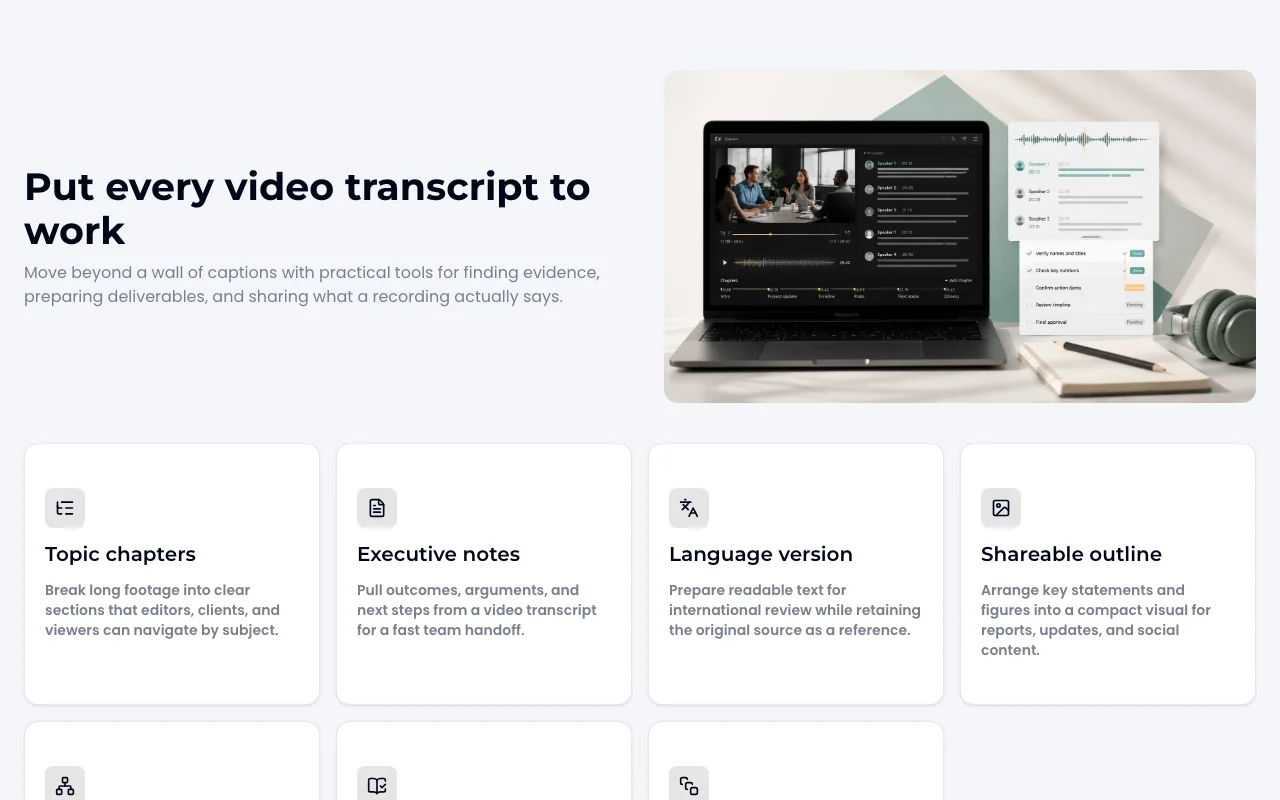
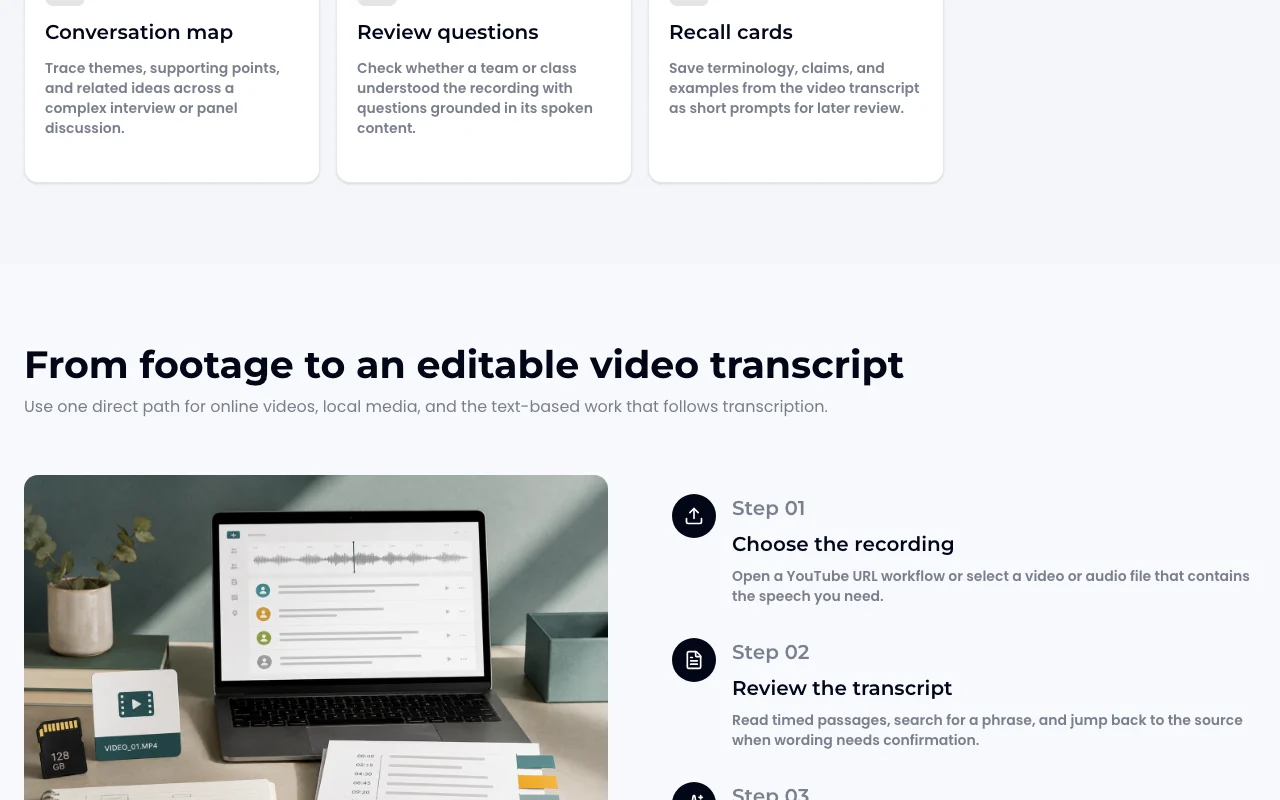
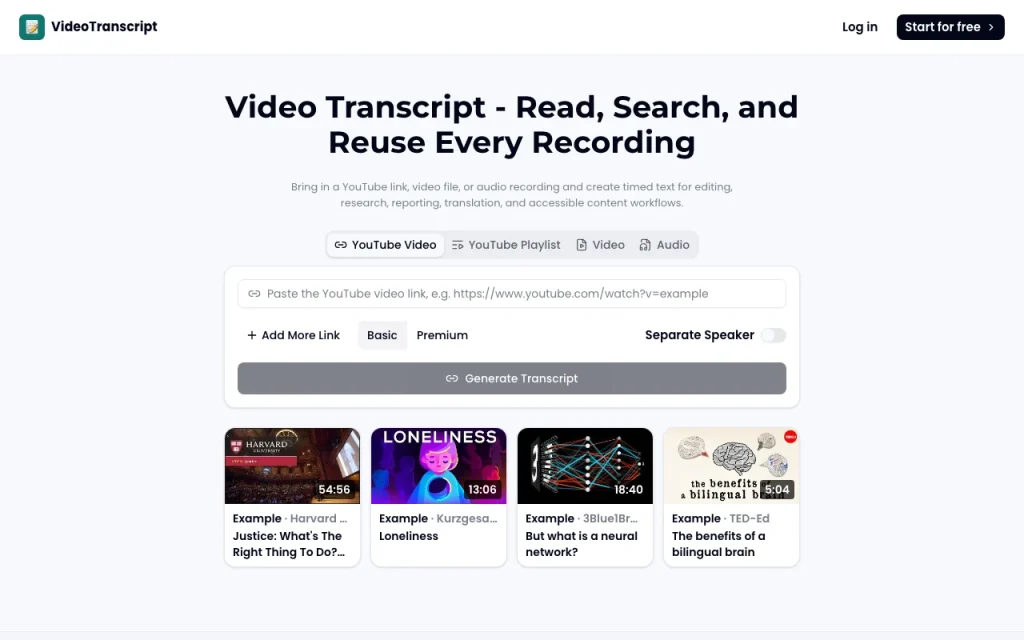
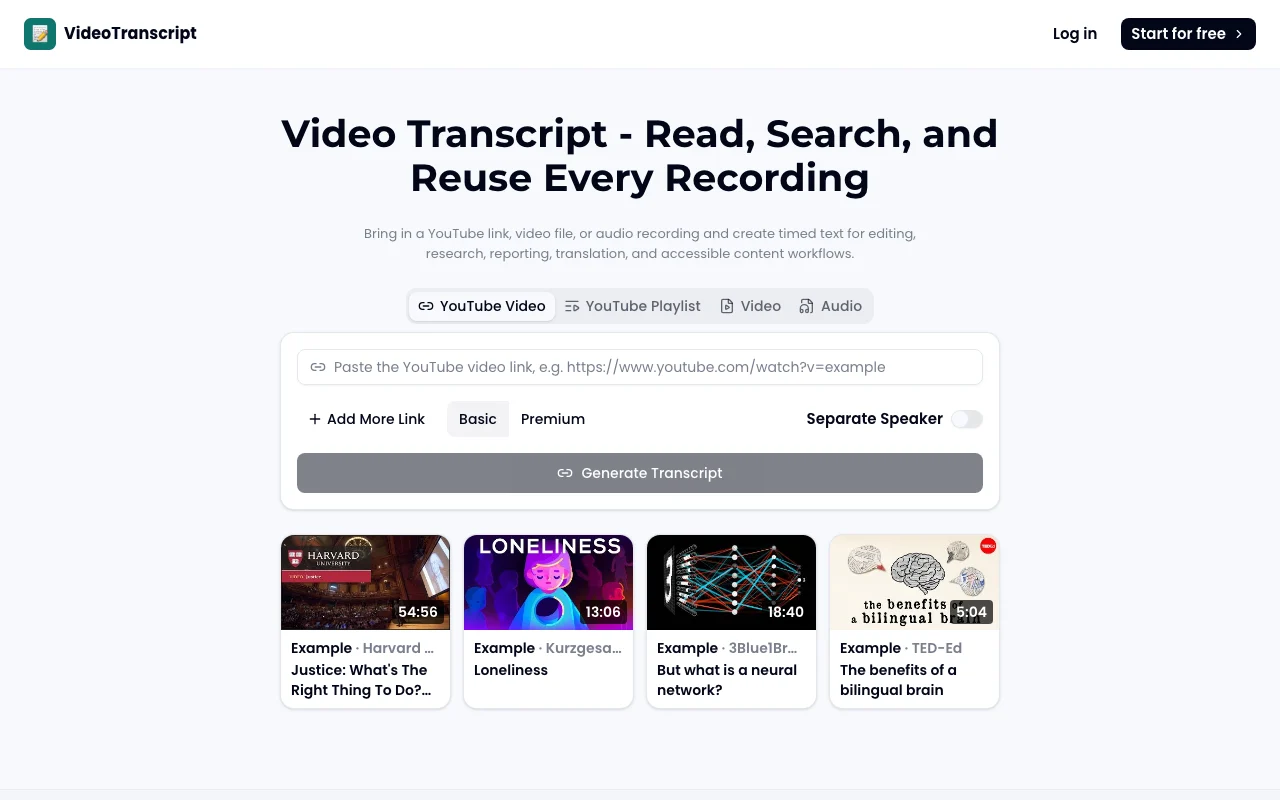
videotranscript.ai creates transcripts from YouTube videos, playlists, uploaded video files and audio recordings. Users can read timed text, search it and jump back to the source. From a transcript it can build chapters, executive notes, translated text, shareable outlines, review questions and recall cards. Basic and Premium transcription options and speaker separation are offered in the input form.

videotranscript.ai homepage — screenshot of the productivity & writing AI tool, Oct 1, 2026
videotranscript.ai's official site: how the product presents itself. videotranscript.ai, captured Oct 1, 2026

What you provide and what you get back

How videotranscript.ai works: what you provide, where it runs and what you get backYOU PROVIDEYour inputYouTube video or playlist linkUploaded video fileUploaded audio recordingPRODUCTIVITY & WRITINGvideotranscript.aiWebprice not publishedno free tieraccount requiredchecked Oct 1, 2026YOU GET BACKThe resultTimed searchable transcriptTopic chapters and executive notesTranslated text and shareable out…Review questions and recall cardsinput → videotranscript.ai → output · from the vendor's own pages, no hands-on test unless stated
What you give videotranscript.ai and what comes back, from its documentation

You provide

  • YouTube video or playlist link
  • Uploaded video file
  • Uploaded audio recording

You get back

  • Timed searchable transcript
  • Topic chapters and executive notes
  • Translated text and shareable outline
  • Review questions and recall cards

Where you can use it

Platforms
Web
Account
Required
Inputs
YouTube link, playlist, video, audio
Quality tiers
Basic, Premium
Speakers
Separation option
Outputs
Chapters, notes, outline, questions, cards
Pricing
Not published

What people use videotranscript.ai for

Scenarios are worked out by our editors from the documentation; the actual result depends on your input and plan.

YouTube video transcripts

Who
Researchers and students
You provide
A lecture on YouTube
Expected result
A searchable transcript with chapters and recall cards
Plan needed
Not stated
Limitation
Plan limits not published source (opens in a new tab)

Meeting and interview notes

Who
Teams recording meetings and interviews
You provide
An uploaded video or audio file
Expected result
Speaker-separated transcript and executive notes for handoff
Plan needed
Not stated
Limitation
Accuracy should be checked manually source (opens in a new tab)

Accessibility text drafts

Who
Accessibility and editing workflows
You provide
A recording needing captions text
Expected result
An editable transcript draft and language version
Plan needed
Not stated
Limitation
Draft only, requires review source (opens in a new tab)

videotranscript.ai features and their limits

videotranscript.ai homepage — screenshot of the productivity & writing AI tool, Oct 1, 2026
Feature overview on the official site. videotranscript.ai, captured Oct 1, 2026

YouTube link, playlist, video and audio input

Accepts YouTube links, playlists, video files and audio Covers online and local recordings in one flow

Access: Account sign-inLimit: Playlist limits not published source (opens in a new tab)

Timed searchable transcript

Produces a timed transcript you can search and jump back to the source Finds exact phrases fast

Access: All usersLimit: Accuracy should be checked manually source (opens in a new tab)

Topic chapters

Offers Basic and Premium transcription with speaker separation Lets you choose quality and who-said-what

Access: Input formLimit: Differences between tiers not documented source (opens in a new tab)

Executive notes

Builds topic chapters, executive notes, a conversation map and review questions from the transcript Turns a transcript into usable deliverables

Access: After transcriptionLimit: Output quality depends on the transcript source (opens in a new tab)

videotranscript.ai: strengths and limits

Reasons to choose videotranscript.ai

Check before paying for videotranscript.ai

How to use videotranscript.ai for transcribing a YouTube video

Set up videotranscript.ai

  1. Open videotranscript.ai and sign in
  2. Choose YouTube Video, Playlist, Video or Audio
  3. Paste the link or upload the file

Example: transcribing a YouTube video

  1. Choose Basic or Premium transcription and tick Separate Speaker
  2. Click Generate Transcript
  3. Search the transcript for a key phrase and jump to that moment
  4. Generate topic chapters and executive notes

Review and export the result

  1. Compare a few passages against the audio for accuracy
  2. Check speaker labels on a multi-person recording

videotranscript.ai API

API access and separate billing

videotranscript.ai has no public API in its official documentation. Not stated.

Privacy, data use and commercial rights

Summarized from the vendor's current policies; this is not legal advice and a vendor's badge is not an independent audit.

How your inputs and outputs are handled

Prompts, uploaded media, generated outputs and metadata are collected; processing by AI providers is described.

Policies: videotranscript.ai/privacy

Best videotranscript.ai alternatives for different needs

"Better suited" is based on documented features and pricing, not on a head-to-head test.

Otter.ai: better suited to

Descript: better suited to

Gemini Notebook (formerly NotebookLM): better suited to

Alternatives
AlternativeWhen to choose itPricingLimitation
Otter.ai——
Descript——
Gemini Notebook (formerly NotebookLM)——

Explore videotranscript.ai further

If you are looking at videotranscript.ai

videotranscript.ai user reviews

No user reviews yet.

Used videotranscript.ai? Be the first to share your experience.

Write a review

Reviews are checked by a moderator before they appear. Your email is never published. Plain text only.

Your rating (required)

Show what you made or what went wrong. Images are published only if the review is approved; location data is removed.

    videotranscript.ai FAQ

    Does videotranscript.ai publish pricing?

    No. The pricing page returns a 404 and plan limits are not published on the pages loaded. source (opens in a new tab)

    What can I transcribe?

    YouTube videos and playlists, uploaded video files and audio recordings. source (opens in a new tab)

    Does it separate speakers?

    Yes, there is a Separate Speaker option in the input form. source (opens in a new tab)

    What can I make from a transcript?

    Topic chapters, executive notes, a language version, a shareable outline, a conversation map, review questions and recall cards. source (opens in a new tab)

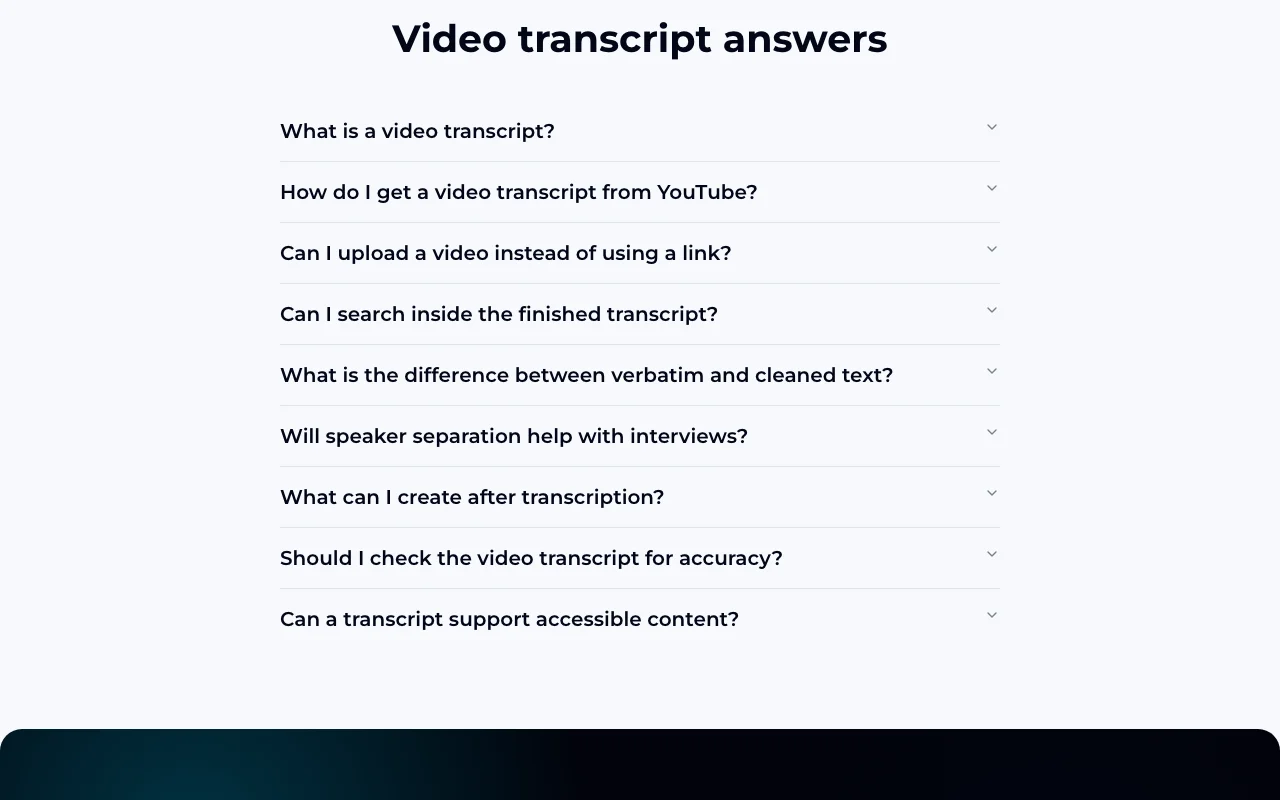
    Is the transcript accurate?

    The site advises checking transcripts manually for accuracy. source (opens in a new tab)

    Sources and review methodology

    Official sources and verification dates

    Not verified: Pricing and limits; Languages supported; Docs (not available); Retention period.

    How we documented and maintain this page

    Every fact about videotranscript.ai above comes from the 2 official pages listed here, last compared on Oct 1, 2026; we have not run videotranscript.ai ourselves, so it has no editorial score. How we check and re-check pages.

    Article updated Oct 10, 2026; prices checked Oct 1, 2026. Outbound links to vendors are plain links; we do not earn commissions. How we review · Report an error