Productivity & writingDocumented overviewLast checked Sep 29, 2026

Vavus AI: Pricing, Features & Best Use Cases

Translation and dictation app for speech, text, documents and live conversations, with AI writing tools, messaging and calls.
Is Vavus AI right for you?

Choose Vavus AI if you need translation across speech, text, documents and live conversations plus dictation in one app on iOS, Android, desktop and web, from a free Basic tier to $9.97 per month. Based on the vendor's documentation, not on a hands-on test.

Best for: Travelers

Also a good fit for

  • Multilingual teams
  • People who dictate often

Consider another tool if usage is metered in monthly tokens (10,000 on Personal)

Or if

  • Priority support only on Pro and above
  • Keyboard subscription is billed separately

Vavus AI pricing and usage limits

Prices checked Sep 29, 2026 on the official US pricing page. Official pricing ↗ Prices and limits change often.

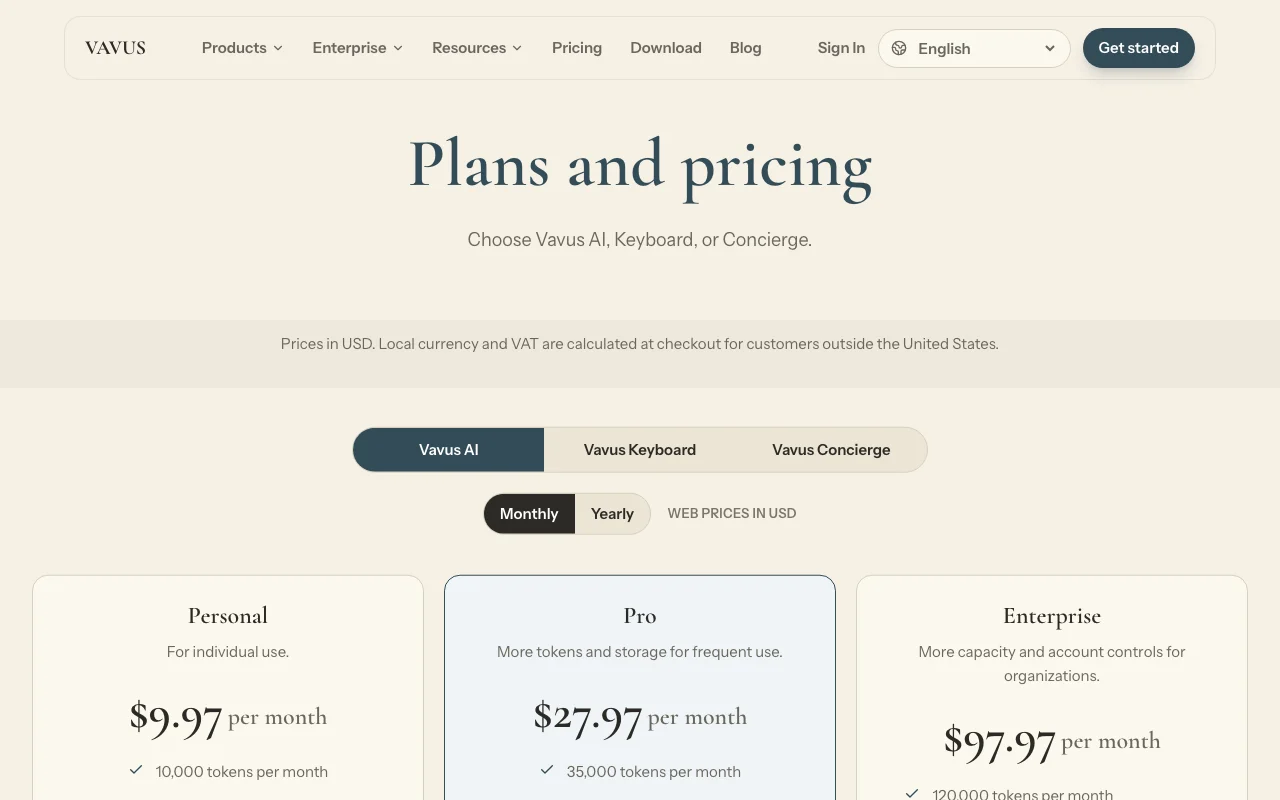
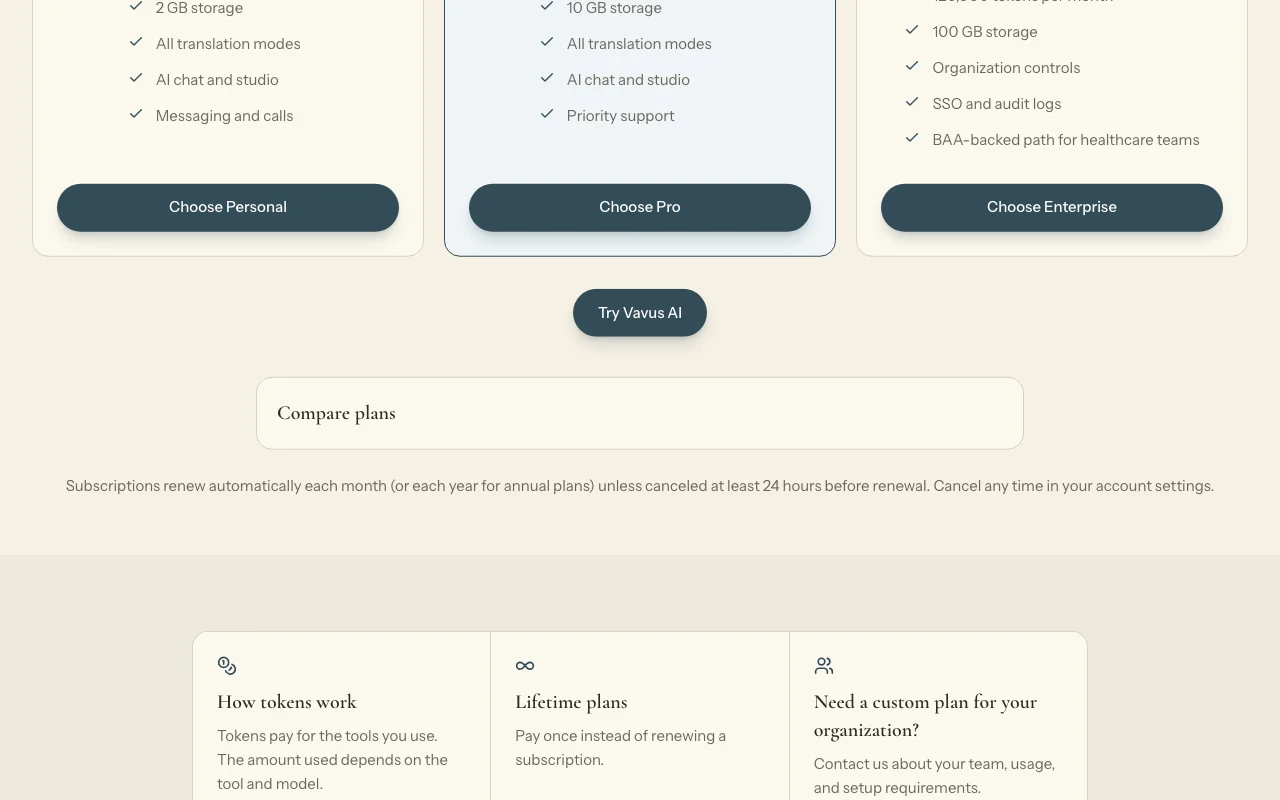
Vavus AI pricing page with plans and prices — screenshot of the productivity & writing AI tool, Oct 1, 2026
The official Vavus AI pricing page as we saw it. vavusai.com, captured Oct 1, 2026

Free access and trial conditions

Basic plan is free with 1,000 tokens per 30 days.

Eligible paid-plan trial for 3 days with 5,000 tokens.

Paid plans: what changes as you upgrade

Basic Web

Free source (opens in a new tab)

Month

For: Trying Vavus

Limits

  • 1,000 tokens per 30 days
  • 1,000 keyboard words per 7 days

Includes

  • No card required

Personal Web

$9.97/mo source (opens in a new tab)

Month

For: Individuals

Limits

  • 10,000 tokens per month
  • 2 GB storage

Includes

  • All translation modes
  • AI chat and studio
1 more
  • Messaging and calls

Pro Web

$27.97/mo source (opens in a new tab)

Month

For: Frequent users

Limits

  • 35,000 tokens per month
  • 10 GB storage

Includes

  • Priority support
  • All translation modes
1 more
  • AI chat and studio

Enterprise Web

$97.97/mo source (opens in a new tab)

Month

For: Organizations

Limits

  • 120,000 tokens per month
  • 100 GB storage

Includes

  • SSO and audit logs
  • Organization controls
1 more
  • BAA-backed path for healthcare

Vavus AI Lifetime Web

$497 one-time source (opens in a new tab)

One-time

For: Buyers avoiding subscriptions

Limits

  • 20,000 tokens each month
  • 10 GB storage

Includes

  • All translation modes
  • AI chat and studio

Token packs Web

$5 one-time source (opens in a new tab)

One-time

For: Extra usage

Limits

  • Unused monthly tokens do not roll over

Includes

  • Top-up tokens

Usage caps, credits and extra costs

Keyboard subscription separate ($297 lifetime); Concierge priced separately; token packs $5 to $100.

Local currency and VAT added at checkout outside the US.

What is Vavus AI, and how does it work?

Vavus AI translates speech, text, documents and live conversations in one app, and adds dictation, AI writing tools, messaging and calls across languages. It is one of three Vavus products alongside Vavus Keyboard and Vavus Concierge, all under one account. The official download page lists apps for iPhone/iPad, Android, macOS, Windows and Linux, plus a web dashboard. Plans are token-based and priced in USD.

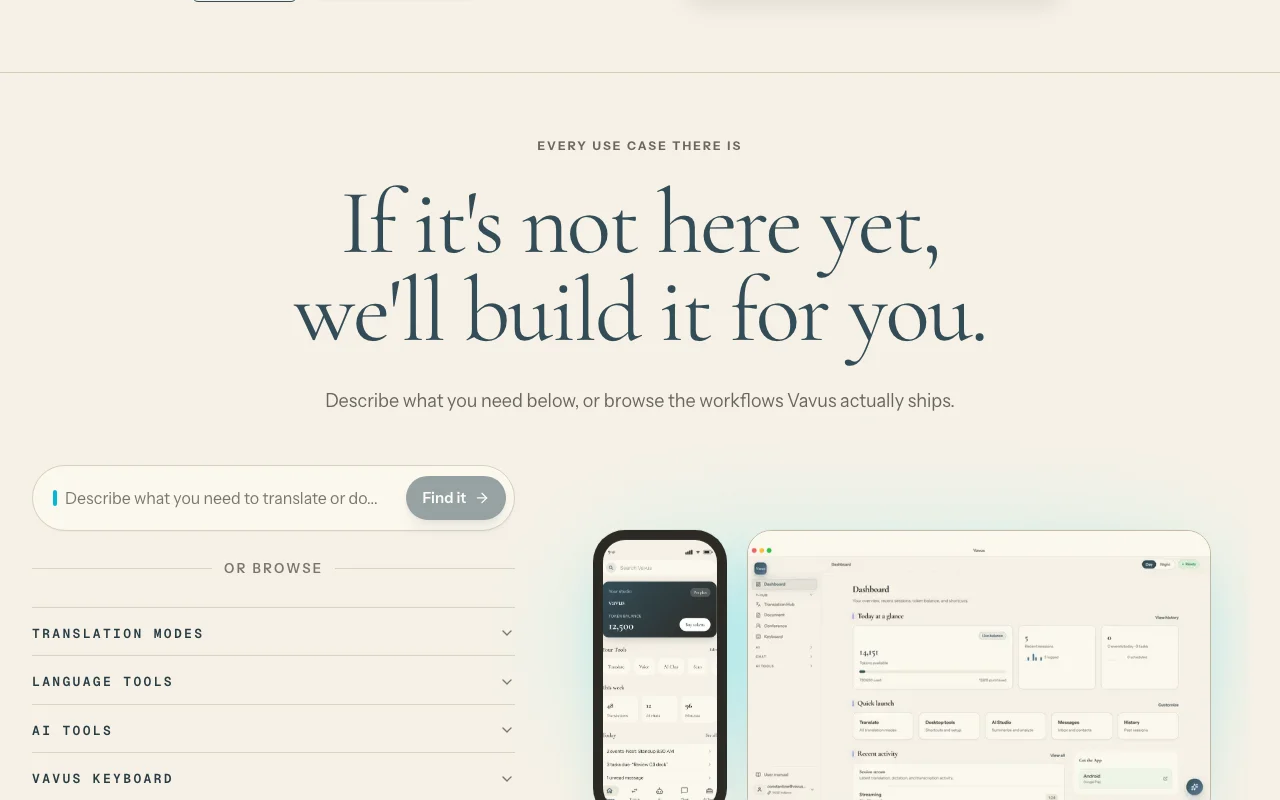
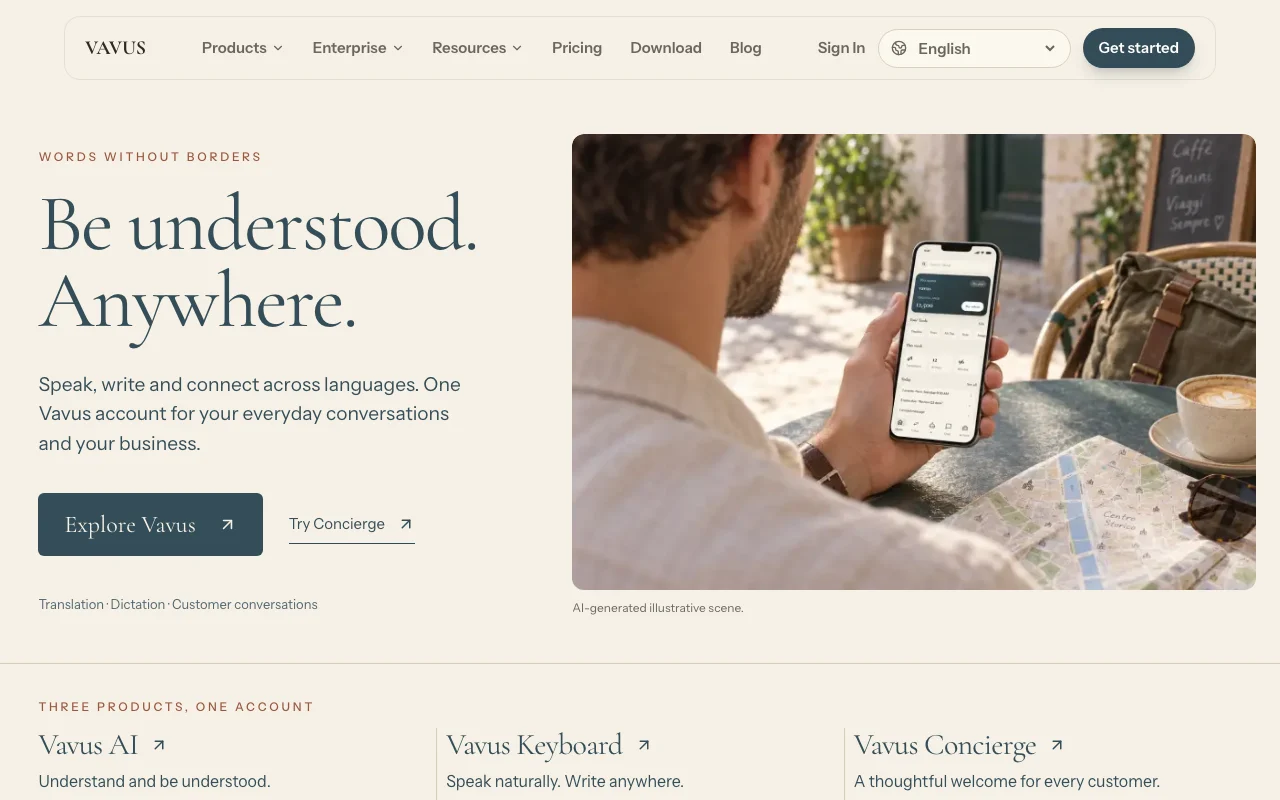
Vavus AI homepage — screenshot of the productivity & writing AI tool, Oct 1, 2026
Vavus AI's official site: how the product presents itself. vavusai.com, captured Oct 1, 2026

What you provide and what you get back

How Vavus AI works: what you provide, where it runs and what you get backYOU PROVIDEYour inputSpeech, text, documents and live…Dictated speechPRODUCTIVITY & WRITINGVavus AIWeb, Desktop, Mobilefrom $5 (Token packs)free tier availableaccount requiredchecked Sep 29, 2026YOU GET BACKThe resultTranslationsDictated textAI chat and writing outputMessages and calls with translati…input → Vavus AI → output · from the vendor's own pages, no hands-on test unless stated
What you give Vavus AI and what comes back, from its documentation

You provide

  • Speech, text, documents and live conversation audio
  • Dictated speech

You get back

  • Translations
  • Dictated text
  • AI chat and writing output
  • Messages and calls with translation

Where you can use it

Platforms
Web, Desktop, Mobile
Account
Required
Platforms
iOS, Android, macOS, Windows, Linux, web
Modes
Speech, text, document, live conversation
Tokens
10,000 / 35,000 / 120,000 per month
Storage
2 / 10 / 100 GB

What people use Vavus AI for

Scenarios are worked out by our editors from the documentation; the actual result depends on your input and plan.

Translating live conversations

Who
Travelers and multilingual teams
You provide
Speech in a call or conversation
Expected result
Live translation text or voice
Plan needed
Personal and up
Limitation
Consumes tokens source (opens in a new tab)

Dictating notes

Who
People who dictate often
You provide
Spoken words
Expected result
Written notes
Plan needed
Basic or paid
Limitation
Basic keyboard allowance is 1,000 words per week source (opens in a new tab)

Translating documents

Who
Business users
You provide
A document file
Expected result
A translated document
Plan needed
Personal and up
Limitation
Token cost depends on tool and model source (opens in a new tab)

Cross-language messaging

Who
Multilingual teams
You provide
Messages or calls
Expected result
Translated conversations
Plan needed
Personal and up
Limitation
Tokens are shared across tools source (opens in a new tab)

Vavus AI features and their limits

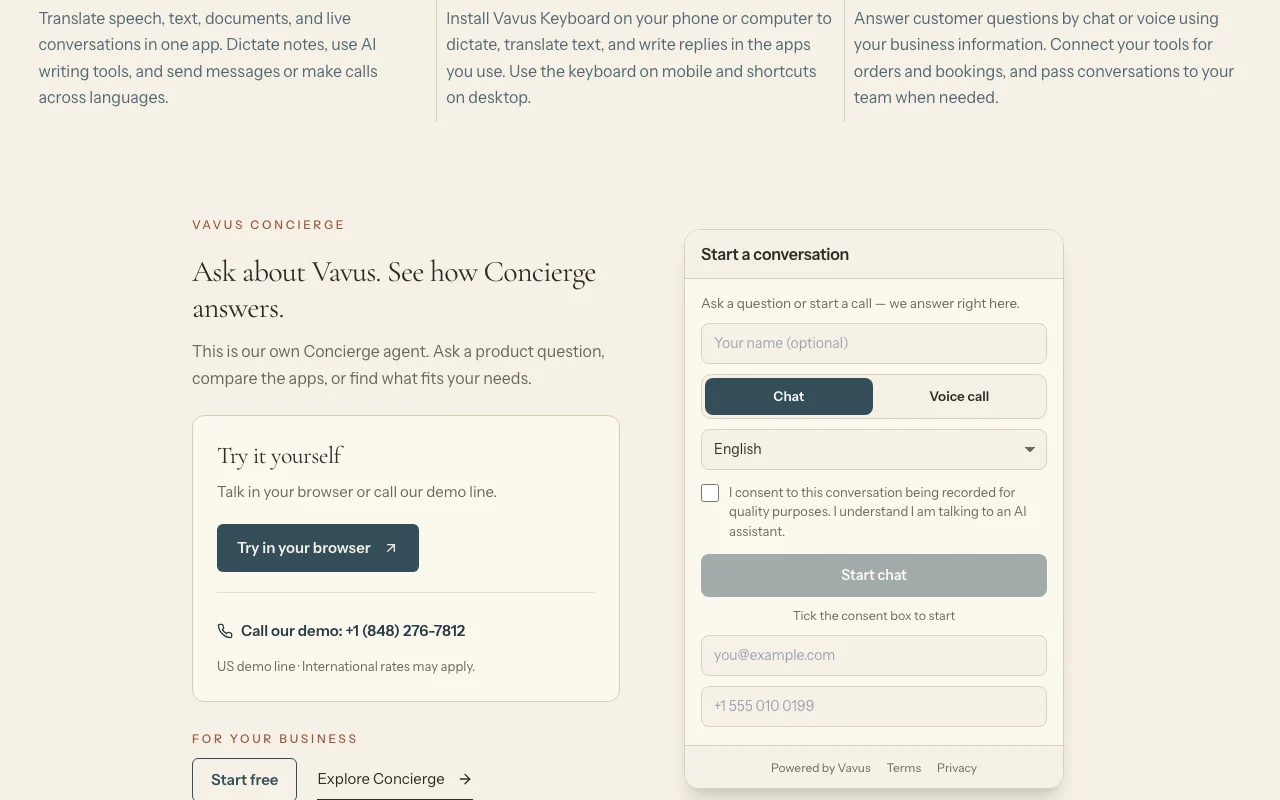
Vavus AI homepage — screenshot of the productivity & writing AI tool, Oct 1, 2026
Feature overview on the official site. vavusai.com, captured Oct 1, 2026

Speech, text and document translation

Translates speech, text, documents and live conversations in one app. One tool for many translation tasks.

Access: All plansLimit: Language list not captured source (opens in a new tab)

Dictation

Turns speech into text with AI writing tools. Hands-free note taking.

Access: All plans, keyboard separateLimit: Keyboard standalone is a separate product source (opens in a new tab)

AI chat and studio

Offers AI chat and a studio for writing. Draft in multiple languages.

Access: Personal and upLimit: Draws on token allowance source (opens in a new tab)

Messaging and calls

Sends messages and makes calls with translation. Talk across languages.

Access: Personal and upLimit: Calls consume tokens source (opens in a new tab)

Pros, cons and deal-breakers

Where Vavus AI is strong

Limitations to check before paying

How to use Vavus AI for translating a live conversation

Set up Vavus AI

  1. Create a Vavus account on the web or in the app
  2. Pick the Basic free plan or a paid plan
  3. Install the app for your device from the download page

Example: translating a live conversation

  1. Open translation and choose the two languages
  2. Start live conversation mode
  3. Speak and read or hear the translation
  4. Check the token balance

Review and export the result

  1. Verify names and numbers in the translation
  2. Watch token use against your monthly allowance

Vavus AI API

Vavus AI pricing page with plans and prices — screenshot of the productivity & writing AI tool, Oct 1, 2026
Plan comparison on the official pricing page. vavusai.com, captured Oct 1, 2026

API access and separate billing

Vavus AI has no public API in its official documentation. Corporate plans mention custom deployments

Privacy, data use and commercial rights

Summarized from the vendor's current policies; this is not legal advice and a vendor's badge is not an independent audit.

How your inputs and outputs are handled

Speech, text and documents are processed by speech, translation and AI providers.

Vavus does not use your content to train its models and contracts providers to keep it out of theirs.

Not captured.

Commercial use and plan restrictions

Not stated.

BAA path on Enterprise.

Controls for business users

  • SSO
  • Audit logs
  • BAA path

Policies: vavusai.com/privacy

Best Vavus AI alternatives for different needs

"Better suited" is based on documented features and pricing, not on a head-to-head test.

ChatGPT: better suited to

Google Gemini: better suited to

Microsoft Copilot: better suited to

Alternatives
AlternativeWhen to choose itPricingLimitation
ChatGPT——
Google Gemini——
Microsoft Copilot——

Explore Vavus AI further

Tools and guides near Vavus AI

Vavus AI user reviews

No user reviews yet.

Used Vavus AI? Be the first to share your experience.

Write a review

Reviews are checked by a moderator before they appear. Your email is never published. Plain text only.

Your rating (required)

Show what you made or what went wrong. Images are published only if the review is approved; location data is removed.

    Vavus AI FAQ

    Is there a free plan?

    Yes. Basic is free with 1,000 tokens every 30 days and 1,000 keyboard words every seven days, no card required. source (opens in a new tab)

    What does a token cover?

    Tokens pay for translation, dictation, AI chat, calls with translation, document translation and OCR from one balance. source (opens in a new tab)

    How much do plans cost?

    Personal $9.97, Pro $27.97 and Enterprise $97.97 per month, with Vavus AI Lifetime at $497 one-time. source (opens in a new tab)

    Is the Keyboard included?

    Supported keyboard features are included, but the standalone Keyboard app is a separate subscription. source (opens in a new tab)

    Are app-store prices the same?

    Not necessarily; Apple and Google follow their own price tiers. source (opens in a new tab)

    Sources and review methodology

    Official sources and verification dates

    Not verified: Supported languages; Retention; Offline use.

    How we documented and maintain this page

    Every fact about Vavus AI above comes from the 3 official pages listed here, last compared on Sep 29, 2026; we have not run Vavus AI ourselves, so it has no editorial score. How we check and re-check pages.

    Article updated Oct 10, 2026; prices checked Sep 29, 2026. Outbound links to vendors are plain links; we do not earn commissions. How we review · Report an error