Free web
Free source (opens in a new tab)
Monthly
For: Trying
Limits
- 150 minutes
- 5-minute daily limit
1 more
- 1 active caller
Includes
- Immediate reports
Productivity & writingDocumented overviewLast checked Oct 2, 2026
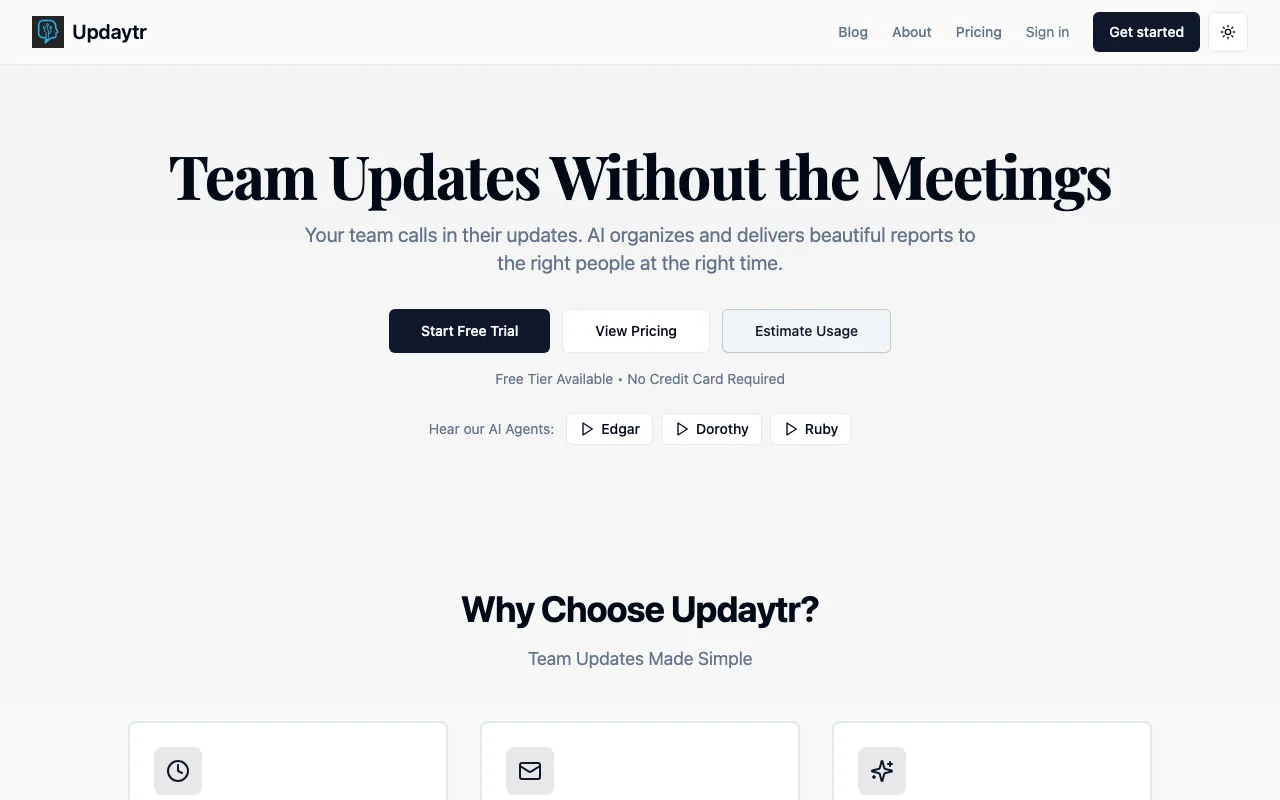
Phone-call AI agent that turns field crew updates into emailed reports; no app needed.
 (open full size in a new tab)
 (open full size in a new tab)
 (open full size in a new tab)
 (open full size in a new tab)
 (open full size in a new tab)
 (open full size in a new tab)
Our take: Updaytr suits construction crews and field teams that want to phone in updates and receive structured emailed reports without installing an app, starting on a free plan of 150 minutes a month.
Main limitation: The free plan is capped at 150 minutes with a 5-minute daily limit and locks out when reached.
Updaytr suits construction crews and field teams that want to phone in updates and receive structured emailed reports without installing an app, starting on a free plan of 150 minutes a month. Based on the vendor's documentation, not on a hands-on test.
Also a good fit for
Or if
Prices checked Oct 2, 2026 on the official US pricing page. Official pricing ↗ Prices and limits change often.
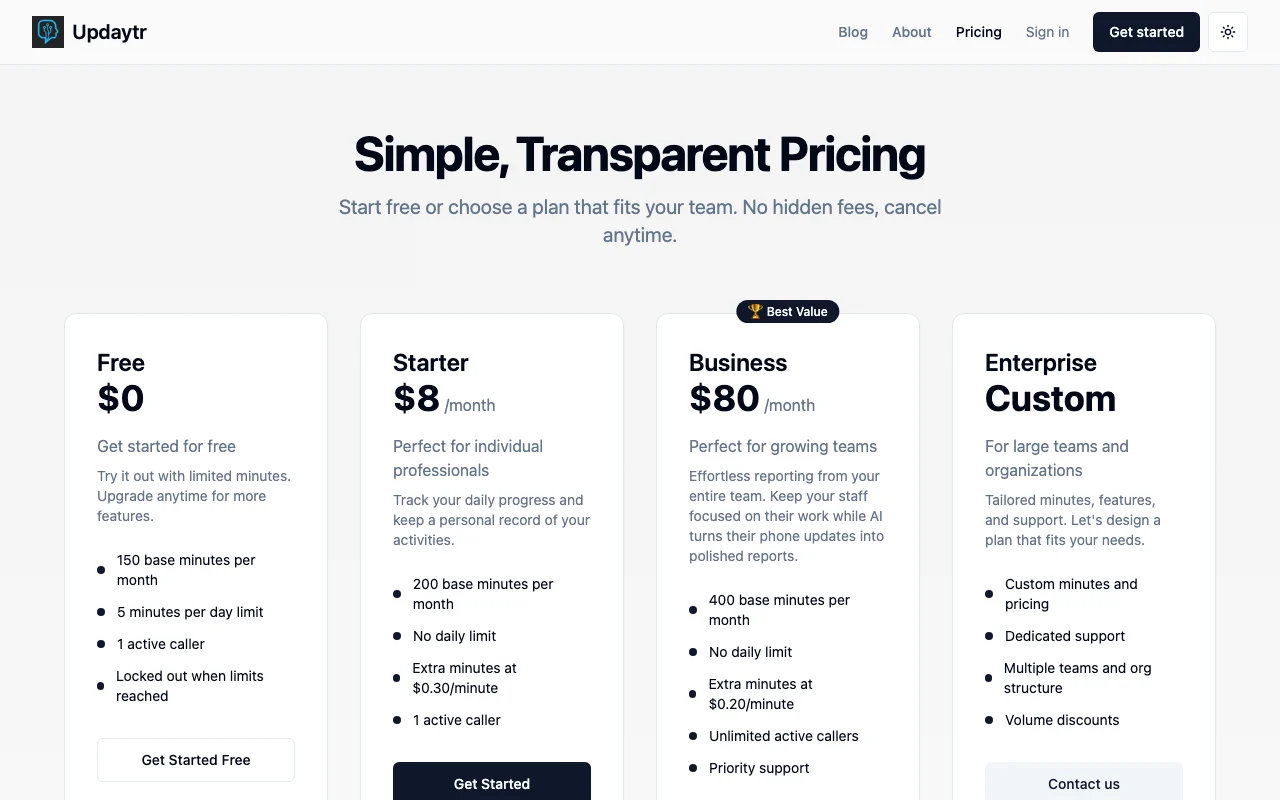
Free plan: 150 minutes per month
Free plan
Free source (opens in a new tab)
Monthly
For: Trying
Limits
Includes
$8 source (opens in a new tab)
Monthly
Billed monthly
For: Individuals
Limits
Includes
See official pricing source (opens in a new tab)
Monthly
$15-$80 range, tier mapping not itemized
For: Teams
Limits
Includes
Custom pricing source (opens in a new tab)
Custom
Custom
For: Organizations
Includes
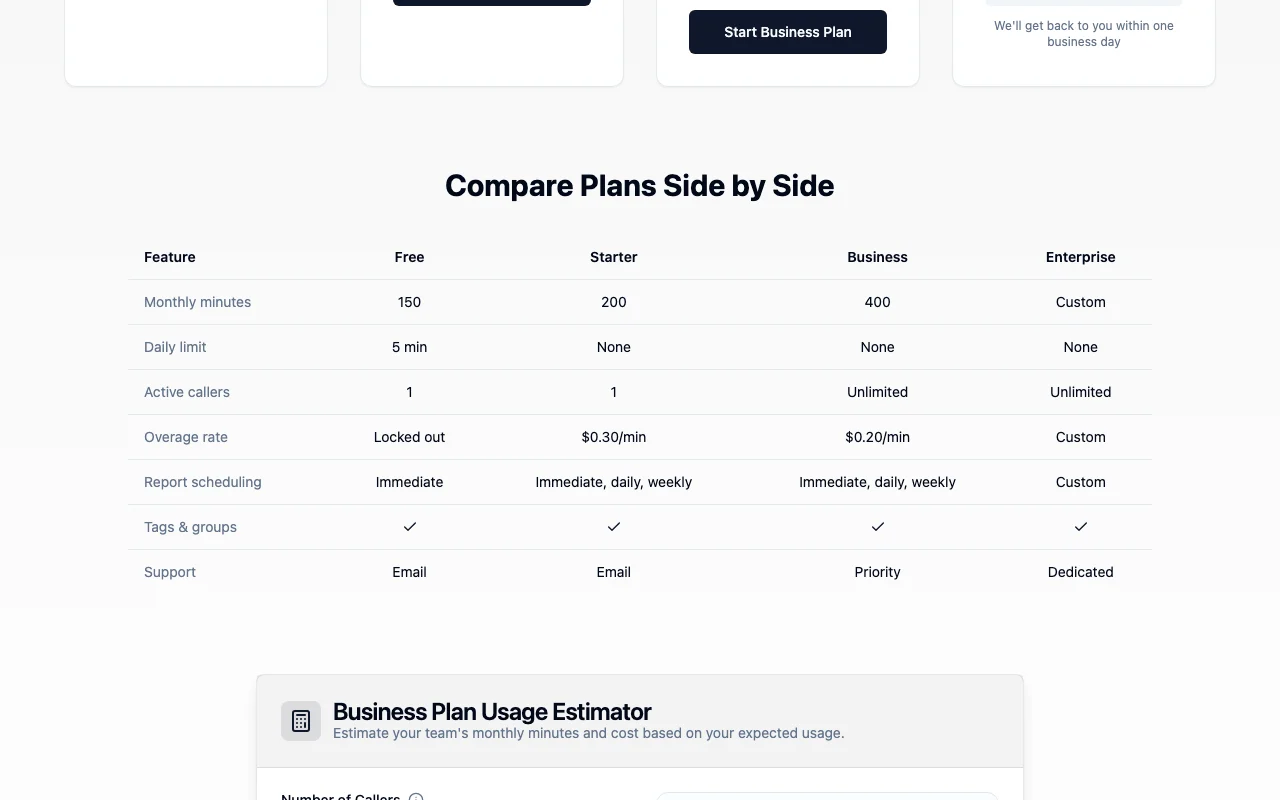
Overage $0.30/min (Starter), $0.20-$0.25/min (Business/Family)
Not stated
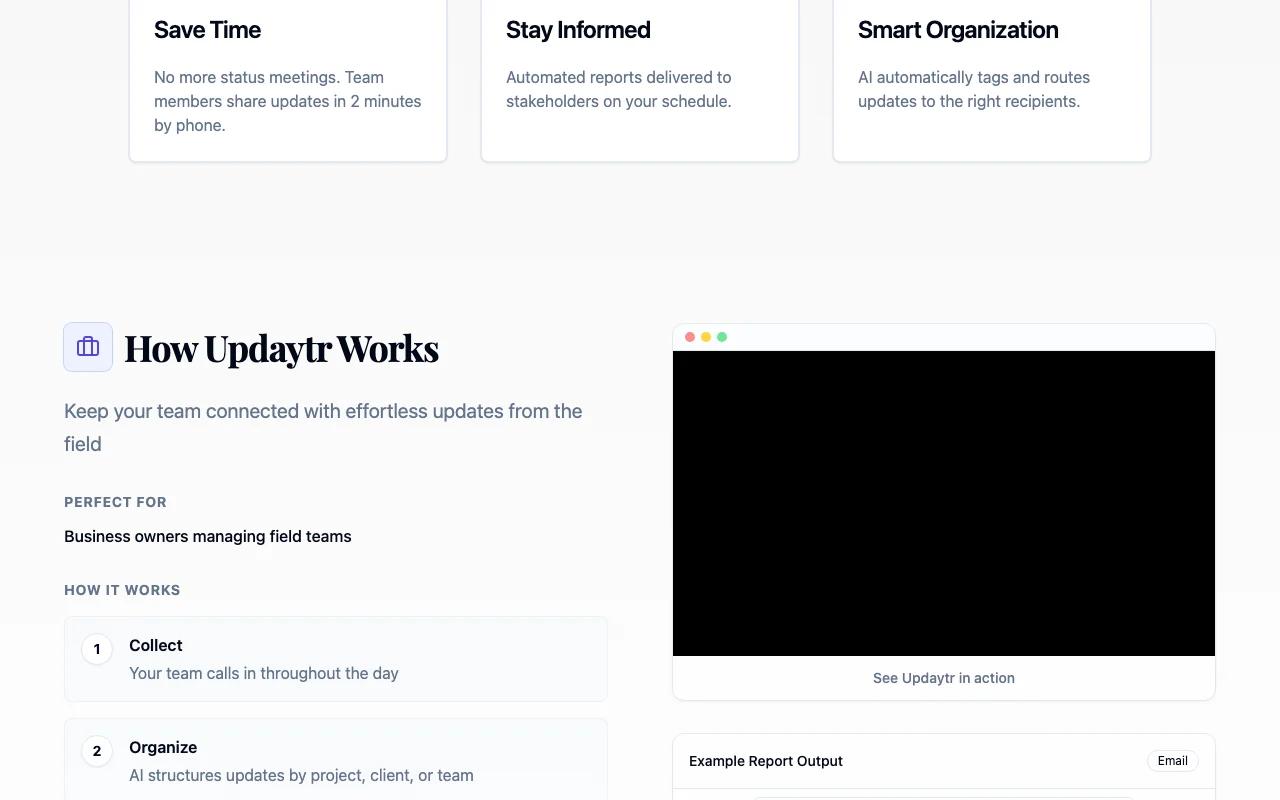
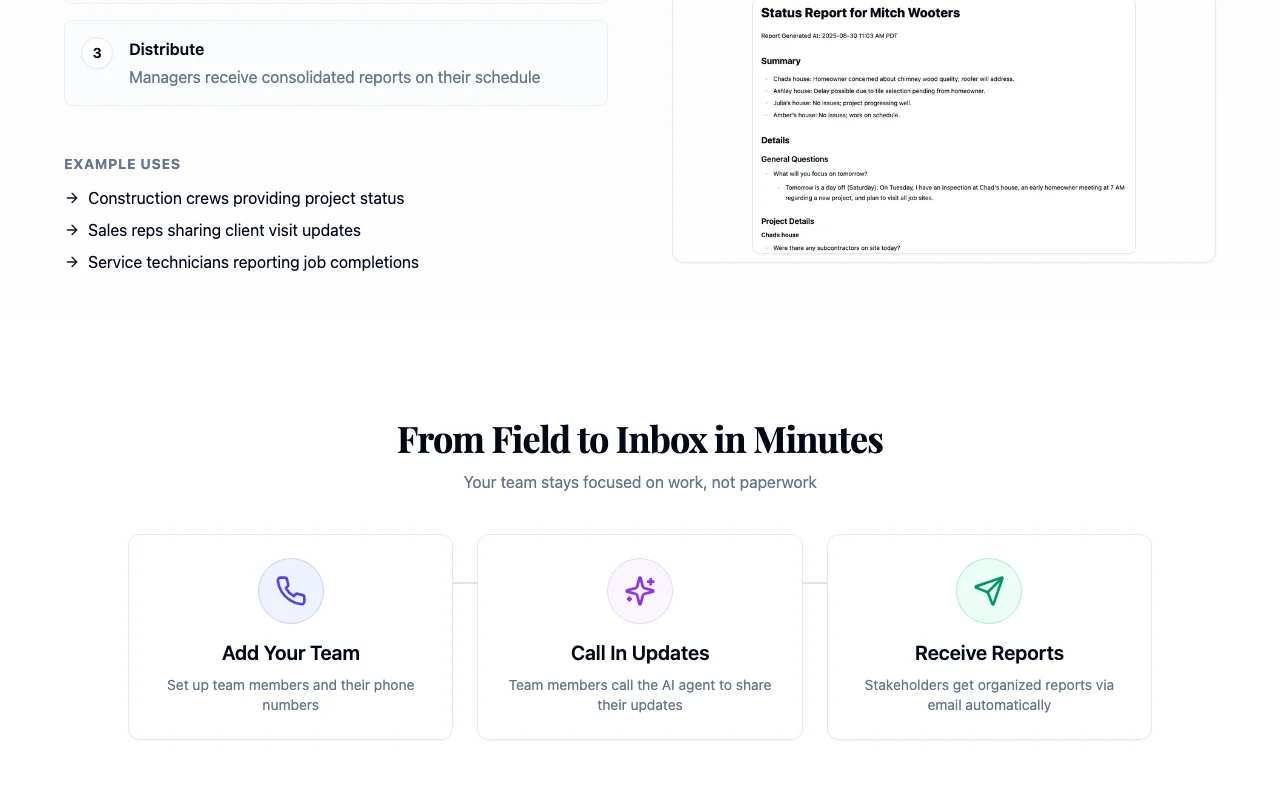
Updaytr is field reporting software that runs on phone calls. A crew member calls the Updaytr AI agent, describes progress in natural speech, and the AI organizes the call into a structured report that is emailed immediately, daily or weekly. The site targets construction and remodeling, real estate, logistics, field service, sales and similar teams, says no app or training is needed, and notes the service is not HIPAA compliant. Plans run from a free tier to custom enterprise pricing, billed monthly.
You provide
You get back
Scenarios are worked out by our editors from the documentation; the actual result depends on your input and plan.
Lets staff talk to an AI agent over a normal phone call. Removes app and typing needs
Converts a call into an organized report. Saves writing time
Sends reports immediately, daily or weekly to chosen recipients. Keeps managers informed
Tracks what was shared earlier and prompts for missing items. Keeps reports complete
Updaytr has no public API in its official documentation. No API documented
Summarized from the vendor's current policies; this is not legal advice and a vendor's badge is not an independent audit.
Call audio may be recorded and transcribed to generate reports; processed by ElevenLabs, OpenAI and Supabase
Kept as long as needed; deletion by request
Policies: updaytr.com/privacy
"Better suited" is based on documented features and pricing, not on a head-to-head test.
| Alternative | When to choose it | Pricing | Limitation | |
|---|---|---|---|---|
| Otter.ai | — | — |
No user reviews yet.
Used Updaytr? Be the first to share your experience.
150 minutes per month, a 5-minute daily limit and one active caller. source (opens in a new tab)
$0.30 per minute on Starter/Personal, $0.25 on Family and $0.20 on Business. source (opens in a new tab)
No, it works over a phone call. source (opens in a new tab)
Monthly, cancel anytime, with service until the period ends. source (opens in a new tab)
Audio may be recorded and transcribed to generate reports, per its privacy policy. source (opens in a new tab)
Not verified: Tier mapping inside $15-$80 range; Docs.
Every fact about Updaytr above comes from the 6 official pages listed here, last compared on Oct 2, 2026; we have not run Updaytr ourselves, so it has no editorial score. How we check and re-check pages.
Article updated Oct 2, 2026; prices checked Oct 2, 2026. Outbound links to vendors are plain links; we do not earn commissions. How we review · Report an error
compare>