Produktivität & SchreibenDokumentierter ÜberblickZuletzt geprüft Sep 29, 2026

Unabyss: Preise, Funktionen & beste Einsatzzwecke

Context layer that syncs your work apps into one memory that Claude, ChatGPT, Cursor and other MCP tools read.

Für wen Unabyss geeignet ist

Unabyss suits people who use several AI tools daily and want one synced context from Slack, Gmail, Notion and GitHub available to Claude, ChatGPT and Cursor over MCP. Auf Basis der Dokumentation des Anbieters, nicht in einem praktischen Test.

Am besten für: People using several AI tools daily

Auch gut geeignet für

  • Small teams sharing AI context

Ein anderes Tool in Betracht ziehen, wenn paid plans after a 7-day trial

Oder wenn

  • Pro is limited to 3 connected agents and 20 accounts
  • Team plan has a 3-seat minimum

Unabyss Preise und Nutzungslimits

Preise am Sep 29, 2026 auf der offiziellen US-Preisseite geprüft. Offizielle Preise ↗ Preise und Limits ändern sich häufig.

Kostenloser Zugang und Testbedingungen

No permanent free tier; every plan starts with a 7-day free trial

7-day free trial, no credit card required on Pro and Max

Kostenpflichtige Tarife: was sich beim Upgrade ändert

Pro web

$15/mo Quelle (öffnet in neuem Tab)

Monat

Page shows $13/mo alongside $15 billed annually; labels are ambiguous

Für: Individuals plugging AI into daily work

Limits

  • Up to 3 connected agents via MCP
  • Up to 20 connected accounts
1 mehr
  • 7-day free trial, no card required

Enthält

  • Premium usage tier

API inklusive

Max web

$89/mo Quelle (öffnet in neuem Tab)

Monat

Page shows $79/mo alongside $89 billed annually; labels are ambiguous

Für: Power users living in AI all day

Limits

  • Unlimited agents and connected accounts

Enthält

  • Multi-account support for Google apps
  • Unlimited usage
1 mehr
  • Early access to new features

API inklusive

Team web

$49/mo per seat per month Quelle (öffnet in neuem Tab)

Monat

Page shows $39/seat/mo alongside $49 billed annually; labels are ambiguous

Für: Small teams sharing AI context

Limits

  • Minimum 3 seats

Enthält

  • Everything in Max for every seat
  • Shared team workspace
1 mehr
  • Central seat and invoice management

API inklusive

Nutzungsobergrenzen, Guthaben und Zusatzkosten

No additional costs stated

Not stated

Was ist Unabyss und wie funktioniert es?

Unabyss connects sources such as Slack, Gmail, Notion, GitHub and calendars, structures them into one live context, and exposes it to AI tools over MCP. It is offered as a connector for Claude and ChatGPT, with team plans that keep each teammate's context separate.

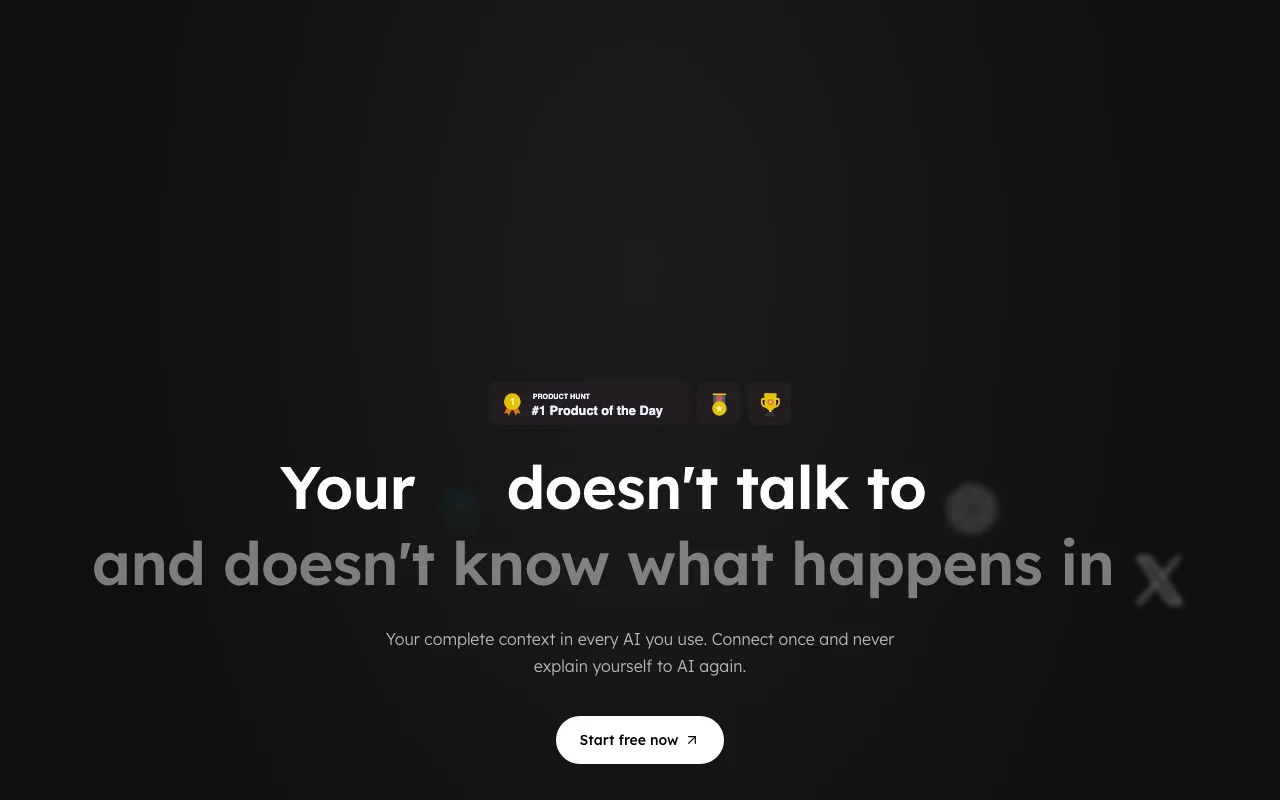
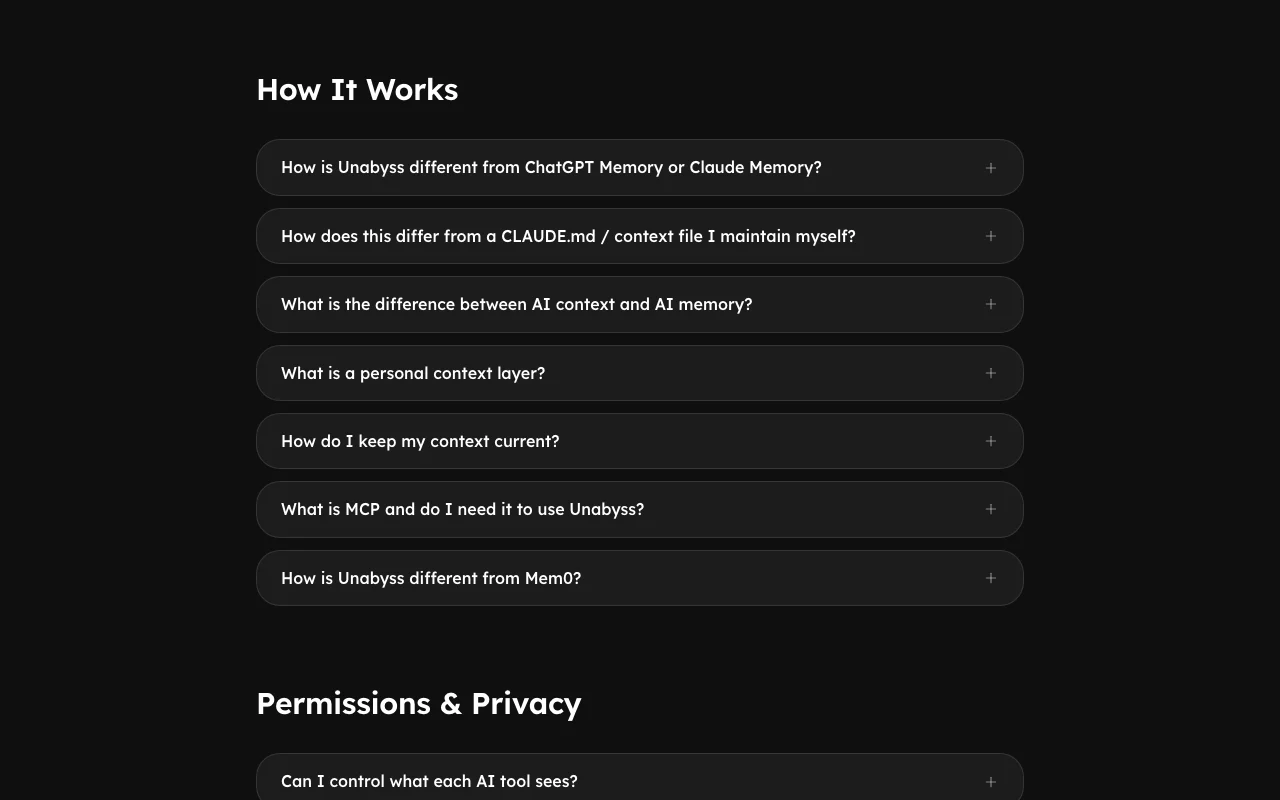
Unabyss Startseite – Screenshot des KI-Tools produktivität & schreiben, Oct 1, 2026
Offizielle Website von Unabyss: So stellt sich das Produkt selbst dar. unabyss.com, erfasst Oct 1, 2026

Was Sie liefern und was Sie erhalten

Wie Unabyss funktioniert: was Sie liefern, wo es läuft und was Sie zurückbekommenSIE LIEFERNIhre EingabeSlack, Gmail, Notion, GitHub, Lin…Meeting notes from Fathom, Firefl…Source permissions via OAuthPRODUKTIVITäT & SCHREIBENUnabyssWebab $15/mo (Pro)kein kostenloser TarifKonto erforderlichgeprüft Sep 29, 2026SIE ERHALTEN ZURÜCKDas ErgebnisOne structured live contextMCP access for Claude, ChatGPT, C…Exported context filesinput → Unabyss → output · von den eigenen Seiten des Anbieters, kein praktischer Test, sofern nicht angegeben
Was Sie Unabyss geben und was zurückkommt, laut Dokumentation

Sie liefern

  • Slack, Gmail, Notion, GitHub, Linear and calendar data
  • Meeting notes from Fathom, Fireflies, tl;dv or Granola
  • Source permissions via OAuth

Sie erhalten zurück

  • One structured live context
  • MCP access for Claude, ChatGPT, Cursor and others
  • Exported context files

Wo Sie es nutzen können

Plattformen
Web
Konto
Erforderlich
Sources
Slack, Gmail, Notion, GitHub, Linear, Calendar, Drive
AI clients
Claude, ChatGPT, Cursor, Gemini and more
Pro limits
3 agents, 20 accounts
Team minimum
3 seats
Encryption
AES-256 at rest, TLS 1.3

Wofür Unabyss genutzt wird

Die Szenarien erarbeiten unsere Redakteure anhand der Dokumentation; das tatsächliche Ergebnis hängt von Ihrer Eingabe und Ihrem Tarif ab.

Sharing context across Claude, ChatGPT and Cursor

Wer
People using several AI clients
Sie liefern
Connected work sources
Erwartetes Ergebnis
The same up-to-date context in each AI client
Benötigter Tarif
Pro or Max
Einschränkung
Pro allows only 3 connected agents Quelle (öffnet in neuem Tab)

Drafting reports from connected work data

Wer
Founders and GTM leads
Sie liefern
Slack, Gmail and CRM-like sources
Erwartetes Ergebnis
Weekly or investor updates drafted from real activity
Benötigter Tarif
Pro or Max
Einschränkung
Output quality depends on source data Quelle (öffnet in neuem Tab)

Onboarding teammates with their own connected context

Wer
Small teams
Sie liefern
Each teammate's sources
Erwartetes Ergebnis
Separate per-person context under one workspace
Benötigter Tarif
Team
Einschränkung
3-seat minimum Quelle (öffnet in neuem Tab)

Moving context between models

Wer
Users switching AI tools
Sie liefern
Exported context files
Erwartetes Ergebnis
Portable context pasted into any AI
Benötigter Tarif
Any plan
Einschränkung
Export format details not shown Quelle (öffnet in neuem Tab)

Funktionen von Unabyss und ihre Grenzen

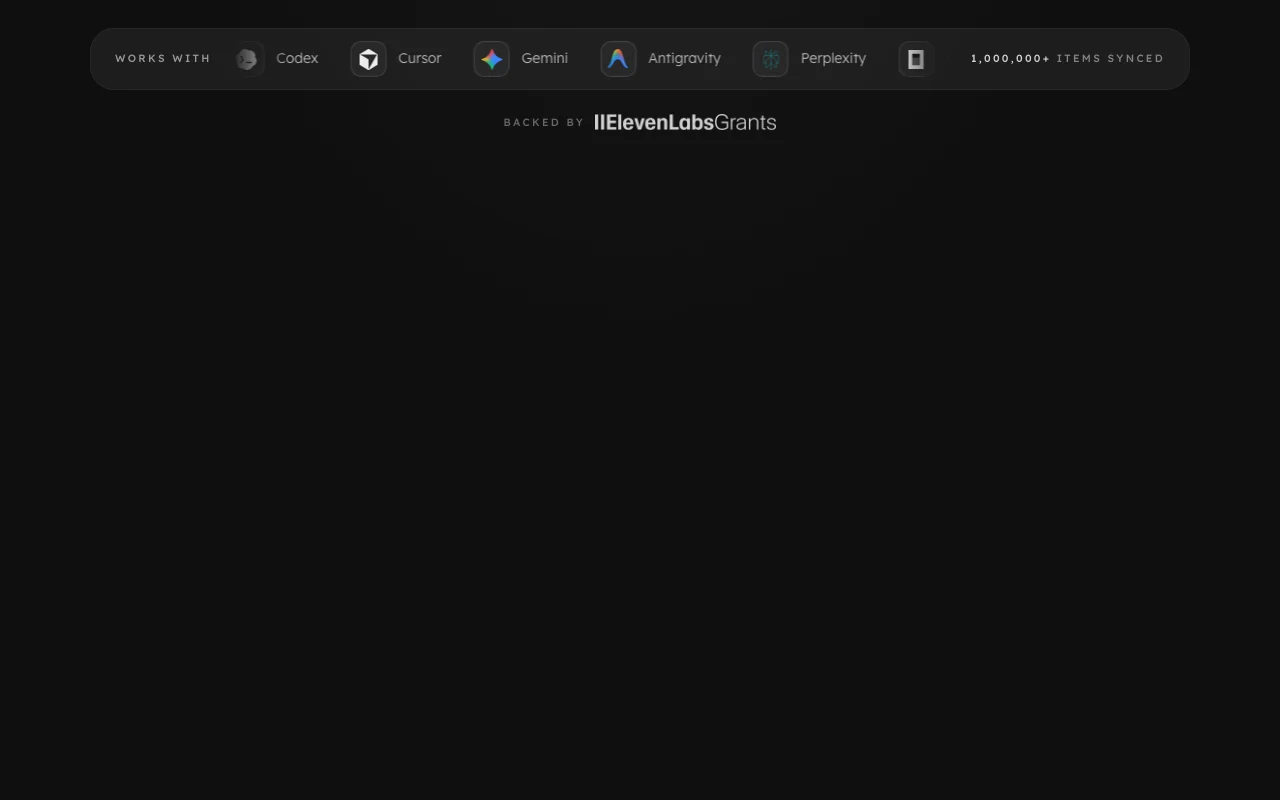
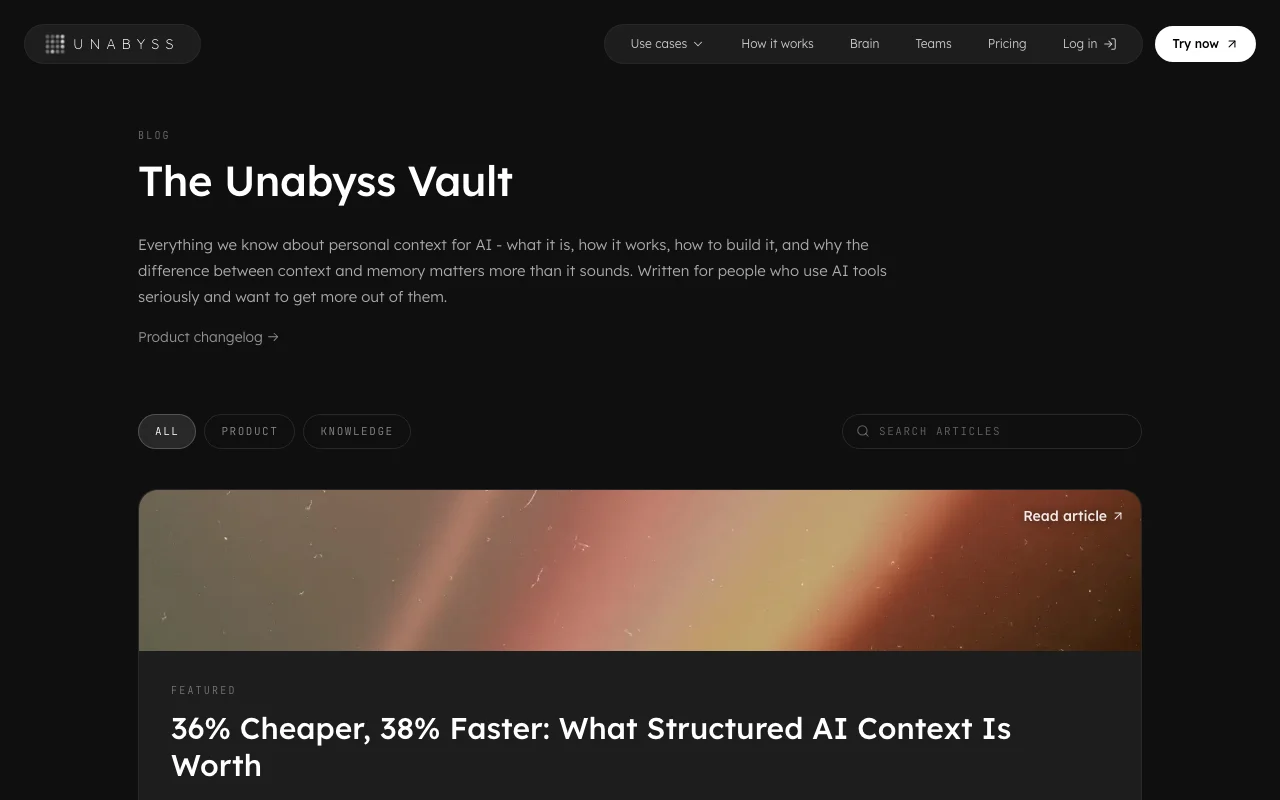
Unabyss Startseite – Screenshot des KI-Tools produktivität & schreiben, Oct 1, 2026
Funktionsüberblick auf der offiziellen Website. unabyss.com, erfasst Oct 1, 2026

Source connectors (Slack, Gmail, Notion, GitHub and more)

Syncs work apps into one structured context Stops you re-explaining your work

Zugriff: All plansLimit: Pro limits to 20 accounts Quelle (öffnet in neuem Tab)

MCP access for AI tools

Exposes the context to Claude, Codex, Cursor, Gemini, ChatGPT and others One setup for every client

Zugriff: All plansLimit: Pro limits to 3 connected agents Quelle (öffnet in neuem Tab)

Context tagged by topic and sensitivity

Labels items so AI sees only what fits Controls what is shared

Zugriff: All plansLimit: Tagging rules not detailed Quelle (öffnet in neuem Tab)

Export of context

Lets you export your context files You own the layer

Zugriff: All plansLimit: Export formats not listed Quelle (öffnet in neuem Tab)

Official Claude connector

Adds Unabyss to Claude in two steps from the directory Fast setup

Zugriff: All plansLimit: Claude-specific flow Quelle (öffnet in neuem Tab)

Unabyss: Stärken und Grenzen

Gründe für die Wahl von Unabyss

Vor dem Bezahlen bei Unabyss prüfen

So nutzen Sie Unabyss für sharing work context across AI assistants

Unabyss einrichten

  1. Start the 7-day free trial at unabyss.com (no card on Pro)
  2. Add Unabyss to Claude from the connector directory, or connect another MCP client
  3. Connect sources such as Slack, Gmail, Notion and GitHub through OAuth

Beispiel: sharing work context across AI assistants

  1. Open a new chat in Claude and send the setup message
  2. Ask for a weekly status report from your connected sources
  3. Switch to Cursor and ask a question about the same project
  4. Review what context each tool can see

Ergebnis prüfen und exportieren

  1. Confirm the report cites items that actually exist in your sources
  2. Revoke one source and check the AI no longer sees it
Von unserer Redaktion vorgeschlagener Beispiel-Prompt (keine aufgezeichnete Ausgabe des Produkts)
Using my connected Slack, Gmail and GitHub context, write my weekly status update.

Unabyss Integrationen und API

Native Integrationen und Exportformate

Export: Context files

API-Zugang und separate Abrechnung

Eine API ist verfügbar, im Tarif enthalten. MCP access; no REST API documented API-Dokumentation ↗

Datenschutz, Datennutzung und kommerzielle Rechte

Zusammengefasst aus den aktuellen Richtlinien des Anbieters; dies ist keine Rechtsberatung, und das Badge eines Anbieters ersetzt kein unabhängiges Audit.

Wie Ihre Eingaben und Ausgaben verarbeitet werden

Syncs content from connected work apps into a context layer

Does not sell data or use it to train AI models

Not stated

Kommerzielle Nutzung und Tarifbeschränkungen

Not stated

Not stated

Steuerungsmöglichkeiten für Geschäftskunden

  • OAuth scoped per app and source
  • Instant revoke
  • EU-hosted data for EU users

Richtlinien: unabyss.com/privacy

Unabyss-Alternativen nach Bedarf

„Besser geeignet“ beruht auf dokumentierten Funktionen und Preisen, nicht auf einem direkten Test.

Claude: besser geeignet für

ChatGPT: besser geeignet für

Notion AI: besser geeignet für

Cursor: besser geeignet für

Alternativen
AlternativeWann Sie es wählen solltenPreiseEinschränkung
Claude——
ChatGPT——
Notion AI——Vergleichen
Cursor——

Unabyss weiter erkunden

Verwandt mit Unabyss

Unabyss Nutzerbewertungen

Noch keine Nutzerbewertungen.

Verwendet Unabyss? Teilen Sie als Erste oder Erster Ihre Erfahrung.

Bewertung schreiben

Bewertungen werden von einem Moderator geprüft, bevor sie erscheinen. Ihre E-Mail-Adresse wird nie veröffentlicht. Nur Klartext.

Ihre Bewertung (erforderlich)

Zeigen Sie, was Sie erstellt haben oder was schiefgelaufen ist. Bilder werden nur veröffentlicht, wenn die Bewertung freigegeben wird; Standortdaten werden entfernt.

    Unabyss FAQ

    How much does Unabyss cost?

    Pro is shown at $13 per month ($15 billed annually per the page), Max $79 ($89) and Team $39 per seat ($49), each with a 7-day free trial. Quelle (öffnet in neuem Tab)

    Which AI tools does it work with?

    Claude, ChatGPT, Cursor, Codex, Gemini, VS Code and other MCP clients. Quelle (öffnet in neuem Tab)

    Is my data used to train AI?

    No, the site says it does not sell your data or use it to train AI models. Quelle (öffnet in neuem Tab)

    How is my data protected?

    Encrypted at rest with AES-256 and in transit with TLS 1.3, using scoped OAuth connections you can revoke. Quelle (öffnet in neuem Tab)

    What are the Pro limits?

    Up to 3 connected agents and 20 connected accounts. Quelle (öffnet in neuem Tab)

    Quellen und Bewertungsmethodik

    Offizielle Quellen und Prüfdaten

    Nicht verifiziert: Whether monthly or annual labels apply; Retention; SOC 2 status date; US availability.

    Wie wir diese Seite dokumentiert haben und pflegen

    Jede Angabe zu Unabyss oben stammt aus den 3 hier aufgeführten offiziellen Seiten, zuletzt verglichen am Sep 29, 2026; wir haben Unabyss nicht selbst getestet, daher gibt es keine redaktionelle Bewertung. Wie wir Seiten prüfen und erneut prüfen.

    Artikel aktualisiert Oct 10, 2026; Preise geprüft Sep 29, 2026. Ausgehende Links zu Anbietern sind einfache Links; wir erhalten keine Provisionen. So testen wir · Fehler melden