Our take: TextDeck is a quick way to turn a prompt into a PowerPoint deck with charts; free to start, with paid credits at $10 or $25 per month.
Main limitation: Generation uses credits, with 300 on Base and 1,000 on Pro, and the page content was rendered by JavaScript so details were hard to read.
By the AI Tool Atlas editors.
Based on the vendor's official documentation; we have not tested this product hands-on. What “documented overview” means
Who TextDeck fits
TextDeck is a quick way to turn a prompt into a PowerPoint deck with charts; free to start, with paid credits at $10 or $25 per month. Based on the vendor's documentation, not on a hands-on test.
Best for: Students
Also a good fit for
Professionals needing quick decks
Small teams
Consider another tool if generation uses credits (300 on Base, 1000 on Pro)
Or if
Requires account to generate (not confirmed without login)
Pricing seen in page metadata; page body is JS-rendered
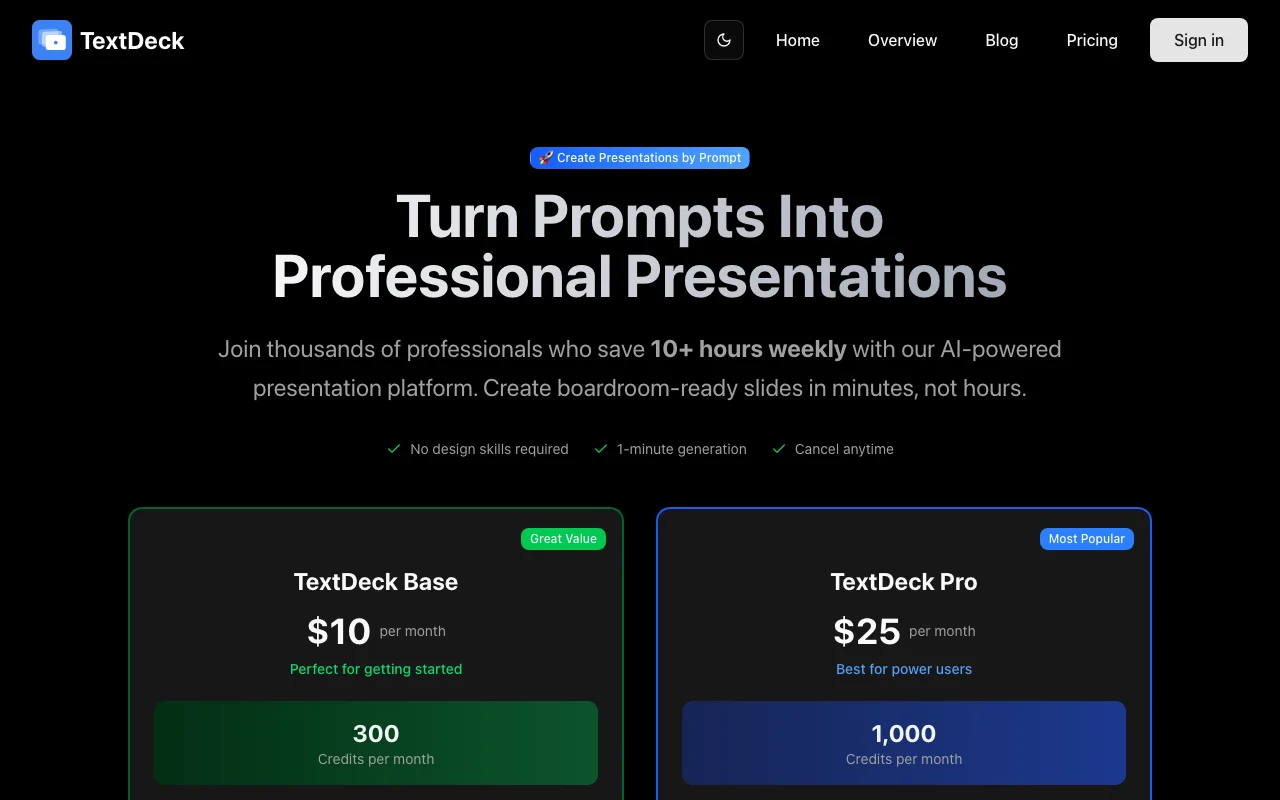
TextDeck pricing and usage limits
Prices checked Sep 29, 2026 on the official US pricing page. Official pricing ↗ Prices and limits change often.
The official TextDeck pricing page as we saw it. textdeck.com, captured Oct 2, 2026
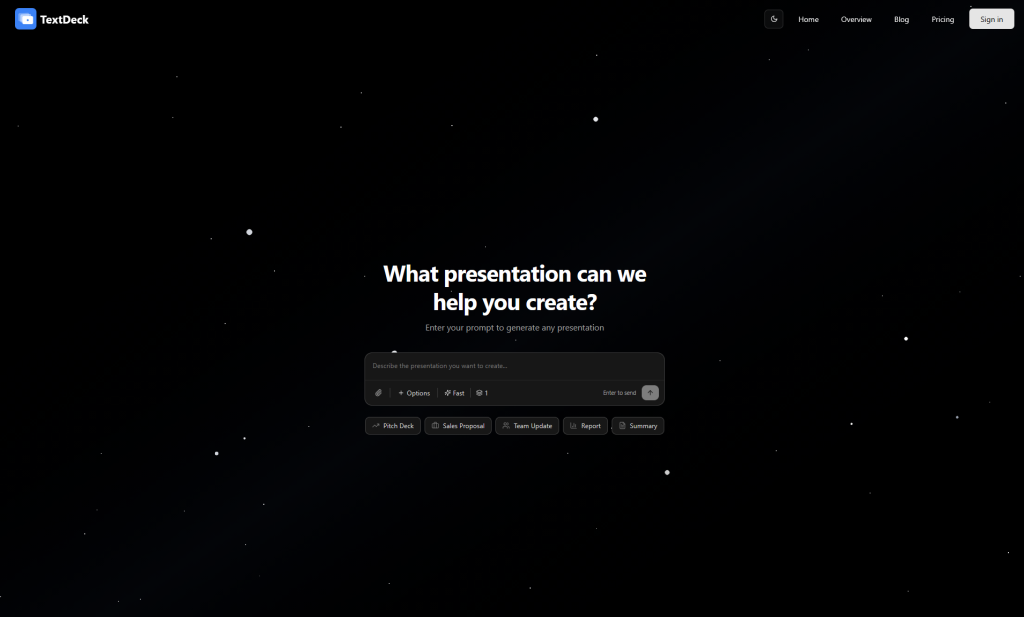
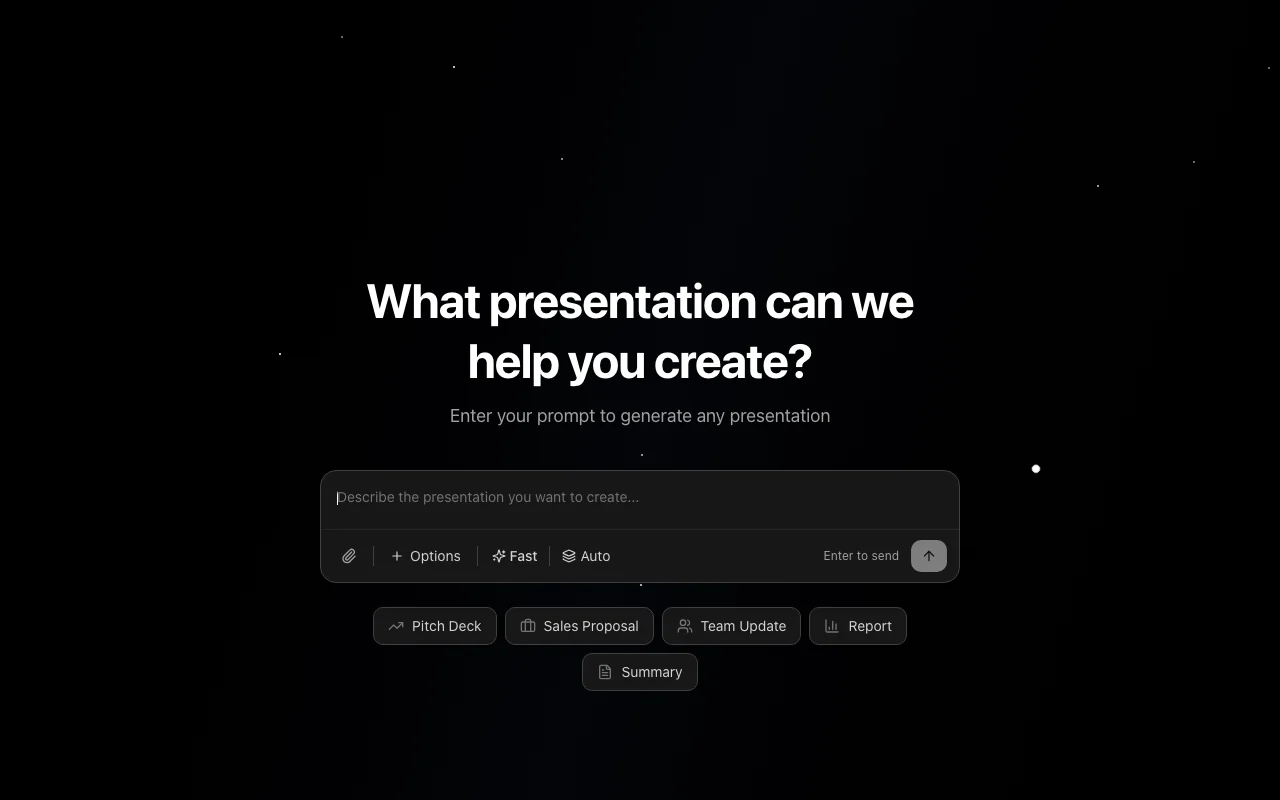
TextDeck is a web AI presentation maker. The user enters a prompt and it generates slides, which the site says takes about 60 seconds, with charts and export to PPTX.
It has a free start and paid credit-based plans.
TextDeck's official site: how the product presents itself. textdeck.com, captured Oct 2, 2026
What you provide and what you get back
You provide
Text prompt
You get back
Slides with charts
PPTX file
Where you can use it
Platforms
Web
Account
Required
Export
PPTX
Credits
300 Base, 1,000 Pro
Input
Text prompt
What people use TextDeck for
Scenarios are worked out by our editors from the documentation; the actual result depends on your input and plan.
Generate a slide deck from a prompt
Who
Professionals
You provide
A topic prompt
Expected result
You get a slide deck generated from your topic prompt.
Plan needed
Free to start
Limitation
Credits limit how many decks you can make, and the limits of the free plan were not seen. source (opens in a new tab)
Create business presentations
Who
Business users
You provide
A briefing
Expected result
You get a business presentation drafted from your briefing.
Plan needed
Base or Pro
Limitation
The layout may need editing before the deck is ready to present to clients or colleagues. source (opens in a new tab)
Build charts in slides
Who
Analysts
You provide
Numbers in the prompt
Expected result
You get slides with charts built from the numbers in your prompt.
Plan needed
Base or Pro
Limitation
The accuracy of the charts should be checked, because the numbers come from your prompt. source (opens in a new tab)
Key features and their practical limits
Feature overview on the official site. textdeck.com, captured Oct 2, 2026
Prompt-to-slides generation
Creates slides from a prompt. Professionals who need a first draft quickly can describe the topic and get slides without building them manually.
Lets you start for free. New users can try the product without paying first.
Access: FreeLimit: The limits of the free plan were not seen in the sources we could read.source (opens in a new tab)
TextDeck: strengths and limits
Where TextDeck is strong
Free plan available A free plan is available, so you can try a prompt and see the result before you spend any money.documentedsource (opens in a new tab)
Entry paid plan $10/month The entry paid plan costs $10 per month, which keeps the cost low for people who make only a few decks.documentedsource (opens in a new tab)
PPTX export PPTX export means the finished deck can be opened and edited in PowerPoint instead of staying inside the site.documentedsource (opens in a new tab)
Prompt-only input You only need to type a prompt, so no design skills or templates are required to get a first draft.documentedsource (opens in a new tab)
Limitations to check before paying
Generation uses credits (300 on Base, 1000 on Pro) Generation uses credits, with 300 on Base and 1,000 on Pro, so the number of decks you can make depends on your plan.documentedsource (opens in a new tab)
Requires account to generate (not confirmed without login) Account requirements were not confirmed without logging in, so you may need to sign up before you can generate a deck.documentedsource (opens in a new tab)
Pricing seen in page metadata; page body is JS-rendered Pricing was seen only in page metadata and the page body is rendered by JavaScript, so the plan details may be incomplete.documentedsource (opens in a new tab)
Mobile apps not confirmed Mobile apps are not confirmed, so you should not assume that you can use the product from a phone app.documentedsource (opens in a new tab)
How to use TextDeck for making a presentation from a prompt
Set up TextDeck
Open TextDeck.
Sign in if required.
Start a new deck.
Example: making a presentation from a prompt
Type a prompt.
Generate slides.
Export to PPTX.
Review and export the result
Open the PPTX in PowerPoint.
Check charts and text.
Example prompt suggested by our editors (not a recorded output of the product)
Make a 10-slide pitch deck for a bike-sharing startup.
Privacy, data use and commercial rights
Summarized from the vendor's current policies; this is not legal advice and a vendor's badge is not an independent audit.
Every fact about TextDeck above comes from the 2 official pages listed here, last compared on Sep 29, 2026; we have not run TextDeck ourselves, so it has no editorial score. How we check and re-check pages.
Article updated Oct 2, 2026; prices checked Sep 29, 2026. Outbound links to vendors are plain links; we do not earn commissions. How we review · Report an error
 (open full size in a new tab)
 (open full size in a new tab)
 (open full size in a new tab)
 (open full size in a new tab)
 (open full size in a new tab)