Productivity & writingDocumented overviewLast checked Sep 29, 2026

Tenorshare AI Diagrimo: Pricing, Features & Best Use Cases

Web tool from Tenorshare that turns typed text into editable AI-generated diagrams, with a built-in writing assistant and export options.
Is Tenorshare AI Diagrimo right for you?

Choose Diagrimo if you want to highlight text and have AI draw an editable diagram (fishbone, flowchart, pyramid, funnel) with a built-in writing assistant, starting on a free daily credit allowance. Based on the vendor's documentation, not on a hands-on test.

Best for: Students and educators who need quick explanatory diagrams

Also a good fit for

  • Marketers and writers adding visuals to content

Consider another tool if free plan exports carry a watermark (watermark-free only on Plus)

Or if

  • AI credits are consumed per generation, roughly 1 per use
  • Free credits reset only once per day

Tenorshare AI Diagrimo pricing and usage limits

Prices checked Sep 29, 2026 on the official US pricing page. Official pricing ↗ Prices and limits change often.

Vendor pricing page re-checked automatically 11 days ago: no changes detected.

Tenorshare AI Diagrimo pricing page with plans and prices — screenshot of the productivity & writing AI tool, Oct 1, 2026
The official Tenorshare AI Diagrimo pricing page as we saw it. tenorshare.ai, captured Oct 1, 2026

Free access and trial conditions

Free plan with a daily credit allowance.

Plus Monthly: $0 for 7 days, cancel anytime.

Paid plans: what changes as you upgrade

Free web

Free source (opens in a new tab)

Daily

For: Occasional diagrams

Limits

  • Daily credits that reset each day
  • Watermarked exports

Includes

  • Text-to-diagram
  • AI assistant
1 more
  • PDF/image export

No API

Plus Monthly web

$9.99 source (opens in a new tab)

Monthly

$0 for the first 7 days, then $9.99/month

For: Regular users needing clean exports

Limits

  • 10,000 AI credits/month

Includes

  • Unlimited exports to PPT, SVG, JPG, PDF
  • Watermark-free batch export
2 more
  • Premium templates
  • 30-day page history

No API

Plus Yearly web

$6.99 source (opens in a new tab)

Monthly, billed annually, annual commitment

Billed annually; 30% off monthly

For: Long-term users

Limits

  • 10,000 AI credits/month

Includes

  • Same as Plus Monthly

No API

Usage caps, credits and extra costs

None listed.

Sales tax may apply based on residence.

What is Tenorshare AI Diagrimo, and how does it work?

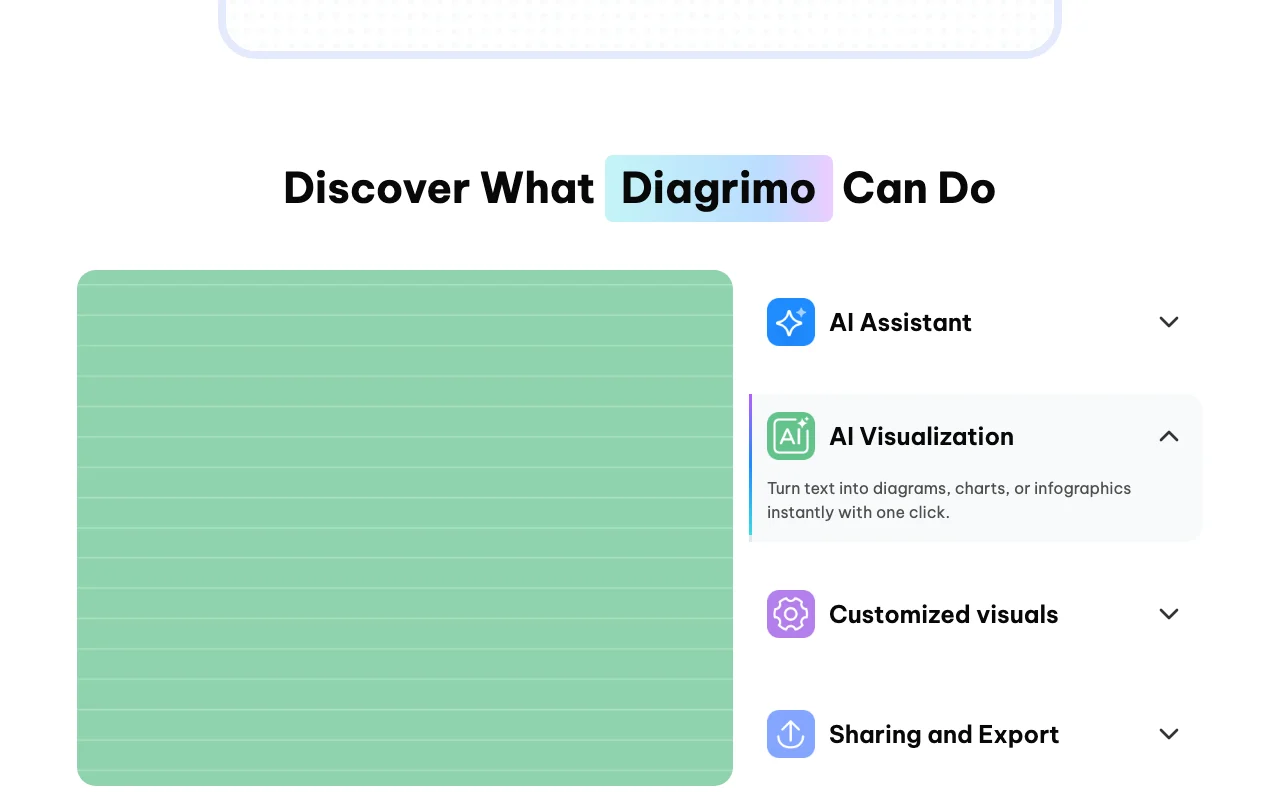
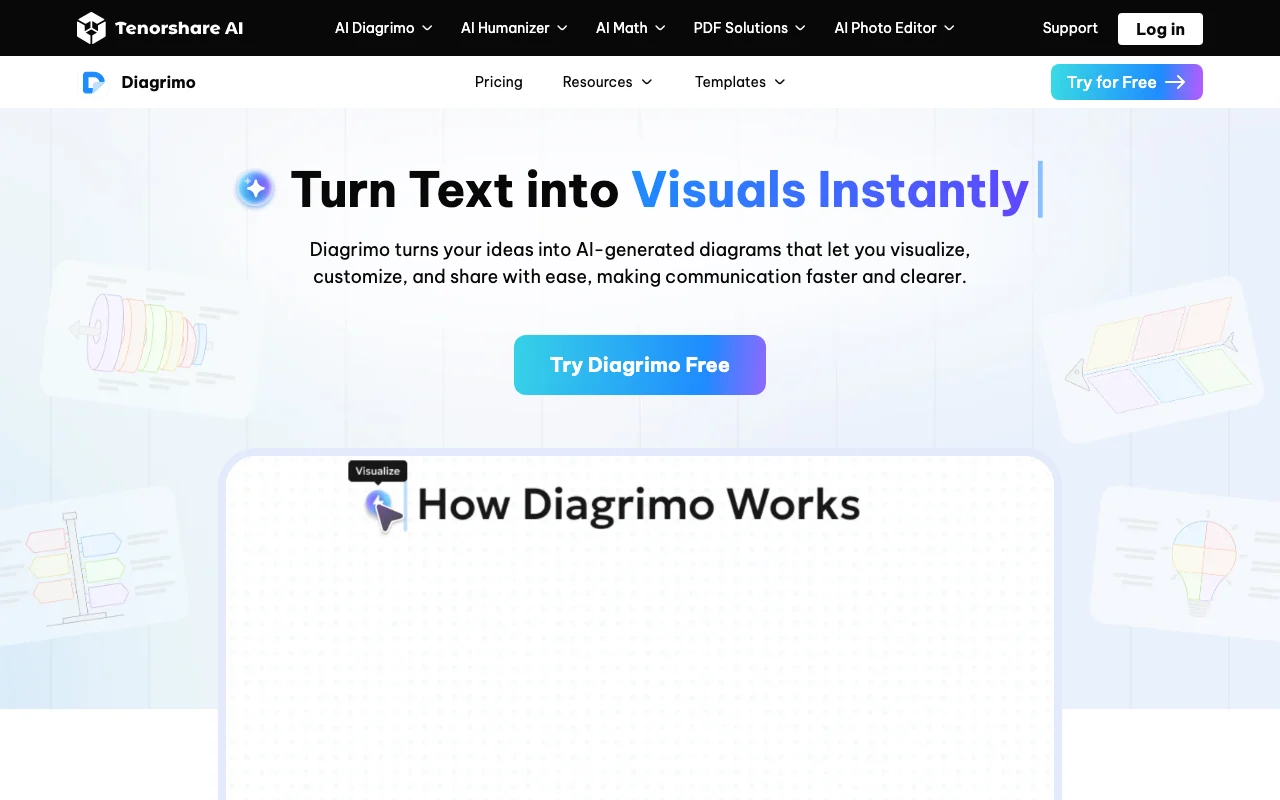
Diagrimo is a browser-based text-to-visual tool by Tenorshare. You write or generate text in a block editor, highlight a passage and click Visualize to have the AI pick and draw a fitting diagram such as a fishbone, flowchart, pyramid, funnel or step diagram, then adjust colors, shapes, text and layout. A built-in AI assistant can draft, polish, simplify, translate and correct text. Finished work exports as PDF or image (PPT and SVG on the paid plan) and can be shared by link or email invitation. Free users get a daily credit allowance; the Plus plan raises limits and removes watermarks.

Tenorshare AI Diagrimo homepage — screenshot of the productivity & writing AI tool, Oct 1, 2026
Tenorshare AI Diagrimo's official site: how the product presents itself. tenorshare.ai, captured Oct 1, 2026

What you provide and what you get back

How Tenorshare AI Diagrimo works: what you provide, where it runs and what you get backYOU PROVIDEYour inputTyped or AI-drafted textHighlighted passageTenorshare accountPRODUCTIVITY & WRITINGTenorshare AI DiagrimoWebfrom $6.99 (Plus Yearly)free tier availableaccount requiredchecked Sep 29, 2026YOU GET BACKThe resultEditable diagrams, charts or info…PDF and image exportsPPT and SVG (Plus)input → Tenorshare AI Diagrimo → output · from the vendor's own pages, no hands-on test unless stated
What you give Tenorshare AI Diagrimo and what comes back, from its documentation

You provide

  • Typed or AI-drafted text
  • Highlighted passage
  • Tenorshare account

You get back

  • Editable diagrams, charts or infographics
  • PDF and image exports
  • PPT and SVG (Plus)

Where you can use it

Platforms
Web
Account
Required
Diagram types
Fishbone, flowchart, pyramid, funnel, steps
Free export
PDF/image with watermark
Plus export
PPT, SVG, JPG, PDF watermark-free
Credits
~1 per use; 10,000/month on Plus

Where Tenorshare AI Diagrimo is most useful

Scenarios are worked out by our editors from the documentation; the actual result depends on your input and plan.

Turning report or study notes into diagrams for slides

Who
Students and report writers
You provide
Paragraph of notes
Expected result
Diagram such as a fishbone or pyramid
Plan needed
Free
Limitation
Free exports are watermarked source (opens in a new tab)

Creating fishbone, funnel or pyramid diagrams from a paragraph

Who
Presenters
You provide
Highlighted text
Expected result
Diagram exported for slides
Plan needed
Plus for PPT export
Limitation
PPT/SVG need Plus source (opens in a new tab)

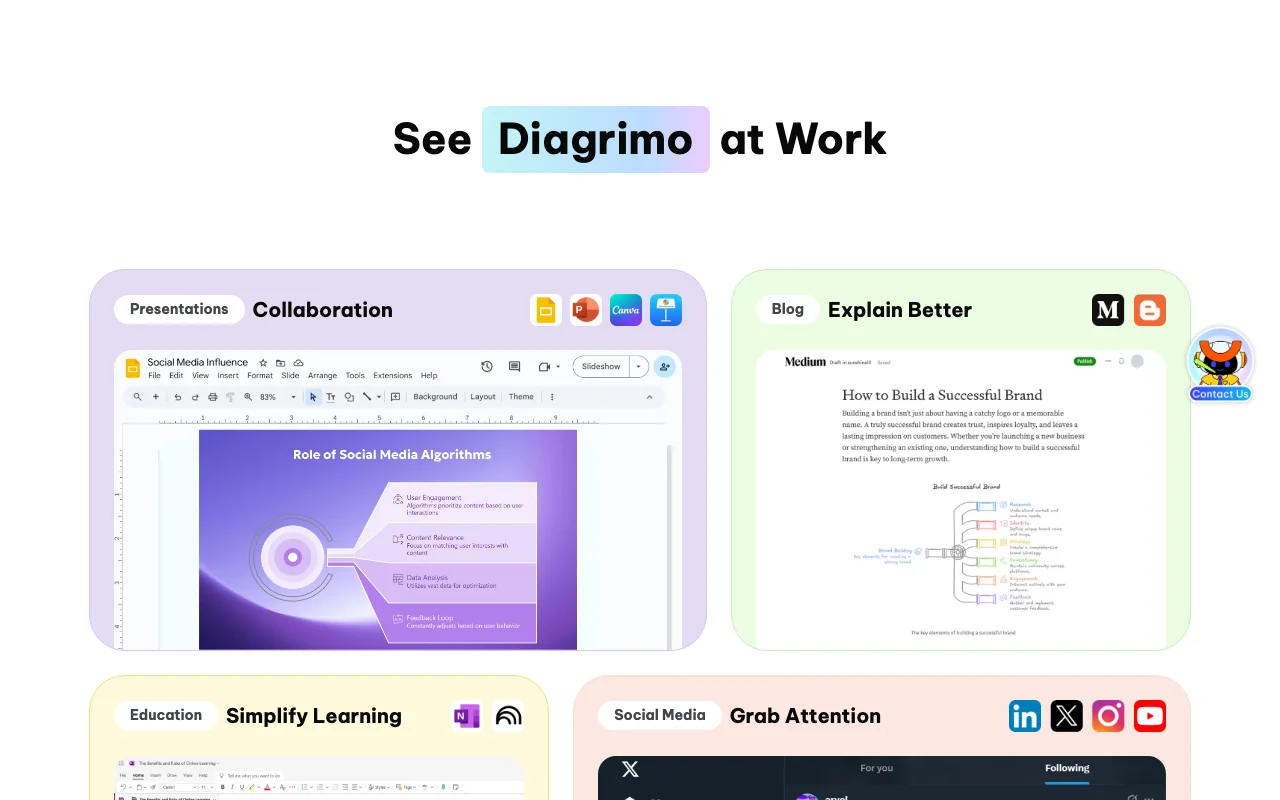
Producing visuals for blog posts and social media

Who
Bloggers and social media creators
You provide
Article text
Expected result
Visual to embed or post
Plan needed
Free or Plus
Limitation
Roughly 1 credit per generation source (opens in a new tab)

Key features and their practical limits

Tenorshare AI Diagrimo homepage — screenshot of the productivity & writing AI tool, Oct 1, 2026
Feature overview on the official site. tenorshare.ai, captured Oct 1, 2026

One-click text-to-diagram, chart or infographic generation

Turns highlighted text into a diagram, chart or infographic with one click Skip manual drawing

Access: All plansLimit: About 1 credit per use source (opens in a new tab)

Block editor with slash commands for titles, lists, images and tables

Offers a block editor with slash commands for titles, lists, images and tables Write and illustrate in one page

Access: All plansLimit: Requires a Tenorshare account source (opens in a new tab)

AI assistant for rewriting, simplifying, translating and grammar fixes

Drafts, polishes, simplifies, translates and corrects text with an AI assistant Prepare clean source text

Access: All plansLimit: Uses credits source (opens in a new tab)

Editable shapes, lines, colors and layouts

Edits shapes, lines, colors and layouts Adjust the AI result by hand

Access: All plansLimit: Premium templates are Plus only source (opens in a new tab)

Tenorshare AI Diagrimo: strengths and limits

Reasons to choose Tenorshare AI Diagrimo

  • Free plan with daily credit reset Try it before paying documented source (opens in a new tab)
  • Paid plan has a $0 7-day trial period stated on the pricing page Risk-free premium trial documented source (opens in a new tab)
  • Multiple diagram templates and multilingual assistant Works in many languages documented source (opens in a new tab)
  • Plus plan includes 10,000 AI credits a month and unlimited exports to PPT, SVG, JPG and PDF Diagrams can be exported in several formats for slides or documents without per-export limits. documented source (opens in a new tab)
  • Annual Plus billing is $6.99 per month, 30% below the $9.99 monthly price Paying yearly lowers the cost of a regular diagramming habit. documented source (opens in a new tab)

Check before paying for Tenorshare AI Diagrimo

How to use Tenorshare AI Diagrimo for turning text into a diagram

Set up Tenorshare AI Diagrimo

  1. Open tenorshare.ai/diagrimo and click Try Diagrimo Free
  2. Sign in with a Tenorshare account
  3. Click Create to start a new page

Example: turning text into a diagram

  1. Press Space and enter a topic, or paste your own text
  2. Highlight a passage and click Visualize
  3. Pick a diagram type and adjust colors and layout
  4. Export as PDF or image, or share by link

Review and export the result

  1. Check every label in the diagram matches your source text
  2. Confirm credits left after generation
Example prompt suggested by our editors (not a recorded output of the product)
Causes of late project delivery: unclear scope, changing requirements, resource gaps, weak communication.

Privacy, data use and commercial rights

Summarized from the vendor's current policies; this is not legal advice and a vendor's badge is not an independent audit.

How your inputs and outputs are handled

Projects stored securely and accessible only to you, per the pricing FAQ.

You can delete work or account anytime

Best Tenorshare AI Diagrimo alternatives for different needs

"Better suited" is based on documented features and pricing, not on a head-to-head test.

Canva: better suited to

Notion AI: better suited to

ChatGPT: better suited to

Microsoft Copilot: better suited to

Alternatives
AlternativeWhen to choose itPricingLimitation
Canva——Compare
Notion AI——Compare
ChatGPT——
Microsoft Copilot——

Explore Tenorshare AI Diagrimo further

Related to Tenorshare AI Diagrimo

Tenorshare AI Diagrimo user reviews

No user reviews yet.

Used Tenorshare AI Diagrimo? Be the first to share your experience.

Write a review

Reviews are checked by a moderator before they appear. Your email is never published. Plain text only.

Your rating (required)

Show what you made or what went wrong. Images are published only if the review is approved; location data is removed.

    Tenorshare AI Diagrimo FAQ

    Is Diagrimo free?

    Yes, there is a Free plan with a daily credit allowance; Plus adds more credits, watermark-free exports and premium templates. source (opens in a new tab)

    How much does Plus cost?

    $9.99 per month (first 7 days $0) or $6.99 per month billed annually. source (opens in a new tab)

    How do AI credits work?

    Each visual generation or AI assistant use costs around 1 credit; Plus includes 10,000 per month. source (opens in a new tab)

    What happens when credits run out?

    Free users wait until the next day for a reset; Plus credits reset monthly. source (opens in a new tab)

    What happens if I cancel Plus?

    You keep access until the end of the billing cycle, then return to Free. source (opens in a new tab)

    Sources and review methodology

    Official sources and verification dates

    Not verified: Formal privacy policy; API.

    How we documented and maintain this page

    Every fact about Tenorshare AI Diagrimo above comes from the 3 official pages listed here, last compared on Sep 29, 2026; we have not run Tenorshare AI Diagrimo ourselves, so it has no editorial score. How we check and re-check pages.

    Article updated Oct 10, 2026; prices checked Sep 29, 2026. Outbound links to vendors are plain links; we do not earn commissions. How we review · Report an error