Usage-based web
Usage-based source (opens in a new tab)
Month
No fixed USD amounts published
For: Small and mid-sized businesses
Limits
- Daily and monthly spend caps
- Quote with a maximum before each job
Includes
- No subscription, seats or minimum

Productivity & writingDocumented overviewLast checked Sep 29, 2026
AI team for small and mid-sized businesses that handles inbox, quotes, invoices and books, asking before sending or paying.
 (open full size in a new tab)
 (open full size in a new tab)
 (open full size in a new tab)
 (open full size in a new tab)
 (open full size in a new tab)
 (open full size in a new tab)
Our take: TeamShift suits small business owners who want AI workers to handle inbox, quotes and invoices with an owner approval step and a quoted maximum before work starts.
Main limitation: Pricing is 3x compute cost with no fixed USD amounts, and new slots are limited by demand.
TeamShift suits small business owners who want AI workers to handle inbox, quotes and invoices with an owner approval step and a quoted maximum before work starts. Based on the vendor's documentation, not on a hands-on test.
Also a good fit for
Or if
Prices checked Sep 29, 2026 on the official US pricing page. Official pricing ↗ Prices and limits change often.
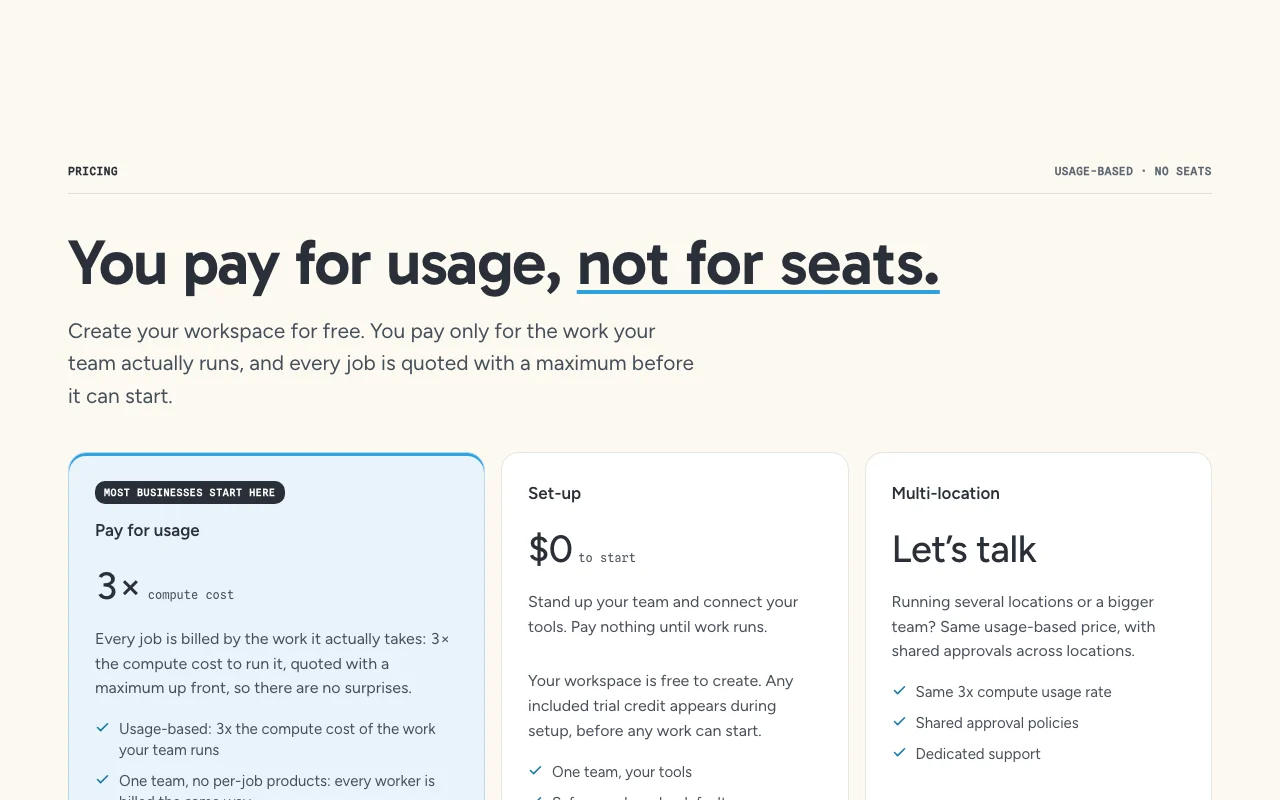
Creating a workspace is free; any trial credit appears during setup.
Included trial credit appears at setup, amount not stated.
Usage-based source (opens in a new tab)
Month
No fixed USD amounts published
For: Small and mid-sized businesses
Limits
Includes
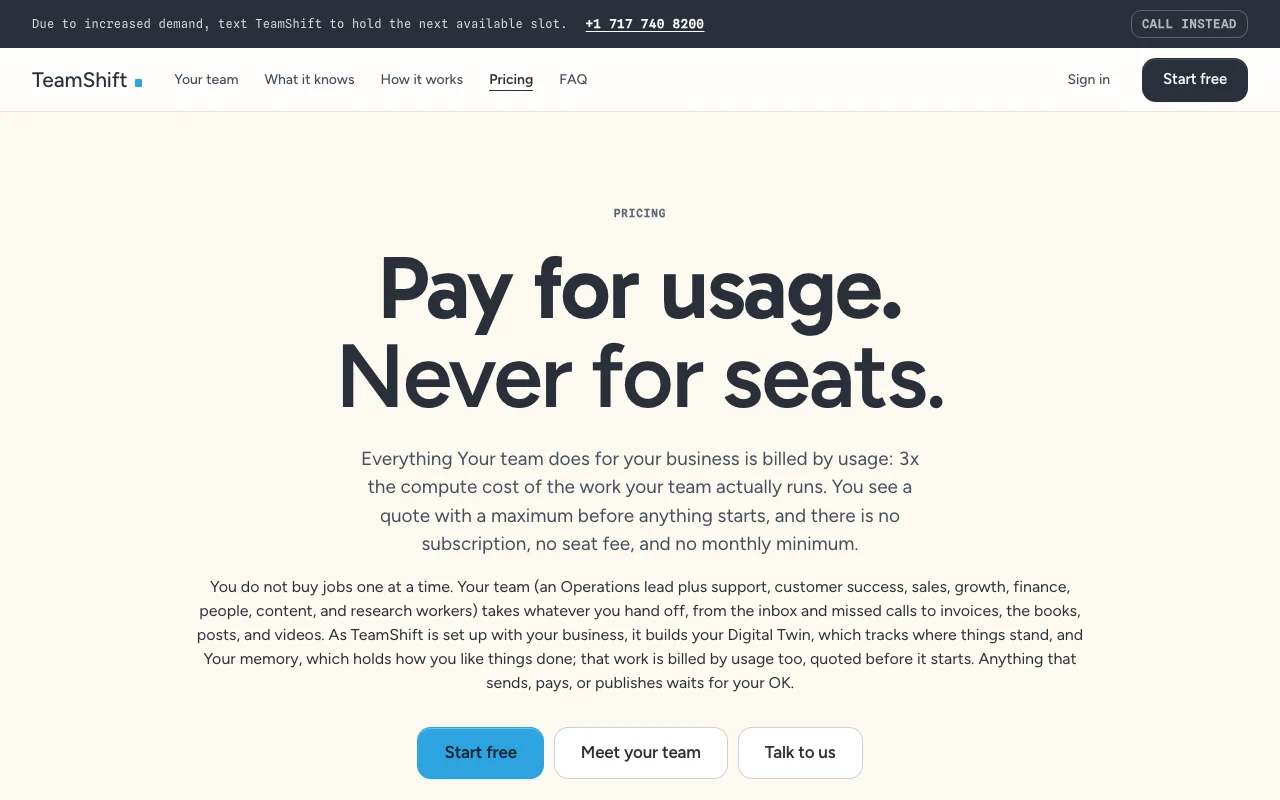
Work is billed at 3x compute cost; prepay credit optional.
Not stated.
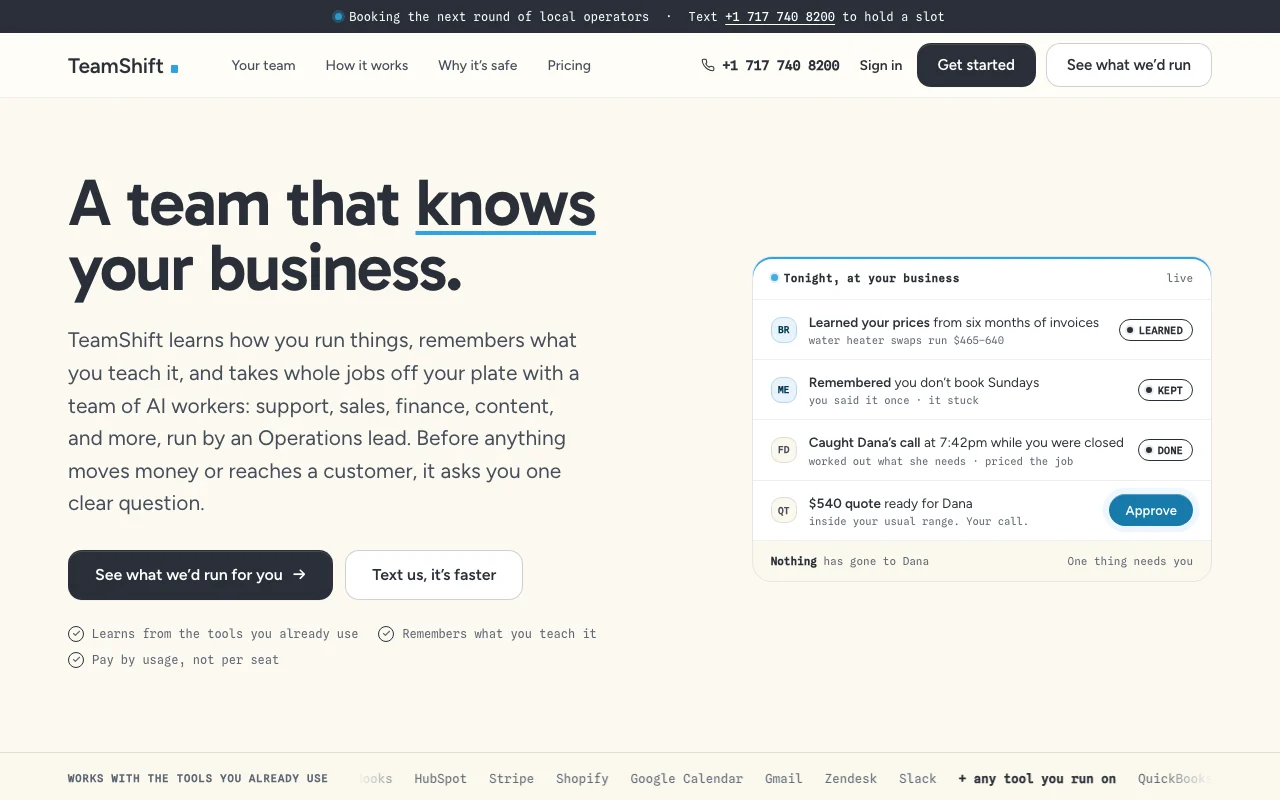
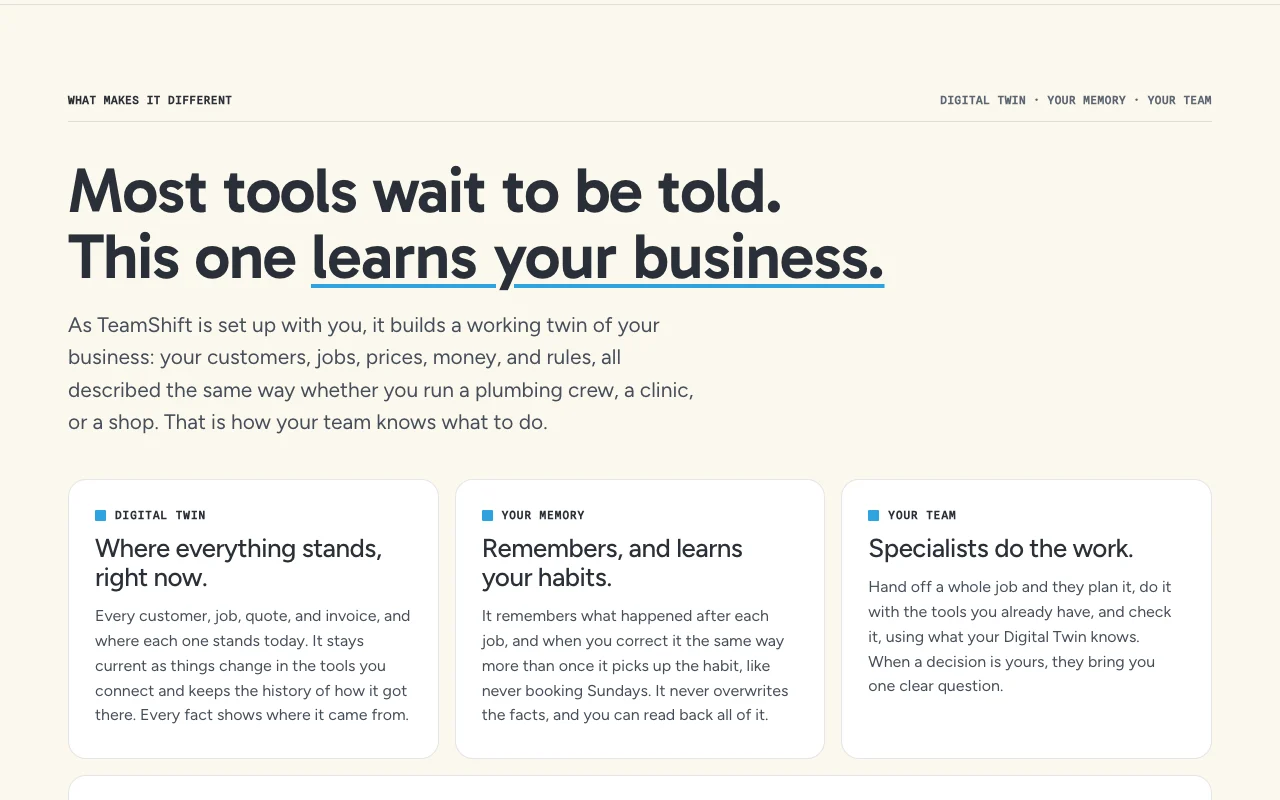
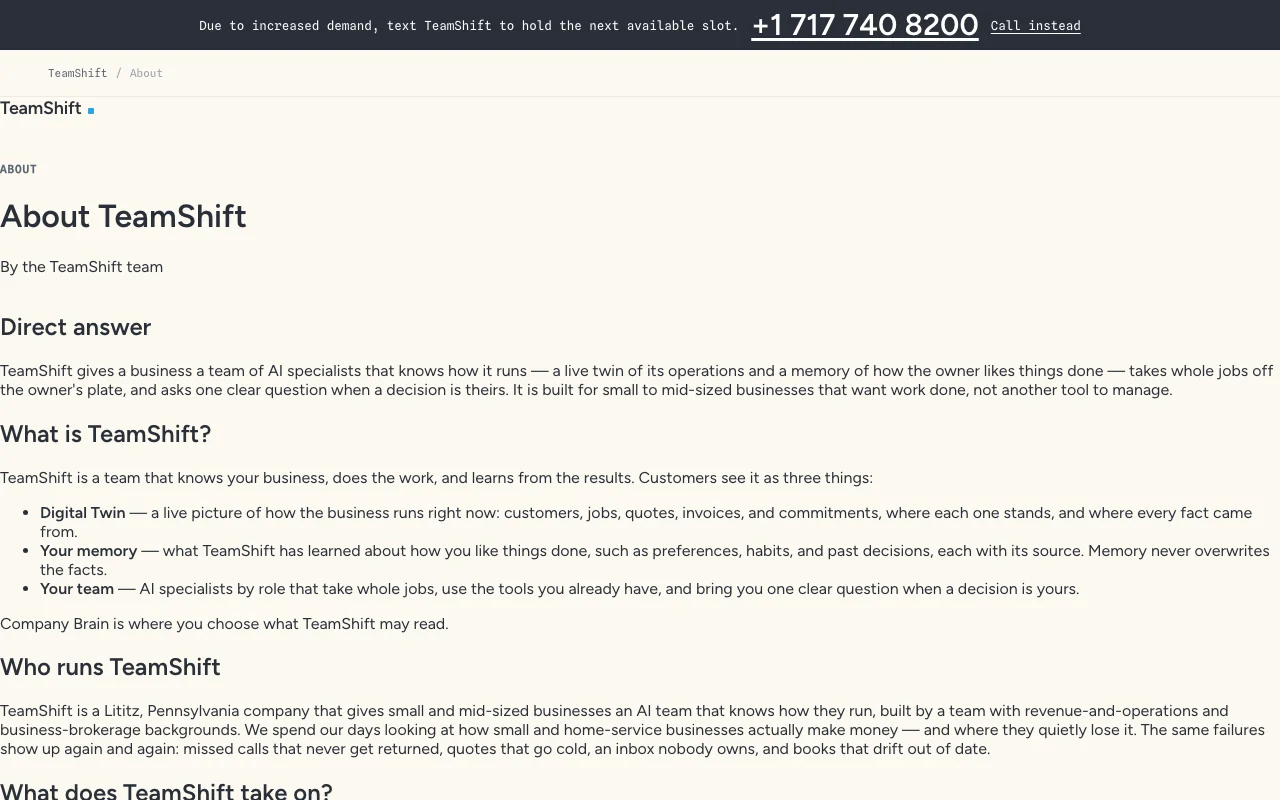
TeamShift builds a Digital Twin of a business from connected tools and remembers how the owner likes things done. AI specialists then take whole jobs, such as inbox, quotes, reviews and invoices. Anything that sends, pays or publishes waits for owner approval. Setup can be done by text or phone.
You provide
You get back
Scenarios are worked out by our editors from the documentation; the actual result depends on your input and plan.
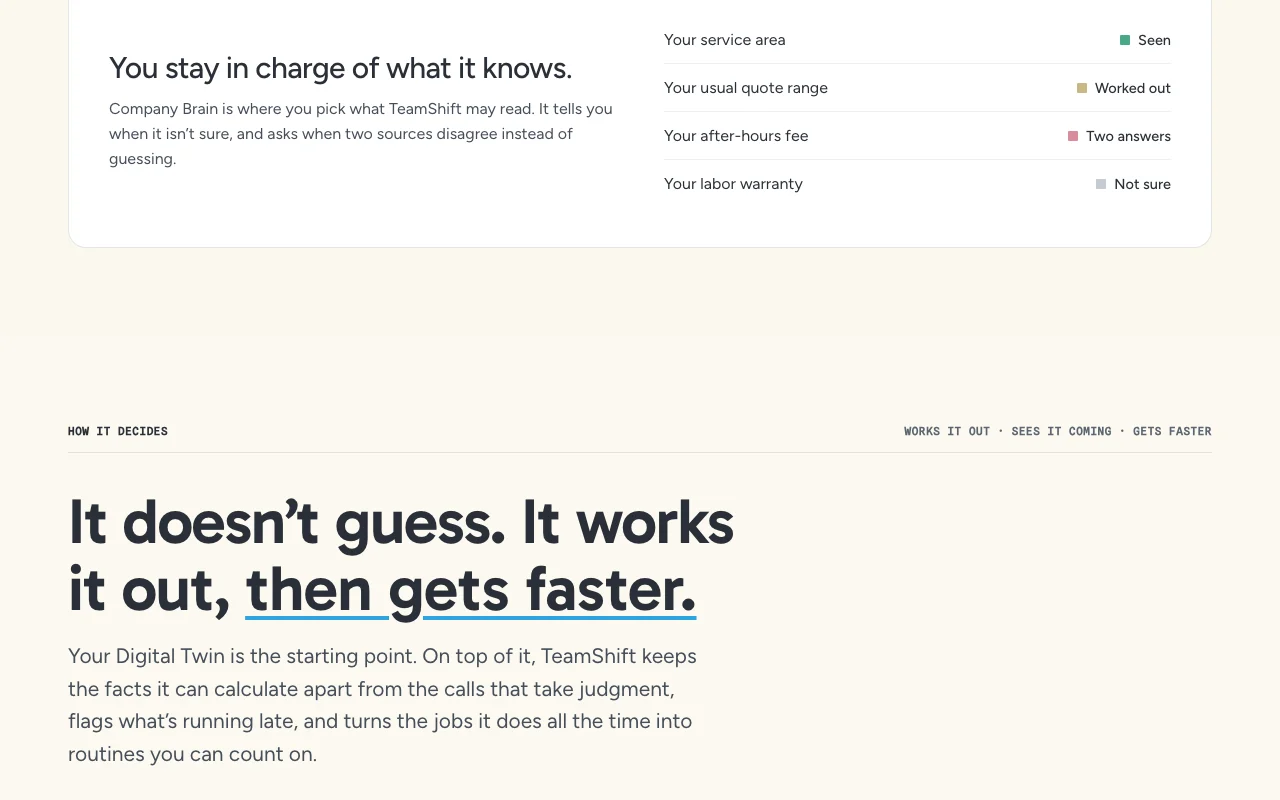
Builds a live model of the business from connected tools. Gives workers context.
Remembers how the owner likes things done. Cuts repeat instructions.
Assigns nine specialist workers such as operations lead, support, sales and finance. Handles whole jobs.
Holds anything that sends, pays or publishes until the owner approves. Keeps control.
Draft replies to this week's quote requests and flag urgent ones
Summarized from the vendor's current policies; this is not legal advice and a vendor's badge is not an independent audit.
Privacy policy exists; details were not summarized.
Policies: teamshift.io/privacy
"Better suited" is based on documented features and pricing, not on a head-to-head test.
No user reviews yet.
Used TeamShift? Be the first to share your experience.
By usage: the work your team runs is billed at 3x its compute cost, with a quote and maximum before each job. source (opens in a new tab)
No, there is no subscription, seat fee or monthly minimum. source (opens in a new tab)
Yes, and any included trial credit appears during setup. source (opens in a new tab)
Yes, daily and monthly spend caps reset automatically. source (opens in a new tab)
Not verified: USD amounts per job; Integrations list; Retention and training use.
Every fact about TeamShift above comes from the 2 official pages listed here, last compared on Sep 29, 2026; we have not run TeamShift ourselves, so it has no editorial score. How we check and re-check pages.
Article updated Oct 10, 2026; prices checked Sep 29, 2026. Outbound links to vendors are plain links; we do not earn commissions. How we review · Report an error
compare>