Productivity & writingDocumented overviewLast checked Oct 2, 2026

tapybl: Pricing, Features & Best Use Cases

AI generator of interactive video microlessons from prompts or documents, with SCORM/LTI export and a built-in LMS.

Who tapybl fits

Tapybl suits L&D teams and trainers who want to turn prompts, PDFs or slides into narrated interactive video microlessons with quizzes, SCORM or LTI export and a built-in LMS. Based on the vendor's documentation, not on a hands-on test.

Best for: L&D teams

Also a good fit for

  • Corporate trainers
  • Educators

Consider another tool if prices on the site are shown in euros, not USD

Or if

  • Creator plan has 100 AI credits per month and 5 GB storage
  • Built-in LMS on Creator supports up to 9 learners

tapybl pricing and usage limits

Prices checked Oct 2, 2026 on the official US pricing page. Official pricing ↗ Prices and limits change often.

tapybl pricing page with plans and prices — screenshot of the productivity & writing AI tool, Oct 2, 2026
The official tapybl pricing page as we saw it. tapybl.com, captured Oct 2, 2026

Free access and trial conditions

Site repeatedly offers free sign-up; free tier limits not shown.

7-day trial on Creator and Business.

Paid plans: what changes as you upgrade

Creator Web

See official pricing source (opens in a new tab)

Month

Listed as 29 EUR per month; USD not published.

For: Individuals and small teams

Limits

  • 100 AI credits per month
  • 5 GB storage
1 more
  • LMS up to 9 learners

Includes

  • Video microlesson generator
  • AI assistant builder
2 more
  • Storyblocks access (4M+ assets)
  • Course analytics

Business Web

See official pricing source (opens in a new tab)

Month

Listed as 125 EUR per month; USD not published.

For: Growing teams

Limits

  • 200 AI credits per month
  • 50 GB storage
1 more
  • LMS up to 49 learners

Includes

  • Advanced interactive features
  • Add more Creator licenses
1 more
  • Everything in Creator

Enterprise Web

Custom pricing source (opens in a new tab)

Unknown

On request.

For: Large learning teams

Includes

  • LTI 1.3 and SCORM 1.2
  • Unlimited creator licenses
1 more
  • Personalized onboarding and priority support

What is tapybl, and how does it work?

tapybl turns a prompt or an existing document (PDF, PowerPoint, Word, SCORM) into a narrated, interactive video microlesson. Each generation also yields a downloadable video and a handout slide deck. Lessons can be exported to an LMS via SCORM 1.2 or LTI 1.3, or delivered through the built-in LMS with learner tracking. The pricing section lists Creator, Business and Enterprise plans.

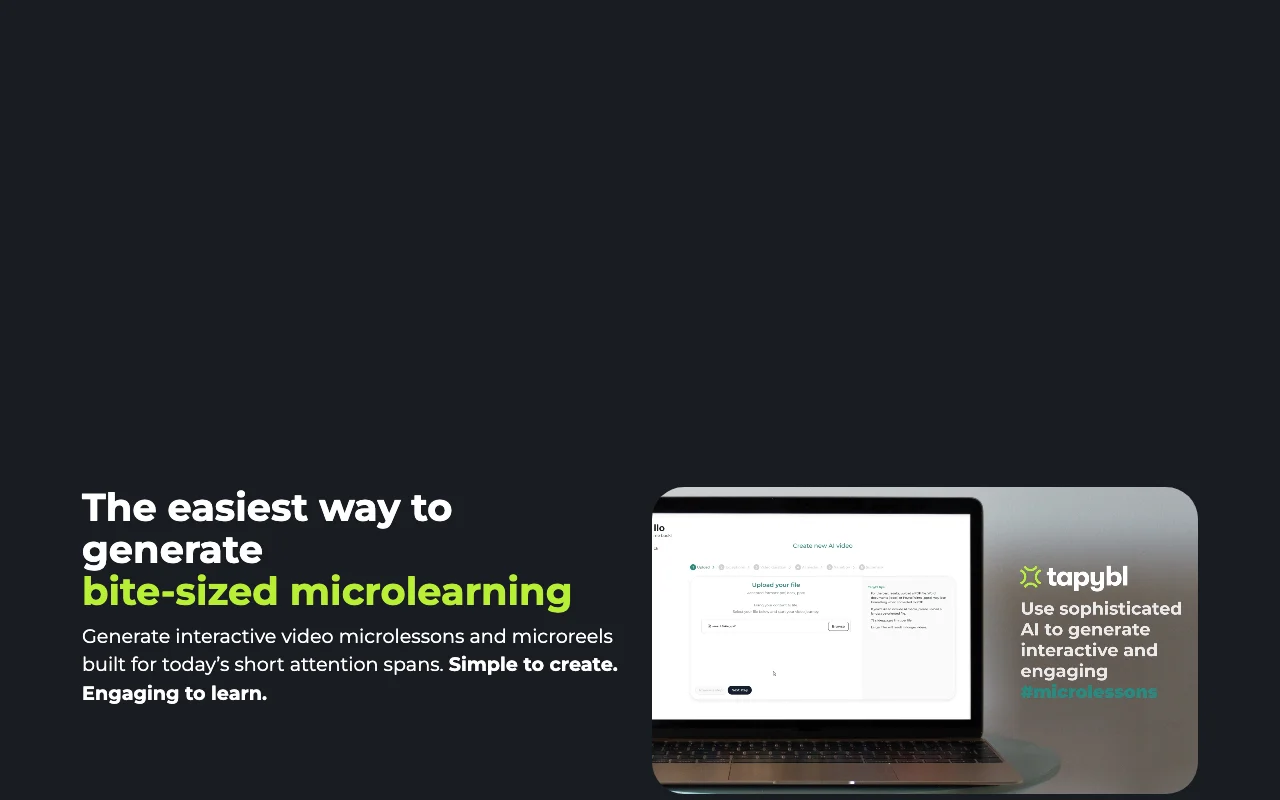
tapybl homepage — screenshot of the productivity & writing AI tool, Oct 2, 2026
tapybl's official site: how the product presents itself. tapybl.com, captured Oct 2, 2026

What you provide and what you get back

How tapybl works: what you provide, where it runs and what you get backYOU PROVIDEYour inputText promptsPDF, PowerPoint, Word or SCORM fi…Knowledge base for the AI assista…PRODUCTIVITY & WRITINGtapyblWebfree tier, paid price not publish…free tier availableaccount requiredchecked Oct 2, 2026YOU GET BACKThe resultInteractive video microlessonsStandalone downloadable videoHandout slide deckSCORM or LTI packagesinput → tapybl → output · from the vendor's own pages, no hands-on test unless stated
What you give tapybl and what comes back, from its documentation

You provide

  • Text prompts
  • PDF, PowerPoint, Word or SCORM files
  • Knowledge base for the AI assistant

You get back

  • Interactive video microlessons
  • Standalone downloadable video
  • Handout slide deck
  • SCORM or LTI packages

Where you can use it

Platforms
Web
Account
Required
Export
SCORM 1.2, LTI 1.3, MP4
Stock media
Storyblocks, 4M+ assets
Credits
100 (Creator), 200 (Business) per month
LMS limit
9 or 49 learners

Where tapybl is most useful

Scenarios are worked out by our editors from the documentation; the actual result depends on your input and plan.

Employee training

Who
L&D and compliance managers
You provide
Regulatory documents as PDF or Word
Expected result
Interactive video lessons with assessments and tracked completion
Plan needed
Creator or Business
Limitation
Built-in LMS capped at 9 or 49 learners source (opens in a new tab)

Partner training

Who
Onboarding and partner trainers
You provide
A prompt or slide deck
Expected result
Narrated lesson with a matching handout deck
Plan needed
Creator or Business
Limitation
Uses monthly AI credits source (opens in a new tab)

Sales enablement

Who
Sales enablement teams
You provide
Product material
Expected result
Tailored video lessons for sales staff
Plan needed
Creator or Business
Limitation
Prices shown in EUR source (opens in a new tab)

What tapybl does, and where it stops

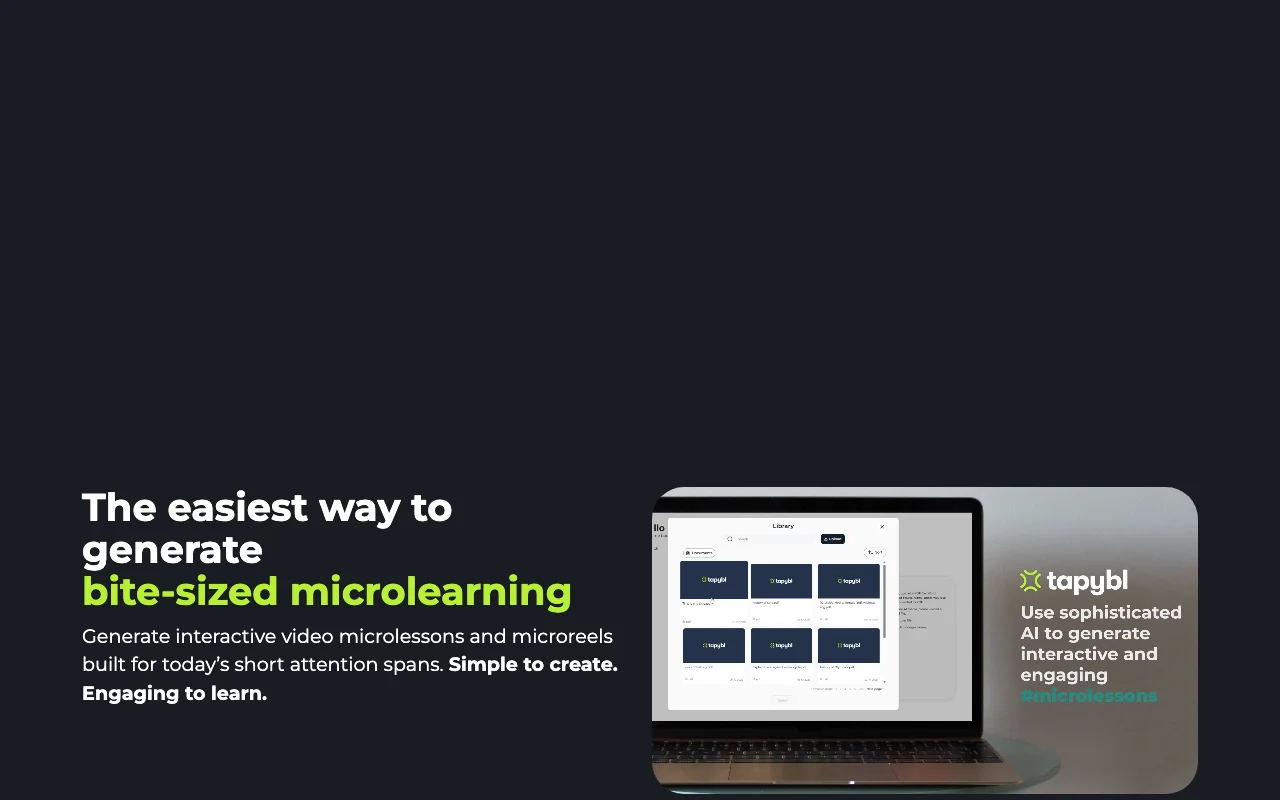
tapybl homepage — screenshot of the productivity & writing AI tool, Oct 2, 2026
Feature overview on the official site. tapybl.com, captured Oct 2, 2026

Prompt-to-video lesson generation

Turns a prompt or uploaded document into a narrated video lesson with questions and branching. Removes filming and voice-over work.

Access: All paid plansLimit: Consumes AI credits, 100 per month on Creator. source (opens in a new tab)

Slide-to-video generation

Builds a lesson from an uploaded slide deck. Reuses existing training decks.

Access: All paid plansLimit: Output quality depends on slide content. source (opens in a new tab)

Auto-generated comprehension quizzes

Generates comprehension quizzes automatically and supports passing score controls. Checks that learners understood the content.

Access: All paid plansLimit: Quiz content should be reviewed. source (opens in a new tab)

Learning paths and branching

Creates a learner-facing assistant from your uploaded materials with a chosen tone and response style. Answers learner questions in the lesson.

Access: All paid plansLimit: Knowledge limited to materials you upload. source (opens in a new tab)

Pros, cons and deal-breakers

Where tapybl is strong

Limitations to check before paying

How to use tapybl for creating an interactive microlesson from a document

Set up tapybl

  1. Sign up on tapybl.com
  2. Start the 7-day trial on a plan
  3. Upload a PDF, deck or type a prompt

Example: creating an interactive microlesson from a document

  1. Generate the microlesson
  2. Add quiz questions and a branching path
  3. Export via SCORM or LTI or assign in the built-in LMS

Review and export the result

  1. Play the lesson through as a learner
  2. Check quiz answers and passing score
Example prompt suggested by our editors (not a recorded output of the product)
Create a 3 minute microlesson on our password policy for new hires, with two quiz questions.

tapybl integrations and API

tapybl pricing page with plans and prices — screenshot of the productivity & writing AI tool, Oct 2, 2026
Plan comparison on the official pricing page. tapybl.com, captured Oct 2, 2026

Native integrations and export formats

Export: SCORM 1.2, LTI, MP4 video, Slide deck

API access and separate billing

tapybl has no public API in its official documentation. No API documented; docs page 404.

Privacy, data use and commercial rights

Summarized from the vendor's current policies; this is not legal advice and a vendor's badge is not an independent audit.

How your inputs and outputs are handled

The privacy page lists data collected to provide, improve and protect the service.

Controls for business users

  • Custom data storage (Enterprise)

Policies: tapybl.com/privacy/

Other tools to consider instead of tapybl

"Better suited" is based on documented features and pricing, not on a head-to-head test.

Synthesia: better suited to aI video presenters

Alternatives
AlternativeWhen to choose itPricingLimitation
SynthesiaYou want avatar videosSee vendor pageNot an LMS or microlesson builder

Explore tapybl further

Tools and guides near tapybl

tapybl user reviews

No user reviews yet.

Used tapybl? Be the first to share your experience.

Write a review

Reviews are checked by a moderator before they appear. Your email is never published. Plain text only.

Your rating (required)

Show what you made or what went wrong. Images are published only if the review is approved; location data is removed.

    tapybl FAQ

    How many AI credits does tapybl Creator include?

    100 AI credits per month with 5 GB storage, at 29 EUR per month. source (opens in a new tab)

    How many learners fit in tapybl's built-in LMS?

    Up to 9 on Creator and up to 49 on Business. source (opens in a new tab)

    Does tapybl support SCORM?

    Yes, SCORM 1.2 and LTI 1.3 are listed under Enterprise. source (opens in a new tab)

    What does each tapybl lesson include?

    A standalone video, a handout slide deck and an interactive microlesson. source (opens in a new tab)

    Does tapybl offer a trial?

    Yes, a 7-day trial on Creator and Business. source (opens in a new tab)

    Sources and review methodology

    Official sources and verification dates

    Not verified: Prices in EUR only; USD not published; Free plan limits not shown; Privacy training and retention not verified; Docs 404.

    How we documented and maintain this page

    Every fact about tapybl above comes from the 3 official pages listed here, last compared on Oct 2, 2026; we have not run tapybl ourselves, so it has no editorial score. How we check and re-check pages.

    Article updated Oct 2, 2026; prices checked Oct 2, 2026. Outbound links to vendors are plain links; we do not earn commissions. How we review · Report an error