Our take: Taku is a fit for macOS and Windows users who want to install ready-made AI apps from a community marketplace, remix them, or publish and earn from their own skills, though plan prices could not be confirmed.
Main limitation: The pricing page did not load, many marketplace apps carry their own monthly price or credit cost, and an account is required.
By the AI Tool Atlas editors.
Based on the vendor's official documentation; we have not tested this product hands-on. What “documented overview” means
Who Taku fits
Taku is a fit for macOS and Windows users who want to install ready-made AI apps from a community marketplace, remix them, or publish and earn from their own skills, though plan prices could not be confirmed. Based on the vendor's documentation, not on a hands-on test.
Best for: People who want ready-made AI apps without coding
Also a good fit for
Creators looking to distribute and monetize AI skills
Desktop users on macOS or Windows
Consider another tool if plan prices on the pricing page did not load without JavaScript, so tiers could not be confirmed
Or if
Many marketplace apps carry their own monthly price or credit cost
Requires an account to install and run apps
Taku pricing and usage limits
Prices checked Oct 1, 2026 on the official US pricing page. Official pricing ↗ Prices and limits change often.
Vendor pricing page re-checked automatically 12 days ago: no changes detected.
The official Taku pricing page as we saw it. taku.ai, captured Oct 1, 2026
Free access and trial conditions
Homepage says to start free; free apps exist in the marketplace
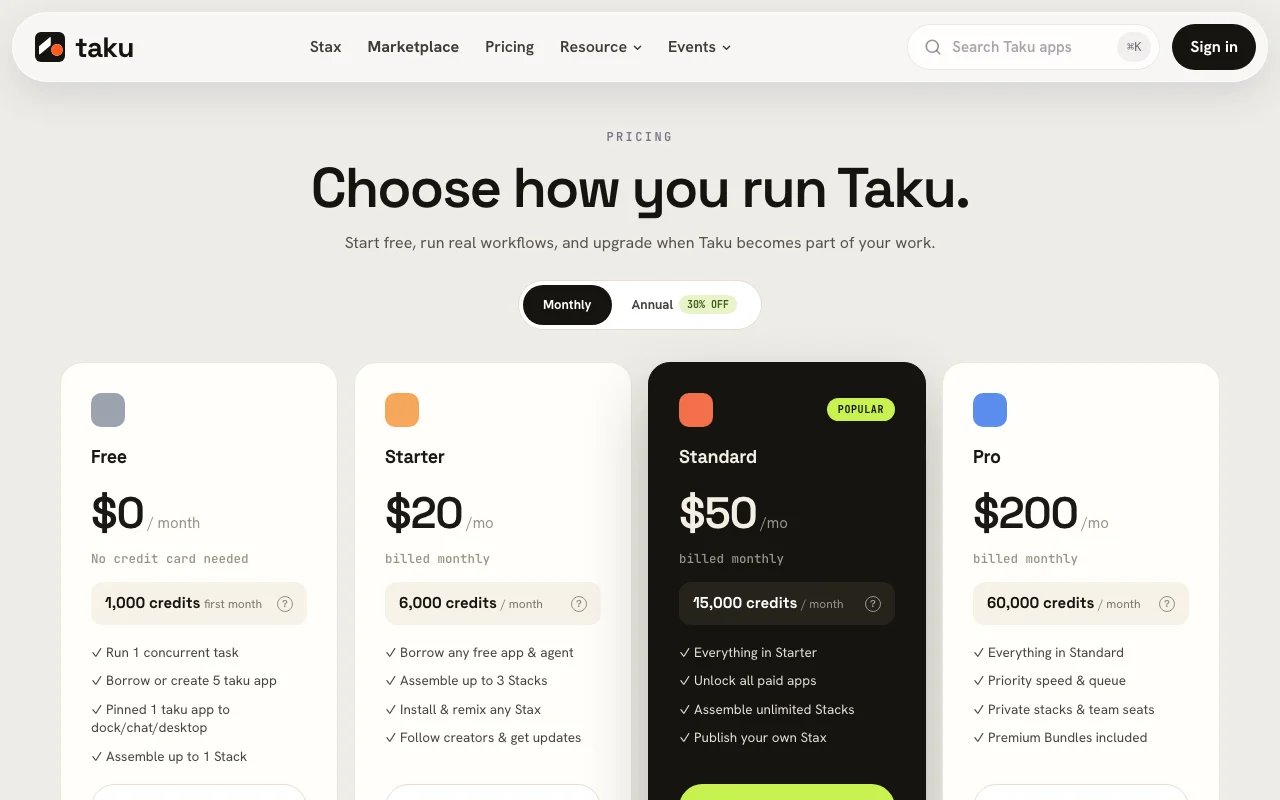
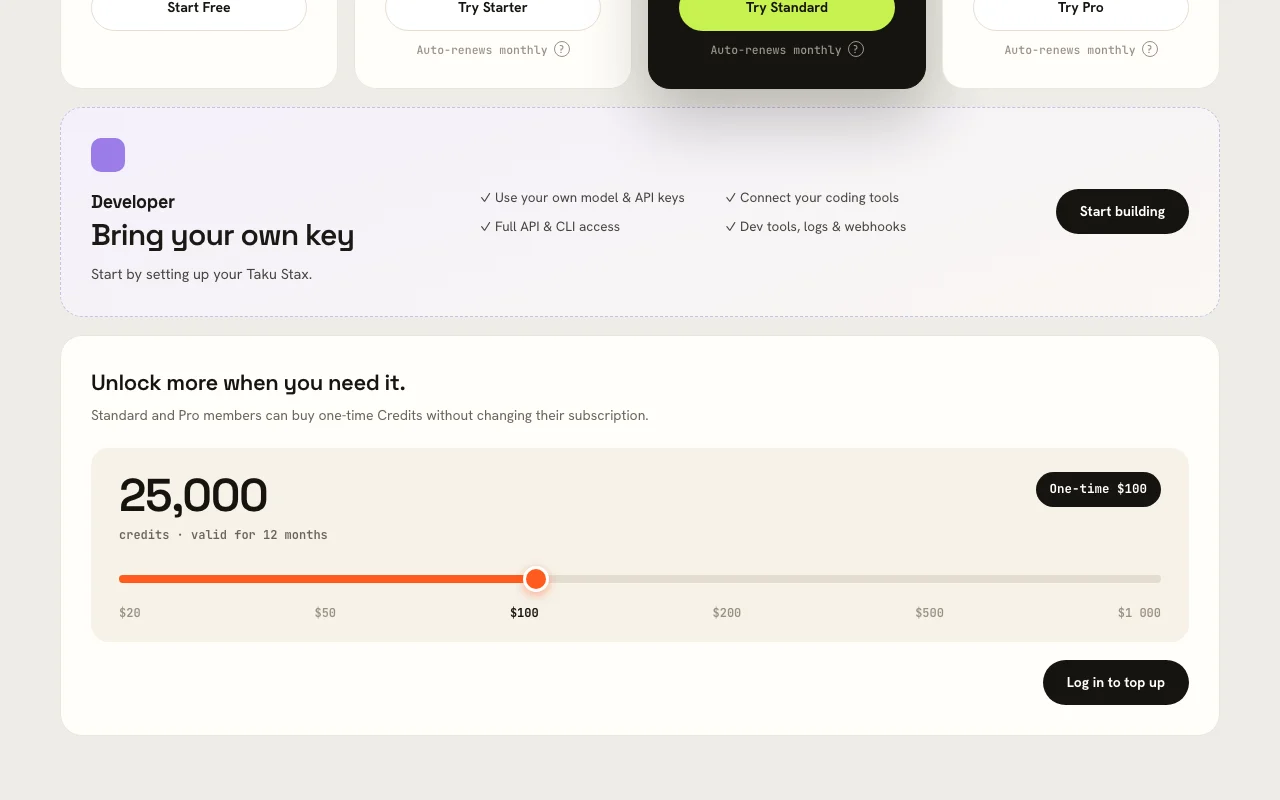
Pricing section mentions Monthly and Annual 30% off; plan names and prices did not load
For: Trying free marketplace apps
Includes
Start free per homepage
Free apps in the marketplace
Usage caps, credits and extra costs
Individual apps priced separately, for example $3 to $6 per month or credits per run
unknown
What is Taku, and how does it work?
Taku is a desktop workspace (macOS and Windows) paired with a community marketplace of AI apps and skills. Users browse or search apps by category, install them with no setup, and can remix or combine them. Describing a task in plain language makes Taku assemble the relevant apps into a stack; a 'Nitro' mode has Taku research, design, build and verify longer tasks on its own.
Creators publish skills and apps to the marketplace and earn credits when others run them. The site also offers 'Stax' profile cards, leaderboards, a bounty board and a changelog with frequent releases. Some marketplace apps are free while others list a monthly price or a credit cost.
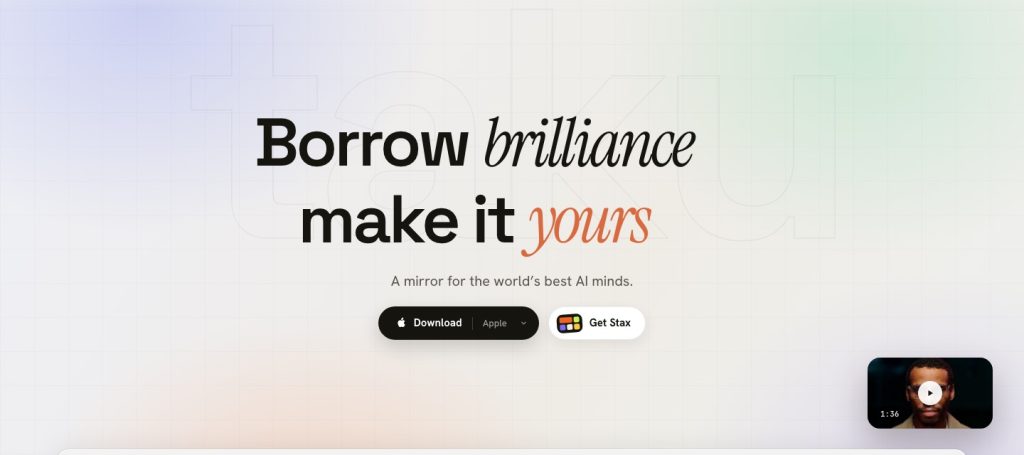
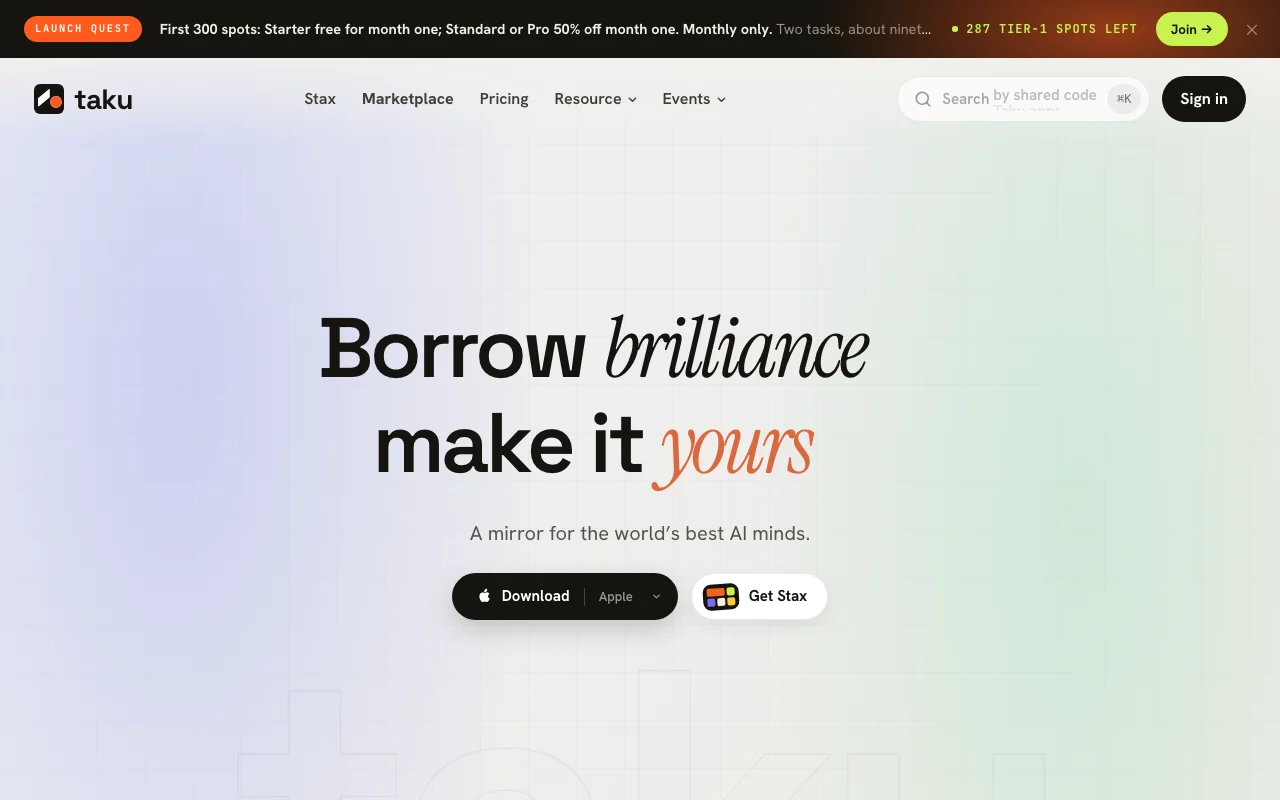
Taku's official site: how the product presents itself. taku.ai, captured Oct 1, 2026
What you provide and what you get back
What you give Taku and what comes back, from its documentation
You provide
Plain-language task descriptions
Marketplace apps and skills
Account sign-in (Google or GitHub)
You get back
Assembled app stacks
Completed multi-step tasks in Nitro mode
Published skills with creator earnings
Where you can use it
Platforms
Desktop, Web
Account
Required
Where Taku is most useful
Scenarios are worked out by our editors from the documentation; the actual result depends on your input and plan.
Installing community-built AI apps without setup or GitHub
Native app for macOS and Windows with a frequently updated changelog You can try apps without a subscriptiondocumentedsource (opens in a new tab)
Free apps available in the marketplace Apps can be combined instead of rebuiltdocumentedsource (opens in a new tab)
Google and GitHub sign-in supported Creators can distribute and monetizedocumentedsource (opens in a new tab)
Public marketplace browsable on the web without an account Updates arrive regularlydocumentedsource (opens in a new tab)
Limitations to check before paying
Plan prices on the pricing page did not load without JavaScript, so tiers could not be confirmed Total cost depends on individual appsdocumentedsource (opens in a new tab)
Many marketplace apps carry their own monthly price or credit cost Budgeting platform fees is guessworkdocumentedsource (opens in a new tab)
Requires an account to install and run apps Users who prefer Linux or mobile are left outdocumentedsource (opens in a new tab)
No Linux or mobile app confirmed on official pages Apps may bill separately in creditsdocumentedsource (opens in a new tab)
How to use Taku for installing and running an AI app from the Taku marketplace
Set up Taku
Download the Taku desktop app for macOS or Windows
Sign in with Google or GitHub
Browse the marketplace by category
Example: installing and running an AI app from the Taku marketplace
Pick a free app such as Focus Timer and click Get
Describe a larger task in plain language so Taku assembles a stack
Run the stack and review the results
Remix or publish your own skill
Review and export the result
Check an app's price or credit cost before running it
Review what permissions the app asks for
Example prompt suggested by our editors (not a recorded output of the product)
Research the top five competitors for a budgeting app and put their pricing and features into a one-page comparison deck.
Taku API
Plan comparison on the official pricing page. taku.ai, captured Oct 1, 2026
API access and separate billing
Taku has no public API in its official documentation. Privacy policy mentions APIs among the services; no API docs found
Privacy, data use and commercial rights
Summarized from the vendor's current policies; this is not legal advice and a vendor's badge is not an independent audit.
How your inputs and outputs are handled
Services operated from the United States for US users
Plan prices could not be confirmed because the pricing page did not load; the site says to start free and mentions 30% off annual billing. source (opens in a new tab)
Not verified: Plan names and prices; Retention and training terms; Docs.
How we documented and maintain this page
Every fact about Taku above comes from the 5 official pages listed here, last compared on Oct 1, 2026; we have not run Taku ourselves, so it has no editorial score. How we check and re-check pages.
Article updated Oct 10, 2026; prices checked Oct 1, 2026. Outbound links to vendors are plain links; we do not earn commissions. How we review · Report an error